How do I use the Punk Pink Anime Girl Full-Body Render template?
Choose the primary action to open PicX Studio with the available template settings. Review the model and format, personalize the creative direction, and generate when ready.
This prompt generates a high-angle full-body anime girl character render in pink-and-black punk street fashion, ideal for VTuber, avatar, or character design visuals. Change the subject, setting, or lighting one variable at a time.
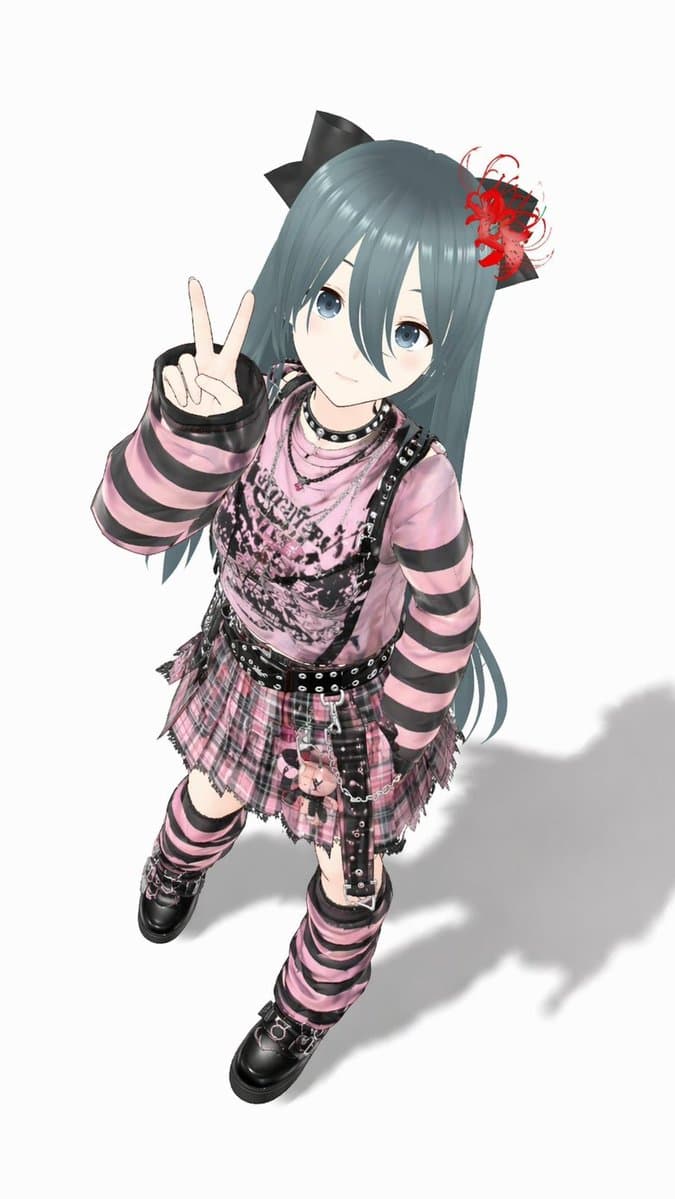
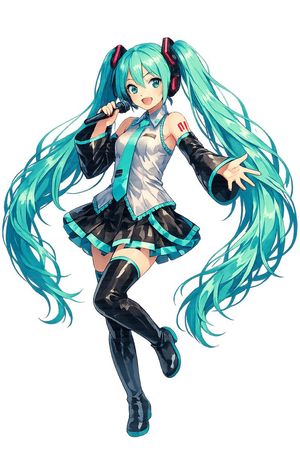
A full-body anime-style 3D virtual idol girl viewed from a high angle, standing on a plain light gray studio background with a soft cast shadow to the lower right. She has long straight {argument name="hair color" default="blue-green teal"} hair reaching past her waist, with blunt bangs, 2 large black ribbon bows on her head, and a dramatic red spider-lily-style floral hair accessory on one side. Her face is cute and youthful, with a trendy alt-idol gyaru-goth aesthetic, and she is posing with 1 raised hand making a peace sign close to her face while the other arm rests naturally by her side. Outfit: an oversized pink top with 2 black horizontal stripes on each sleeve and distressed black graphic print across the chest, layered under a black strappy harness dress or camisole with metal studs; a pink plaid pleated mini skirt with frayed hem; 2 black belts at the waist with silver rings and chain details; 1 hanging plush keychain pouch attached at the hip; 1 black choker and multiple layered silver necklaces. Legwear: 2 matching pink-and-black striped loose leg warmers or thigh-high coverings, with one black garter strap visible on the upper thigh. Footwear: 2 chunky black platform shoes with metal hardware. The overall fashion is Japanese jirai kei, punk, and gothic streetwear in pink and black, with glossy fabric, metallic accessories, and highly detailed clothing textures. Clean character render, crisp lighting, high detail, stylized proportions, polished game-avatar quality, centered composition.
Choose the primary action to open PicX Studio with the available template settings. Review the model and format, personalize the creative direction, and generate when ready.
Yes. You can change the subject, setting, lighting, mood, format, and available model controls before creating your image.
This template is free to open and customize. Generation usage is shown in PicX Studio before you create.
Start with GPT Image 2, which is the model associated with this template. You can compare another compatible model for a different finish.
© 2026 PicX Studio. All rights reserved.

Follow a topic to a crawlable collection of related PicX Studio templates.
43,474 public templates available. Verified via the PicX Studio public templates API; refreshed hourly.

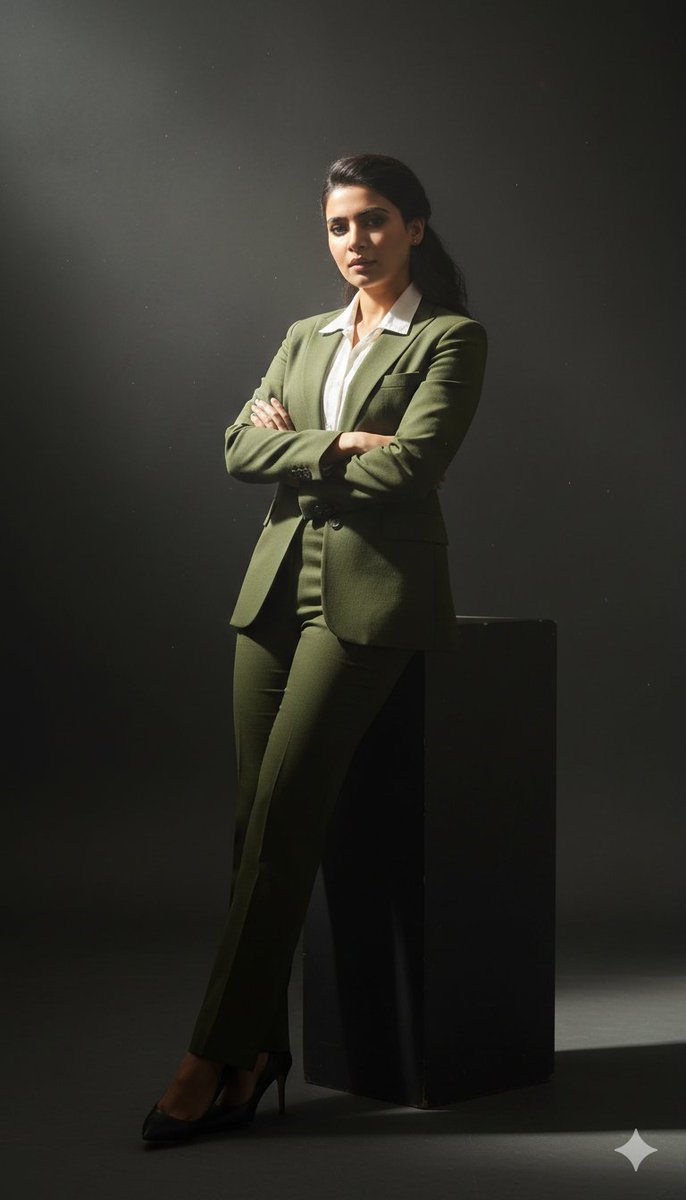
![Ultra-realistic 8K full body portrait wearing a clean and pressed white — Ultra-realistic 8K full body portrait of [PERSON’S FULL NAME], wearing a clean and pre](https://images.meigen.ai/tweets/2011898760650170378/0.jpg)


![Miniature, full-body, isometric, ultra-realistic figurine wearing their — Miniature, full-body, isometric, ultra-realistic figurine of [CHARACTER], wearing thei](https://images.meigen.ai/tweets/2011074818524029242/0.jpg)
![Ultra-realistic 8K full body portrait wearing a clean and pressed white — Ultra-realistic 8K full body portrait of [PERSON’S FULL NAME], wearing a clean and pre](https://images.meigen.ai/tweets/2018389139826037141/0.jpg)
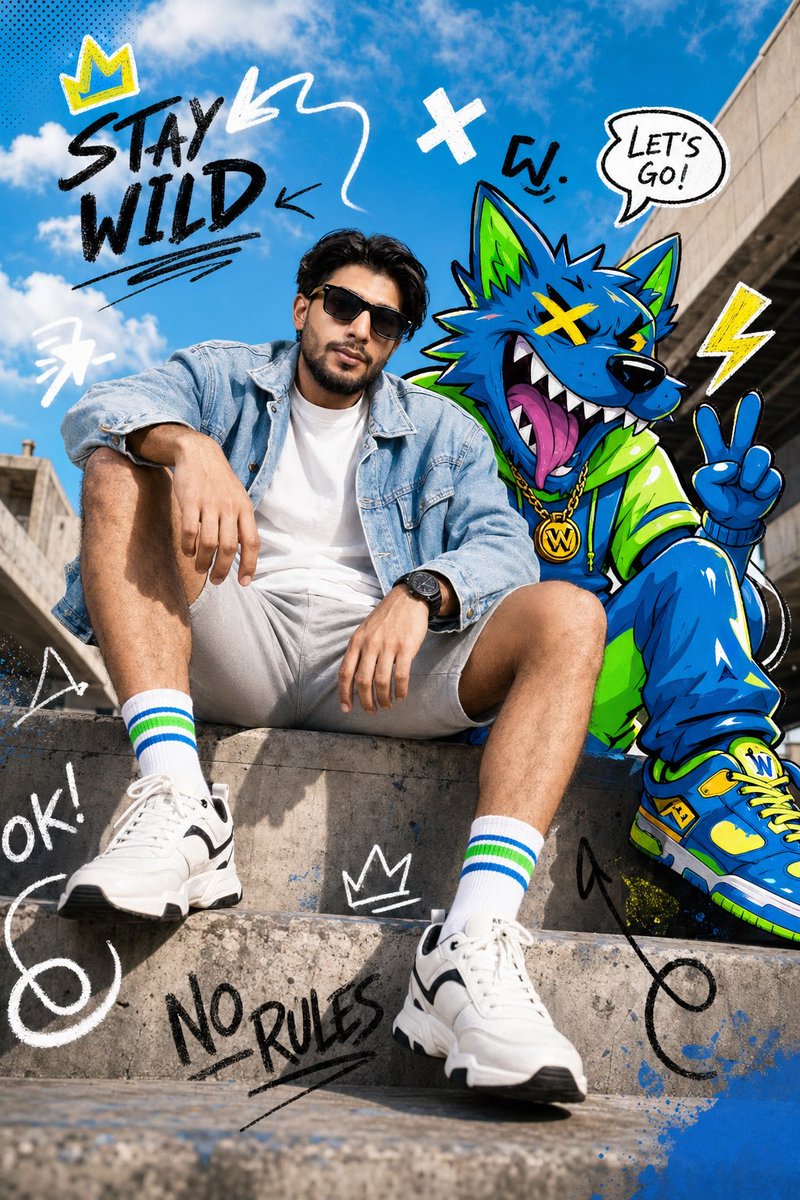
![A standing full-body near the edge of the frame, slightly to the left — A [person type] standing full-body near the edge of the frame, slightly to the left, in](https://images.meigen.ai/tweets/2002826415939682584/0.jpg)




![Minimalist Flat Vector Travel Poster — Premium minimalist flat-vector travel poster for {argument name="city name" default="[CITY_NAME]"}, 3:4 vertical format.](https://cms-assets.youmind.com/media/1787917359711_3ug846_HQX205cbMAA6F6S-300x400.jpg)




























![Neon Night Market Food Photography — Prompt Studio: Neon Night Market, Food, with Nano Banana Pro, in Firefly
Hyperreal {argument name="dish" default="[DISH]](https://pbs.twimg.com/media/HB8JQPqXMAA6fyQ.jpg)