
Nightmare Knight and Demon
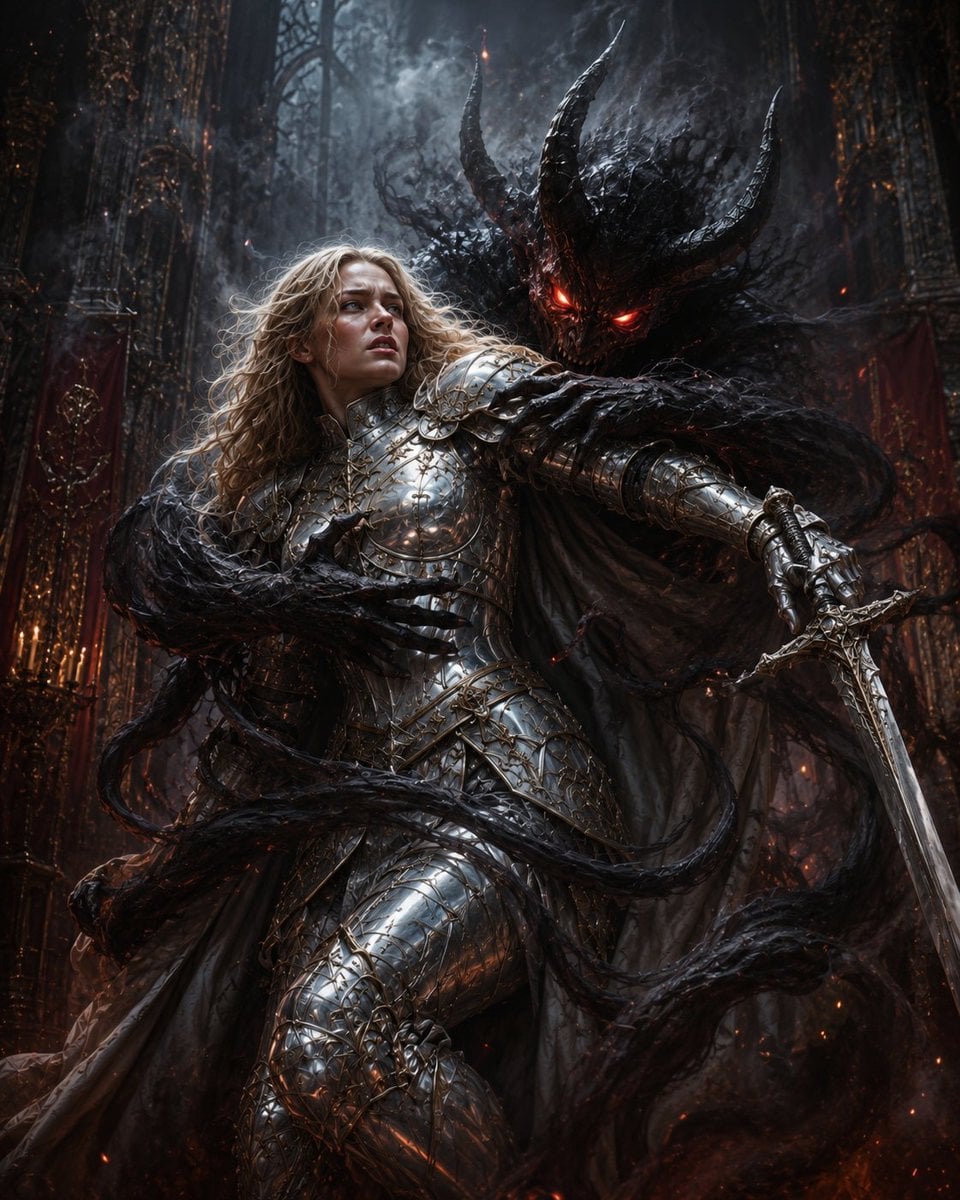
A cinematic dark fantasy prompt for generating a silver-armored knight being consumed by a horned shadow demon in a ruined gothic cathedral.
- Prompt included
- Model and format preset
- Free template
The prompt behind this image
Copy the exact prompt behind Nightmare Knight and Demon, or open it in the studio and make it yours.
Create a vertical dark fantasy nightmare scene in a ruined gothic cathedral: a {argument name="warrior gender" default="female"} holy knight with long tangled {argument name="hair color" default="blonde"} hair is caught mid-struggle in ornate mirror-polished silver plate armor engraved with gold filigree, her face deliberately obscured by a soft square blur with no facial features. She lunges forward while gripping one ornate longsword in her right hand, the blade angled down toward the lower right. Behind her looms one enormous shadow demon fused to her back like a living cloak, with two huge curved black horns, two glowing red eyes, a charred bark-like skull, and smoke spilling from its head and shoulders. Five prominent black tendrils wrap around the knight: one across her chest, one across her waist, one around her sword arm, one sweeping across the lower foreground, and one curling from the left side like a clawed arm. The background is one cavernous, decaying gothic cathedral interior with towering ribbed arches, thorny black roots, red drapery, ember sparks, ash, fog, and faint orange firelight in the shadows. Use a cinematic low-angle composition, ultra-detailed realistic fantasy concept art, high contrast cold blue-gray moonlight against hot red demonic glow, wet metallic reflections on armor, smoky volumetric lighting, dynamic motion, oppressive horror atmosphere, no text, no watermark.
How to use Nightmare Knight and Demon in 3 steps
- 1Upload ImagePNG, JPG or paste
Add your photo
Upload the photo the template builds on. The prompt, model and format are already set.
- 2…a portrait of your subject in softgolden-hour light, 85mm…
Personalize
Edit the subject and creative details for your destination.
- 3Generate
Generate
Press Generate — your image is created in PicX Studio, so you can compare it with the original and refine one variable at a time.
More like this
Templates with the same subject, style or setup. Open one to see its prompt.
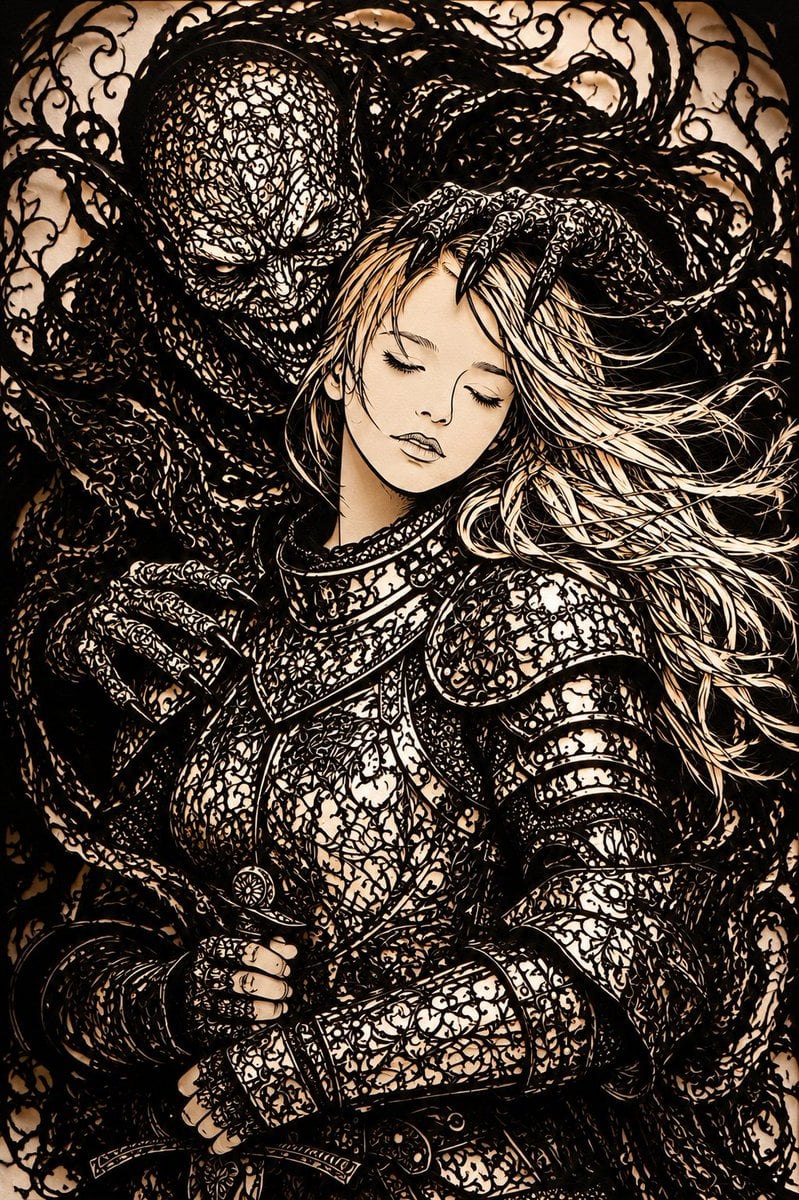
Dark Fantasy Kirie Knight and Demon
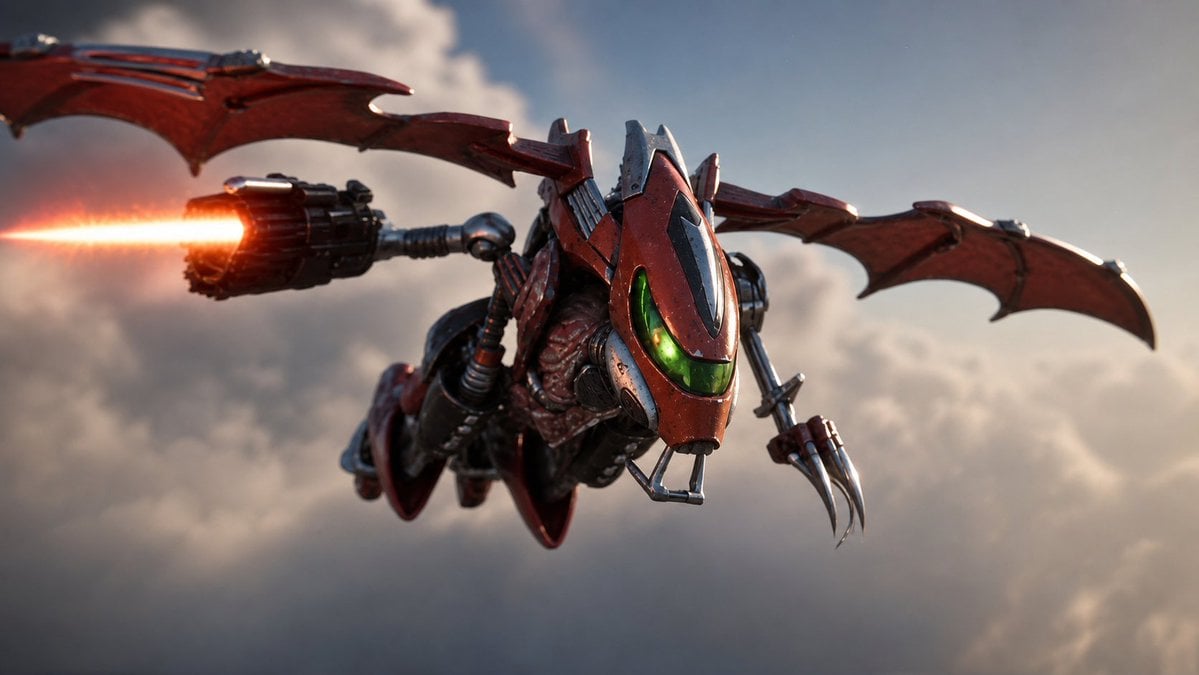
Future Spawn Flying Demon Drone
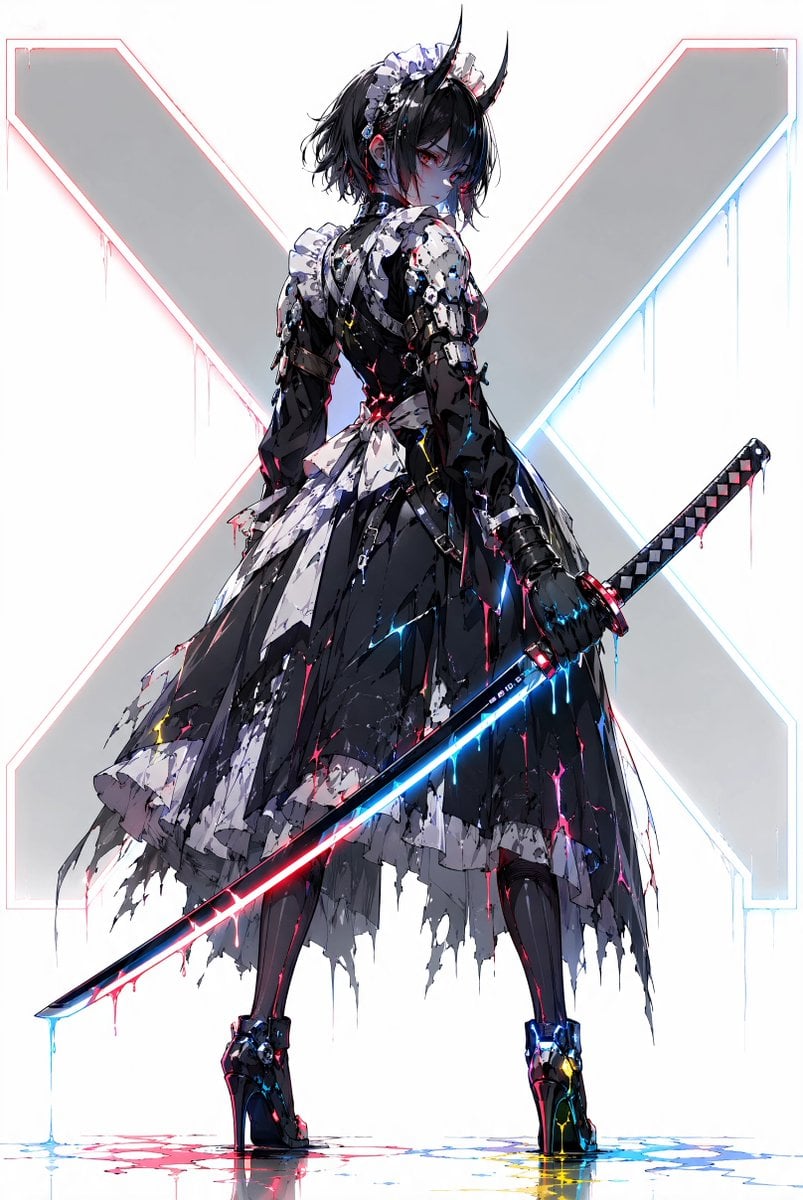
Cyber Demon Maid Katana
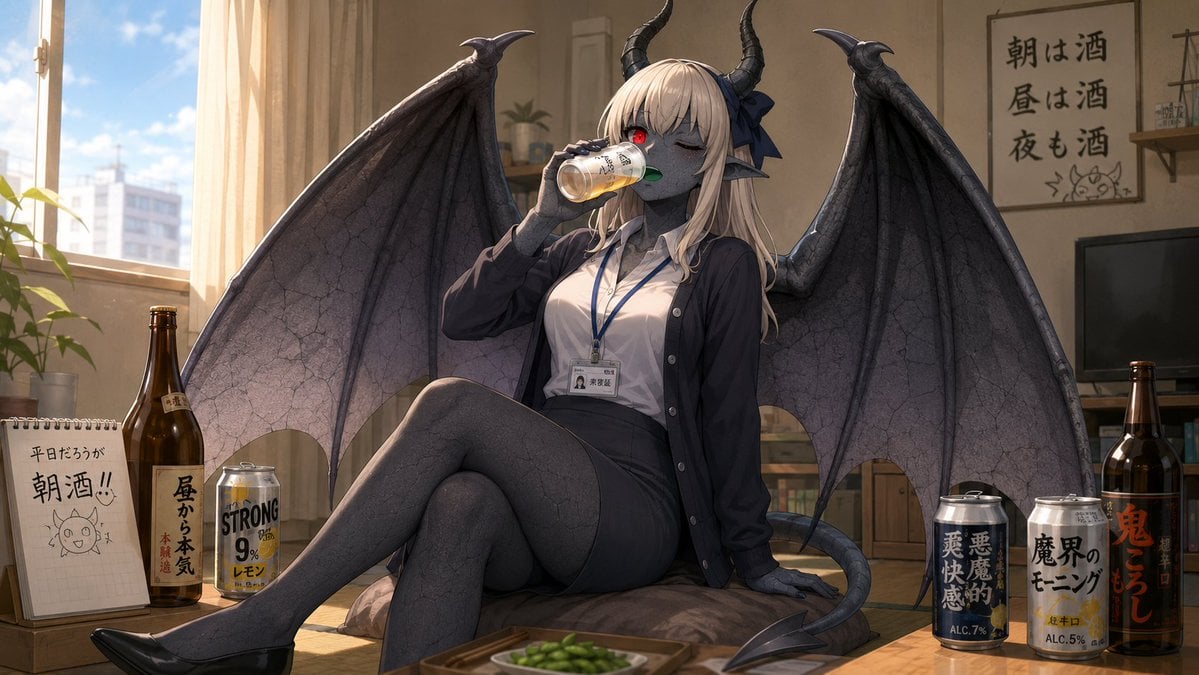
Demon Office Girl Morning Drink
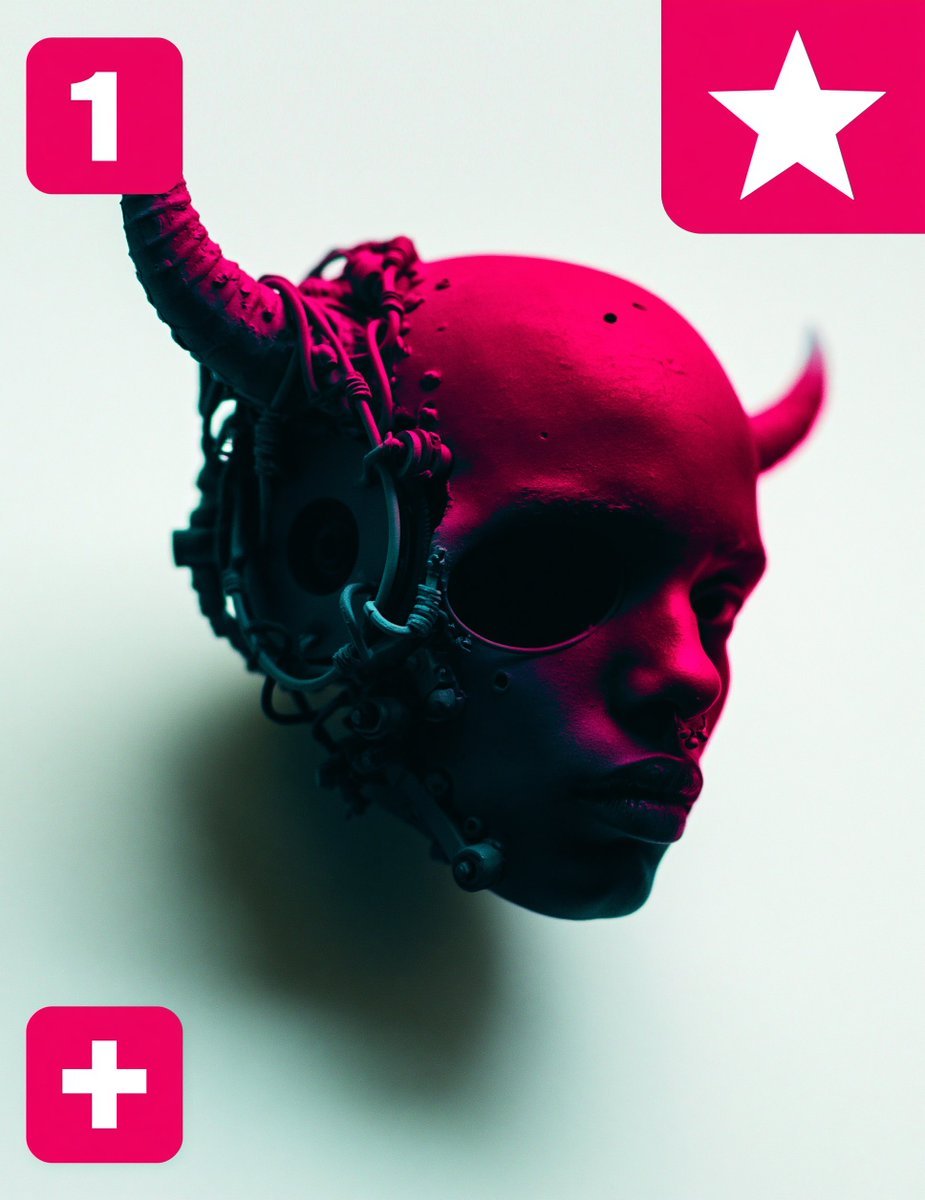
Cybernetic Demon Head UI Concept
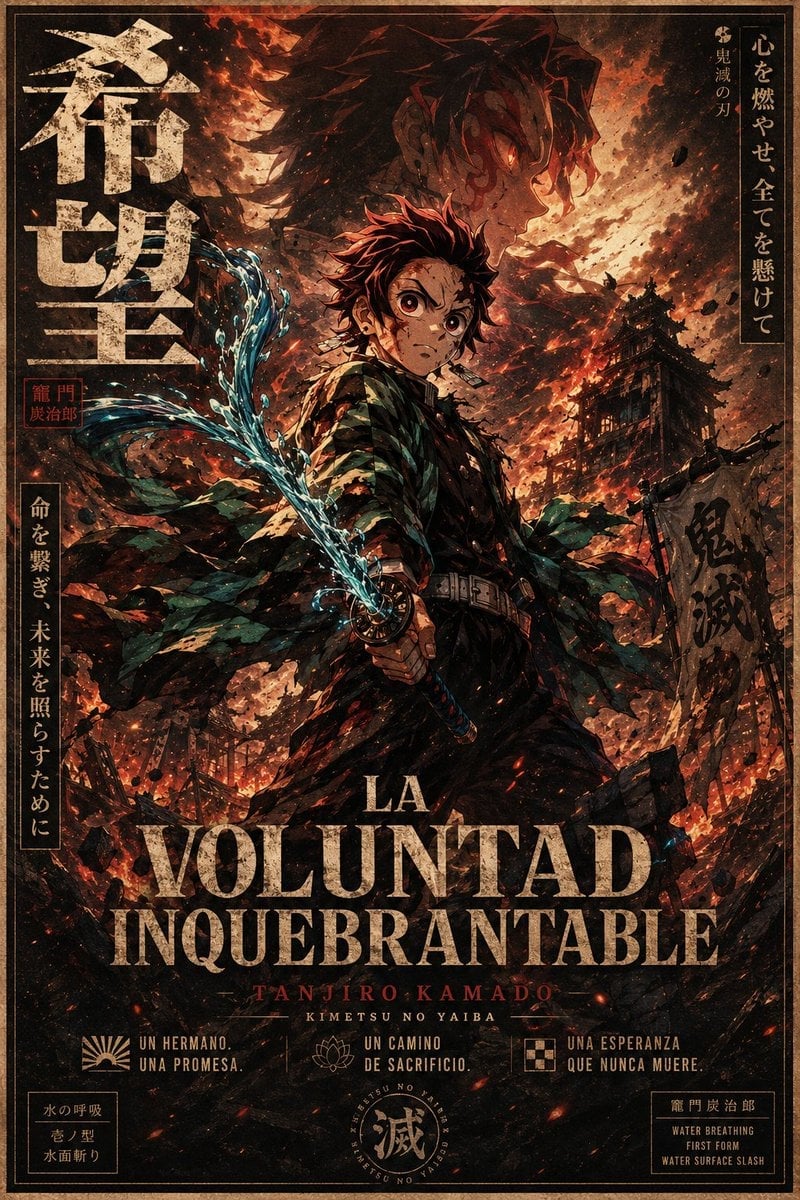
Dark Anime Demon Slayer Poster
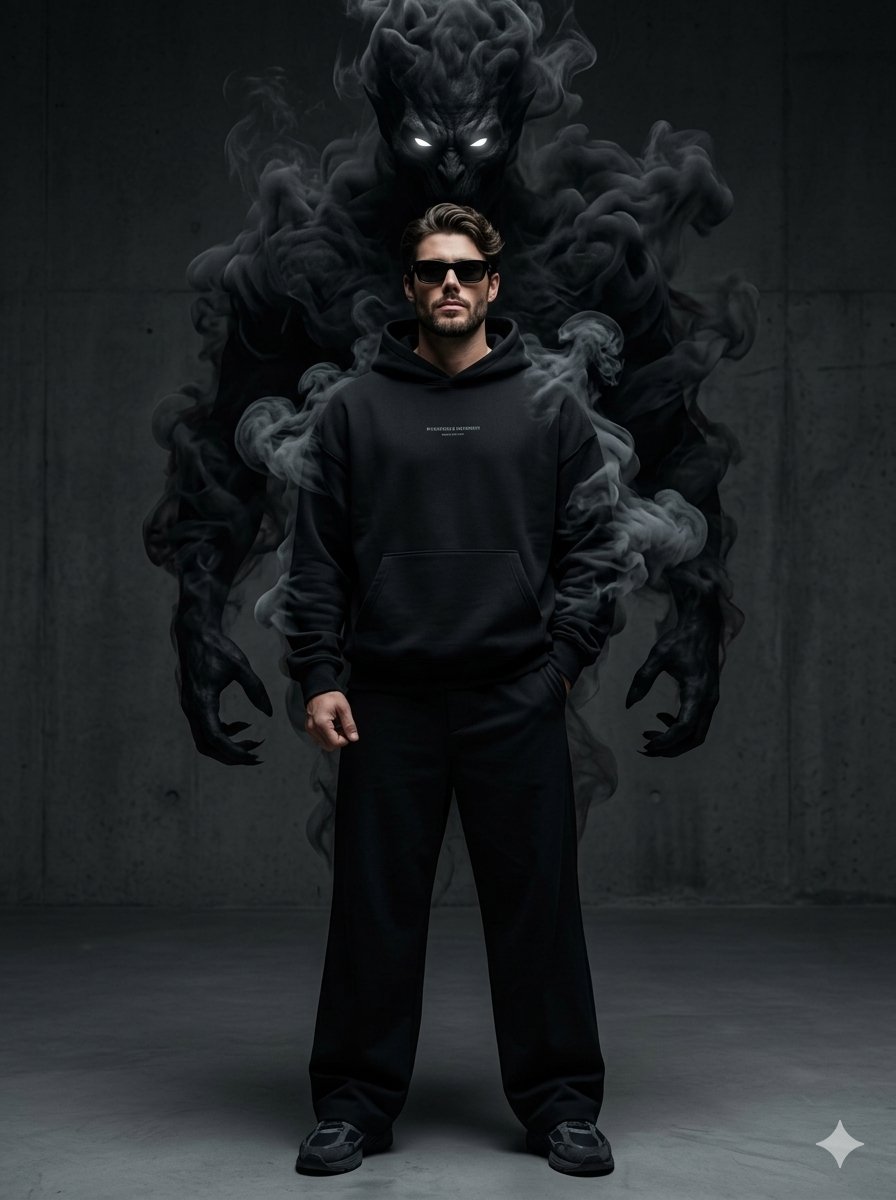
Supernatural Streetwear Portrait with Smoke Demon
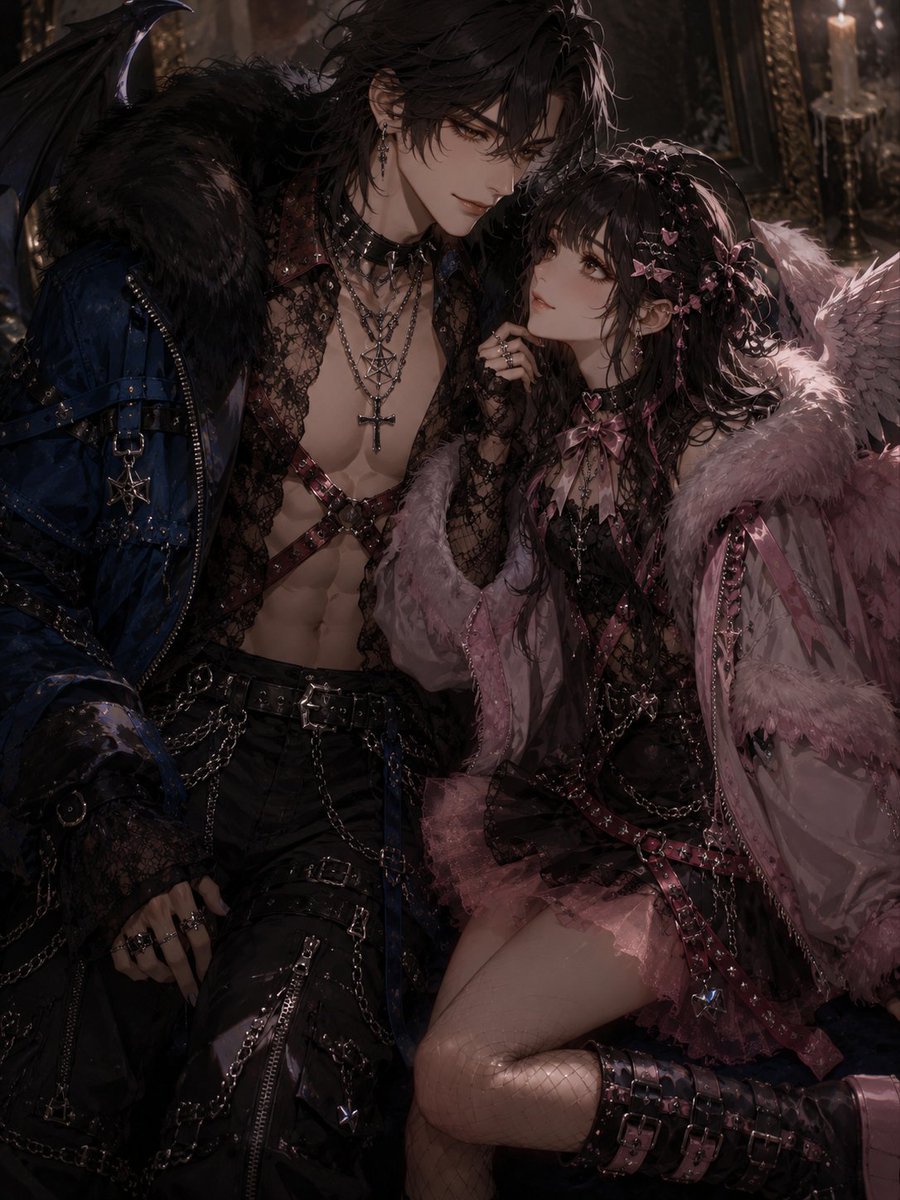
Gothic Angel Demon Couple
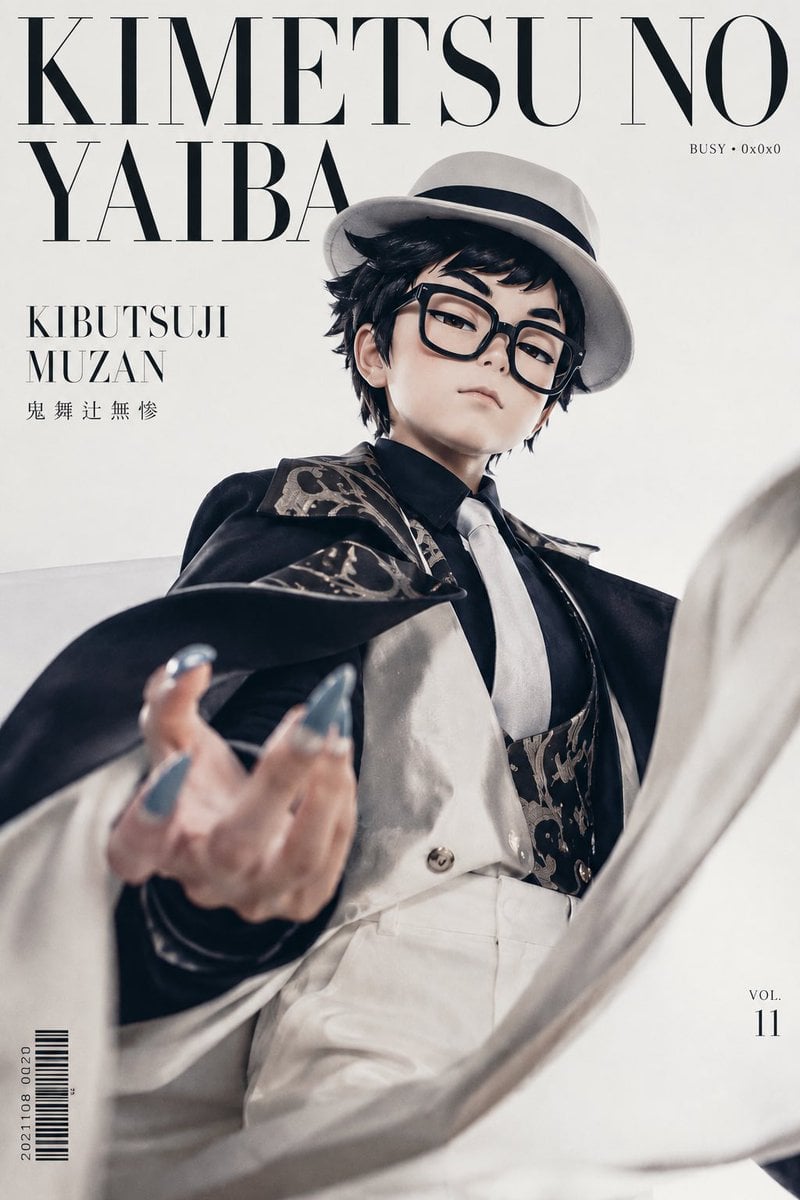
Demon Aristocrat Magazine Cover
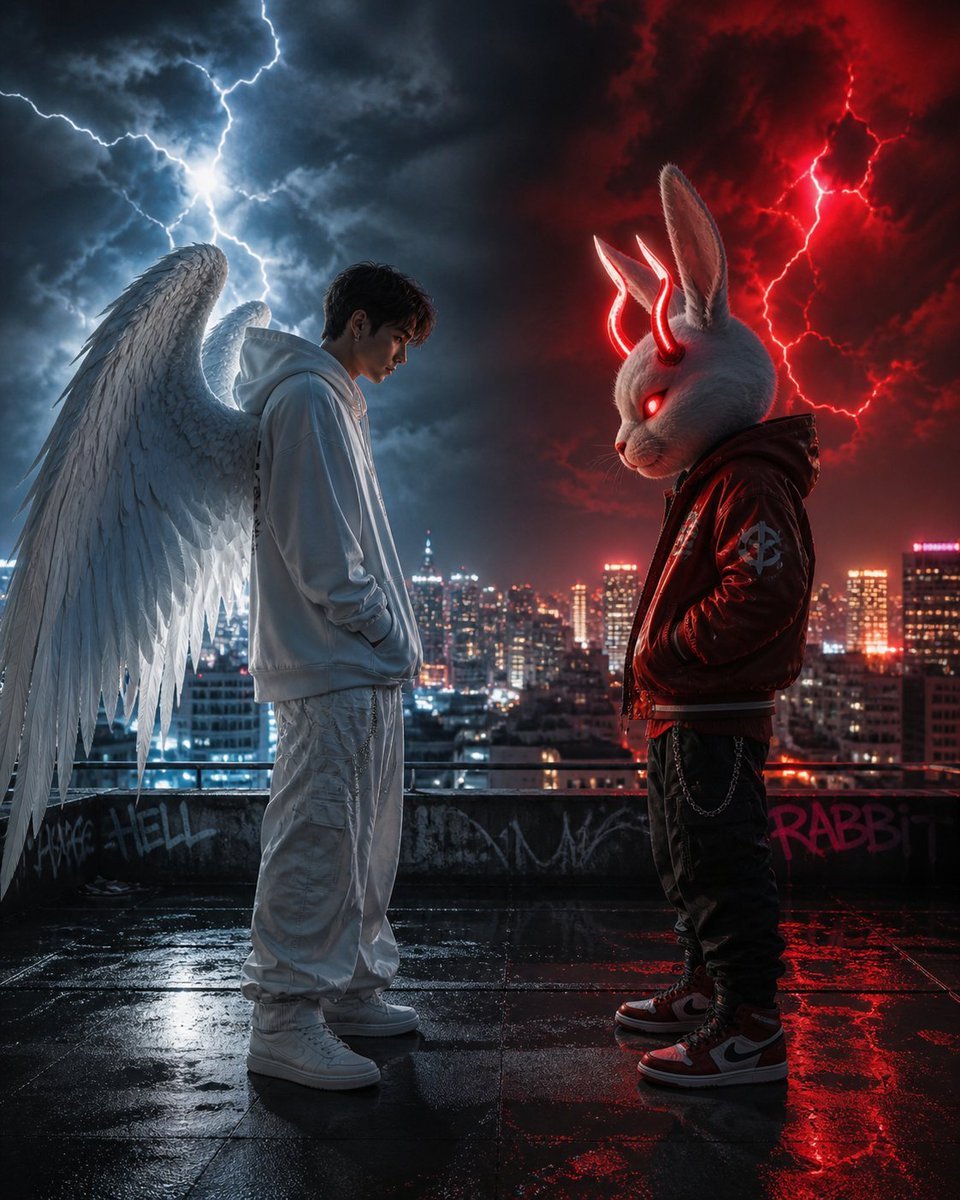
Cyberpunk Angel vs Demon Showdown
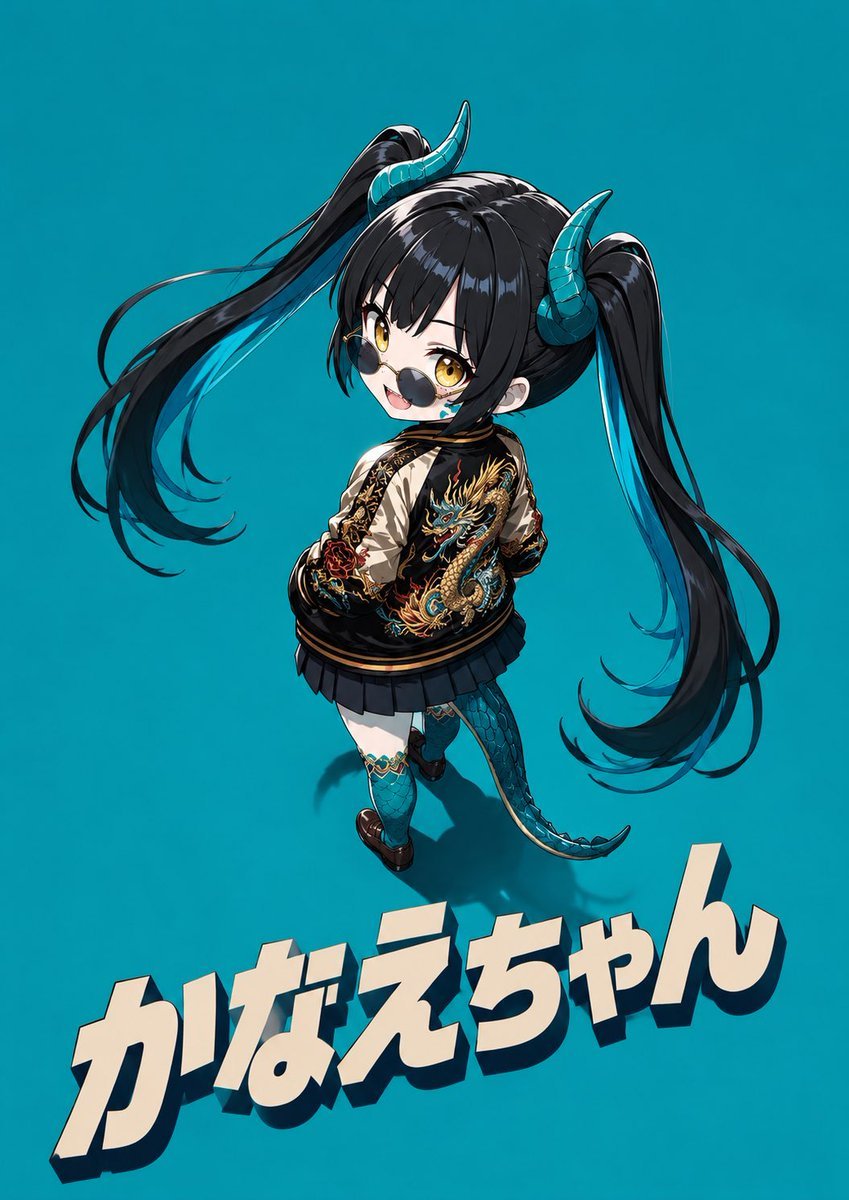
Cool Chibi Demon Girl Poster
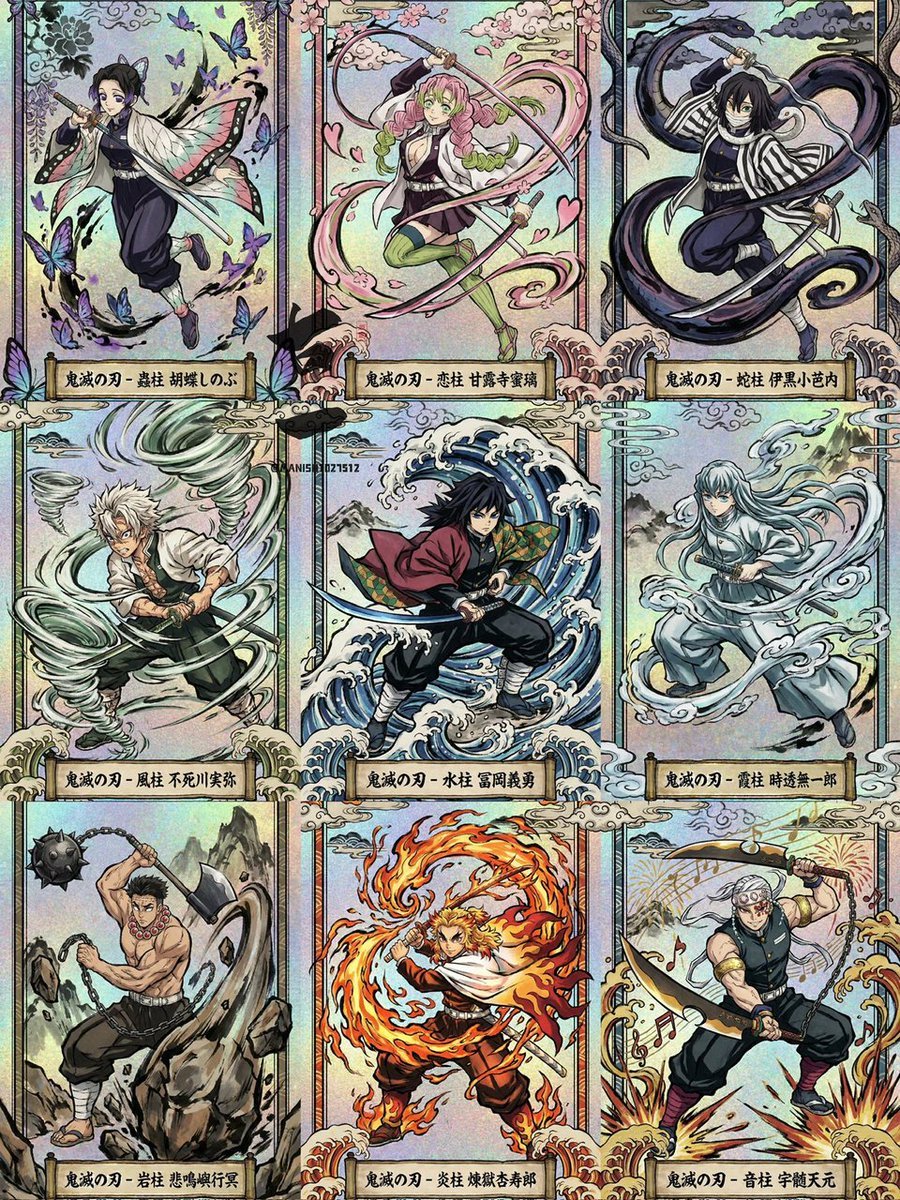
Ukiyo-e Demon Slayer Card Grid
Make it yours
Nightmare Knight and Demon works as-is. These are the safest ways to change it without losing the look.
Change one field
Copy a single group, rewrite it, and generate again so you can see what that field is doing.
Keep the frame, change the subject
Hold the composition and light of Nightmare Knight and Demon, then swap wardrobe, props or the person for a new take.
| If the result… | Why | Fix |
|---|---|---|
| The result drifts from the preview | Too many fields changed at once. | Reuse Nightmare Knight and Demon as-is first, then change one group — subject, light, or setting. |
| The model over-stylizes the scene | The prose prompt leaves finish and camera underspecified. | Add one camera or lighting sentence and stay on GPT Image 2. |
More GPT Image 2 templates
Other prompts made for GPT Image 2.

Six VTuber Japanese Logo Sheet

Realistic Portrait of Woman and Deer

The Vista Modular Condo Poster

AI Model Routing Comparison Infographic

2.5D Anime Art Board

Isometric Productivity Desk Scene

New York Double Exposure Poster

Four-Panel AI Landscape Comparison

Japanese Tatami Lifestyle Magazine Cover

NESCAFÉ Coffee Map Poster
More image prompts
Fresh picks from across the catalog.
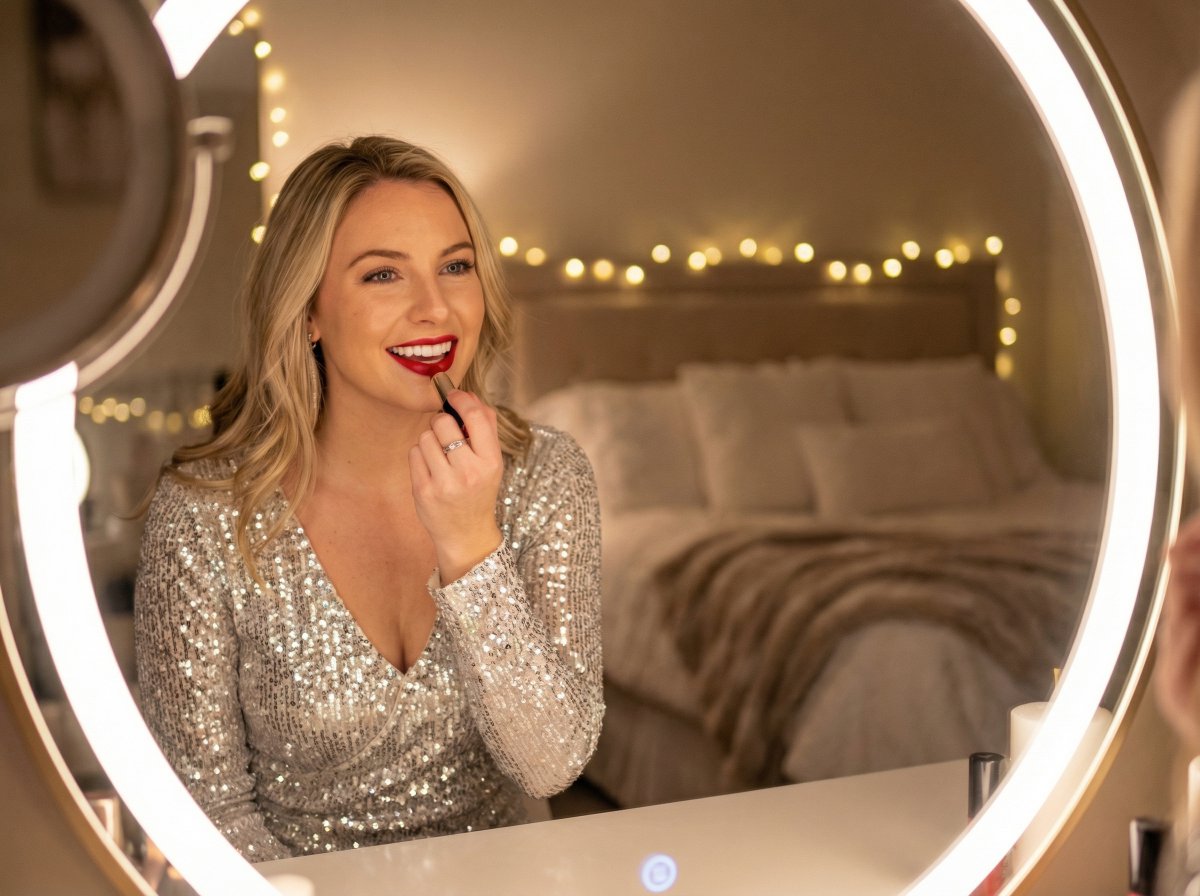
New Year's Eve Story Generation Prompt (Text-Based)
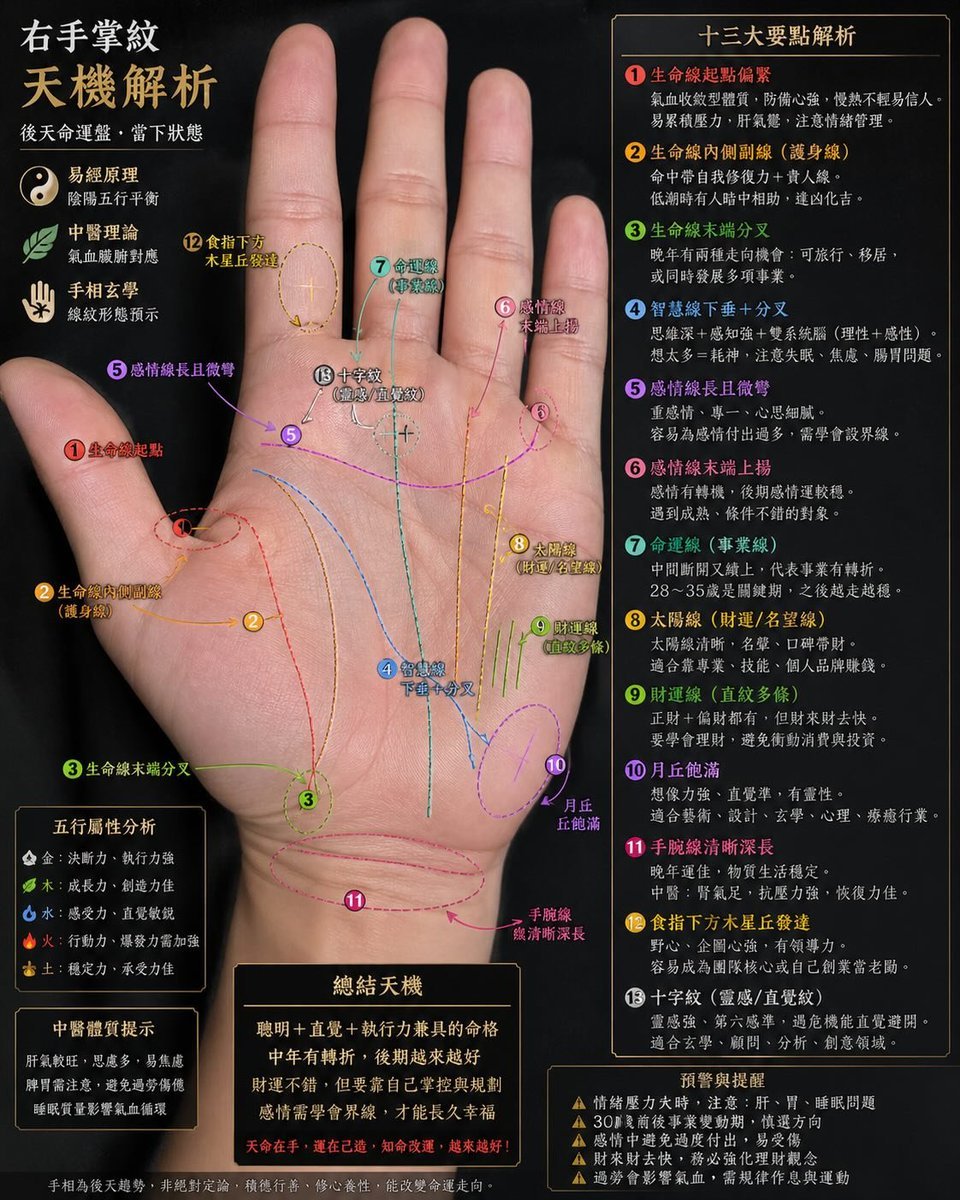
Palmistry Analysis Card Generator
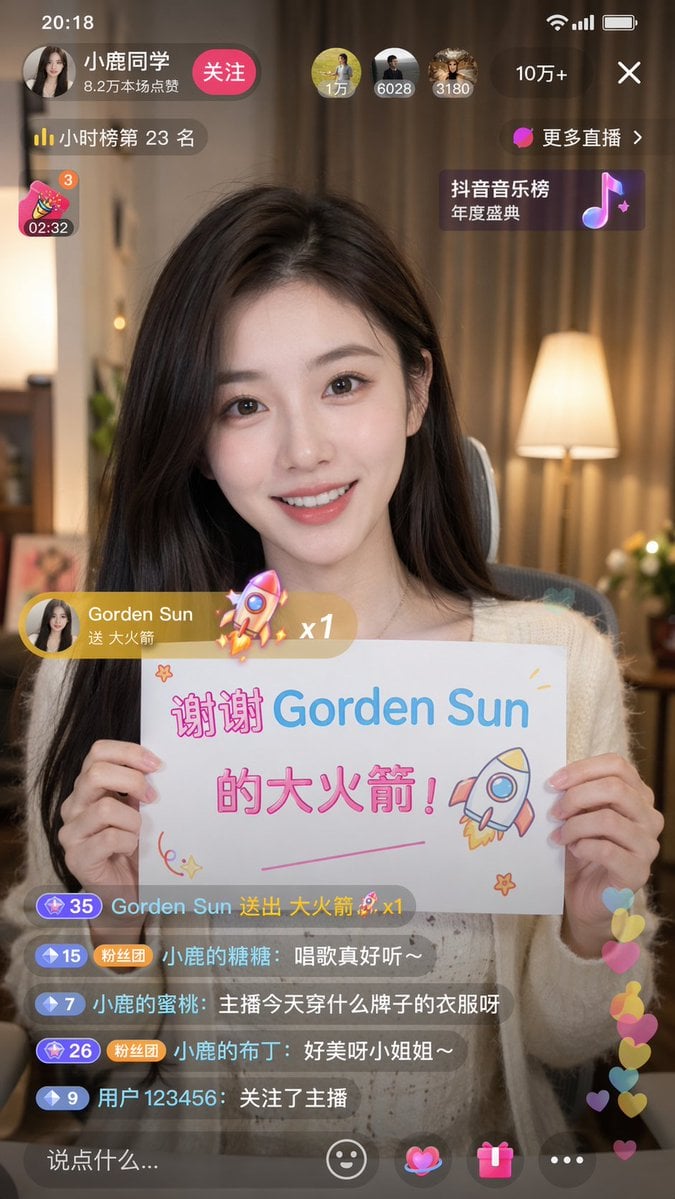
Douyin Live Stream Screenshot
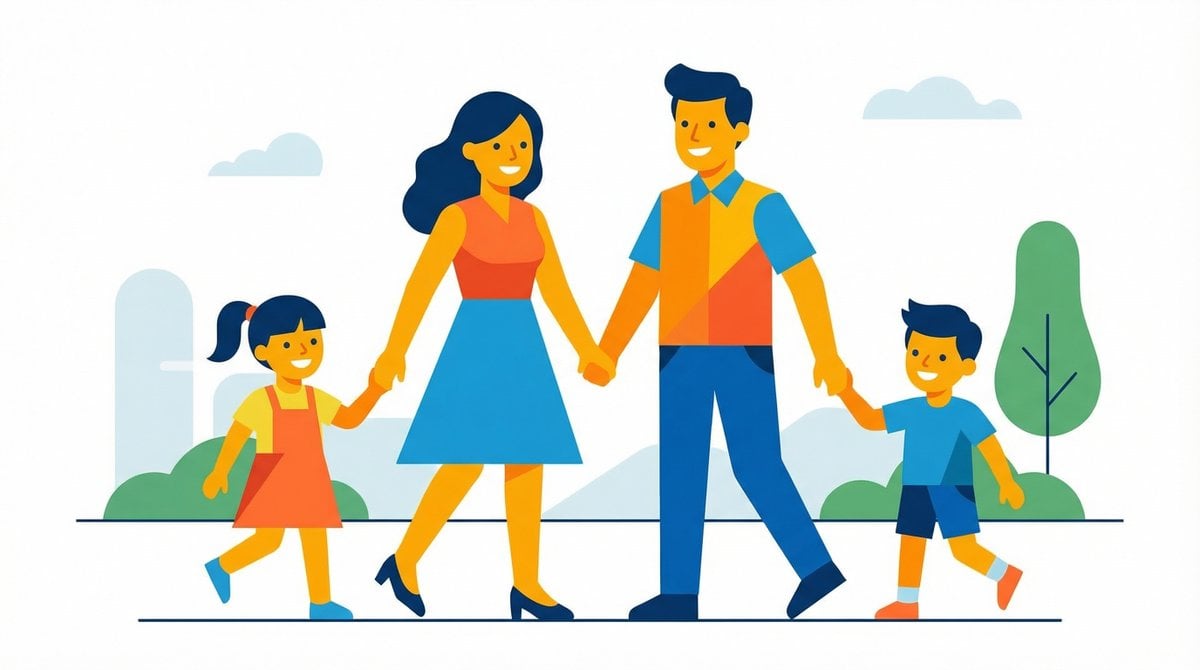
Flat UI/Startup Style Illustration Prompt
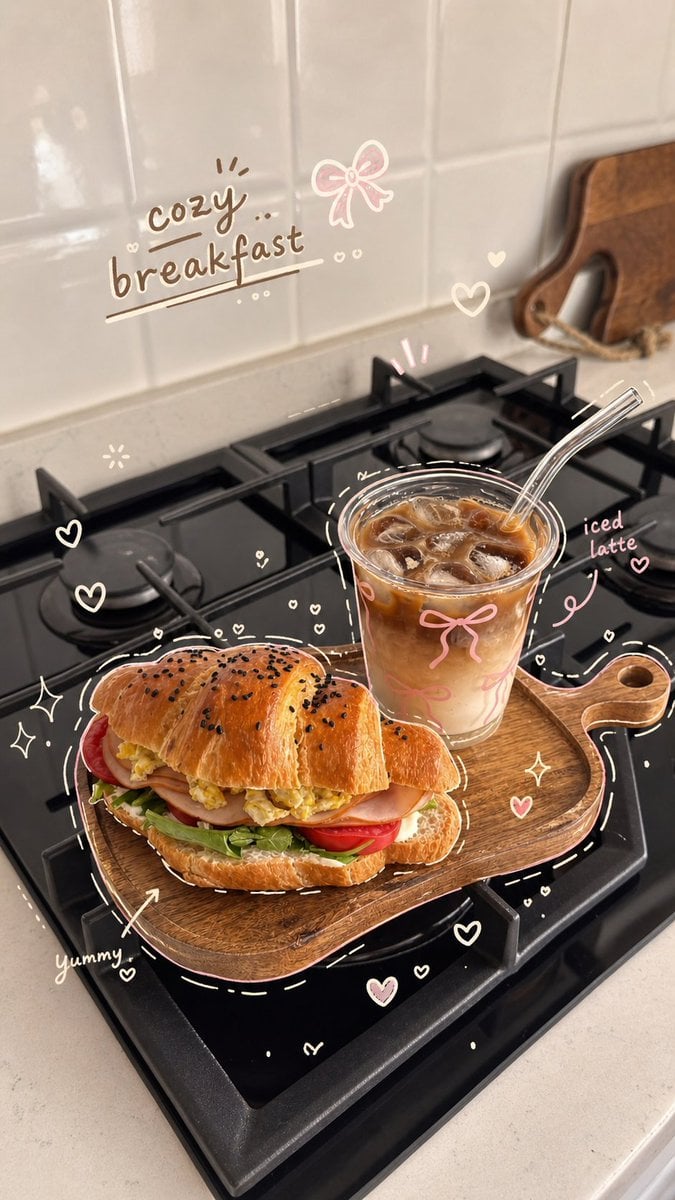
Cozy Hand-Drawn Food Doodle
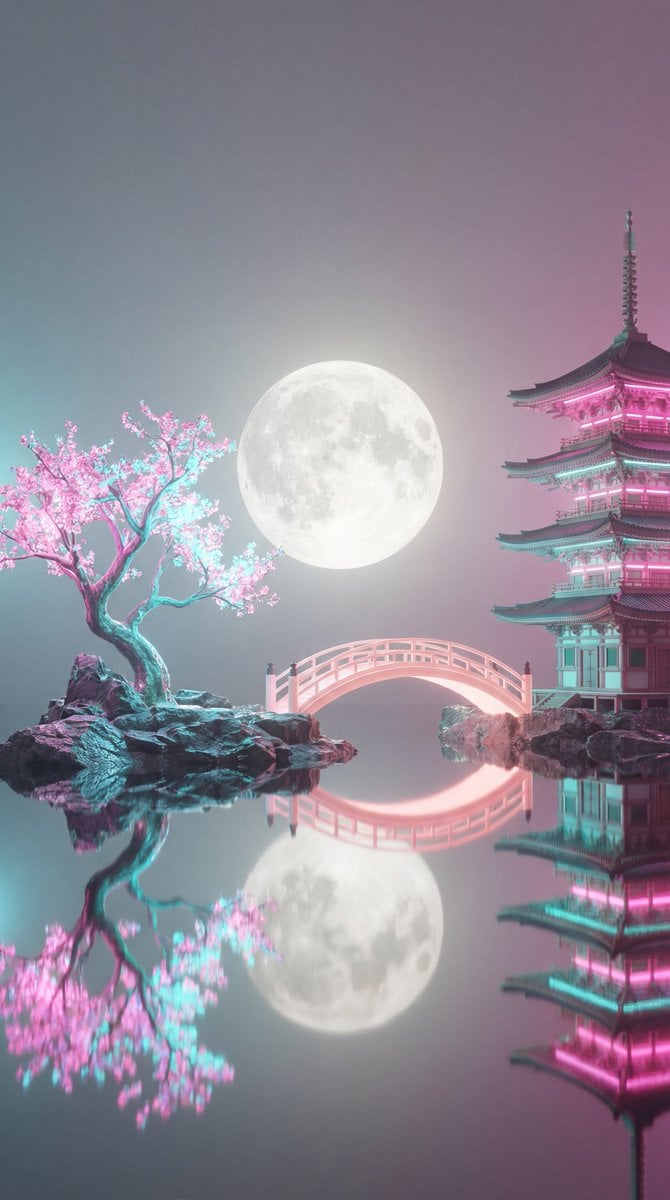
Surreal Vaporwave Night Landscape
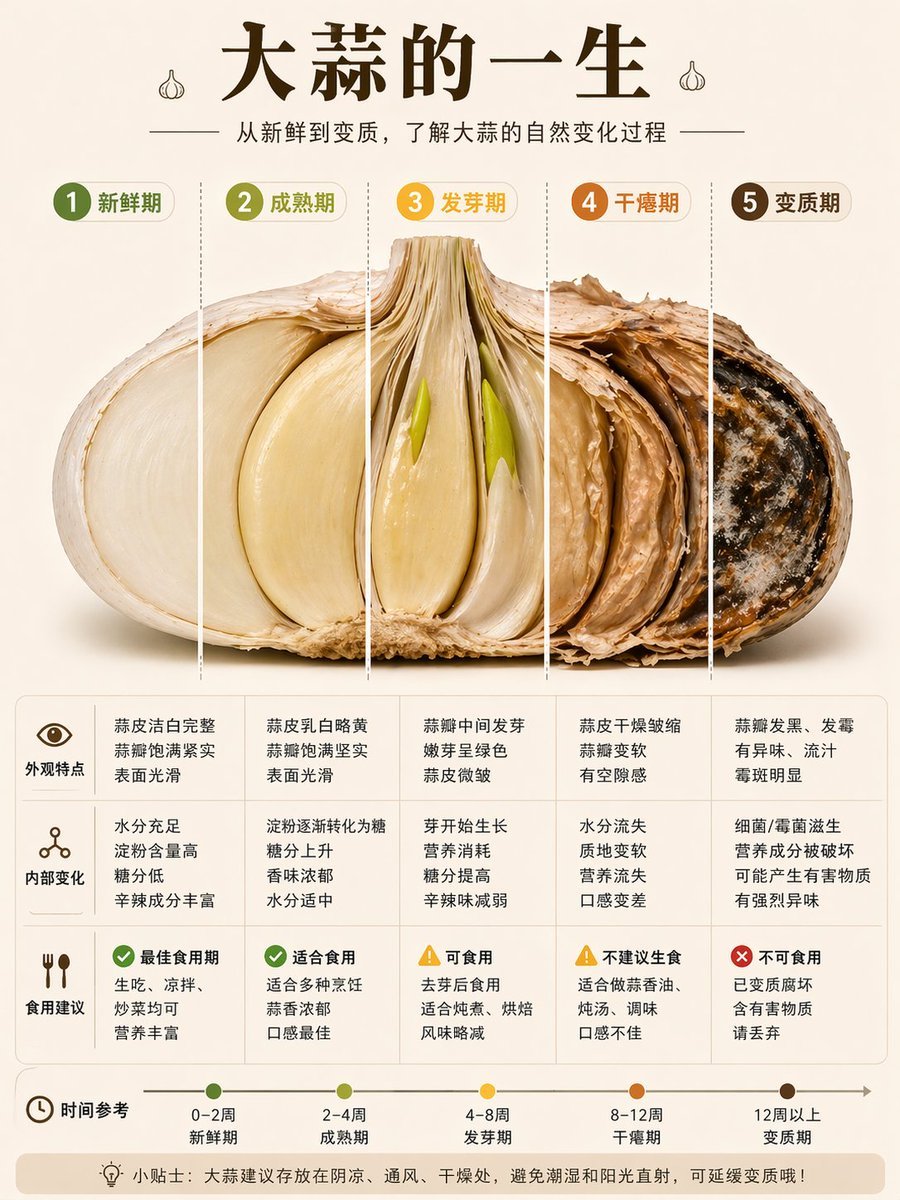
Garlic Life Cycle Infographic
Sunlit Butterfly Mirror Portrait
Cinematic Football Poster Portrait
Cat-Ear Hoodie Anime City Portrait
Browse template categories
Nightmare Knight and Demon questions
How do I use the Nightmare Knight and Demon template?
Add your photo if the template asks for one, edit the prompt if you like — the template's model and format are already selected — and press Generate. Your version opens in PicX Studio.
Can I customize the Nightmare Knight and Demon template?
Yes. You can change the subject, setting, lighting, mood, format, and available model controls before creating your image.
Is the Nightmare Knight and Demon template free?
Opening and editing this template is free. Generating uses credits, shown on the Generate button when you are signed in.
Which AI model should I use?
Start with GPT Image 2, which is the model associated with this template. You can compare another compatible model for a different finish.
Looking for something else? Browse all templates.

Your photo, any look
Thousands of ready templates for every top image and video model, from one credit balance.