
Demon Aristocrat Magazine Cover
A reusable prompt for generating a luxury anime cosplay magazine cover with dramatic typography and a villain-inspired fashion portrait.
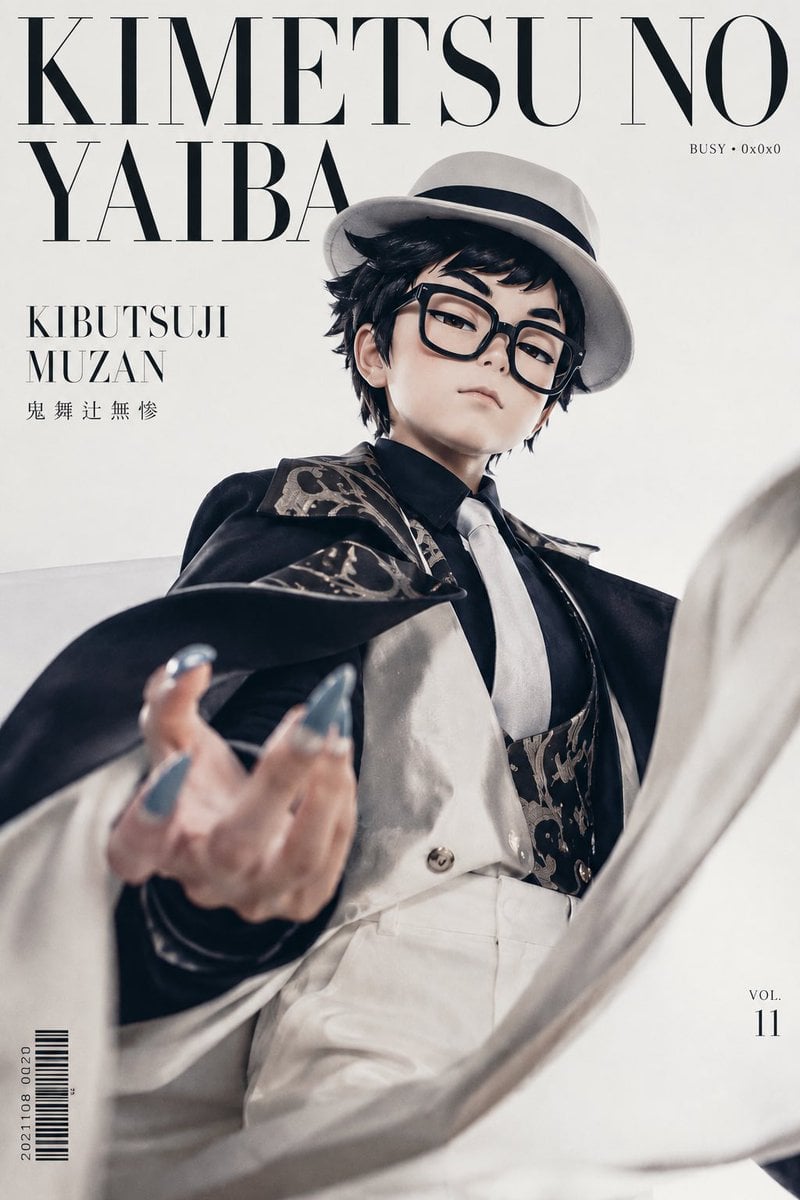
- Prompt included
- Model and format preset
- Premium template
The prompt behind this image
Copy the exact prompt behind Demon Aristocrat Magazine Cover, or open it in the studio and make it yours.
Goal: Create a high-fashion anime cosplay magazine cover featuring a dramatic villain-inspired portrait of {argument name="character name" default="Kibutsuji Muzan"} from a low-angle editorial perspective. Canvas: Vertical 2:3 magazine cover, off-white studio background, clean luxury fashion layout, portrait orientation. Main subject: One androgynous young adult model dressed as an elegant demon aristocrat, standing in a powerful low-angle pose. The face is intentionally obscured by a soft square blur centered over the head. The model has messy short black hair visible under a white fedora with a black band. Outfit consists of exactly 8 visible fashion elements: 1 white fedora, 1 black collared shirt, 1 white necktie, 1 cream satin vest, 1 patterned dark brocade waistcoat or harness panel, 1 black cloak with ornate patterned lining, 1 pair of white trousers, and 1 extended hand with long metallic blue claw-like nails. The left hand reaches toward the camera in the foreground with shallow depth of field, creating a dramatic foreshortened effect. A sweeping white fabric or cloak curves across the lower right foreground like motion blur. Layout: Design the image like a premium fashion magazine cover. Place oversized elegant Didot/Bodoni-style serif masthead text across the top, spanning nearly the full width. The model overlaps the masthead slightly. Use generous negative space and refined black typography. Text content: Include exactly 6 visible text groups: 1 large top masthead reading "KIMETSU NO" on the first line and "YAIBA" on the second line; 2 small upper-right label reading "BUSY • 0x0x0"; 3 left-side title reading "KIBUTSUJI" on one line and "MUZAN" on the next; 4 small Japanese name text below it reading "鬼 舞 辻 無 惨"; 5 bottom-left vertical barcode with the numbers "2021108 0020" beside it; 6 bottom-right issue marker reading "VOL." above "11". Visual style: Photorealistic anime cosplay editorial, luxury magazine cover, soft studio lighting, pale cream and black palette, high contrast but muted tones, cinematic shallow depth of field, fabric motion, crisp typography, refined gothic elegance. Constraints: Keep the face covered by the square blur, preserve the exact six text groups, avoid extra logos or watermarks, keep the background minimal, and make the composition feel like a collectible character fashion cover.
How to use Demon Aristocrat Magazine Cover in 3 steps
- 1Upload ImagePNG, JPG or paste
Add your photo
Upload the photo the template builds on. The prompt, model and format are already set.
- 2…a portrait of your subject in softgolden-hour light, 85mm…
Personalize
Edit the subject and creative details for your destination.
- 3Generate
Generate
Press Generate — your image is created in PicX Studio, so you can compare it with the original and refine one variable at a time.
More like this
Templates with the same subject, style or setup. Open one to see its prompt.

Off Duty Fashion Magazine Cover

Japanese Tatami Lifestyle Magazine Cover

Ethereal Bloom Magazine Cover

Tropical Macaw Magazine Cover

Anime Mahjong Magazine Cover

Neon Anime Fireworks Magazine Cover

High-Fashion Magazine Cover Portrait

Open Magazine Luxury Fashion Editorial Layout

Monochrome Halftone Editorial Fashion Poster

Korean Model Floating Magazine Pages Campaign

Blue Hour Editorial Fashion Portrait
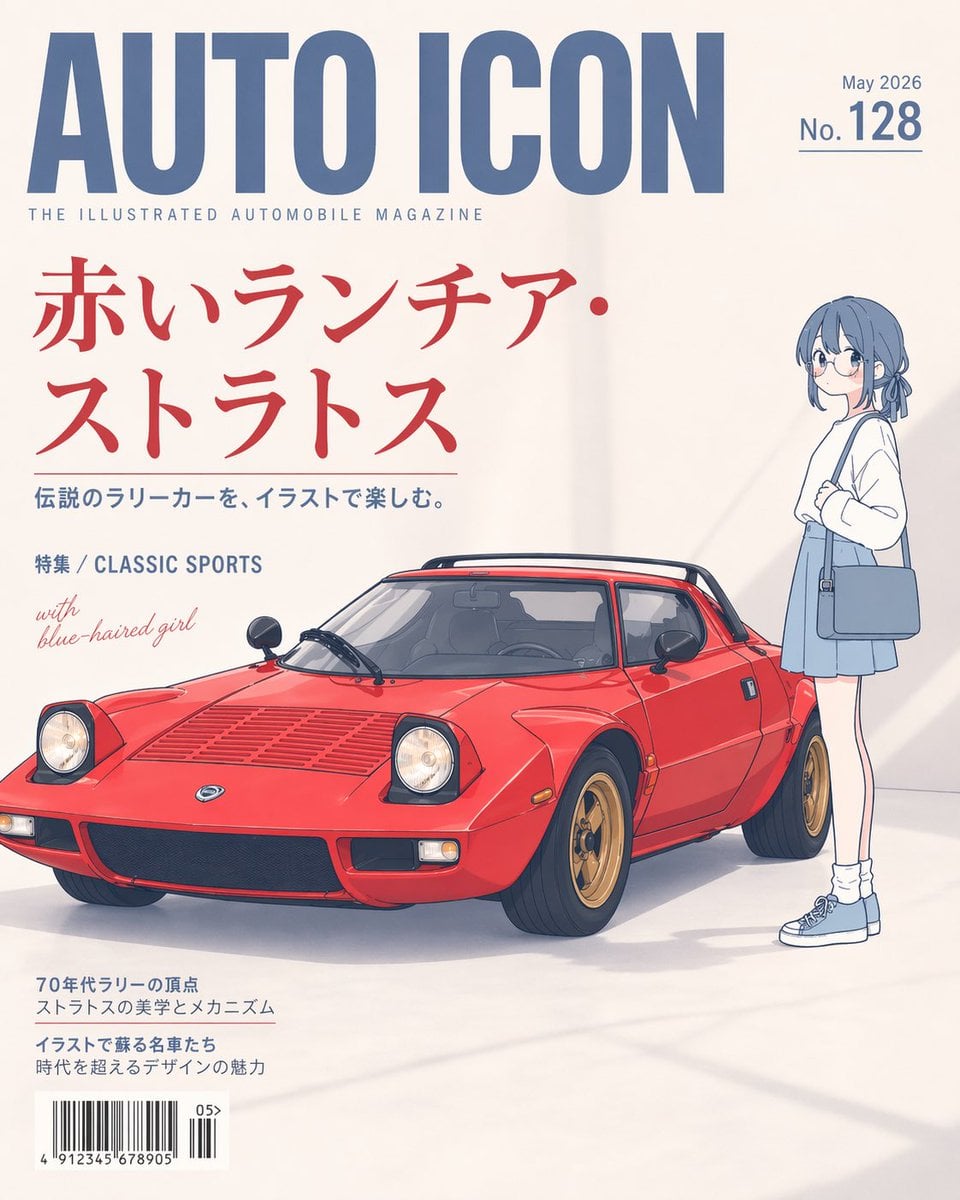
Illustrated Classic Car Magazine Cover
Make it yours
Demon Aristocrat Magazine Cover works as-is. These are the safest ways to change it without losing the look.
Change one field
Copy a single group, rewrite it, and generate again so you can see what that field is doing.
Keep the frame, change the subject
Hold the composition and light of Demon Aristocrat Magazine Cover, then swap wardrobe, props or the person for a new take.
| If the result… | Why | Fix |
|---|---|---|
| The result drifts from the preview | Too many fields changed at once. | Reuse Demon Aristocrat Magazine Cover as-is first, then change one group — subject, light, or setting. |
| The model over-stylizes the scene | The prose prompt leaves finish and camera underspecified. | Add one camera or lighting sentence and stay on GPT Image 2. |
More GPT Image 2 templates
Other prompts made for GPT Image 2.

Six VTuber Japanese Logo Sheet

Realistic Portrait of Woman and Deer

The Vista Modular Condo Poster

AI Model Routing Comparison Infographic

2.5D Anime Art Board

Isometric Productivity Desk Scene

New York Double Exposure Poster

Four-Panel AI Landscape Comparison

NESCAFÉ Coffee Map Poster

Brutalist Cogito Chinese Typography Poster
More image prompts
Fresh picks from across the catalog.

Ultra Realistic Commercial Skincare Prod
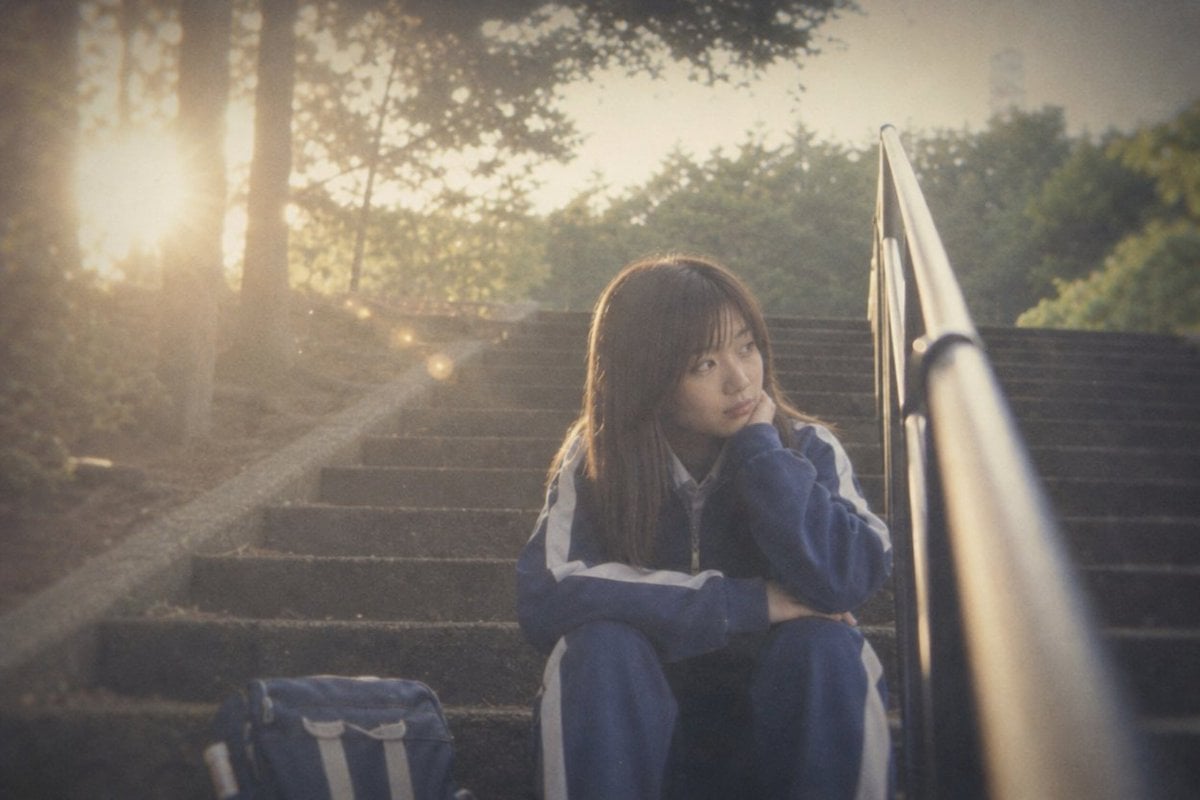
Faded Summer Memory Style DNA
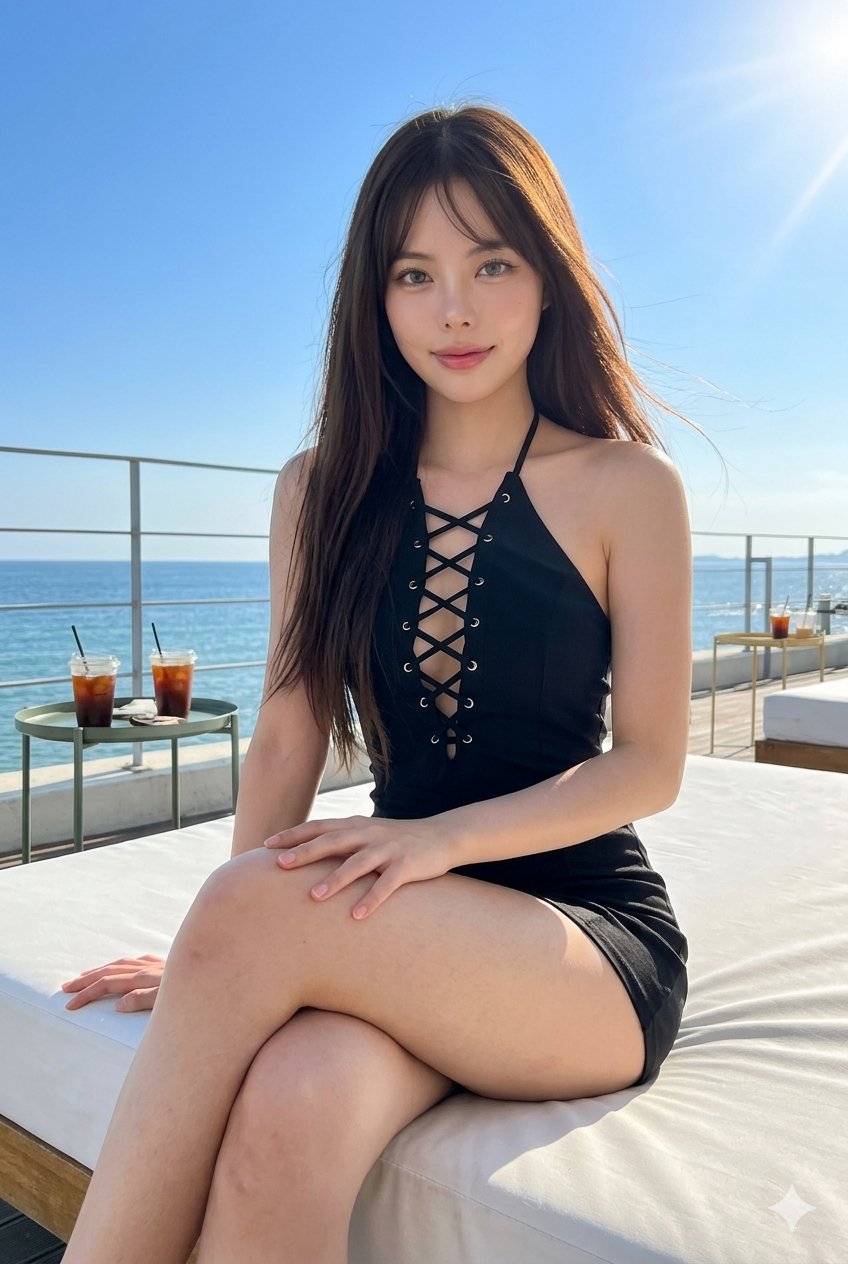
untitled
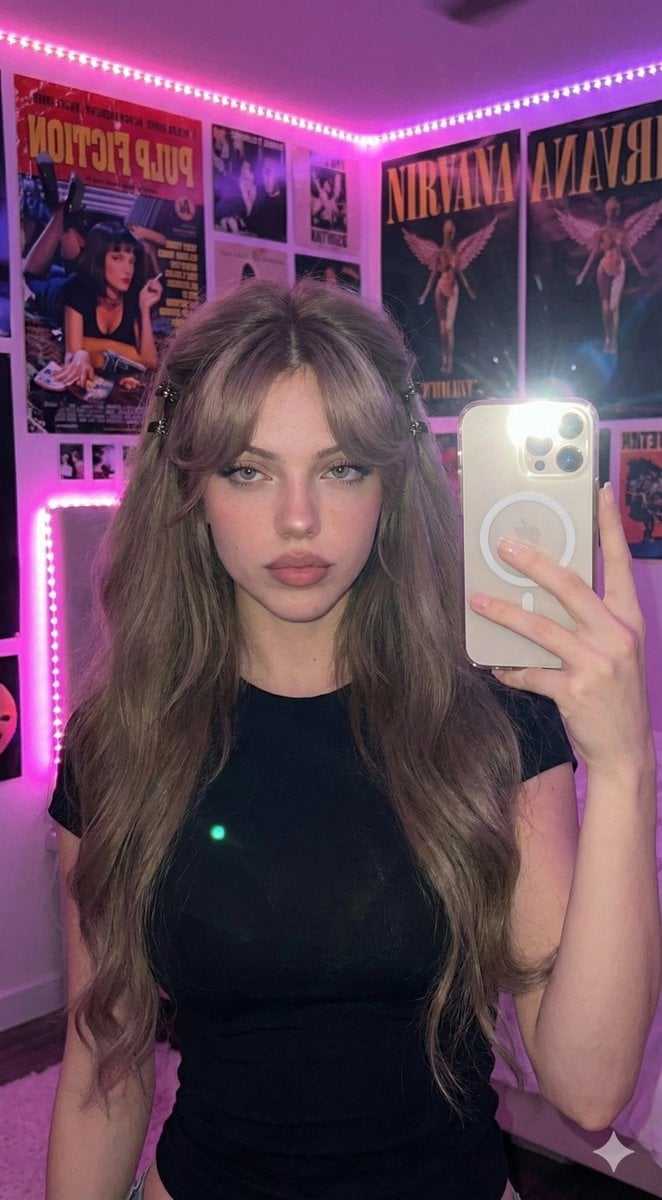
Ultra-Realistic 16K Smartphone Flash Selfie
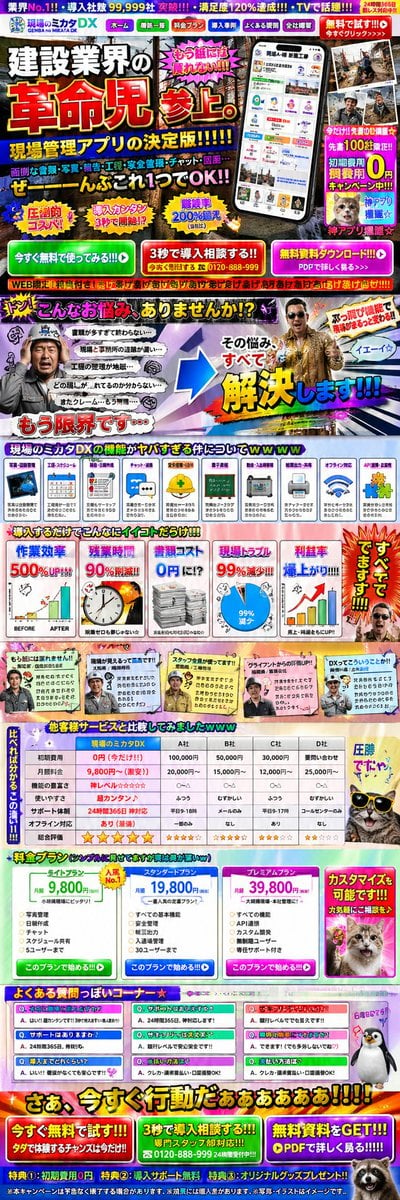
Intentionally Poor UI/UX Landing Page Design
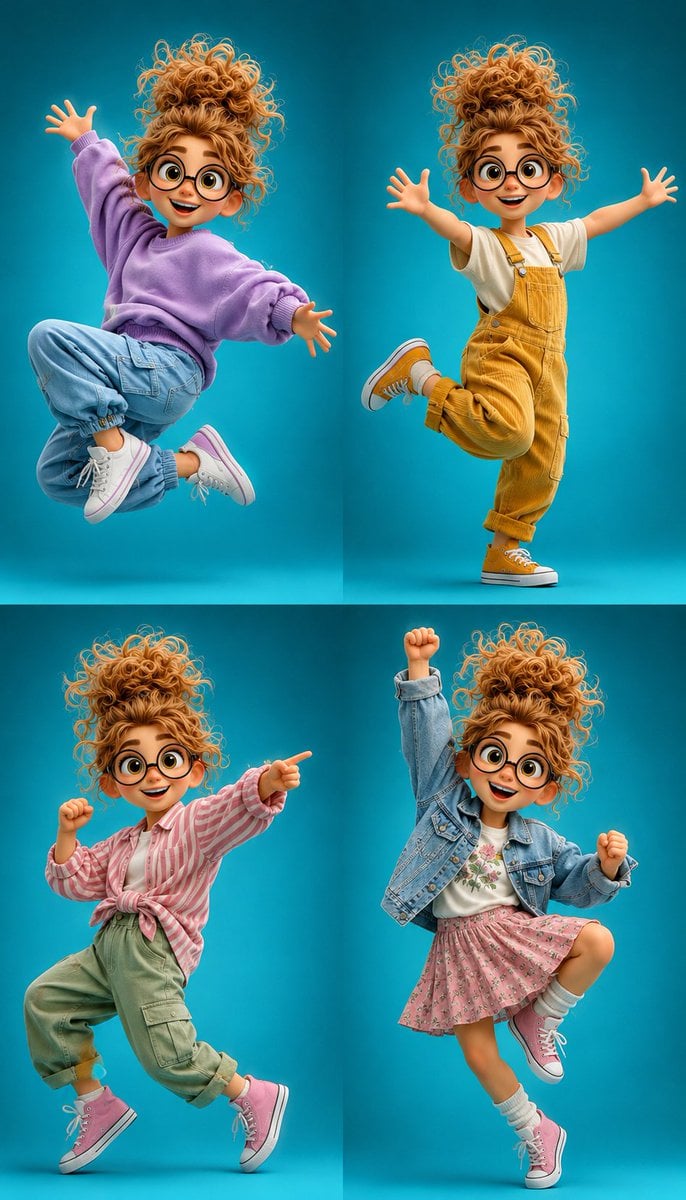
3D Cartoon Character Pose Sheet
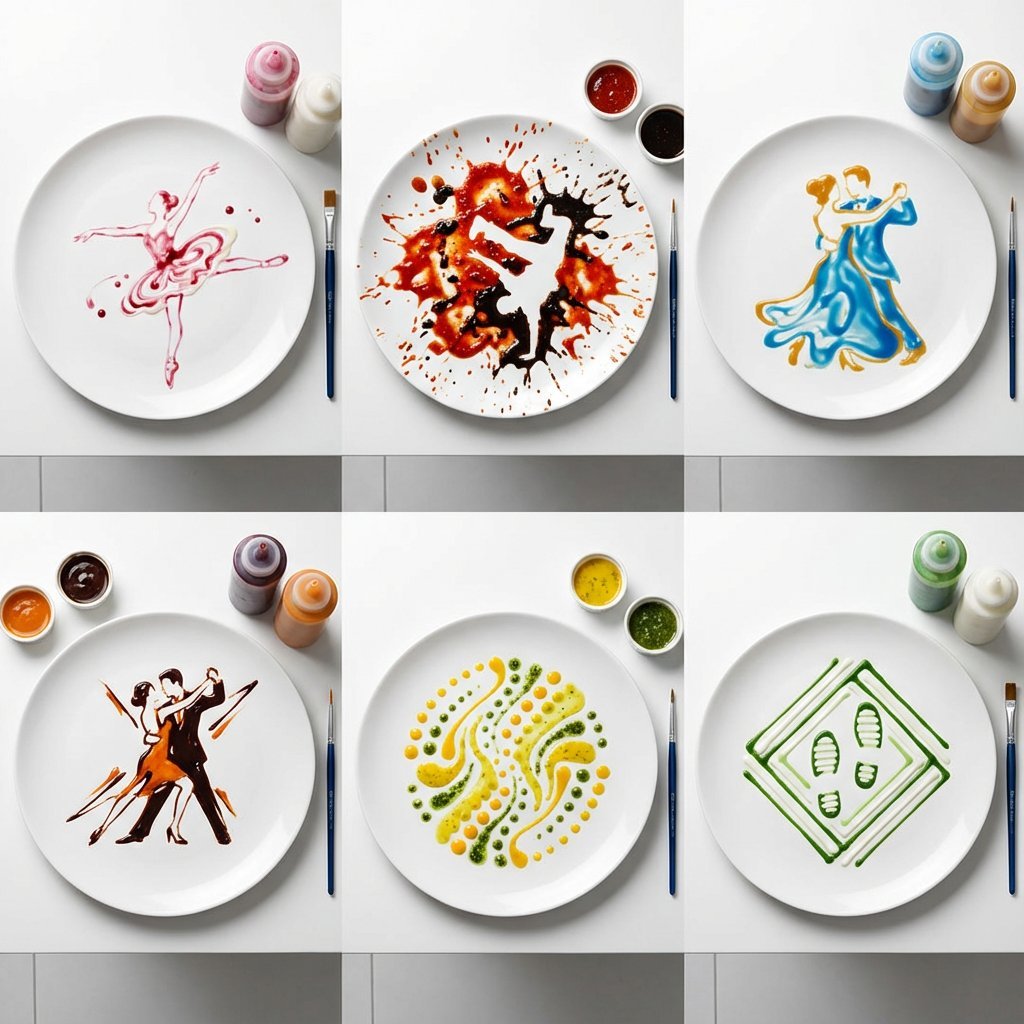
High-Speed Photography of Dance Forms in Sauce Choreography
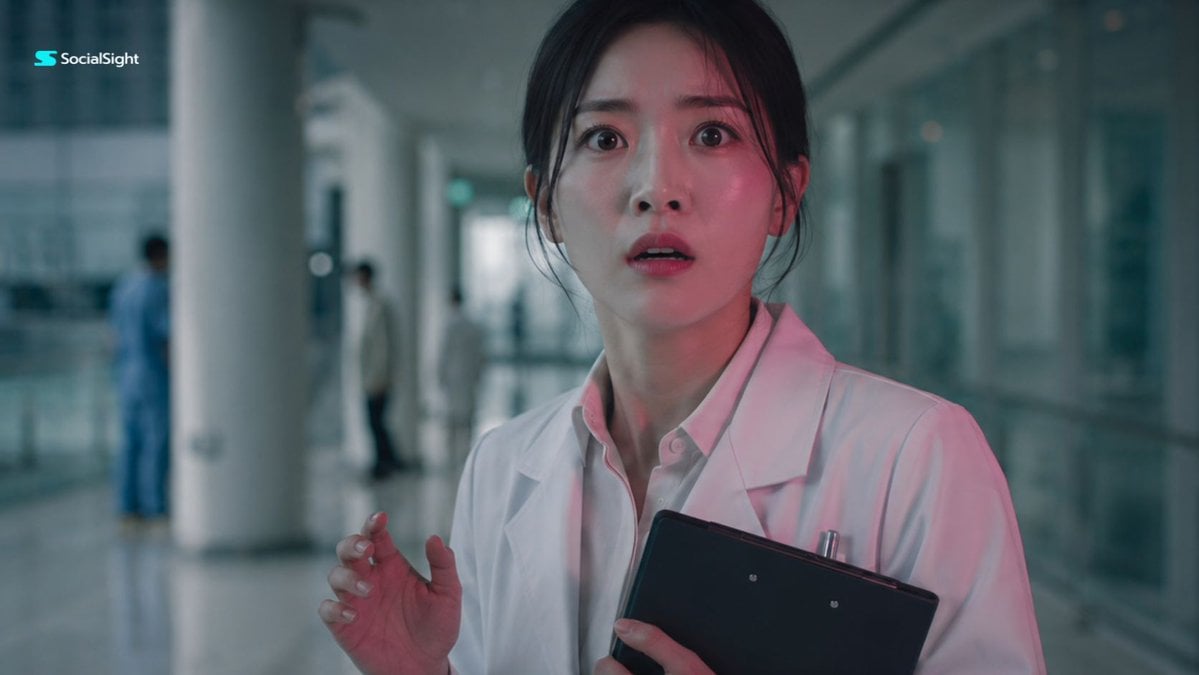
Shocked Doctor Hospital Still
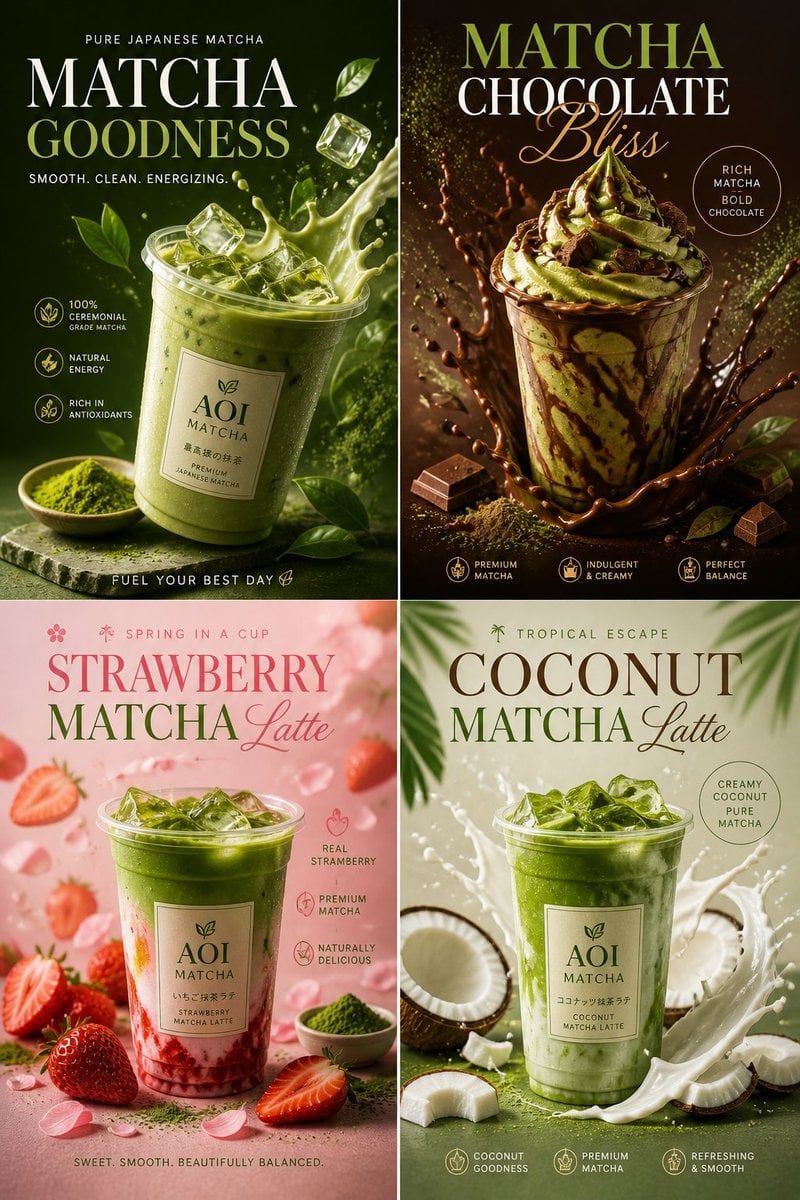
Commercial Food Photography Poster
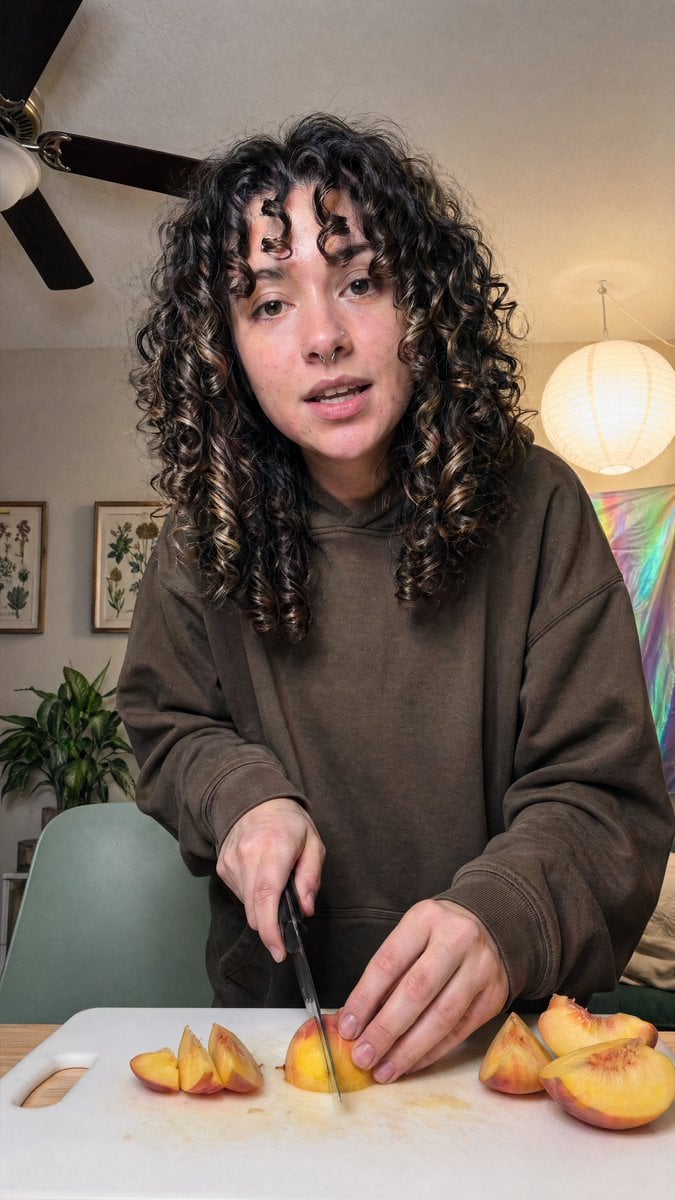
Cozy Indoor Peach Slicing Portrait
Browse template categories
Demon Aristocrat Magazine Cover questions
How do I use the Demon Aristocrat Magazine Cover template?
Add your photo if the template asks for one, edit the prompt if you like — the template's model and format are already selected — and press Generate. Your version opens in PicX Studio.
Can I customize the Demon Aristocrat Magazine Cover template?
Yes. You can change the subject, setting, lighting, mood, format, and available model controls before creating your image.
Is the Demon Aristocrat Magazine Cover template free?
Opening and editing this template is free. Generating uses credits, shown on the Generate button when you are signed in.
Which AI model should I use?
Start with GPT Image 2, which is the model associated with this template. You can compare another compatible model for a different finish.
Looking for something else? Browse all templates.

Your photo, any look
Thousands of ready templates for every top image and video model, from one credit balance.