
Neon Portrait Typography Poster
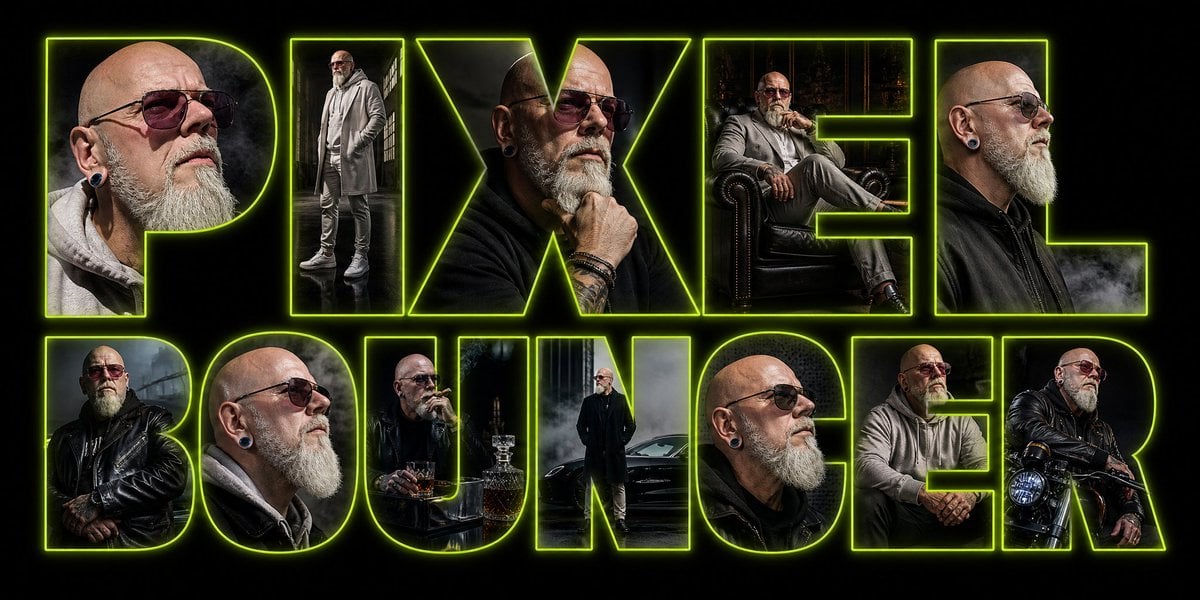
Generates a wide cyberpunk-style poster with giant neon outlined typography filled with cinematic character portraits.
- Prompt included
- Model and format preset
- Free template
The prompt behind this image
Copy the exact prompt behind Neon Portrait Typography Poster, or open it in the studio and make it yours.
Goal: Create a wide cinematic typographic poster for {argument name="headline text" default="PIXEL BOUNCER"}, where the words themselves are huge hollow block letters outlined in neon acid green and filled with dark photographic portraits of the same character. Canvas: Ultra-wide horizontal banner, approximately 2:1 aspect ratio, black background, high contrast, moody cyberpunk/nightclub atmosphere. Layout: Two-line composition with exactly 12 oversized uppercase letters: top row has 5 letters spelling “PIXEL”; bottom row has 7 letters spelling “BOUNCER.” Use a bold condensed geometric sans-serif display font with thick strokes and transparent interiors. Each letter acts as a clipping mask containing a different portrait vignette. Add a bright lime-green neon outline around every letter, with a soft outer glow and subtle inner rim light. Keep the letters tightly spaced and nearly filling the frame from left to right. Letter contents, exactly 12 distinct vignettes: 1. P: close-up side portrait of a bald, bearded man in a gray hoodie, ear plug visible, smoky dark background. 2. I: full-body standing portrait in a gray coat and layered streetwear, industrial window light. 3. X: close-up of the same man in a black jacket, hand near chin, tattoos and bracelets visible. 4. E: seated portrait in a leather armchair, gray outfit, dark forest or gothic interior behind him. 5. L: close side portrait in a black jacket with smoke drifting across the lower edge. 6. B: man in a black leather jacket with crossed arms, rainy industrial background. 7. O: close-up profile portrait in gray hoodie, bald head, beard, ear plug, dramatic side lighting. 8. U: seated at a small table with a whiskey glass and bottle, dark bar-like setting. 9. N: full-body portrait standing beside a black car in fog, wearing a long dark coat. 10. C: close-up portrait with shaved head, gray beard, ear plug, black jacket. 11. E: seated forward with hands clasped, gray hoodie, dim urban interior. 12. R: man sitting on or leaning against a motorcycle, black leather jacket, headlight visible. Character details: The character is {argument name="character description" default="a bald middle-aged man with a gray beard, ear gauges, tattoos, rugged bouncer energy"}. Wardrobe should be {argument name="wardrobe style" default="dark leather jackets, gray hoodies, long coats, boots, bracelets, and layered streetwear"}. The mood is {argument name="visual mood" default="gritty, cinematic, smoky, masculine, high-contrast, urban noir"}. Visual style: Photorealistic composite poster, dramatic low-key lighting, smoky haze, rain reflections, subtle film grain, sharp neon typography, glossy black shadows, premium album-cover or nightclub flyer aesthetic. The neon outline color should be {argument name="neon outline color" default="electric lime green"}. Constraints: Make the text perfectly readable as “PIXEL BOUNCER.” Do not add extra words, logos, watermarks, captions, borders, or UI elements. Keep the background pure black outside the glowing letterforms. Ensure every letter contains a unique cinematic portrait crop while maintaining one consistent character identity.
How to use Neon Portrait Typography Poster in 3 steps
- 1Upload ImagePNG, JPG or paste
Add your photo
Upload the photo the template builds on. The prompt, model and format are already set.
- 2…a portrait of your subject in softgolden-hour light, 85mm…
Personalize
Edit the subject and creative details for your destination.
- 3Generate
Generate
Press Generate — your image is created in PicX Studio, so you can compare it with the original and refine one variable at a time.
More like this
Templates with the same subject, style or setup. Open one to see its prompt.
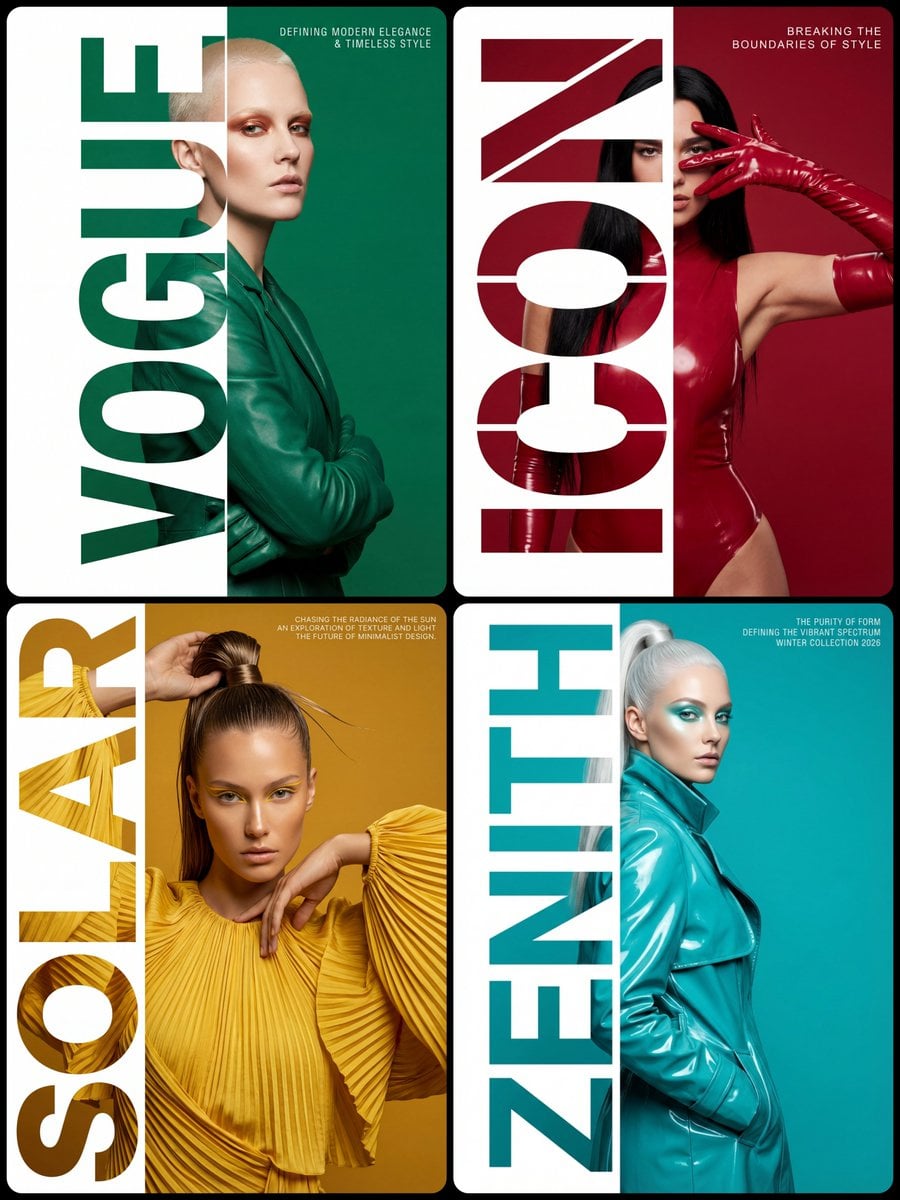
Typography Mask Editorial Fashion Poster

Found Photograph: Us, 1970

80s Couple Studio Portrait
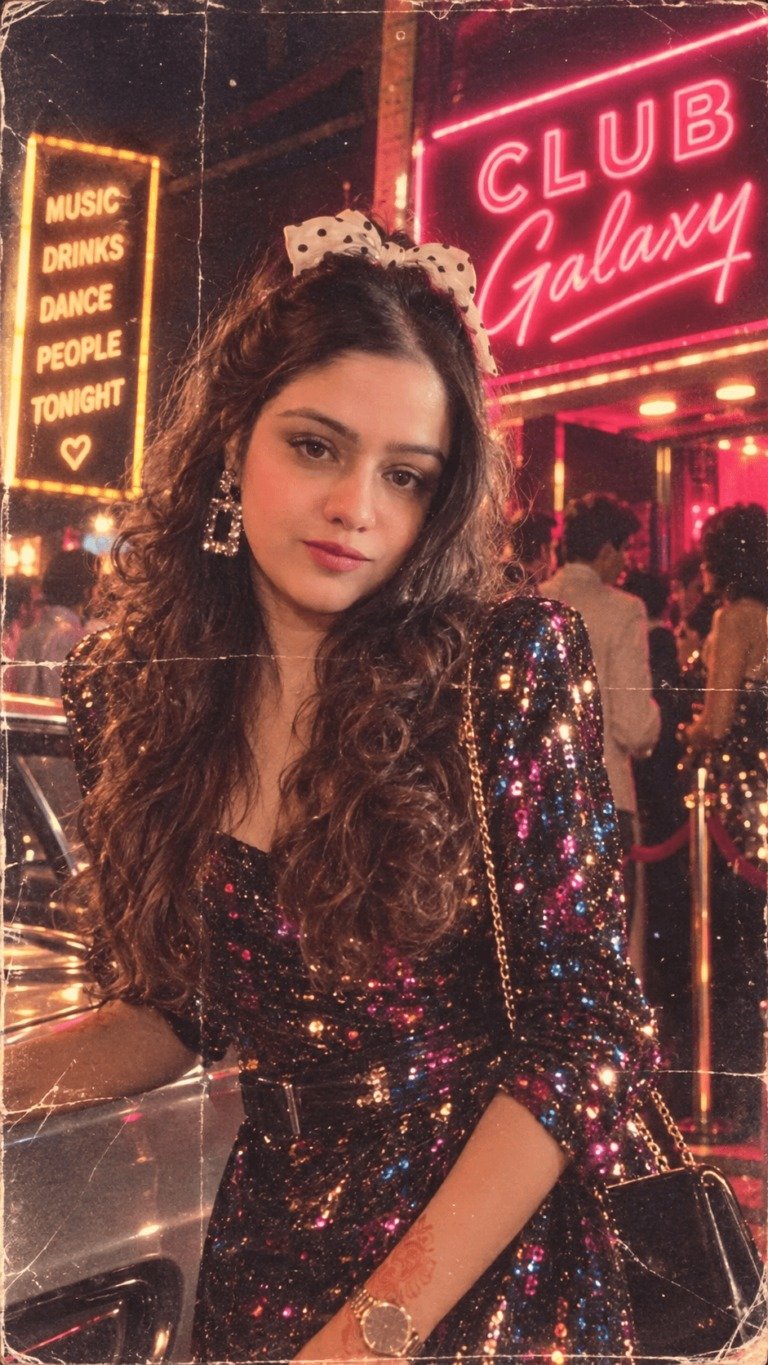
80s Neon Disco Night

80s Bollywood Star

80s Golden Hour Cinema

Me in 1985

1985 Studio Portrait
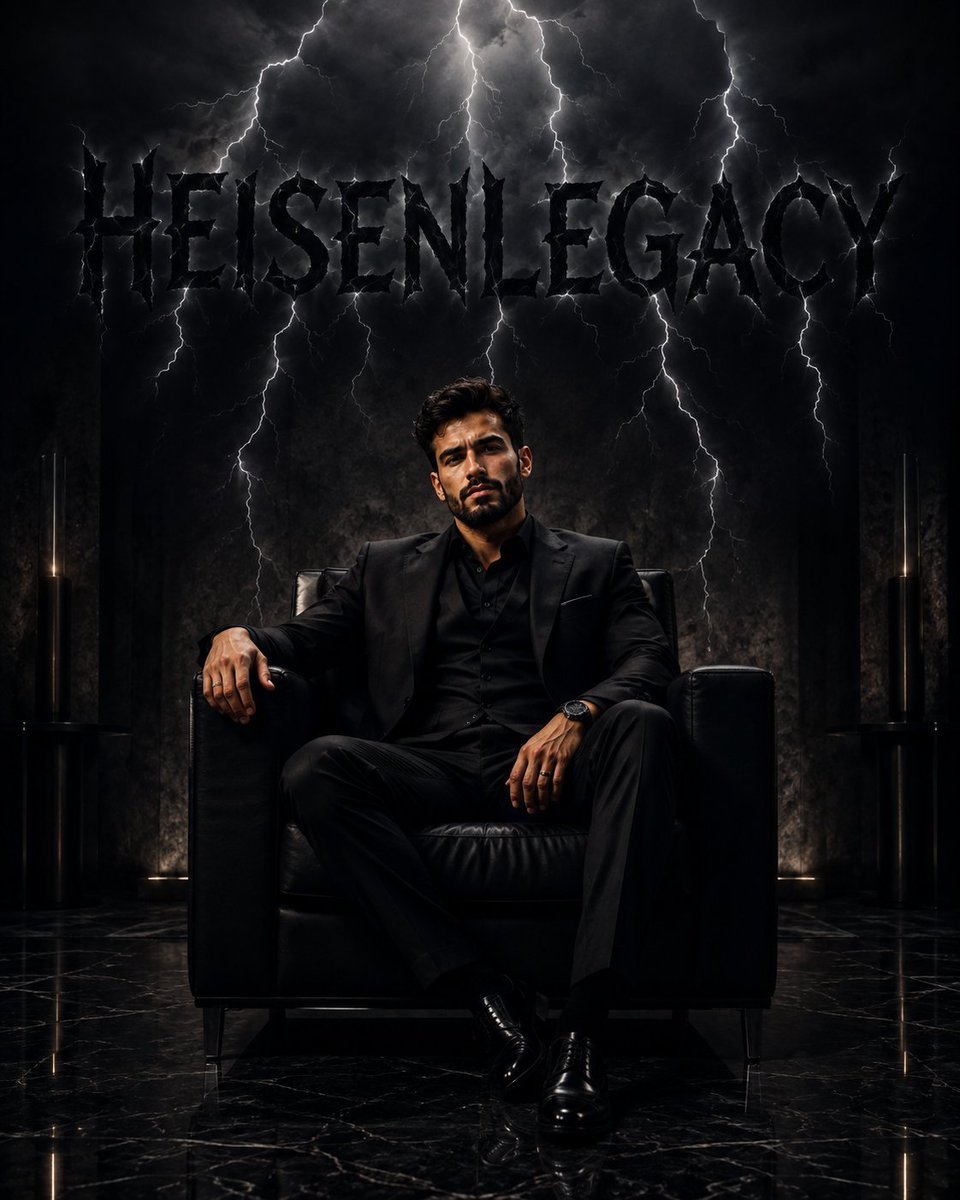
Cinematic Luxury Portrait with Typography

Hyper-Realistic Minecraft POV Portrait
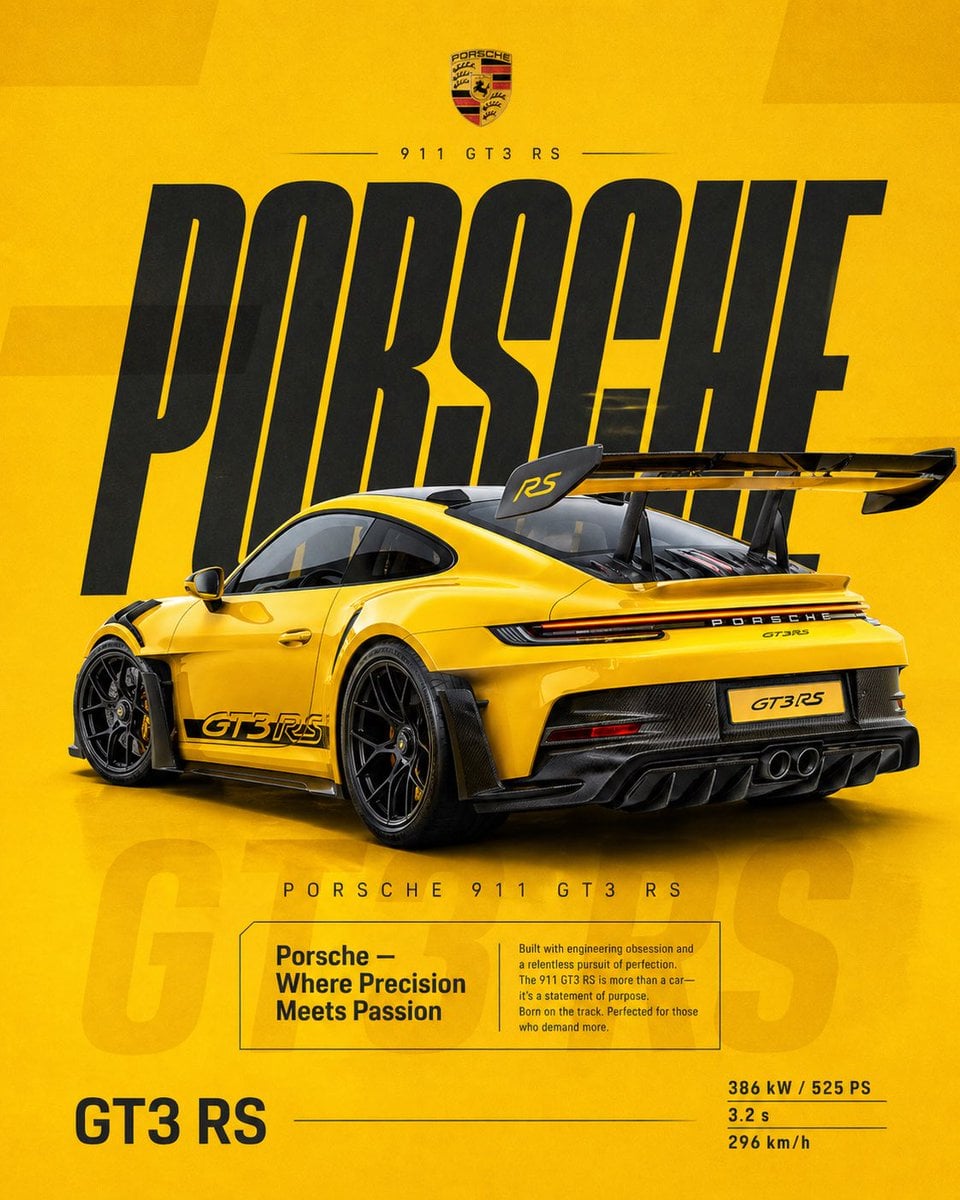
Dual Car Typography Poster Series

Japan Travel Brochure Poster
Make it yours
Neon Portrait Typography Poster works as-is. These are the safest ways to change it without losing the look.
Change one field
Copy a single group, rewrite it, and generate again so you can see what that field is doing.
Keep the frame, change the subject
Hold the composition and light of Neon Portrait Typography Poster, then swap wardrobe, props or the person for a new take.
| If the result… | Why | Fix |
|---|---|---|
| The result drifts from the preview | Too many fields changed at once. | Reuse Neon Portrait Typography Poster as-is first, then change one group — subject, light, or setting. |
| The model over-stylizes the scene | The prose prompt leaves finish and camera underspecified. | Add one camera or lighting sentence and stay on GPT Image 2. |
More GPT Image 2 templates
Other prompts made for GPT Image 2.

Six VTuber Japanese Logo Sheet

Realistic Portrait of Woman and Deer

The Vista Modular Condo Poster

AI Model Routing Comparison Infographic

2.5D Anime Art Board

Isometric Productivity Desk Scene

New York Double Exposure Poster

Four-Panel AI Landscape Comparison

Japanese Tatami Lifestyle Magazine Cover

NESCAFÉ Coffee Map Poster
More image prompts
Fresh picks from across the catalog.
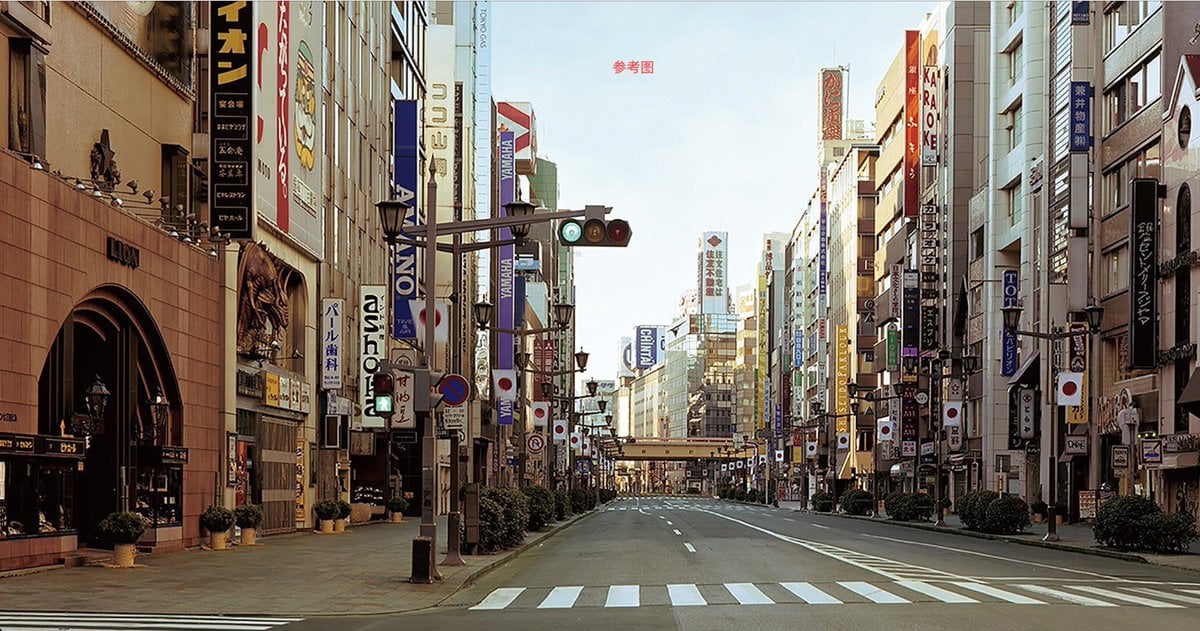
Style Transfer to Watercolor Painting
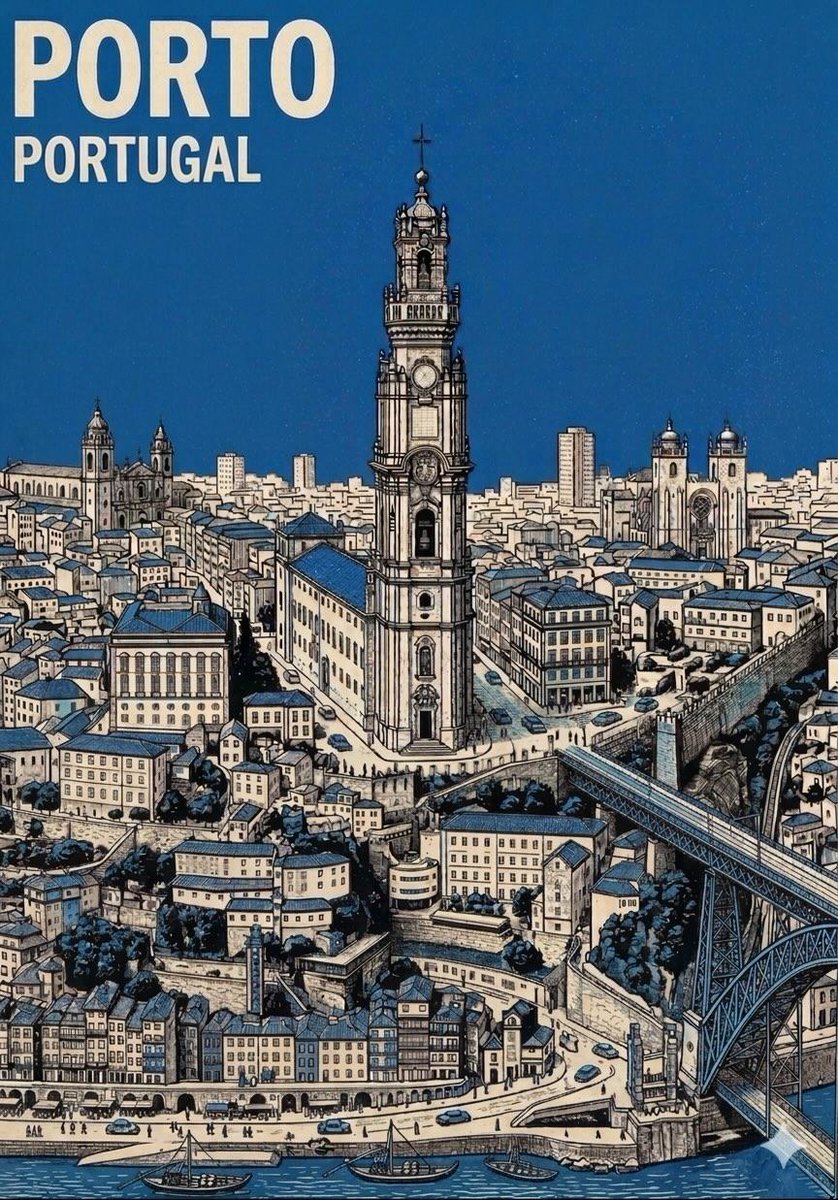
Mid-Century Travel Poster
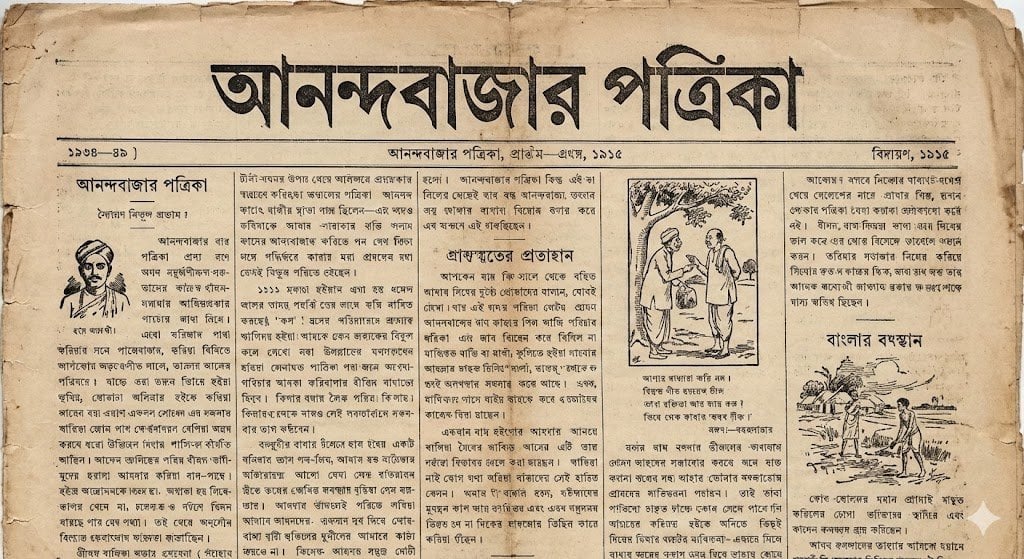
1915 Bengali newspaper page reconstruction
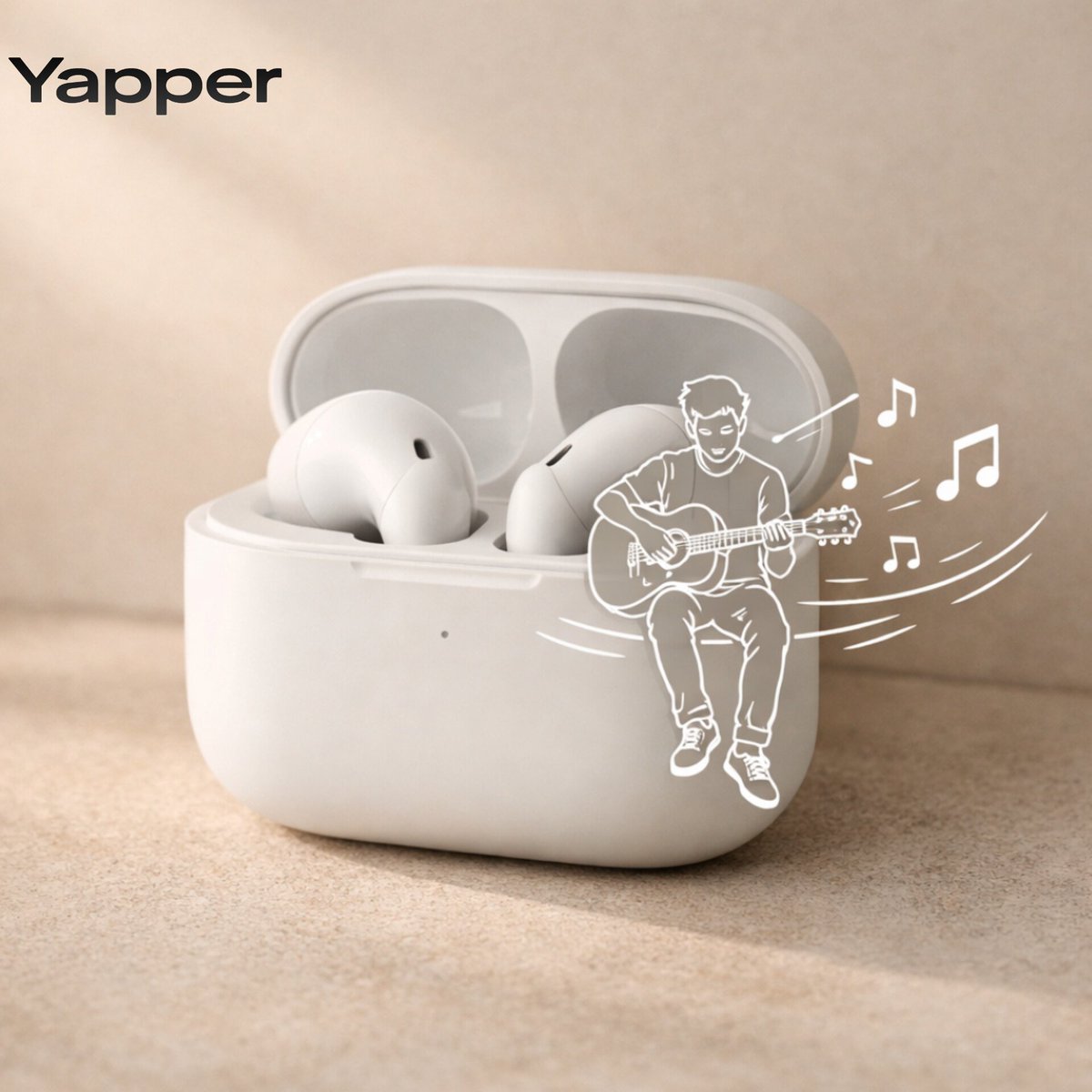
Minimalist Earbuds Product Photography with Line Art
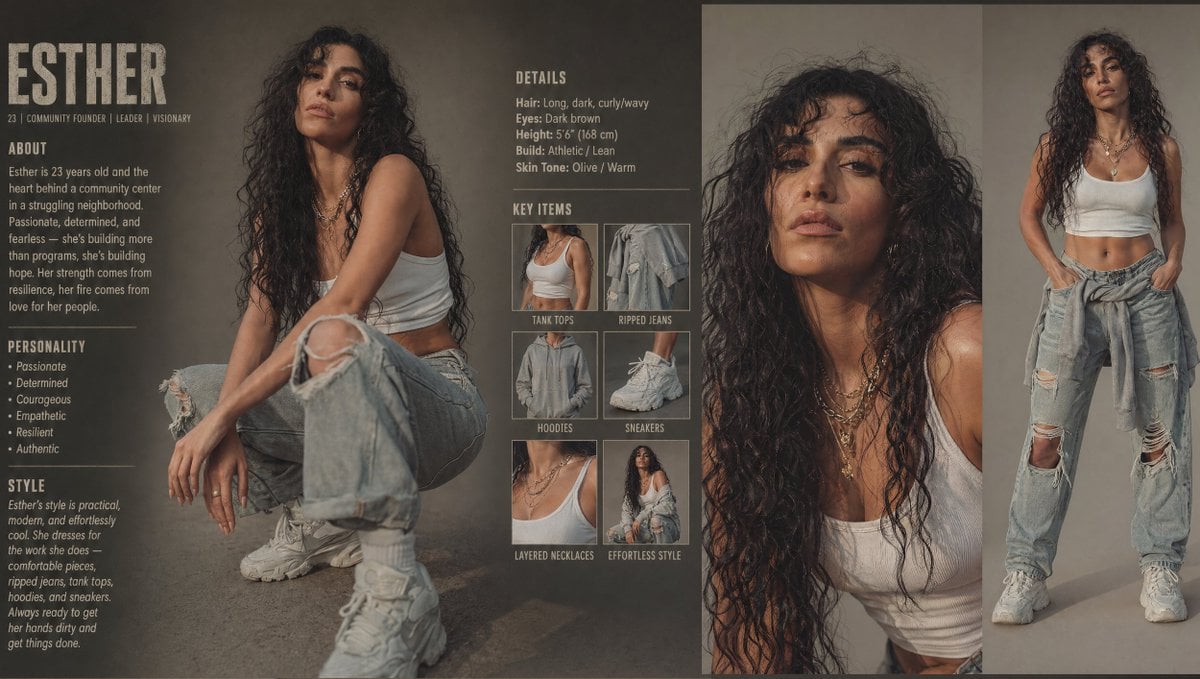
Modern Esther Character Sheet
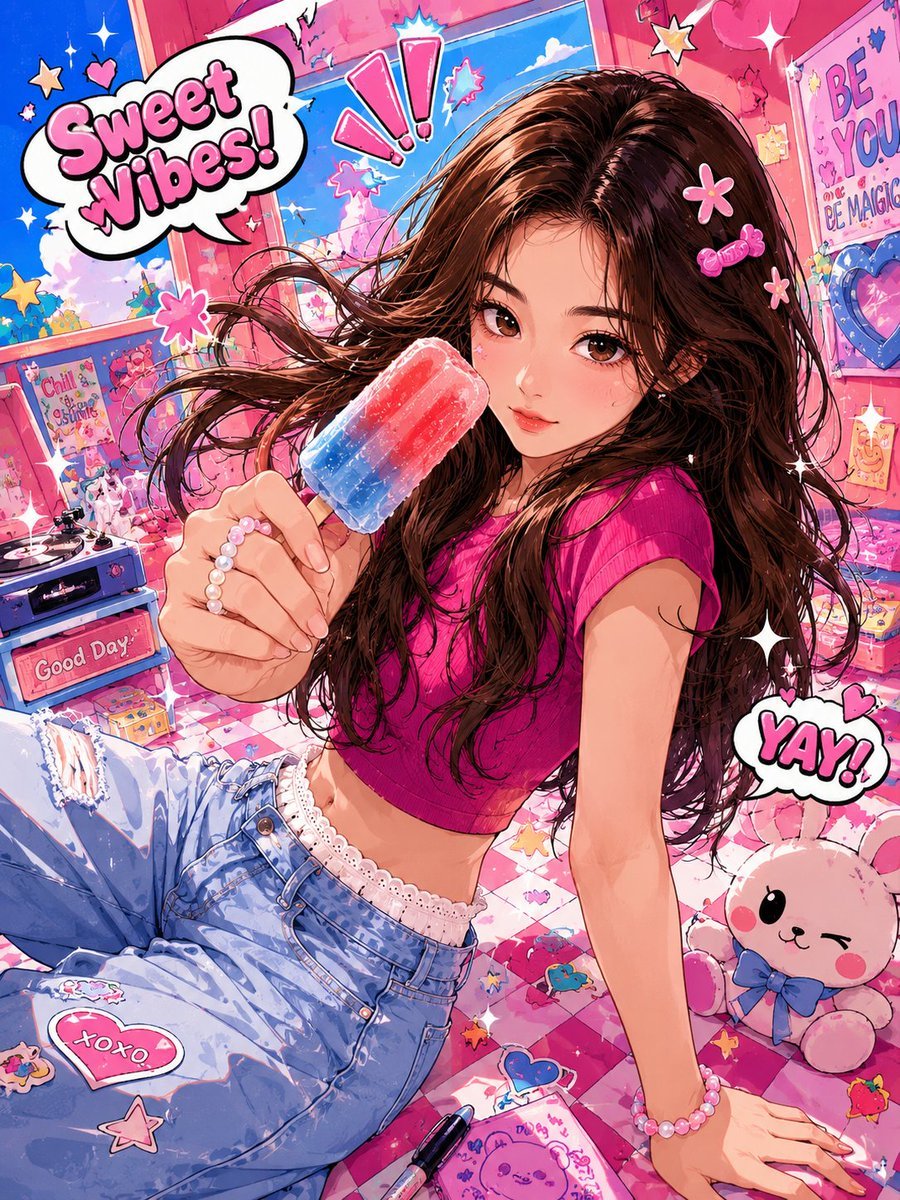
Vibrant Trendy Anime Illustration Transform
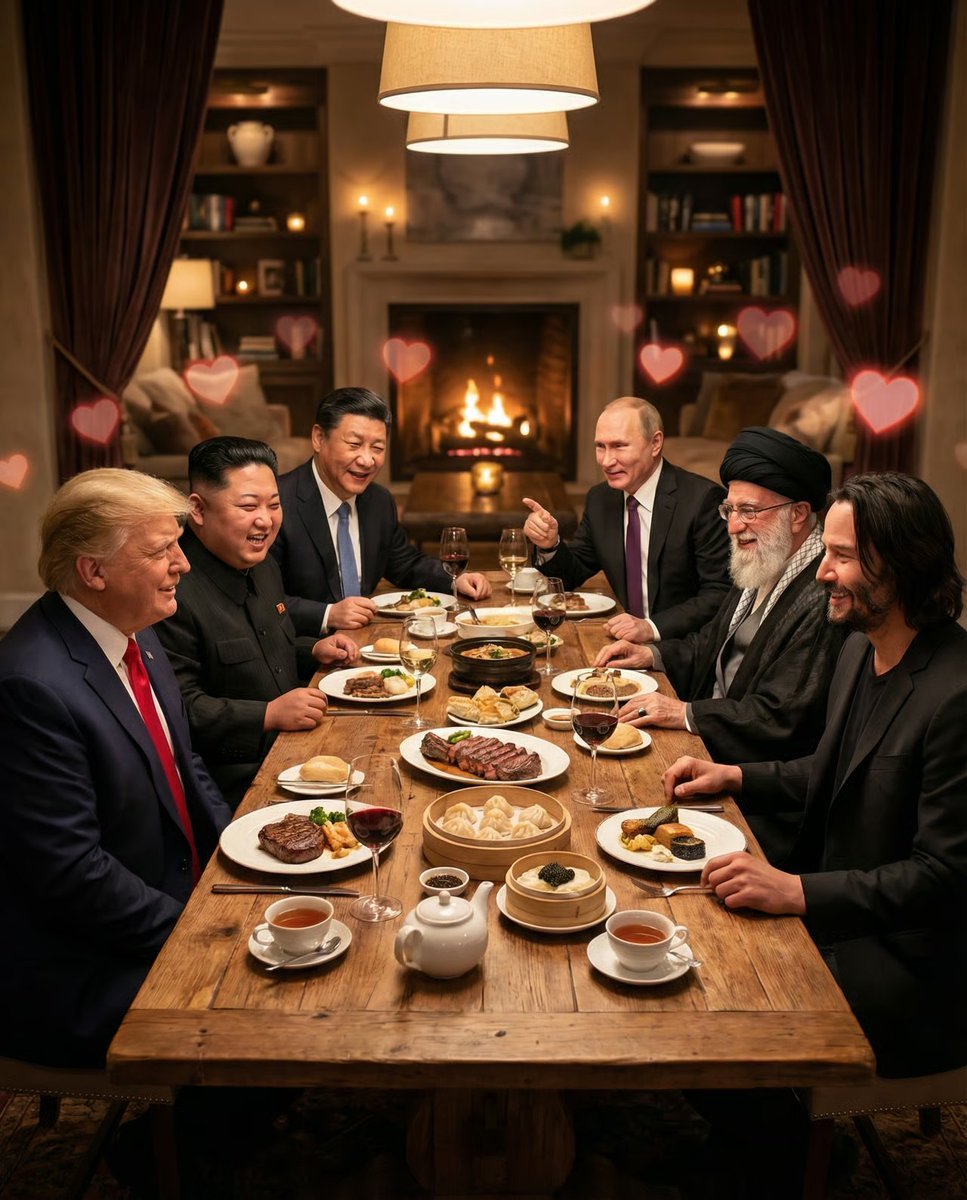
Intimate Date Scene Generator for Multiple Characters
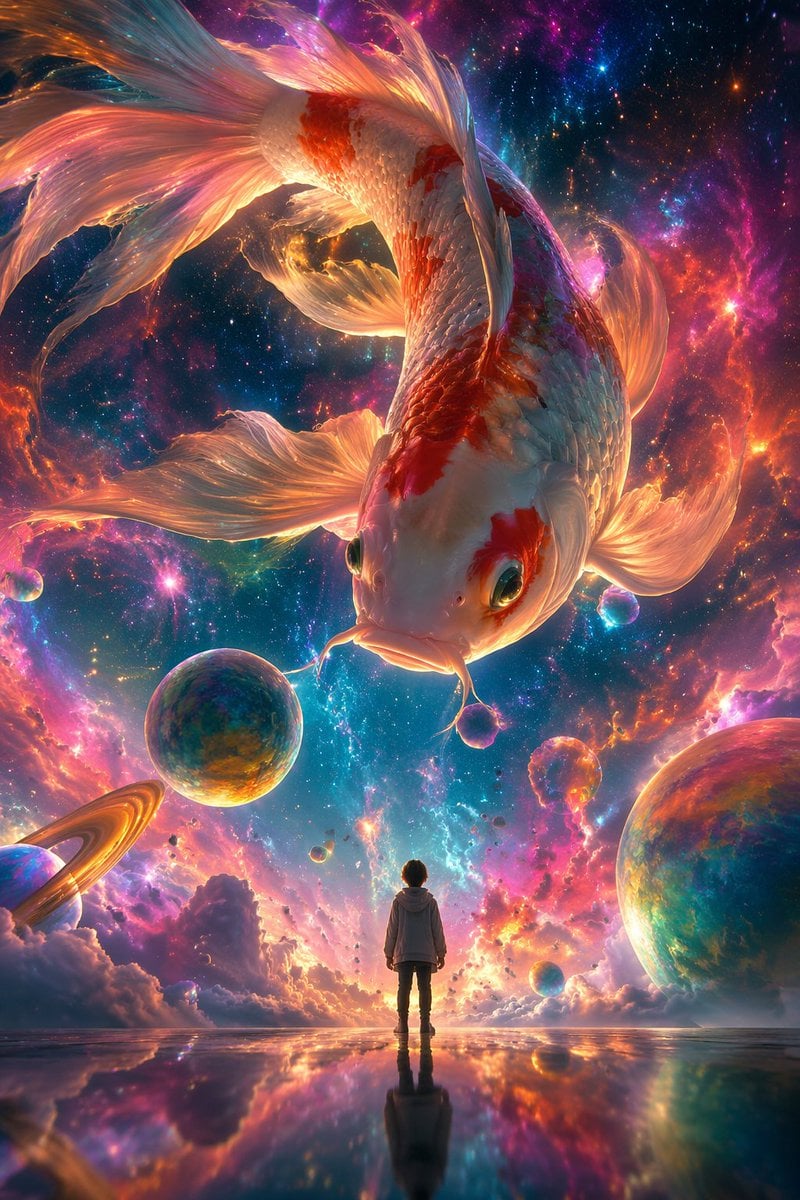
Surrealist Koi Fish Illustration
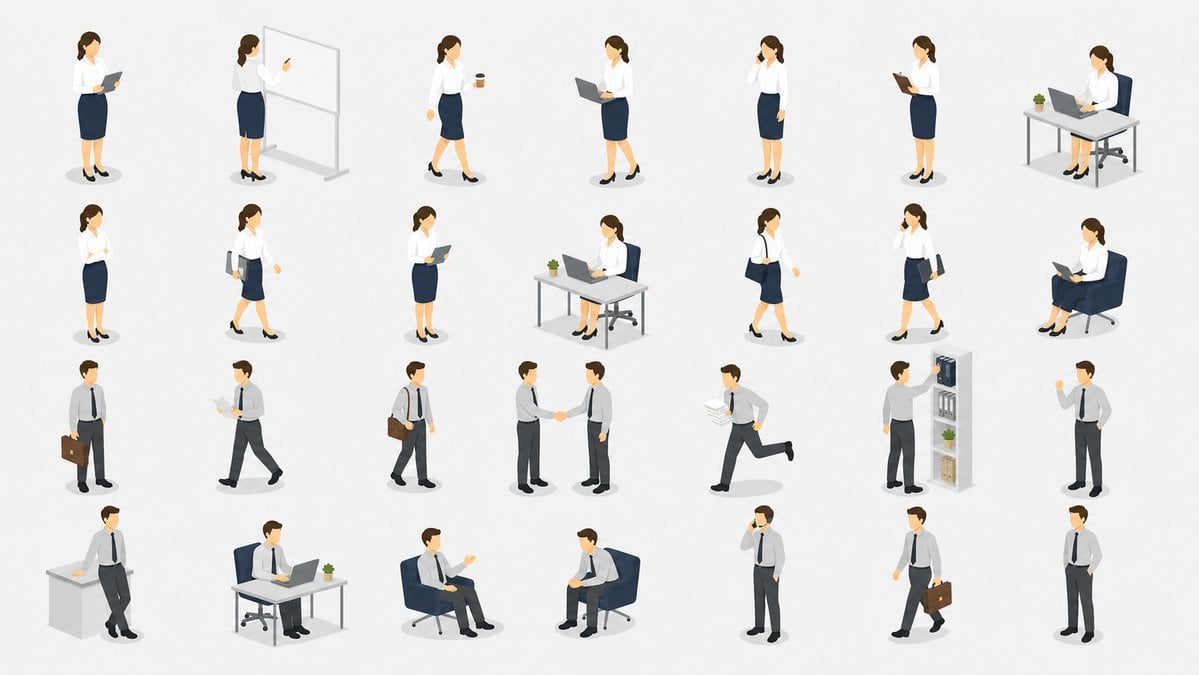
Isometric Office Worker Asset Sheet
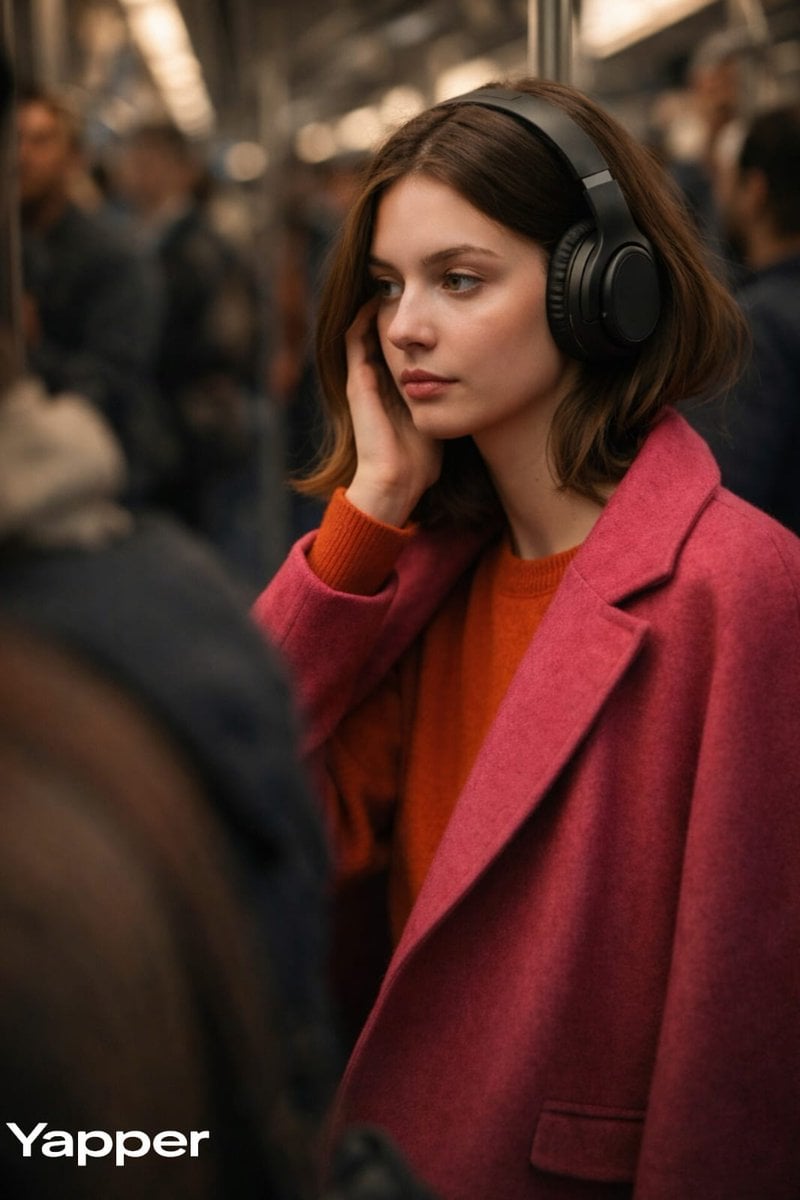
Luxury Campaign Photo in Metro Train with Headphones
Browse template categories
Neon Portrait Typography Poster questions
How do I use the Neon Portrait Typography Poster template?
Add your photo if the template asks for one, edit the prompt if you like — the template's model and format are already selected — and press Generate. Your version opens in PicX Studio.
Can I customize the Neon Portrait Typography Poster template?
Yes. You can change the subject, setting, lighting, mood, format, and available model controls before creating your image.
Is the Neon Portrait Typography Poster template free?
Opening and editing this template is free. Generating uses credits, shown on the Generate button when you are signed in.
Which AI model should I use?
Start with GPT Image 2, which is the model associated with this template. You can compare another compatible model for a different finish.
Looking for something else? Browse all templates.

Your photo, any look
Thousands of ready templates for every top image and video model, from one credit balance.