How do I use the Harajuku Kawaii Fashion Editorial template?
Choose the primary action to open PicX Studio with the available template settings. Review the model and format, personalize the creative direction, and generate when ready.
A comprehensive prompt for a vibrant, Y2K-inspired Harajuku fashion editorial shot in a colorful studio setting. Change the subject, setting, or lighting one variable at a time.
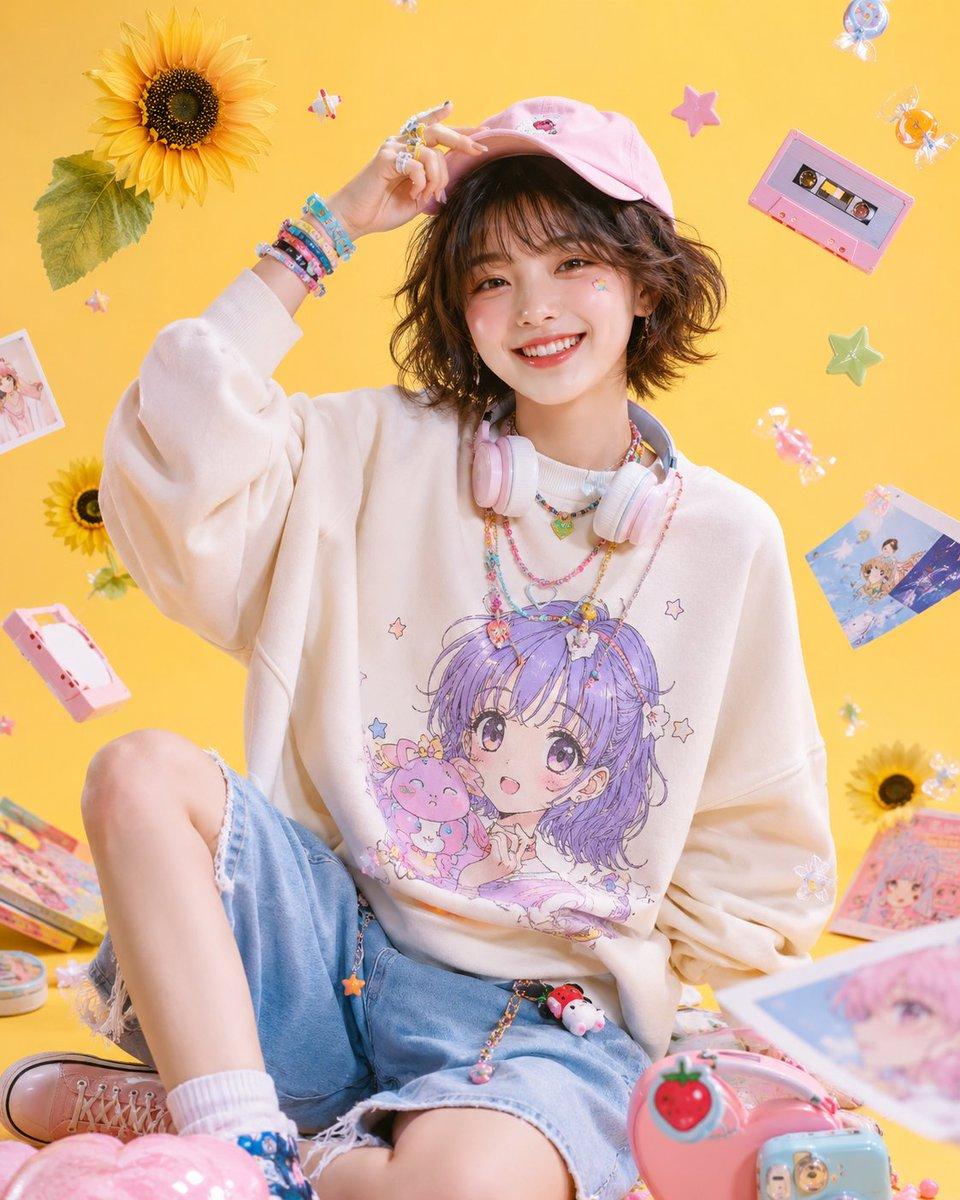
主題:{argument name="主題" default="きらめく原宿ポップガール"} / Harajuku kawaii fashion editorial 人物・表情:{argument name="人物" default="20代前半の女性"}、ふんわりしたショートボブ、軽いシースルーバング、ナチュラルで透明感のある肌、明るい笑顔、元気で親しみやすい表情、自然なカメラ目線 服装・ポーズ:{argument name="服装" default="アニメ風グラフィック入りのオーバーサイズスウェット"}、ライトブルーのデニムショートパンツ、パステルピンクのキャップ、首元にパステルカラーのヘッドホン、カラフルなブレスレットとリング、片手でキャップを軽く持ち上げながら座る playful pose 背景・光:バターイエローのスタジオ背景、柔らかいソフトボックス照明、ひまわり、星形モチーフ、カセットテープ、キャンディ、ステッカー、雑誌コラージュ風の小物が宙に浮かぶポップで可愛い空間 構図・カメラ:縦構図、上半身から膝上までのファッションポートレート、中央構図、35mm lens、明るくクリアなスタジオ撮影、被写体を大きく見せる雑誌表紙風の構成 質感・スタイル:高精細、4K品質、natural skin texture、glossy magazine finish、Harajuku pop fashion、kawaii streetwear editorial、Y2K pastel fashion、キャンディカラー、清潔感のある日系ファッション写真 ネガティブ:低画質、不自然な手、崩れた顔、余分な指、歪んだ体、過度な加工、過剰な露出、文字、ロゴ、透かし
Choose the primary action to open PicX Studio with the available template settings. Review the model and format, personalize the creative direction, and generate when ready.
Yes. You can change the subject, setting, lighting, mood, format, and available model controls before creating your image.
This template is free to open and customize. Generation usage is shown in PicX Studio before you create.
Start with GPT Image 2, which is the model associated with this template. You can compare another compatible model for a different finish.
© 2026 PicX Studio. All rights reserved.

Follow a topic to a crawlable collection of related PicX Studio templates.
43,474 public templates available. Verified via the PicX Studio public templates API; refreshed hourly.






![Minimalist Flat Vector Travel Poster — Premium minimalist flat-vector travel poster for {argument name="city name" default="[CITY_NAME]"}, 3:4 vertical format.](https://cms-assets.youmind.com/media/1787917359711_3ug846_HQX205cbMAA6F6S-300x400.jpg)





















![Fire Cooking Photography with Ember and Smoke — [{argument name="dish" default="DISH"}] emerging dramatically from darkness, resting directly on glo…](https://pbs.twimg.com/media/HE_qFUyXQAAii2F.jpg)
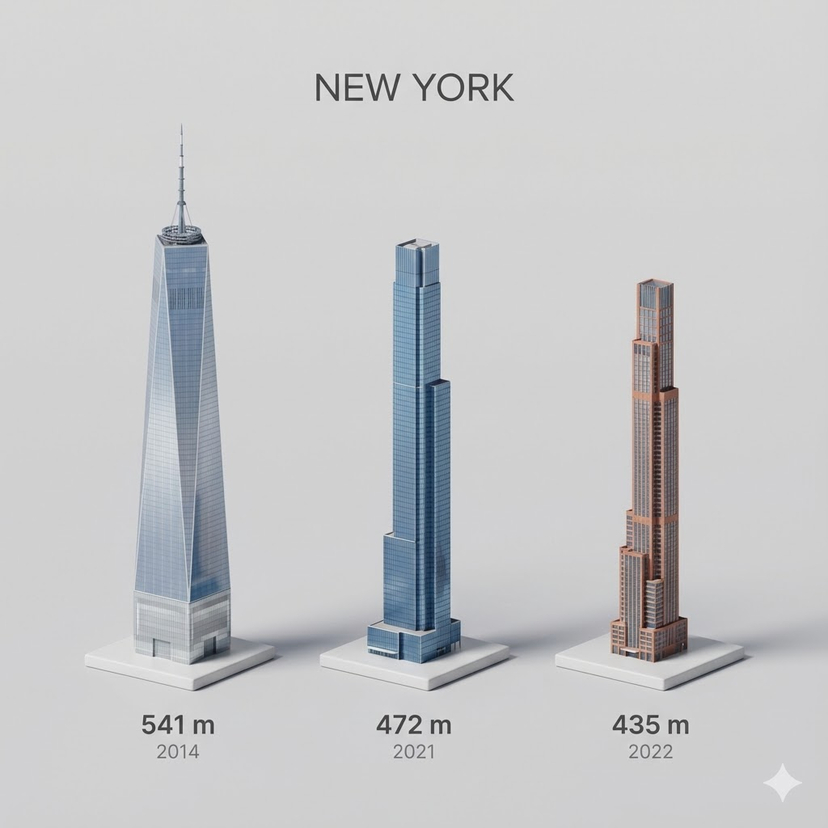

![Advanced Technical Space Rocket Poster — 为{argument name="火箭名称" default="[Space火箭]"}创建一张高级技术信息图海报,海报中央需包含一个巨大的全车身剖面图,所有主要部件都清晰可见,周围每个模块的详细分解图也需呈现:发动机、电池、悬架、电机、驱](https://cms-assets.youmind.com/media/1777280779310_famh1b_HG1RfVPbYAApCGE.jpg)



![High-Fashion Editorial in Anti-Gravity Color Box — [INPUT IMAGE: USER_PHOTO] Use the person in the input image as the ONLY subject. Preserve their identity and](https://pbs.twimg.com/media/G__zS1oWcAEJfPx.jpg)