How do I use the Side-by-Side Glow-Up Portrait template?
Choose the primary action to open PicX Studio with the available template settings. Review the model and format, personalize the creative direction, and generate when ready.
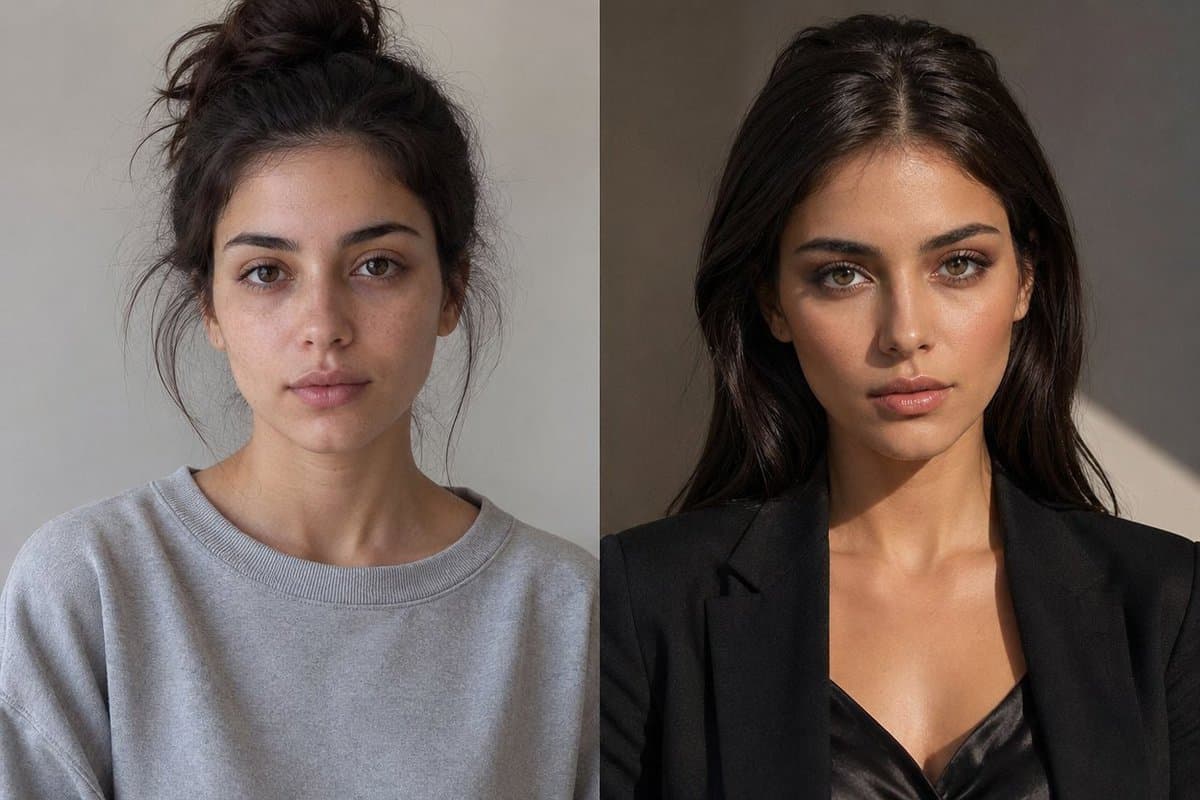
Generates a realistic two-panel before-and-after glow-up portrait for showing the same person today and five years later. (free to use) — Free AI image template on PicX Studio.
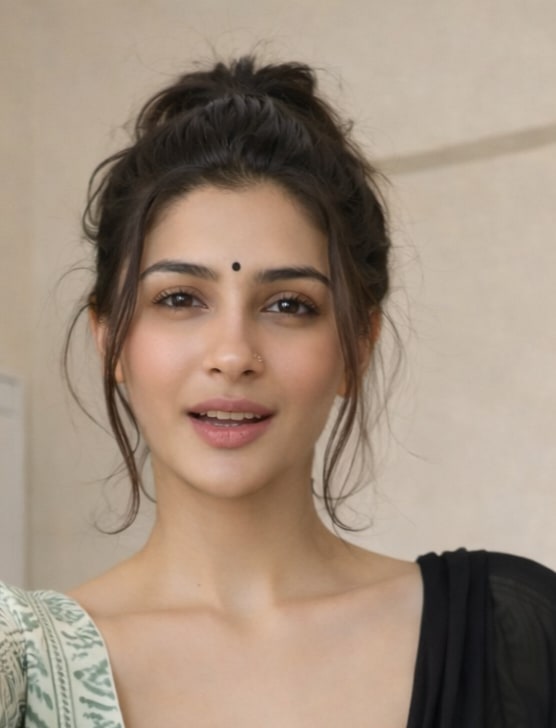
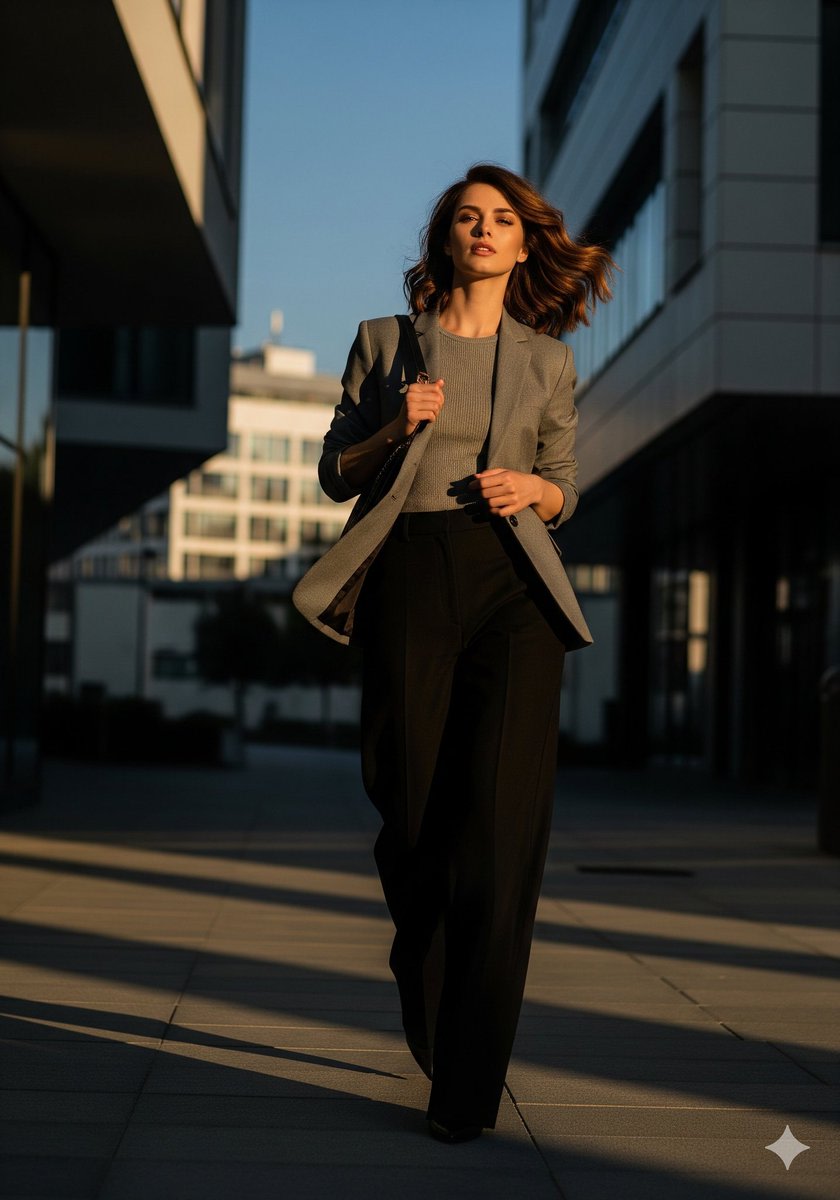
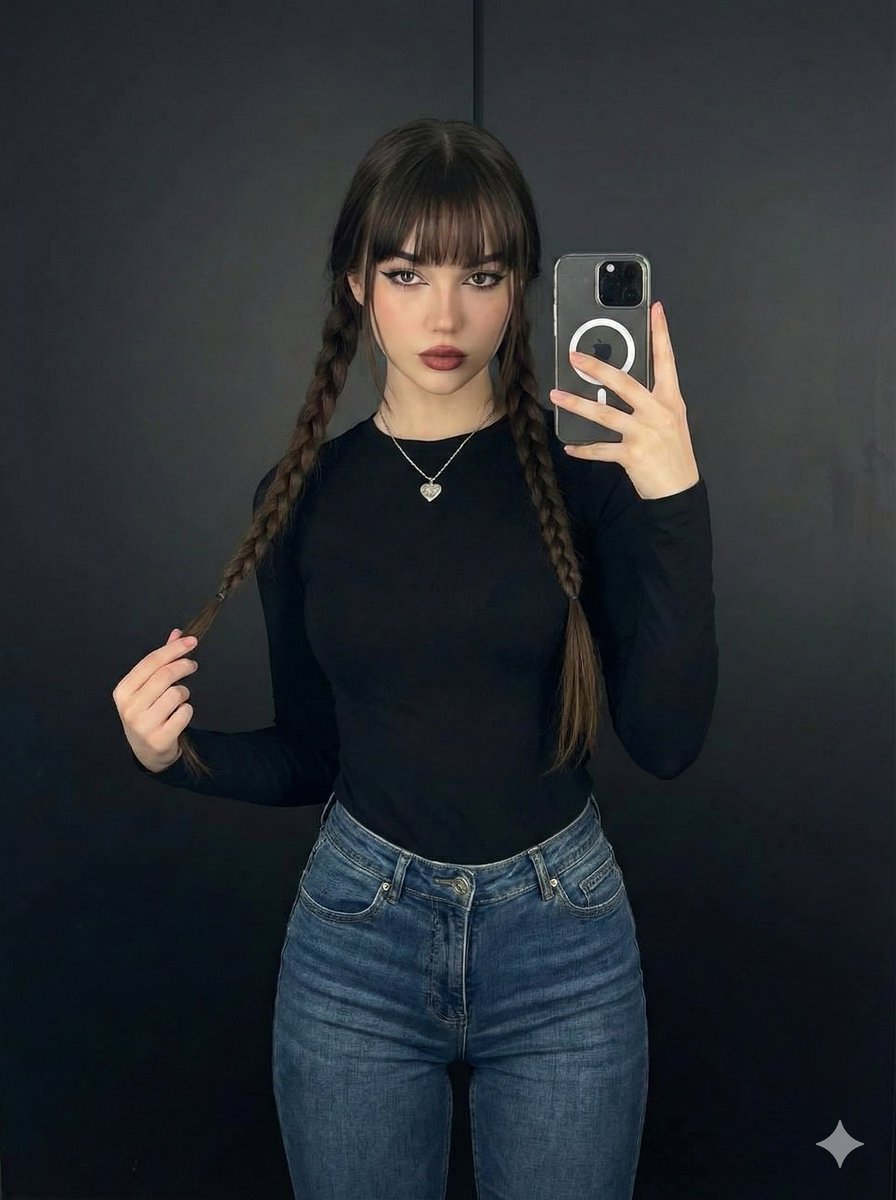
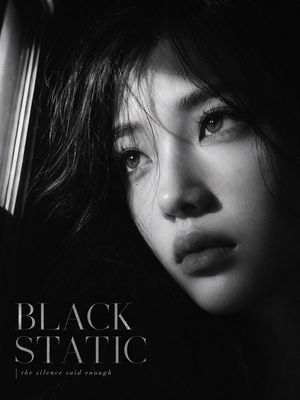
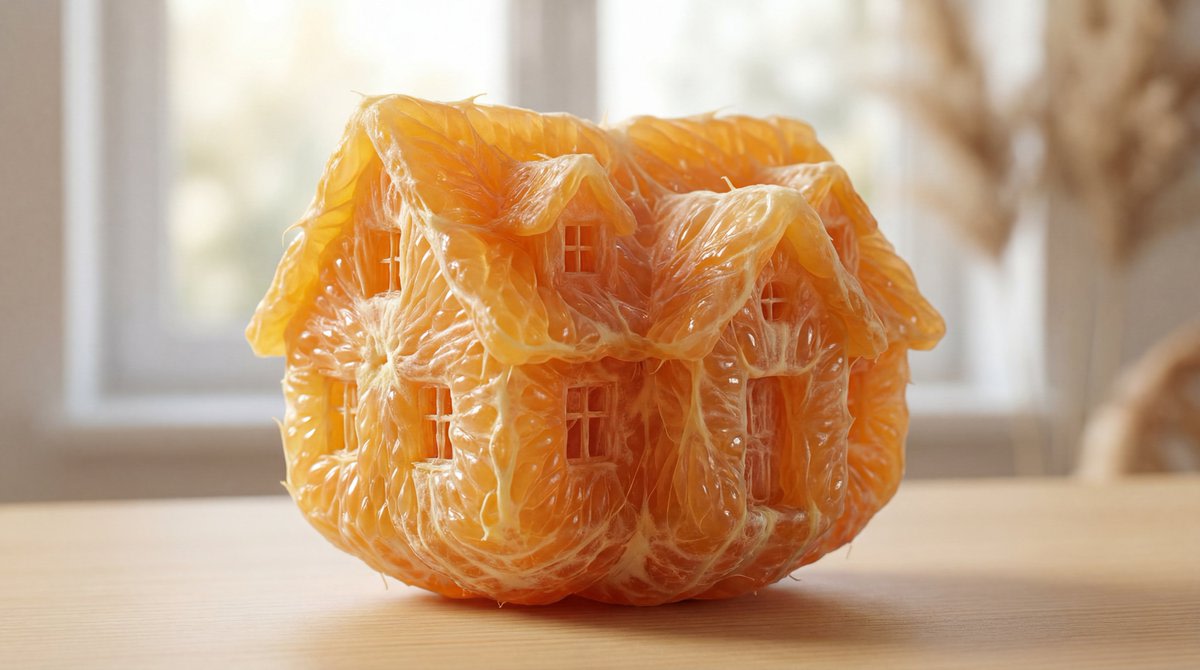
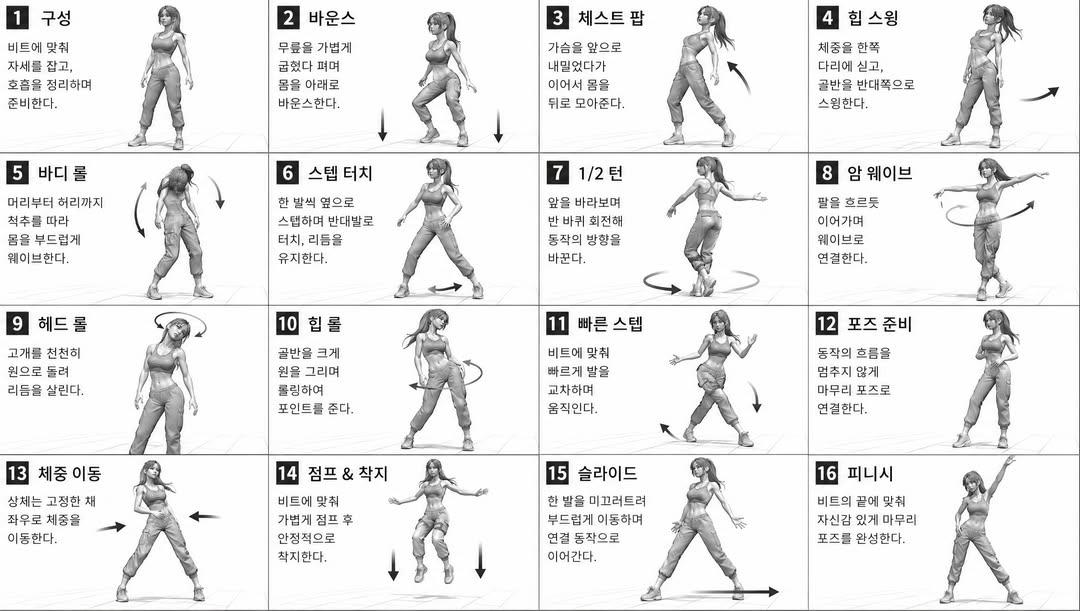
Create a realistic side-by-side photographic glow-up comparison of the same young woman, split vertically into exactly 2 equal panels. The left panel shows her as {argument name="time label left" default="today"}: casual, slightly unpolished, dark brown hair in a messy high bun with loose flyaway strands, wearing an oversized light gray crewneck sweatshirt, neutral gray indoor wall background, soft flat daylight, shoulders-up portrait crop. The right panel shows her as {argument name="time label right" default="5 years later"}: confident and polished, long glossy dark brown hair worn down with a center part, wearing a tailored black blazer over a black satin camisole, warmer studio lighting with dramatic sunlight and shadow on a taupe wall, shoulders-up portrait crop. Keep the same body type, skin tone, posture, and camera angle across both panels so she is clearly the same person after a glow-up. Obscure the face in each panel with a centered solid rectangular privacy block matching the surrounding skin tone, covering the eyes, nose, and mouth. Use a clean vertical divider between the two panels, natural editorial fashion photography, realistic texture, no text, no logos, landscape 3:2 composition.
Use Side-by-Side Glow-Up Portrait to plan an AI image around gpt-image-2 generation, themes such as en and gpt-image-2. Match the preview's composition first, then personalize the subject, setting, and mood for your own project.
Use the primary action to load the template settings in PicX Studio.
Adjust the subject and creative details for your destination.
Create the image, compare the result with the preview, and refine one variable at a time.
A continuous mix — similar concepts first, woven with same-model prompts and fresh picks from the catalog.
Choose the primary action to open PicX Studio with the available template settings. Review the model and format, personalize the creative direction, and generate when ready.
Yes. You can change the subject, setting, lighting, mood, format, and available model controls before creating your image.
This template is free to open and customize. Generation usage is shown in PicX Studio before you create.
Start with gpt-image-2, which is the model associated with this template. You can compare another compatible model for a different finish.
A continuous mix — similar concepts first, woven with same-model prompts and fresh picks from the catalog.
Follow a topic to a crawlable collection of related PicX Studio templates.
36,410 public templates available. Verified via the PicX Studio public templates API; refreshed hourly.