
Layered MacArthur Magazine Cover
A cinematic historical magazine cover featuring a layered Douglas MacArthur portrait collage, wartime harbor background, and editorial cover typography.
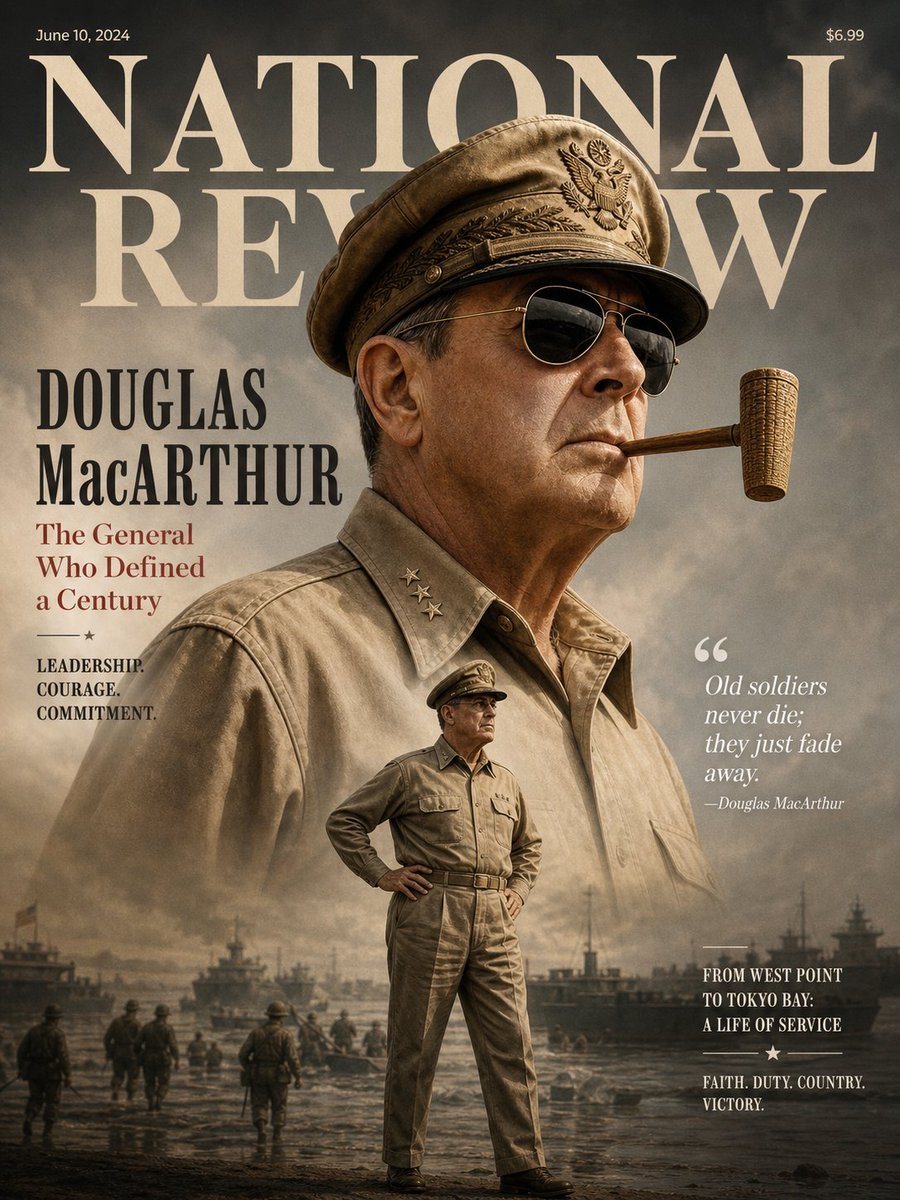
- Prompt included
- Model and format preset
- Free template
The prompt behind this image
Copy the exact prompt behind Layered MacArthur Magazine Cover, or open it in the studio and make it yours.
- Type
- layered portrait collage magazine cover
- Format
- vertical print magazine cover, 3:4 aspect ratio
- Style
- cinematic historical editorial realism, painterly photo-composite, dramatic sepia and smoky gray color grading, premium legacy magazine design, crisp serif typography, weathered wartime atmosphere
- Subject › Character
- {argument name="cover subject" default="Douglas MacArthur"}
- Subject › Main Portrait
- enormous bust-length portrait of an elderly military general in profile facing right, wearing a khaki peaked officer cap with embroidered insignia, aviator sunglasses, a khaki military shirt with star pins on the collar, and a long corncob pipe extending to the right; the face is covered by a flat opaque medium-brown square censor block
- Subject › Secondary Figure
- full-body smaller version of the same general standing in the foreground center with hands on hips, khaki uniform, belt, peaked cap, boots, confident authoritative stance; the small face is also covered by a flat opaque brown censor block
- Subject › Background
- misty World War II coastal harbor battlefield with landing boats, naval ships, soldiers walking through shallow water and mud, distant smoke, overcast storm clouds, low contrast silhouettes near the bottom edge
- Layout › Masthead › Text
- {argument name="magazine title" default="NATIONAL REVIEW"}
- Layout › Masthead › Position
- top, very large, cream-colored high-contrast serif capitals, partially behind the main portrait cap and head
- Layout › Masthead › Supporting Text Count
- 2
- Layout › Masthead › Supporting Text › 0 › Text
- June 10, 2024
- Layout › Masthead › Supporting Text › 0 › Position
- top left, tiny cream text
- Layout › Masthead › Supporting Text › 1 › Text
- $6.99
- Layout › Masthead › Supporting Text › 1 › Position
- top right, tiny cream text
- Layout › Text Blocks Count
- 6
- Layout › Text Blocks › 0 › Text
- DOUGLAS MacARTHUR
- Layout › Text Blocks › 0 › Position
- left middle
- Layout › Text Blocks › 0 › Style
- large black condensed serif headline
- Layout › Text Blocks › 1 › Text
- The General Who Defined a Century
- Layout › Text Blocks › 1 › Position
- left middle below headline
- Layout › Text Blocks › 1 › Style
- dark red serif subheadline
- Layout › Text Blocks › 2 › Text
- LEADERSHIP. COURAGE. COMMITMENT.
- Layout › Text Blocks › 2 › Position
- left lower-middle
- Layout › Text Blocks › 2 › Style
- small black uppercase stacked words with a tiny star divider above
Raw JSON
{"type":"layered portrait collage magazine cover","format":"vertical print magazine cover, 3:4 aspect ratio","style":"cinematic historical editorial realism, painterly photo-composite, dramatic sepia and smoky gray color grading, premium legacy magazine design, crisp serif typography, weathered wartime atmosphere","subject":{"character":"{argument name=\"cover subject\" default=\"Douglas MacArthur\"}","main_portrait":"enormous bust-length portrait of an elderly military general in profile facing right, wearing a khaki peaked officer cap with embroidered insignia, aviator sunglasses, a khaki military shirt with star pins on the collar, and a long corncob pipe extending to the right; the face is covered by a flat opaque medium-brown square censor block","secondary_figure":"full-body smaller version of the same general standing in the foreground center with hands on hips, khaki uniform, belt, peaked cap, boots, confident authoritative stance; the small face is also covered by a flat opaque brown censor block","background":"misty World War II coastal harbor battlefield with landing boats, naval ships, soldiers walking through shallow water and mud, distant smoke, overcast storm clouds, low contrast silhouettes near the bottom edge"},"layout":{"masthead":{"text":"{argument name=\"magazine title\" default=\"NATIONAL REVIEW\"}","position":"top, very large, cream-colored high-contrast serif capitals, partially behind the main portrait cap and head","supporting_text_count":2,"supporting_text":[{"text":"June 10, 2024","position":"top left, tiny cream text"},{"text":"$6.99","position":"top right, tiny cream text"}]},"text_blocks_count":6,"text_blocks":[{"text":"DOUGLAS\nMacARTHUR","position":"left middle","style":"large black condensed serif headline"},{"text":"The General\nWho Defined\na Century","position":"left middle below headline","style":"dark red serif subheadline"},{"text":"LEADERSHIP.\nCOURAGE.\nCOMMITMENT.","position":"left lower-middle","style":"small black uppercase stacked words with a tiny star divider above"},{"text":"{argument name=\"quote\" default=\"Old soldiers never die; they just fade away.\"}\n—Douglas MacArthur","position":"right middle","style":"white italic serif quote with oversized opening quotation mark"},{"text":"FROM WEST POINT\nTO TOKYO BAY:\nA LIFE OF SERVICE","position":"right lower-middle","style":"small white uppercase serif, framed by thin horizontal rules and a centered star"},{"text":"FAITH. DUTY. COUNTRY.\nVICTORY.","position":"right bottom","style":"small white uppercase serif"}]},"composition":"The giant portrait dominates the upper two-thirds, the standing full-body figure overlaps the lower center, and the battlefield panorama forms the base layer. Use layered depth, magazine-cover hierarchy, strong vertical alignment, subtle grain, worn paper texture, realistic fabric folds, and moody directional light from upper left.","color_palette":"aged cream typography, khaki uniforms, charcoal smoke, muted brown mud, dark red accent text, warm sepia highlights","rendering_instructions":"Create a finished fictional magazine cover with all typography clean and readable, no extra text beyond the listed 8 text elements, realistic historical military styling, dramatic editorial lighting, and a polished print-cover look."}How to use Layered MacArthur Magazine Cover in 3 steps
- 1Upload ImagePNG, JPG or paste
Add your photo
Upload the photo the template builds on. The prompt, model and format are already set.
- 2…a portrait of your subject in softgolden-hour light, 85mm…
Personalize
Edit the subject and creative details for your destination.
- 3Generate
Generate
Press Generate — your image is created in PicX Studio, so you can compare it with the original and refine one variable at a time.
More like this
Templates with the same subject, style or setup. Open one to see its prompt.
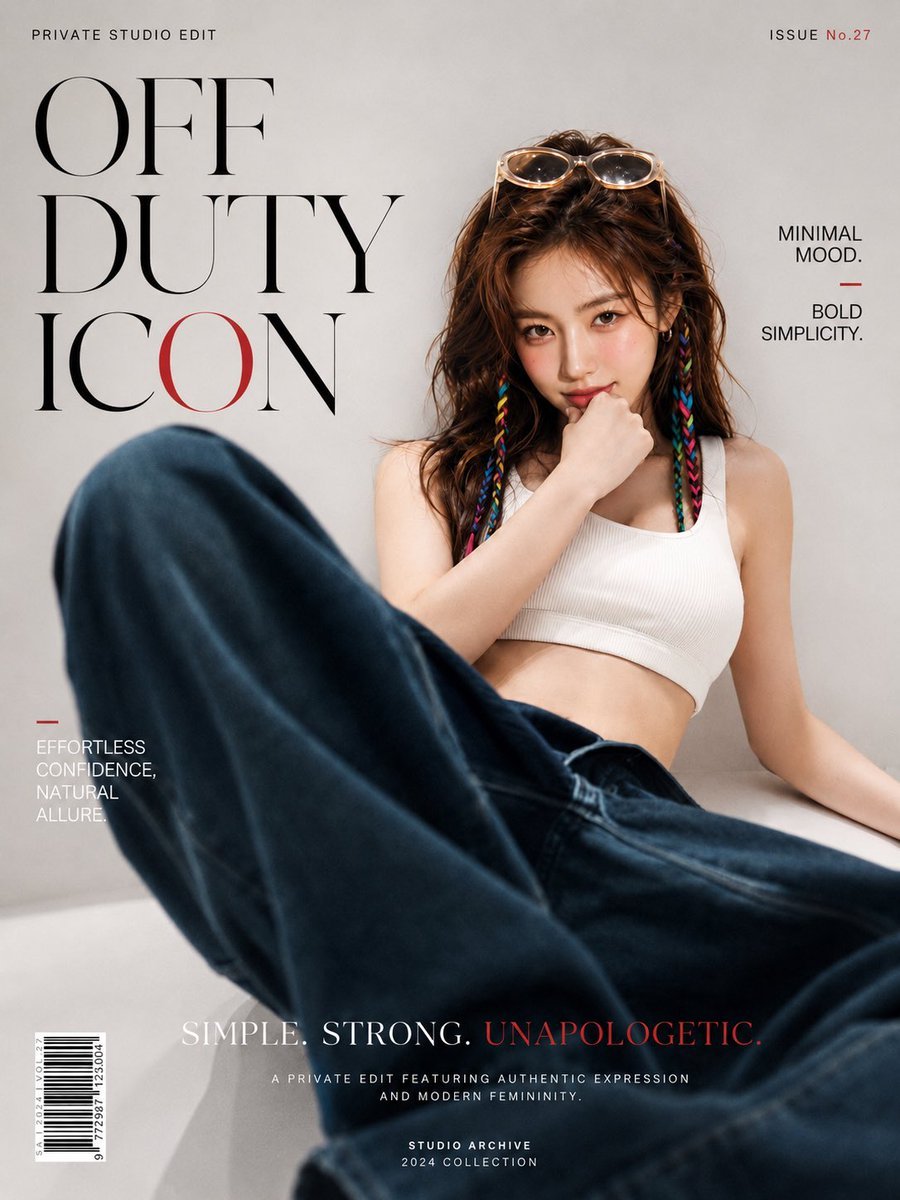
Off Duty Fashion Magazine Cover

Japanese Tatami Lifestyle Magazine Cover
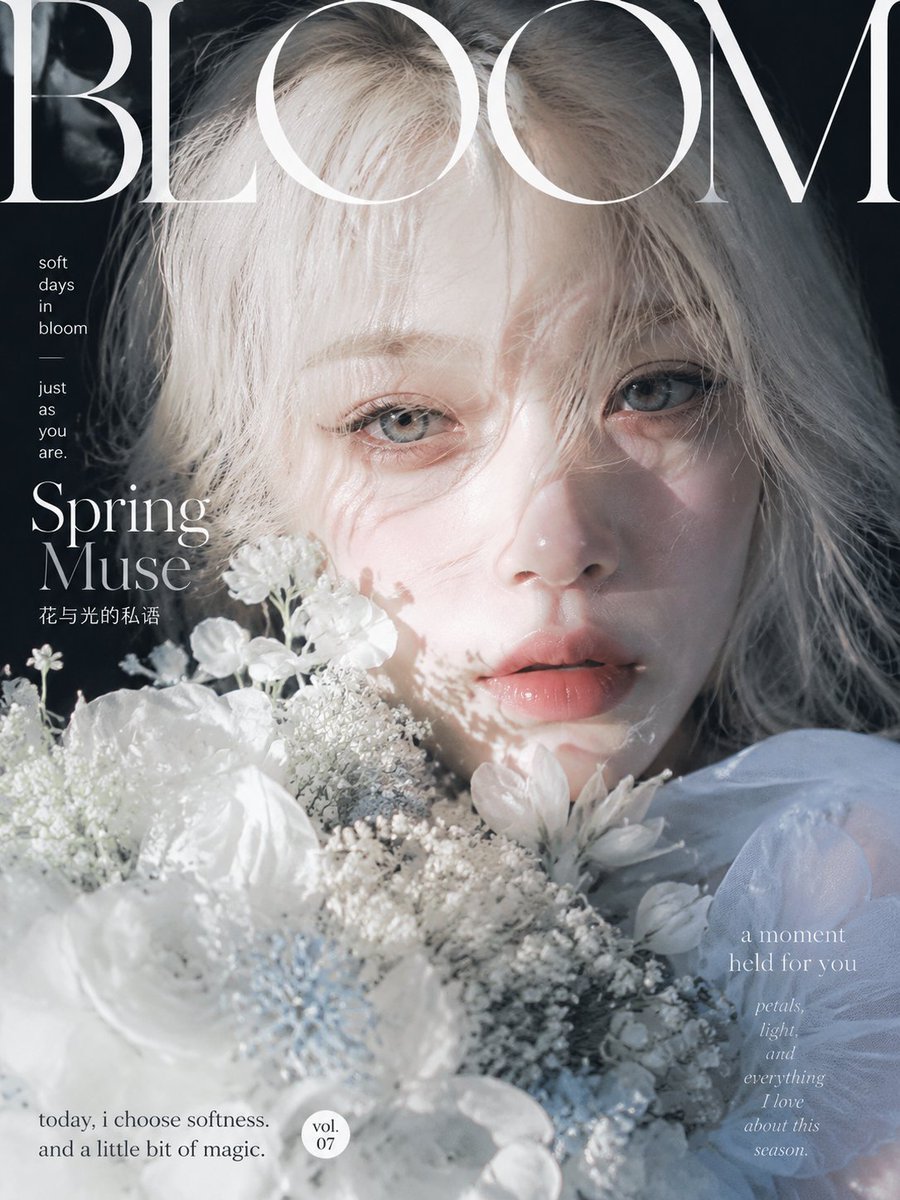
Ethereal Bloom Magazine Cover
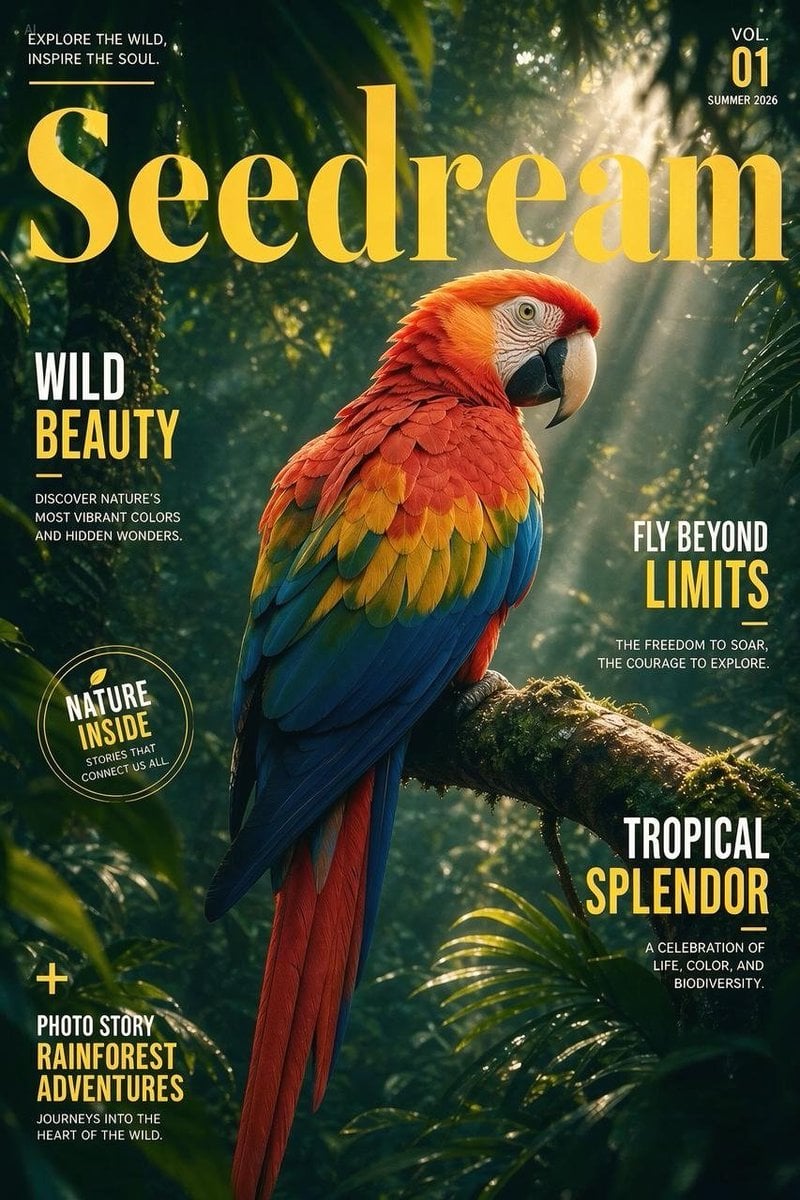
Tropical Macaw Magazine Cover

Anime Mahjong Magazine Cover

Neon Anime Fireworks Magazine Cover

Saudi Arabia Paper Cut Travel Poster

Cute Layered Paper Cut Chibi Girl
Soft Handcrafted Paper-Cut Layered Illustration
Paper Cut Craft Illustration
Layered Paper Cut Illustration Template

Decorative Folk Flat Paper Cut Illustration
Make it yours
Layered MacArthur Magazine Cover works as-is. These are the safest ways to change it without losing the look.
Swap the setting
Keep the rest of the prompt and replace the location block. The current setting is “misty World War II coastal harbor battlefield with landing boats, naval ships, s”.
Change one field
Copy a single group, rewrite it, and generate again so you can see what that field is doing.
Keep the frame, change the subject
Hold the composition and light of Layered MacArthur Magazine Cover, then swap wardrobe, props or the person for a new take.
| If the result… | Why | Fix |
|---|---|---|
| The result drifts from the preview | Too many fields changed at once. | Reuse Layered MacArthur Magazine Cover as-is first, then change one group — subject, light, or setting. |
| GPT Image 2 ignores part of the JSON | Some models flatten or skip nested keys. | Keep the same values and paste them as a short paragraph instead. |
More GPT Image 2 templates
Other prompts made for GPT Image 2.

Six VTuber Japanese Logo Sheet

Realistic Portrait of Woman and Deer

The Vista Modular Condo Poster

AI Model Routing Comparison Infographic

2.5D Anime Art Board

Isometric Productivity Desk Scene

New York Double Exposure Poster

Four-Panel AI Landscape Comparison

NESCAFÉ Coffee Map Poster

Brutalist Cogito Chinese Typography Poster
More image prompts
Fresh picks from across the catalog.
Tropical Melancholy Laboratory Surreal Portrait
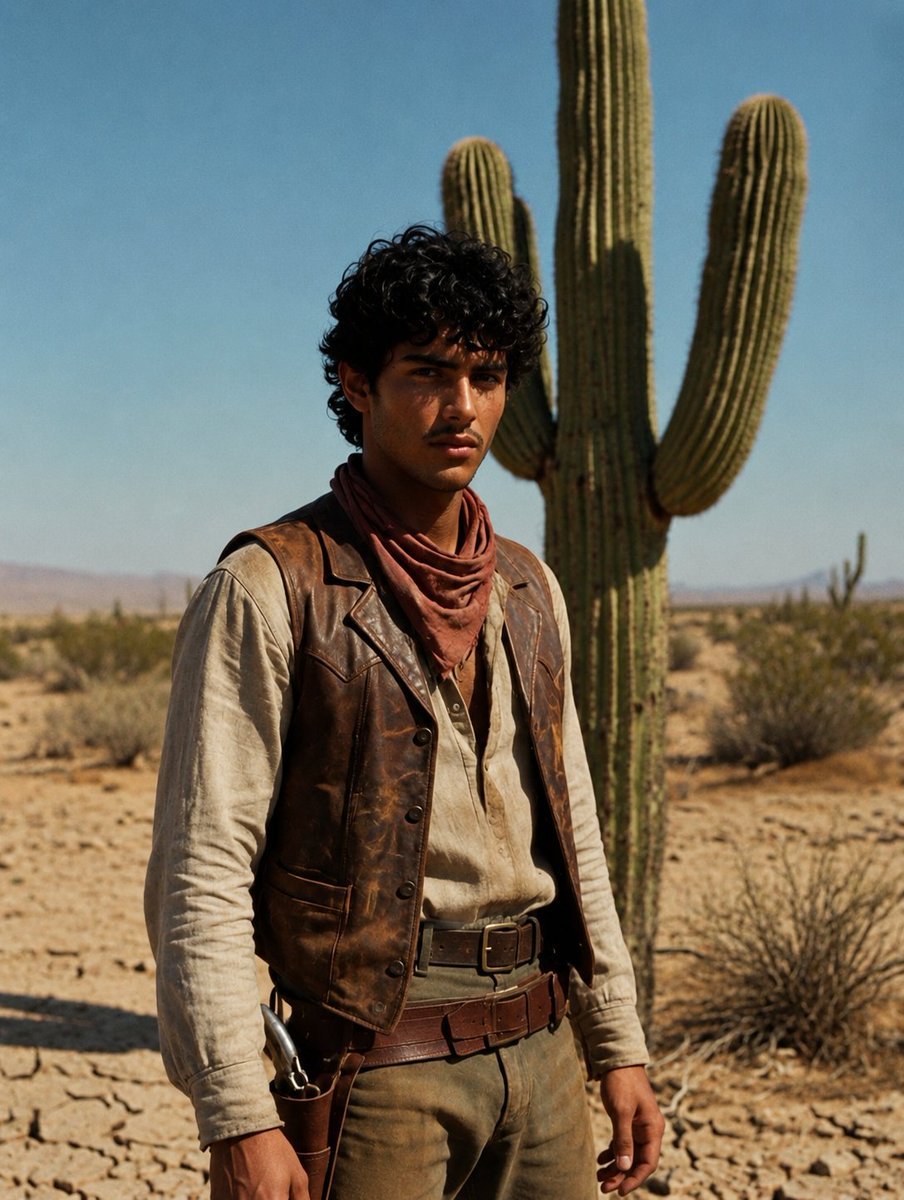
Desert Luxury Western Fashion Portrait
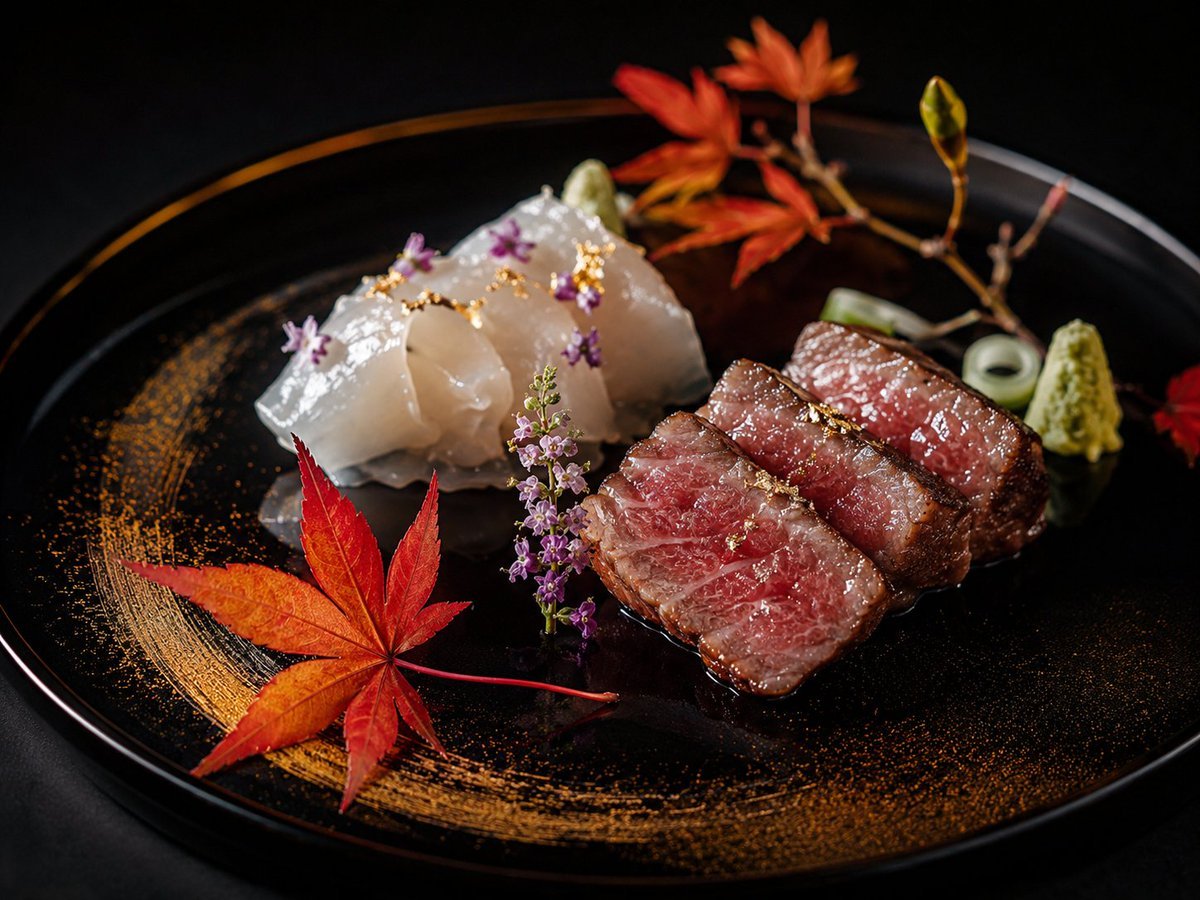
Luxury Kaiseki Wagyu and Sashimi Plate

Storybook Watercolor Alchemist

Cozy Anime Manga Artist Studio
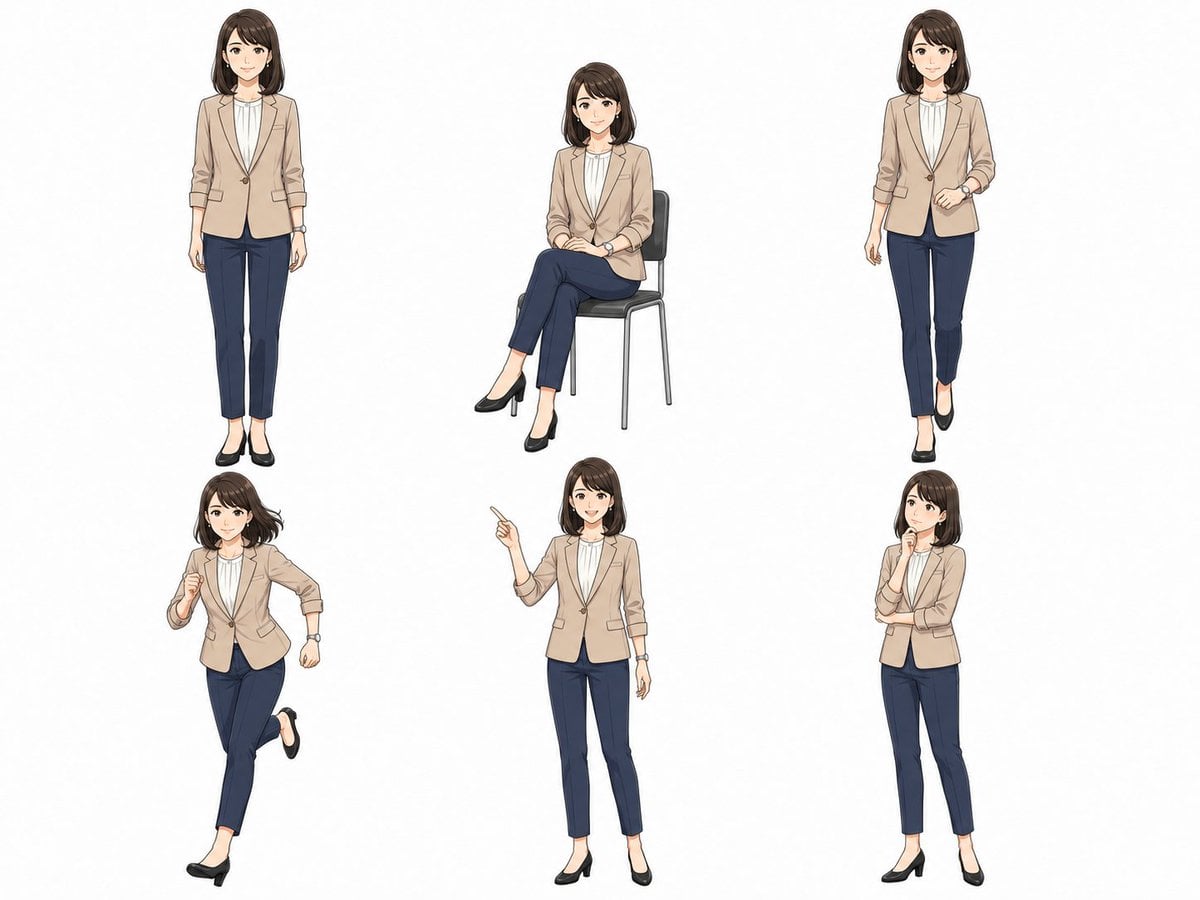
Anime Businesswoman Pose Sheet
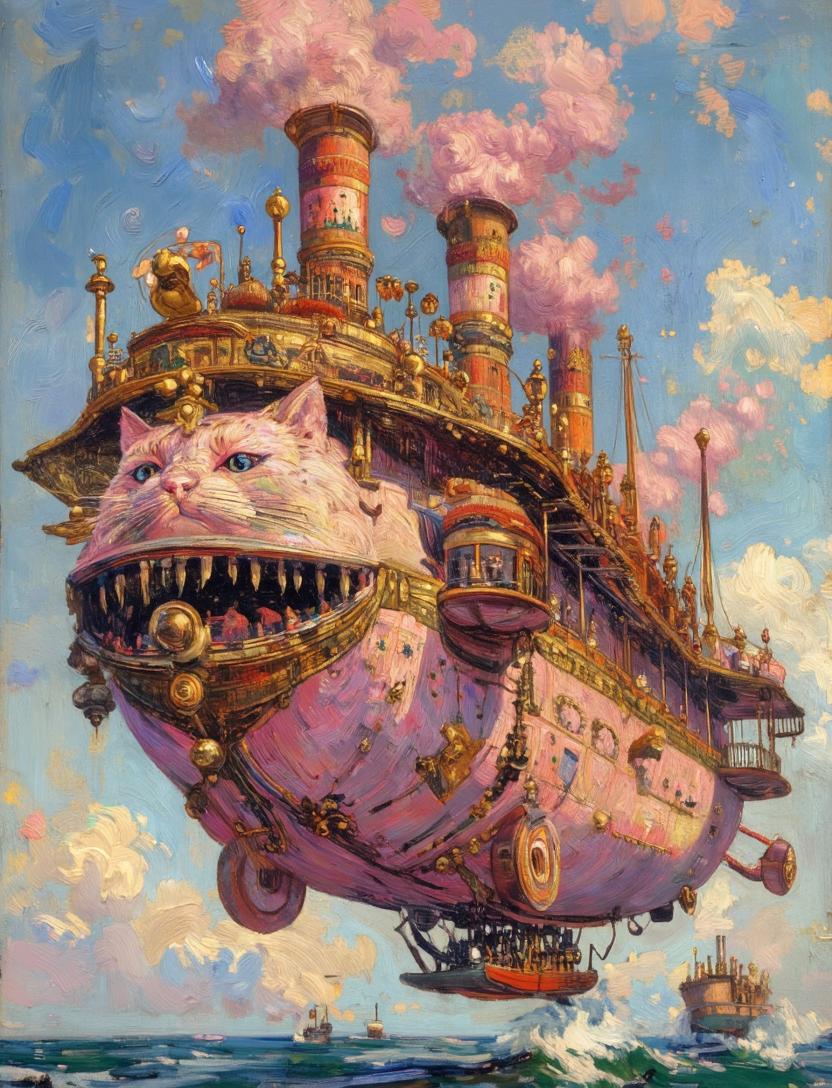
Steampunk Cat Airship Over the Sea

Korean Magazine Couple Portrait

Cinematic Realism with Cartoon Character on Bicycle

Sparkling Beverage Ad Banner
Browse template categories
Layered MacArthur Magazine Cover questions
How do I use the Layered MacArthur Magazine Cover template?
Add your photo if the template asks for one, edit the prompt if you like — the template's model and format are already selected — and press Generate. Your version opens in PicX Studio.
Can I customize the Layered MacArthur Magazine Cover template?
Yes. You can change the subject, setting, lighting, mood, format, and available model controls before creating your image.
Is the Layered MacArthur Magazine Cover template free?
Opening and editing this template is free. Generating uses credits, shown on the Generate button when you are signed in.
Which AI model should I use?
Start with GPT Image 2, which is the model associated with this template. You can compare another compatible model for a different finish.
Looking for something else? Browse all templates.

Your photo, any look
Thousands of ready templates for every top image and video model, from one credit balance.