How do I use the Photoreal Schoolgirl Shrine Portrait template?
Choose the primary action to open PicX Studio with the available template settings. Review the model and format, personalize the creative direction, and generate when ready.
This prompt generates a realistic fashion-style portrait of a school-uniformed girl in front of vivid red shrine architecture, suitable for beauty photography or polished character visuals. Change the subject, setting, or lighting one variable at a time.
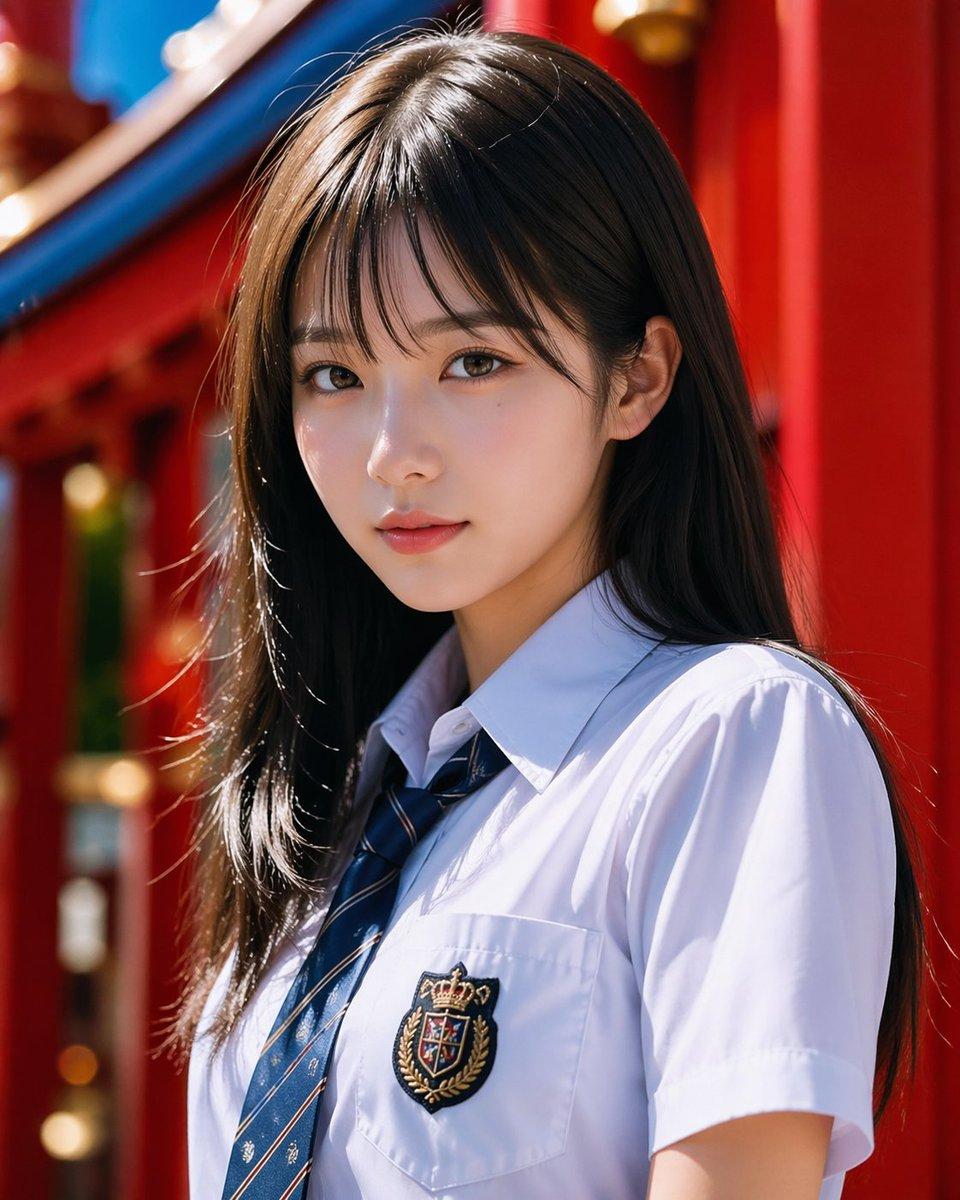
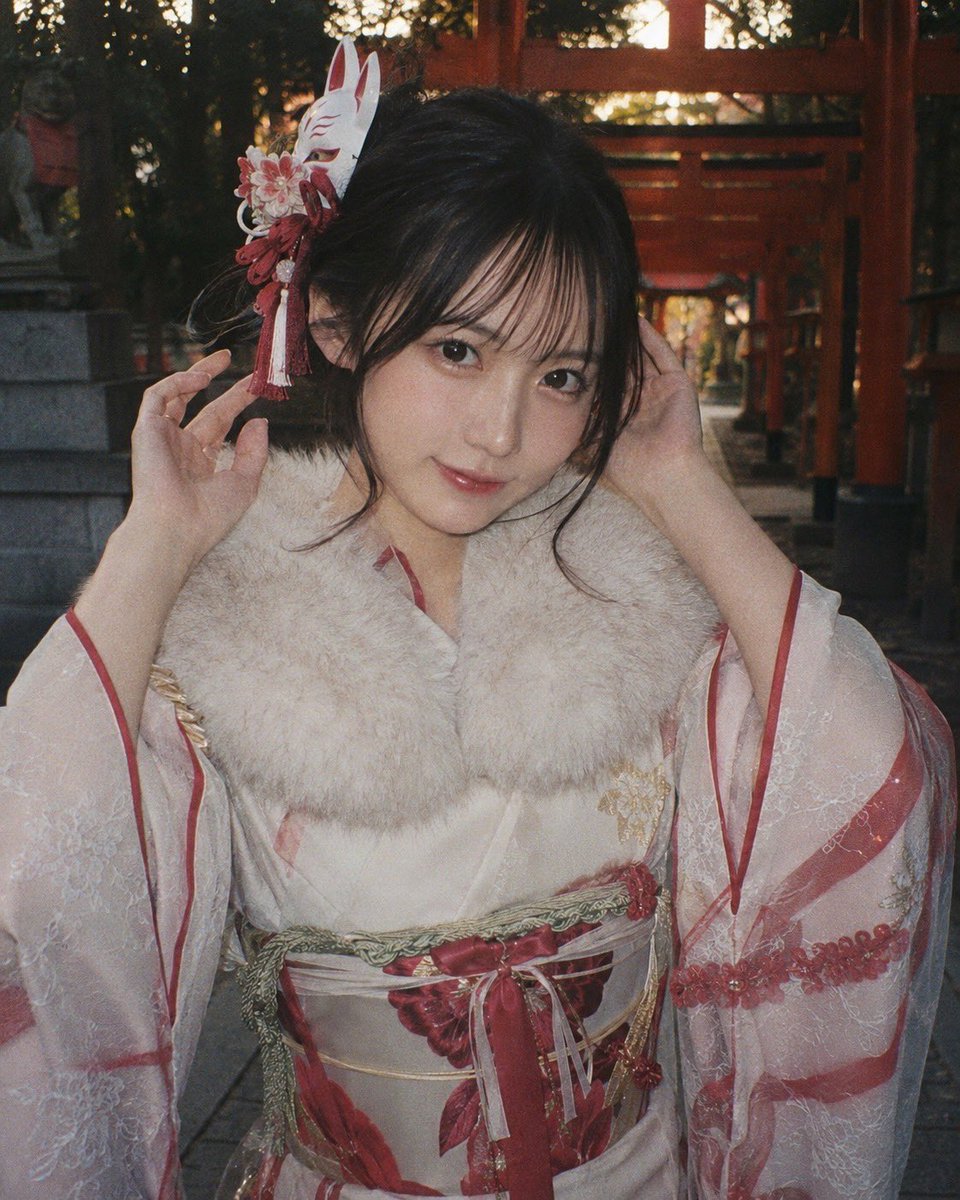
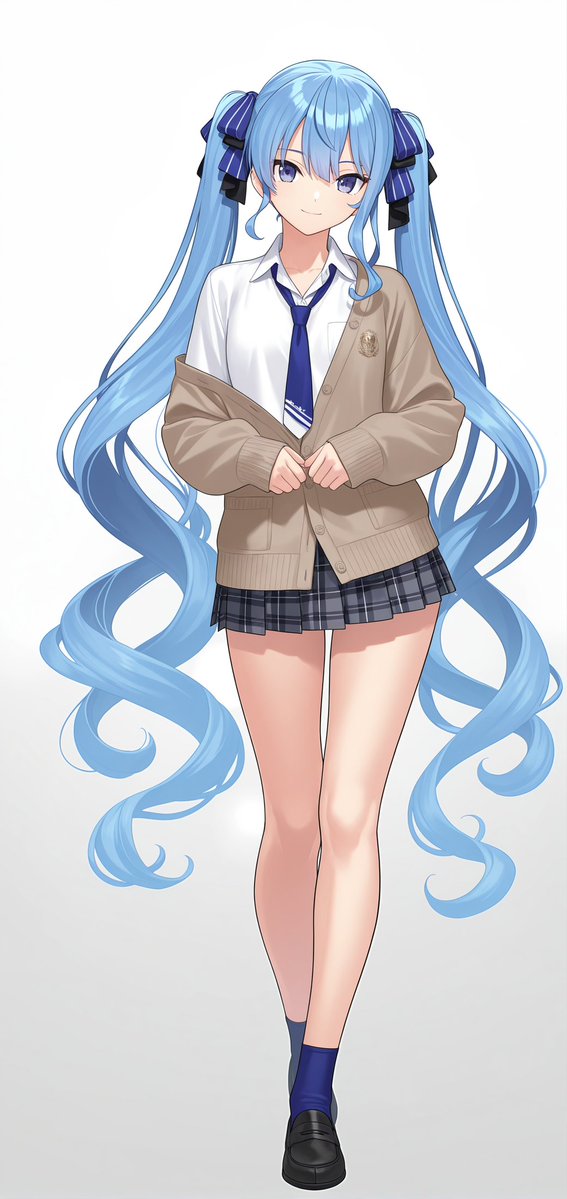
A photorealistic upper-body portrait of a {argument name="character type" default="Japanese high school girl"} standing outdoors in bright natural sunlight, framed from mid-torso up in a vertical composition. She has long, straight {argument name="hair color" default="dark brown"} hair with a glossy sheen, a clean center part, and soft strands catching the light. Her pose is calm and slightly angled to the side, with her head turned subtly away from the camera for a candid fashion-portrait feel. She wears a crisp white short-sleeve school shirt and a navy blue striped necktie, with a detailed embroidered crest patch on the left chest pocket featuring a crown and heraldic shield. The background is a shallow-depth-of-field scene of vivid red shrine or temple architecture with bold vertical pillars and hints of blue and gold decorative elements, creating strong color contrast against the white shirt and dark hair. Emphasize realistic skin, natural fabric folds, high-end DSLR portrait photography, soft bokeh, sharp focus on hair and clothing, polished commercial beauty styling, and an elegant, refined mood.
Choose the primary action to open PicX Studio with the available template settings. Review the model and format, personalize the creative direction, and generate when ready.
Yes. You can change the subject, setting, lighting, mood, format, and available model controls before creating your image.
This template is free to open and customize. Generation usage is shown in PicX Studio before you create.
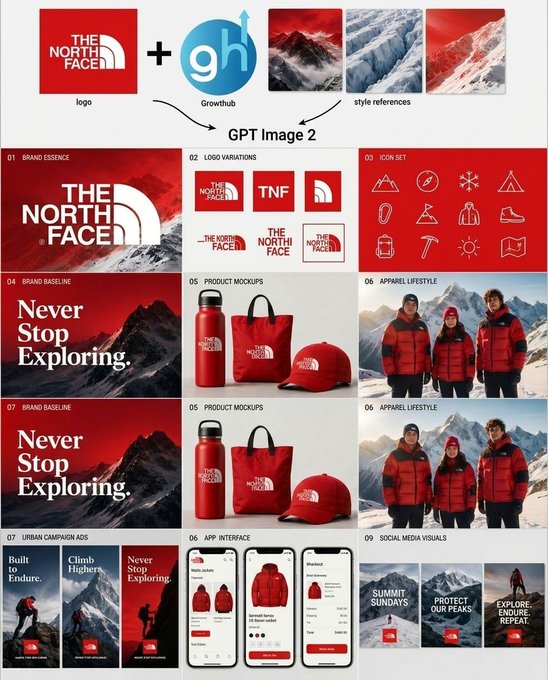
Start with GPT Image 2, which is the model associated with this template. You can compare another compatible model for a different finish.
© 2026 PicX Studio. All rights reserved.

Follow a topic to a crawlable collection of related PicX Studio templates.
43,474 public templates available. Verified via the PicX Studio public templates API; refreshed hourly.



![69-untitled — FORMAT: 15s / 145 BPM / 14 SHOTS
SUBJECT: @[image1]
WARDROBE: Clean modern outfit
ENVIRONMENT: Street / indoor transitions
MOOD: Discovery → contr](/_next/image?url=https%3A%2F%2Fcdn.picxstudio.com%2Fuploads%2Fpost69_img0_d45faecf-38c3-4bcb-81a4-f6eb1cf42bb2.jpg&w=828&q=100)









![Minimalist Flat Vector Travel Poster — Premium minimalist flat-vector travel poster for {argument name="city name" default="[CITY_NAME]"}, 3:4 vertical format.](https://cms-assets.youmind.com/media/1787917359711_3ug846_HQX205cbMAA6F6S-300x400.jpg)