
Epic Shonen Crossover Poster
This prompt generates a high-impact anime-style ensemble poster with four iconic shonen-inspired heroes and is ideal for splash art, promotional key visuals, or fan crossover concepts.
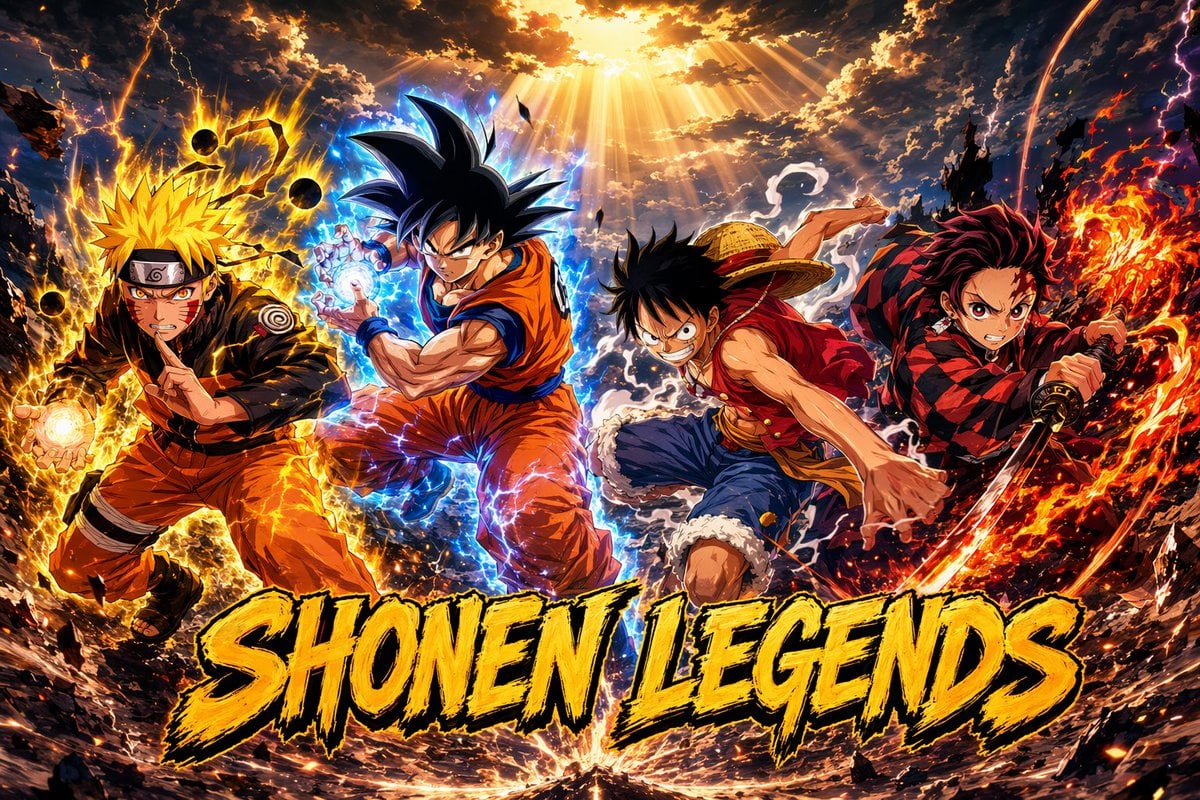
- Prompt included
- Model and format preset
- Free template
The prompt behind this image
Copy the exact prompt behind Epic Shonen Crossover Poster, or open it in the studio and make it yours.
A hyper-detailed cinematic anime crossover poster featuring 4 legendary shonen-inspired heroes charging forward in a single epic battle composition under a dramatic apocalyptic sky. The scene is wide, symmetrical, and explosively energetic, with a glowing break in the storm clouds at the top center sending intense golden sun rays downward across the characters. From left to right: a blond ninja-inspired teenage hero in an orange-and-black outfit with a forehead protector, crouched in an attack stance and forming a glowing spinning energy orb in one hand, surrounded by orange chakra flames and several floating black spheres behind him; a muscular black-haired martial artist in an orange gi at left-center, twisting mid-strike while charging a bright blue energy sphere in his hand, wrapped in crackling blue aura and electric arcs; a lean pirate-inspired young man at right-center wearing a straw hat, sleeveless red vest, blue shorts, and sandals, lunging forward with a fierce grin, one arm extended, with white steam-like energy curling around his body; a dark-haired swordsman at far right in a flowing black-and-red checkered haori, drawing or swinging a katana with a sweeping arc of fiery red-orange energy around him. The background is a chaotic fantasy battlefield of shattered rock, sparks, lightning, embers, molten light, and swirling elemental effects, with orange fire dominating the left and right edges, cool blue energy concentrated around the martial artist, and white vapor around the pirate hero. Use extreme contrast, ultra-saturated colors, sharp inked anime linework, painterly textures, dynamic foreshortening, intense motion blur in the effects, and premium poster-quality rendering. Add a massive title across the bottom foreground reading {argument name="headline text" default="SHONEN LEGENDS"} in oversized distressed brush lettering, bright yellow-gold with thick black shadows and rough torn edges, partially overlapping the characters and debris. Make it feel like a blockbuster key art poster for {argument name="franchise theme" default="legendary shonen anime crossover"}, with thunderous energy, heroic rivalry, and unstoppable momentum.
How to use Epic Shonen Crossover Poster in 3 steps
- 1Upload ImagePNG, JPG or paste
Add your photo
Upload the photo the template builds on. The prompt, model and format are already set.
- 2…a portrait of your subject in softgolden-hour light, 85mm…
Personalize
Edit the subject and creative details for your destination.
- 3Generate
Generate
Press Generate — your image is created in PicX Studio, so you can compare it with the original and refine one variable at a time.
More like this
Templates with the same subject, style or setup. Open one to see its prompt.

Japan Travel Brochure Poster

Cartoon TV Show Poster Pack

Trendy Cafe Drink Promo Poster

Urban Fashion Editorial Collage Streetwear Poster

Premium Fashion Editorial Cover Layout System

Polo Ralph Lauren Luxury American Heritage Fashion Campaign

Monochrome Halftone Editorial Fashion Poster

Retro Mirror Luxury Fashion Campaign Poster
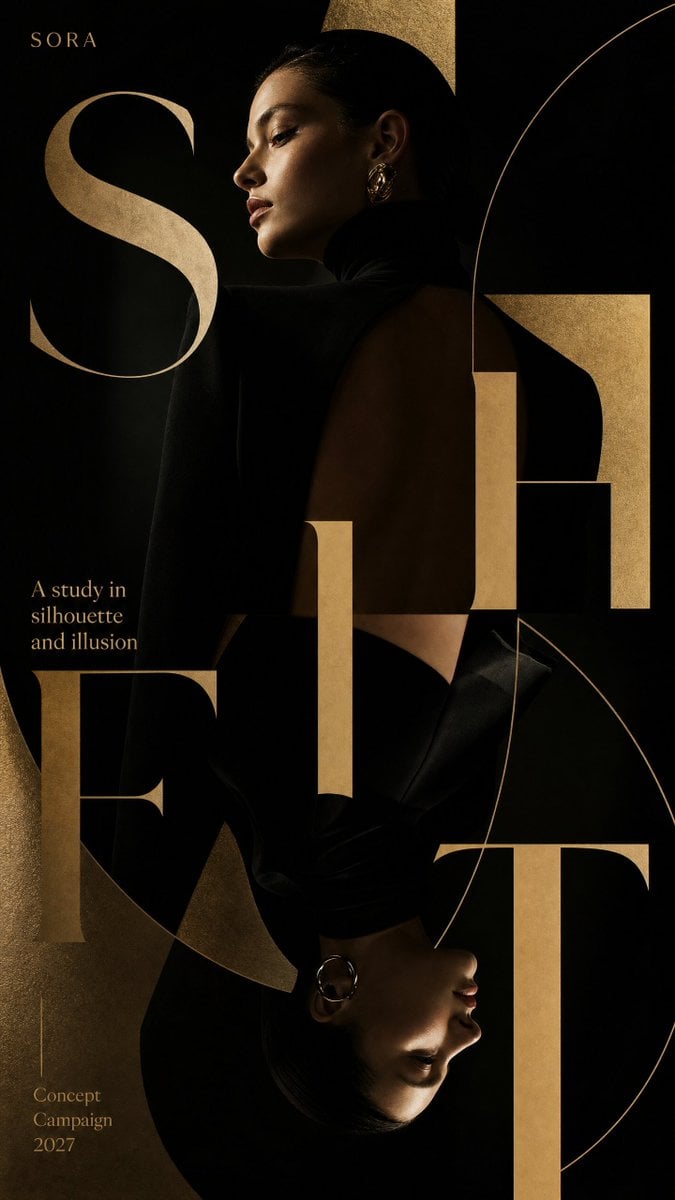
Luxury Fashion Campaign Typography Poster System
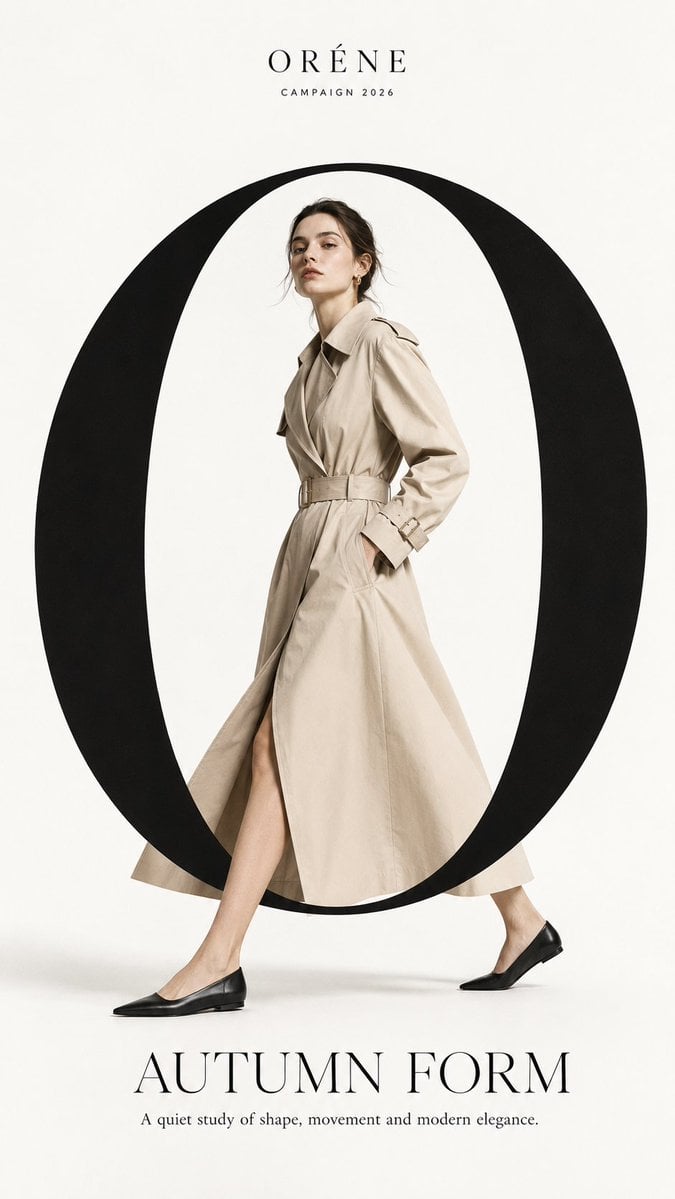
Premium Fashion Editorial Campaign Poster System
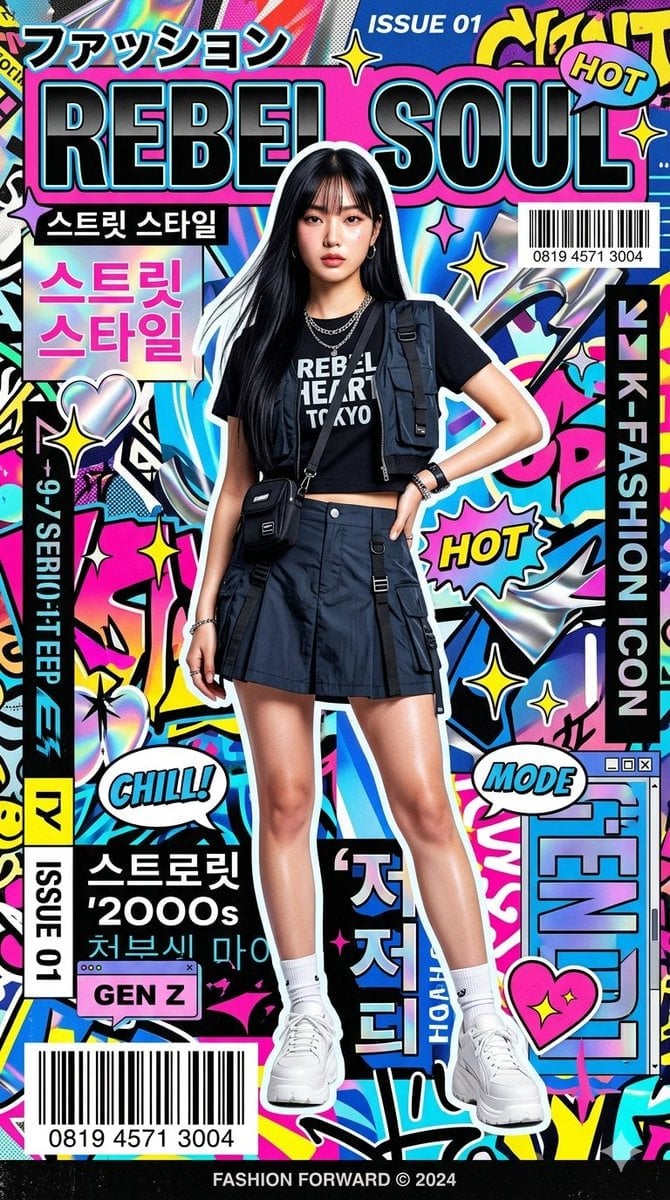
Ultra-Stylized High-Fashion Streetwear Poster
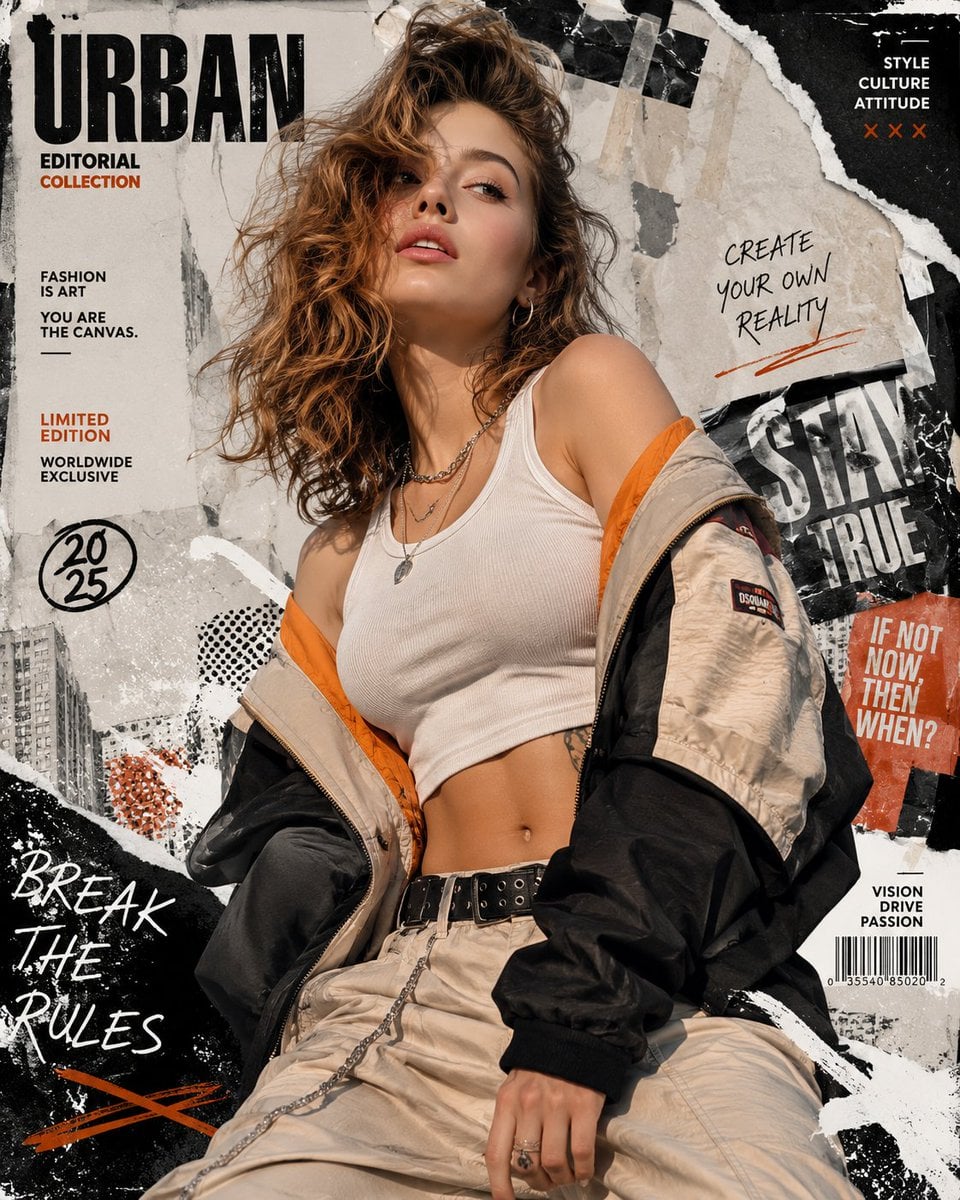
Urban Fashion Editorial Collage Poster
Make it yours
Epic Shonen Crossover Poster works as-is. These are the safest ways to change it without losing the look.
Change one field
Copy a single group, rewrite it, and generate again so you can see what that field is doing.
Keep the frame, change the subject
Hold the composition and light of Epic Shonen Crossover Poster, then swap wardrobe, props or the person for a new take.
| If the result… | Why | Fix |
|---|---|---|
| The result drifts from the preview | Too many fields changed at once. | Reuse Epic Shonen Crossover Poster as-is first, then change one group — subject, light, or setting. |
| The model over-stylizes the scene | The prose prompt leaves finish and camera underspecified. | Add one camera or lighting sentence and stay on GPT Image 2. |
More GPT Image 2 templates
Other prompts made for GPT Image 2.

Six VTuber Japanese Logo Sheet

Realistic Portrait of Woman and Deer

The Vista Modular Condo Poster

AI Model Routing Comparison Infographic

2.5D Anime Art Board

Isometric Productivity Desk Scene

New York Double Exposure Poster

Four-Panel AI Landscape Comparison

Japanese Tatami Lifestyle Magazine Cover

NESCAFÉ Coffee Map Poster
More image prompts
Fresh picks from across the catalog.
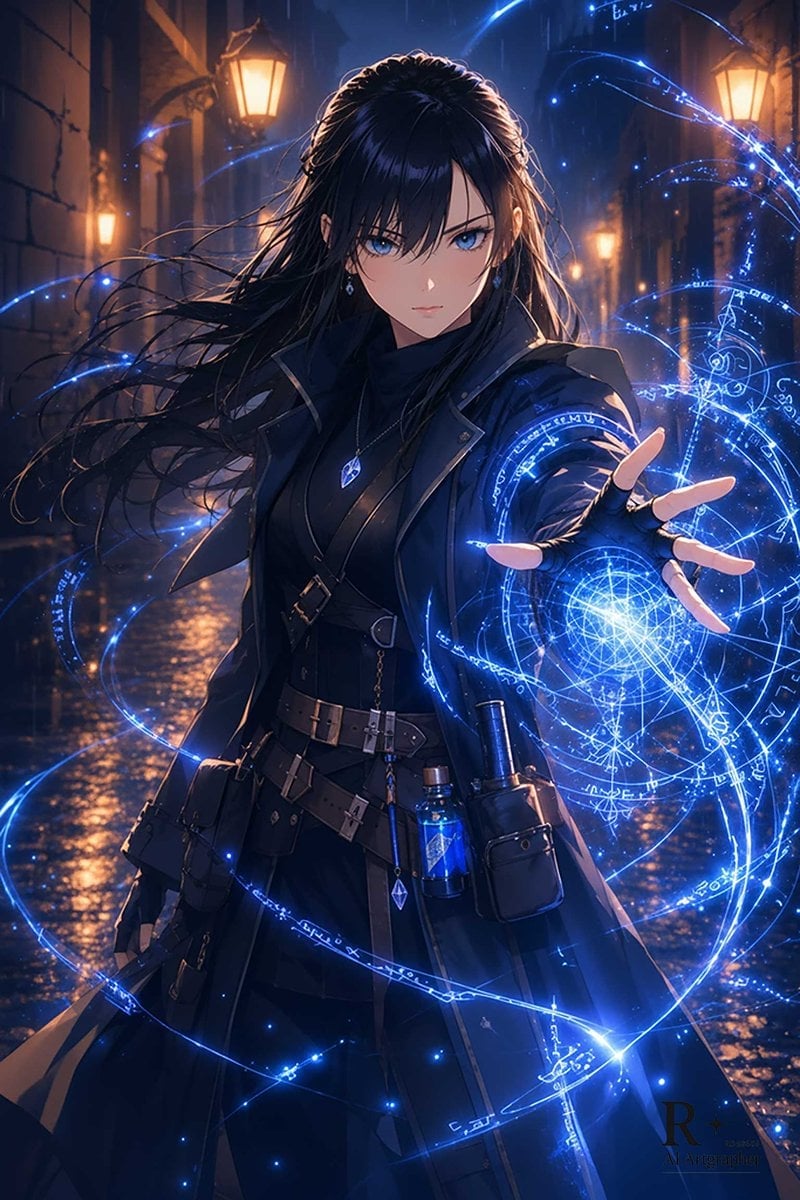
Blue Arcane Spellcaster in Rainy Alley
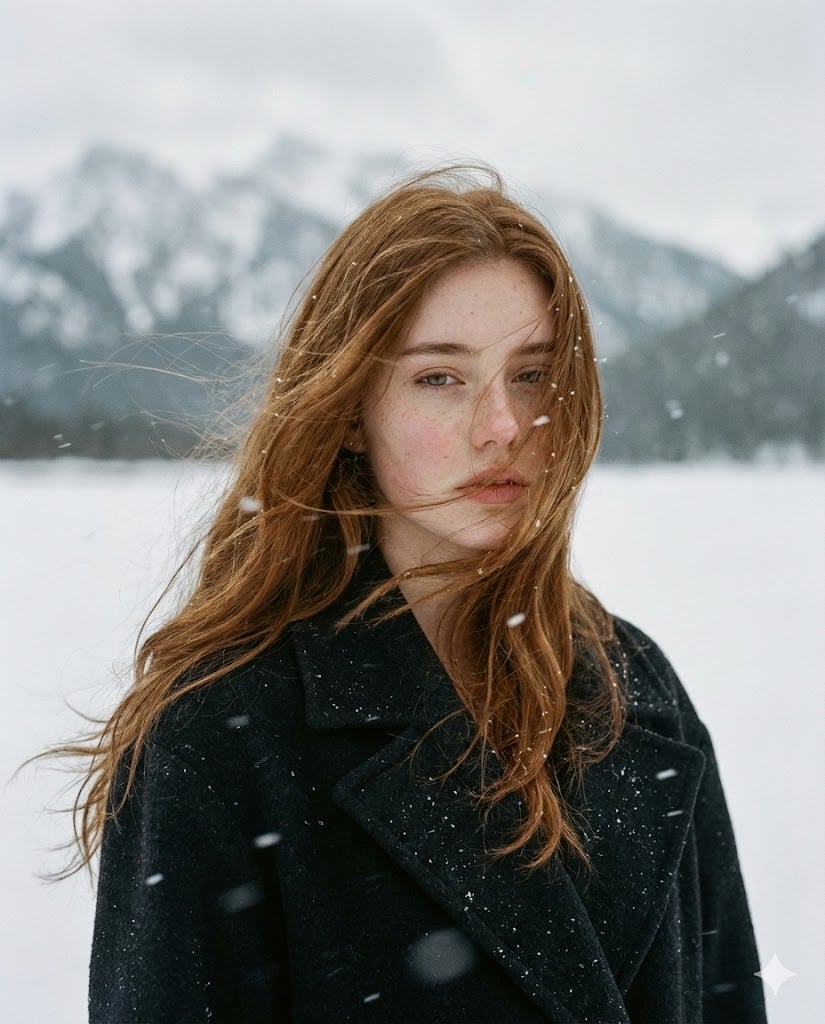
Poetic Cinematic Portrait in Snowy Landscape
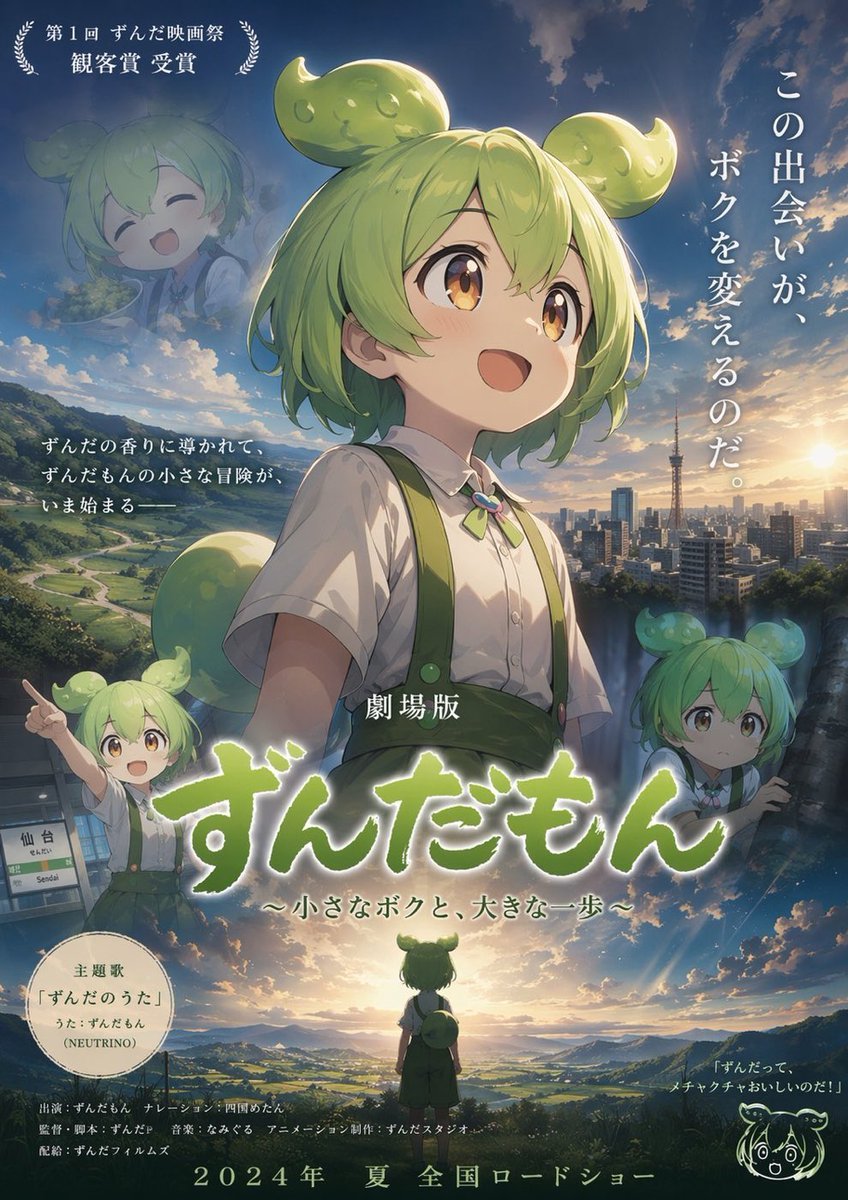
Anime Movie Poster Layout

Ultra-Photoreal BTS Sitcom Selfie with Identity Lock
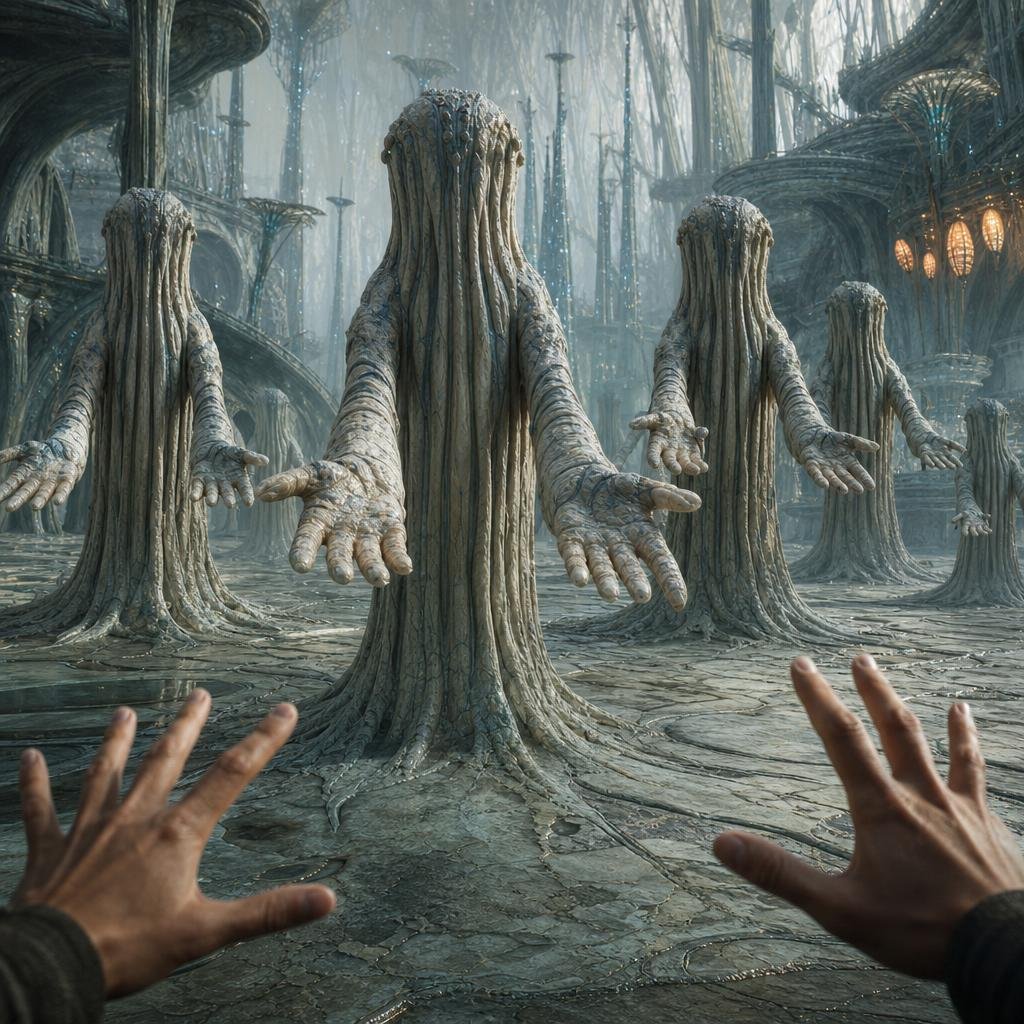
First-Person Alien Tree Beings
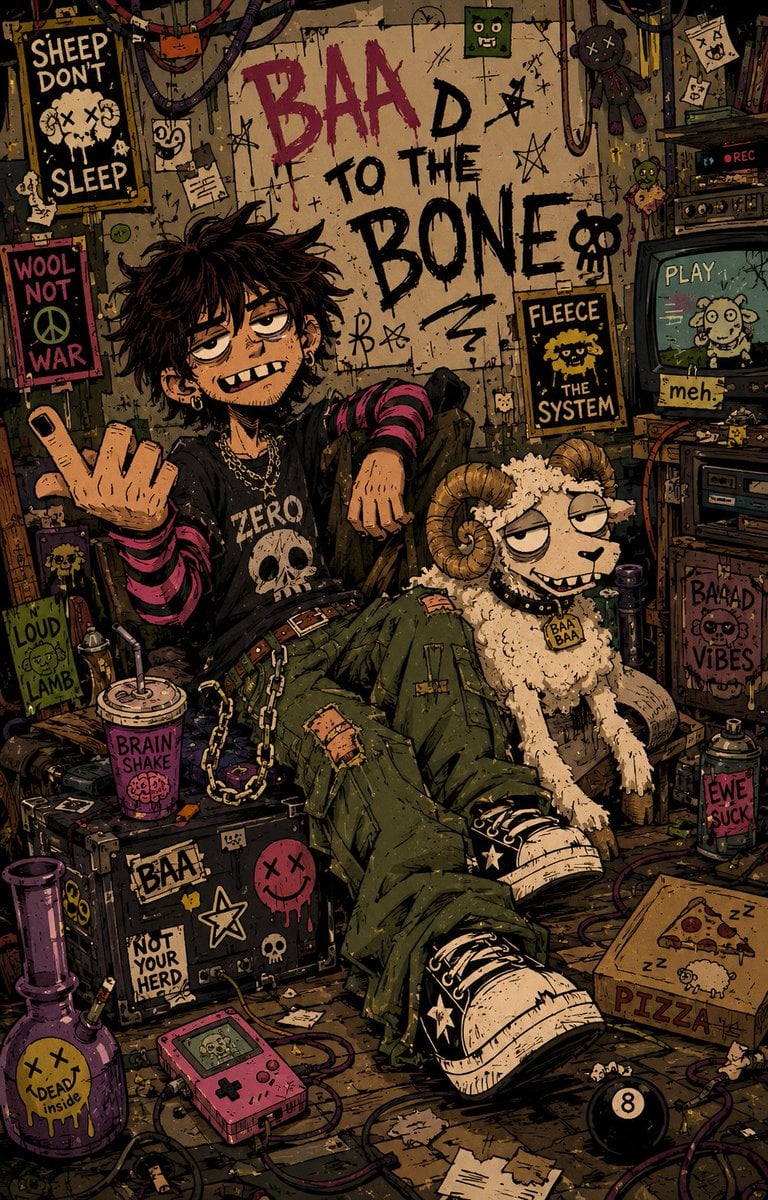
Indie Cartoon Illustration Template

Japanese New Year Kirie-Style Icon Set Generation
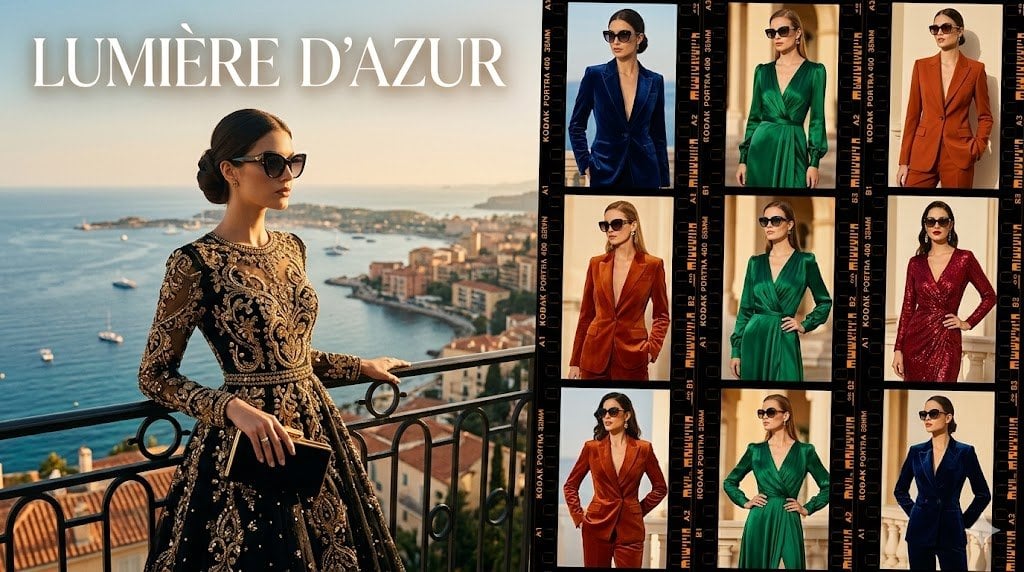
Lumière d’Azur Fashion Lookbook Collage
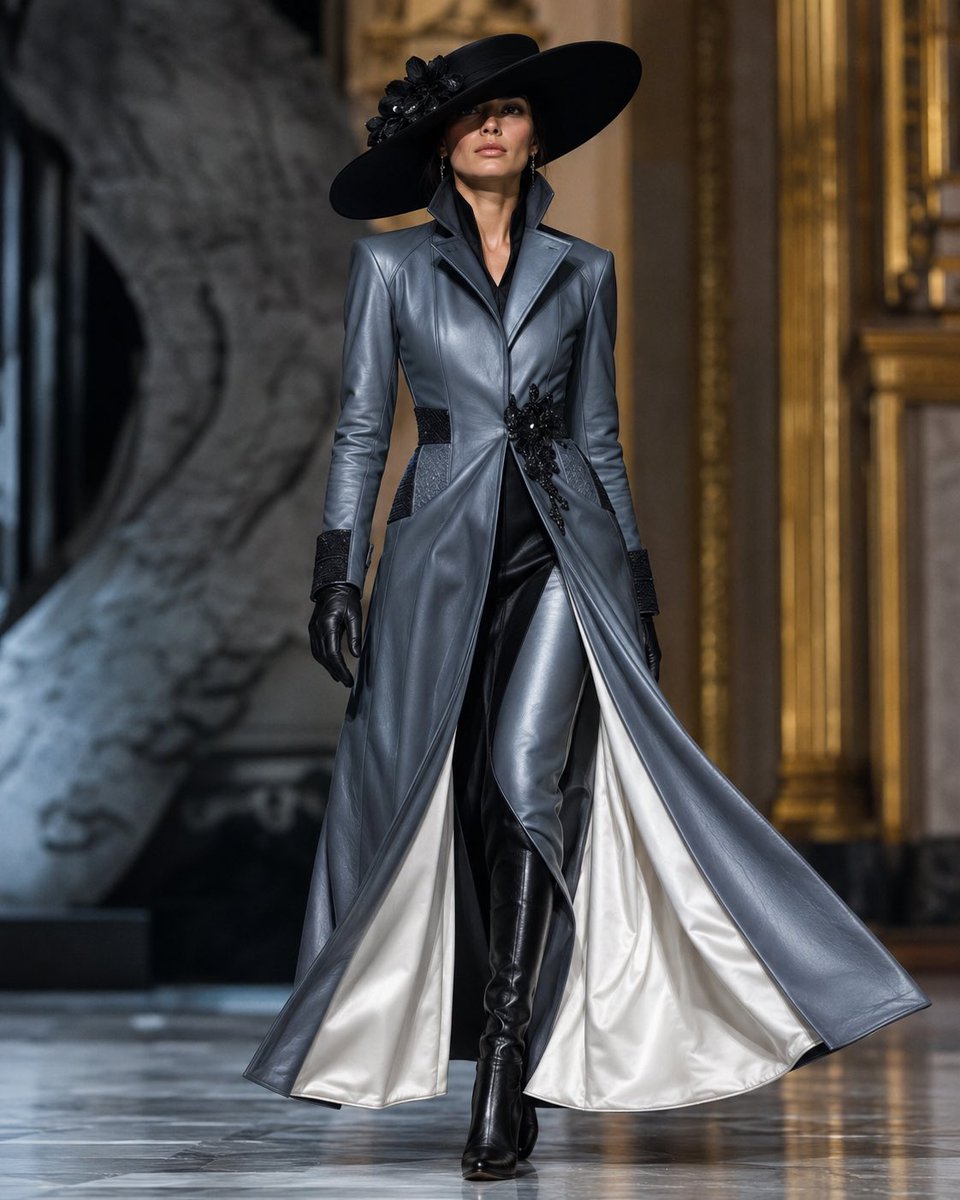
Couture Leather Runway Model
Luxury Drink Advertisement Poster
Browse template categories
Epic Shonen Crossover Poster questions
How do I use the Epic Shonen Crossover Poster template?
Add your photo if the template asks for one, edit the prompt if you like — the template's model and format are already selected — and press Generate. Your version opens in PicX Studio.
Can I customize the Epic Shonen Crossover Poster template?
Yes. You can change the subject, setting, lighting, mood, format, and available model controls before creating your image.
Is the Epic Shonen Crossover Poster template free?
Opening and editing this template is free. Generating uses credits, shown on the Generate button when you are signed in.
Which AI model should I use?
Start with GPT Image 2, which is the model associated with this template. You can compare another compatible model for a different finish.
Looking for something else? Browse all templates.

Your photo, any look
Thousands of ready templates for every top image and video model, from one credit balance.