
Japanese Claude Future Infographic
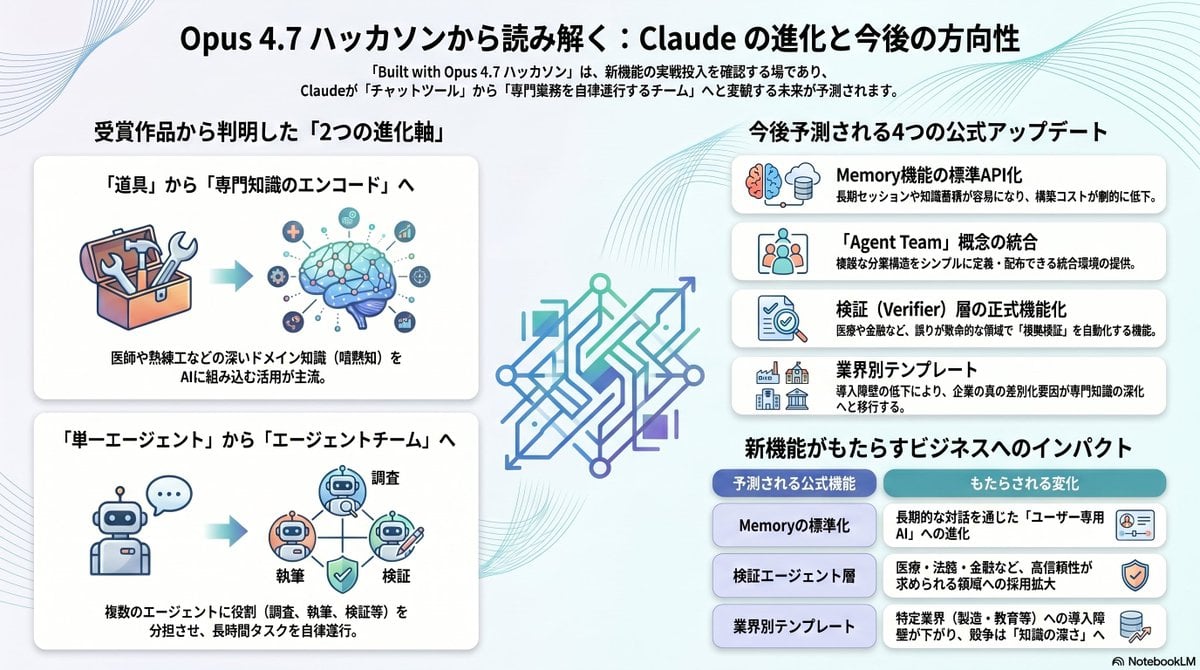
A detailed Japanese corporate infographic explaining Claude’s evolution, predicted official updates, and business impact, suitable for tech analysis posts or presentation slides.
- Prompt included
- Model and format preset
- Free template
The prompt behind this image
Copy the exact prompt behind Japanese Claude Future Infographic, or open it in the studio and make it yours.
- Type
- Japanese business infographic
- Topic
- Claude evolution and future direction inferred from an Opus 4.7 hackathon
- Language
- Japanese
- Style › Look
- clean modern corporate infographic
- Style › Background
- very light gray-white with soft teal and blue abstract flowing contour lines sweeping in from the top left, top right, and lower edges
- Style › Palette
- black, dark gray, white, teal, cyan, sky blue, indigo, lavender, soft purple
- Style › Lighting
- flat bright editorial lighting
- Style › Finish
- high-resolution presentation graphic with subtle drop shadows and rounded cards
- Canvas › Aspect Ratio
- 2:1 landscape
- Canvas › Approx Resolution
- 1200x670
- Header › Title
- {argument name="headline text" default="Opus 4.7 ハッカソンから読み解く:Claude の進化と今後の方向性"}
- Header › Subtitle Lines Count
- 2
- Header › Subtitle
- 「Built with Opus 4.7 ハッカソン」は、新機能の実戦投入を確認する場であり、Claudeが「チャットツール」から「専門業務を自律遂行するチーム」へと変貌する未来が予測されます。
- Header › Alignment
- center
- Header › Title Style
- large bold black sans-serif
- Header › Subtitle Style
- smaller bold dark gray sans-serif
- Layout › Sections › 0 › Title
- 受賞作品から判明した「2つの進化軸」
- Layout › Sections › 0 › Position
- left upper area
- Layout › Sections › 0 › Count
- 2
- Layout › Sections › 0 › Cards › 0 › Title
- 「道具」から「専門知識のエンコード」へ
- Layout › Sections › 0 › Cards › 0 › Position
- top-left card
- Layout › Sections › 0 › Cards › 0 › Visuals Count
- 2
- Layout › Sections › 0 › Cards › 0 › Visuals
- open toolbox filled with tools including wrench and screwdriver, drawn in soft isometric cartoon style, brain with connected nodes, circuits, and small medical/technical icon bubbles around it
- Layout › Sections › 0 › Cards › 0 › Connector
- right-pointing cyan arrow between toolbox and brain
Raw JSON
{"type":"Japanese business infographic","topic":"Claude evolution and future direction inferred from an Opus 4.7 hackathon","language":"Japanese","style":{"look":"clean modern corporate infographic","background":"very light gray-white with soft teal and blue abstract flowing contour lines sweeping in from the top left, top right, and lower edges","palette":["black","dark gray","white","teal","cyan","sky blue","indigo","lavender","soft purple"],"lighting":"flat bright editorial lighting","finish":"high-resolution presentation graphic with subtle drop shadows and rounded cards"},"canvas":{"aspect_ratio":"2:1 landscape","approx_resolution":"1200x670"},"header":{"title":"{argument name=\"headline text\" default=\"Opus 4.7 ハッカソンから読み解く:Claude の進化と今後の方向性\"}","subtitle_lines_count":2,"subtitle":"「Built with Opus 4.7 ハッカソン」は、新機能の実戦投入を確認する場であり、Claudeが「チャットツール」から「専門業務を自律遂行するチーム」へと変貌する未来が予測されます。","alignment":"center","title_style":"large bold black sans-serif","subtitle_style":"smaller bold dark gray sans-serif"},"layout":{"sections":[{"title":"受賞作品から判明した「2つの進化軸」","position":"left upper area","count":2,"cards":[{"title":"「道具」から「専門知識のエンコード」へ","position":"top-left card","visuals_count":2,"visuals":["open toolbox filled with tools including wrench and screwdriver, drawn in soft isometric cartoon style","brain with connected nodes, circuits, and small medical/technical icon bubbles around it"],"connector":"right-pointing cyan arrow between toolbox and brain","body":"医師や熟練工などの深いドメイン知識(暗黙知)をAIに組み込む活用が主流。"},{"title":"「単一エージェント」から「エージェントチーム」へ","position":"bottom-left card","visuals_count":2,"visuals":["single cute robot with speech bubble","networked team of 3 robots connected in a triangular workflow diagram with labels 調査, 執筆, 検証 and a shield check icon"],"connector":"right-pointing cyan arrow between single robot and robot team","body":"複数のエージェントに役割(調査、執筆、検証等)を分担させ、長時間タスクを自律遂行。"}]},{"title":"今後予測される4つの公式アップデート","position":"right upper area","count":4,"cards":[{"title":"Memory機能の標準API化","icon":"split pink-and-blue brain next to stacked database disks inside a rounded square icon box","body":"長期セッションや知識蓄積が容易になり、構築コストが劇的に低下。"},{"title":"「Agent Team」概念の統合","icon":"group of people with a small robot in a rounded square icon box","body":"複雑な分業構造をシンプルに定義・配布できる統合環境の提供。"},{"title":"検証(Verifier)層の正式機能化","icon":"document with checkmarks and magnifying glass in a rounded square icon box","body":"医療や金融など、誤りが致命的な領域で「機械監査」を自動化する機能。"},{"title":"業界別テンプレート","icon":"city/buildings and bank/government institution in a rounded square icon box","body":"導入障壁の低下により、企業の真の差別化要因が専門知識の深化へと移行する。"}]},{"title":"新機能がもたらすビジネスへのインパクト","position":"right lower area","count":3,"structure":"two-column comparison table with header pills","headers":["予測される公式機能","もたらされる変化"],"rows":[{"left":"Memoryの標準化","right":"長期的な対話を通じた「ユーザー専用AI」への進化","right_icon":"ID card or profile card with user badge"},{"left":"検証エージェント層","right":"医療・法務・金融など、高信頼性が求められる領域への採用拡大","right_icon":"shield emblem"},{"left":"業界別テンプレート","right":"特定業界(製造・教育等)への導入障壁が下がり、競争は「知識の深さ」へ","right_icon":"upward trend arrow"}]}],"centerpiece":{"position":"center","description":"large abstract geometric line-art emblem or monogram in gradient teal-to-blue-to-purple, symmetrical and angular, acting as a visual divider between left and right columns"},"branding":{"count":1,"items":["small NotebookLM logo and text at bottom right corner"]}},"typography":{"font_family":"clean bold Japanese sans-serif","section_titles":"bold black","card_titles":"bold black","body_text":"medium-weight black or dark gray","header_pills":"white text on blue and teal rounded capsules"}}How to use Japanese Claude Future Infographic in 3 steps
- 1Upload ImagePNG, JPG or paste
Add your photo
Upload the photo the template builds on. The prompt, model and format are already set.
- 2…a portrait of your subject in softgolden-hour light, 85mm…
Personalize
Edit the subject and creative details for your destination.
- 3Generate
Generate
Press Generate — your image is created in PicX Studio, so you can compare it with the original and refine one variable at a time.
More like this
Templates with the same subject, style or setup. Open one to see its prompt.

Gpt2 Infographic Edu Visual Vintage Claude Shannon Infographic Poster

Gpt2 Infographic Edu Visual Japanese Sci Fi Suit Up Process Board

Minecraft Japanese Research Lab Exploration

Japan Travel Brochure Poster
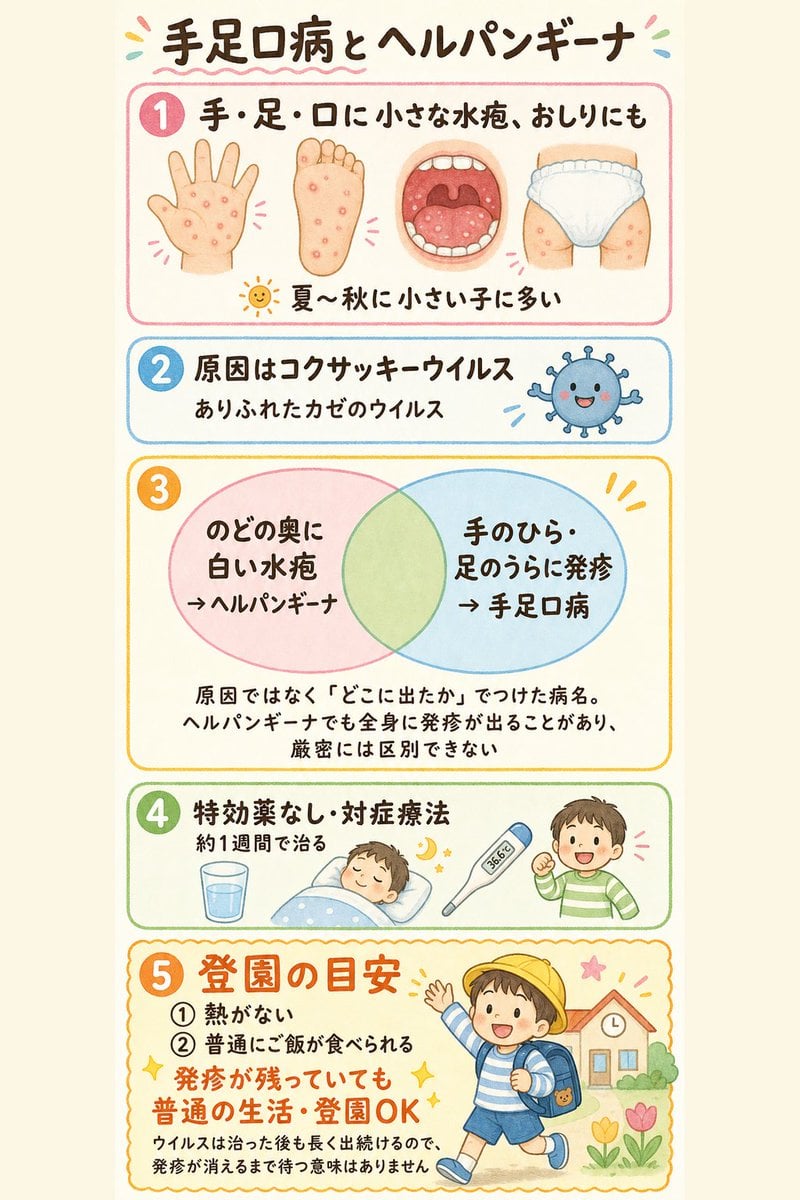
Japanese Pediatric Disease Infographic
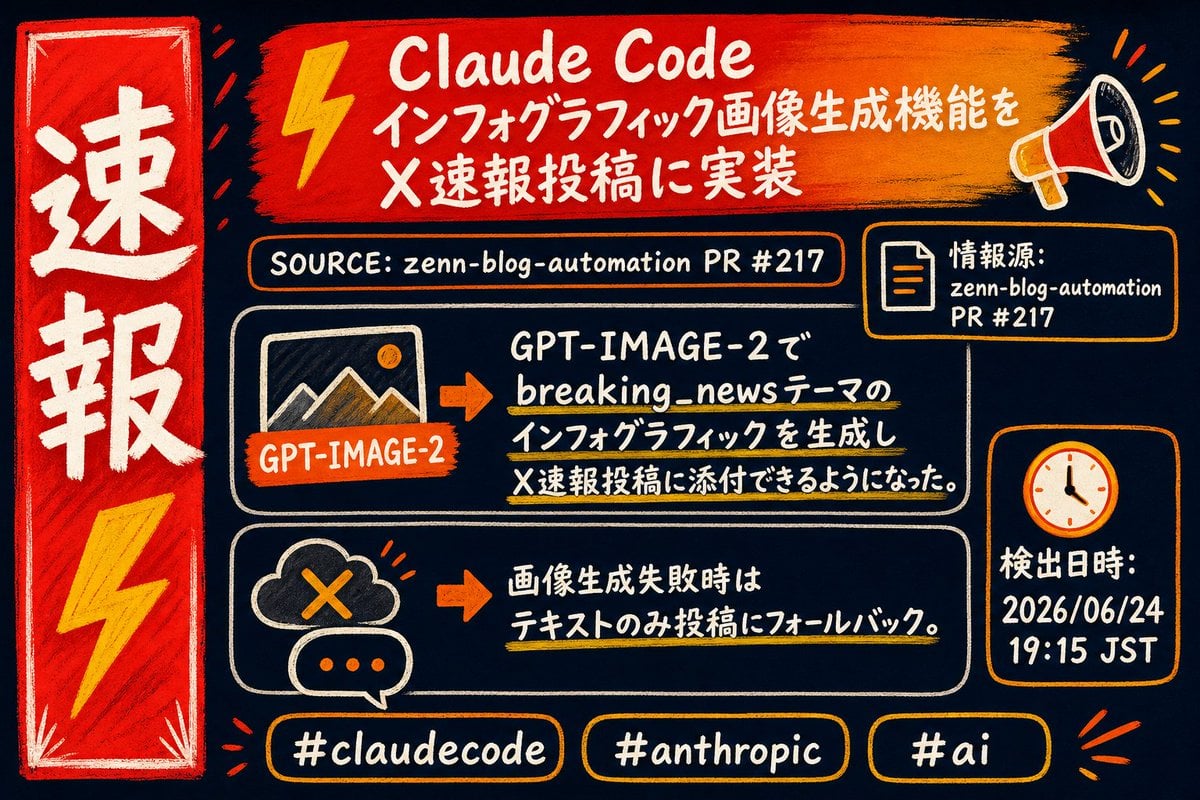
Claude Code Breaking News Infographic
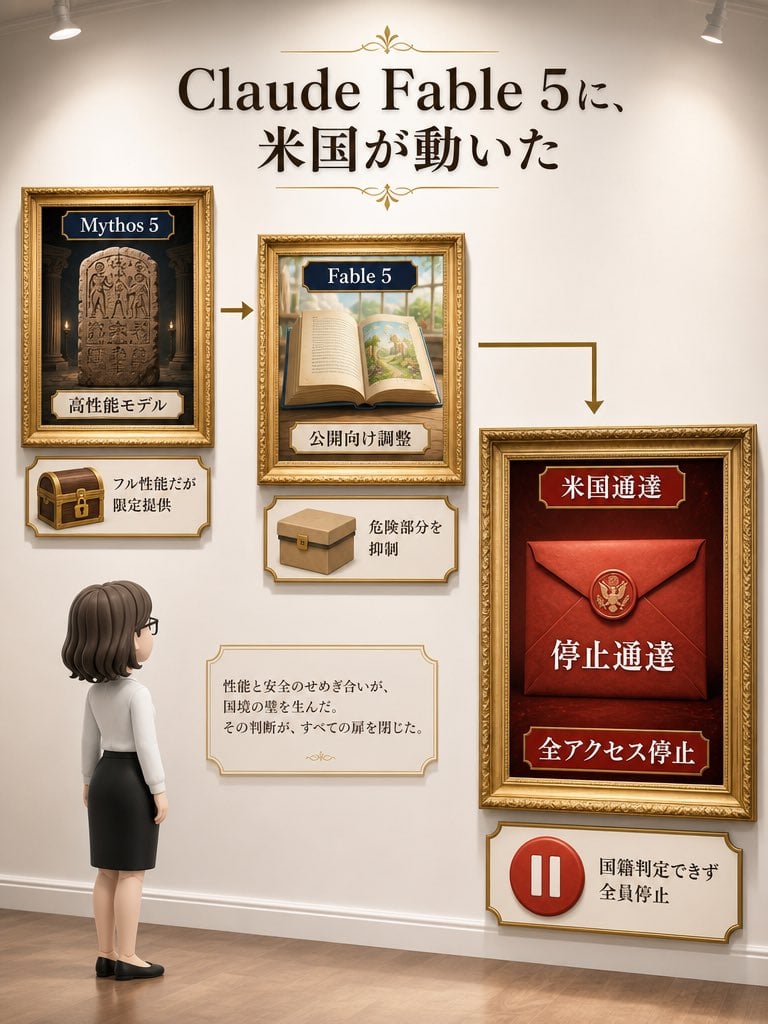
Museum Wall Claude Fable 5 Infographic
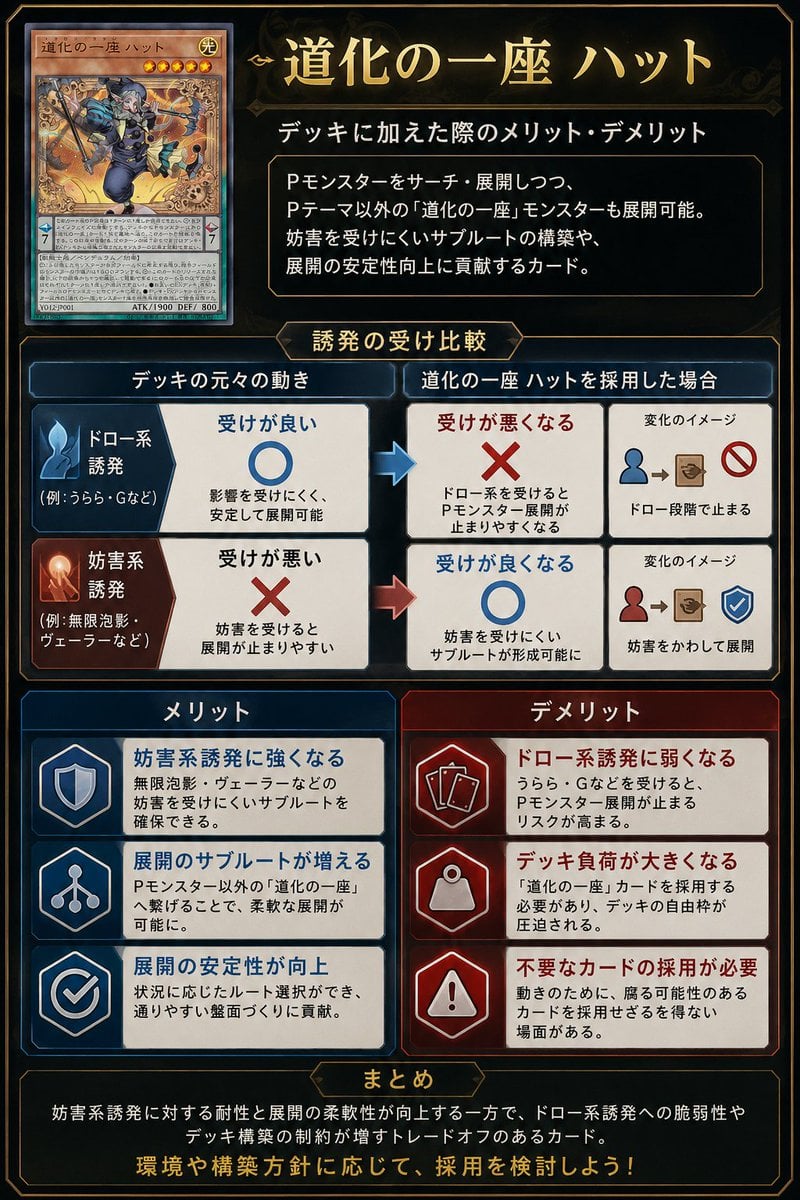
Japanese TCG Strategy Infographic
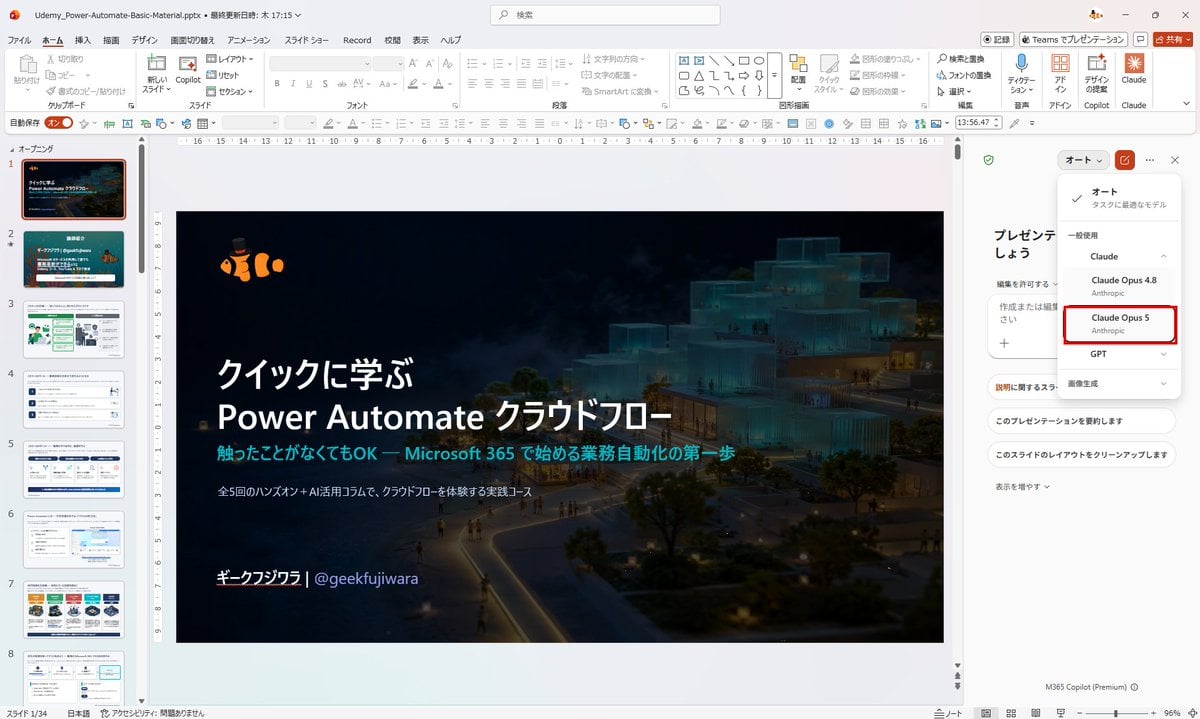
Japanese PowerPoint Claude Opus 5 Screenshot
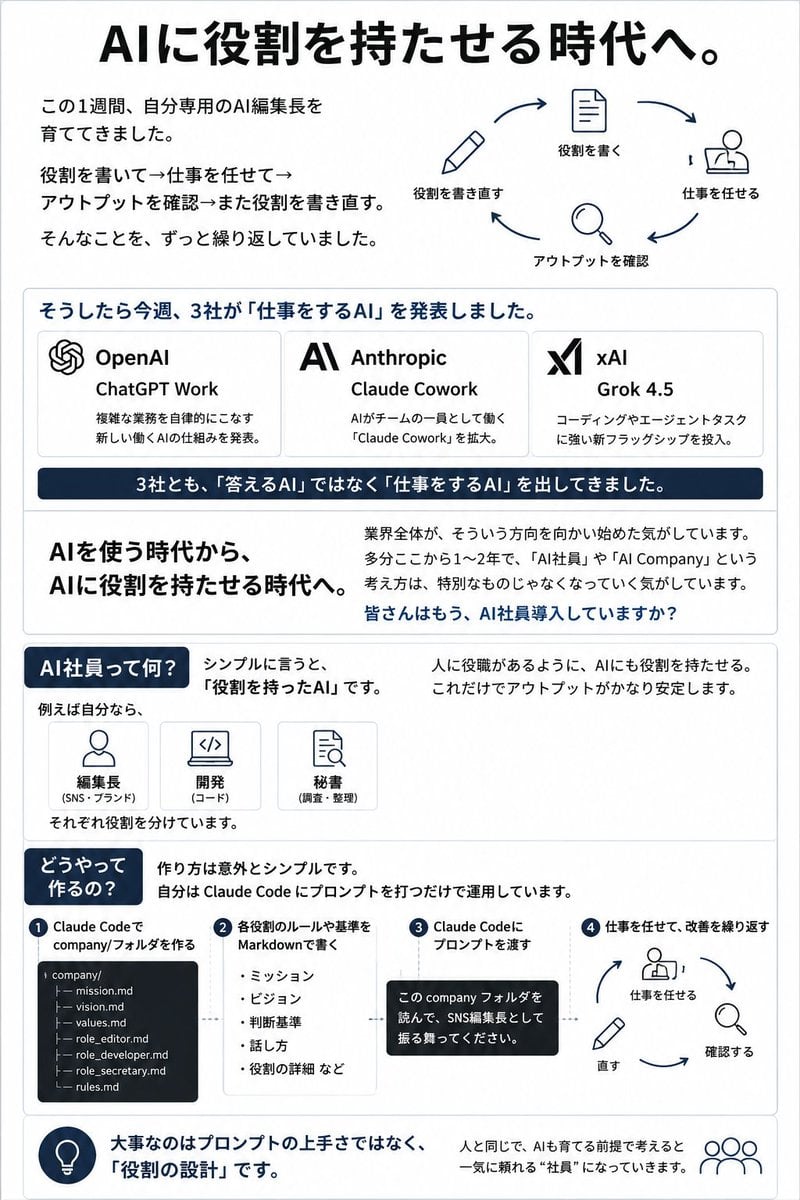
Japanese AI Employee Infographic
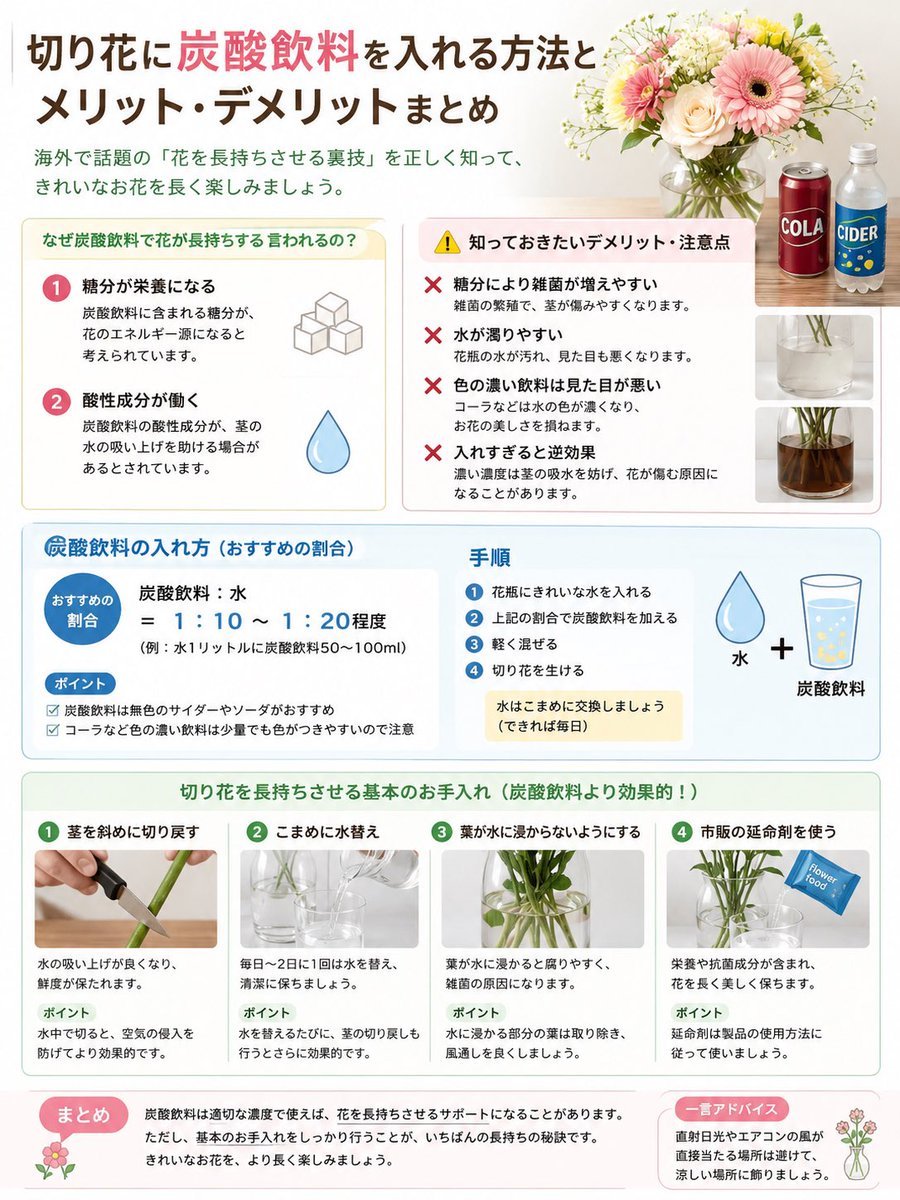
Japanese Cut Flower Soda Care Infographic
Future AI Anime Comic Infographic
Make it yours
Japanese Claude Future Infographic works as-is. These are the safest ways to change it without losing the look.
Swap the setting
Keep the rest of the prompt and replace the location block. The current setting is “very light gray-white with soft teal and blue abstract flowing contour lines swe”.
Swap the light
One lighting change is enough to compare takes. Current light: “flat bright editorial lighting”.
Change one field
Copy a single group, rewrite it, and generate again so you can see what that field is doing.
| If the result… | Why | Fix |
|---|---|---|
| The result drifts from the preview | Too many fields changed at once. | Reuse Japanese Claude Future Infographic as-is first, then change one group — subject, light, or setting. |
| GPT Image 2 ignores part of the JSON | Some models flatten or skip nested keys. | Keep the same values and paste them as a short paragraph instead. |
More GPT Image 2 templates
Other prompts made for GPT Image 2.

Six VTuber Japanese Logo Sheet

Realistic Portrait of Woman and Deer

The Vista Modular Condo Poster

AI Model Routing Comparison Infographic

2.5D Anime Art Board

Isometric Productivity Desk Scene

New York Double Exposure Poster

Four-Panel AI Landscape Comparison

Japanese Tatami Lifestyle Magazine Cover

NESCAFÉ Coffee Map Poster
More image prompts
Fresh picks from across the catalog.
Cubist Minimalist Fashion Portrait

Luxury Car Editorial Portrait (Identity Lock)
Photo to Manga Art Transformation

LZA

Hell's Canyon Survival Thriller Poster
Sketch to Professional UI Design
Luxury Korean Skincare Advertisement Prompt

Cinematic Football Poster Portrait

Hyper-Realistic Traffic Mirror Selfie
Playful 3D Toy Kinkajou Prompt
Browse template categories
Japanese Claude Future Infographic questions
How do I use the Japanese Claude Future Infographic template?
Add your photo if the template asks for one, edit the prompt if you like — the template's model and format are already selected — and press Generate. Your version opens in PicX Studio.
Can I customize the Japanese Claude Future Infographic template?
Yes. You can change the subject, setting, lighting, mood, format, and available model controls before creating your image.
Is the Japanese Claude Future Infographic template free?
Opening and editing this template is free. Generating uses credits, shown on the Generate button when you are signed in.
Which AI model should I use?
Start with GPT Image 2, which is the model associated with this template. You can compare another compatible model for a different finish.
Looking for something else? Browse all templates.

Your photo, any look
Thousands of ready templates for every top image and video model, from one credit balance.