How do I use the Isometric Cloud Logistics UI Icon template?
Edit the prompt in the box under the preview — the template's model and format are already selected — and press Generate. Your version appears right on this page.
A minimalist isometric vector illustration of a cloud-connected browser dashboard with a delivery car, useful for SaaS, logistics, or cloud service visuals.

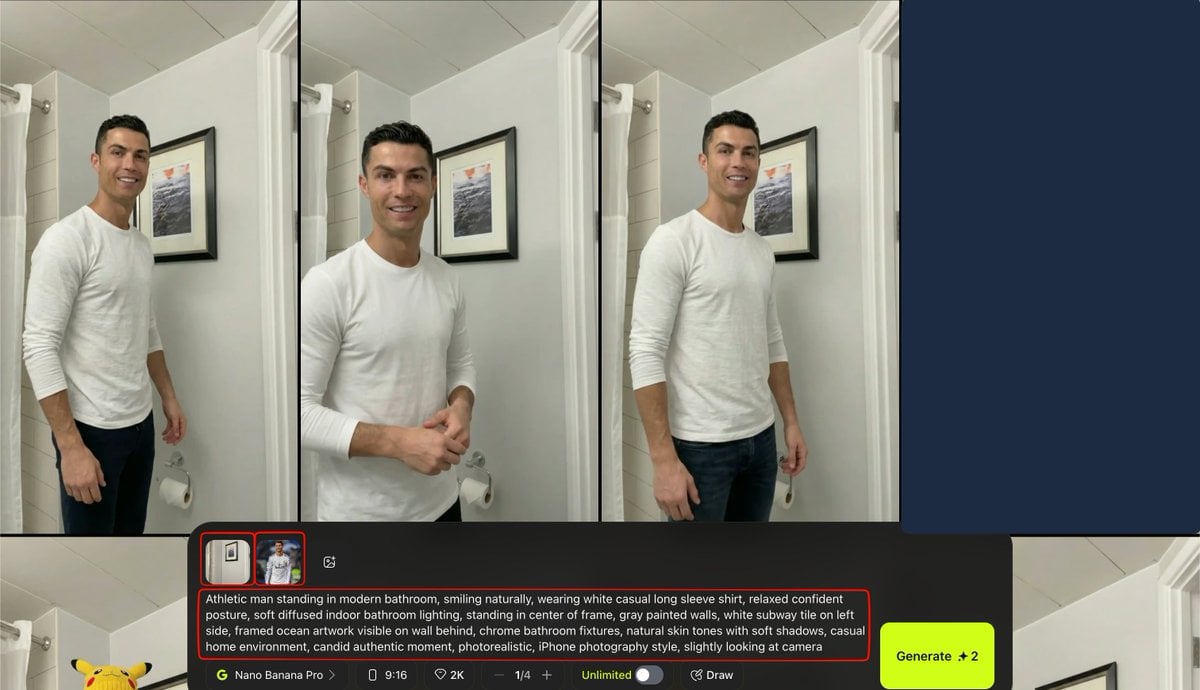
This template uses your photo — add one with the + button.
Create a clean minimalist isometric line-art illustration on an off-white background with faint light-gray perspective grid lines. Show a rounded rectangular web browser window standing upright on a thick rounded rectangular platform base, drawn with thin black outlines and mostly white fill. Above the browser, a large outlined cloud icon floats, connected to the browser by a thin vertical black line with a short dotted segment near the cloud, suggesting cloud connectivity. Inside the browser window, include a simple outlined delivery car icon carrying a small package on its roof, centered in the lower area. The browser top bar has a small blue back chevron on the left, a long horizontal black address line, and a shorter horizontal line on the right. On the right side of the browser face, place a translucent blue circular button containing a short diagonal black slash. Extending from the right edge of the browser is a thin black connector line leading to a small solid periwinkle-blue circular node, with a tiny red rounded square port at the browser edge. Use sparse accent colors only: {argument name="accent blue" default="periwinkle blue"} for the node and UI highlights, {argument name="accent red" default="soft red"} for the small port, and black outlines. Keep the composition centered, airy, technical, and modern, with no text, no shadows except subtle depth from the isometric outlines, and a vector-icon style suitable for a SaaS cloud logistics concept.
Create a clean minimalist isometric line-art illustration on an off-white background with faint light-gray perspective grid lines. Show a rounded rectangular web browser window standing upright on a thick rounded rectangular platform base, drawn with thin black outlines and mostly white fill. Above the browser, a large outlined cloud icon floats, connected to the browser by a thin vertical black line with a short dotted segment near the cloud, suggesting cloud connectivity. Inside the browser window, include a simple outlined delivery car icon carrying a small package on its roof, centered in the lower area. The browser top bar has a small blue back chevron on the left, a long horizontal black address line, and a shorter horizontal line on the right. On the right side of the browser face, place a translucent blue circular button containing a short diagonal black slash. Extending from the right edge of the browser is a thin black connector line leading to a small solid periwinkle-blue circular node, with a tiny red rounded square port at the browser edge. Use sparse accent colors only: {argument name="accent blue" default="periwinkle blue"} for the node and UI highlights, {argument name="accent red" default="soft red"} for the small port, and black outlines. Keep the composition centered, airy, technical, and modern, with no text, no shadows except subtle depth from the isometric outlines, and a vector-icon style suitable for a SaaS cloud logistics concept.
Edit the prompt in the box under the preview — the template's model and format are already selected — and press Generate. Your version appears right on this page.
Yes. You can change the subject, setting, lighting, mood, format, and available model controls before creating your image.
Opening and editing this template is free. Generating uses credits, shown on the Generate button when you are signed in.
Start with GPT Image 2, which is the model associated with this template. You can compare another compatible model for a different finish.
Follow a topic to a crawlable collection of related PicX Studio templates.