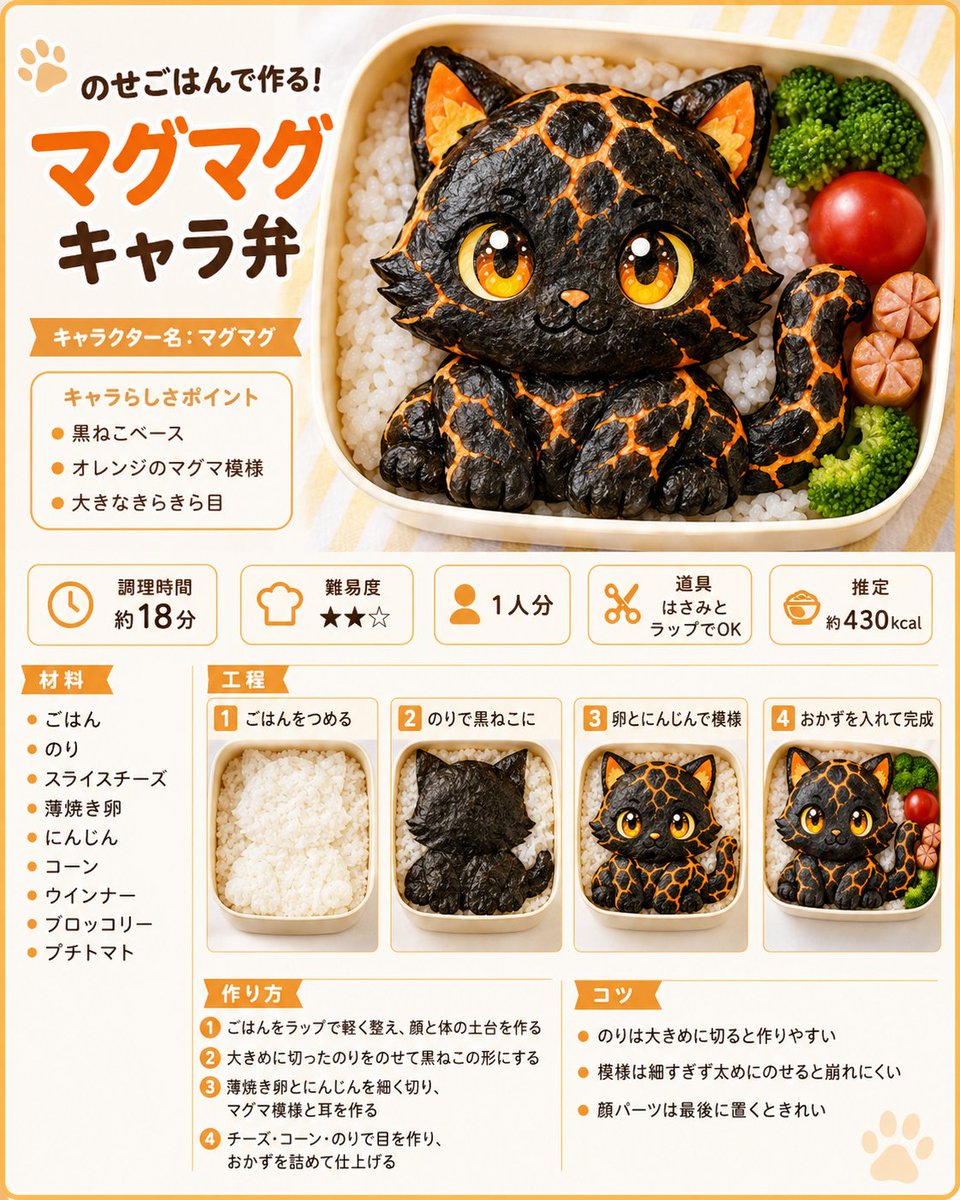
Magma Cat Bento Recipe Infographic
{"type":"cute Japanese recipe infographic poster for a character bento","style":"bright kawaii food magazine layout, clean vector-and-photo hybrid, rounded orange border, cream background with pale yellow stripes, playful rounded Japanese typography, warm studio lighting, appetizing realistic bento photography with illustrated sparkle accents","main_subject":{"dish":"magma-pattern black cat character bento made from rice and seaweed","character_name":"{argument name=\"character name\" default=\"マグマグ\"}","description":"a chibi black cat sitting inside a rectangular lunch box on a bed of white rice, made with glossy black seaweed, orange magma cracks, large golden sparkling eyes, small orange nose, pointed ears with orange cheese-like inner ears, tiny paws, curled tail, cute smile","bento_contents":{"count":4,"items":["white rice base","black cat seaweed character","green broccoli florets","red cherry tomato and sliced sausage flower"]}},"layout":{"format":"single-page vertical recipe card, 4:5 aspect ratio","top_section":{"position":"top half","count":3,"elements":["left title block with paw icon and headline","large right bento hero image","orange ribbon character-name label"]},"visible_text":{"headline":"{argument name=\"headline text\" default=\"のせごはんで作る!マグマグキャラ弁\"}","character_label":"キャラクター名:マグマグ","point_box_title":"キャラらしさポイント"},"character_points":{"count":3,"items":["黒ねこベース","オレンジのマグマ模様","大きなきらきら目"]},"info_cards":{"position":"middle row","count":5,"cards":[{"icon":"clock","label":"調理時間","value":"約18分"},{"icon":"chef hat","label":"難易度","value":"★★☆"},{"icon":"person","label":"1人分","value":"1人分"},{"icon":"scissors","label":"道具","value":"はさみとラップでOK"},{"icon":"bento bowl","label":"推定","value":"約430kcal"}]},"lower_section":{"columns":3,"left_column":{"title":"材料","count":9,"items":["ごはん","のり","スライスチーズ","薄焼き卵","にんじん","コーン","ウインナー","ブロッコリー","プチトマト"]},"center_top":{"title":"工程","count":4,"steps":[{"number":1,"label":"ごはんをつめる","image":"plain white rice packed in the lunch box"},{"number":2,"label":"のりで黒ねこに","image":"black seaweed silhouette of cat placed on rice"},{"number":3,"label":"卵とにんじんで模様","image":"cat face completed with eyes and orange magma markings"},{"number":4,"label":"おかずを入れて完成","image":"finished bento with broccoli, tomato, and sausage garnish"}]},"center_bottom":{"title":"作り方","count":4,"steps":["ごはんをラップで軽く整え、顔と体の土台を作る","大きめに切ったのりをのせて黒ねこの形にする","薄焼き卵とにんじんを細く切り、マグマ模様と耳を作る","チーズ・コーン・のりで目を作り、おかずを詰めて仕上げる"]},"right_bottom":{"title":"コツ","count":3,"tips":["のりは大きめに切ると作りやすい","模様は細すぎず太めにのせると崩れにくい","顔パーツは最後に置くときれい"]}},"design_details":{"colors":"orange, cream, brown, black, white, green, red","decorations":"small paw prints, orange section ribbons, thin rounded dividers, numbered orange squares, soft drop shadows","typography":"large orange headline for マグマグ, dark brown secondary text, clean legible Japanese body text","camera":"top-down three-quarter product view for the bento, consistent miniature photos for process steps","quality":"high-resolution, crisp print-ready recipe sheet, no clutter, all Japanese text sharp and readable"}}


![Ironic Always Working Ocean Meme — Realistic candid photo of [person from uploaded photo] standing chest-deep in {argument name="water type" default="rough ocea](https://cms-assets.youmind.com/media/1786774871743_ky5okn_HPooO15bQAAjoPp-300x372.jpg)

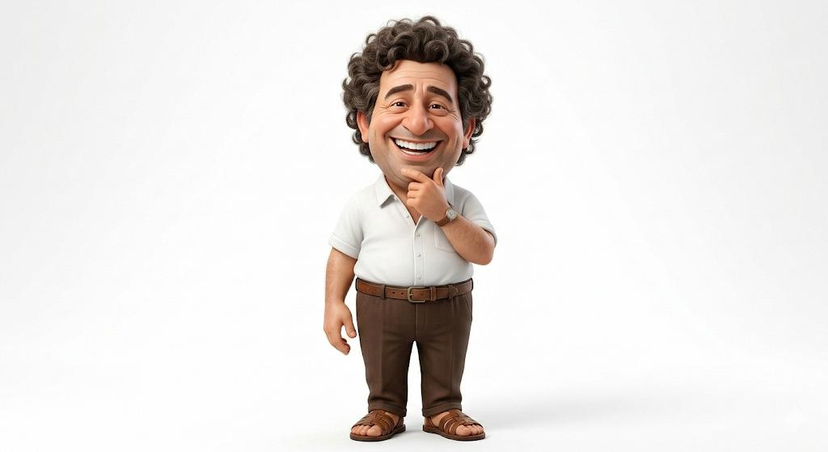




![Ironic Ocean Office Meme — Realistic candid photo of [person from uploaded photo] standing chest-deep in rough ocean water, sur…](https://cms-assets.youmind.com/media/1786690130276_y8g9fn_HPkVUgZbkAAuJYV-300x402.jpg)











![Minimalist Flat Vector Travel Poster — Premium minimalist flat-vector travel poster for {argument name="city name" default="[CITY_NAME]"}, 3:4 vertical format.](https://cms-assets.youmind.com/media/1787917359711_3ug846_HQX205cbMAA6F6S-300x400.jpg)


























![Technical Infographic Sheet Product Specification Template — Create a branded technical infographic of a [{argument name="product name" default="PRODUCT NAME"}]](https://pbs.twimg.com/media/HCnWqiOX0AAMPnq.jpg)