How do I use the Double Exposure Movie Poster template?
Choose the primary action to open PicX Studio with the available template settings. Review the model and format, personalize the creative direction, and generate when ready.
A melancholic movie poster prompt using double exposure to blend two different portraits into a cinematic Shanghai subway scene. Change the subject, setting, or lighting one variable at a time.
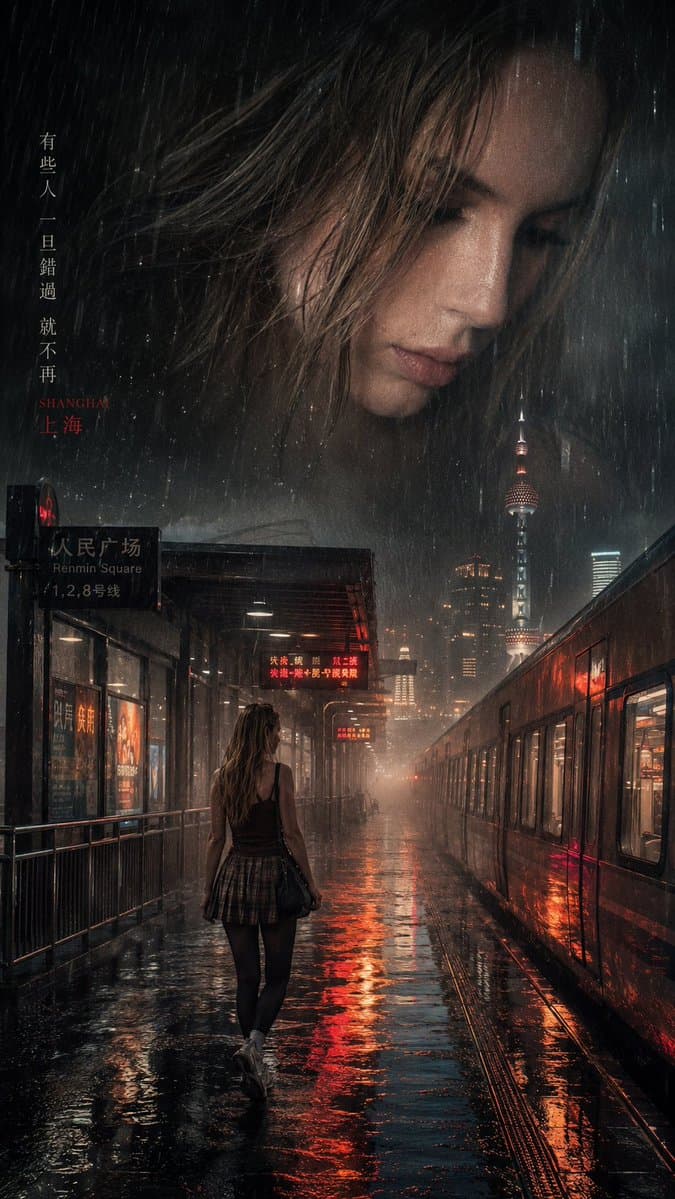
A cinematic and melancholic movie poster with a double exposure effect. At the top, superimposed translucently and ethereally, is the profile of the face from attached image number 1 on a {argument name="weather" default="rainy day"}. At the bottom is a wide shot of the face from attached image number 2, walking alone along the wet platform of a {argument name="location" default="Shanghai subway station"} at night. Heavy rain, mist, realistic reflections of neon lights on the soaked ground, a subway train to one side with illuminated windows. Cinematic style of {argument name="style reference" default="Wong Kar-wai"}, 35mm film photography, dark and desaturated color palette with high contrast in the red and warm background lights, nostalgic and dramatic atmosphere, ultra-detailed, 8k. --ar 9:16
Choose the primary action to open PicX Studio with the available template settings. Review the model and format, personalize the creative direction, and generate when ready.
Yes. You can change the subject, setting, lighting, mood, format, and available model controls before creating your image.
This template is free to open and customize. Generation usage is shown in PicX Studio before you create.
Start with GPT Image 2, which is the model associated with this template. You can compare another compatible model for a different finish.
© 2026 PicX Studio. All rights reserved.

Follow a topic to a crawlable collection of related PicX Studio templates.
43,474 public templates available. Verified via the PicX Studio public templates API; refreshed hourly.


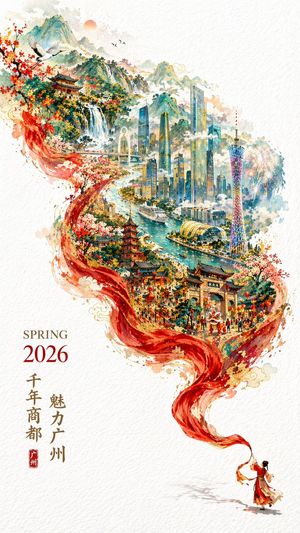



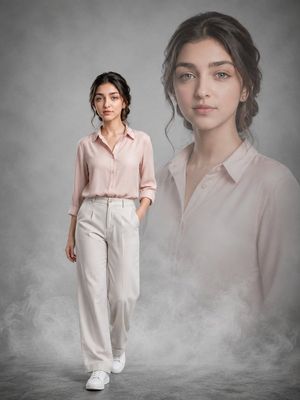







![Japan Travel Brochure Poster — Create a vertical vintage travel-brochure infographic poster titled “[COUNTRY/DESTINATION]: [TAGLINE]”, using a warm parchment-pa](/_next/image?url=https%3A%2F%2Fcdn.picxstudio.com%2Fuploads%2Fp0_982bf820-bb34-4c43-8a6d-42d799d7282b.jpg&w=828&q=100)

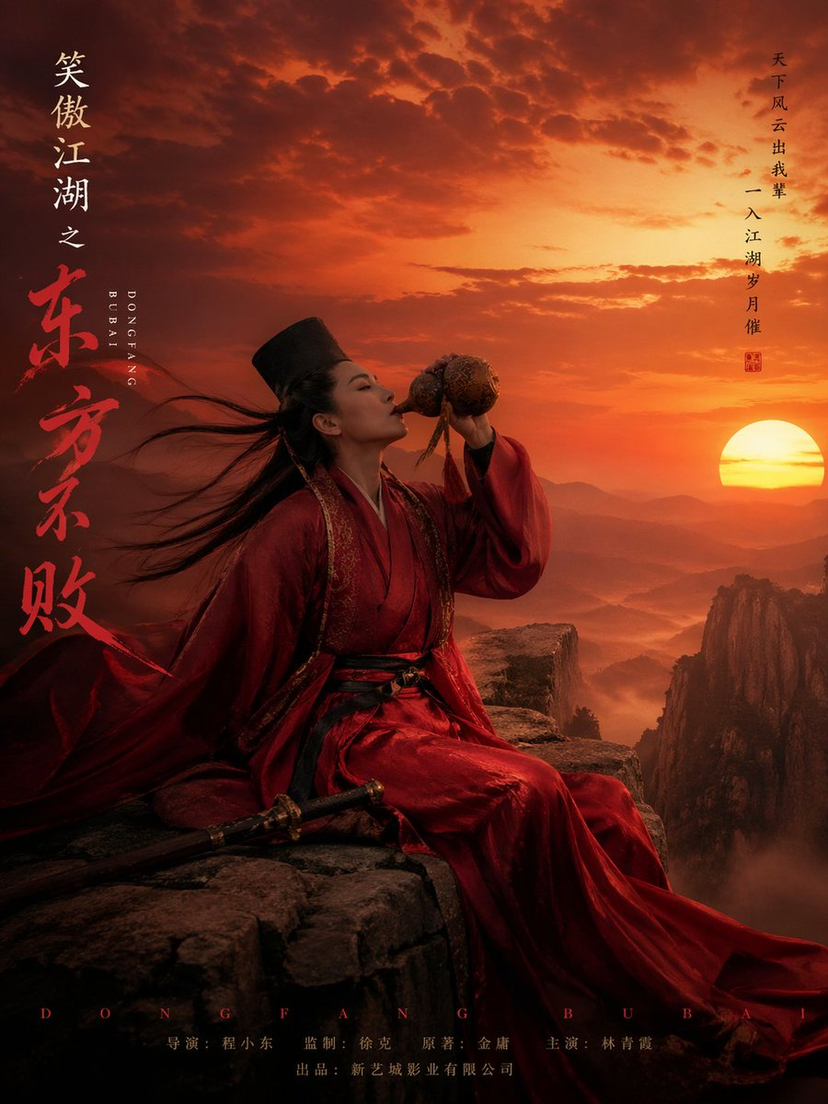




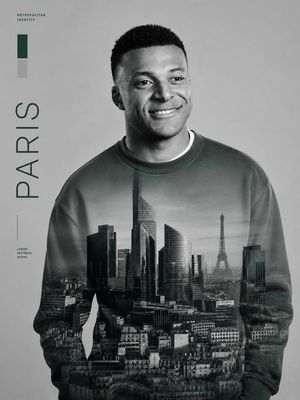



![Minimalist Flat Vector Travel Poster — Premium minimalist flat-vector travel poster for {argument name="city name" default="[CITY_NAME]"}, 3:4 vertical format.](https://cms-assets.youmind.com/media/1787917359711_3ug846_HQX205cbMAA6F6S-300x400.jpg)







































![Surreal Agricultural Civilization Inside a Fruit Prompt — A single {argument name="fruit or vegetable" default="[FRUIT/VEGETABLE]"} suspended in space, sliced o](https://pbs.twimg.com/media/HA5SbUDXYAAzFlZ.jpg)