
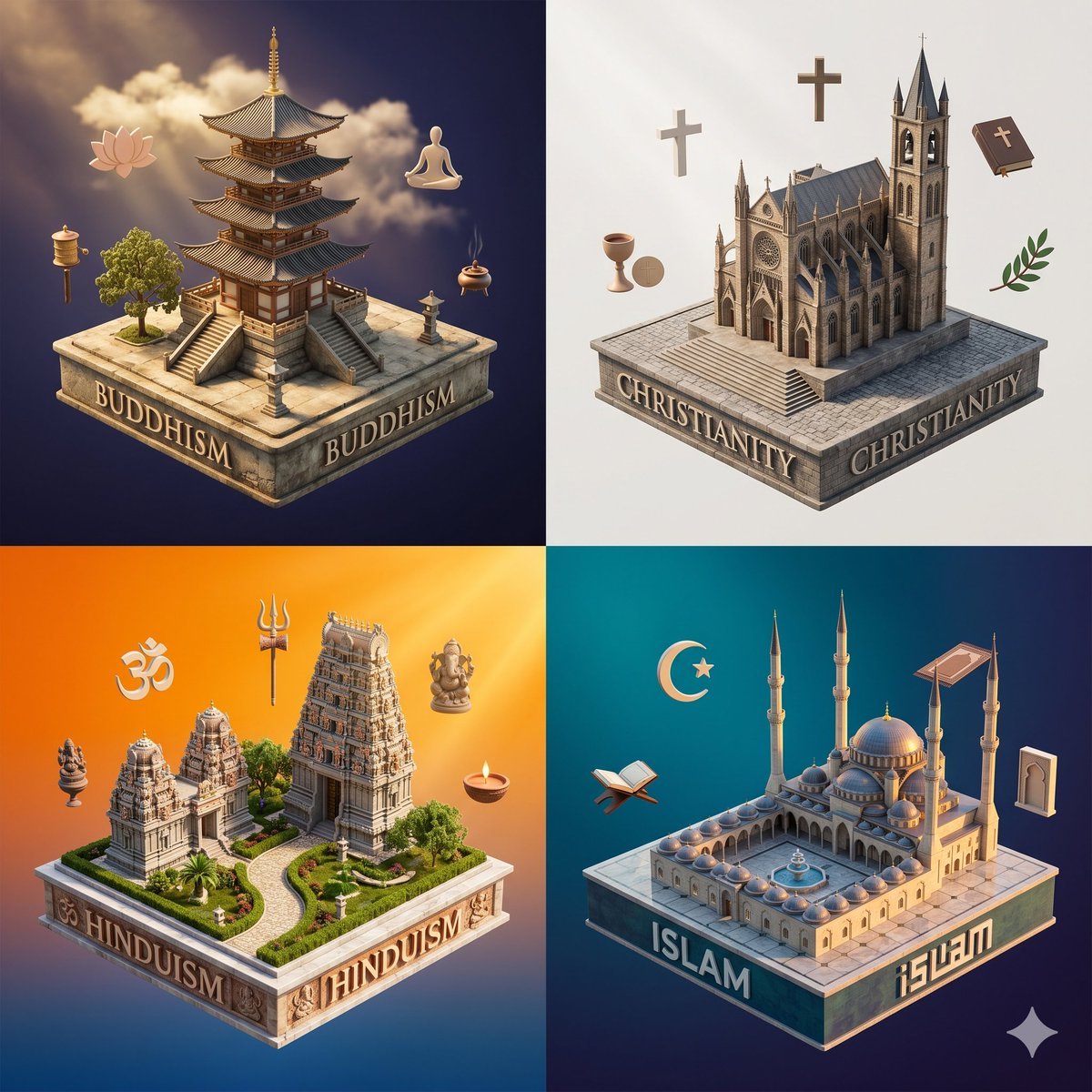
Isometric Religion Diorama Grid
This prompt generates a polished 4-panel conceptual poster of major religions as miniature architectural dioramas, suitable for educational graphics or social media comparisons.
- Prompt included
- Model and format preset
- Free template
The prompt behind this image
Copy the exact prompt behind Isometric Religion Diorama Grid, or open it in the studio and make it yours.
- Type
- isometric conceptual religion comparison poster
- Style
- high-detail 3D miniature diorama, polished stone and architectural model aesthetic, soft global illumination, clean studio rendering, subtle floating symbolic objects, square composition divided into 4 equal quadrants
- Topic
- major world religions represented as iconic architectural entities
- Layout › Grid › Rows
- 2
- Layout › Grid › Columns
- 2
- Layout › Grid › Count
- 4
- Layout › Sections › 0 › Title
- BUDDHISM
- Layout › Sections › 0 › Position
- top-left
- Layout › Sections › 0 › Count
- 5
- Layout › Sections › 0 › Labels
- lotus flower, hanging lantern, meditating Buddha figure, incense burner, tree
- Layout › Sections › 1 › Title
- CHRISTIANITY
- Layout › Sections › 1 › Position
- top-right
- Layout › Sections › 1 › Count
- 5
- Layout › Sections › 1 › Labels
- cross 1, cross 2, chalice and communion wafer, Bible, olive branch
- Layout › Sections › 2 › Title
- HINDUISM
- Layout › Sections › 2 › Position
- bottom-left
- Layout › Sections › 2 › Count
- 5
- Layout › Sections › 2 › Labels
- Om symbol, trident, Ganesha statue, small deity statue, oil lamp
- Layout › Sections › 3 › Title
- ISLAM
- Layout › Sections › 3 › Position
- bottom-right
- Layout › Sections › 3 › Count
- 5
- Layout › Sections › 3 › Labels
- crescent moon, open Quran on stand, prayer rug, mihrab arch panel, star motif
- Layout › Divider
- thin white cross-shaped divider between quadrants
- Scenes › 0 › Religion
- BUDDHISM
Raw JSON
{"type":"isometric conceptual religion comparison poster","style":"high-detail 3D miniature diorama, polished stone and architectural model aesthetic, soft global illumination, clean studio rendering, subtle floating symbolic objects, square composition divided into 4 equal quadrants","topic":"major world religions represented as iconic architectural entities","layout":{"grid":{"rows":2,"columns":2,"count":4},"sections":[{"title":"BUDDHISM","position":"top-left","count":5,"labels":["lotus flower","hanging lantern","meditating Buddha figure","incense burner","tree"]},{"title":"CHRISTIANITY","position":"top-right","count":5,"labels":["cross 1","cross 2","chalice and communion wafer","Bible","olive branch"]},{"title":"HINDUISM","position":"bottom-left","count":5,"labels":["Om symbol","trident","Ganesha statue","small deity statue","oil lamp"]},{"title":"ISLAM","position":"bottom-right","count":5,"labels":["crescent moon","open Quran on stand","prayer rug","mihrab arch panel","star motif"]}],"divider":"thin white cross-shaped divider between quadrants"},"scenes":[{"religion":"BUDDHISM","base_text":"BUDDHISM","background":"deep midnight blue with warm clouds and light rays","centerpiece":"multi-tier East Asian pagoda temple on a square stone pedestal with broad staircases on two visible sides, small stone lantern, and a leafy tree","palette":"golden beige stone, dark wood, teal roof tiles, warm sunlight"},{"religion":"CHRISTIANITY","base_text":"CHRISTIANITY","background":"soft off-white to pale gray gradient","centerpiece":"large Gothic cathedral on a square stone pedestal with central rose window, nave, buttresses, and two tall bell towers","palette":"light beige stone, cool gray roof, neutral daylight"},{"religion":"HINDUISM","base_text":"HINDUISM","background":"orange-to-blue gradient with bright warm glow","centerpiece":"South Indian temple complex with 3 ornate gopuram towers, landscaped garden, curved path, and lush greenery on a square pedestal","palette":"sandstone beige, green landscaping, warm orange sunlight"},{"religion":"ISLAM","base_text":"ISLAM","background":"teal-to-deep-blue gradient","centerpiece":"grand mosque with central dome, 4 slender minarets, arcaded courtyard, and fountain on a square pedestal","palette":"cool beige stone, blue domes, evening light"}],"rendering":{"camera":"three-quarter isometric view for each quadrant","materials":"carved stone bases with embossed serif capital lettering on 2 visible sides, detailed miniature architecture, crisp edges","lighting":"directional cinematic light tailored to each quadrant, soft shadows, gentle ambient glow","mood":"educational, respectful, elegant, conceptual"}}How to use Isometric Religion Diorama Grid in 3 steps
- 1Upload ImagePNG, JPG or paste
Add your photo
Upload the photo the template builds on. The prompt, model and format are already set.
- 2…a portrait of your subject in softgolden-hour light, 85mm…
Personalize
Edit the subject and creative details for your destination.
- 3Generate
Generate
Press Generate — your image is created in PicX Studio, so you can compare it with the original and refine one variable at a time.
More like this
Templates with the same subject, style or setup. Open one to see its prompt.

Isometric Process Educational Diorama

Isometric Brand Store Diorama
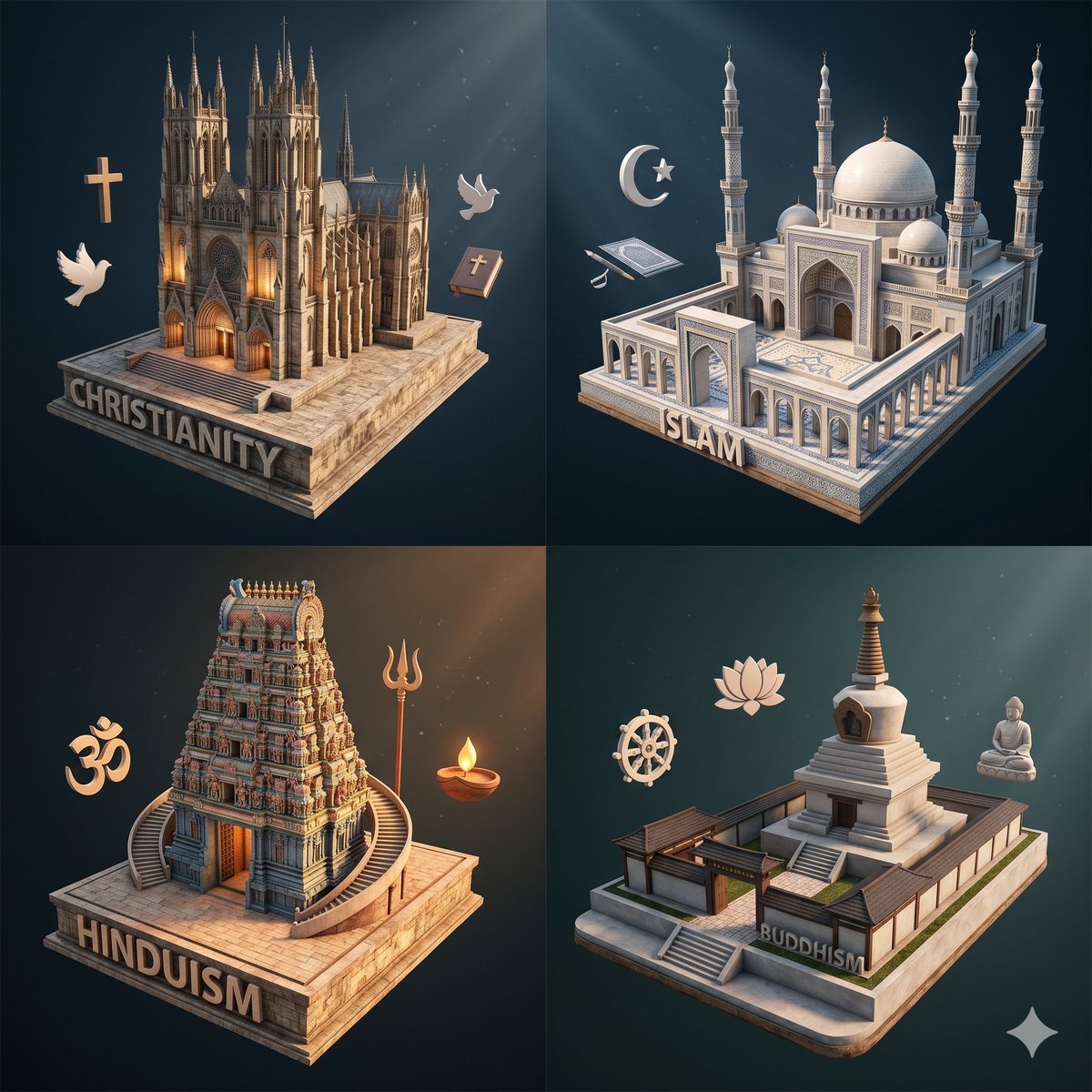
Isometric Religion Architecture Grid
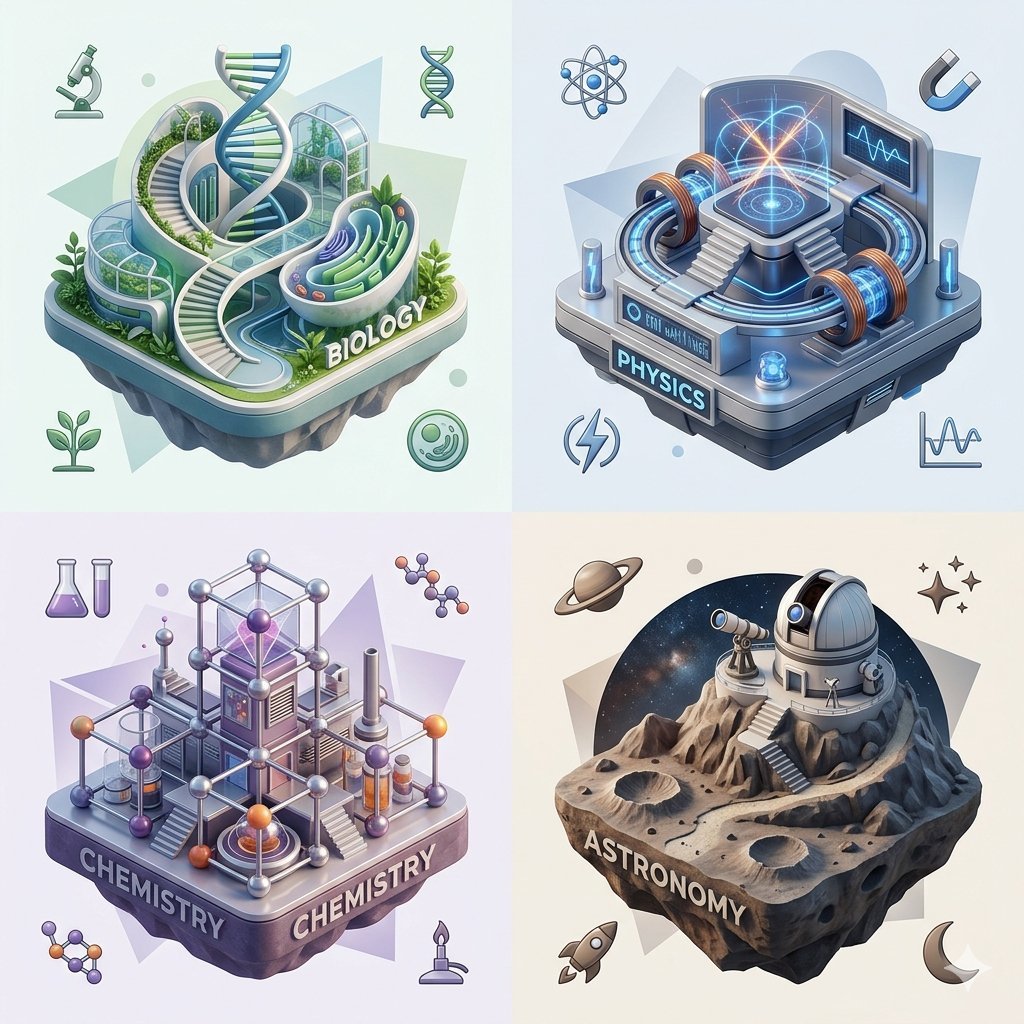
Isometric Science Concept Diorama Grid

Cozy Isometric Bathroom Miniature Diorama

Layered Paper Cut Forest Diorama

Soft Handcrafted Paper-Cut Layered Illustration

Korean Luxury Fashion Editorial 2x2 Grid Series

Minimalist Fashion Editorial Split Layout

Ultra-Realistic Vogue-Style Editorial Fashion Grid

Headphones Lifestyle Nine Panel Grid

FIFA World Cup — Brazil National Pass Diorama
Make it yours
Isometric Religion Diorama Grid works as-is. These are the safest ways to change it without losing the look.
Swap the setting
Keep the rest of the prompt and replace the location block. The current setting is “deep midnight blue with warm clouds and light rays”.
Swap the light
One lighting change is enough to compare takes. Current light: “directional cinematic light tailored to each quadrant, soft shadows, gentle ambi”.
Change one field
Copy a single group, rewrite it, and generate again so you can see what that field is doing.
| If the result… | Why | Fix |
|---|---|---|
| The result drifts from the preview | Too many fields changed at once. | Reuse Isometric Religion Diorama Grid as-is first, then change one group — subject, light, or setting. |
| GPT Image 2 ignores part of the JSON | Some models flatten or skip nested keys. | Keep the same values and paste them as a short paragraph instead. |
More GPT Image 2 templates
Other prompts made for GPT Image 2.

Six VTuber Japanese Logo Sheet

Realistic Portrait of Woman and Deer

The Vista Modular Condo Poster

AI Model Routing Comparison Infographic

2.5D Anime Art Board

Isometric Productivity Desk Scene

New York Double Exposure Poster

Four-Panel AI Landscape Comparison

Japanese Tatami Lifestyle Magazine Cover

NESCAFÉ Coffee Map Poster
More image prompts
Fresh picks from across the catalog.

High-end professional studio portrait with custom text overlay

Gold Gmail AI Risk Infographic

Jellyfish Composition Generation
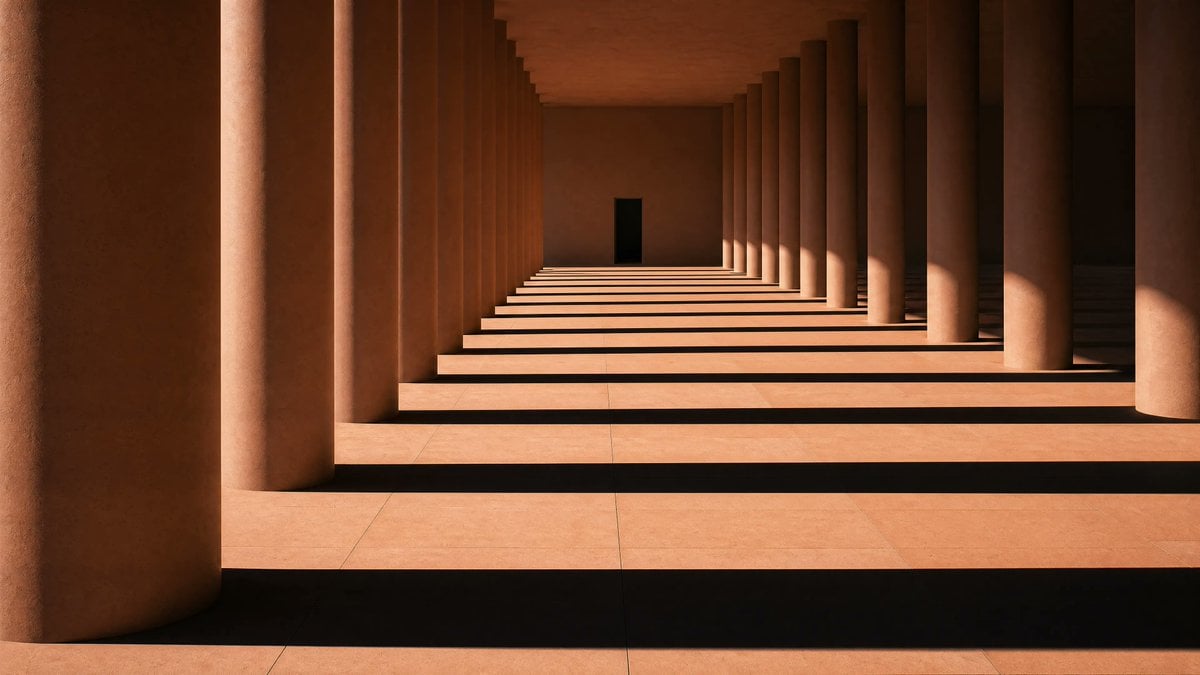
Sunlit Terracotta Colonnade
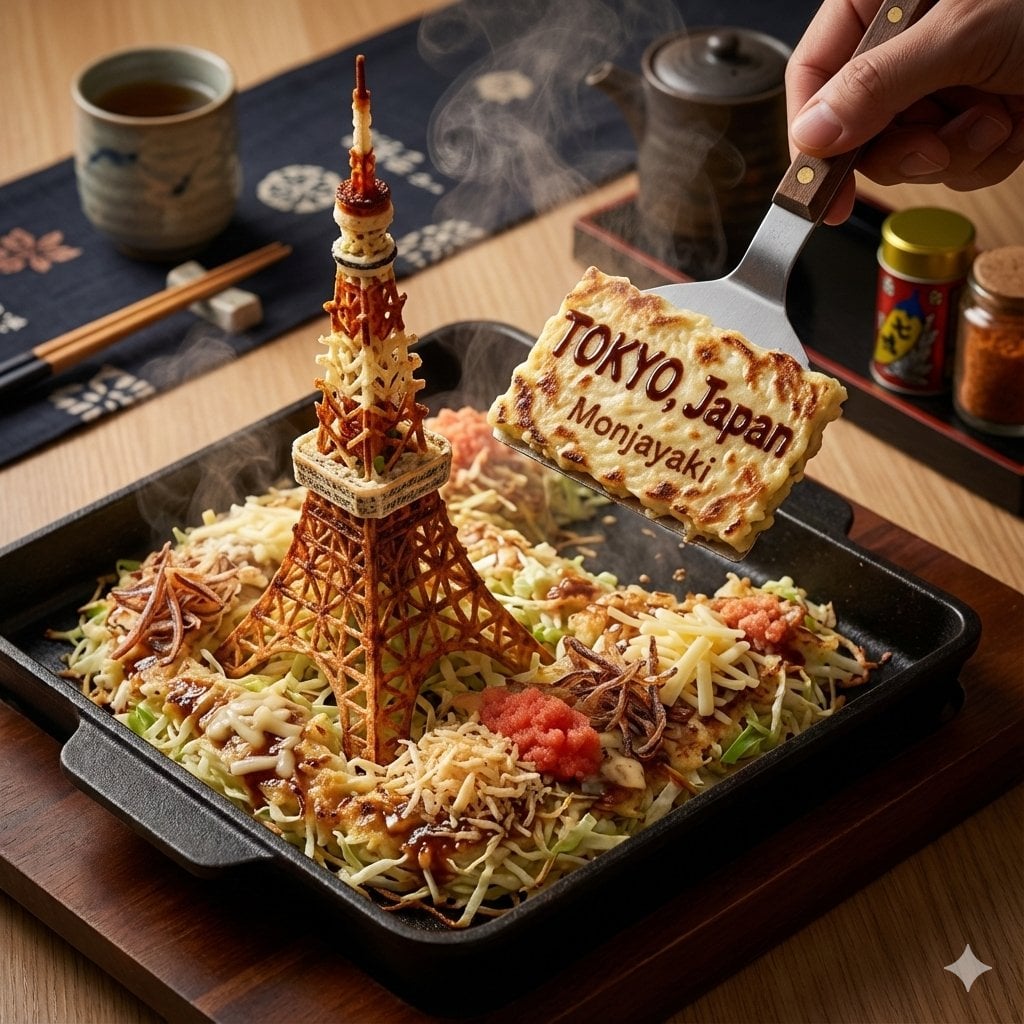
City on a Dining Table Prompt (Mention)
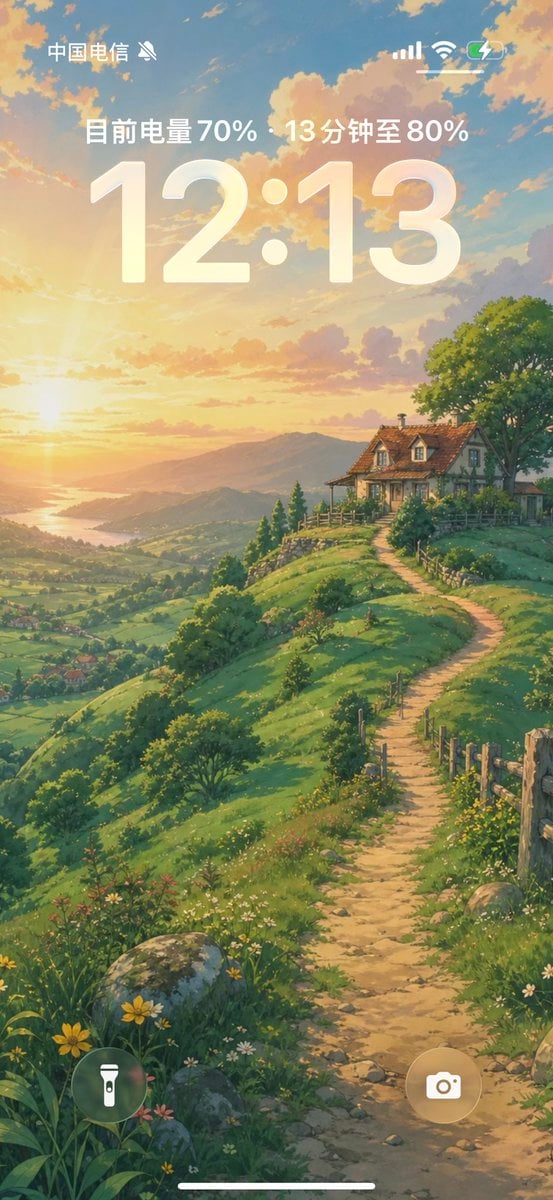
Anime Countryside iPhone Lock Screen
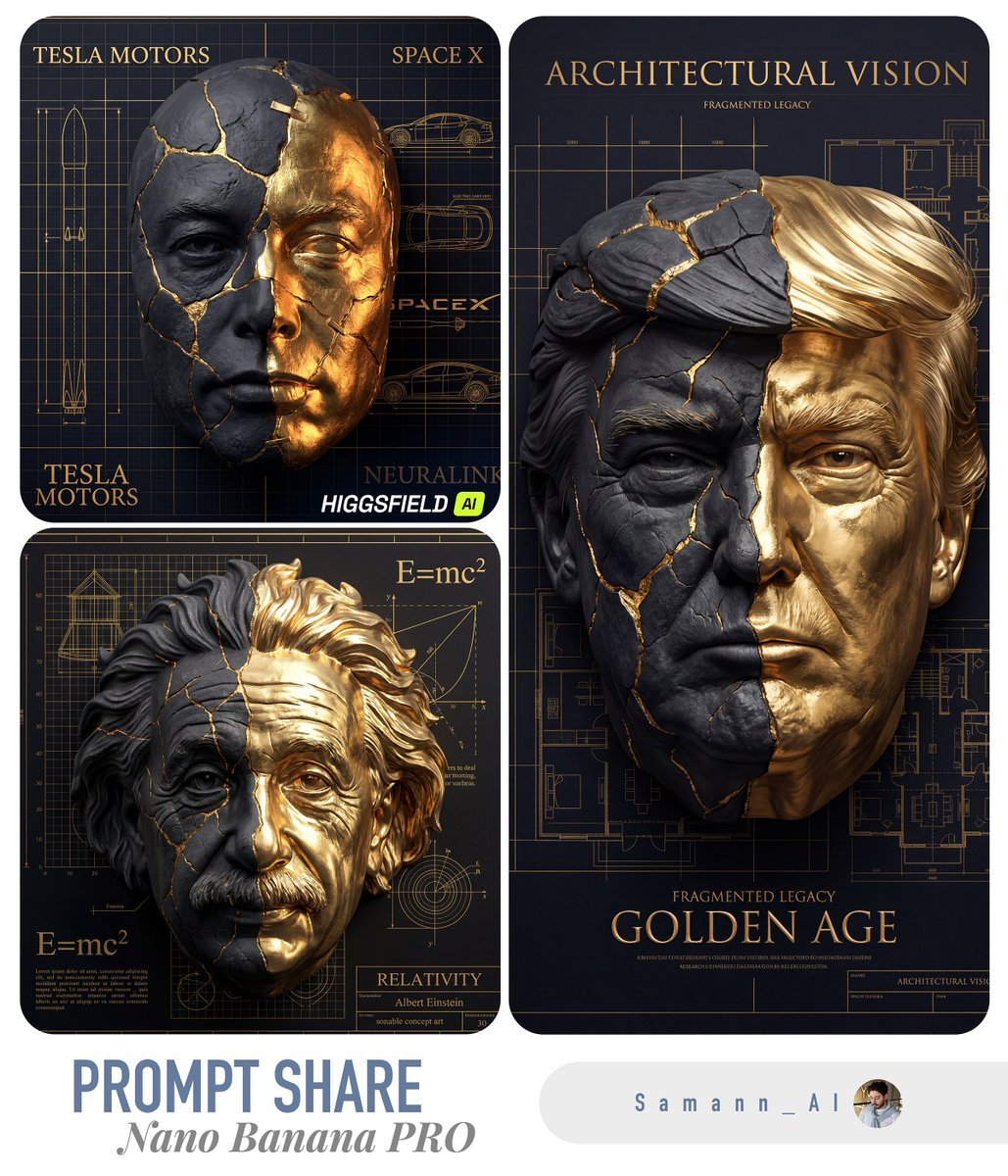
Kintsugi-Inspired Architectural 3D Portrait

National Sports Celebration Poster
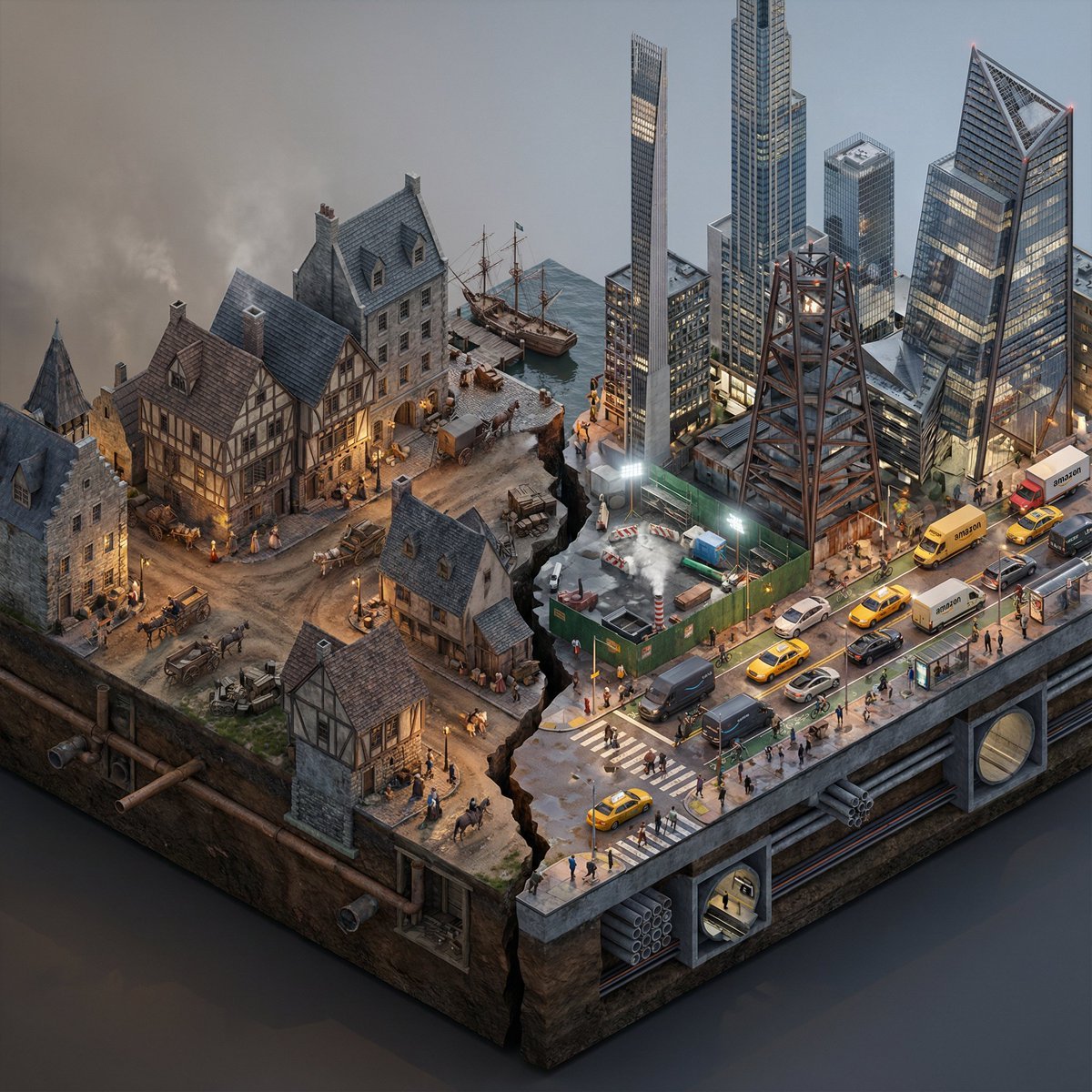
Split-Era Urban Diorama Generation Prompt for Nano Banana Pro
Giant Abstract Enemy Character Generation Prompt (Step 2)
Browse template categories
Isometric Religion Diorama Grid questions
How do I use the Isometric Religion Diorama Grid template?
Add your photo if the template asks for one, edit the prompt if you like — the template's model and format are already selected — and press Generate. Your version opens in PicX Studio.
Can I customize the Isometric Religion Diorama Grid template?
Yes. You can change the subject, setting, lighting, mood, format, and available model controls before creating your image.
Is the Isometric Religion Diorama Grid template free?
Opening and editing this template is free. Generating uses credits, shown on the Generate button when you are signed in.
Which AI model should I use?
Start with GPT Image 2, which is the model associated with this template. You can compare another compatible model for a different finish.
Looking for something else? Browse all templates.

Your photo, any look
Thousands of ready templates for every top image and video model, from one credit balance.