
Gothic Jester Assassin
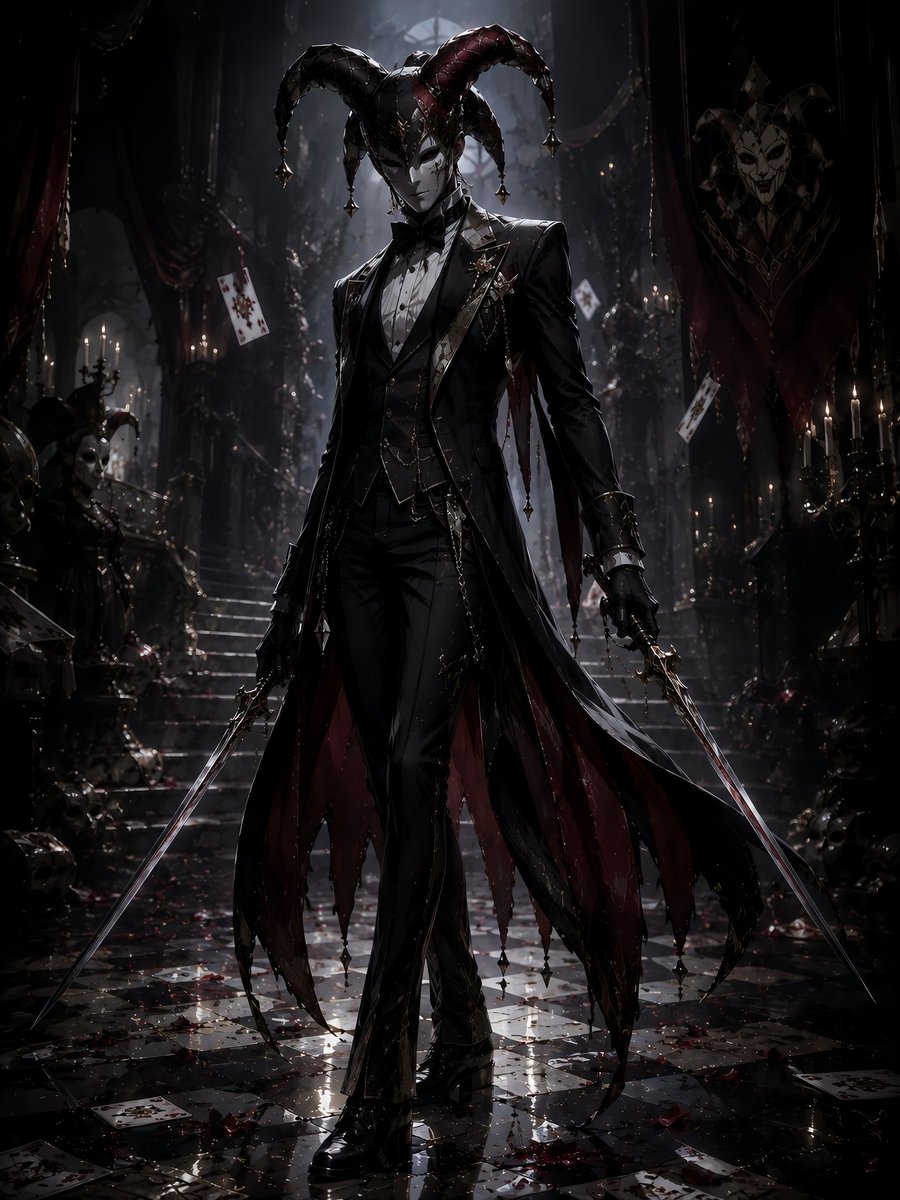
A cinematic dark fantasy character prompt for creating an elegant horned jester assassin in a ruined candlelit palace.
- Prompt included
- Model and format preset
- Premium template
The prompt behind this image
Copy the exact prompt behind Gothic Jester Assassin, or open it in the studio and make it yours.
Create a dark gothic fantasy full-body portrait of an elegant jester assassin in a ruined royal hall. The central figure is a tall, slender humanoid with a deliberately featureless shadowed face, wearing a dramatic horned jester hat with exactly 6 curved points: 3 black points and 3 deep crimson points, each ending in a small metallic bell or spike. Dress the character in a luxurious black Victorian tailcoat and fitted tuxedo suit with a white dress shirt, black bow tie, layered waistcoat, leather straps, chains, brooches, gloves, and polished black boots. The coat has long ragged split tails lined in dark red, with dangling ornaments at the tips. The character stands confidently in the center, walking forward, holding exactly 2 long thin rapier-like swords, one in each hand, angled downward toward the floor. Use a sinister theatrical atmosphere with a grand decaying palace or cathedral interior, tall stairs behind the figure, black-and-white reflective checkerboard marble floor, scattered rose petals, debris, and exactly 5 clearly visible playing cards floating or lying around the scene. Add candles and candelabras glowing softly on both sides, tattered red curtains, ornate banners with jester/harlequin motifs, skull-like dark decorations, and faint drifting dust or mist. Lighting should be cinematic, low-key, high contrast, with a cold moonlit beam from above and warm candle highlights, glossy reflections on the wet floor, deep shadows, and a desaturated palette of black, charcoal, silver, and blood red. Style: ultra-detailed dark fantasy concept art, anime-inspired but realistic rendering, sharp costume details, dramatic vertical composition, no text, no watermark. Optional customization: make the jester assassin named {argument name="character name" default="Jesterheads"}, use {argument name="accent color" default="deep crimson"} accents, set the environment as {argument name="setting" default="ruined royal hall"}, give the face a {argument name="face treatment" default="featureless shadowed face"}, and use {argument name="weapon type" default="two long thin rapier-like swords"}.
How to use Gothic Jester Assassin in 3 steps
- 1Upload ImagePNG, JPG or paste
Add your photo
Upload the photo the template builds on. The prompt, model and format are already set.
- 2…a portrait of your subject in softgolden-hour light, 85mm…
Personalize
Edit the subject and creative details for your destination.
- 3Generate
Generate
Press Generate — your image is created in PicX Studio, so you can compare it with the original and refine one variable at a time.
More like this
Templates with the same subject, style or setup. Open one to see its prompt.
Gothic Jester Duelist
Noir Assassin Character Sheet
Neo-noir assassin portrait ink engraving
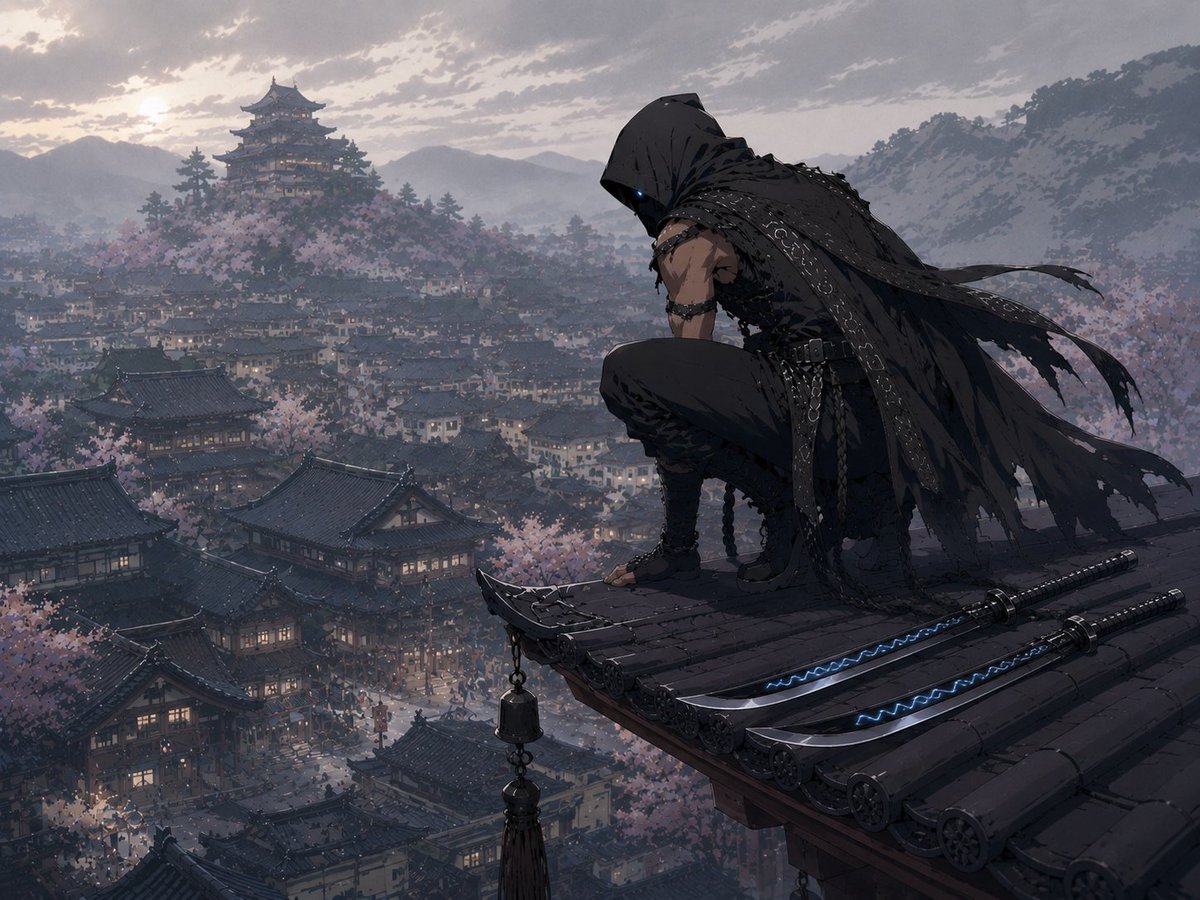
Hooded Assassin Watching Castle Town
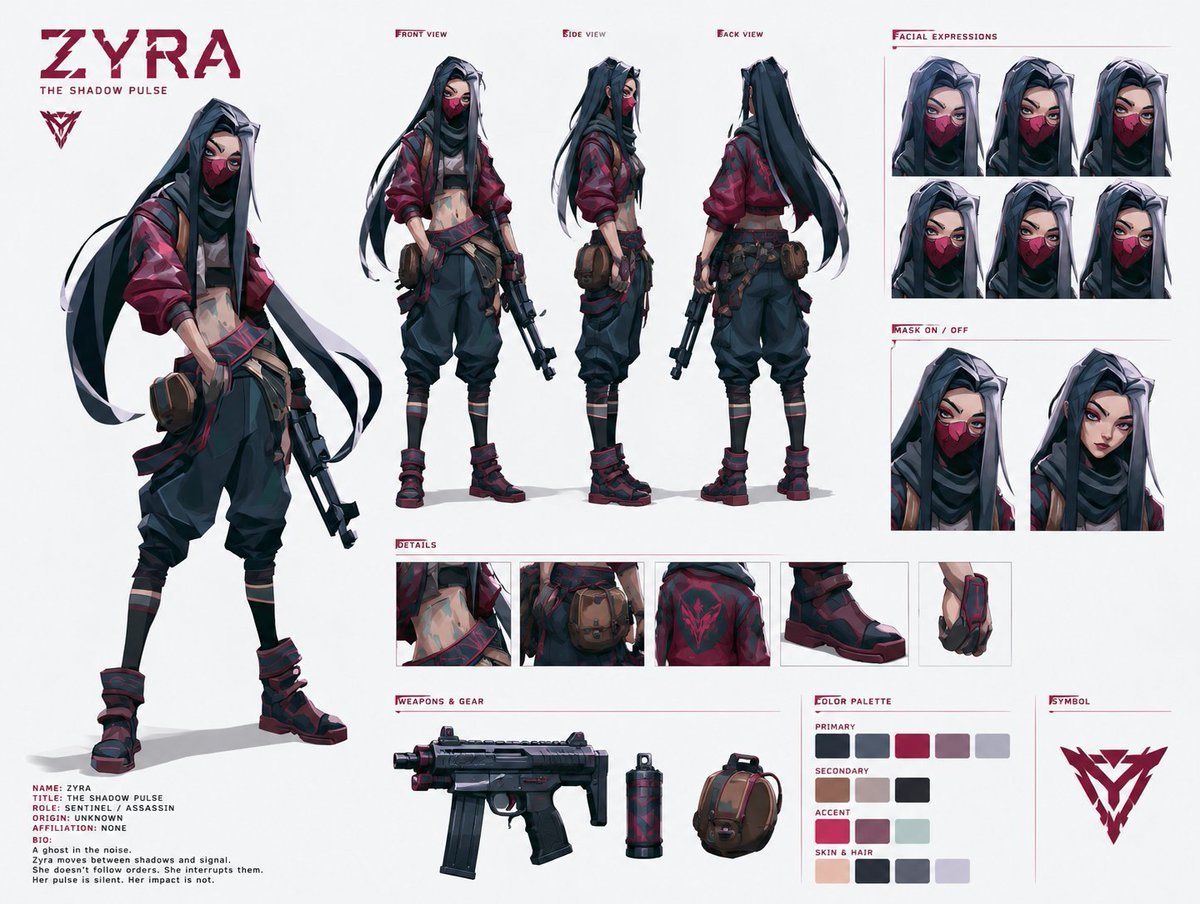
Cyberpunk Ninja Assassin Character Sheet
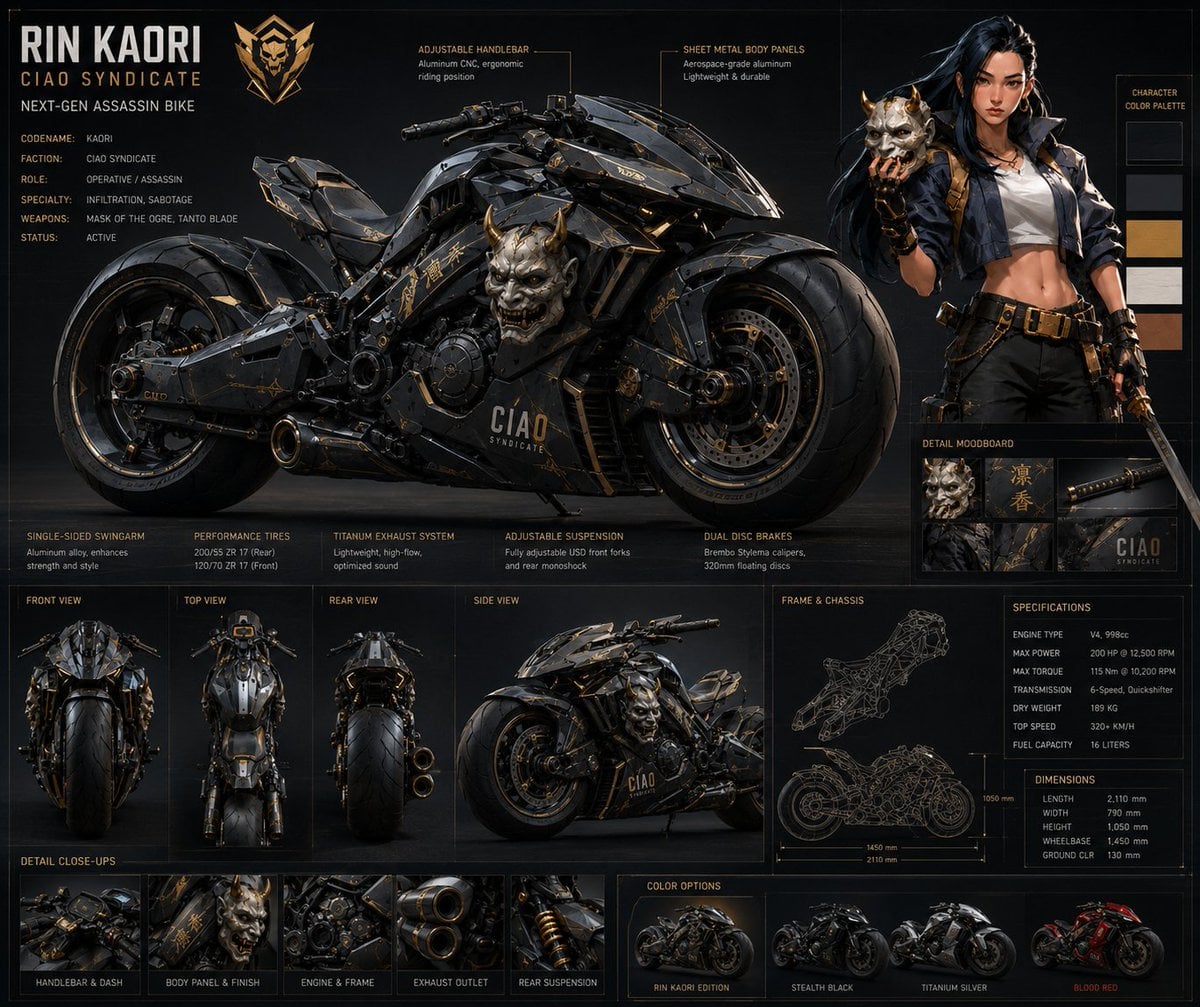
Rin Kaori Assassin Bike Identity Board
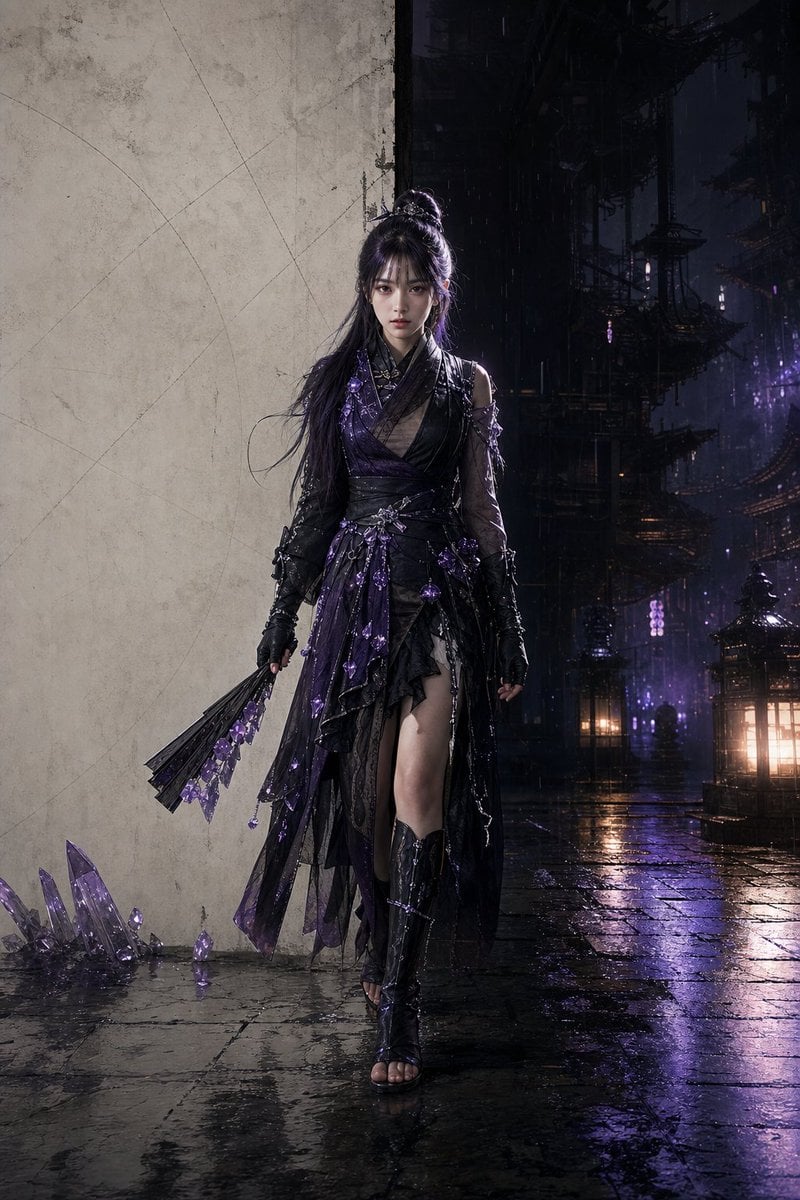
Rainy Violet Assassin Portrait
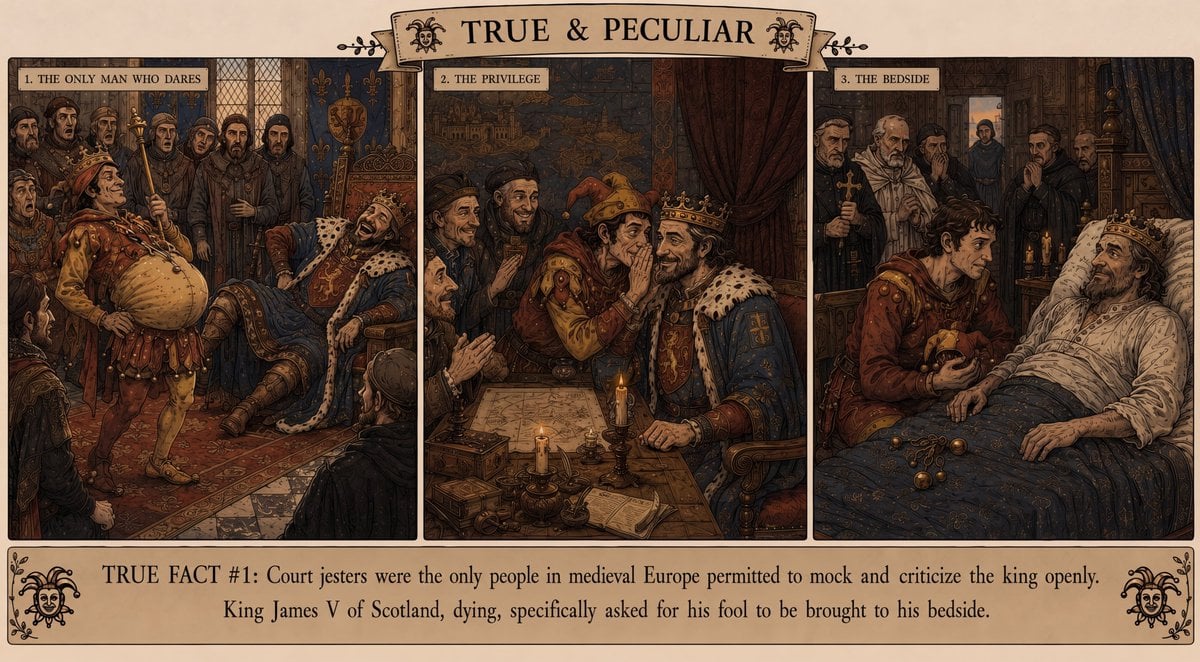
Medieval Jester Fact Triptych
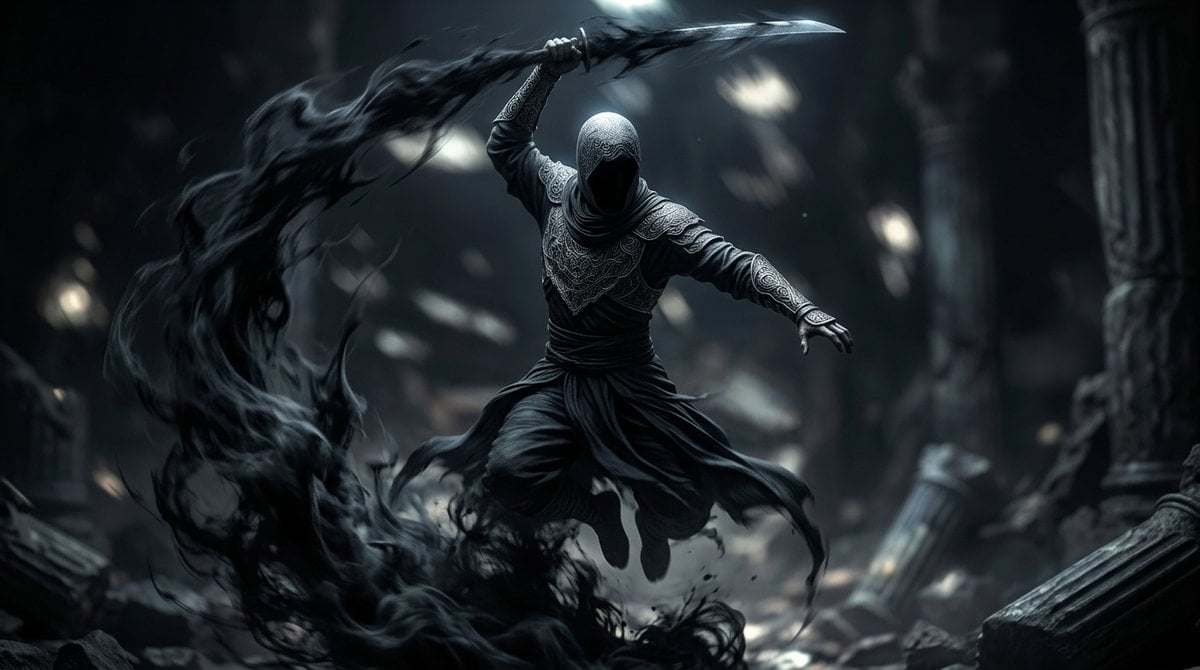
Shadow Assassin in Ruined Temple
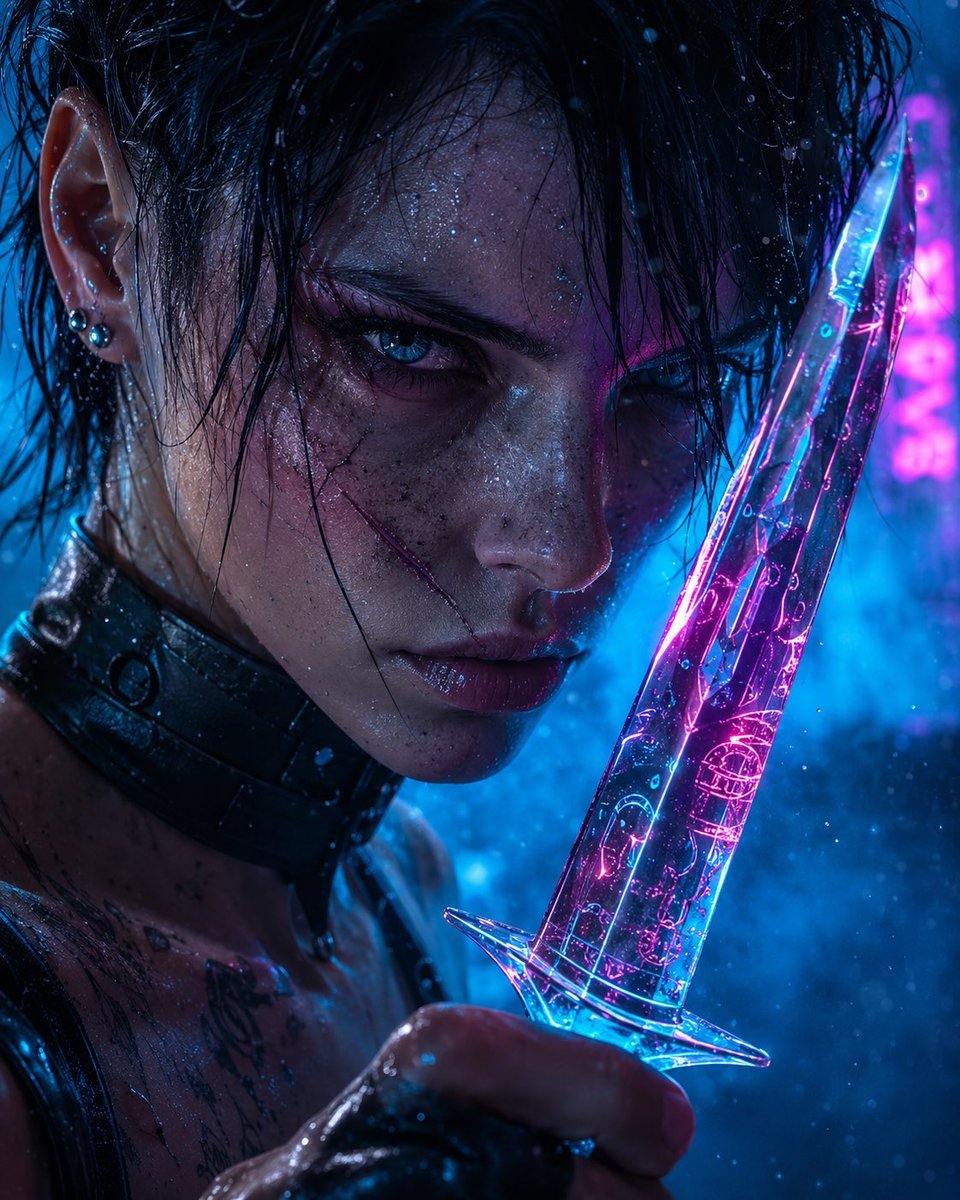
Cyberpunk Assassin With Neon Glass Dagger
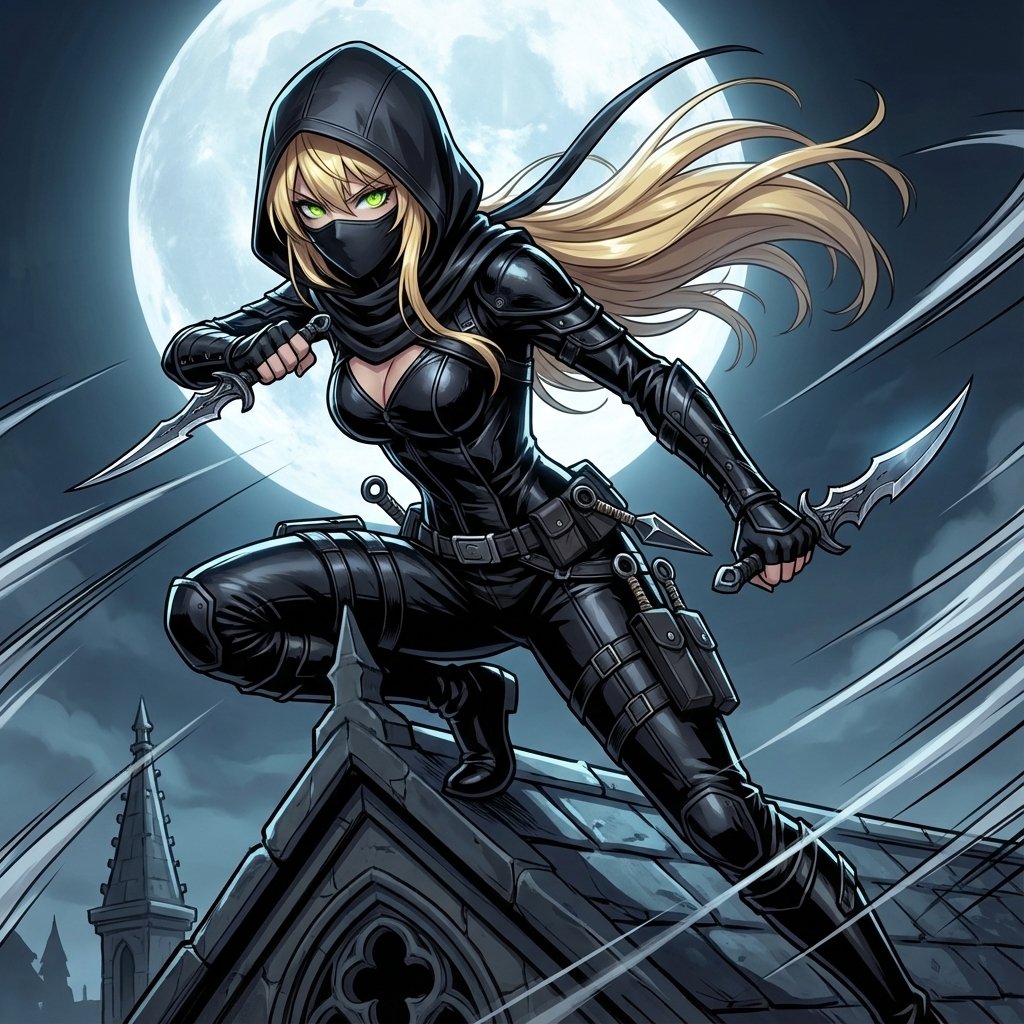
Assassin Style Conversion Prompt (Japanese)
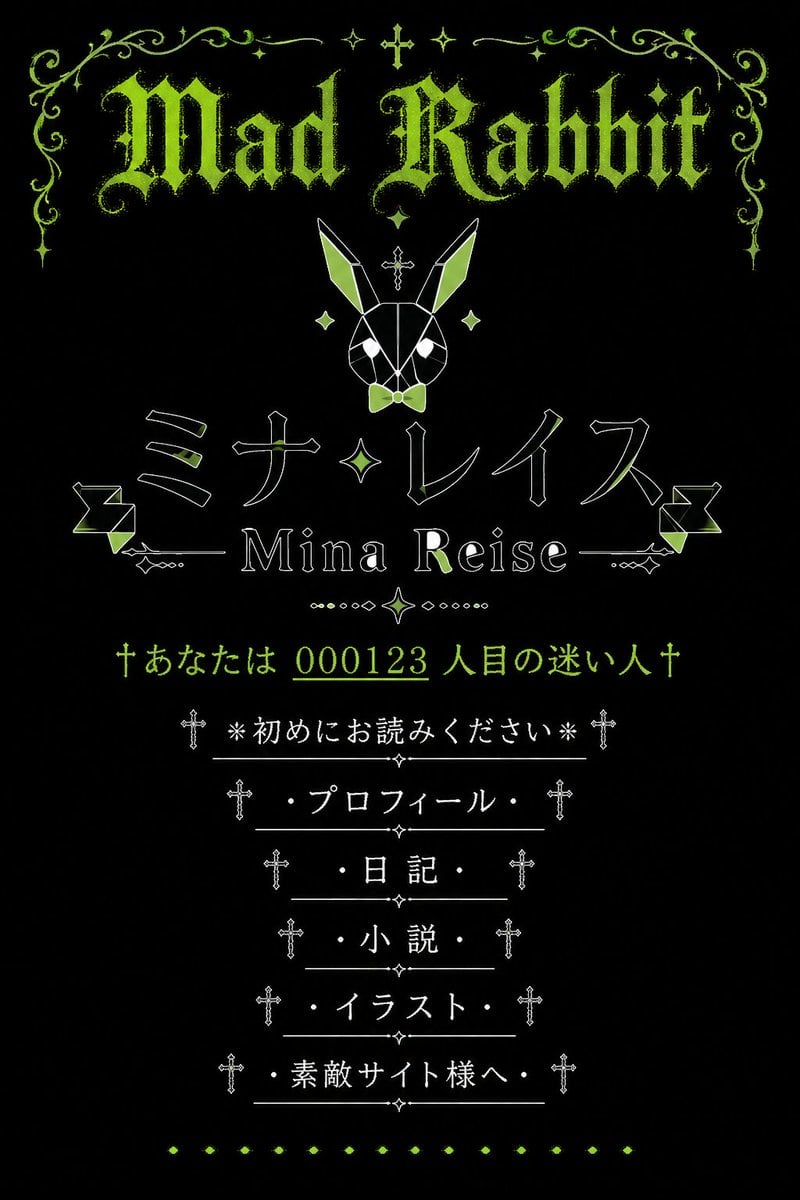
Gothic Japanese Mobile Homepage
Make it yours
Gothic Jester Assassin works as-is. These are the safest ways to change it without losing the look.
Change one field
Copy a single group, rewrite it, and generate again so you can see what that field is doing.
Keep the frame, change the subject
Hold the composition and light of Gothic Jester Assassin, then swap wardrobe, props or the person for a new take.
| If the result… | Why | Fix |
|---|---|---|
| The result drifts from the preview | Too many fields changed at once. | Reuse Gothic Jester Assassin as-is first, then change one group — subject, light, or setting. |
| The model over-stylizes the scene | The prose prompt leaves finish and camera underspecified. | Add one camera or lighting sentence and stay on GPT Image 2. |
More GPT Image 2 templates
Other prompts made for GPT Image 2.

Six VTuber Japanese Logo Sheet

Realistic Portrait of Woman and Deer

The Vista Modular Condo Poster

AI Model Routing Comparison Infographic

2.5D Anime Art Board

Isometric Productivity Desk Scene

New York Double Exposure Poster

Four-Panel AI Landscape Comparison

Japanese Tatami Lifestyle Magazine Cover

NESCAFÉ Coffee Map Poster
More image prompts
Fresh picks from across the catalog.
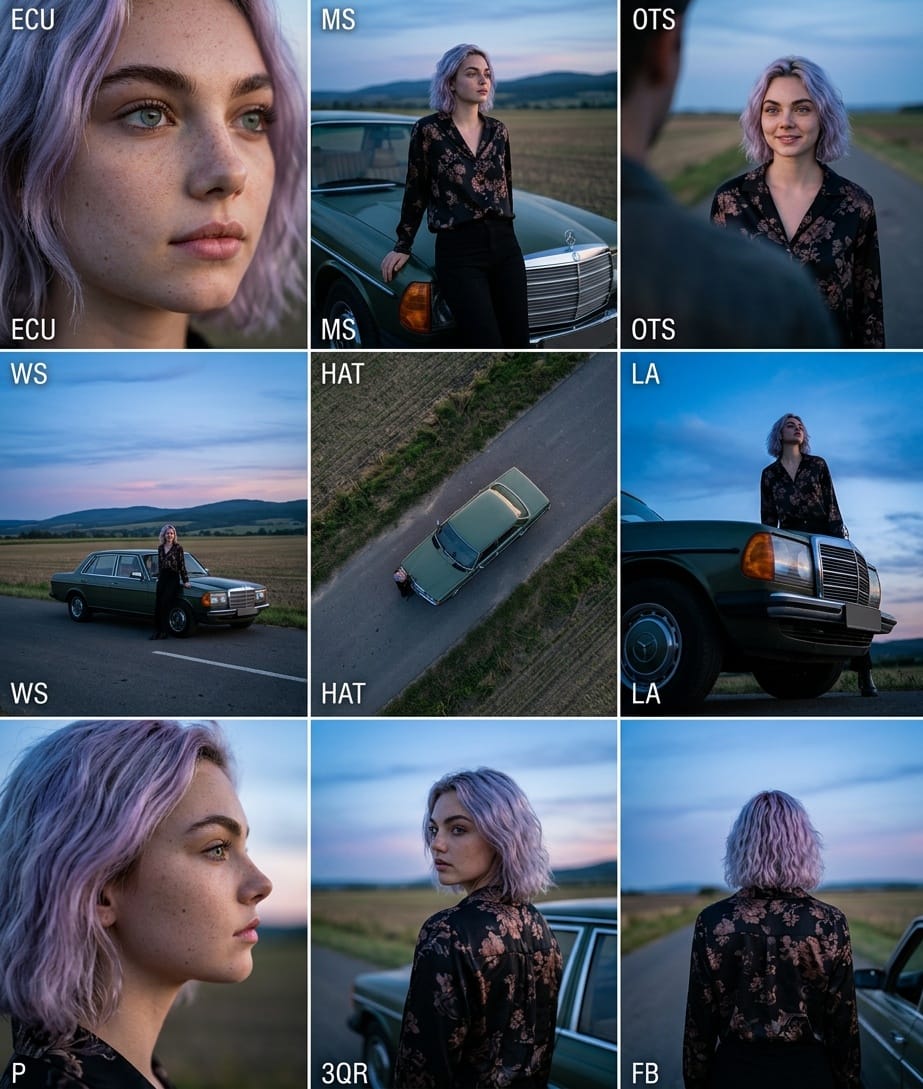
Cinematic 3x3 Grid Camera Angle Prompt
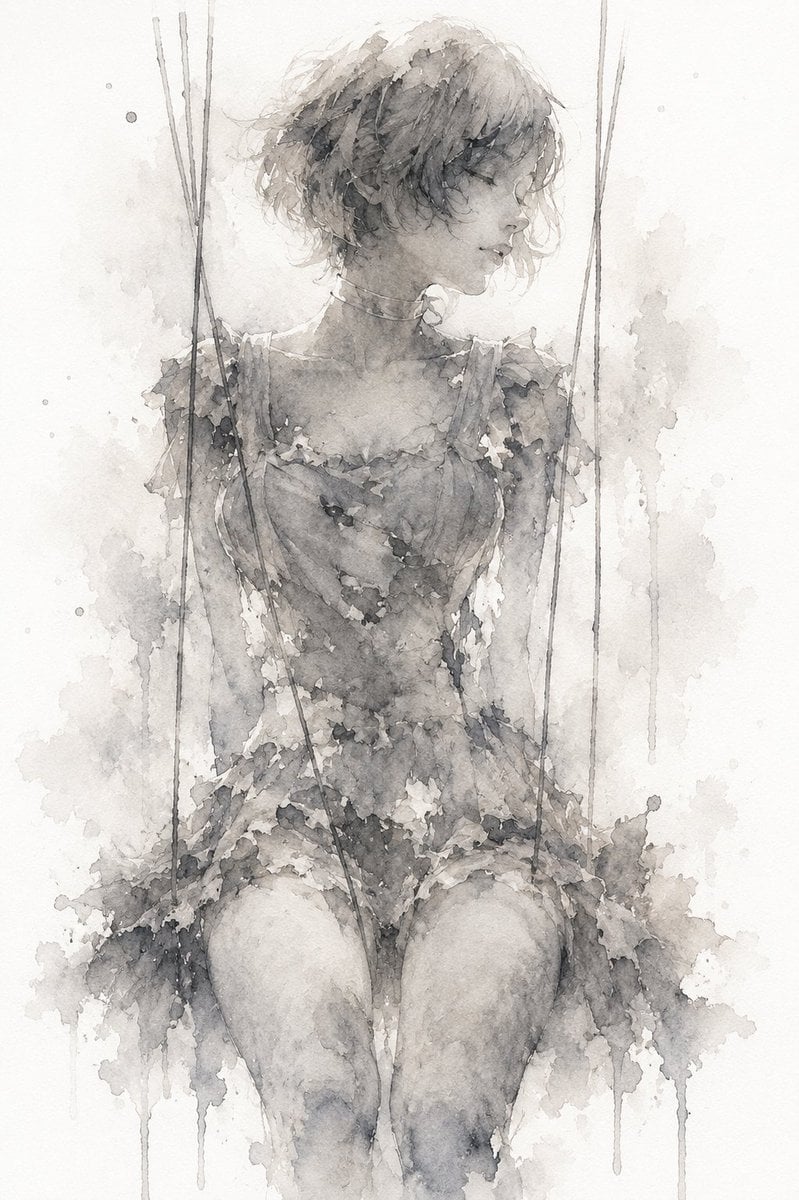
Melancholic Marionette Watercolor

AI Companies in 2026 Grid Poster
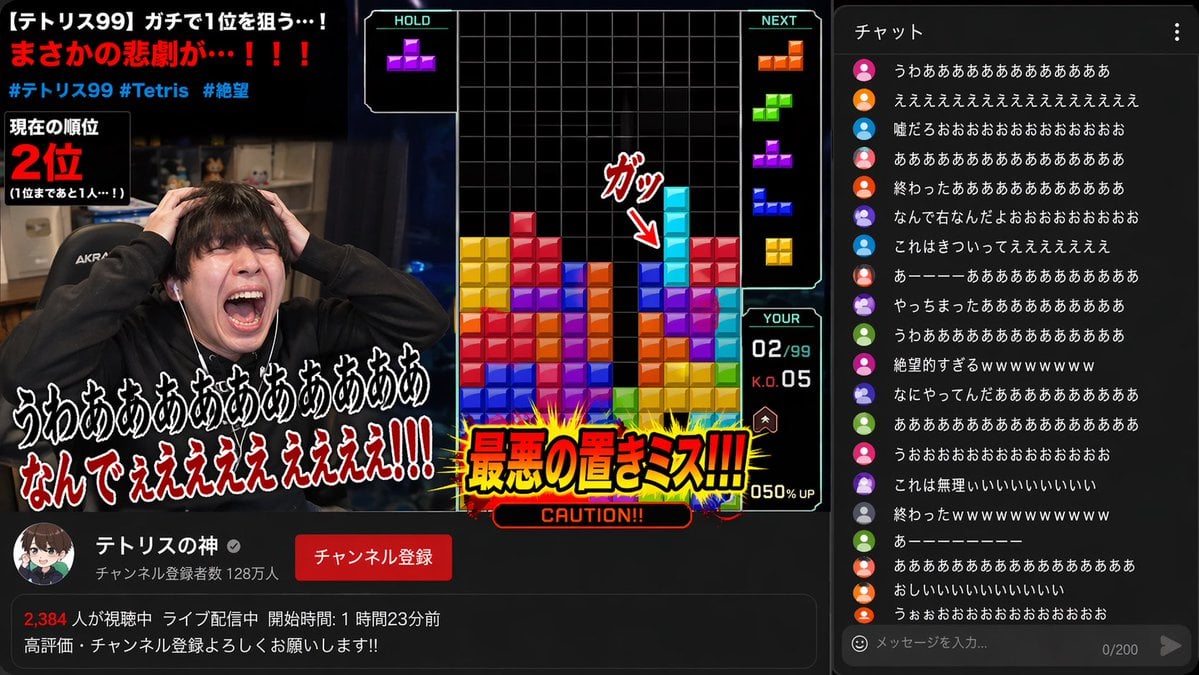
YouTube Gaming Stream Despair Scene
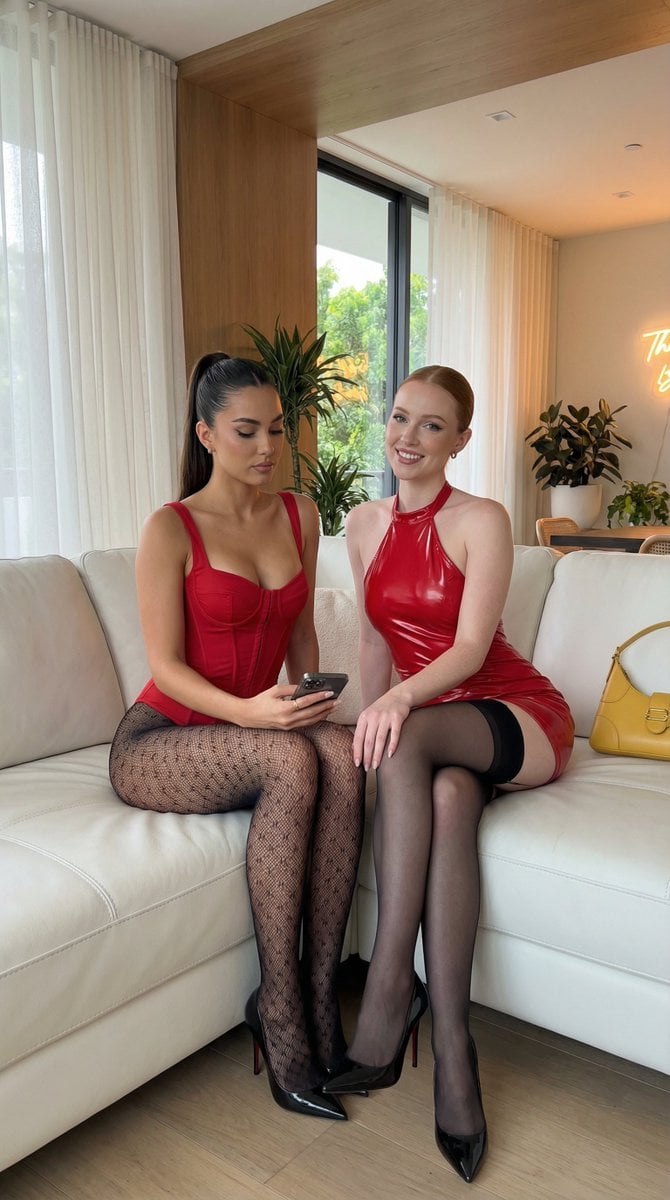
Ultra-Realistic Smartphone Portrait of Two Women in Red
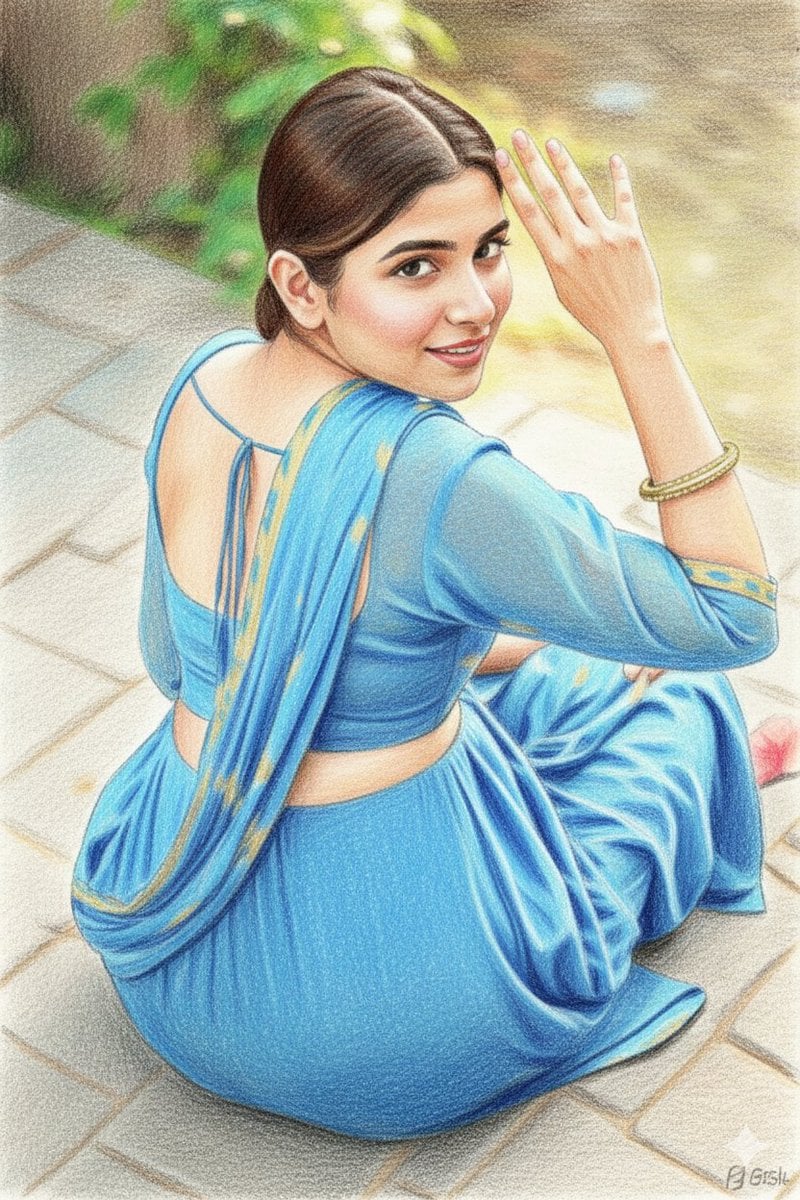
Colored Pencil Sketchbook Illustration
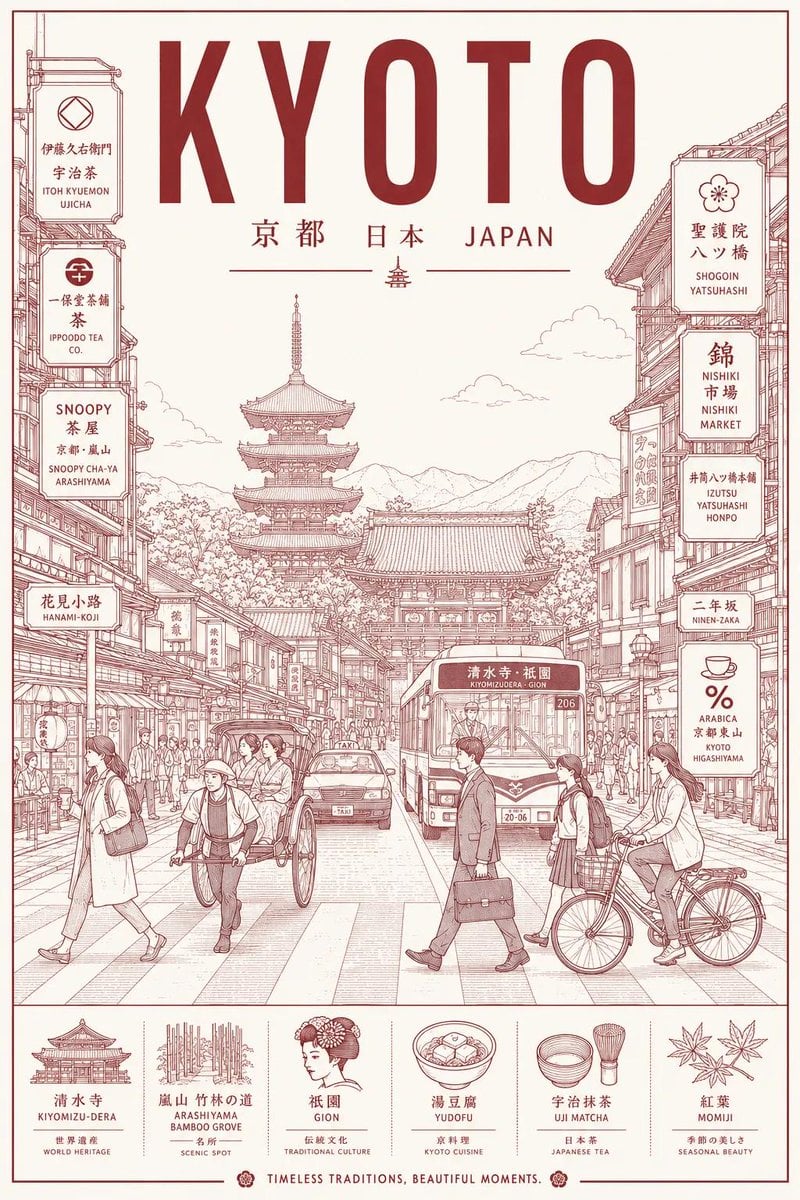
Minimalist Line Art Travel Poster
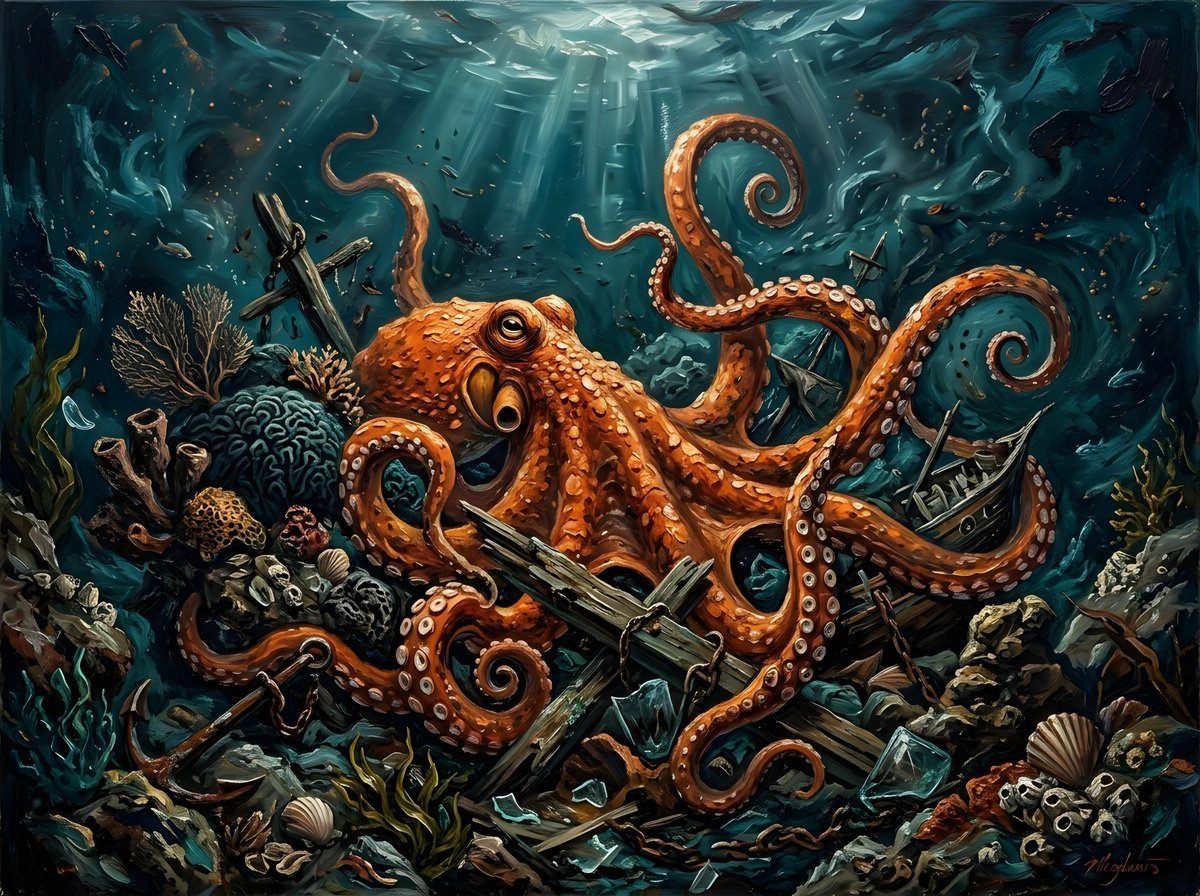
Chaotic Oil Painting of an Octopus

Nanobanana Prompt Engineering Workflow
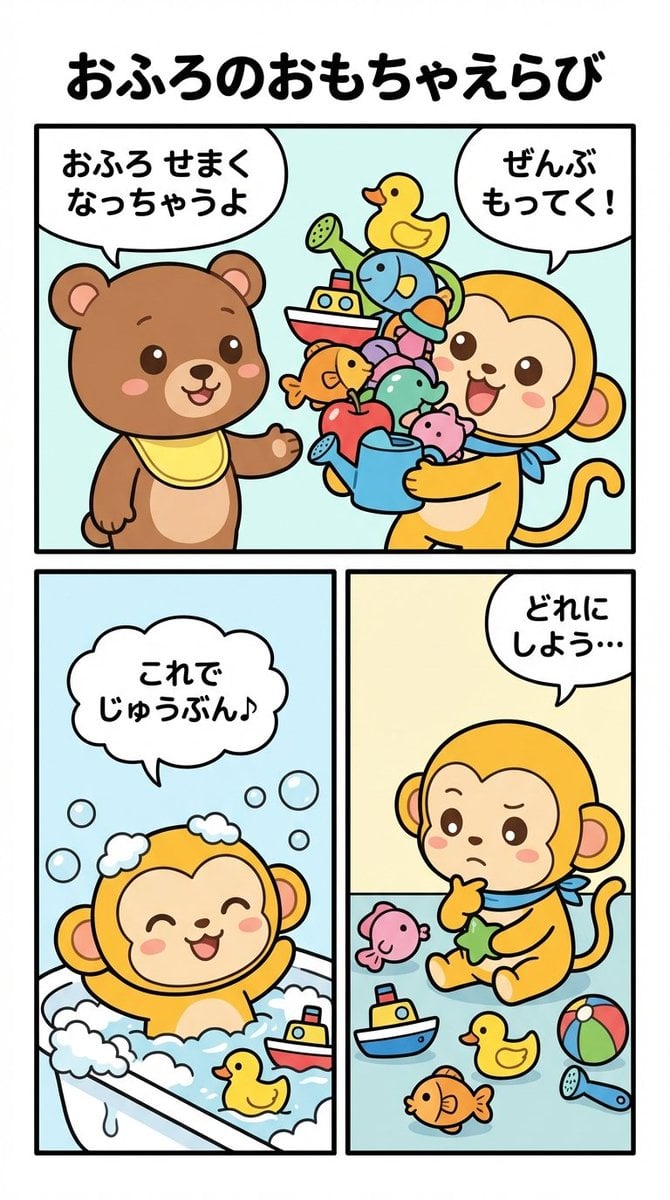
Four-Panel Manga Prompt: Choosing Bath Toys
Browse template categories
Gothic Jester Assassin questions
How do I use the Gothic Jester Assassin template?
Add your photo if the template asks for one, edit the prompt if you like — the template's model and format are already selected — and press Generate. Your version opens in PicX Studio.
Can I customize the Gothic Jester Assassin template?
Yes. You can change the subject, setting, lighting, mood, format, and available model controls before creating your image.
Is the Gothic Jester Assassin template free?
Opening and editing this template is free. Generating uses credits, shown on the Generate button when you are signed in.
Which AI model should I use?
Start with GPT Image 2, which is the model associated with this template. You can compare another compatible model for a different finish.
Looking for something else? Browse all templates.

Your photo, any look
Thousands of ready templates for every top image and video model, from one credit balance.