
Minimalist Philosophical Poster Grid
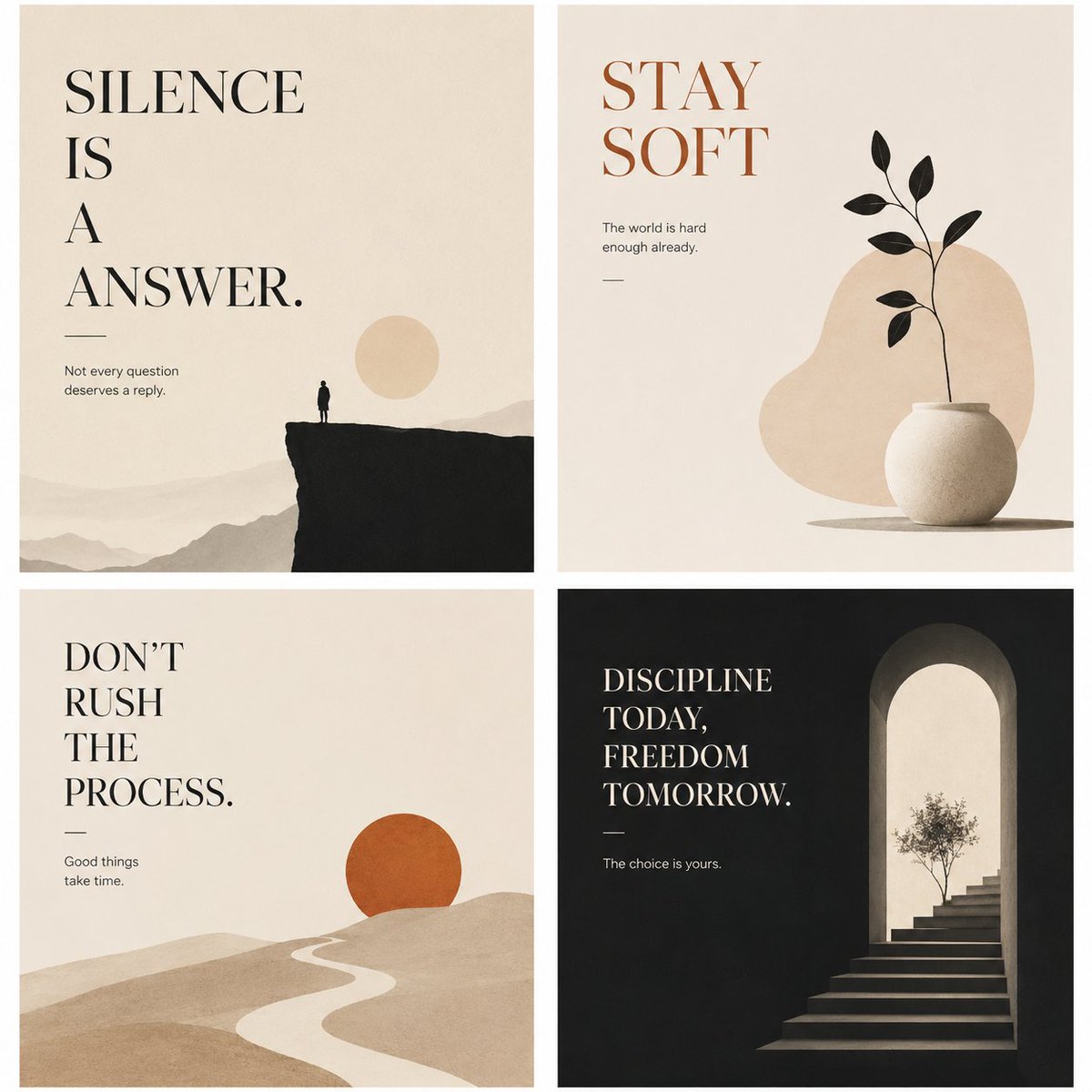
Generates a cohesive four-poster minimalist wall art collection with serif quotes, muted earth tones, and symbolic quiet illustrations.
- Prompt included
- Model and format preset
- Free template
The prompt behind this image
Copy the exact prompt behind Minimalist Philosophical Poster Grid, or open it in the studio and make it yours.
Goal: Create a refined 2x2 grid of four minimalist philosophical wall-art posters with restrained illustration, spacious typography, and a quiet editorial mood. Canvas: Square format, four equal poster panels separated by clean white gutters. Use warm off-white paper texture for three panels and deep charcoal black for the bottom-right panel. Overall style is calm, premium, minimalist, suitable for interior prints and poster collections. Layout: Exactly 4 posters in a 2-by-2 arrangement. Each poster uses large high-contrast serif typography, generous negative space, a tiny subtitle line, a short horizontal rule, and one simple symbolic illustration. Poster 1, top-left: Cream background. Large black serif headline in the upper-left reads “{argument name="top left headline" default="SILENCE IS A ANSWER."}” with stacked line breaks. Below it, a thin horizontal rule and small text: “Not every question deserves a reply.” Illustration: distant beige mountain layers across the bottom, a dark black cliff occupying the lower right, a tiny lone human silhouette standing on the cliff edge, and a pale beige sun disk near the right side. Poster 2, top-right: Cream background. Large warm rust-brown serif headline in the upper-left reads “{argument name="top right headline" default="STAY SOFT"}”. Small text beneath: “The world is hard enough already.” Add a short horizontal rule. Illustration: a rounded beige abstract blob in the center-right background, a matte white round ceramic vase at the lower right, and one thin black plant stem with exactly 8 black leaves emerging upward. Poster 3, bottom-left: Cream background. Large black serif headline in the upper-left reads “{argument name="bottom left headline" default="DON’T RUSH THE PROCESS."}” arranged on multiple lines. Below it, a thin horizontal rule and small text: “Good things take time.” Illustration: soft rolling beige sand-like hills filling the lower half, a winding pale path leading toward the horizon, and one burnt-orange sun circle partly sitting behind a hill on the right. Poster 4, bottom-right: Deep charcoal black background. Large cream serif headline in the upper-left reads “{argument name="bottom right headline" default="DISCIPLINE TODAY, FREEDOM TOMORROW."}” stacked on four lines. Below it, a thin cream rule and small text: “The choice is yours.” Illustration: on the right side, a tall arched doorway glowing with warm cream light, stone steps rising into the arch, and a small delicate tree silhouette near the top of the stairs. Visual style: Elegant serif typography similar to classic editorial poster design, muted earth palette of cream, beige, black, rust orange, and charcoal. Soft grain, subtle paper texture, flat minimal forms, balanced asymmetry, quiet contemplative atmosphere. Keep all four posters consistent as a cohesive collection. Constraints: Use exactly 4 poster panels. Keep typography crisp and legible. Do not add extra quotes, logos, signatures, frames, mockup walls, people beyond the single tiny silhouette in the first poster, or decorative clutter.
How to use Minimalist Philosophical Poster Grid in 3 steps
- 1Upload ImagePNG, JPG or paste
Add your photo
Upload the photo the template builds on. The prompt, model and format are already set.
- 2…a portrait of your subject in softgolden-hour light, 85mm…
Personalize
Edit the subject and creative details for your destination.
- 3Generate
Generate
Press Generate — your image is created in PicX Studio, so you can compare it with the original and refine one variable at a time.
More like this
Templates with the same subject, style or setup. Open one to see its prompt.
Minimalist Fashion Editorial Split Layout
Premium Vintage Travel Poster Landscape

Japan Travel Brochure Poster
Minimalist Studio Fashion Portrait Grid

Cartoon TV Show Poster Pack

Trendy Cafe Drink Promo Poster

Urban Fashion Editorial Collage Streetwear Poster

Premium Fashion Editorial Cover Layout System

Polo Ralph Lauren Luxury American Heritage Fashion Campaign
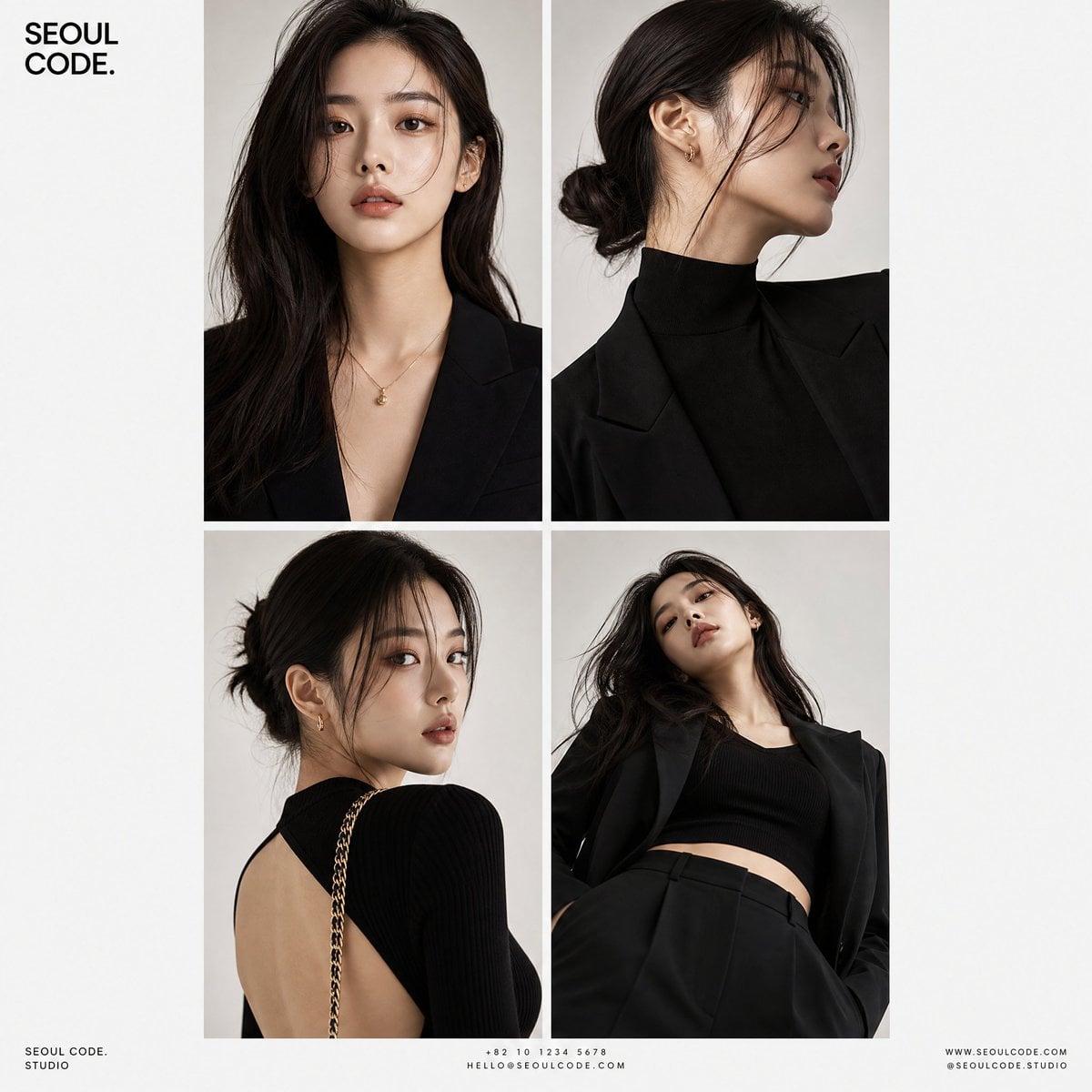
Korean Luxury Fashion Editorial 2x2 Grid Series

Monochrome Halftone Editorial Fashion Poster

Retro Mirror Luxury Fashion Campaign Poster
Make it yours
Minimalist Philosophical Poster Grid works as-is. These are the safest ways to change it without losing the look.
Change one field
Copy a single group, rewrite it, and generate again so you can see what that field is doing.
Keep the frame, change the subject
Hold the composition and light of Minimalist Philosophical Poster Grid, then swap wardrobe, props or the person for a new take.
| If the result… | Why | Fix |
|---|---|---|
| The result drifts from the preview | Too many fields changed at once. | Reuse Minimalist Philosophical Poster Grid as-is first, then change one group — subject, light, or setting. |
| The model over-stylizes the scene | The prose prompt leaves finish and camera underspecified. | Add one camera or lighting sentence and stay on GPT Image 2. |
More GPT Image 2 templates
Other prompts made for GPT Image 2.

Six VTuber Japanese Logo Sheet

Realistic Portrait of Woman and Deer

The Vista Modular Condo Poster

AI Model Routing Comparison Infographic

2.5D Anime Art Board

Isometric Productivity Desk Scene

New York Double Exposure Poster

Four-Panel AI Landscape Comparison

Japanese Tatami Lifestyle Magazine Cover

NESCAFÉ Coffee Map Poster
More image prompts
Fresh picks from across the catalog.
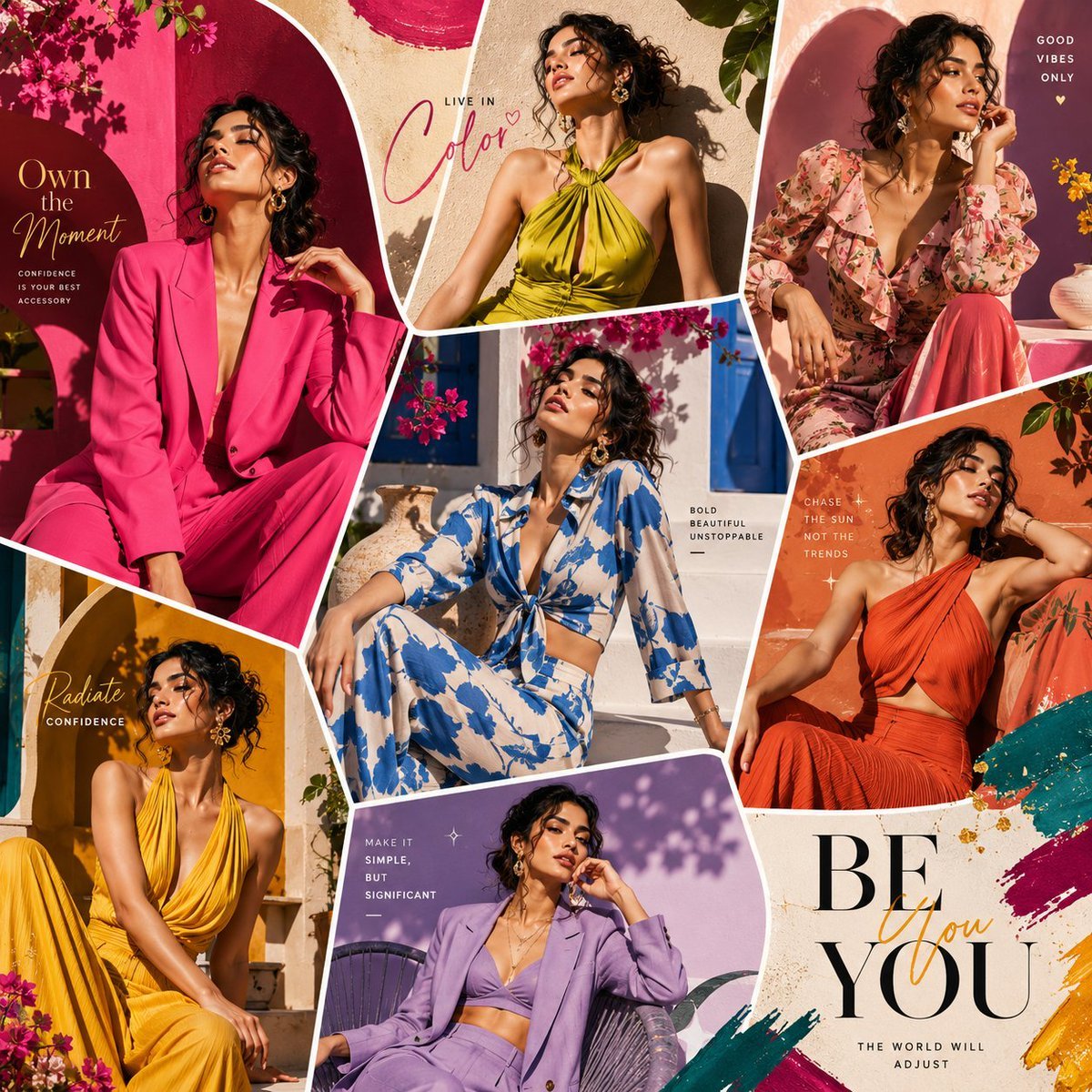
Luxury Fashion Editorial Collage
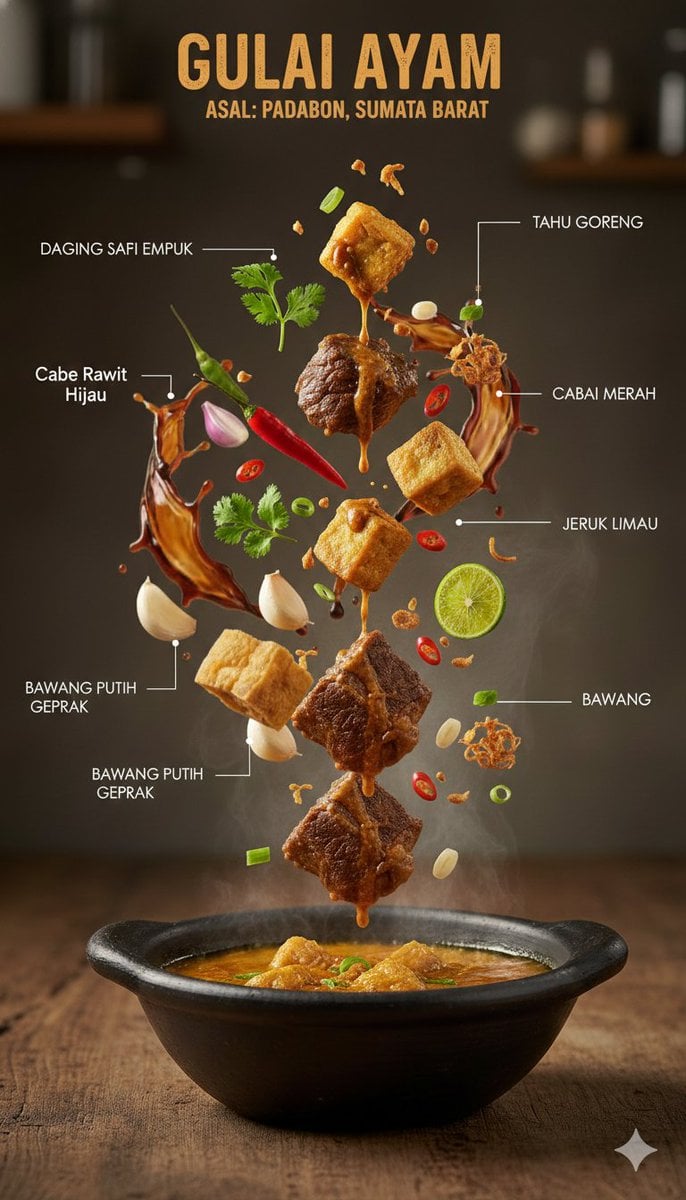
Ultra-Realistic Indonesian Culinary Infographic
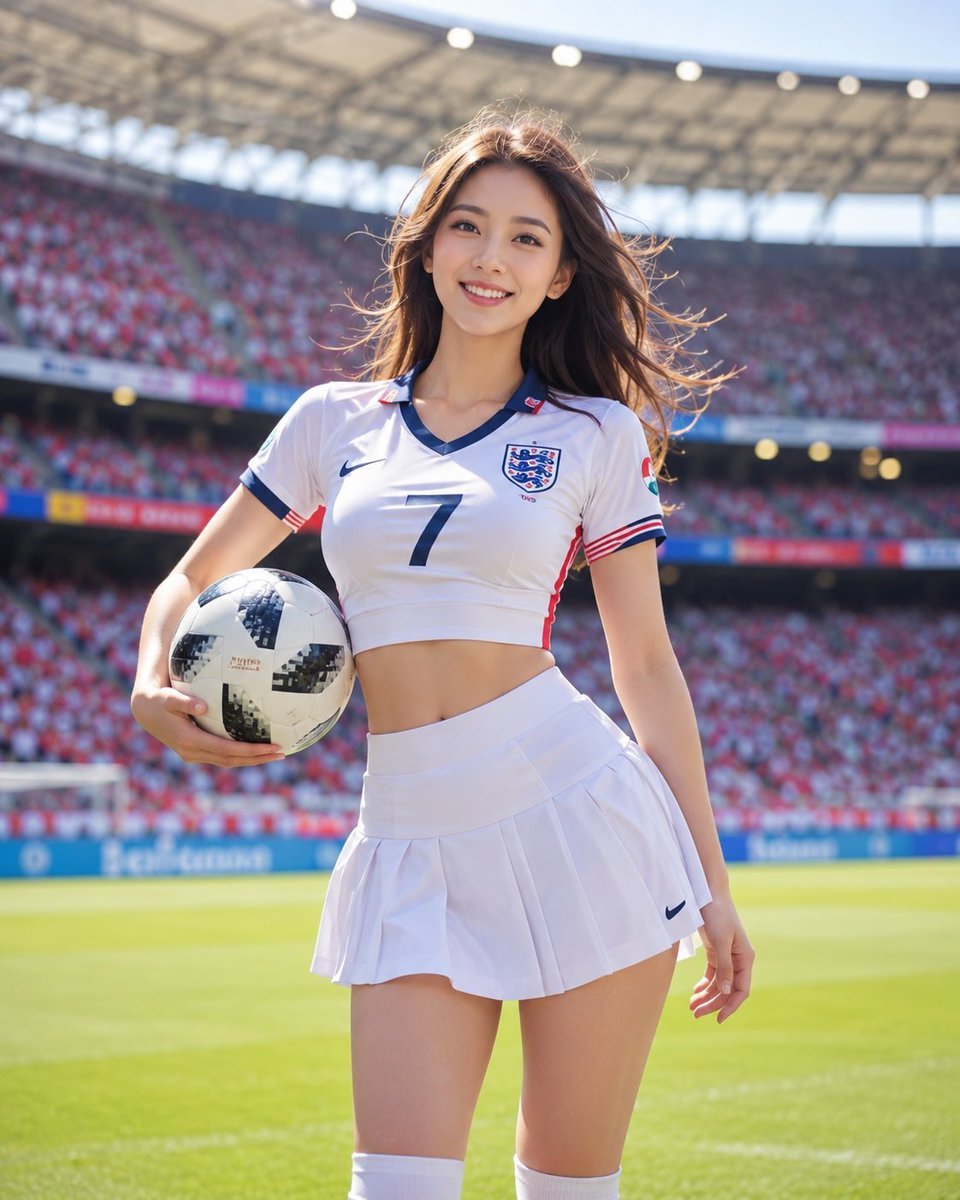
National Team Jersey Fashion Portrait
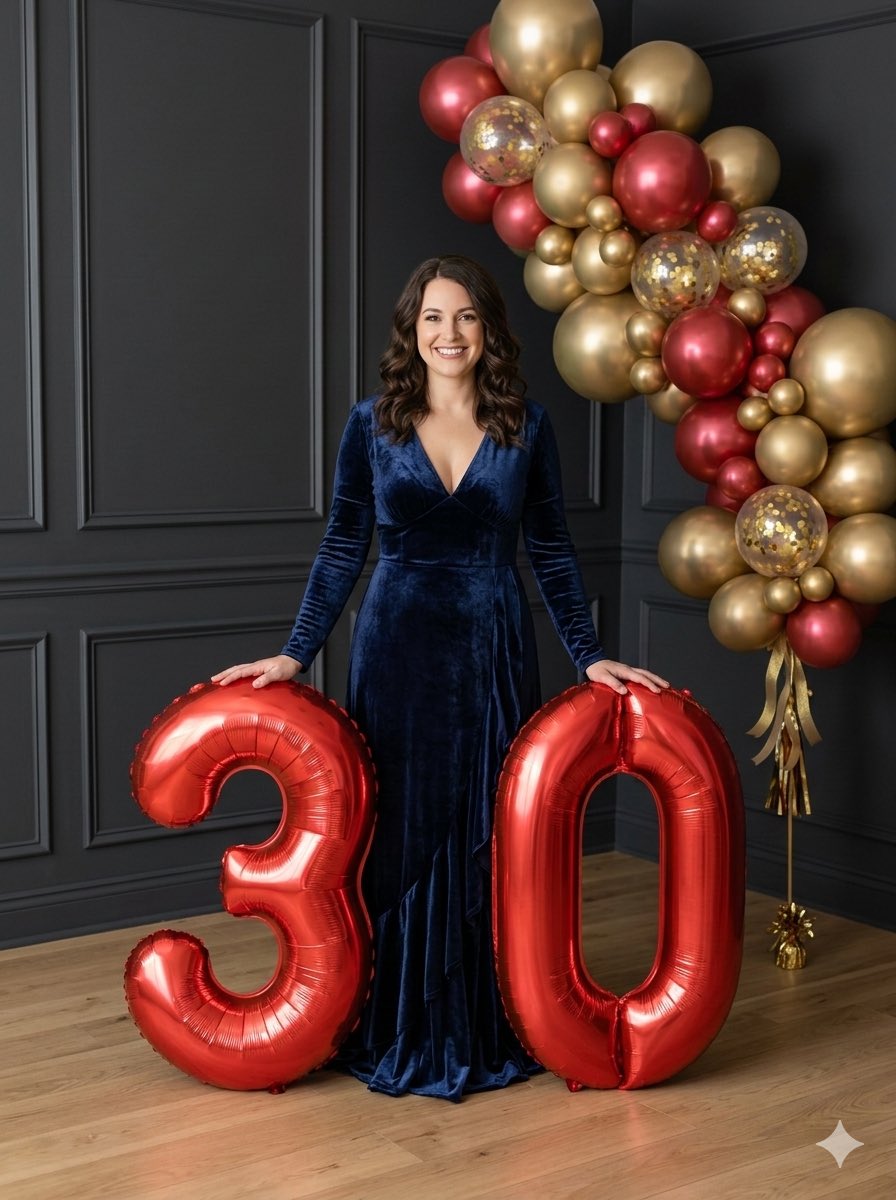
Birthday Portrait with Foil Balloons
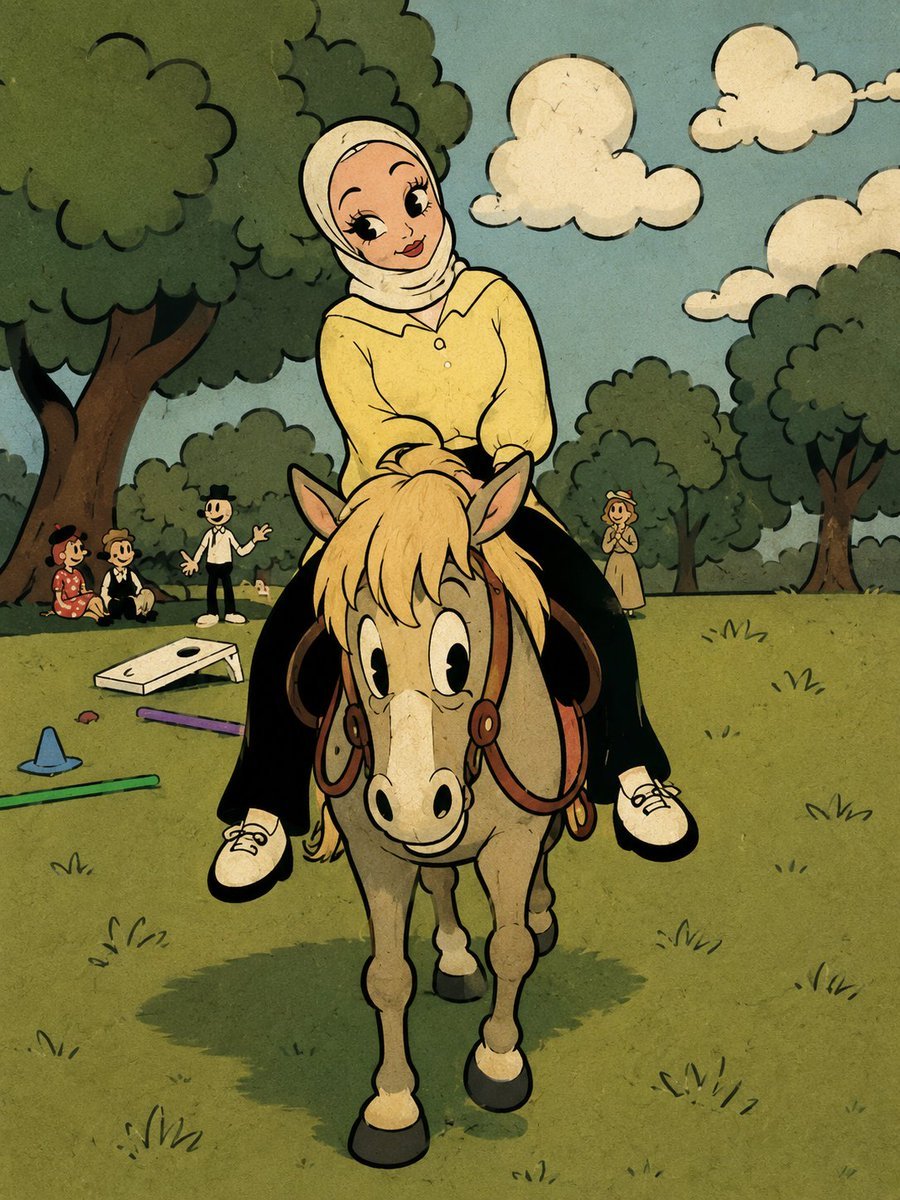
Fleischer-Style Pony Ride

Cognitive Science-Based High-CTR Thumbnail Design Prompt
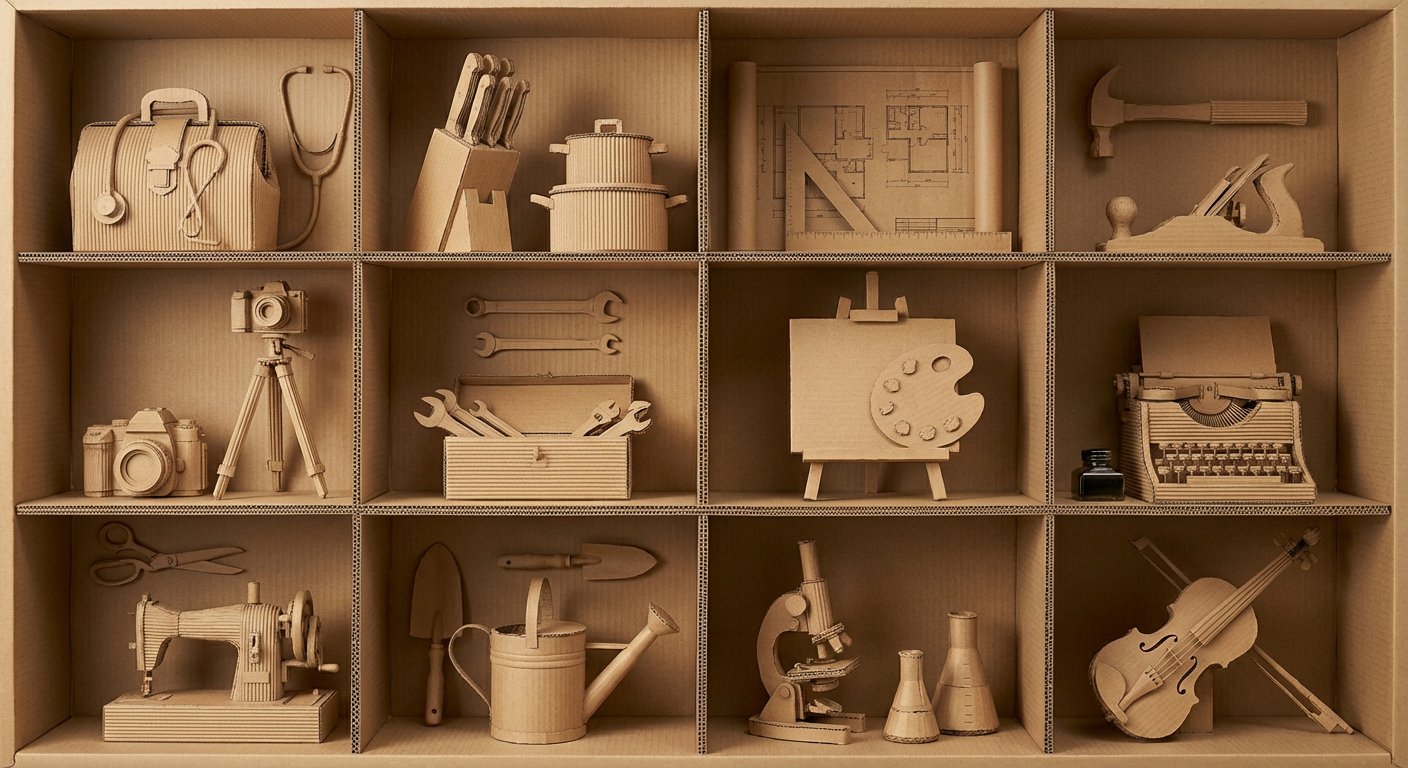
瓦楞纸艺术作品框格展示

Hyper-Realistic Commercial Beverage Photography
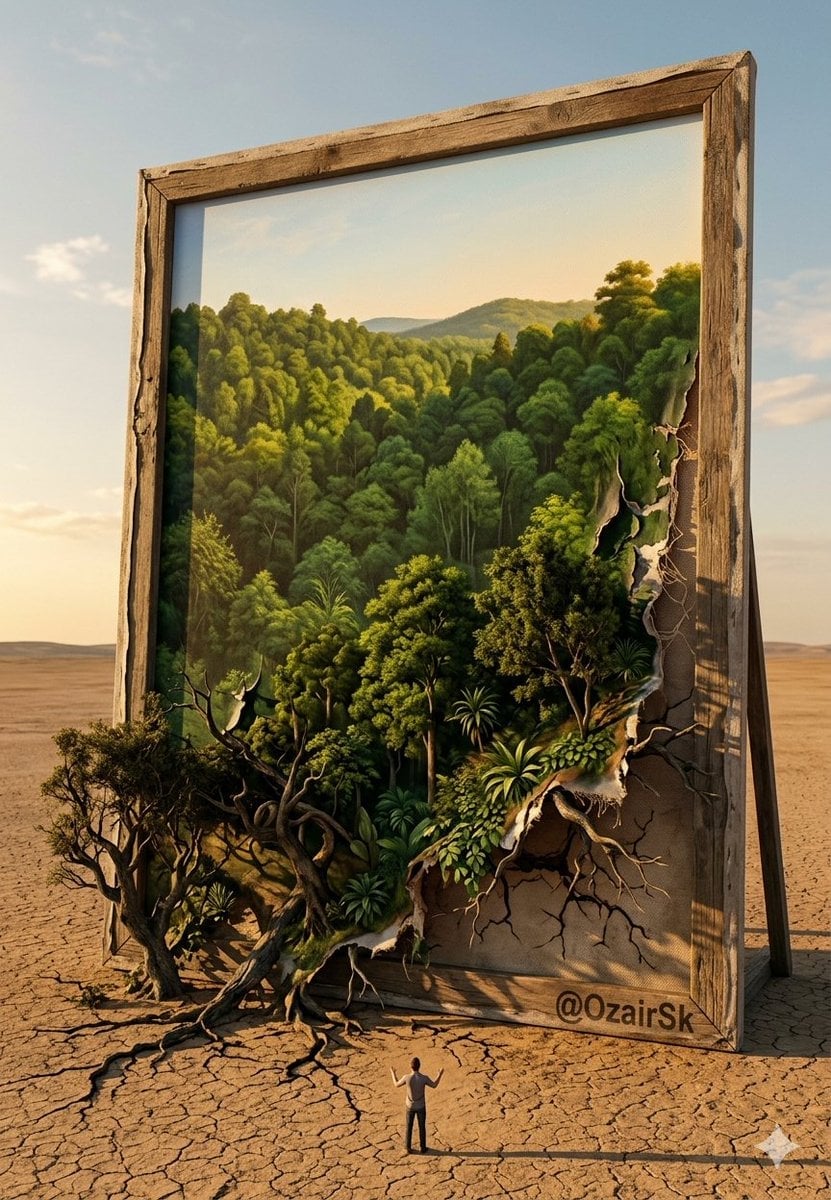
The Painting That Refused To Be Finished
Sophisticated Men's Street Style Editorial
Browse template categories
Minimalist Philosophical Poster Grid questions
How do I use the Minimalist Philosophical Poster Grid template?
Add your photo if the template asks for one, edit the prompt if you like — the template's model and format are already selected — and press Generate. Your version opens in PicX Studio.
Can I customize the Minimalist Philosophical Poster Grid template?
Yes. You can change the subject, setting, lighting, mood, format, and available model controls before creating your image.
Is the Minimalist Philosophical Poster Grid template free?
Opening and editing this template is free. Generating uses credits, shown on the Generate button when you are signed in.
Which AI model should I use?
Start with GPT Image 2, which is the model associated with this template. You can compare another compatible model for a different finish.
Looking for something else? Browse all templates.

Your photo, any look
Thousands of ready templates for every top image and video model, from one credit balance.