
Snow Rabbit Empress Portrait
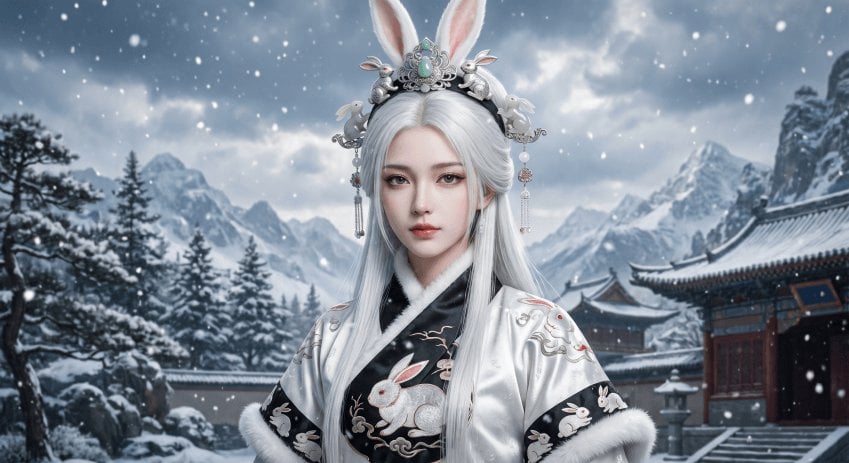
A realistic fantasy portrait prompt for generating a regal rabbit-themed woman in ornate winter hanfu standing in a snowy mountain temple setting.
- Prompt included
- Model and format preset
- Free template
The prompt behind this image
Copy the exact prompt behind Snow Rabbit Empress Portrait, or open it in the studio and make it yours.
A cinematic fantasy portrait of an elegant East Asian-inspired woman standing outdoors in a snowy mountain temple courtyard, centered in the frame from about waist-up. She wears a luxurious winter hanfu in glossy white and deep black satin with soft white fur trim at the collar and sleeves, embroidered with rabbit motifs and delicate floral patterns. Her long straight hair is silver-white, falling over both shoulders, and she wears an ornate silver headdress with filigree, pearls, dangling tassels, a pale turquoise jewel, and prominent upright white rabbit ears. Her face is deliberately obscured by a smooth rectangular blur block. Snow is falling across the scene. The background shows a dramatic cold blue-gray sky, snow-covered pine trees, distant jagged mountains, stone lanterns, and traditional Chinese temple buildings with curved tiled roofs on the right side. Mood is ethereal, regal, and wintry, with soft diffused lighting, shallow depth of field, high detail fabric texture, realistic fantasy styling, and a polished gpt-image-2 aesthetic.
How to use Snow Rabbit Empress Portrait in 3 steps
- 1Upload ImagePNG, JPG or paste
Add your photo
Upload the photo the template builds on. The prompt, model and format are already set.
- 2…a portrait of your subject in softgolden-hour light, 85mm…
Personalize
Edit the subject and creative details for your destination.
- 3Generate
Generate
Press Generate — your image is created in PicX Studio, so you can compare it with the original and refine one variable at a time.
More like this
Templates with the same subject, style or setup. Open one to see its prompt.
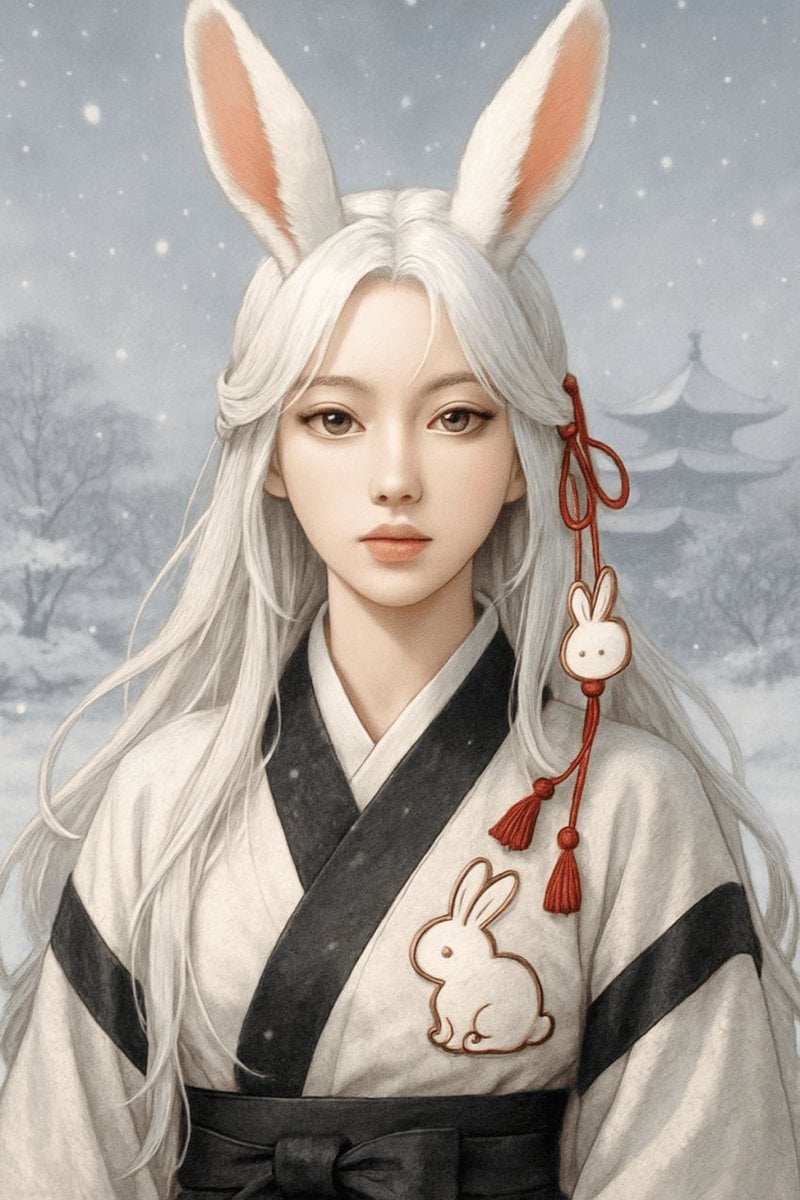
Snowy Rabbit Spirit Portrait
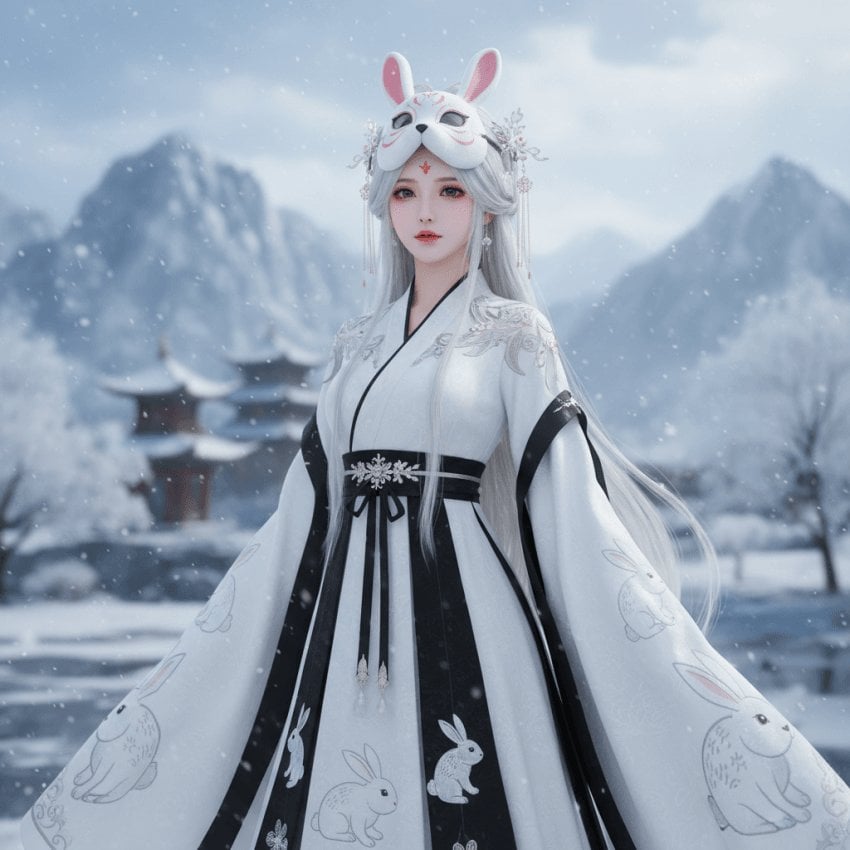
Snow Rabbit Mask Hanfu Portrait
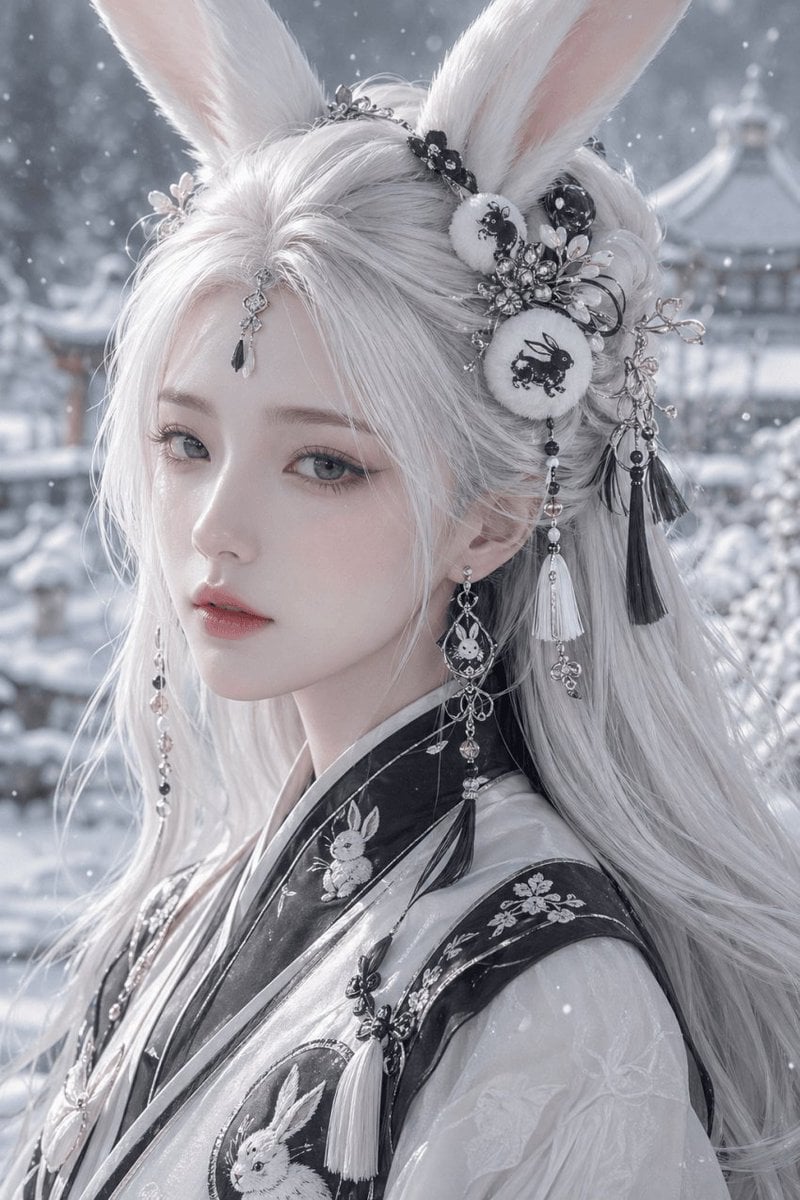
Snowy Rabbit Hanfu Portrait
Snowy Locations Views Winter Special

Found Photograph: Us, 1970

80s Couple Studio Portrait

80s Bollywood Star

80s Golden Hour Cinema

Me in 1985

1985 Studio Portrait
Regal Tang-Style Empress Portrait

Hyper-Realistic Minecraft POV Portrait
Make it yours
Snow Rabbit Empress Portrait works as-is. These are the safest ways to change it without losing the look.
Change one field
Copy a single group, rewrite it, and generate again so you can see what that field is doing.
Keep the frame, change the subject
Hold the composition and light of Snow Rabbit Empress Portrait, then swap wardrobe, props or the person for a new take.
| If the result… | Why | Fix |
|---|---|---|
| The result drifts from the preview | Too many fields changed at once. | Reuse Snow Rabbit Empress Portrait as-is first, then change one group — subject, light, or setting. |
| The model over-stylizes the scene | The prose prompt leaves finish and camera underspecified. | Add one camera or lighting sentence and stay on GPT Image 2. |
More GPT Image 2 templates
Other prompts made for GPT Image 2.

Six VTuber Japanese Logo Sheet

Realistic Portrait of Woman and Deer

The Vista Modular Condo Poster

AI Model Routing Comparison Infographic

2.5D Anime Art Board

Isometric Productivity Desk Scene

New York Double Exposure Poster

Four-Panel AI Landscape Comparison

Japanese Tatami Lifestyle Magazine Cover

NESCAFÉ Coffee Map Poster
More image prompts
Fresh picks from across the catalog.
Fantasy Anime Rock Band Concert
Japanese Office Lady Character Sheet
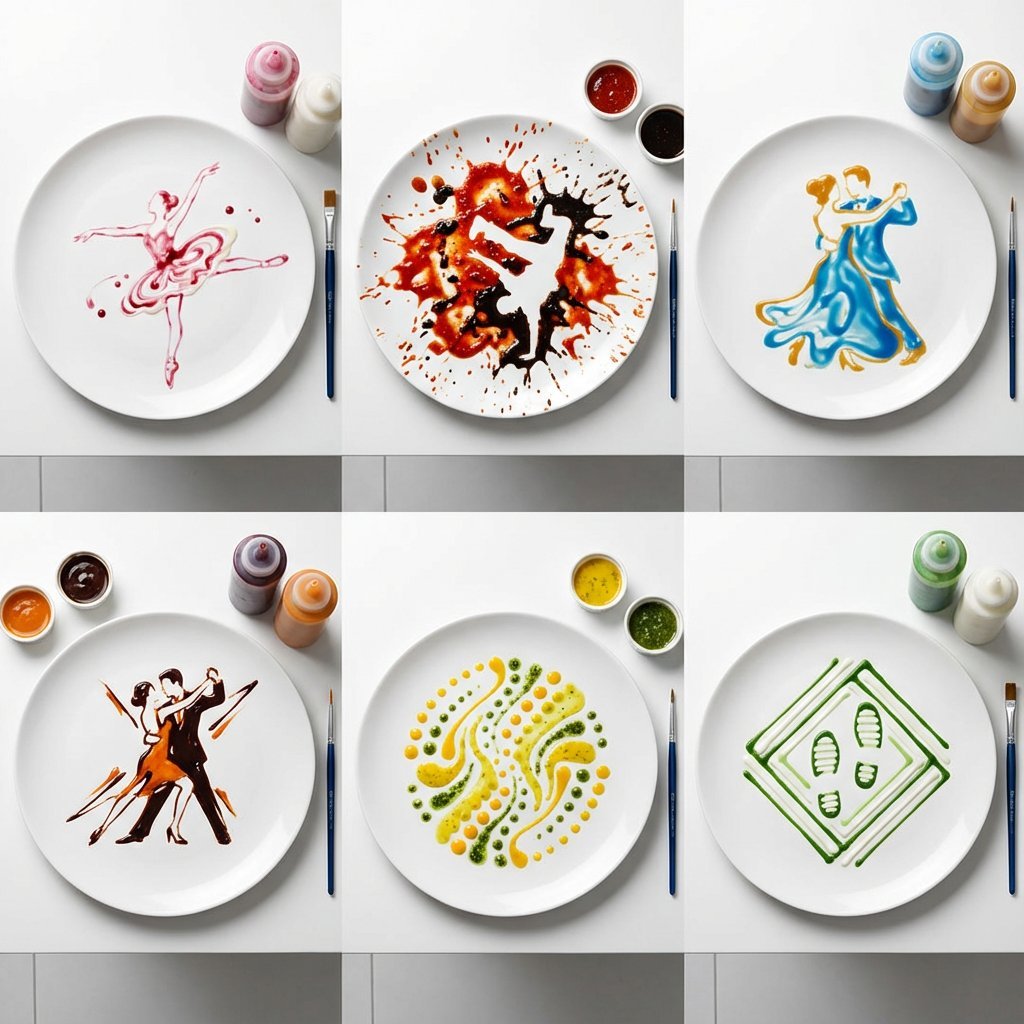
High-Speed Photography of Dance Forms in Sauce Choreography
Girl in Oversized Tank Top Doing Pushups
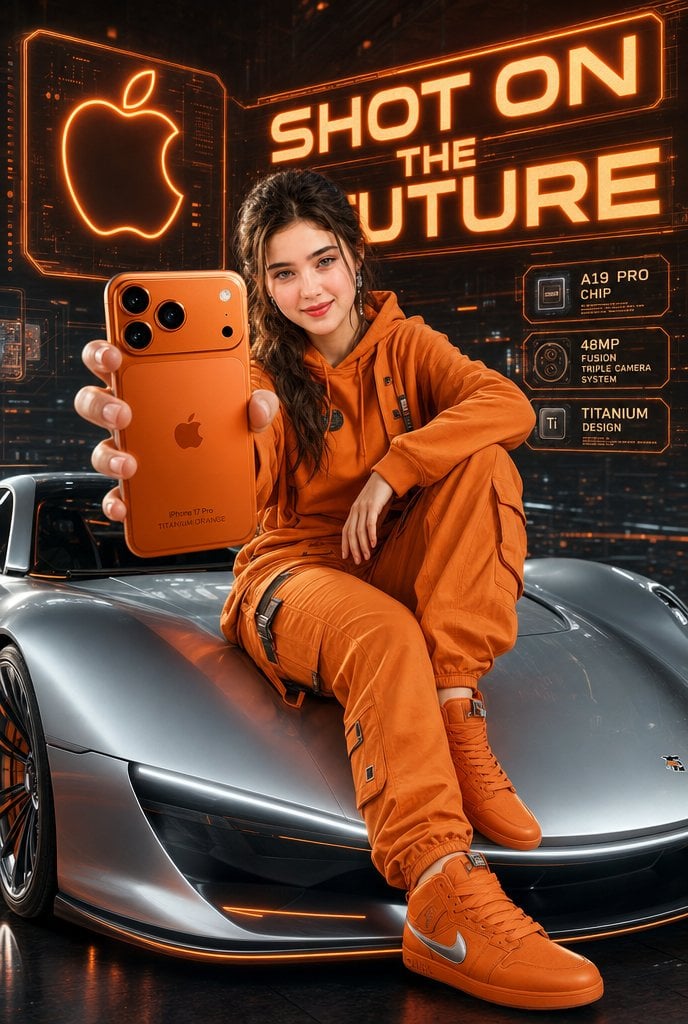
Futuristic Apple Campaign Concept
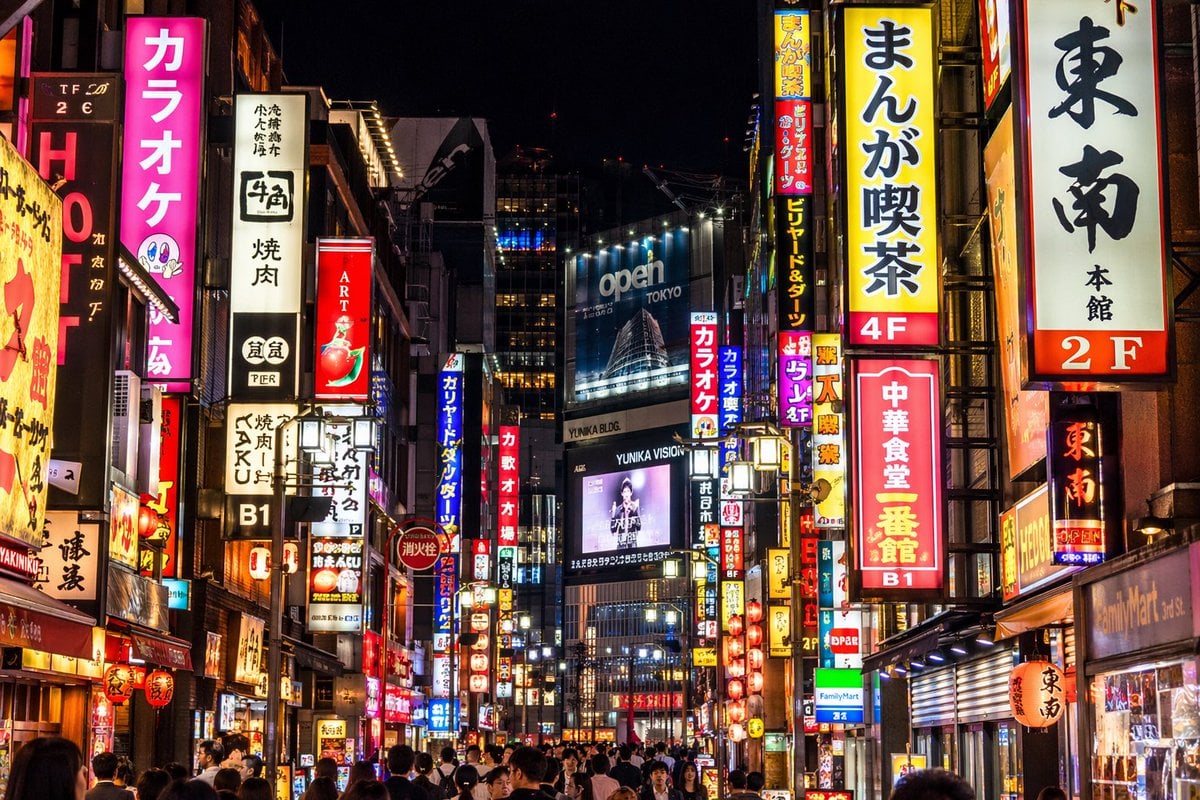
Photorealistic Neon Tokyo Street Scene
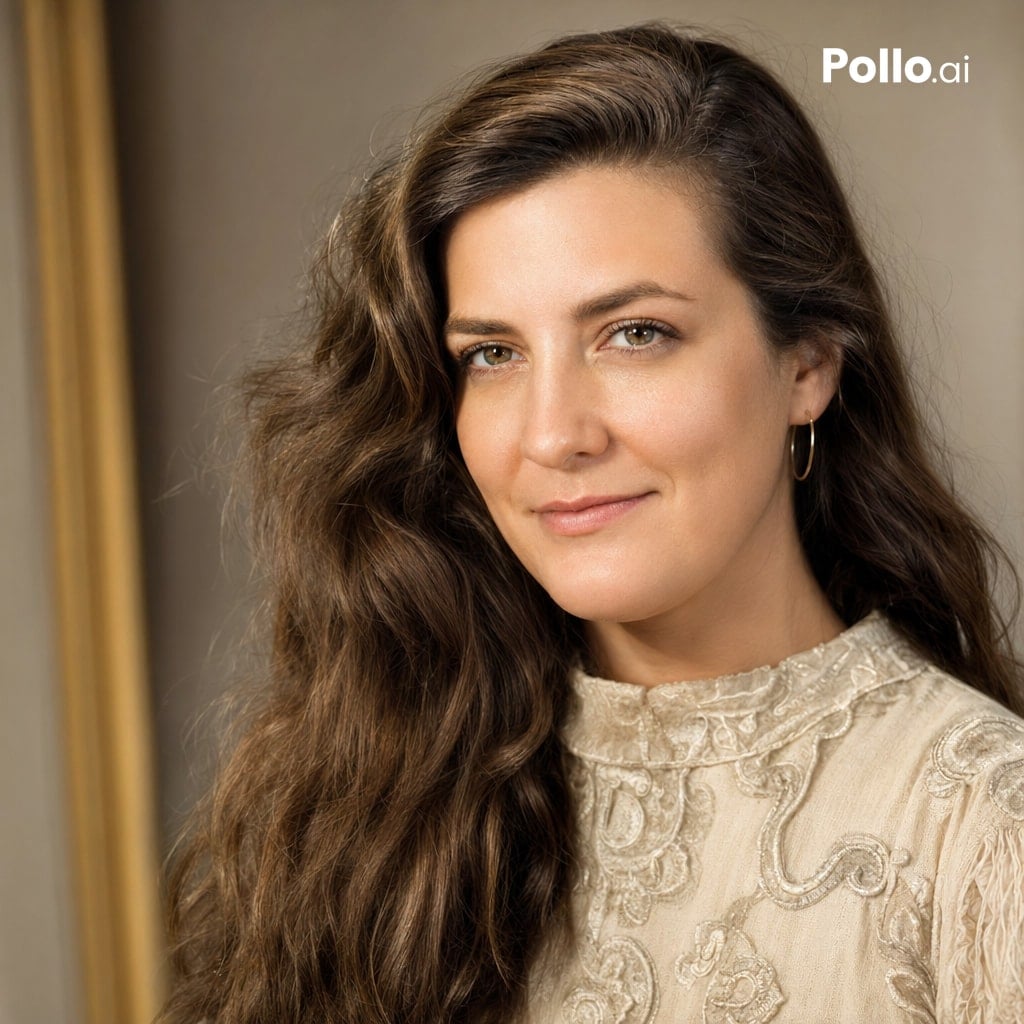
High-Quality Portrait Restoration
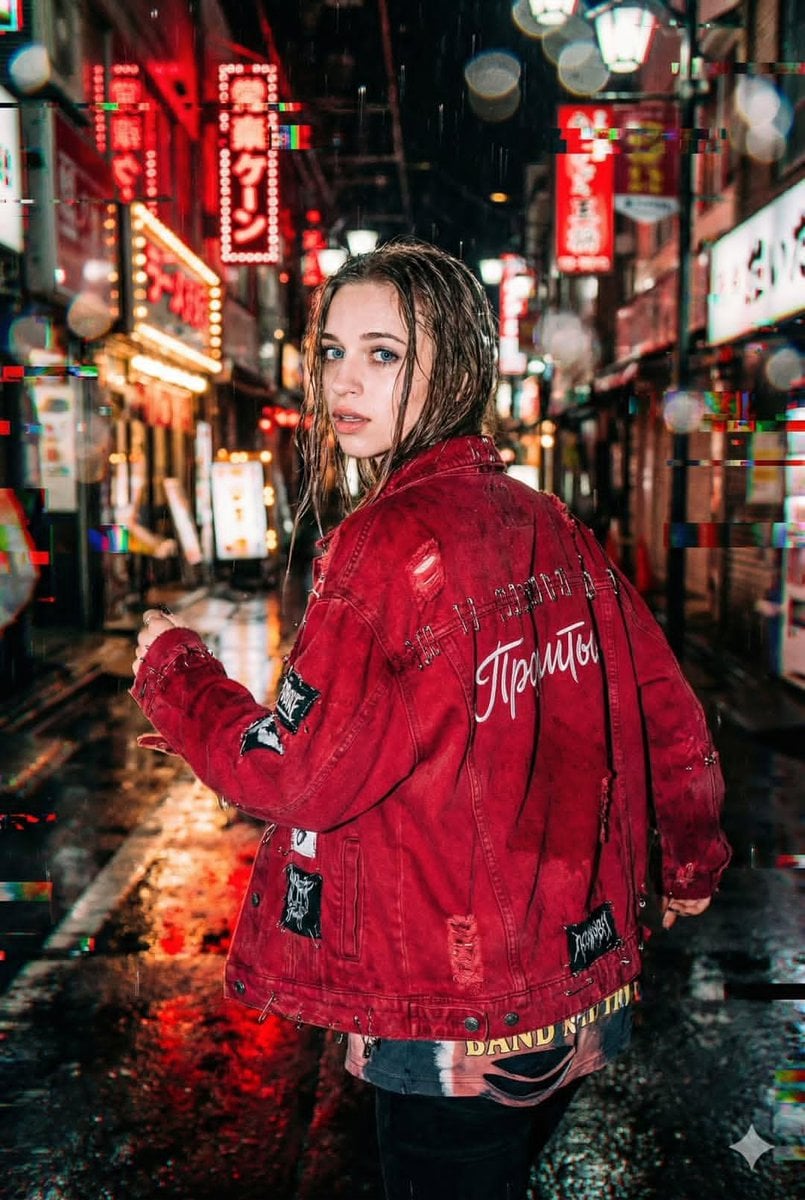
Neo-Tokyo Street Style Portrait Prompt with Glitch Effects
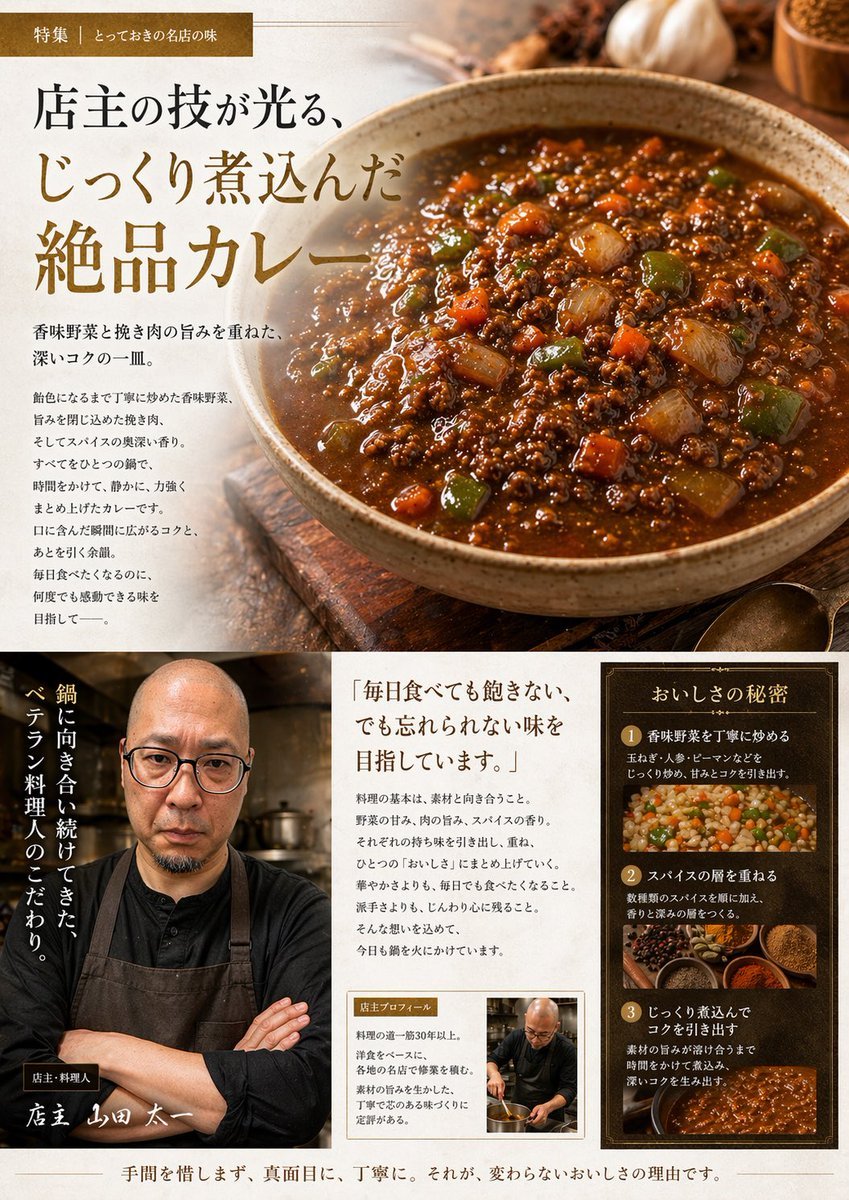
Japanese Gourmet Curry Ad Layout
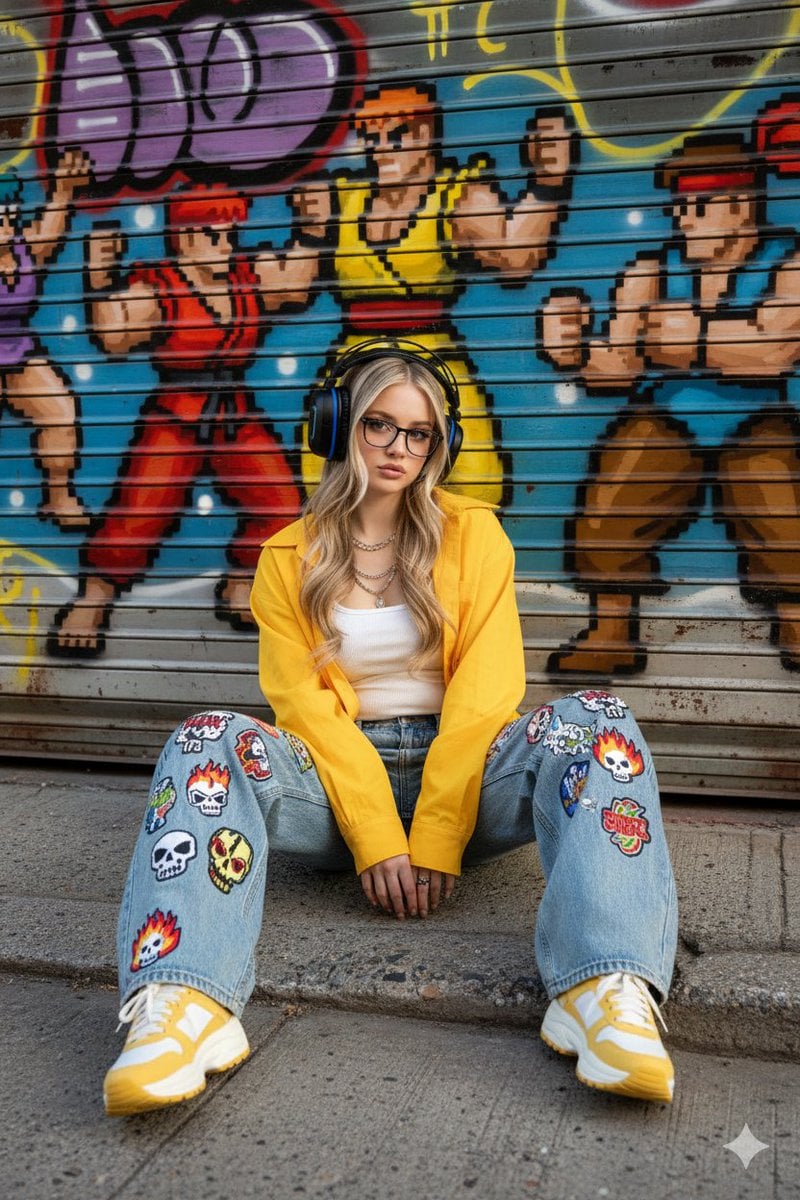
Urban Streetwear Portrait Prompt
Browse template categories
Snow Rabbit Empress Portrait questions
How do I use the Snow Rabbit Empress Portrait template?
Add your photo if the template asks for one, edit the prompt if you like — the template's model and format are already selected — and press Generate. Your version opens in PicX Studio.
Can I customize the Snow Rabbit Empress Portrait template?
Yes. You can change the subject, setting, lighting, mood, format, and available model controls before creating your image.
Is the Snow Rabbit Empress Portrait template free?
Opening and editing this template is free. Generating uses credits, shown on the Generate button when you are signed in.
Which AI model should I use?
Start with GPT Image 2, which is the model associated with this template. You can compare another compatible model for a different finish.
Looking for something else? Browse all templates.

Your photo, any look
Thousands of ready templates for every top image and video model, from one credit balance.