
Style Chibi Guitarist Comparison Sheet
Generates a wide 30-panel style sampler of the same chibi anime guitarist at a music festival, useful for comparing visual rendering styles.
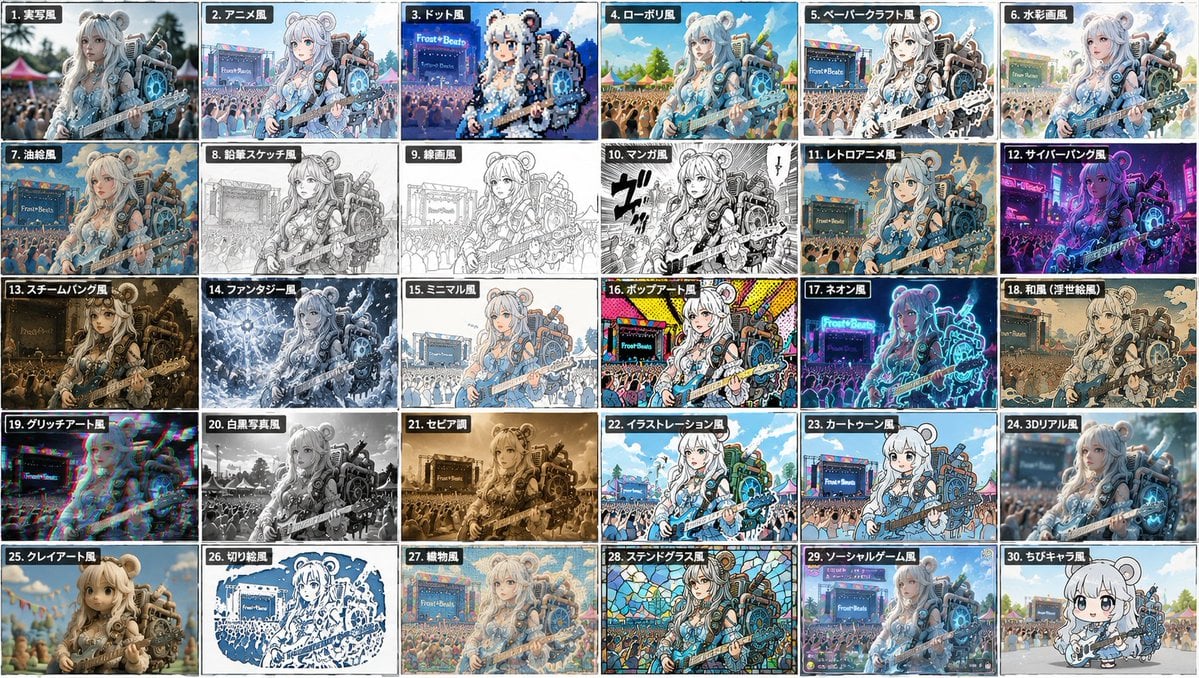
- Prompt included
- Model and format preset
- Free template
The prompt behind this image
Copy the exact prompt behind Style Chibi Guitarist Comparison Sheet, or open it in the studio and make it yours.
Goal: Create a wide comparison sheet showing the same chibi/anime musician scene rendered in exactly 30 different visual styles, arranged as a labeled thumbnail grid. The subject is {argument name="character description" default="a silver-haired chibi anime girl with twin buns and long curls, wearing a pale blue and white futuristic idol outfit, holding an electric guitar, with a bulky steampunk-mechanical backpack and glowing blue circular gear details"}. The setting is {argument name="setting" default="an outdoor music festival with a cheering crowd, stage, tents, blue sky, and a stage sign reading Frost+Beats"}. Canvas: Wide horizontal 16:9 image, like a contact sheet or style sampler. Use 5 rows by 6 columns for exactly 30 rectangular panels. Each panel has a thin border and a small black label box in the top-left corner with white text. Layout: Keep the same core composition in every panel: the character is centered or slightly right of center, holding the guitar diagonally across the body, with the crowd and festival stage behind her. Vary only the visual rendering style per panel. Some panels may crop closer or blur the background, but the subject and guitar should remain recognizable. Panel labels: Use exactly 30 numbered labels, one per panel, in this order from left to right and top to bottom: {argument name="style label set" default="1. 実写風, 2. アニメ風, 3. ドット風, 4. ローポリ風, 5. ペーパークラフト風, 6. 水彩画風, 7. 油絵風, 8. 鉛筆スケッチ風, 9. 線画風, 10. マンガ風, 11. レトロアニメ風, 12. サイバーパンク風, 13. スチームパンク風, 14. ファンタジー風, 15. ミニマル風, 16. ポップアート風, 17. ネオン風, 18. 和風(浮世絵風), 19. グリッチアート風, 20. 白黒写真風, 21. セピア調, 22. イラストレーション風, 23. カートゥーン風, 24. 3Dリアル風, 25. クレイアート風, 26. 切り絵風, 27. 織物風, 28. ステンドグラス風, 29. ソーシャルゲーム風, 30. ちびキャラ風"}. Style details for the 30 panels: 1 photorealistic festival shot, 2 polished anime key visual, 3 pixel-art blocks, 4 low-poly 3D, 5 layered paper craft, 6 soft watercolor, 7 textured oil painting, 8 pencil sketch, 9 clean monochrome line art, 10 dramatic black-and-white manga with sound effects, 11 aged retro anime cel look, 12 neon cyberpunk concert, 13 brown brass steampunk, 14 icy magical fantasy, 15 simplified minimal illustration, 16 colorful pop-art halftone, 17 glowing neon outline art, 18 traditional Japanese ukiyo-e-inspired print, 19 RGB glitch distortion, 20 black-and-white photograph, 21 sepia vintage photo, 22 clean modern illustration, 23 cartoon style, 24 realistic 3D render with depth of field, 25 clay/miniature figure diorama, 26 blue-and-white paper cutout, 27 woven tapestry texture, 28 stained-glass mosaic, 29 mobile/social-game promotional splash art, 30 extra-small chibi mascot style. Visual style: Bright, colorful, playful, dense but readable. The whole sheet should look like a generated style comparison for one character prompt. Use consistent subject identity across panels, with silver hair, blue accents, guitar, mechanical gear backpack, and festival crowd repeated throughout. Constraints: Include exactly 30 panels, exactly one label per panel, and no extra panels. Do not add captions outside the grid. Preserve the festival sign text {argument name="stage sign text" default="Frost+Beats"} in several backgrounds. Keep labels legible, black rectangles with white text.
How to use Style Chibi Guitarist Comparison Sheet in 3 steps
- 1Upload ImagePNG, JPG or paste
Add your photo
Upload the photo the template builds on. The prompt, model and format are already set.
- 2…a portrait of your subject in softgolden-hour light, 85mm…
Personalize
Edit the subject and creative details for your destination.
- 3Generate
Generate
Press Generate — your image is created in PicX Studio, so you can compare it with the original and refine one variable at a time.
More like this
Templates with the same subject, style or setup. Open one to see its prompt.
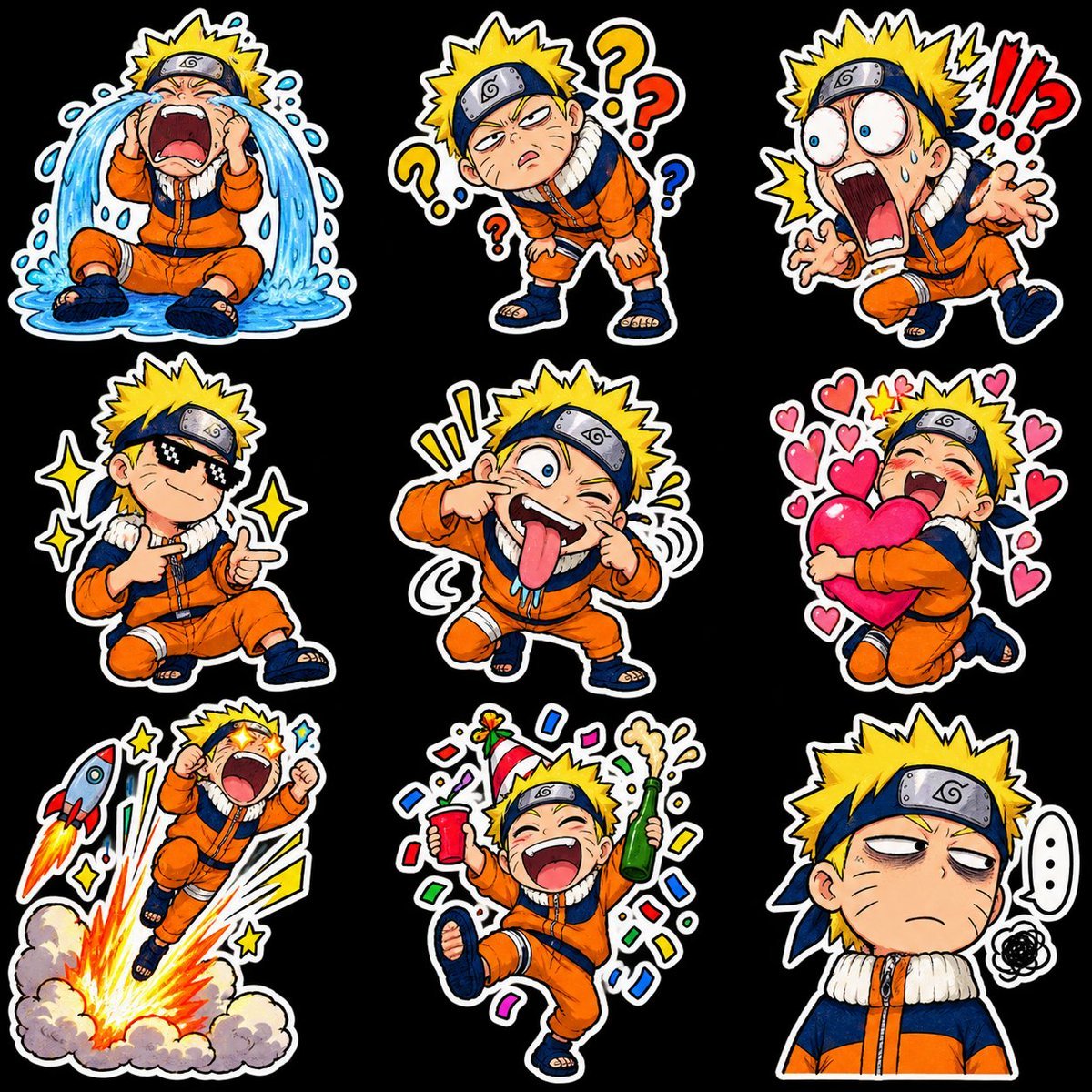
Chibi Anime Ninja Sticker Sheet
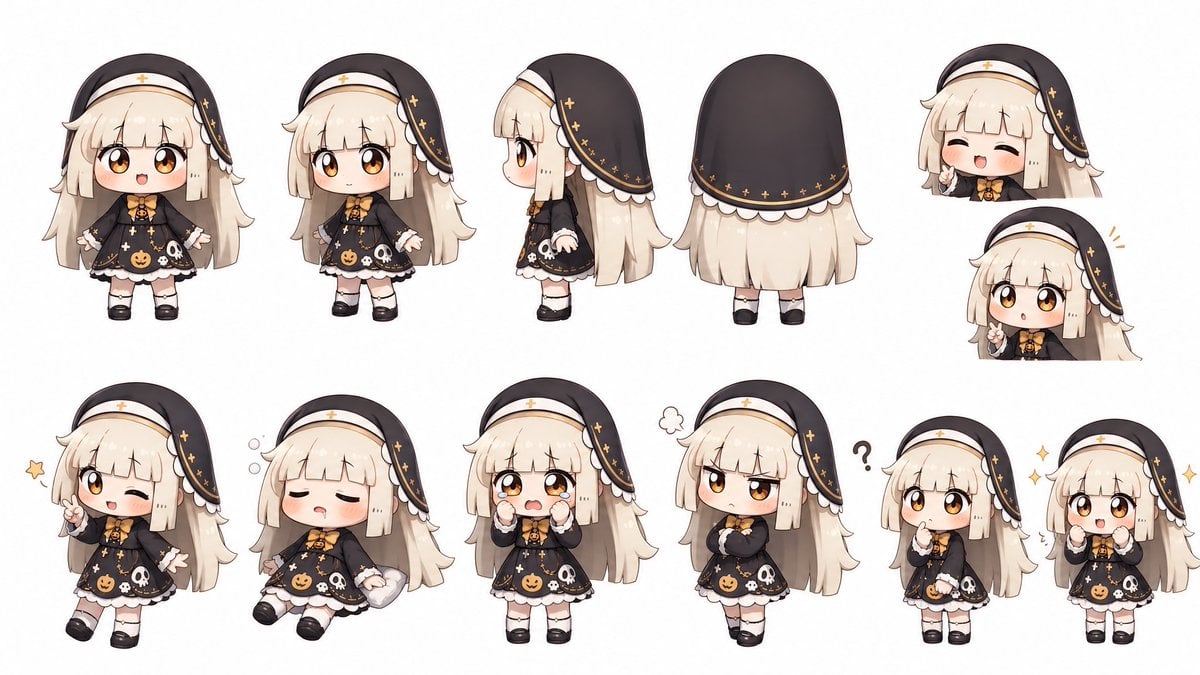
Halloween Nun Chibi Character Sheet
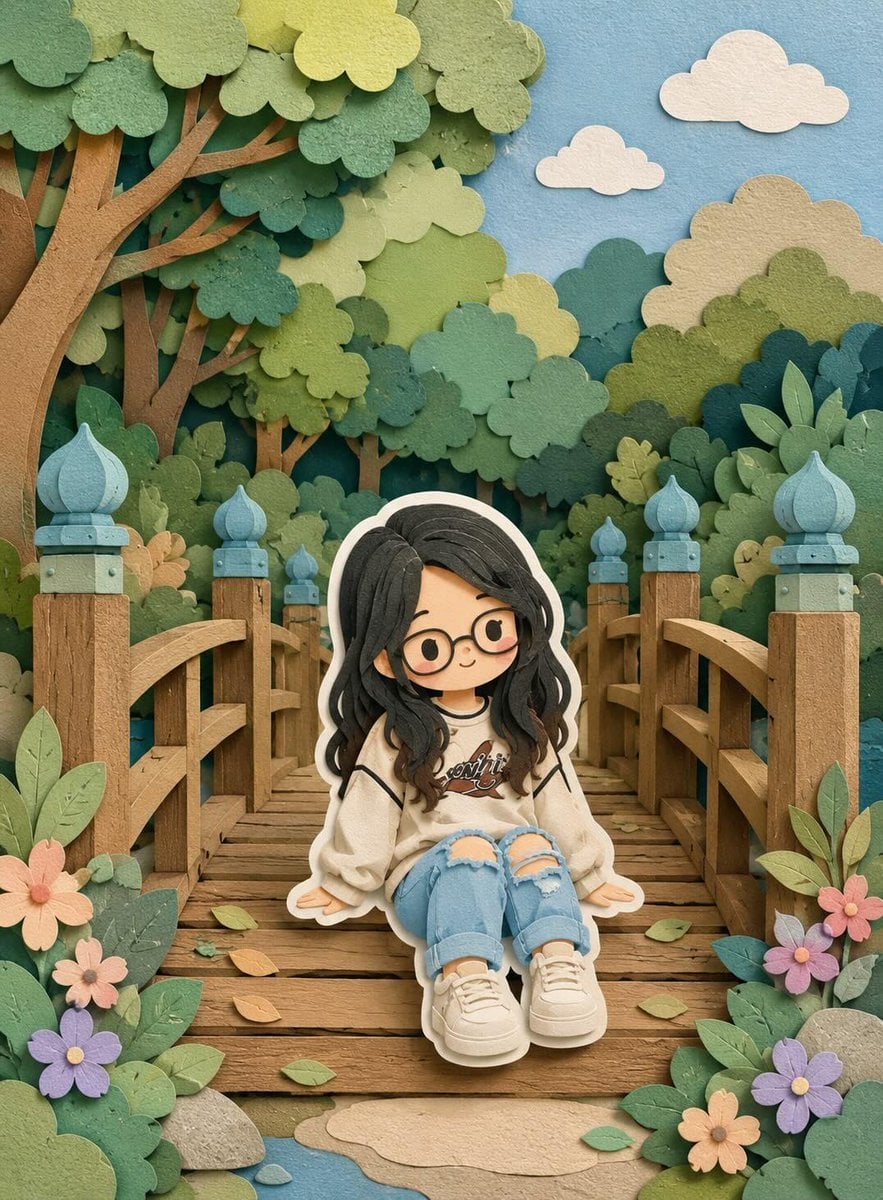
Cute Layered Paper Cut Chibi Girl
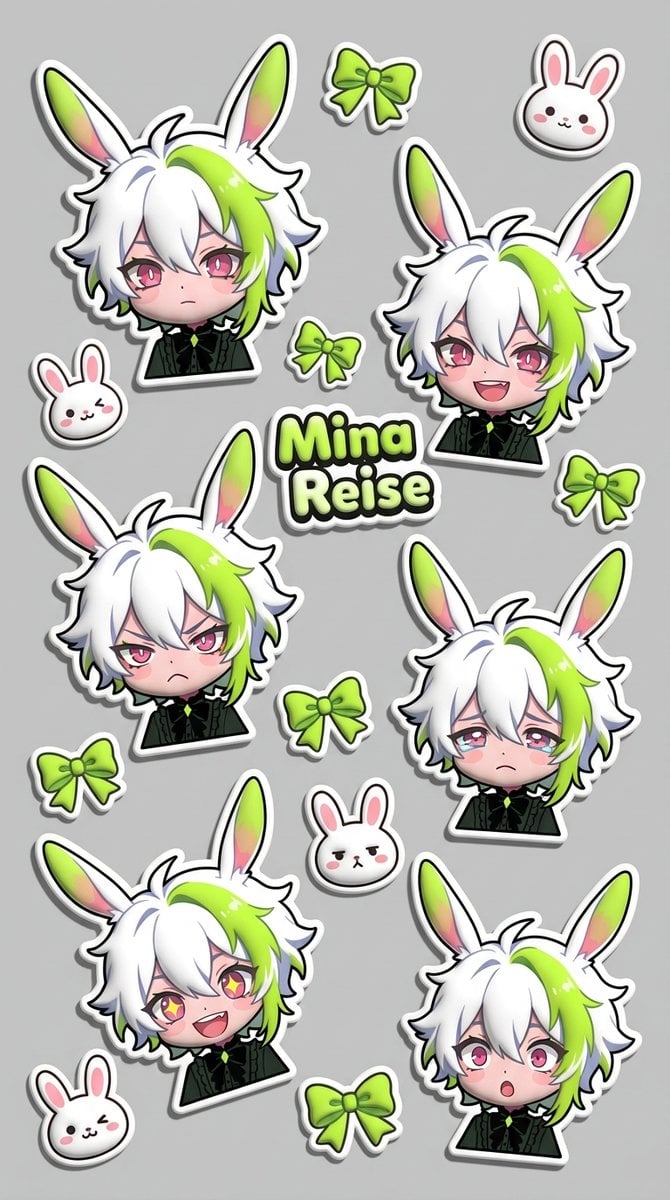
Puffy Chibi Sticker Sheet
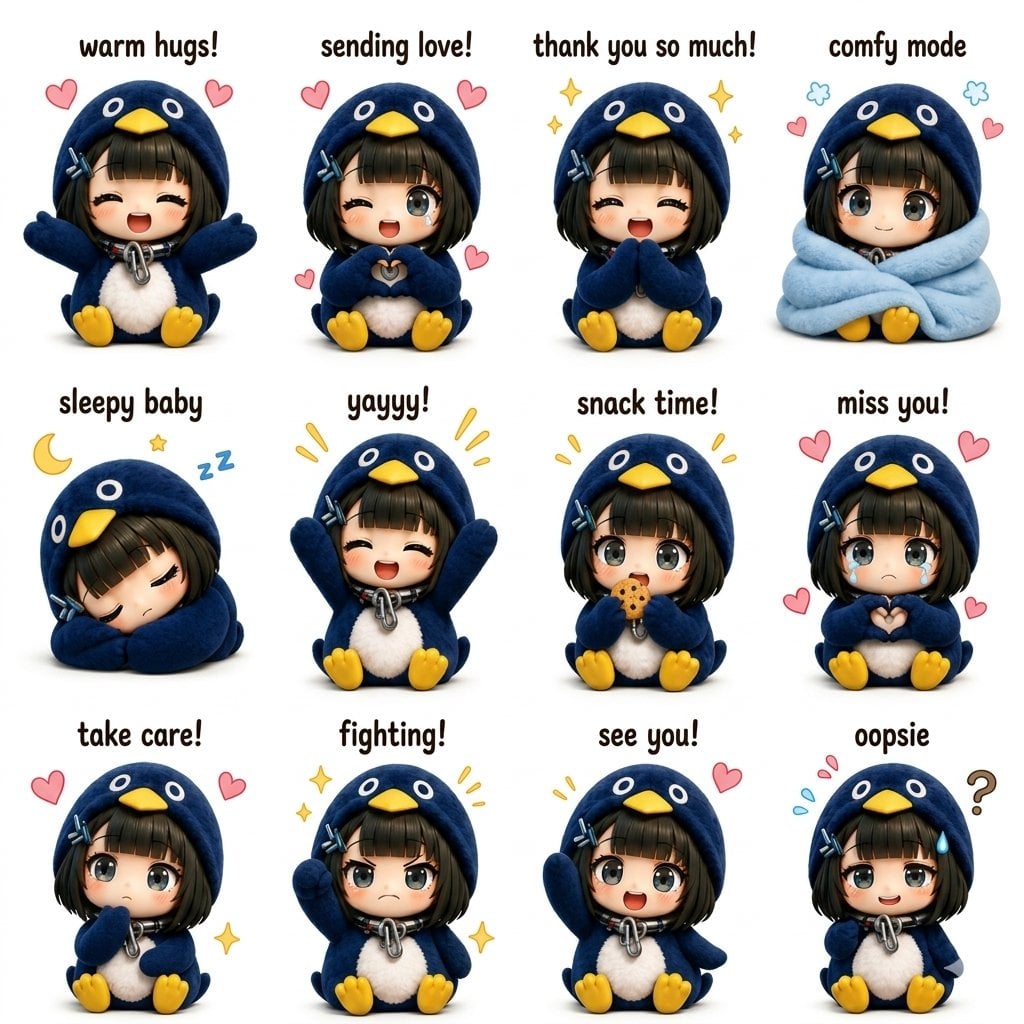
Kawaii Chibi Sticker Sheet

Pixar-Style Chibi Café Morning Scene
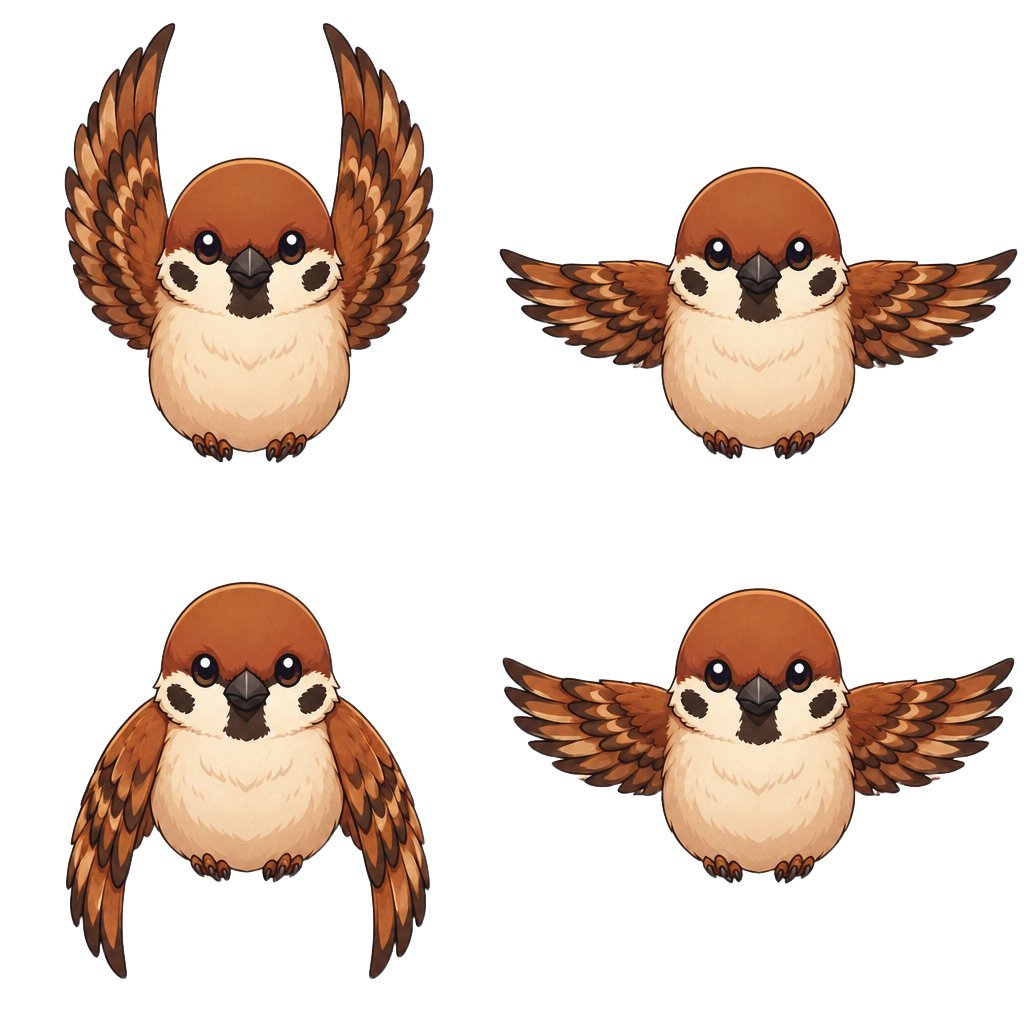
Chibi Sparrow Four-Pose Sheet
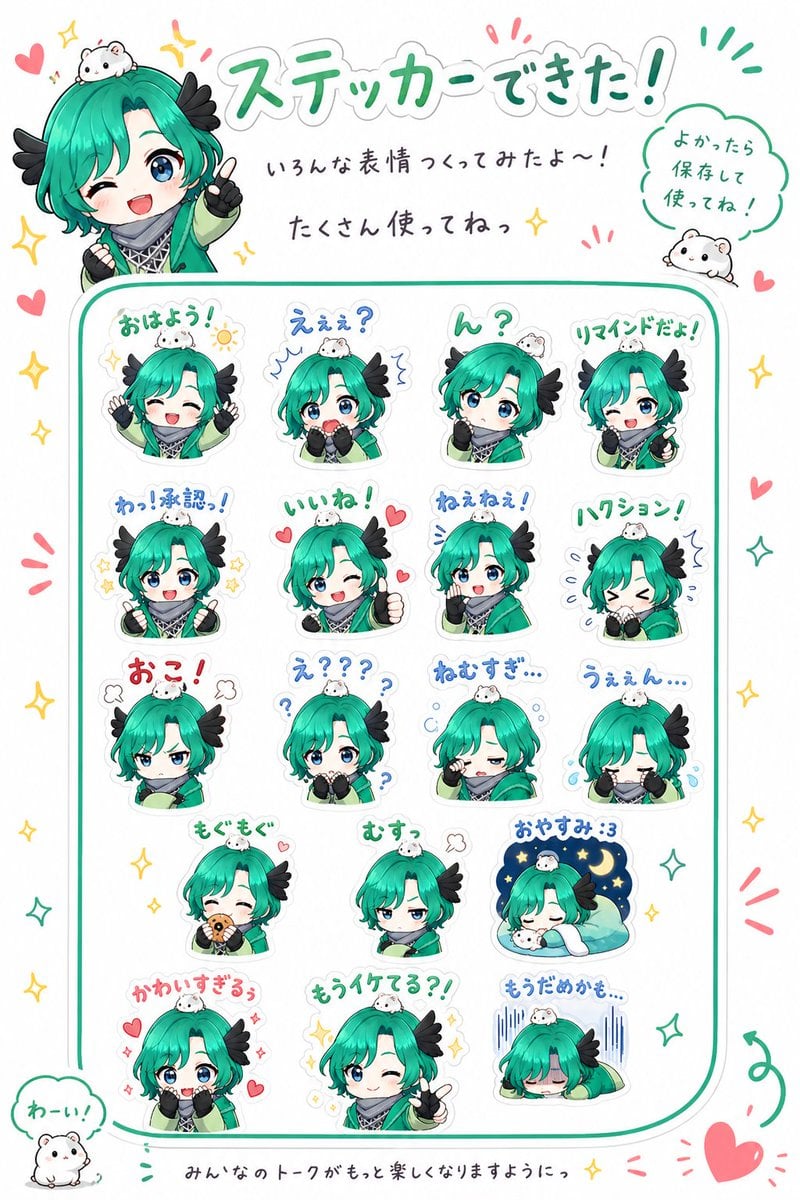
Chibi Character Sticker Sheet Ad
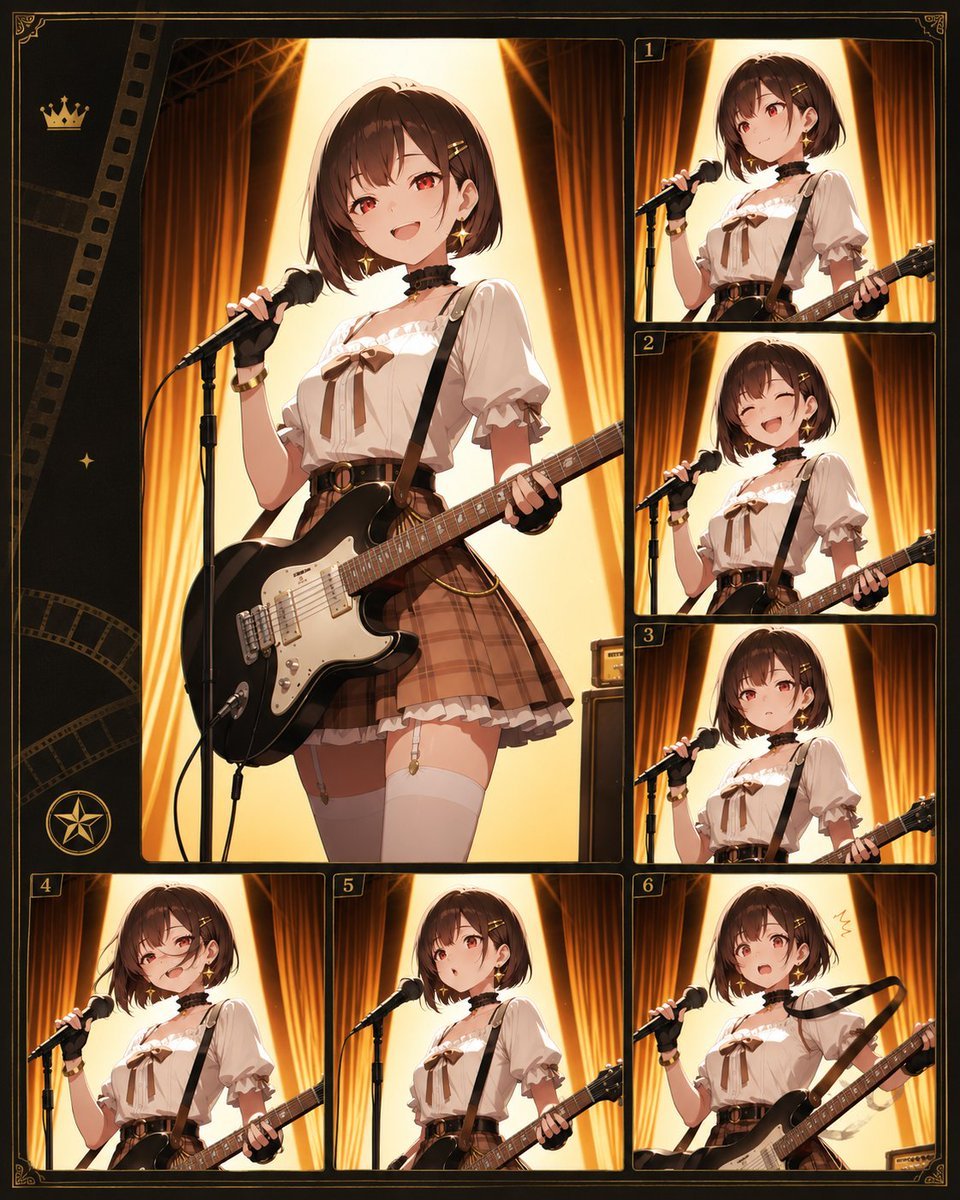
Anime Idol Guitarist Contact Sheet
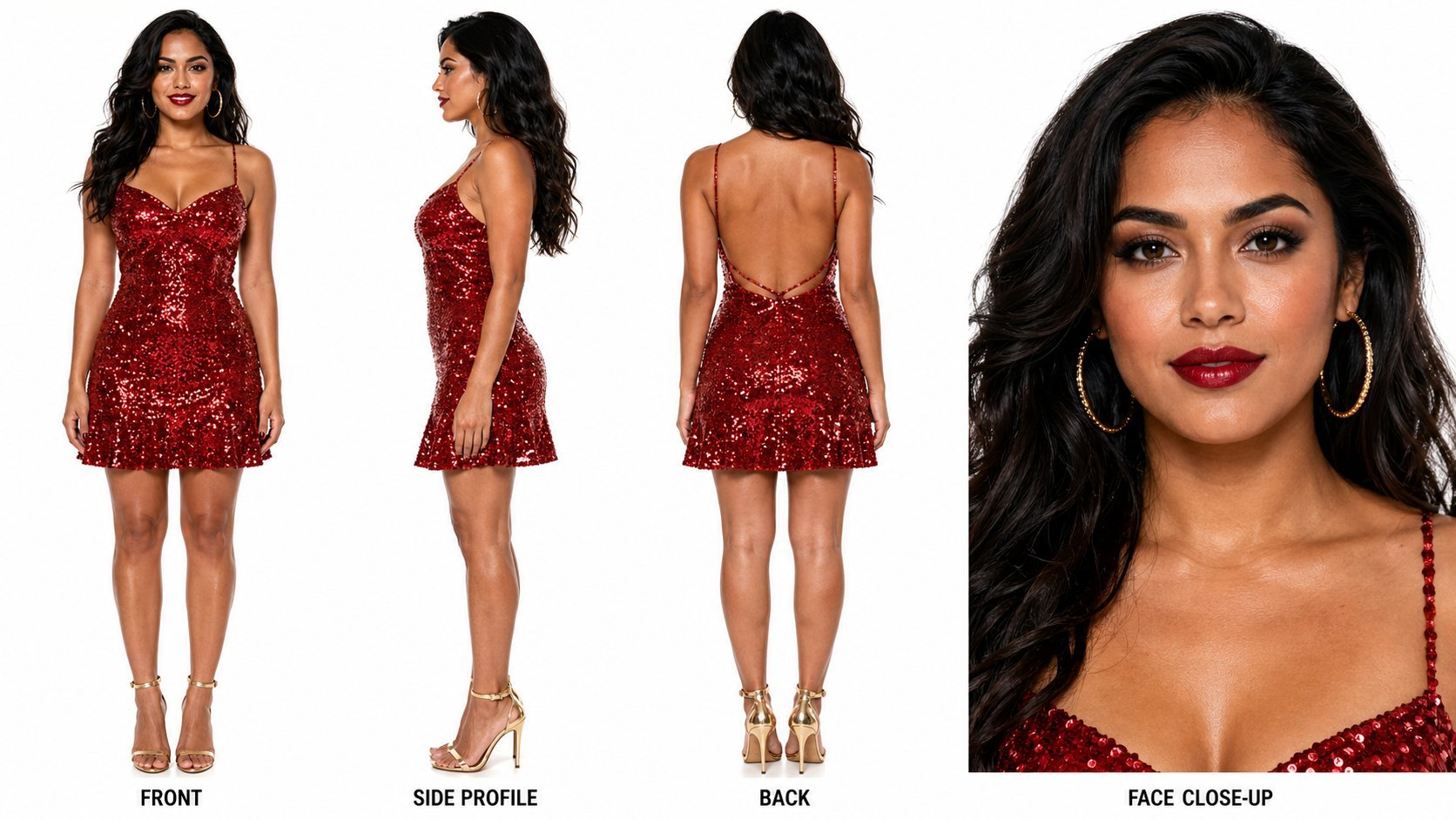
Dancer Character - Four View Reference Sheet
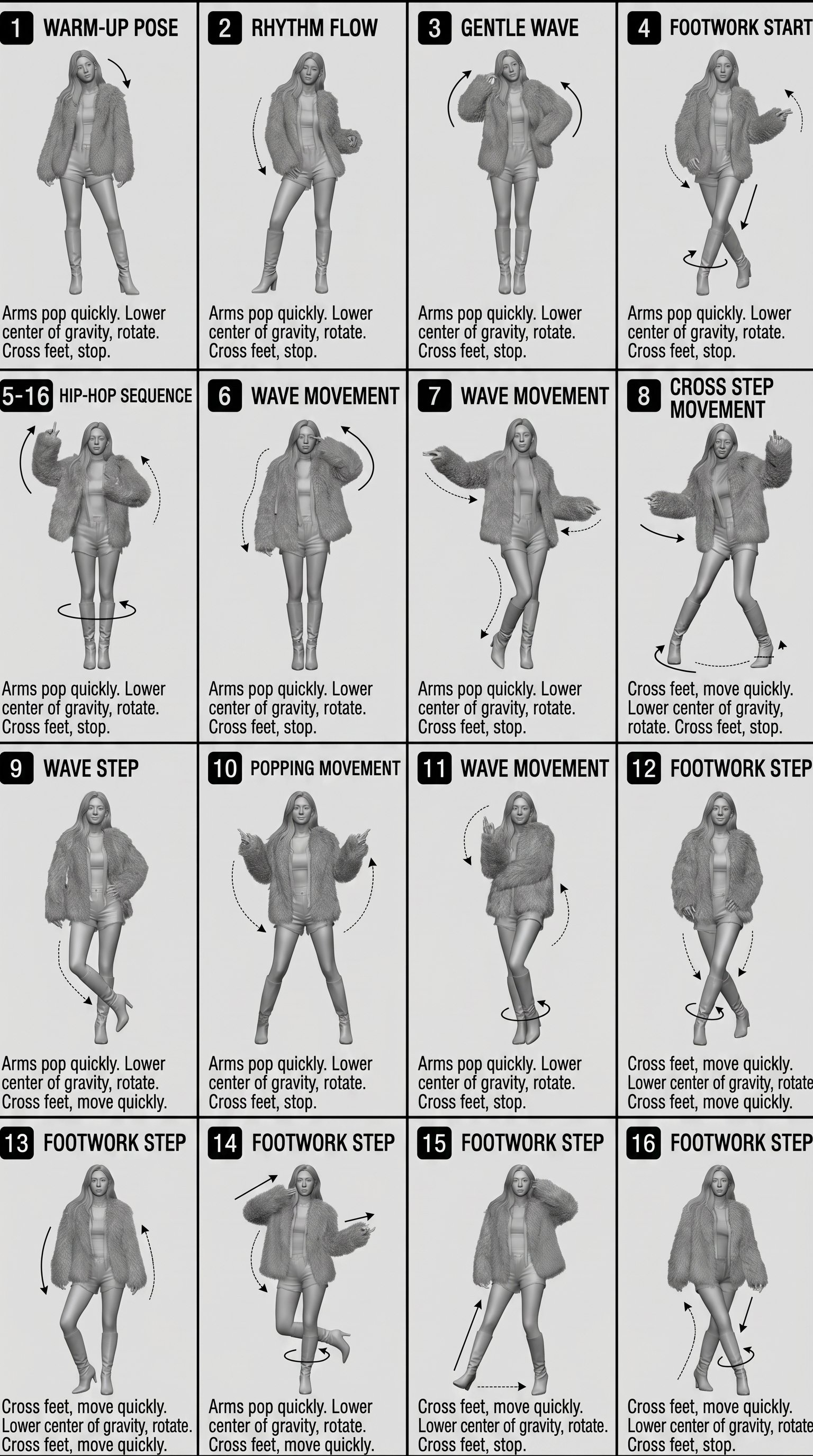
Movement Sheet - Dance Reference (Seedance 2.0)
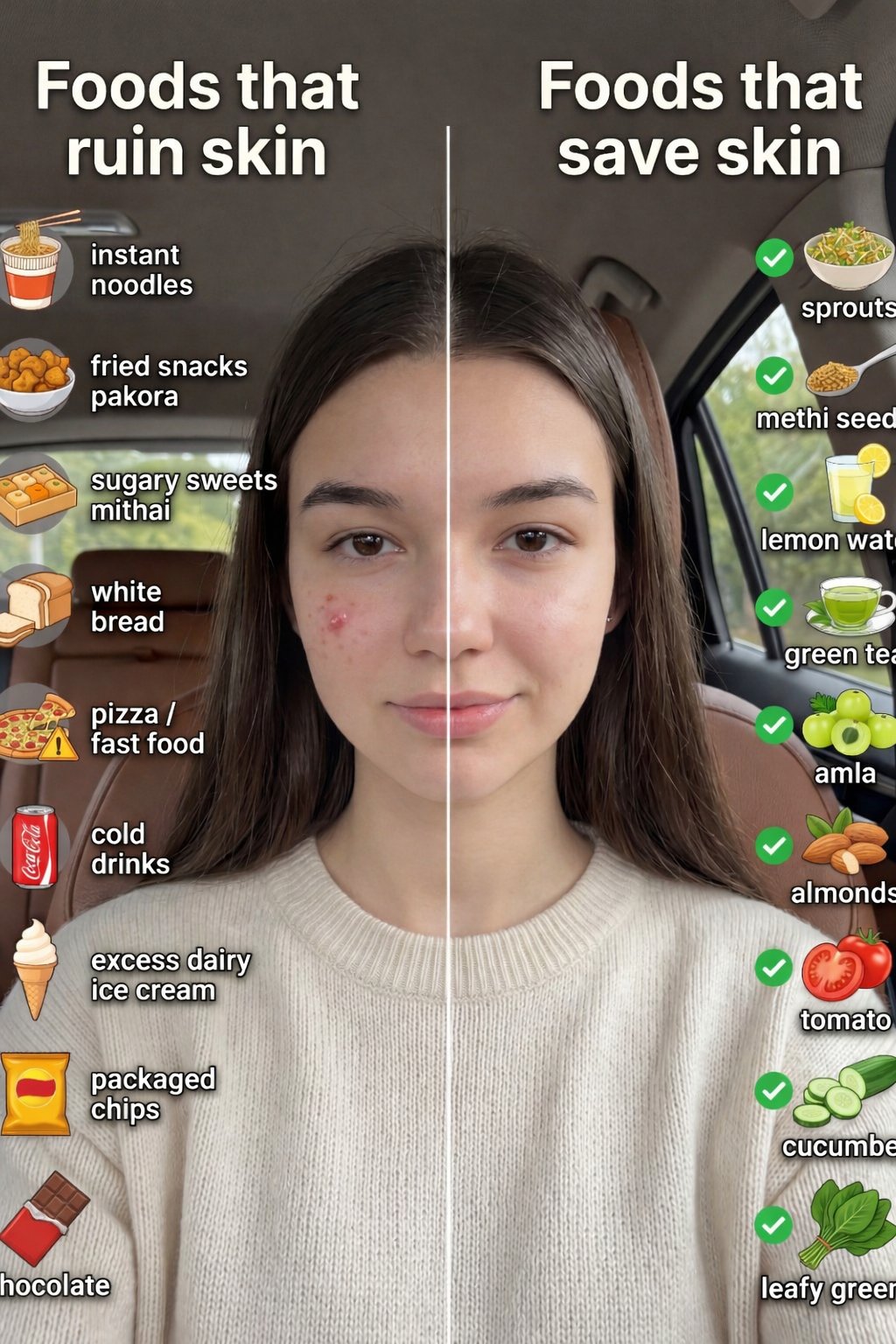
Skin Comparison Portrait — Nano Banana Pro
Make it yours
Style Chibi Guitarist Comparison Sheet works as-is. These are the safest ways to change it without losing the look.
Change one field
Copy a single group, rewrite it, and generate again so you can see what that field is doing.
Keep the frame, change the subject
Hold the composition and light of 30-Style Chibi Guitarist Comparison Sheet, then swap wardrobe, props or the person for a new take.
| If the result… | Why | Fix |
|---|---|---|
| The result drifts from the preview | Too many fields changed at once. | Reuse 30-Style Chibi Guitarist Comparison Sheet as-is first, then change one group — subject, light, or setting. |
| The model over-stylizes the scene | The prose prompt leaves finish and camera underspecified. | Add one camera or lighting sentence and stay on GPT Image 2. |
More GPT Image 2 templates
Other prompts made for GPT Image 2.

Realistic Portrait of Woman and Deer

The Vista Modular Condo Poster

2.5D Anime Art Board

Isometric Productivity Desk Scene

New York Double Exposure Poster

Japanese Tatami Lifestyle Magazine Cover

NESCAFÉ Coffee Map Poster

Brutalist Cogito Chinese Typography Poster
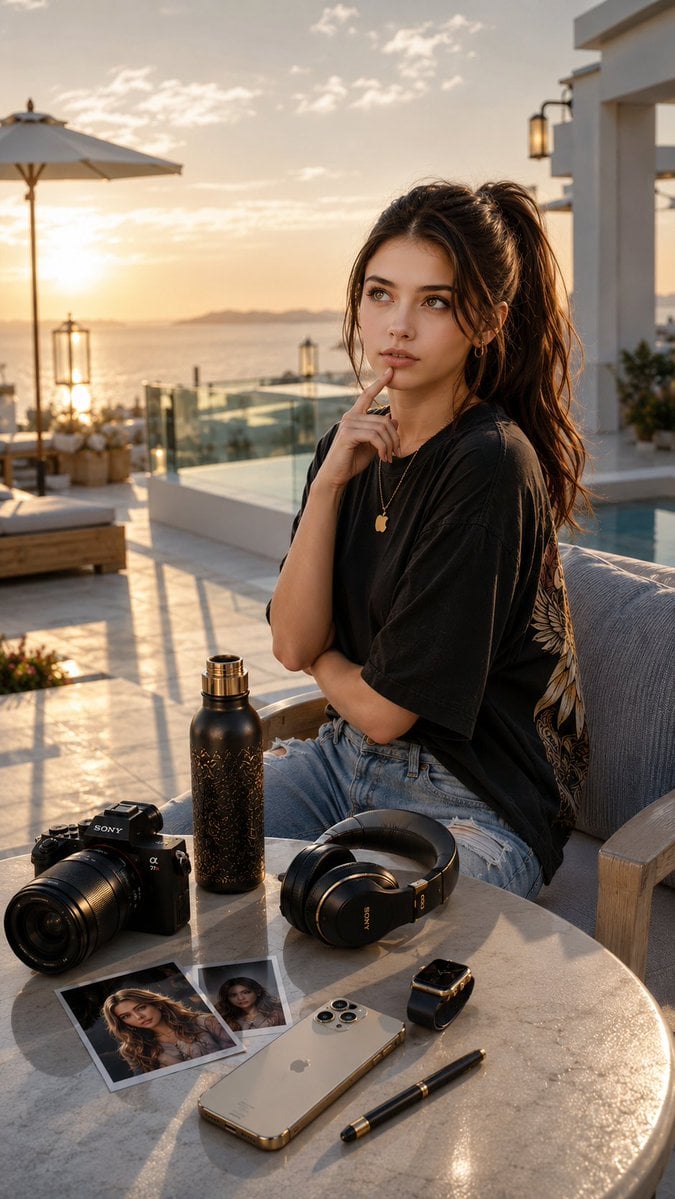
Cinematic Luxury Terrace Portrait
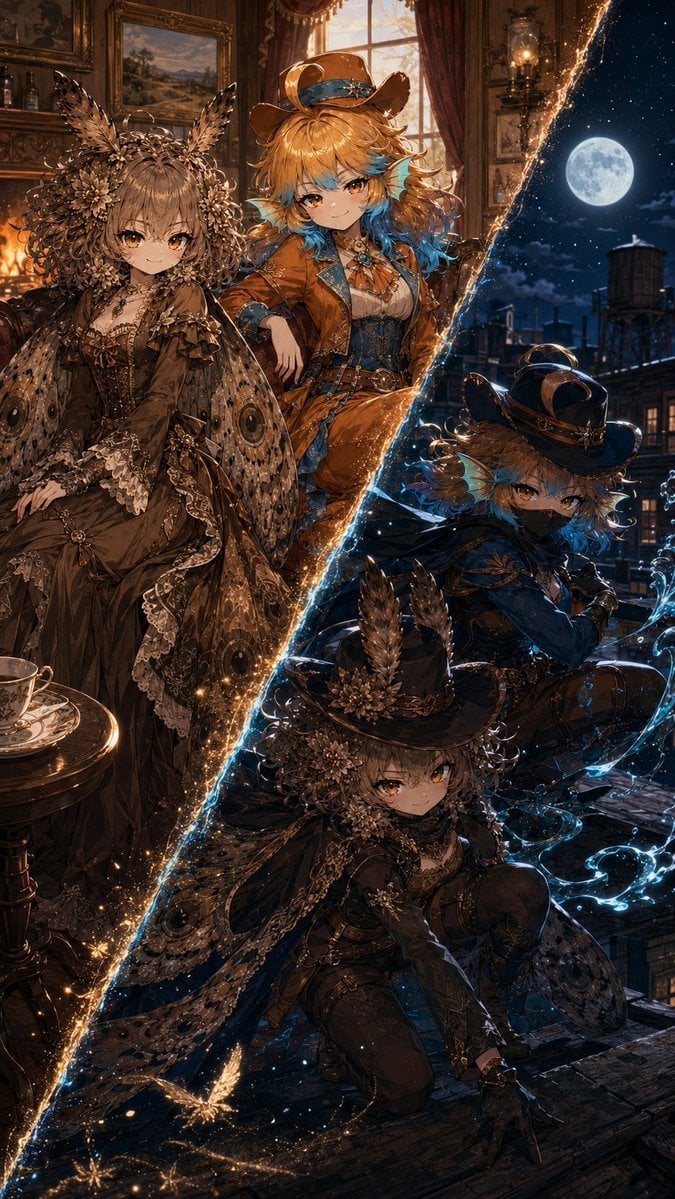
Superhero Era Transformation Split Portrait
More image prompts
Fresh picks from across the catalog.
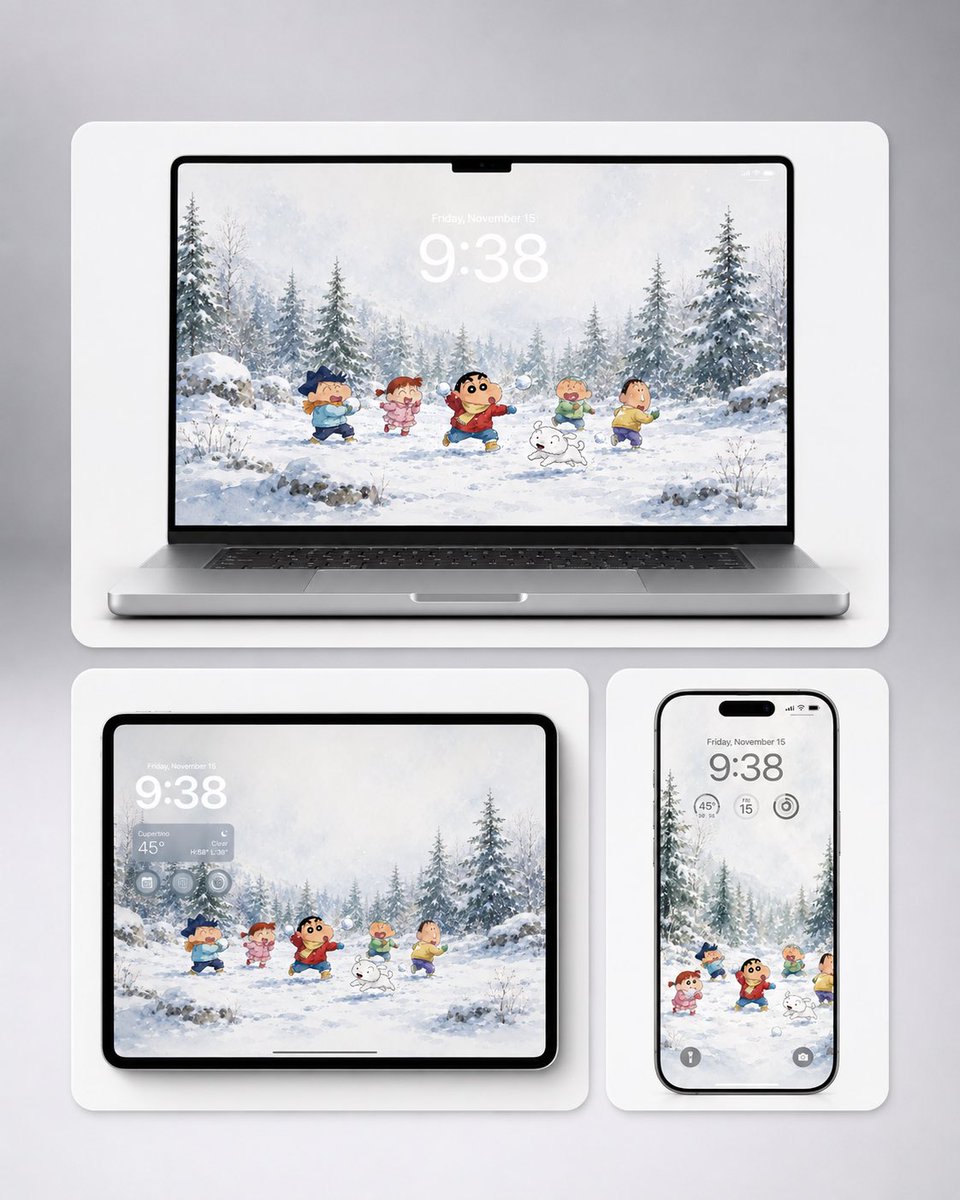
Shin-chan Winter Device Wallpaper Mockup
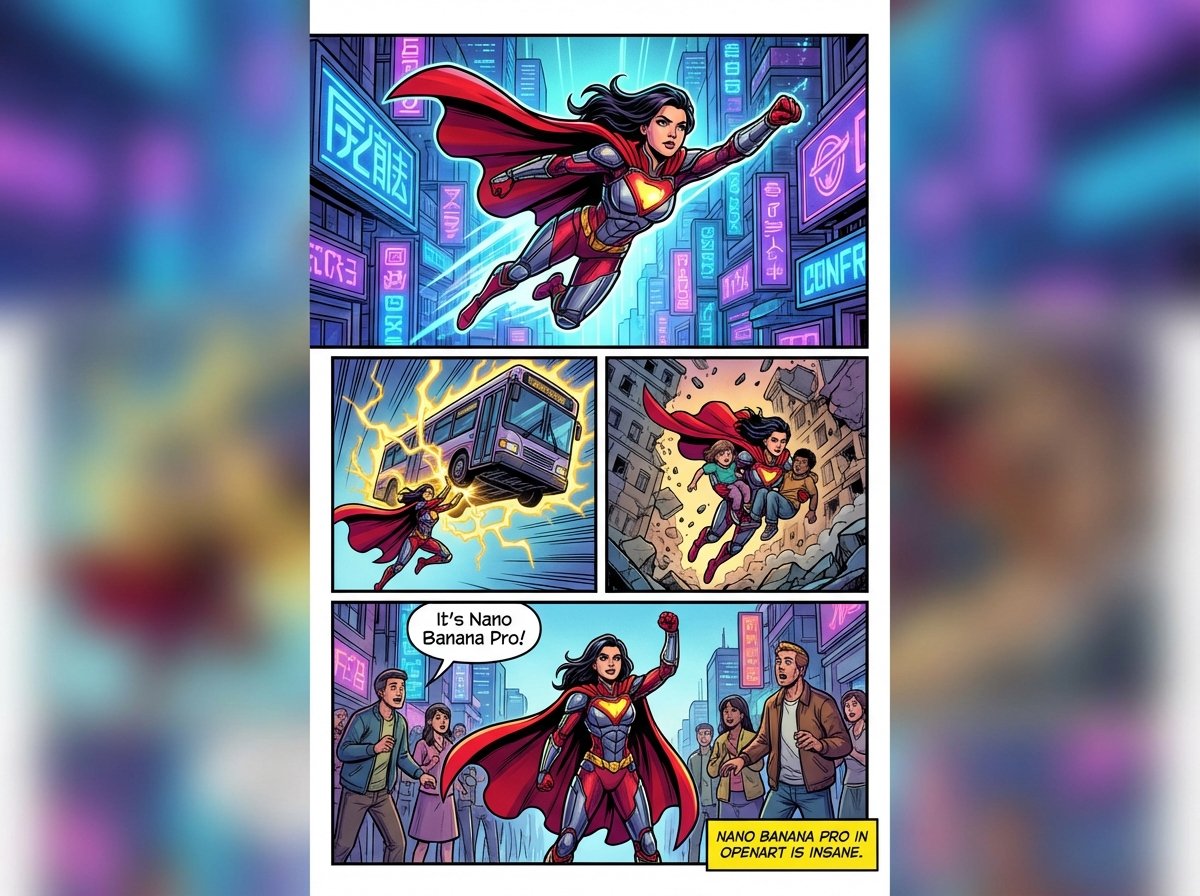
Marvel-style comic storyboard of a heroine

AI Influencer in Goth Fashion Portrait
Cozy AI Art Studio Collaboration
Selfie to Professional LinkedIn Headshot Conversion
Anonymous Floral Crimson Portrait
Cute Daily Anime Desk Calendar
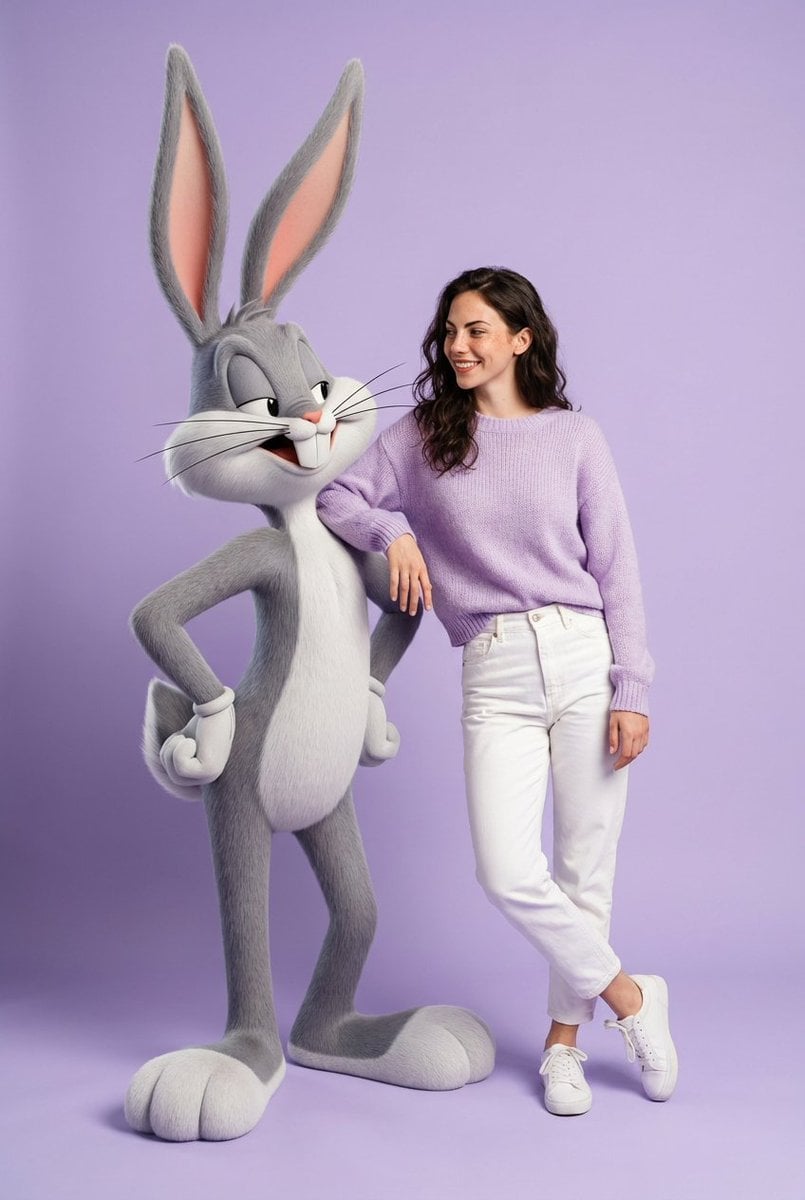
Playful Fashion Shoot with Giant Bugs Bunny
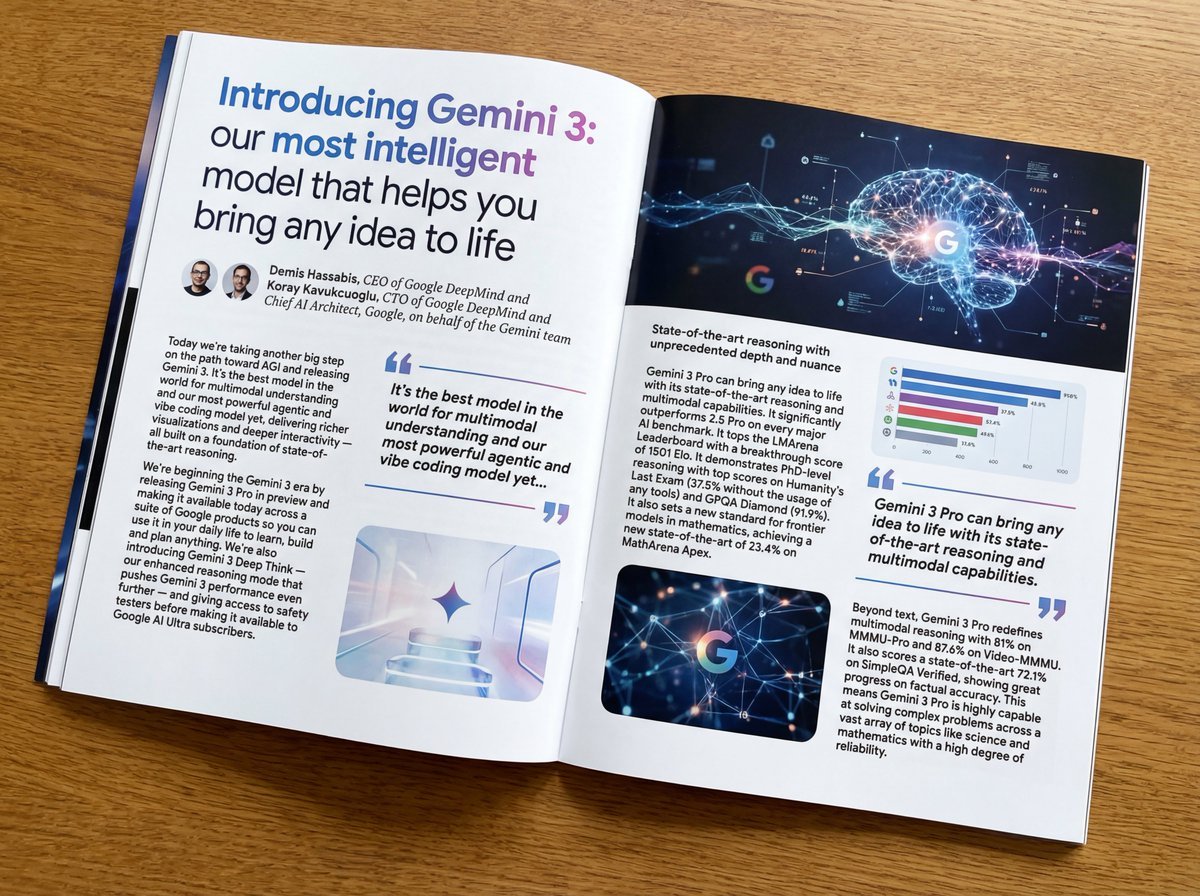
Magazine-style photo containing given article text
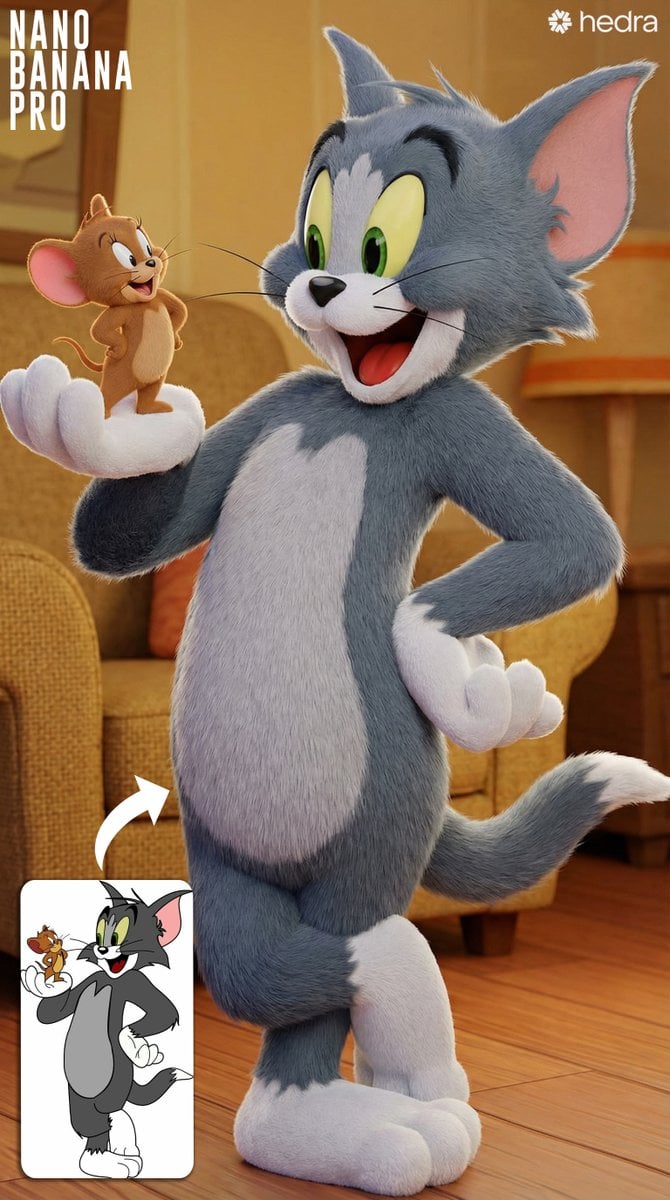
Convert 2D Sketch to 3D Animated Style
Browse template categories
Style Chibi Guitarist Comparison Sheet questions
How do I use the 30-Style Chibi Guitarist Comparison Sheet template?
Add your photo if the template asks for one, edit the prompt if you like — the template's model and format are already selected — and press Generate. Your version opens in PicX Studio.
Can I customize the 30-Style Chibi Guitarist Comparison Sheet template?
Yes. You can change the subject, setting, lighting, mood, format, and available model controls before creating your image.
Is the 30-Style Chibi Guitarist Comparison Sheet template free?
Opening and editing this template is free. Generating uses credits, shown on the Generate button when you are signed in.
Which AI model should I use?
Start with GPT Image 2, which is the model associated with this template. You can compare another compatible model for a different finish.
Looking for something else? Browse all templates.

Your photo, any look
Thousands of ready templates for every top image and video model, from one credit balance.