
Perler Bead Pixel Infographic Poster
An incredibly comprehensive structural prompt for generating museum-style infographic posters using a Perler bead/pixel art aesthetic, focusing on layout, color layers, and data nodes.
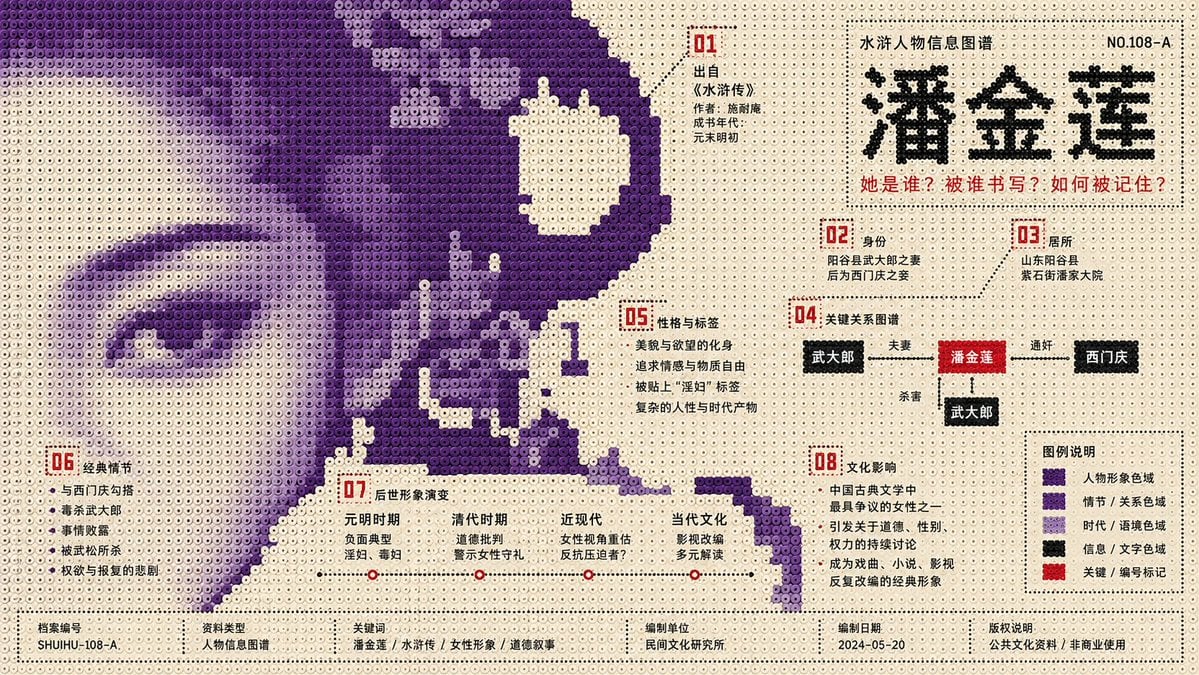
- Prompt included
- Model and format preset
- Free template
The prompt behind this image
Copy the exact prompt behind Perler Bead Pixel Infographic Poster, or open it in the studio and make it yours.
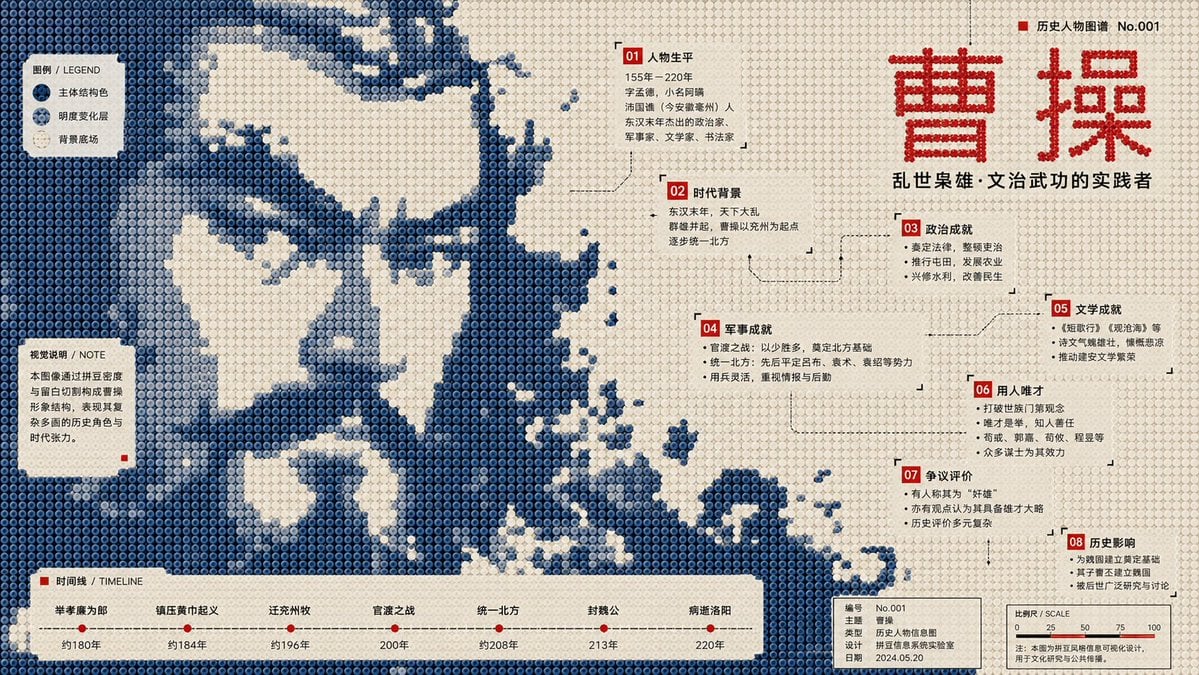
Generate a 16:9 landscape infographic poster. Topic: {argument name="topic" default="Pan Jinlian (潘金莲)"} Knowledge points that must be covered: [Knowledge point 1] [Knowledge point 2] [Knowledge point 3] [Knowledge point 4] [Knowledge point 5] [Knowledge point 6] [Knowledge point 7] [Knowledge point 8] Visual style definition: This is a structural, flat infographic poster in a "perler beads / fuse beads / pixel-bead array" style. The image is made up of a large number of regularly arranged circular plastic fuse beads; each bead has a clear circular boundary, a slight center dimple, even spacing, a low-saturation plastic texture, and a stable grid order. The overall composition must remain a flat, front-facing layout, like a public cultural infographic poster made of fuse beads — not toy photography, a 3D model, cartoon illustration, or an ordinary pixel-art image. Core composition: Compress the [topic] subject into a large-scale, single-color fuse-bead image field, rather than a complete realistic object, a centered illustration, or a collection of icons. The subject must surge in from the edge of the frame, cross the page boundary, and be cropped as a bleed, as if a fragment of a larger fuse-bead-medium image has entered the page. The subject carries the main visual weight but is not shown in full; the viewer must reconstruct the topic through silhouette, direction, missing areas, bead density, and local texture. Subject shape: The outer edge of the subject shows low-resolution bead steps, blocky breaks, hard-cut notches, pixelated jagged silhouettes, missing-bead cross-sections, and rough, sampled-looking boundaries. Smooth silhouettes, complete icon outlines, and realistic detail are prohibited. Inside the subject, use only beads of different brightness within the same topic structure color, forming low-contrast image fragments, halftone noise, scan grain, material afterimages, archival texture, and local density variation. Background and negative space: The background uses a high-brightness, light-colored fuse-bead base field, close to unprinted paper, a pale cream plastic backing board, or a pale gray-white bead array. The background is not a decorative base color but actively cuts back into the subject, forming large voids, winding channels, quiet text windows, reading-pause areas, and knowledge-point containers. The blank space must feel like both air and a blade's edge; it provides breathing room while also cutting into the subject's structure. The large light-colored base and the large topic structure color must intrude into each other — they must not simply be divided into top and bottom zones, and must not become an ordinary background. Color system: Use a strict three-layer functional color scheme; averaged-out coloring is not allowed. Layer 1: Light-colored base field Area ratio approximately 60%–70%. Its function is to breathe, cut, pause, and carry text windows. Colors can be old-paper white, pale ivory, cool gray-white, pale blue-white, or pale warm gray. Layer 2: Topic structure color Area ratio approximately 25%–35%. Its function is to form the subject, create spatial pressure, and express the topic's mood and material semantics. The color must be chosen based on the [topic] — for example, a cool topic might use deep blue, ink green, gray-purple, or graphite; a warm topic might use ochre red, earthy orange, brown-black, or dark gold. Within the structure color, brightness differences between beads may be used to express grain density and image afterimages. Layer 3: High-contrast information color Area ratio approximately 3%–6%. Its function is titles, numbering, time stamps, annotations, institutional information, legends, footnotes, and key knowledge-point markers. The information color must be used sparingly, sharply, and clearly, and can be red, black, bright blue, fluorescent orange, or high-purity cyan. The information color must not spread out into a decorative color. Infographic system: Convert [Knowledge point 1] through [Knowledge point 8] entirely into fuse-bead information nodes; do not explain them by stacking ordinary icons. Each knowledge point should be presented in one of the following forms: - A small numbered label - A tiny annotation box - A fuse-bead legend block - A coordinate line - A time scale - A proportion bar - A directional arrow - An archival index number - A local texture description - An edge marker point Information nodes must be distributed along the blank-space windows, color-field boundaries, cut nodes, subject gaps, negative-space channels, and the bottom edge. There should be 8 information nodes, corresponding to the 8 knowledge points. All information nodes must have a hierarchical relationship: the main title is largest, core concepts are next, knowledge-point labels are smaller, and footnotes and numbering are smallest. Information nodes must not cover the center of the subject, and must not disrupt the structure of the large color field. Reading path: Build a jumping reading path: small marker at the top → main title to the side → knowledge points at the edge of the subject → negative-space annotation windows → footnotes and legend at the bottom. The image must satisfy both long-distance recognition and close-up reading at the same time: from a distance it is a bold, huge fragment of a fuse-bead image; up close it is a precise, orderly system of knowledge information. Fonts and text: Use a narrow modern sans-serif, Swiss-style sans-serif, a squared clear-skeleton font, or a monospaced metadata font. Strokes should be even, letter spacing restrained, and hierarchy precise. The main title should read like a public cultural information coordinate; the small text should read like an archival metadata index. Text must be arranged within the blank-space windows, boundary nodes, and the bottom information bar, and must not be placed over the center of the subject. The Chinese text must be clear, written in short sentences, and labeled — long paragraphs should be avoided. Fuse-bead material: All visual elements are made of fuse beads. The bead surfaces have a matte plastic texture, with slight manufacturing unevenness, faint grain, minor wear, and low-contrast surface variation. Within the structure-color areas, halftone-style bead density variation, a scanned-output feel, an uneven old-paper feel, and a spot-color overprint feel may appear. The information-color beads must have sharp edges, clear contrast, and accurate placement.
How to use Perler Bead Pixel Infographic Poster in 3 steps
- 1
Open
The prompt is already in the box next to the preview, with the template's model and format selected.
- 2…a portrait of your subject in softgolden-hour light, 85mm…
Personalize
Edit the subject and creative details for your destination.
- 3Generate
Generate
Press Generate — your image is created in PicX Studio, so you can compare it with the original and refine one variable at a time.
More like this
Templates with the same subject, style or setup. Open one to see its prompt.

Japan Travel Brochure Poster

Gpt2 Infographic Edu Visual Ink Wash Tribute Poster for Chen Uen

Gpt2 Infographic Edu Visual Biomimetic Skyray Aircraft Poster
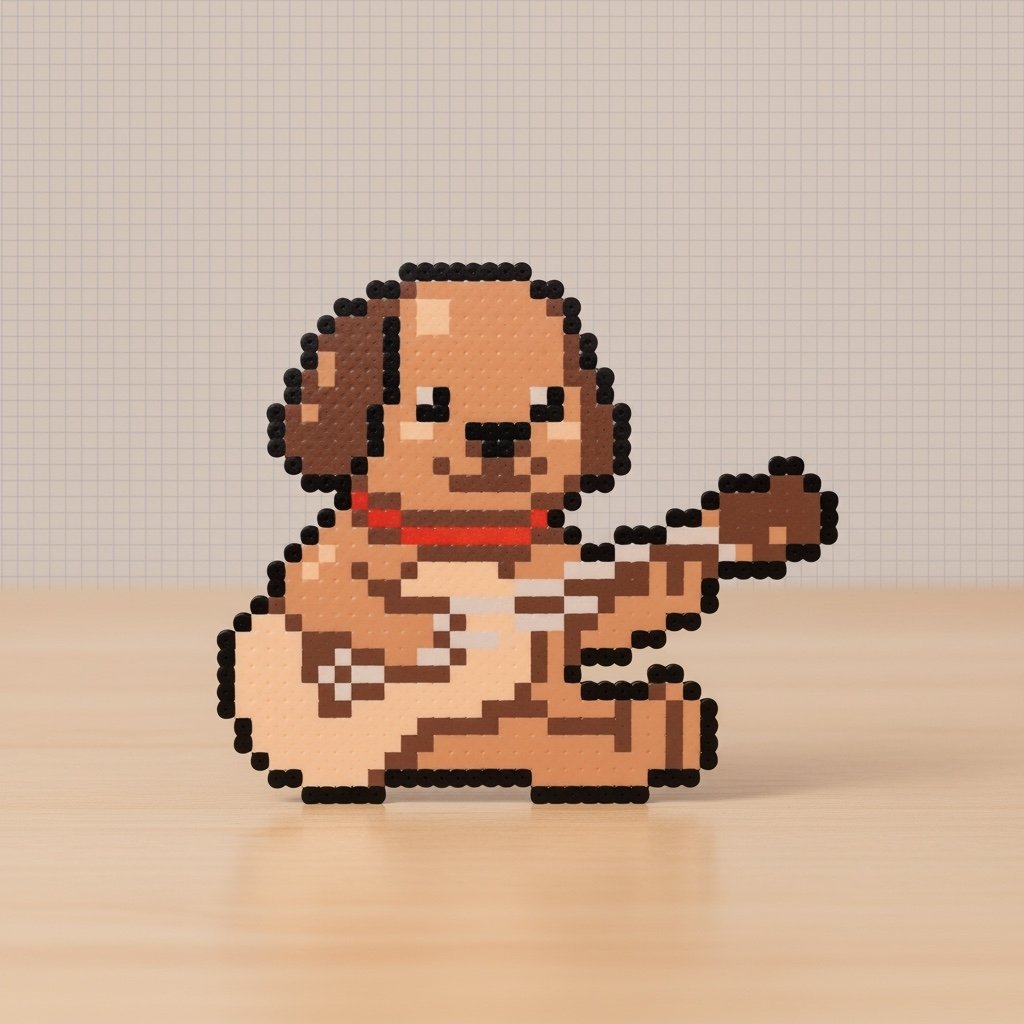
Pixel Art to Perler Bead Photo
Perler Beads Style Structural Poster
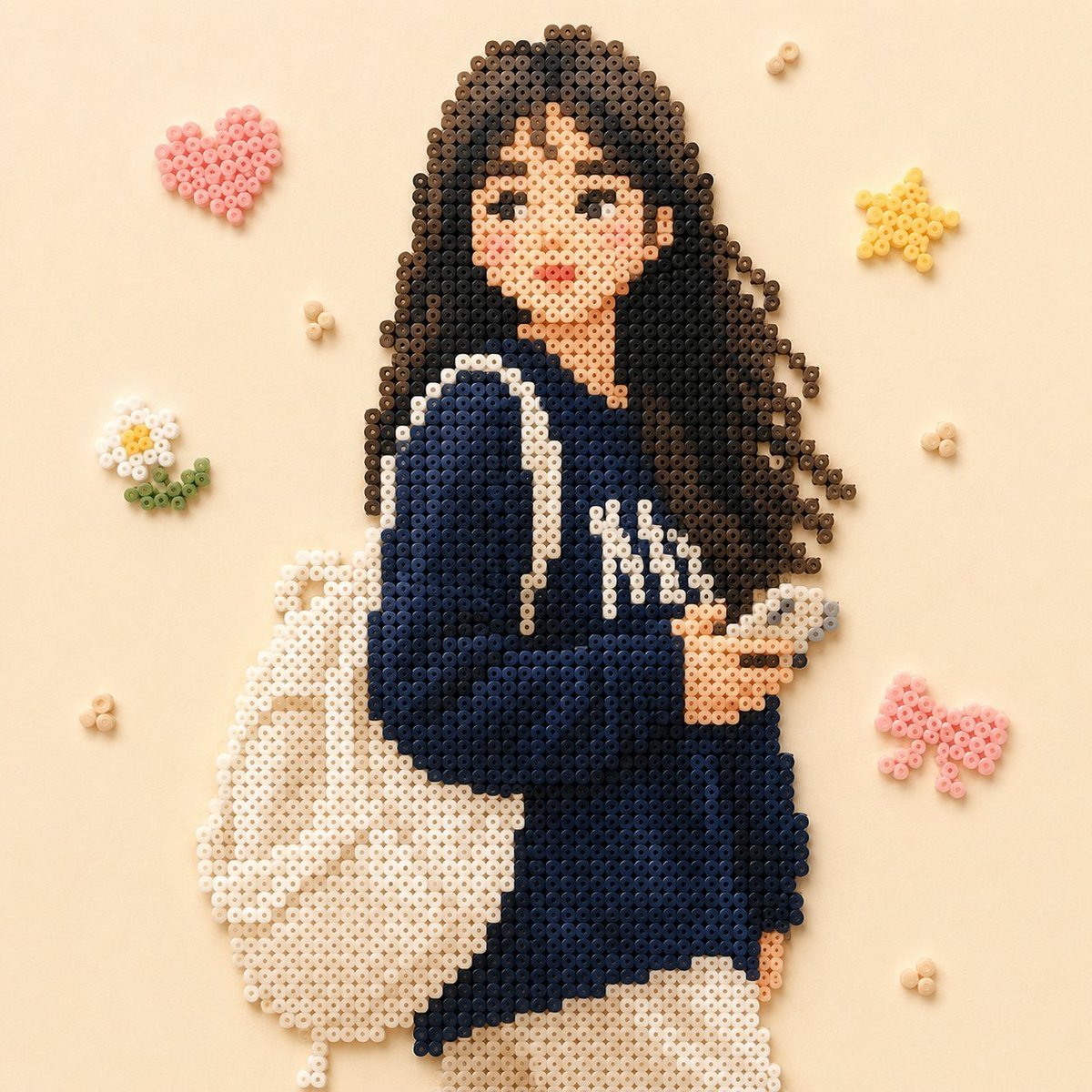
Beaded Pixel Art Portrait
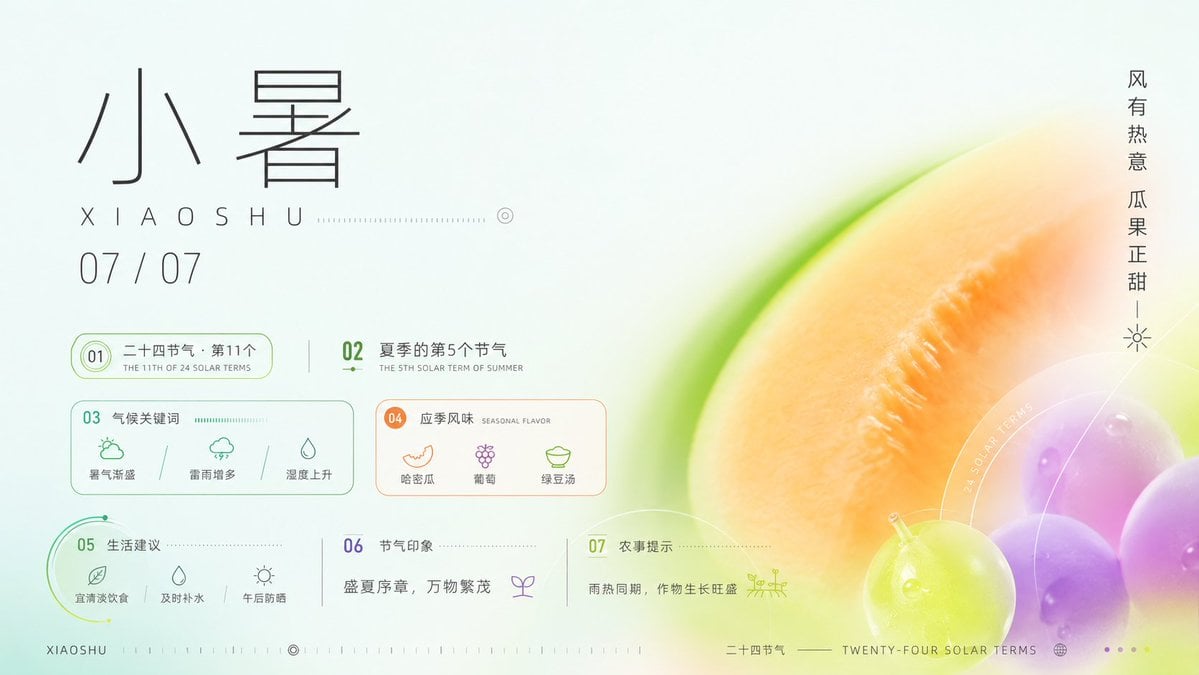
Xiaoshu Solar Term Infographic Poster
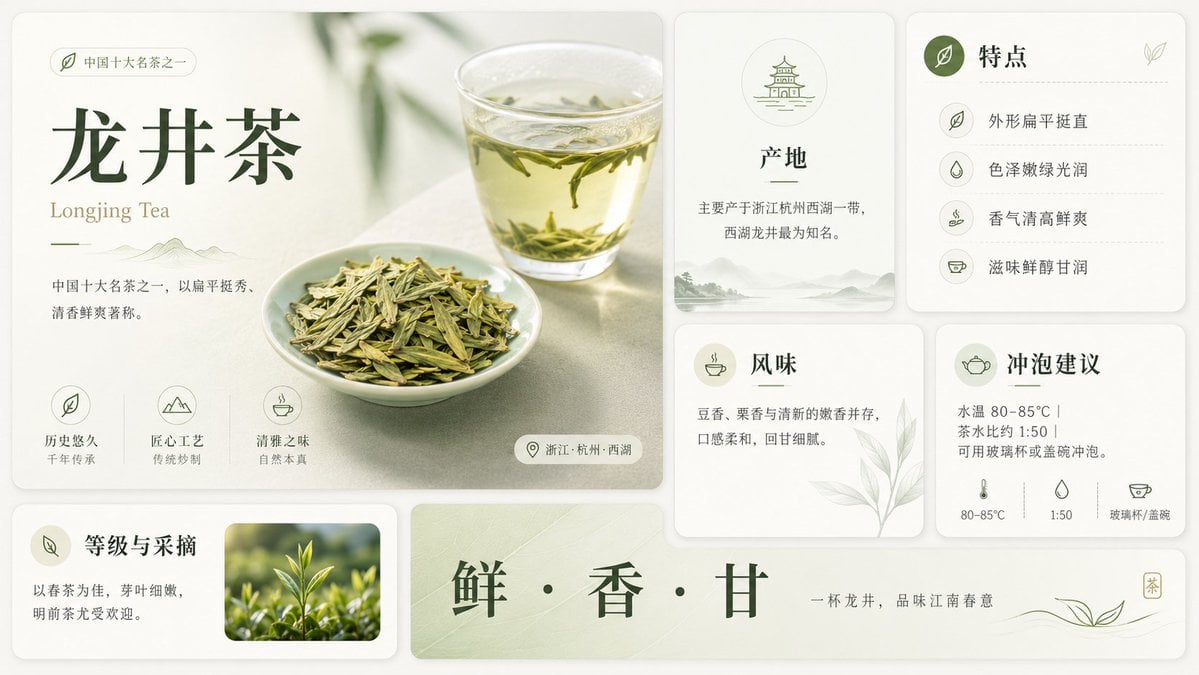
Longjing Tea Infographic Poster
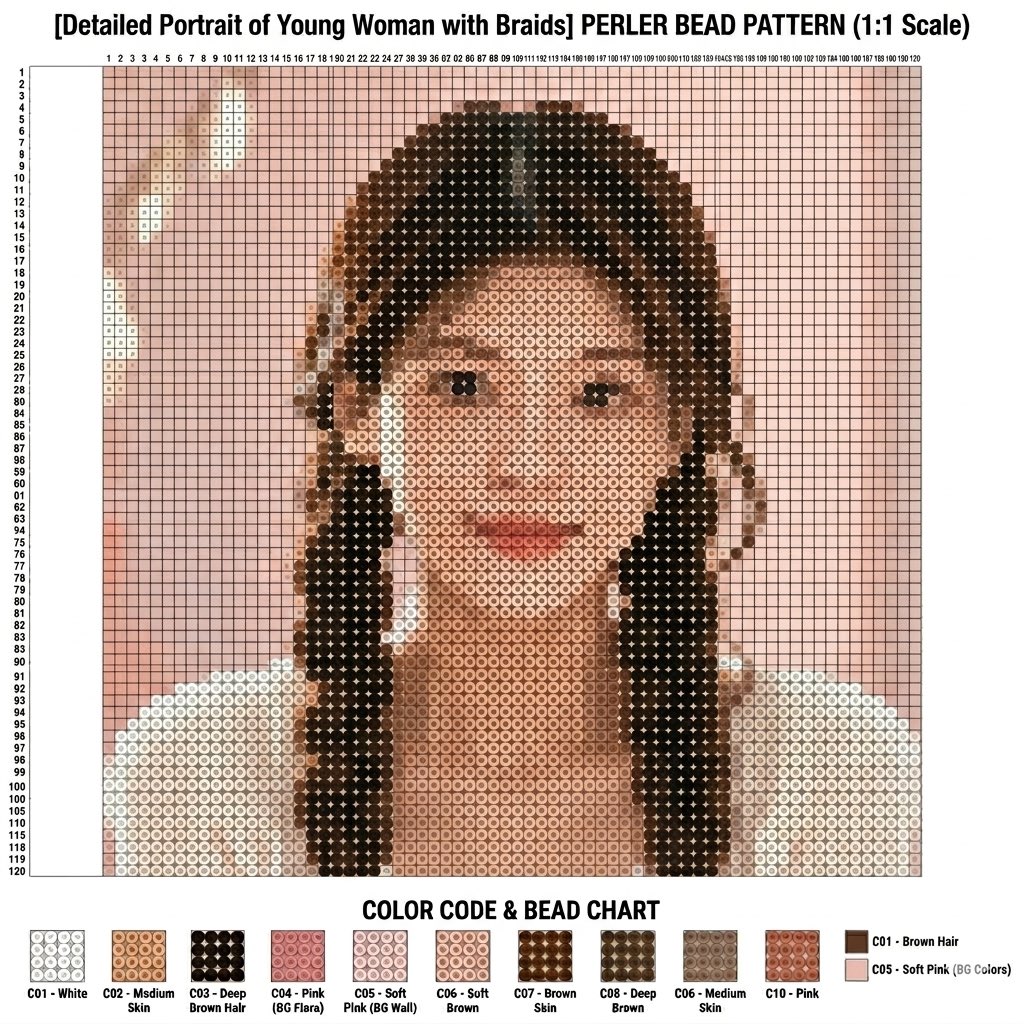
Perler Bead Pattern Creator

Pixel Limited Finale Fireworks

Pixel Limited Garden Maze

Pixel Limited Rooftop Concert
Make it yours
Perler Bead Pixel Infographic Poster works as-is. These are the safest ways to change it without losing the look.
Change one field
Copy a single group, rewrite it, and generate again so you can see what that field is doing.
Keep the frame, change the subject
Hold the composition and light of Perler Bead Pixel Infographic Poster, then swap wardrobe, props or the person for a new take.
| If the result… | Why | Fix |
|---|---|---|
| The result drifts from the preview | Too many fields changed at once. | Reuse Perler Bead Pixel Infographic Poster as-is first, then change one group — subject, light, or setting. |
| The model over-stylizes the scene | The prose prompt leaves finish and camera underspecified. | Add one camera or lighting sentence and stay on GPT Image 2. |
More GPT Image 2 templates
Other prompts made for GPT Image 2.

Six VTuber Japanese Logo Sheet

Realistic Portrait of Woman and Deer

The Vista Modular Condo Poster

AI Model Routing Comparison Infographic

2.5D Anime Art Board

Isometric Productivity Desk Scene

New York Double Exposure Poster

Four-Panel AI Landscape Comparison

Japanese Tatami Lifestyle Magazine Cover

NESCAFÉ Coffee Map Poster
More image prompts
Fresh picks from across the catalog.

16K Ultra-Realistic Identity-Locked Luxury Portrait

Thumbnail Editing Prompt: Replacing a Person

Realistic Sam's Club Shopping Snapshot

Photorealistic Modern Country Cowgirl Portrait
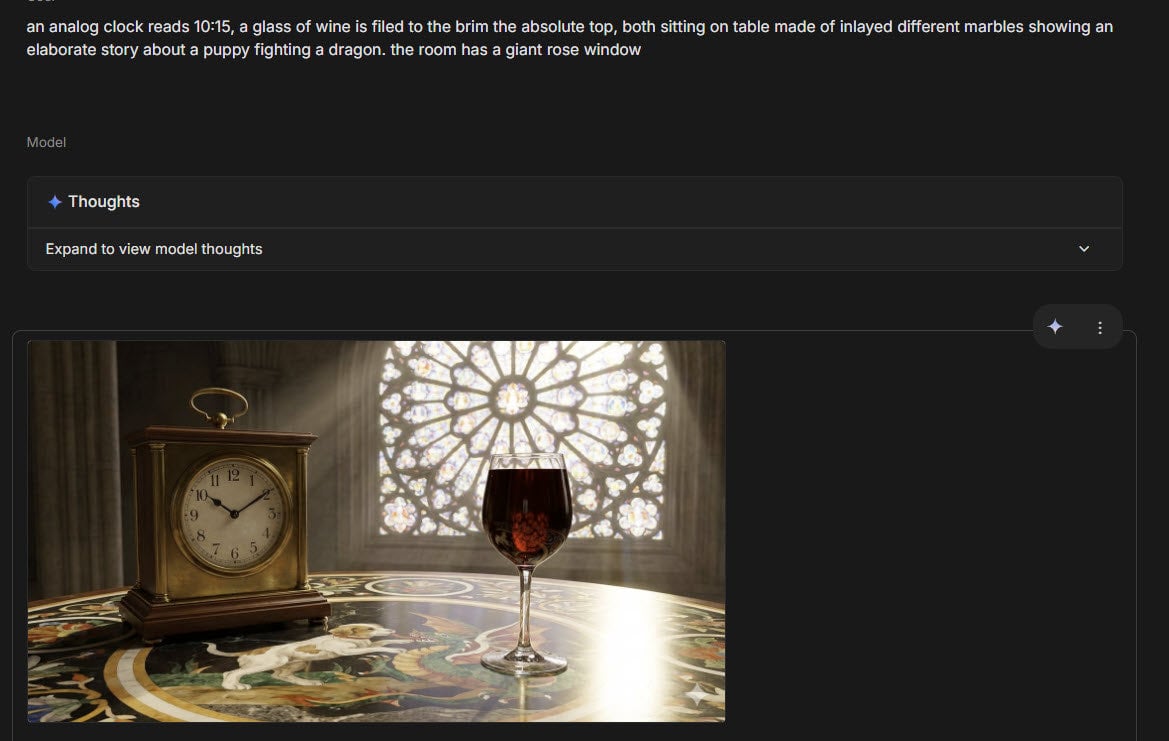
Infographic about past image model failures
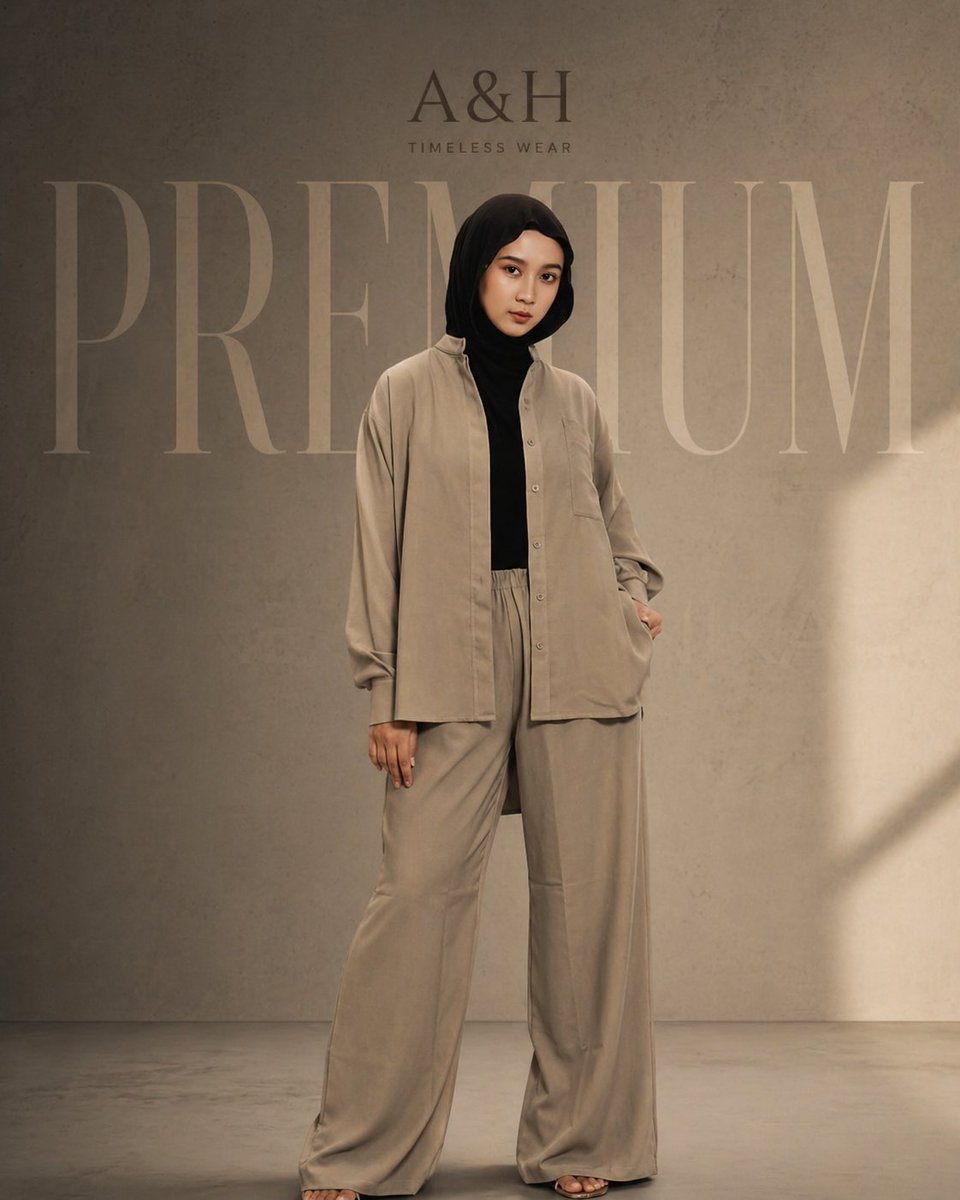
Modest Fashion Studio Editorial Prompt
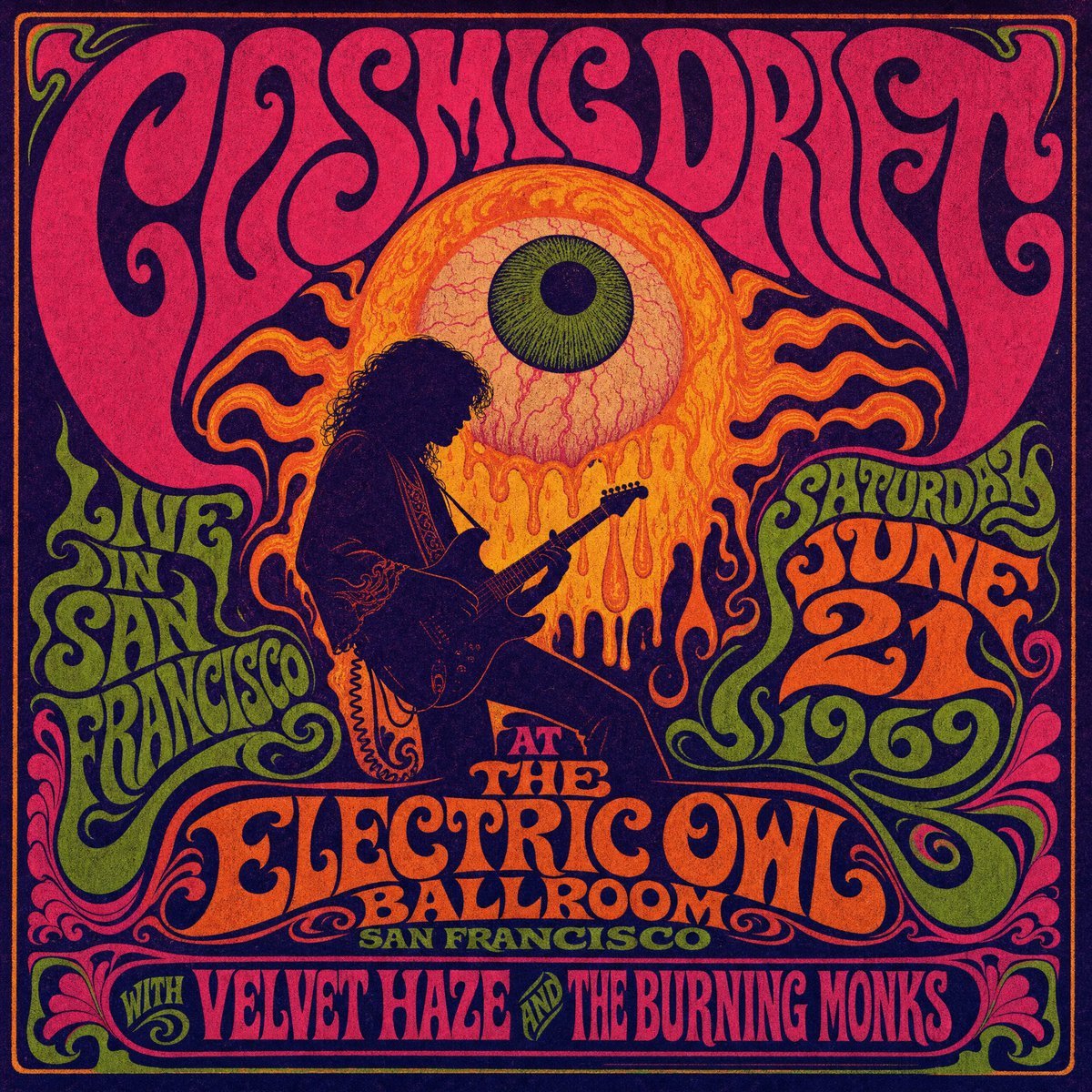
Psychedelic Cosmic Drift Concert Poster

Together We Are Perfect
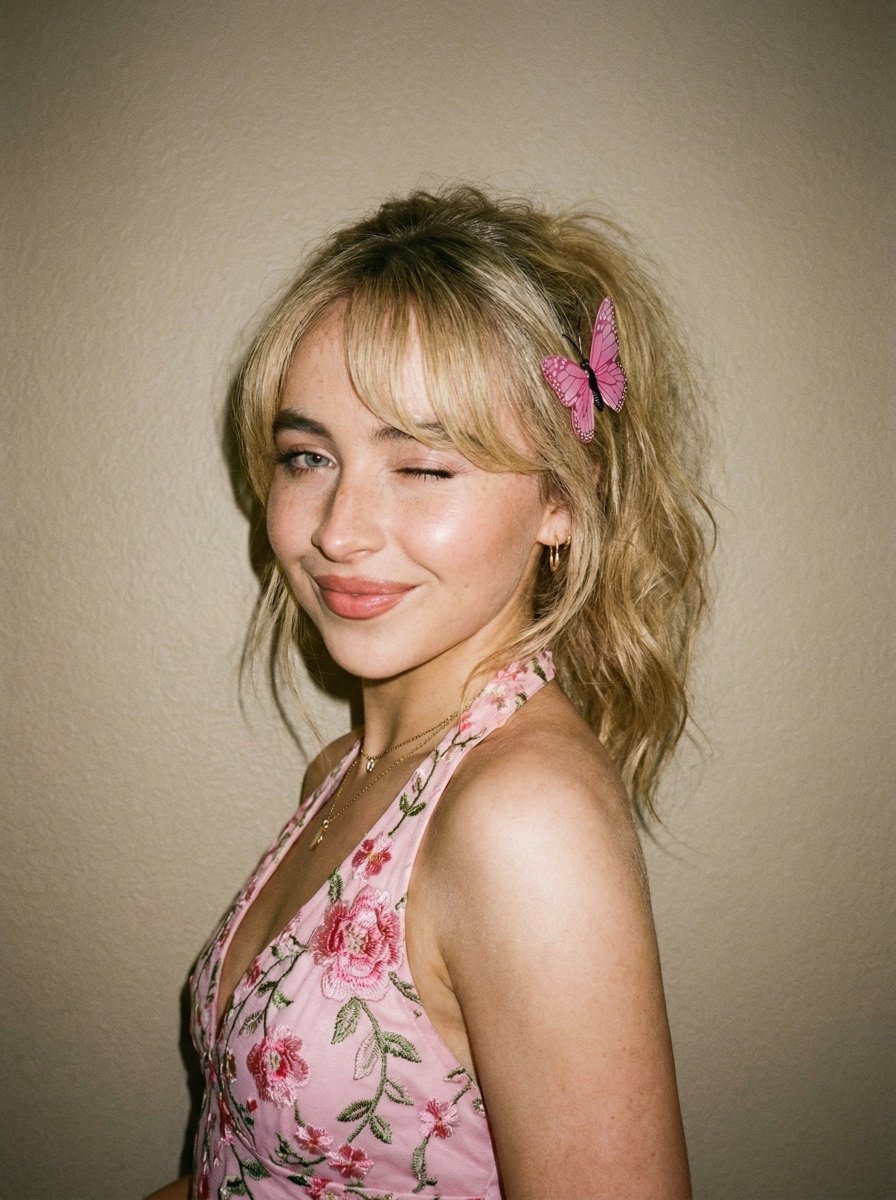
Soft Flash Portrait with Coquette Aesthetic
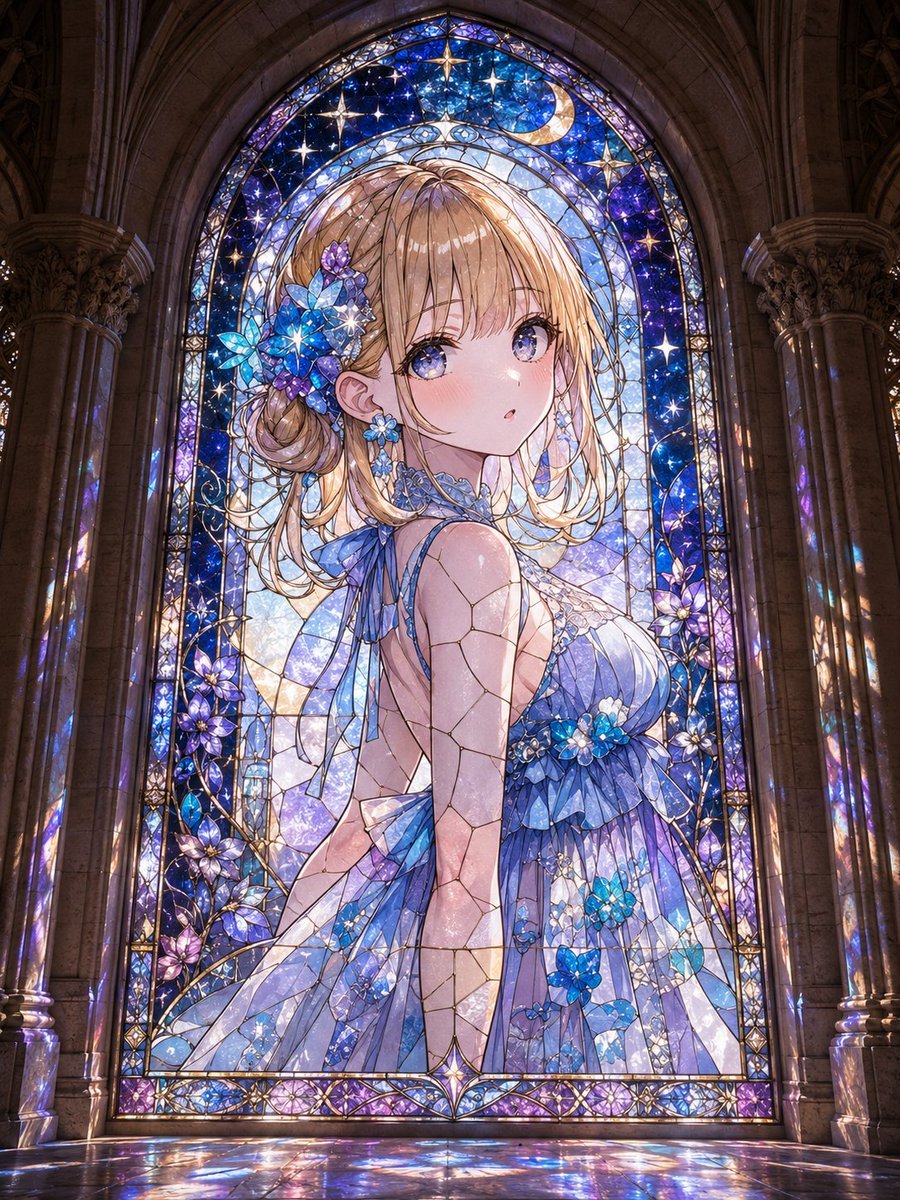
Anime Girl Stained Glass Chapel
Browse template categories
Perler Bead Pixel Infographic Poster questions
How do I use the Perler Bead Pixel Infographic Poster template?
Add your photo if the template asks for one, edit the prompt if you like — the template's model and format are already selected — and press Generate. Your version opens in PicX Studio.
Can I customize the Perler Bead Pixel Infographic Poster template?
Yes. You can change the subject, setting, lighting, mood, format, and available model controls before creating your image.
Is the Perler Bead Pixel Infographic Poster template free?
Opening and editing this template is free. Generating uses credits, shown on the Generate button when you are signed in.
Which AI model should I use?
Start with GPT Image 2, which is the model associated with this template. You can compare another compatible model for a different finish.
Looking for something else? Browse all templates.

Your photo, any look
Thousands of ready templates for every top image and video model, from one credit balance.