
Chrome Parallel Trading Card Shop
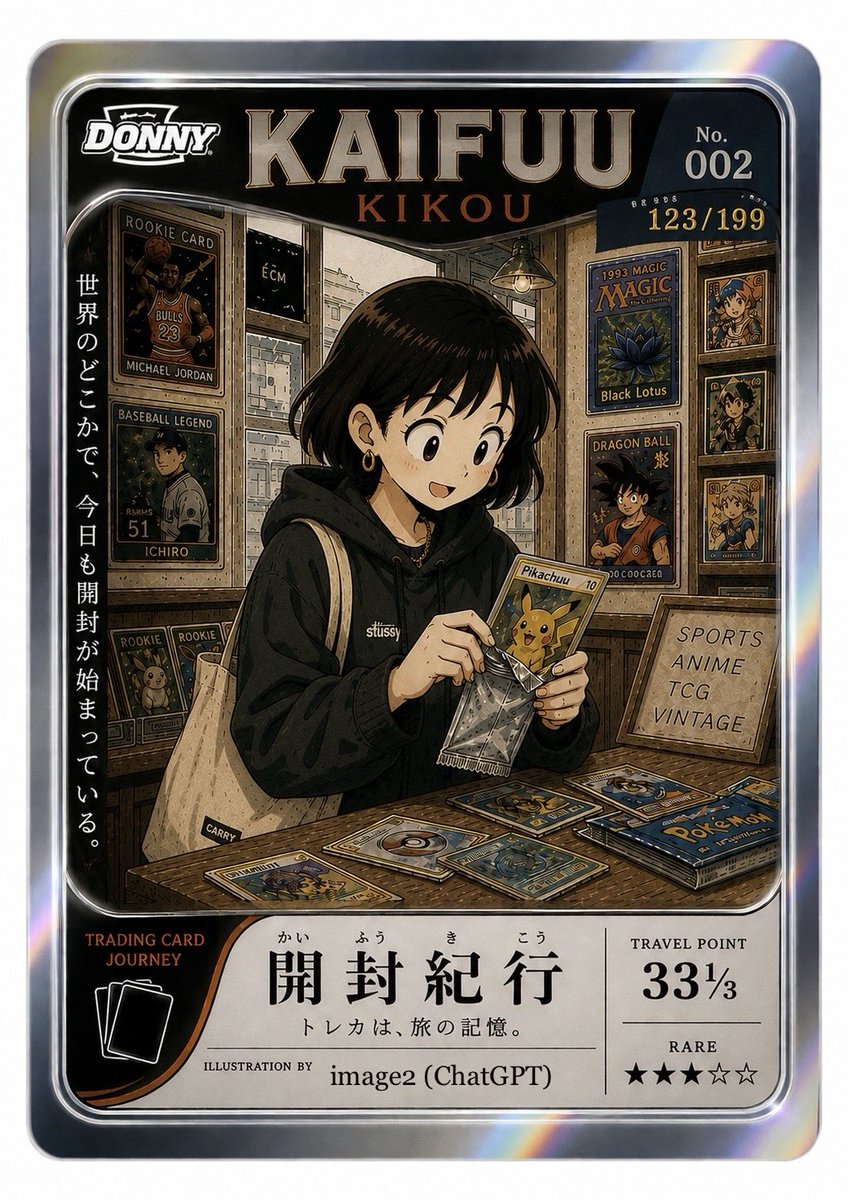
Generates a premium holographic Japanese-style collectible card illustration showing a collector opening trading cards in a vintage hobby shop.
- Prompt included
- Model and format preset
- Free template
The prompt behind this image
Copy the exact prompt behind Chrome Parallel Trading Card Shop, or open it in the studio and make it yours.
- Type
- premium fictional trading card illustration, chrome parallel collectible card, Japanese travel-and-hobby theme
- Format
- vertical 2:3 trading card with rounded corners, thick iridescent silver holographic border, black inner frame, glossy foil highlights and rainbow glints
- Main Text › Brand Logo
- DONNY in a bold white sports-card logo at top left
- Main Text › Headline
- {argument name="card headline" default="KAIFUU"}
- Main Text › Subtitle
- {argument name="subtitle text" default="KIKOU"}
- Main Text › Card Number
- No. 002
- Main Text › Serial Number
- 123/199
- Main Text › Vertical Slogan
- {argument name="vertical Japanese slogan" default="世界のどこかで、今日も開封が始まっている。"}
- Main Text › Bottom Title
- {argument name="bottom Japanese title" default="開封紀行"}
- Main Text › Bottom Caption
- {argument name="bottom Japanese caption" default="トレカは、旅の記憶。"}
- Main Text › Illustration Credit
- ILLUSTRATION BY image2 (ChatGPT)
- Main Text › Rating Panel
- TRAVEL POINT 33⅓, RARE, five-star row showing three filled stars and two empty stars
- Main Text › Left Bottom Badge
- TRADING CARD JOURNEY with a simple stacked-card icon
- Central Scene › Subject
- young adult collector sitting at a wooden table in a cozy vintage trading-card shop, face intentionally obscured by a soft rectangular blur, short black bob haircut, small hoop earring, black hoodie with small Stussy-style chest logo, beige canvas tote bag over one shoulder
- Central Scene › Action
- carefully opening a clear foil booster wrapper and holding a yellow Pikachu card, focused hands in the center
- Central Scene › Mood
- nostalgic, warm, collectible culture, travel diary atmosphere, detailed manga-anime linework with realistic card textures
- Central Scene › Lighting
- warm indoor shop lighting, pendant lamp glow, subtle cinematic shadows, foil reflections
- Card Shop Background › Walls
- packed with framed collectible cards, wood shelves and glass display cases
- Card Shop Background › Left Wall Items › Count
- 4
- Card Shop Background › Left Wall Items › Items
- framed rookie basketball card resembling Michael Jordan Bulls number 23, framed baseball legend card resembling Ichiro number 51 with face blurred, two small rookie cards featuring cute yellow creature designs in lower display
- Card Shop Background › Right Wall Items › Count
- 6
- Card Shop Background › Right Wall Items › Items
- 1993 Magic card poster labeled Black Lotus with blue lotus artwork, Dragon Ball card/poster with orange-clad spiky-haired hero, three vertically stacked small anime portrait cards in gold frames, wooden sign reading SPORTS ANIME TCG VINTAGE
- Card Shop Background › Tabletop Items › Count
- 8
- Card Shop Background › Tabletop Items › Items
- yellow Pikachu card in the subject's hand, crinkled clear booster wrapper, blue Pokémon booster pack on the right, scattered card with pokeball design near center, blue water-creature card near center-right, brown-framed card at front-left, golden character card at mid-right, small stack of additional trading cards near the pack
Raw JSON
{"type":"premium fictional trading card illustration, chrome parallel collectible card, Japanese travel-and-hobby theme","format":"vertical 2:3 trading card with rounded corners, thick iridescent silver holographic border, black inner frame, glossy foil highlights and rainbow glints","main_text":{"brand_logo":"DONNY in a bold white sports-card logo at top left","headline":"{argument name=\"card headline\" default=\"KAIFUU\"}","subtitle":"{argument name=\"subtitle text\" default=\"KIKOU\"}","card_number":"No. 002","serial_number":"123/199","vertical_slogan":"{argument name=\"vertical Japanese slogan\" default=\"世界のどこかで、今日も開封が始まっている。\"}","bottom_title":"{argument name=\"bottom Japanese title\" default=\"開封紀行\"}","bottom_caption":"{argument name=\"bottom Japanese caption\" default=\"トレカは、旅の記憶。\"}","illustration_credit":"ILLUSTRATION BY image2 (ChatGPT)","rating_panel":"TRAVEL POINT 33⅓, RARE, five-star row showing three filled stars and two empty stars","left_bottom_badge":"TRADING CARD JOURNEY with a simple stacked-card icon"},"central_scene":{"subject":"young adult collector sitting at a wooden table in a cozy vintage trading-card shop, face intentionally obscured by a soft rectangular blur, short black bob haircut, small hoop earring, black hoodie with small Stussy-style chest logo, beige canvas tote bag over one shoulder","action":"carefully opening a clear foil booster wrapper and holding a yellow Pikachu card, focused hands in the center","mood":"nostalgic, warm, collectible culture, travel diary atmosphere, detailed manga-anime linework with realistic card textures","lighting":"warm indoor shop lighting, pendant lamp glow, subtle cinematic shadows, foil reflections"},"card_shop_background":{"walls":"packed with framed collectible cards, wood shelves and glass display cases","left_wall_items":{"count":4,"items":["framed rookie basketball card resembling Michael Jordan Bulls number 23","framed baseball legend card resembling Ichiro number 51 with face blurred","two small rookie cards featuring cute yellow creature designs in lower display"]},"right_wall_items":{"count":6,"items":["1993 Magic card poster labeled Black Lotus with blue lotus artwork","Dragon Ball card/poster with orange-clad spiky-haired hero","three vertically stacked small anime portrait cards in gold frames","wooden sign reading SPORTS ANIME TCG VINTAGE"]},"tabletop_items":{"count":8,"items":["yellow Pikachu card in the subject's hand","crinkled clear booster wrapper","blue Pokémon booster pack on the right","scattered card with pokeball design near center","blue water-creature card near center-right","brown-framed card at front-left","golden character card at mid-right","small stack of additional trading cards near the pack"]}},"composition":{"top_area":"large metallic serif headline dominates the upper black panel, with serial number on upper right","middle_area":"illustrated shop scene contained inside rounded rectangular picture window","bottom_area":"cream information panel with orange curve accent on left, Japanese title centered, travel point box on right","style_notes":"highly detailed collectible card mockup, foil chrome parallel finish, premium sports-card grading aesthetic, crisp typography, rounded silver bevels, subtle scratches and prismatic edge reflections, no real brand logos except fictional parody styling"},"customization":{"outfit_color":"{argument name=\"hoodie color\" default=\"black\"}"}}How to use Chrome Parallel Trading Card Shop in 3 steps
- 1Upload ImagePNG, JPG or paste
Add your photo
Upload the photo the template builds on. The prompt, model and format are already set.
- 2…a portrait of your subject in softgolden-hour light, 85mm…
Personalize
Edit the subject and creative details for your destination.
- 3Generate
Generate
Press Generate — your image is created in PicX Studio, so you can compare it with the original and refine one variable at a time.
More like this
Templates with the same subject, style or setup. Open one to see its prompt.
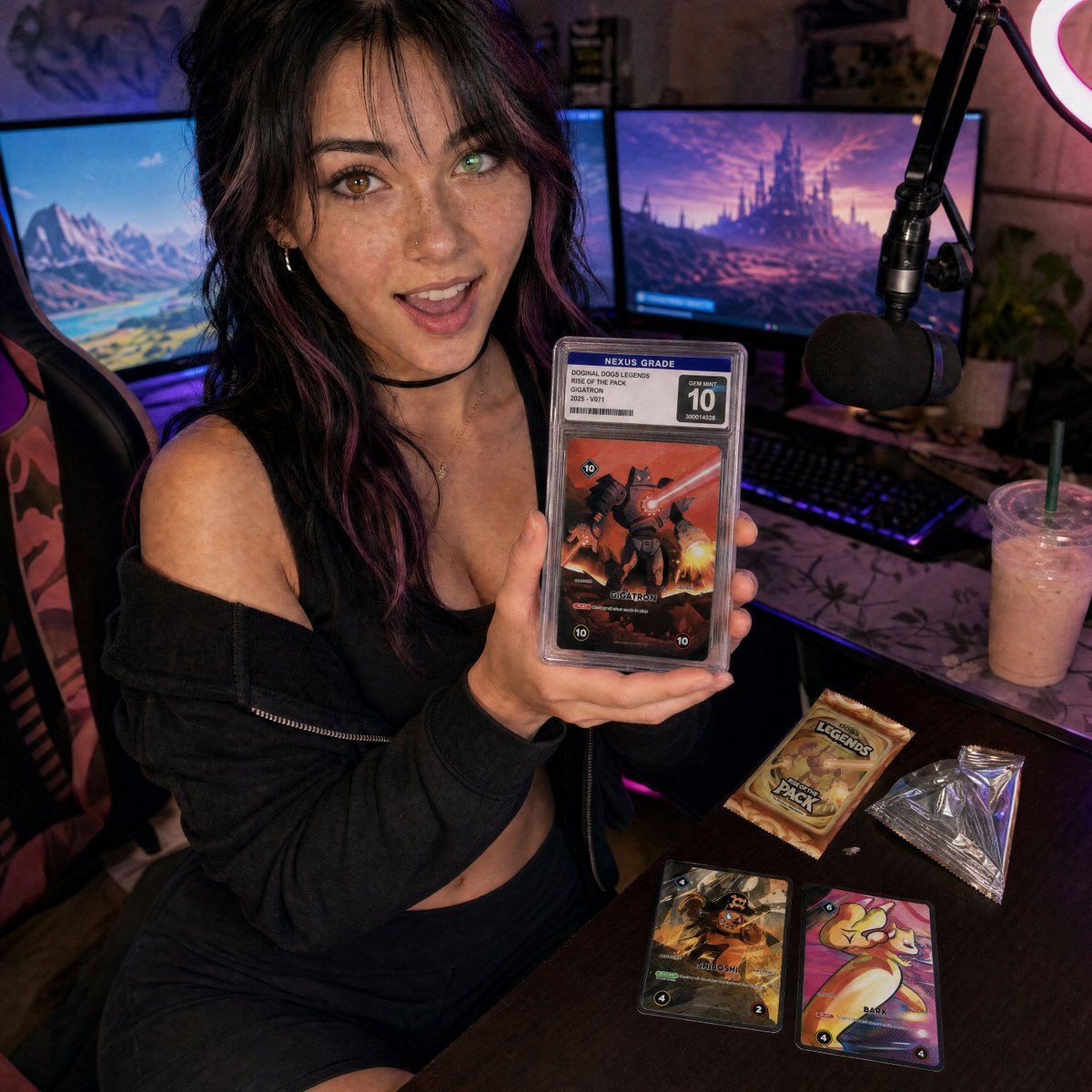
Streamer Trading Card Product Shot

Fictional Soccer Snack Trading Card Product Photo

Futuristic Chrome Helmet Fashion Portrait
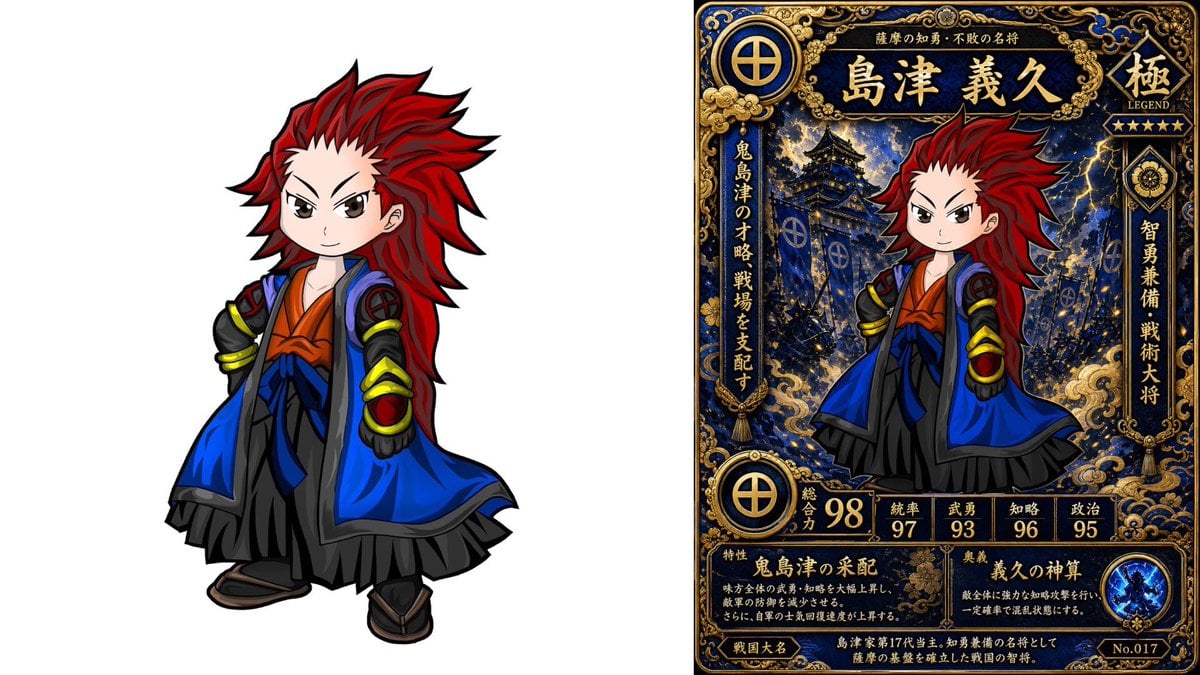
Chibi Samurai Legendary Trading Card
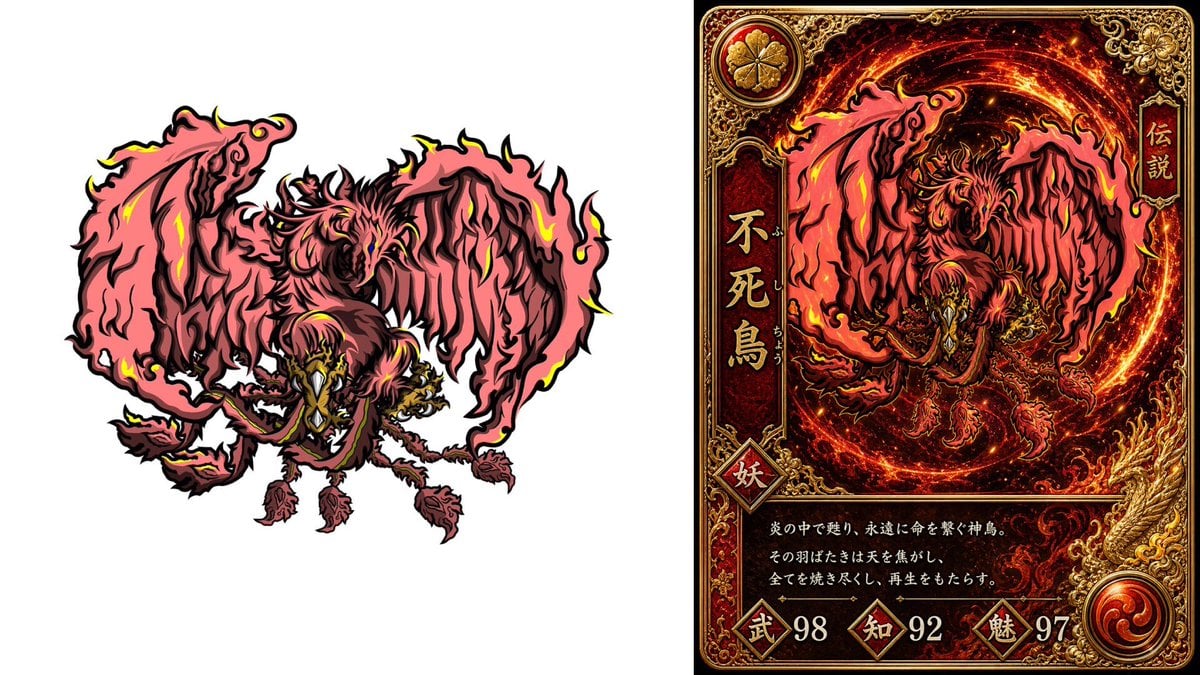
Phoenix Yokai Trading Card
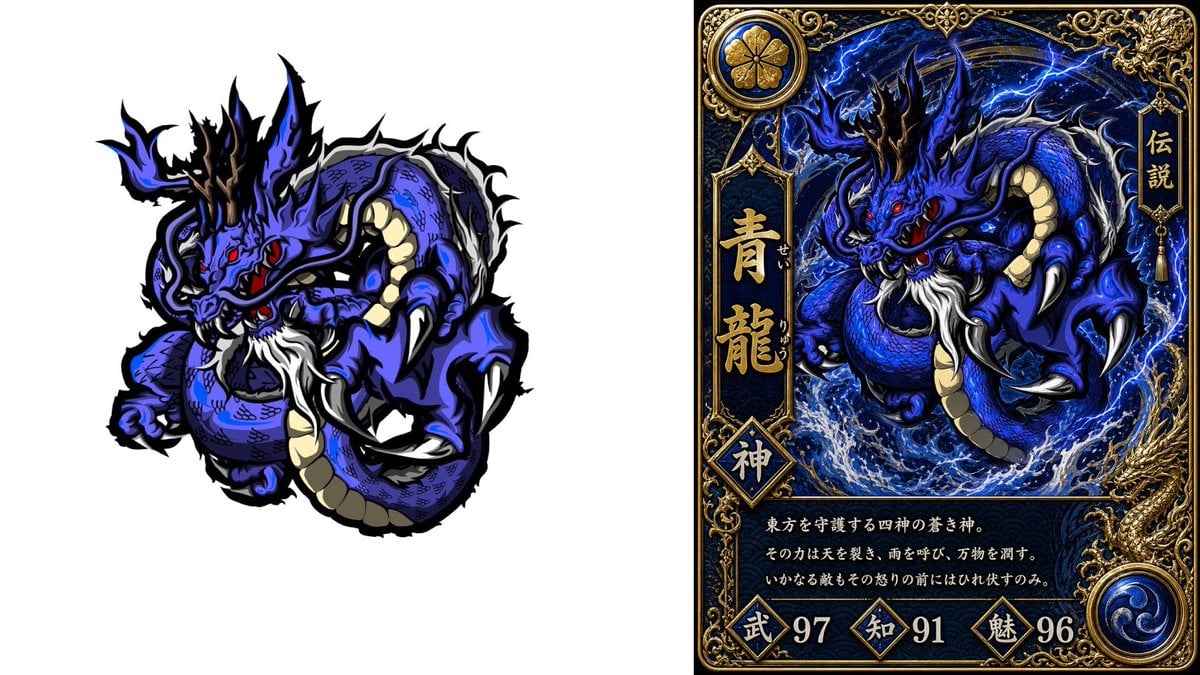
Blue Dragon Trading Card Design
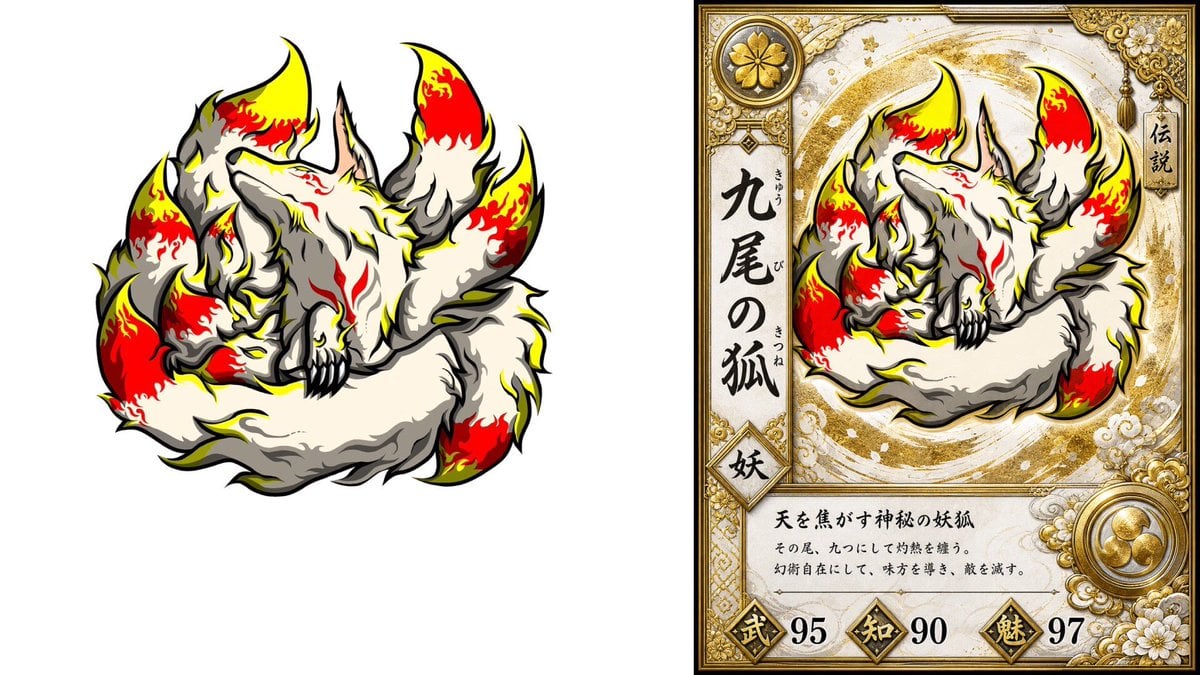
Nine-Tailed Fox Trading Card
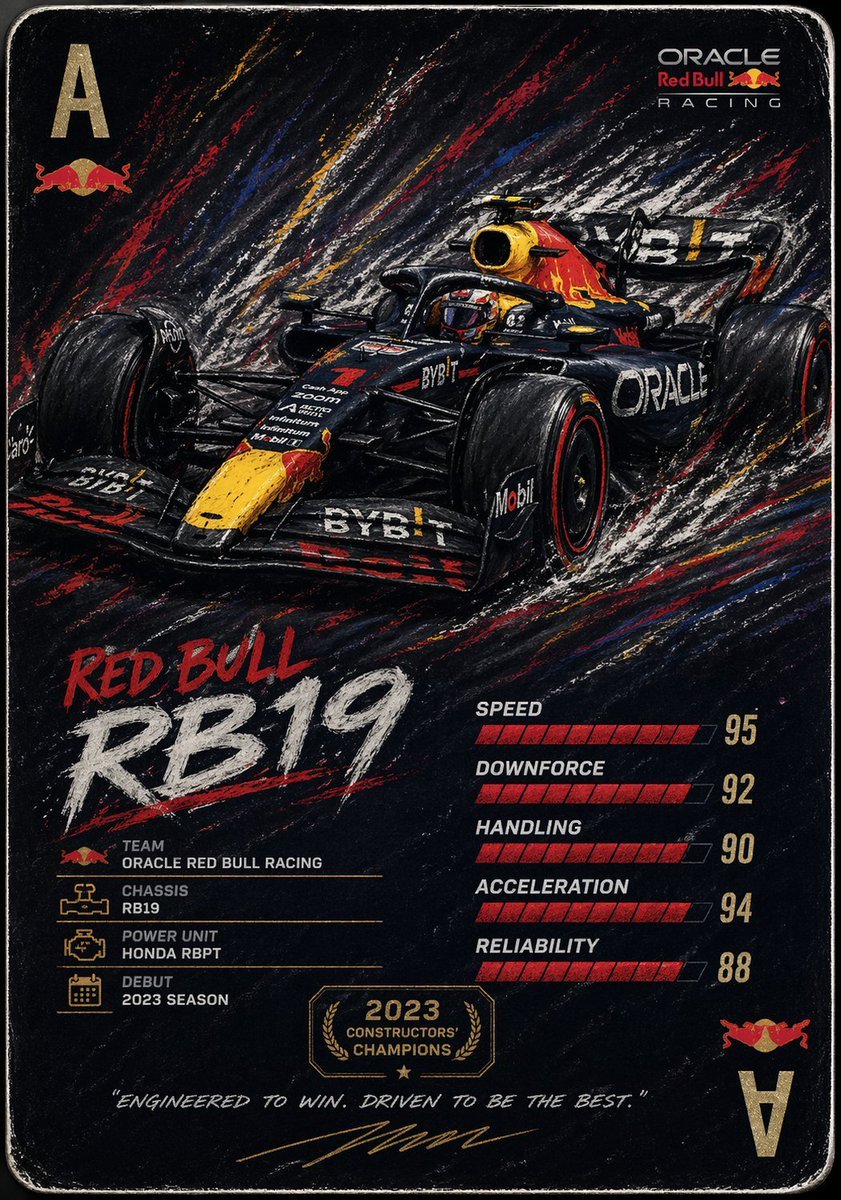
Racing Car Trading Card Illustration
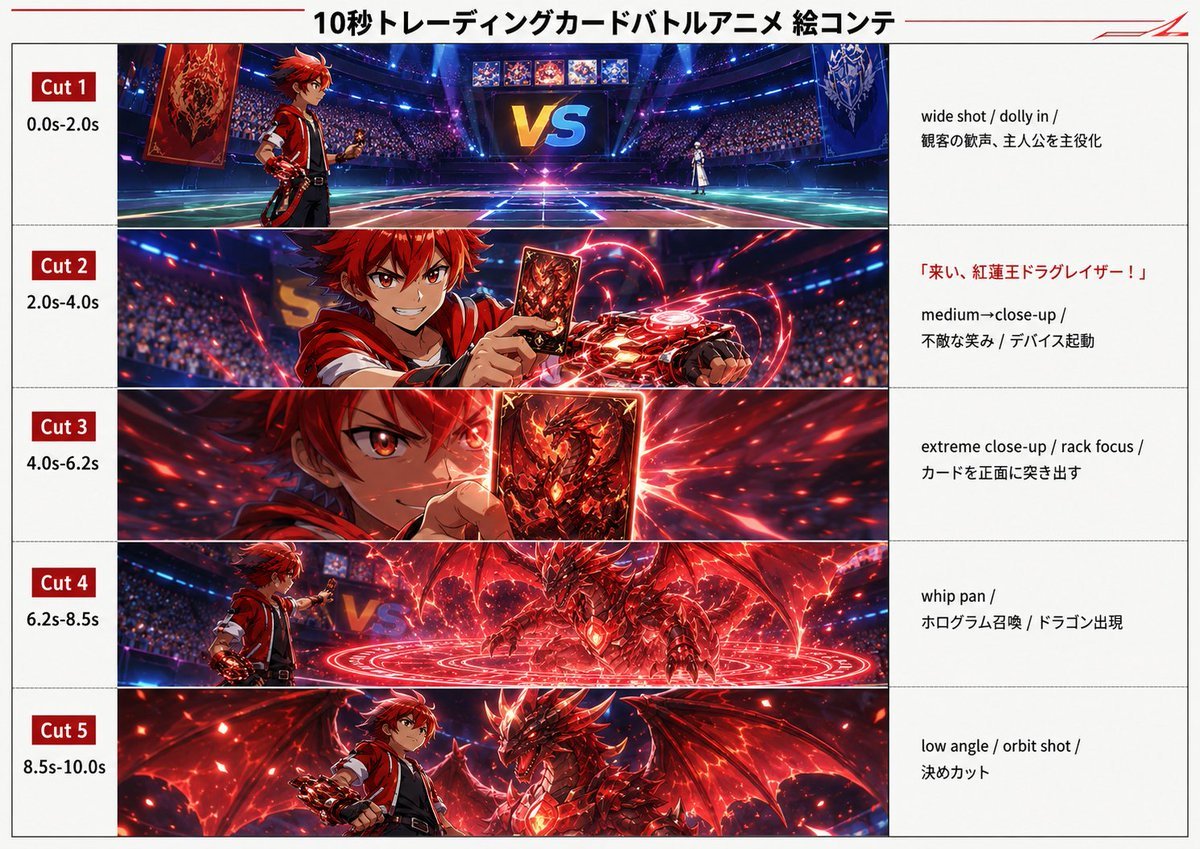
Trading Card Battle Anime Storyboard
Anime Trading Card Album Photo
Kurage Chan Fantasy Trading Card
Professional Trading Card Illustration
Make it yours
Chrome Parallel Trading Card Shop works as-is. These are the safest ways to change it without losing the look.
Swap the setting
Keep the rest of the prompt and replace the location block. The current setting is “packed with framed collectible cards, wood shelves and glass display cases”.
Swap the light
One lighting change is enough to compare takes. Current light: “warm indoor shop lighting, pendant lamp glow, subtle cinematic shadows, foil ref”.
Change one field
Copy a single group, rewrite it, and generate again so you can see what that field is doing.
| If the result… | Why | Fix |
|---|---|---|
| The result drifts from the preview | Too many fields changed at once. | Reuse Chrome Parallel Trading Card Shop as-is first, then change one group — subject, light, or setting. |
| GPT Image 2 ignores part of the JSON | Some models flatten or skip nested keys. | Keep the same values and paste them as a short paragraph instead. |
More GPT Image 2 templates
Other prompts made for GPT Image 2.

Six VTuber Japanese Logo Sheet

Realistic Portrait of Woman and Deer

The Vista Modular Condo Poster

AI Model Routing Comparison Infographic

2.5D Anime Art Board

Isometric Productivity Desk Scene

New York Double Exposure Poster

Four-Panel AI Landscape Comparison

Japanese Tatami Lifestyle Magazine Cover

NESCAFÉ Coffee Map Poster
More image prompts
Fresh picks from across the catalog.
Make photos look bad with specified GPS coordinates

Cinematic Pure Joy Splashing Prompt

Preserve Original Photo in YouTube Thumbnail Prompt
Martial Arts Grid Motion Prompt
Japanese Realist Romance Movie Poster

Modern Sculpture Monochrome Triptych Prompt
2D to 3D to VRM to Illustration Workflow
Tropical Night Market Portrait

Instagram/X Aesthetic Photo Prompt
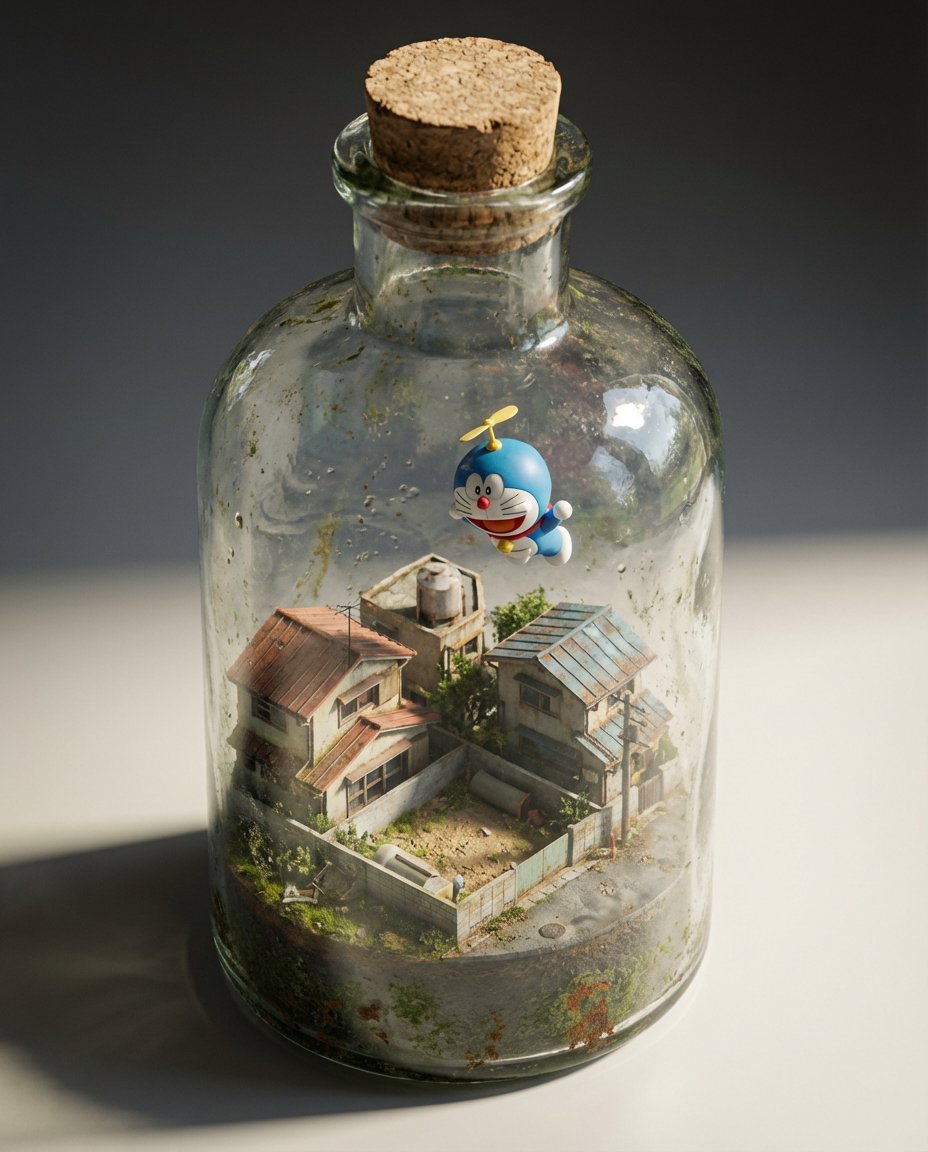
Miniature Diorama in a Glass Bottle
Browse template categories
Chrome Parallel Trading Card Shop questions
How do I use the Chrome Parallel Trading Card Shop template?
Add your photo if the template asks for one, edit the prompt if you like — the template's model and format are already selected — and press Generate. Your version opens in PicX Studio.
Can I customize the Chrome Parallel Trading Card Shop template?
Yes. You can change the subject, setting, lighting, mood, format, and available model controls before creating your image.
Is the Chrome Parallel Trading Card Shop template free?
Opening and editing this template is free. Generating uses credits, shown on the Generate button when you are signed in.
Which AI model should I use?
Start with GPT Image 2, which is the model associated with this template. You can compare another compatible model for a different finish.
Looking for something else? Browse all templates.

Your photo, any look
Thousands of ready templates for every top image and video model, from one credit balance.