
Pombero Folklore Character Sheet
A detailed concept-art turnaround sheet for a dark Paraguayan folklore forest spirit character, useful for creature design, games, film, or marketing visuals.
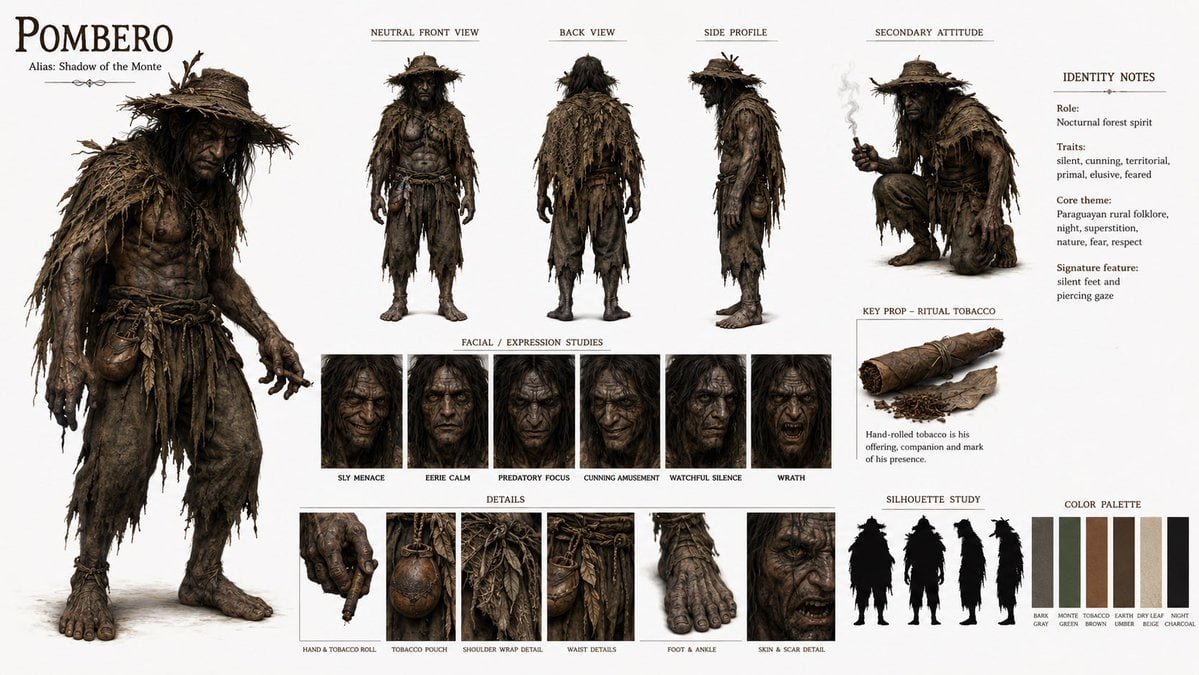
- Prompt included
- Model and format preset
- Free template
The prompt behind this image
Copy the exact prompt behind Pombero Folklore Character Sheet, or open it in the studio and make it yours.
Goal: Create a dark fantasy creature-design character sheet for {argument name="character name" default="Pombero"}, alias {argument name="alias" default="Shadow of the Monte"}, presented as a professional concept-art turnaround on a clean off-white background. Canvas: Wide horizontal 16:9 presentation sheet, museum-white paper texture, realistic high-detail digital painting with muted earthy colors, fine ink-like labels, thin divider lines, and a polished production-design layout. Main subject: A short, muscular nocturnal forest spirit inspired by Paraguayan rural folklore. He has rough scarred bark-like skin, dirty bare feet, long clawed fingers, a hunched primal posture, and a faceless or obscured shadowed head under a ragged straw hat. His outfit is made from layered dry leaves, bark strips, vines, feathers, shredded fabric, rope ties, a shoulder mantle, ragged skirt-like wrappings, ankle bindings, and a round tobacco pouch at the waist. The mood is silent, elusive, territorial, cunning, and feral rather than heroic. Layout: Place one large full-body hero figure on the left, occupying about one third of the canvas, standing barefoot with one arm extended and the other hanging, covered in ragged leaf-and-bark camouflage. At the top left, add the large title “{argument name="title text" default="POMBERO"}” and beneath it the subtitle “Alias: Shadow of the Monte”. Across the upper middle show exactly 4 labeled turnaround poses: “NEUTRAL FRONT VIEW”, “BACK VIEW”, “SIDE PROFILE”, and “SECONDARY ATTITUDE”. The secondary attitude pose should show him kneeling with one knee raised, holding a smoking hand-rolled tobacco roll. Facial / expression studies: Under the turnaround row, include exactly 6 square portrait-study panels labeled, left to right: “SLY MENACE”, “EERIE CALM”, “PREDATORY FOCUS”, “CUNNING AMUSEMENT”, “WATCHFUL SILENCE”, and “WRATH”. Each portrait is mostly hidden in shadow beneath the hat, emphasizing a silent gaze rather than readable human features. Details row: Along the lower center, include exactly 6 close-up detail panels labeled, left to right: “HAND & TOBACCO ROLL”, “TOBACCO POUCH”, “SHOULDER WRAP DETAIL”, “WAIST DETAILS”, “FOOT & ANKLE”, and “SKIN & SCAR DETAIL”. Show gnarled fingers gripping tobacco, a round leather pouch, tangled leaf wrappings, rope knots, cracked dirty feet, and scarred bark-like skin texture. Right-side notes and props: On the right, add an “IDENTITY NOTES” text block with the following readable content: Role: Nocturnal forest spirit. Traits: silent, cunning, territorial, primal, elusive, feared. Core theme: Paraguayan rural folklore, night, superstition, nature, fear, respect. Signature feature: silent feet and piercing gaze. Below the attitude pose, add exactly 1 key prop section titled “KEY PROP – RITUAL TOBACCO”, showing a large hand-rolled tobacco bundle tied with fiber beside dry leaves, with a caption explaining that hand-rolled tobacco is his offering, companion, and mark of his presence. Bottom-right studies: Include exactly 4 black silhouette thumbnails titled “SILHOUETTE STUDY”, showing different readable poses of the same ragged, hat-wearing creature. Include exactly 7 vertical color swatches titled “COLOR PALETTE”, labeled left to right: “BARK GRAY”, “MONTE GREEN”, “TOBACCO BROWN”, “EARTH UMBER”, “DRY LEAF BEIGE”, “NIGHT CHARCOAL”, and “BLACK”. Visual style: Hyper-detailed cinematic creature concept art, earthy brown-gray-green palette, photorealistic anatomy mixed with folklore monster design, weathered textures, subtle shadows under each figure, crisp labels, thin black rules, organized like a studio character design board. Avoid bright colors, cute proportions, modern clothing, weapons, logos, watermarks, or extra panels beyond the specified counts.
How to use Pombero Folklore Character Sheet in 3 steps
- 1Upload ImagePNG, JPG or paste
Add your photo
Upload the photo the template builds on. The prompt, model and format are already set.
- 2…a portrait of your subject in softgolden-hour light, 85mm…
Personalize
Edit the subject and creative details for your destination.
- 3Generate
Generate
Press Generate — your image is created in PicX Studio, so you can compare it with the original and refine one variable at a time.
More like this
Templates with the same subject, style or setup. Open one to see its prompt.
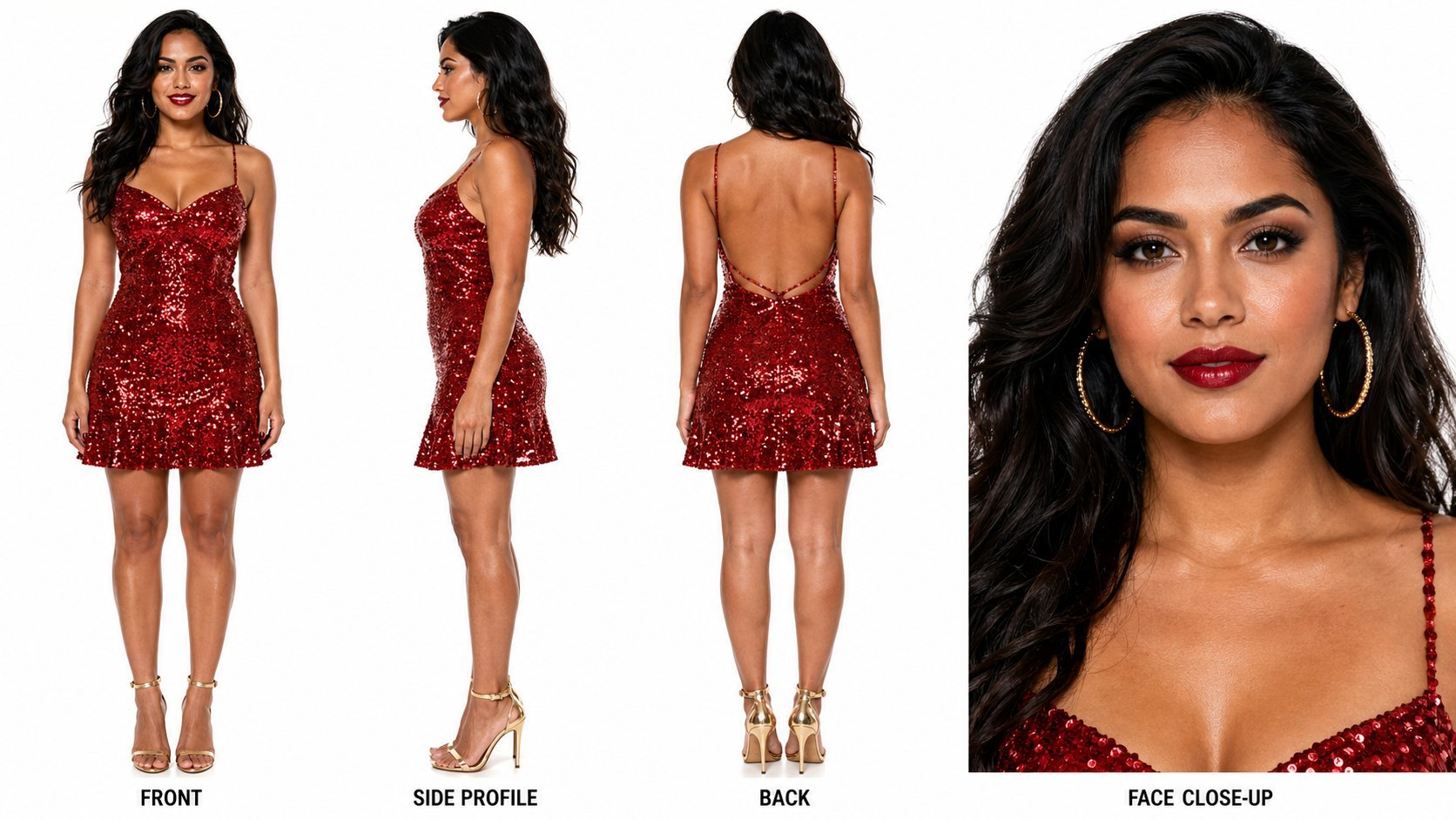
Dancer Character - Four View Reference Sheet
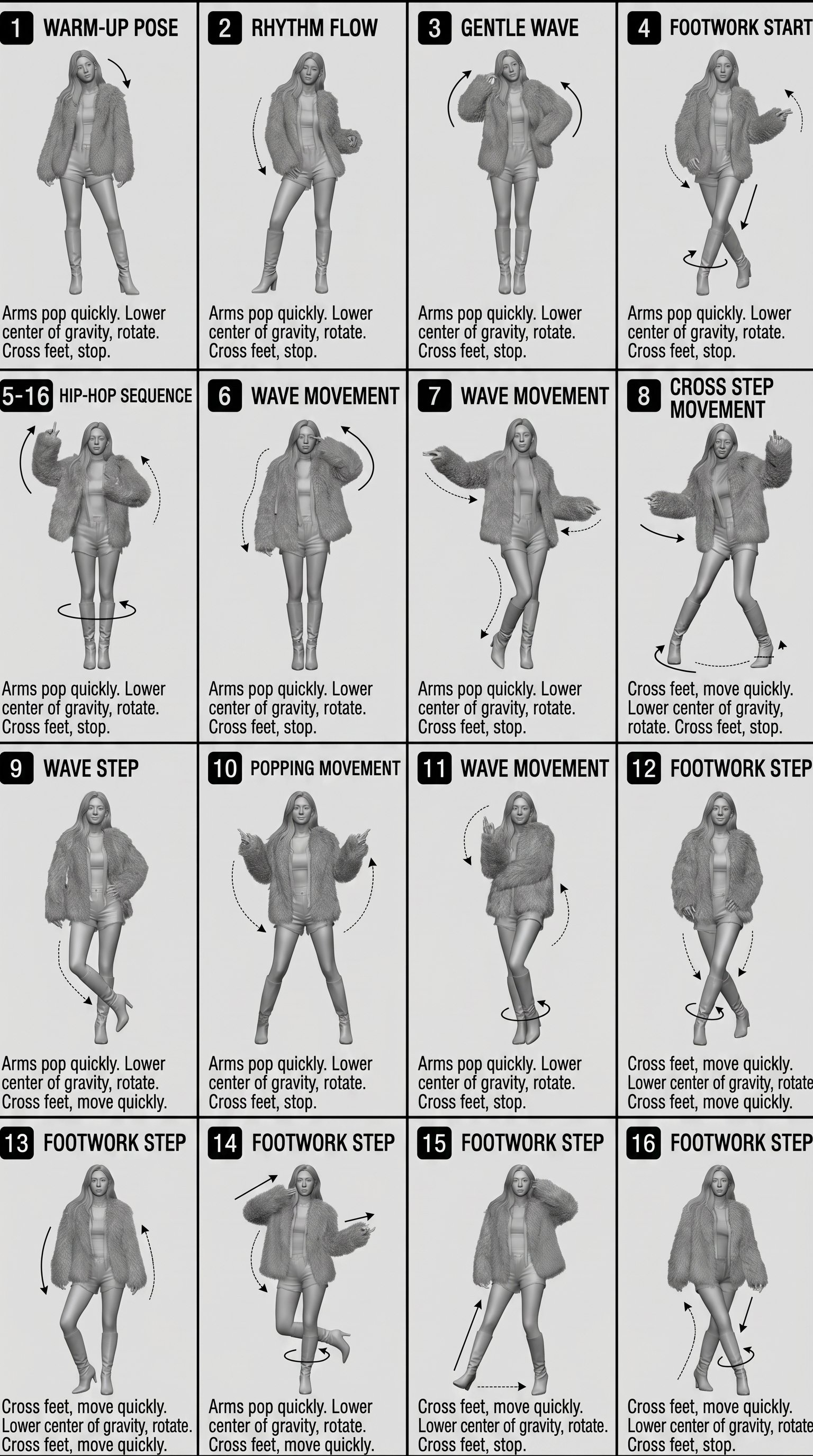
Movement Sheet - Dance Reference (Seedance 2.0)
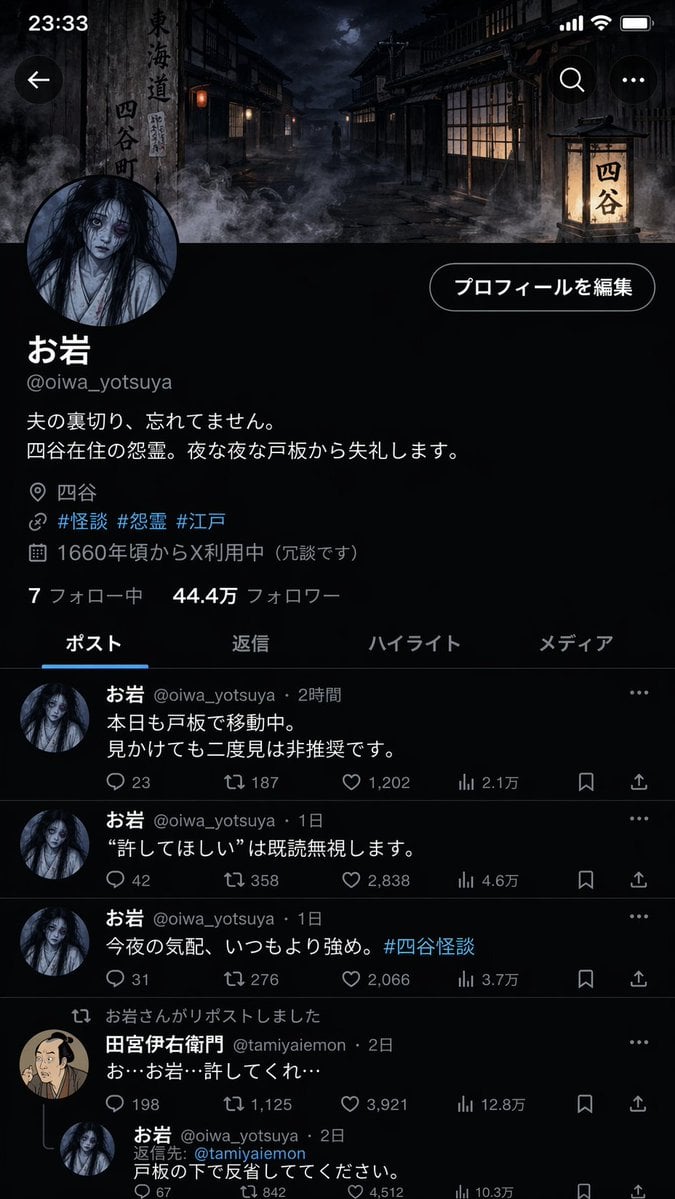
Folklore Character Social Media Profile

Six VTuber Japanese Logo Sheet
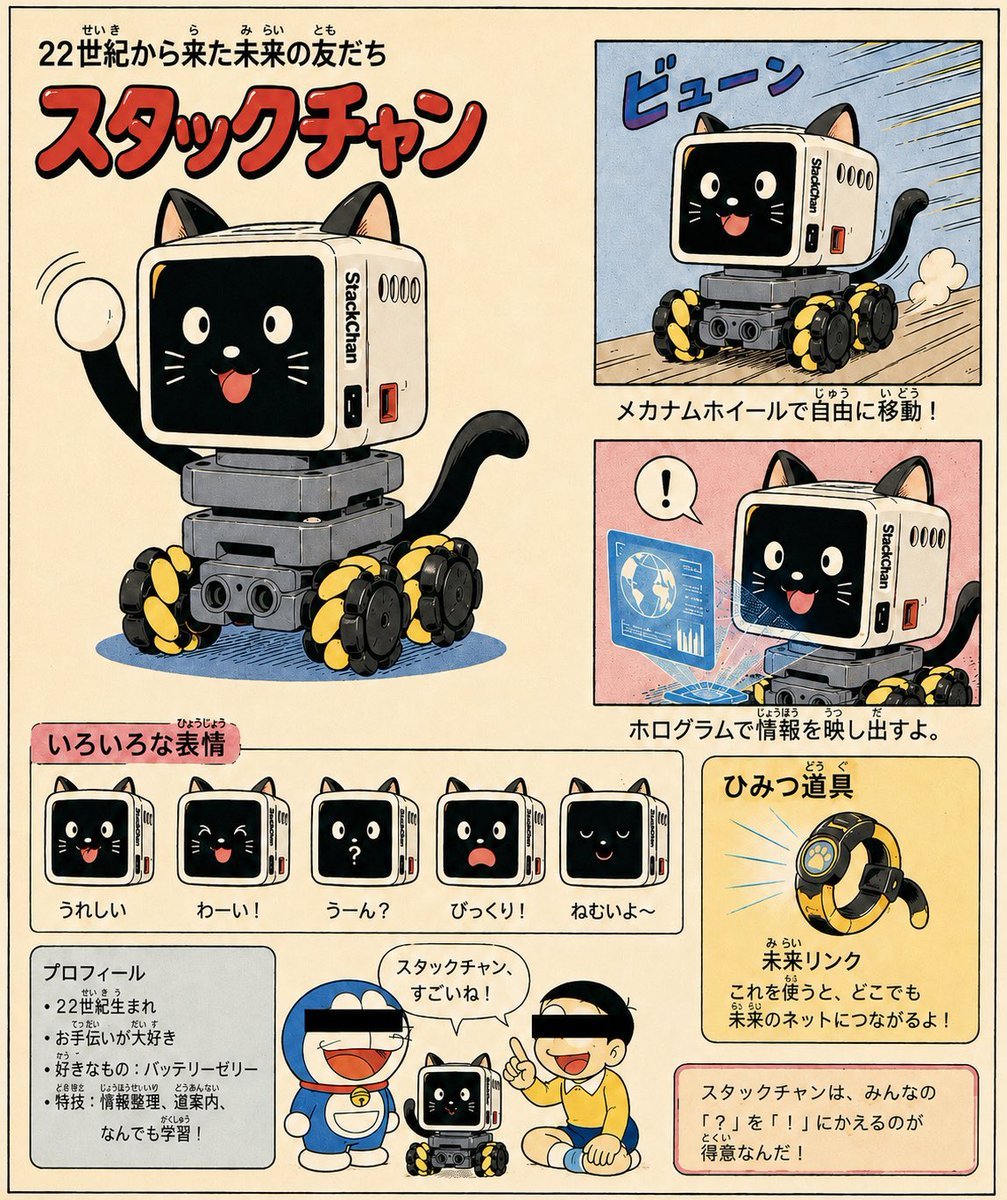
Retro Manga StackChan Concept Sheet
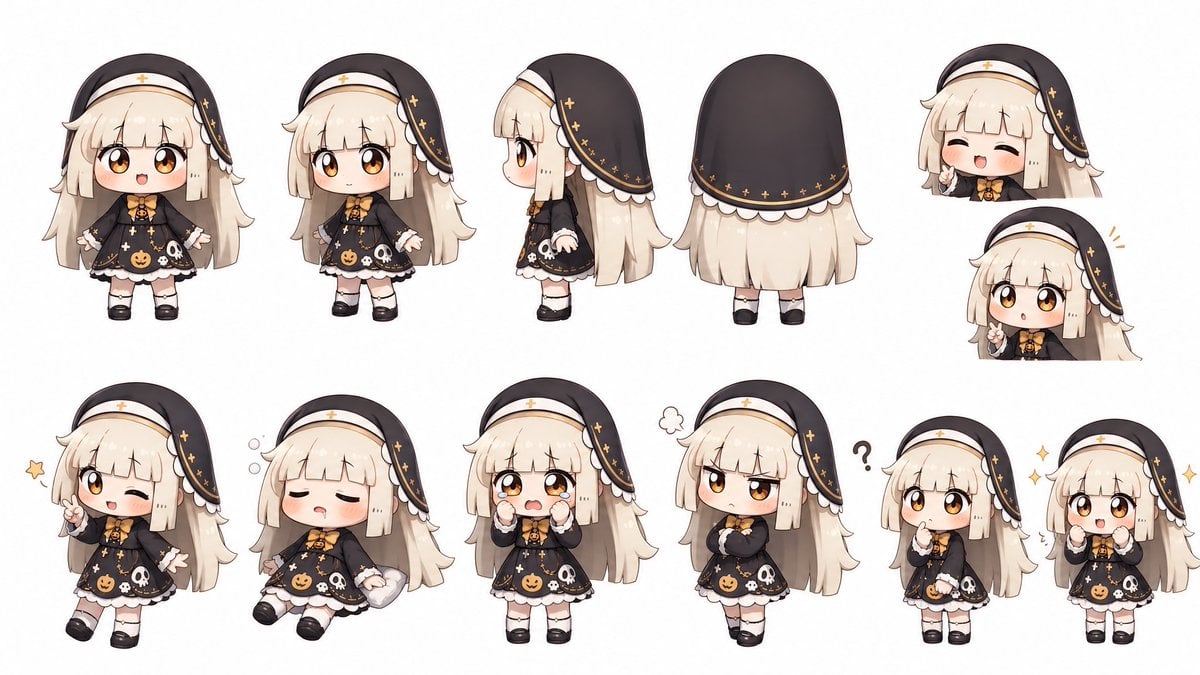
Halloween Nun Chibi Character Sheet
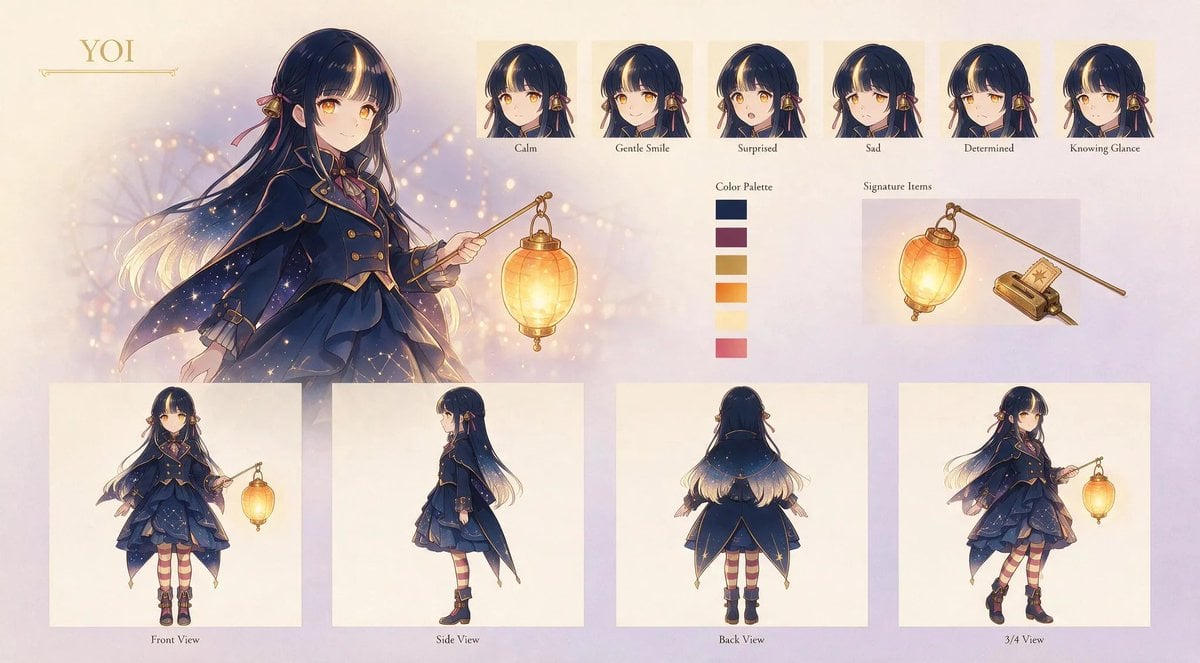
Anime Lantern Girl Character Sheet
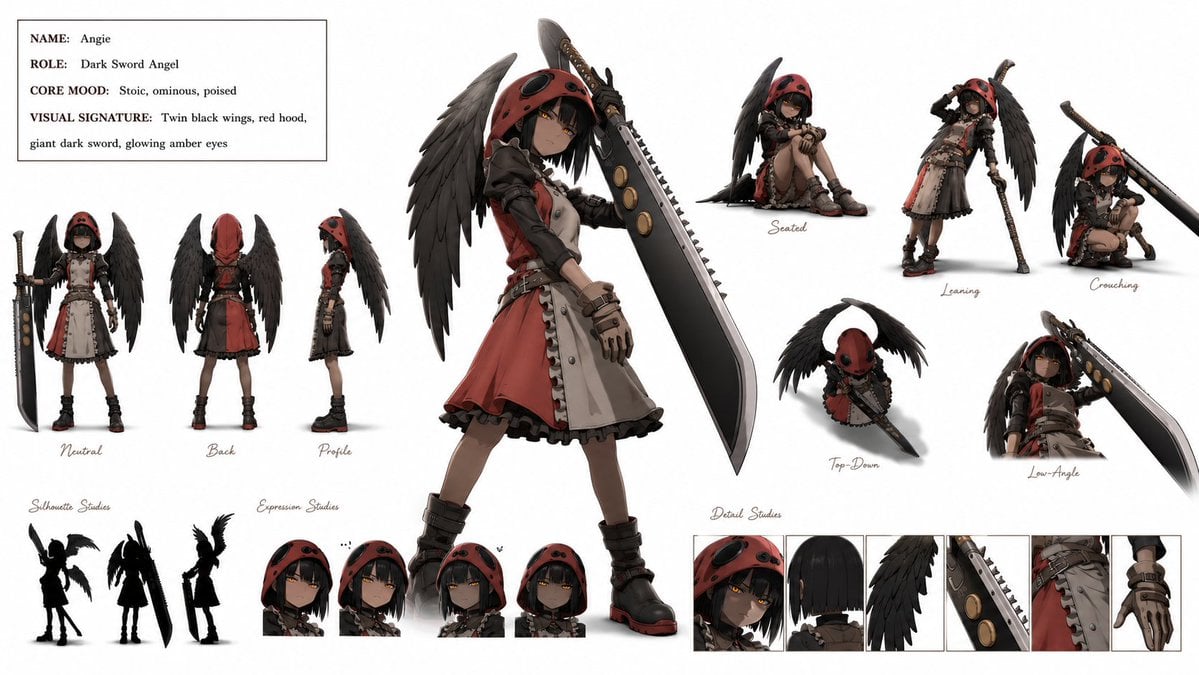
Dark Sword Angel Character Sheet

Mental Peace Sheet Music Poster
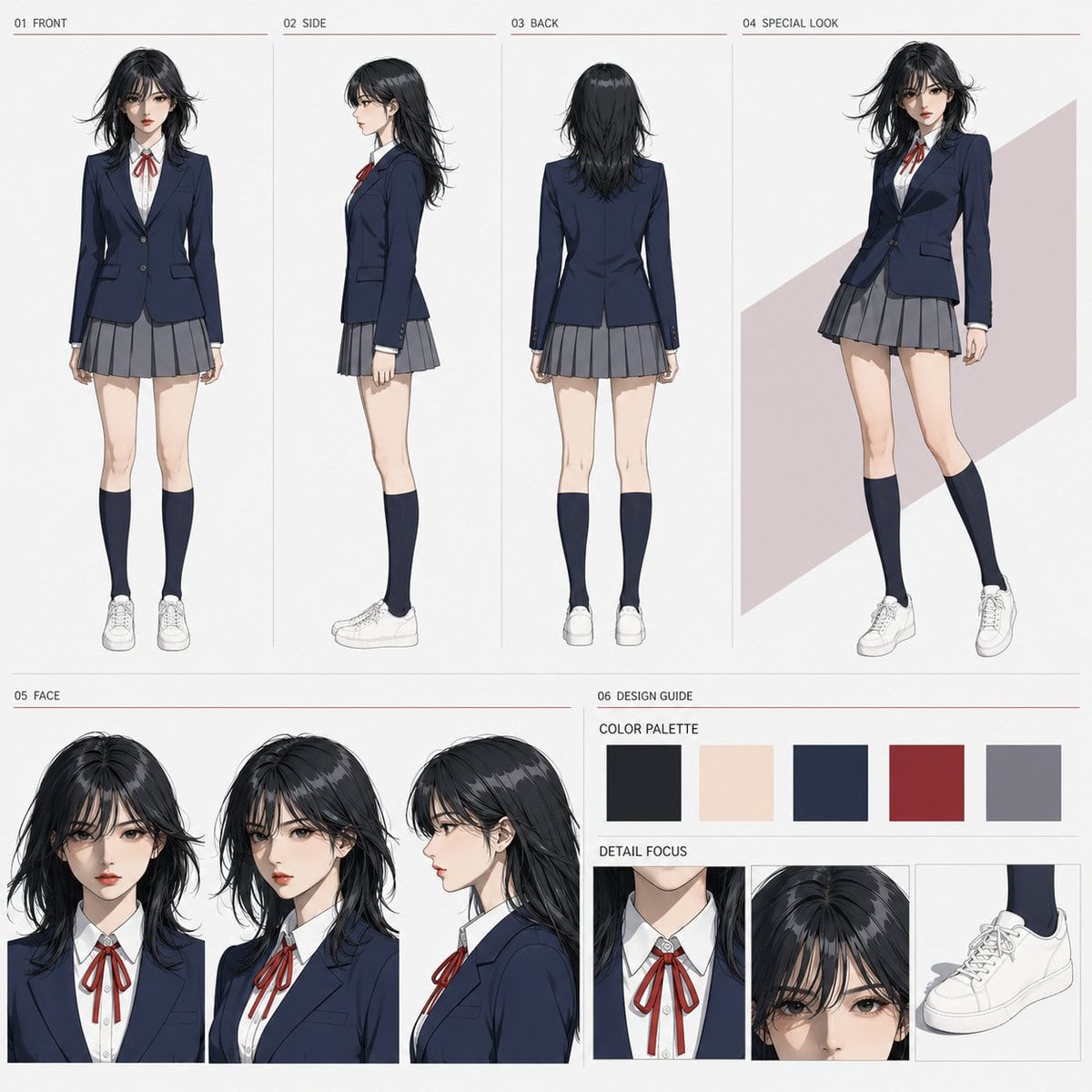
Anime Character Sheet Reference Prompt
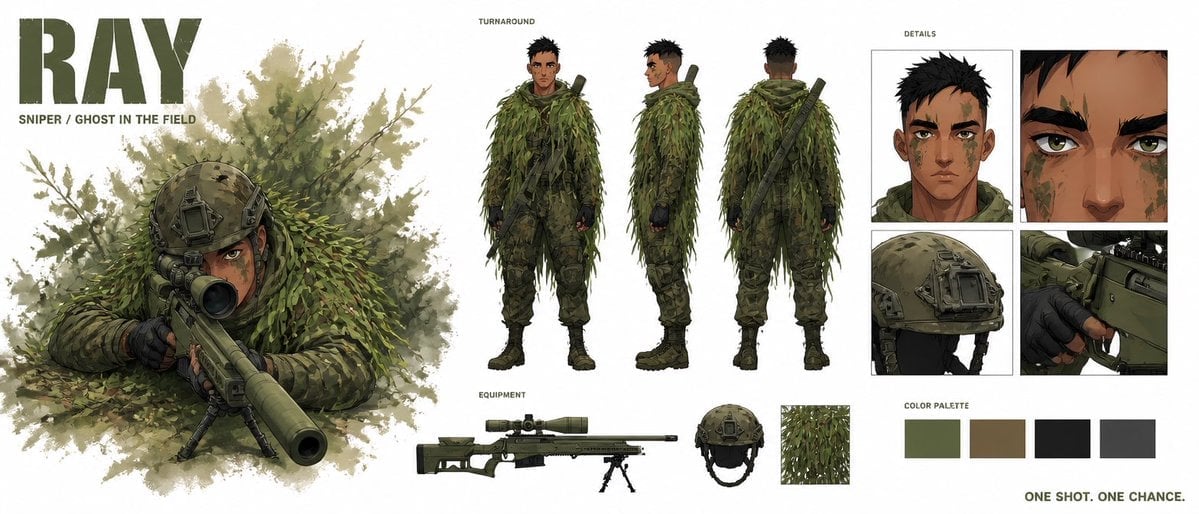
Cinematic Sniper Character Bible Sheet
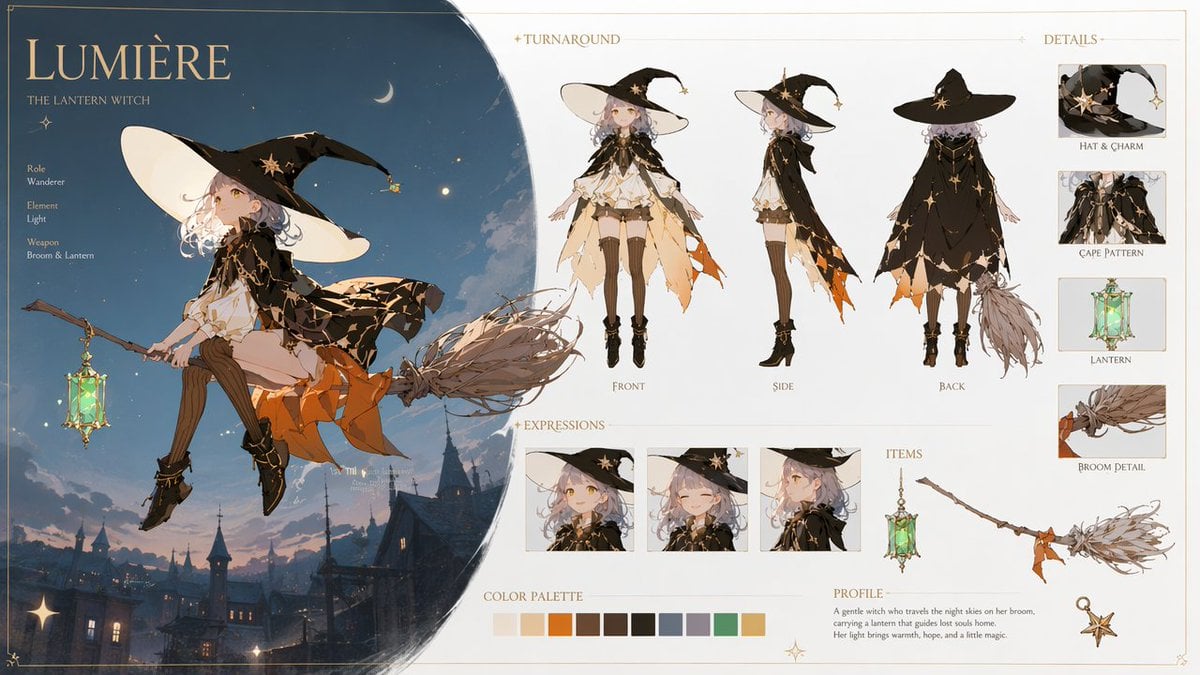
Lumière Lantern Witch Character Sheet
Make it yours
Pombero Folklore Character Sheet works as-is. These are the safest ways to change it without losing the look.
Change one field
Copy a single group, rewrite it, and generate again so you can see what that field is doing.
Keep the frame, change the subject
Hold the composition and light of Pombero Folklore Character Sheet, then swap wardrobe, props or the person for a new take.
| If the result… | Why | Fix |
|---|---|---|
| The result drifts from the preview | Too many fields changed at once. | Reuse Pombero Folklore Character Sheet as-is first, then change one group — subject, light, or setting. |
| The model over-stylizes the scene | The prose prompt leaves finish and camera underspecified. | Add one camera or lighting sentence and stay on GPT Image 2. |
More GPT Image 2 templates
Other prompts made for GPT Image 2.

Realistic Portrait of Woman and Deer

The Vista Modular Condo Poster

AI Model Routing Comparison Infographic

2.5D Anime Art Board

Isometric Productivity Desk Scene

New York Double Exposure Poster

Four-Panel AI Landscape Comparison

Japanese Tatami Lifestyle Magazine Cover

NESCAFÉ Coffee Map Poster

Brutalist Cogito Chinese Typography Poster
More image prompts
Fresh picks from across the catalog.

Ship Girl Daily Schedule Poster
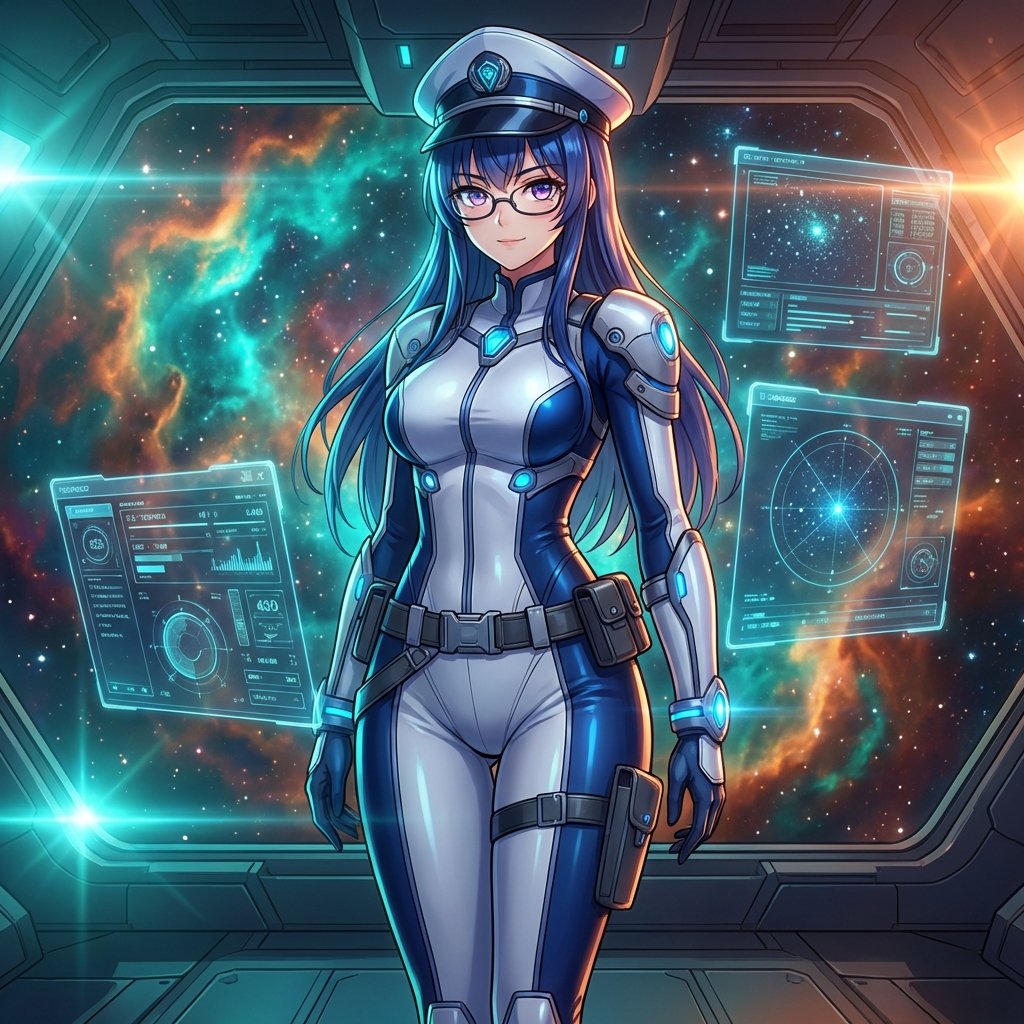
Sci-Fi Space Commander Portrait Prompt
Spider-Girl Cosplay Selfie Prompt (White)

Mirror reflection portrait prompt
Japanese Watercolor Sketch Style Tier Poster
Surreal Conceptual Fashion Portrait
Widebody Volvo 240 Spec Board
Minimalist Festive Greeting Illustration

Cross-Strait Dialogue Editorial Illustration
IVE's An Yujin in Luxury Bathroom
Browse template categories
Pombero Folklore Character Sheet questions
How do I use the Pombero Folklore Character Sheet template?
Add your photo if the template asks for one, edit the prompt if you like — the template's model and format are already selected — and press Generate. Your version opens in PicX Studio.
Can I customize the Pombero Folklore Character Sheet template?
Yes. You can change the subject, setting, lighting, mood, format, and available model controls before creating your image.
Is the Pombero Folklore Character Sheet template free?
Opening and editing this template is free. Generating uses credits, shown on the Generate button when you are signed in.
Which AI model should I use?
Start with GPT Image 2, which is the model associated with this template. You can compare another compatible model for a different finish.
Looking for something else? Browse all templates.

Your photo, any look
Thousands of ready templates for every top image and video model, from one credit balance.