
Kai Ren Sci-Fi Character Sheet
A detailed prompt for generating a gritty cyberpunk character concept sheet with body views, gear breakdowns, abilities, palettes, and technical annotations.
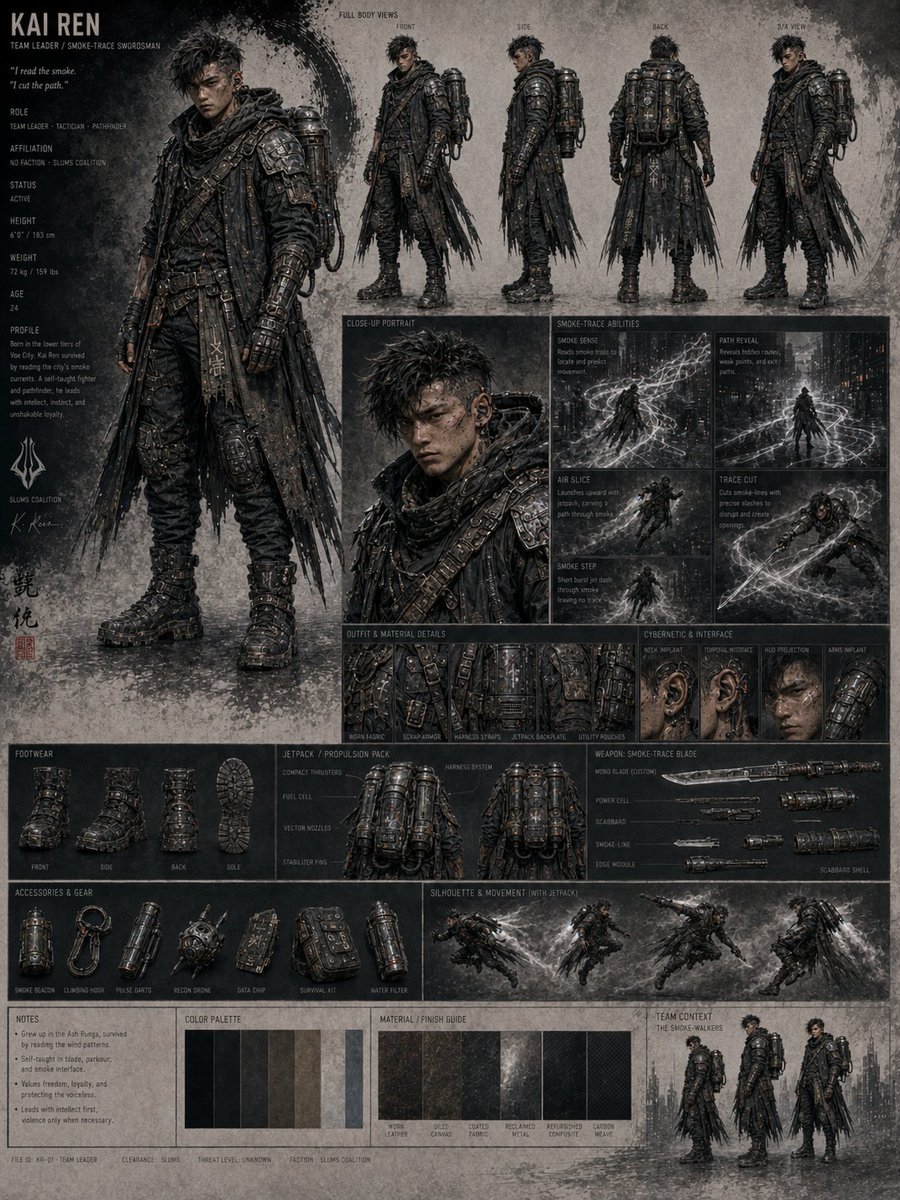
- Prompt included
- Model and format preset
- Free template
The prompt behind this image
Copy the exact prompt behind Kai Ren Sci-Fi Character Sheet, or open it in the studio and make it yours.
Goal: Create a dense dark sci-fi character concept sheet for {argument name="character name" default="KAI REN"}, a post-apocalyptic smoke-trace swordsman and tactical team leader, with a gritty AAA game art-book presentation. Canvas: Portrait-oriented character design board on a weathered gray concrete-paper background, roughly 4:5 aspect ratio. Use charcoal black, gunmetal, ash gray, oxidized brown, and muted steel tones. Add rain, dust, scratches, ink splatter, technical grid lines, thin white divider lines, and small dossier typography. Main layout: Place one dominant full-body hero illustration on the left, occupying about 45% of the canvas height and most of the left column. The character stands facing forward in a relaxed but dangerous stance, wearing layered black tactical rags, armored leather plates, strapped belts, heavy boots, gloves, scarf, hood-like collar, dangling shredded coat panels, and a bulky cylindrical jetpack or propulsion backpack. Hair is messy black and spiked. The face should be obscured or shadowed. Include a long smoke-trace blade or sheathed weapon integrated into the gear. Behind the hero figure, add a large black circular brushstroke halo. Left dossier text: At the top left write the name {argument name="character name" default="KAI REN"}. Under it add the role line “TEAM LEADER / SMOKE-TRACE SWORDSMAN”. Include two quotes: {argument name="quote one" default="I read the smoke."} and {argument name="quote two" default="I cut the path."}. Add small dossier fields: Role: Team Leader / Tactician / Pathfinder; Affiliation: No Faction - Slums Coalition; Status: Active; Height: 6'0" / 183 cm; Weight: 72 kg / 159 lbs; Age: 24; Profile: a short paragraph describing him as born in the lower tiers of Yor City, surviving by reading the city’s smoke currents, a fighter and pathfinder who leads with ruthless instinct and unstable loyalty. Add a simple angular faction emblem and signature-like marks below. Top row body views: Across the upper center and right, include exactly 4 smaller full-body views labeled “FRONT”, “SIDE”, “BACK”, and “3/4 VIEW”. Show the same outfit from each angle, emphasizing the layered armor, ragged coat strips, backpack tanks, straps, boots, and silhouette. Middle panels: Create a rectangular “CLOSE-UP PORTRAIT” panel showing the head and upper torso with messy black hair, scarf, armor straps, ear device, and shadowed/obscured face. Next to it create a “SMOKE-TRACE ABILITIES” section with exactly 6 illustrated ability cards in a 2-column by 3-row grid. Label the six cards: “SMOKE SENSE”, “PATH REVEAL”, “AIR SLICE”, “TRACE CUT”, “SMOKE STEP”, and “SMOKE LINE”. Each card should show a small cinematic action scene of the character moving through a dark rainy city or battlefield while luminous white smoke trails, arcs, map-like paths, or slicing lines swirl around him. Equipment and detail panels: Add exactly 6 outfit and material close-up strips labeled “MAIN FABRIC”, “SCARF ARMOR”, “HARNESS STRAPS”, “JETPACK BACKPLATE”, “UTILITY POUCHES”, and “EDGE STITCHING”. Add a “CYBERNETIC & INTERFACE” panel with exactly 4 close-ups labeled “NECK IMPLANT”, “TEMPORAL NODE”, “HUD PROJECTOR”, and “ARMS IMPLANT”. Add a “FOOTWEAR” panel with exactly 4 boot views labeled “FRONT”, “SIDE”, “BACK”, and “SOLE”. Add a “JETPACK / PROPULSION PACK” panel showing front and rear technical views with callout labels for compact thrusters, fuel cell, vector nozzles, stabilizer fins, and harness system. Add a “WEAPON: SMOKE-TRACE BLADE” panel showing a modular long blade and exactly 5 separated components labeled “MONO BLADE CUSTOM”, “POWER COIL”, “SCABBARD”, “SMOKE LINE”, and “CORE MODULE”. Add an “ACCESSORIES & GEAR” row with exactly 7 objects labeled “SMOKE BEACON”, “CLIMBING HOOK”, “PULSE DARTS”, “RECON DRONE”, “DATA CHIP”, “SURVIVAL KIT”, and “WATER FILTER”. Add a “SILHOUETTE & MOVEMENT WITH JETPACK” panel containing exactly 4 dynamic flying or leaping silhouettes with smoky trails. Bottom strip: Include a small “NOTES” box with several concise bullet notes about growing up in the Ash Rungs, survival by reading the wind, weapons hidden in the blade and paracord, valuing freedom and loyalty, and leading with intellect before violence. Include a “COLOR PALETTE” with exactly 8 vertical swatches: near-black, charcoal, dark slate, worn brown, rust leather, pale ash gray, cold gray-blue, and deep navy-black. Include a “MATERIAL / FINISH GUIDE” with exactly 7 texture swatches labeled “BURNT LEATHER”, “OILED CANVAS”, “CARBON TEXTURE”, “METAL WEAR”, “REACTIVE CLOTH”, “REINFORCED COMPOSITE”, and “SMOKE WEAVE”. At bottom right add a “TEAM CONTEXT: THE SMOKE-WALKERS” panel with exactly 3 small standing character figures together. Visual style: Highly detailed cinematic concept art, dark cyberpunk wasteland fashion, gritty realistic rendering, technical production design sheet, dense but organized annotations, thin white labels, rain-speckled texture, high contrast metal highlights, realistic fabric fraying, heavy boots, straps, buckles, rivets, scratches, and smoky supernatural energy. Keep all text in English, small and diagrammatic, with no logos or watermarks.
How to use Kai Ren Sci-Fi Character Sheet in 3 steps
- 1Upload ImagePNG, JPG or paste
Add your photo
Upload the photo the template builds on. The prompt, model and format are already set.
- 2…a portrait of your subject in softgolden-hour light, 85mm…
Personalize
Edit the subject and creative details for your destination.
- 3Generate
Generate
Press Generate — your image is created in PicX Studio, so you can compare it with the original and refine one variable at a time.
More like this
Templates with the same subject, style or setup. Open one to see its prompt.
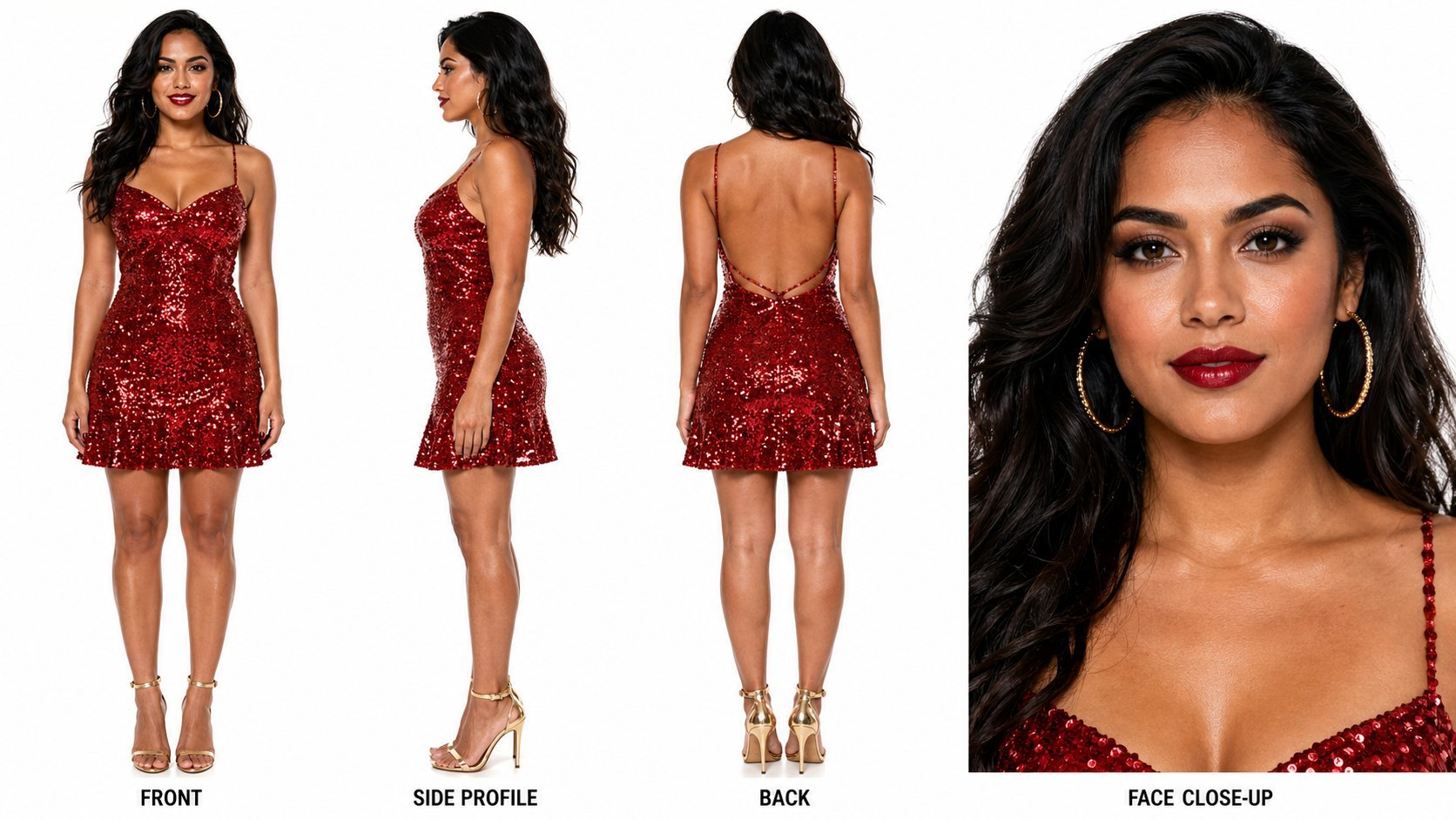
Dancer Character - Four View Reference Sheet
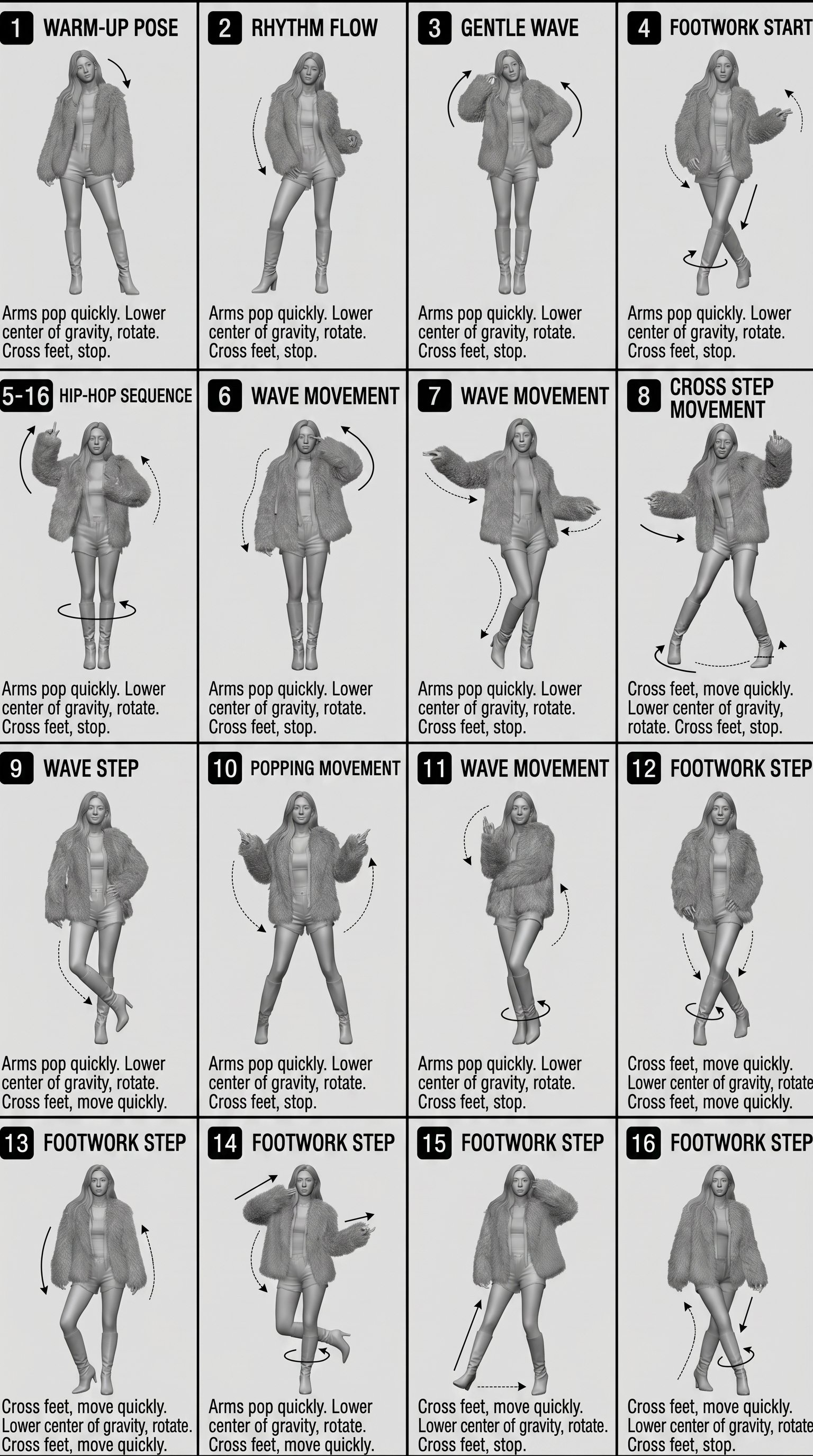
Movement Sheet - Dance Reference (Seedance 2.0)
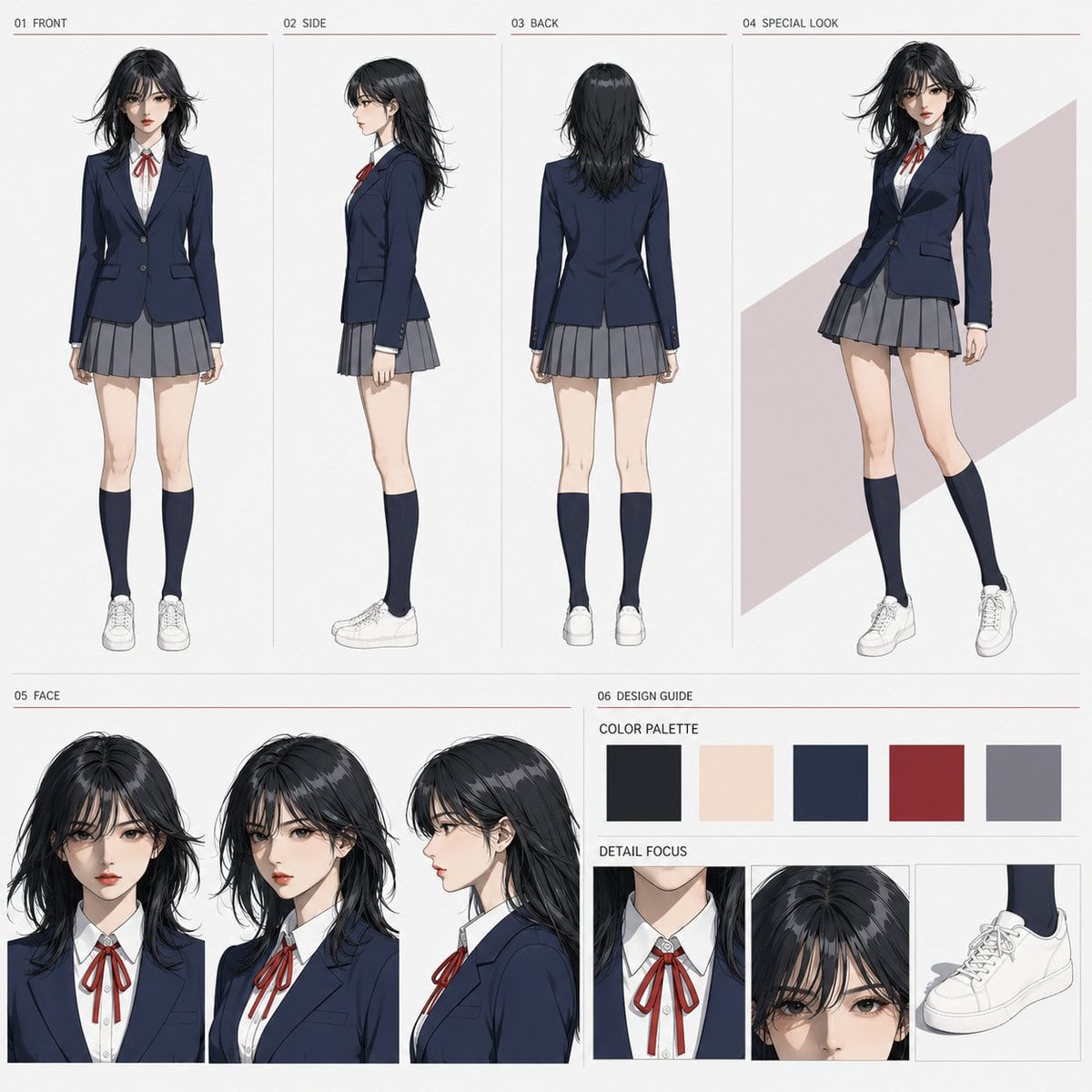
Anime Character Sheet Reference Prompt
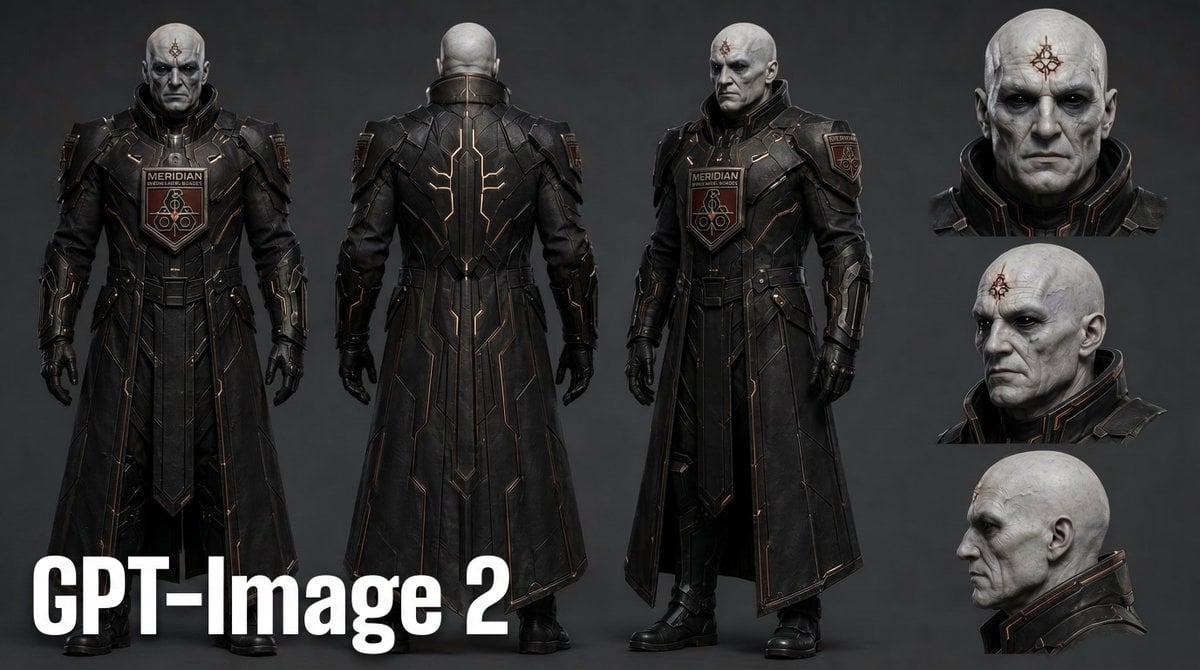
Dark Sci-Fi Commander Character Sheet
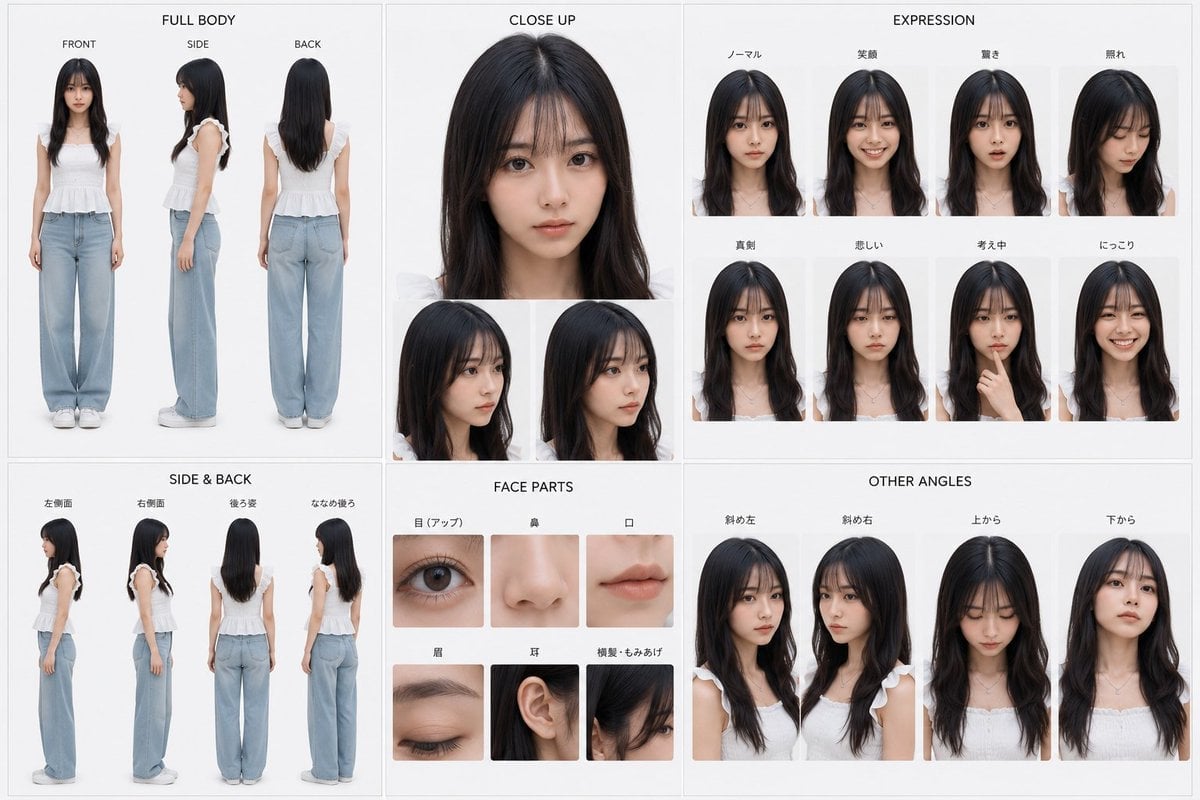
Photoreal Character Reference Sheet
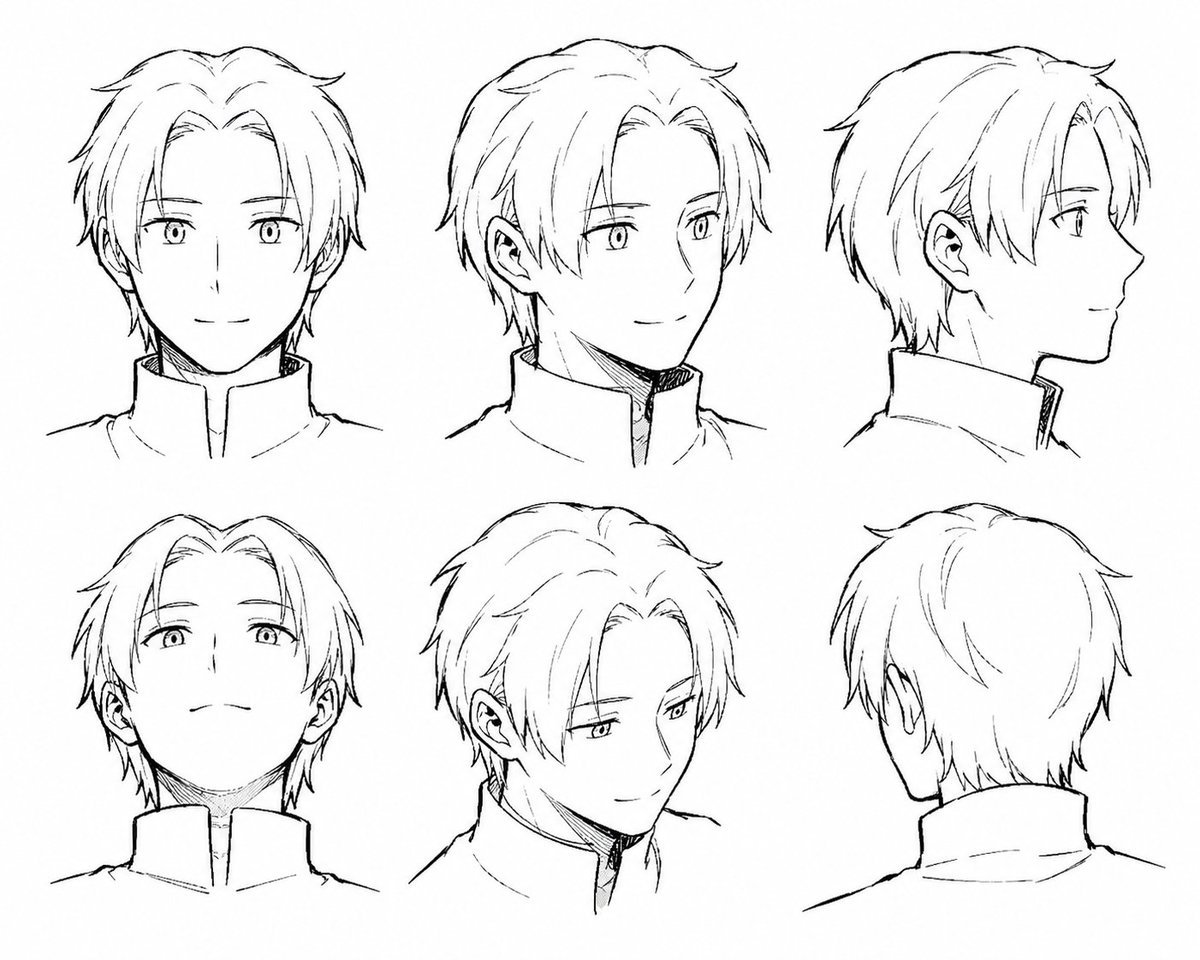
Manga Male Hairstyle Reference Sheet
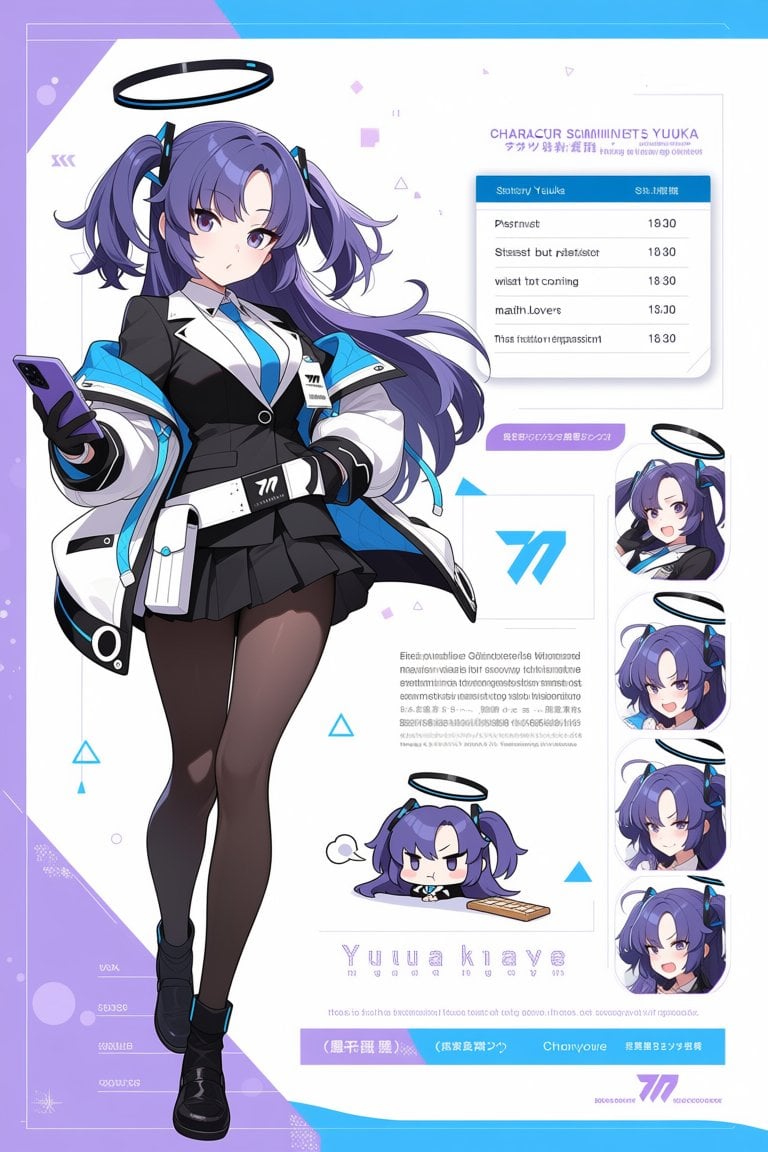
Anime Sci-Fi Character Sheet
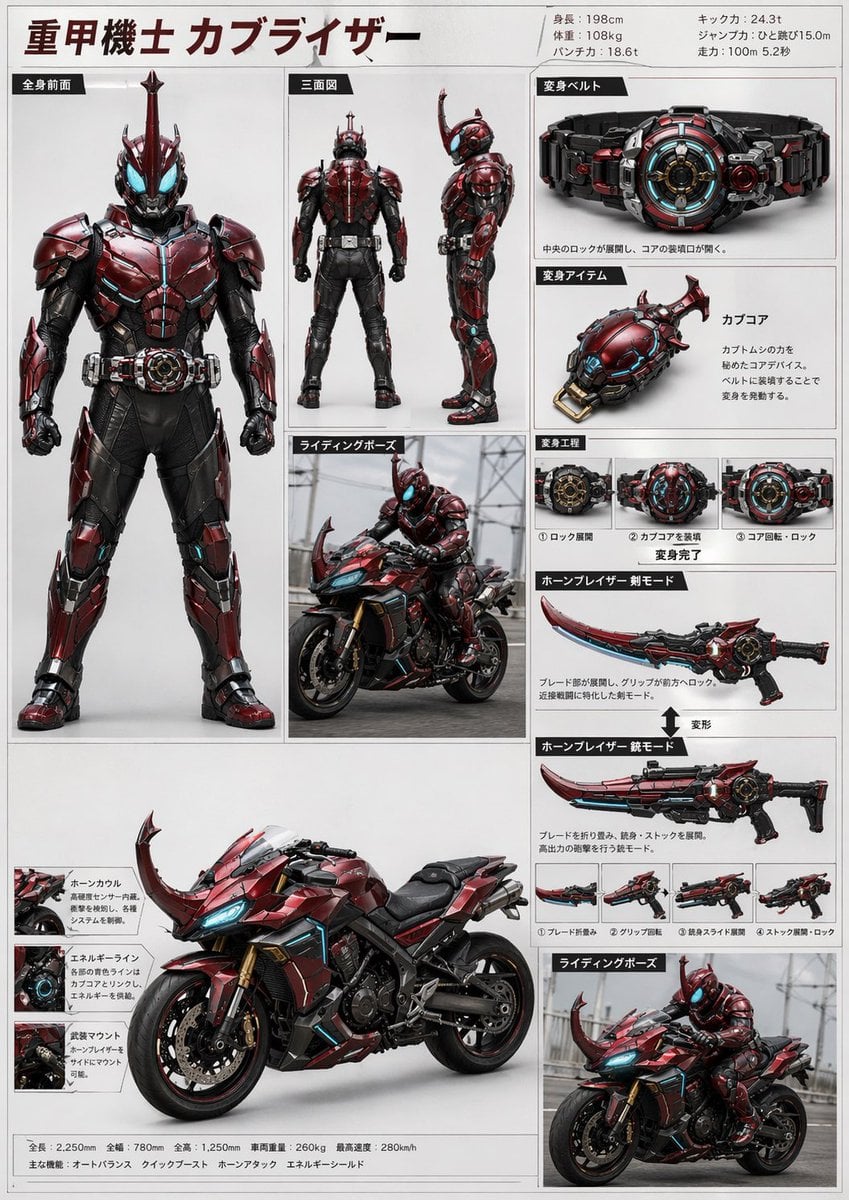
Tokusatsu Hero Reference Sheet
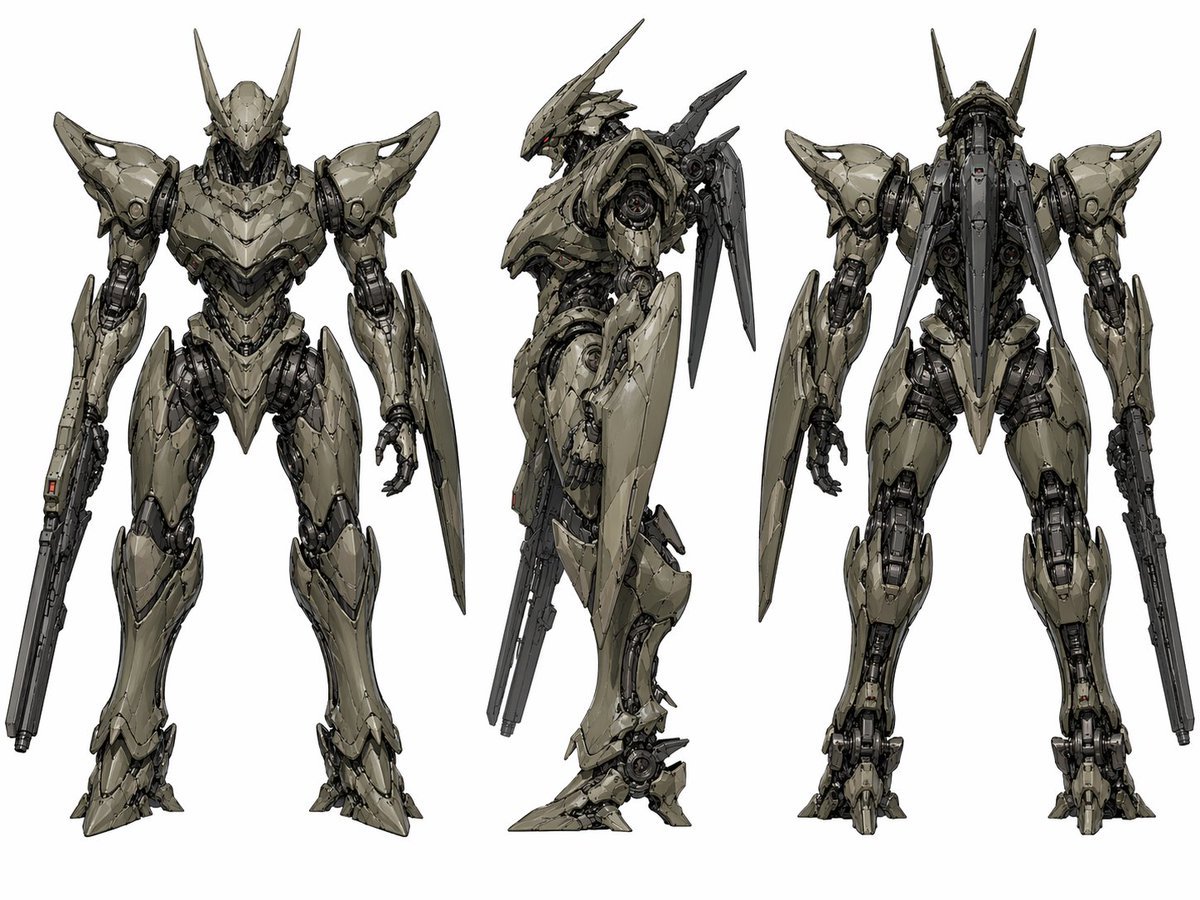
Sci-Fi Mecha Turnaround Sheet
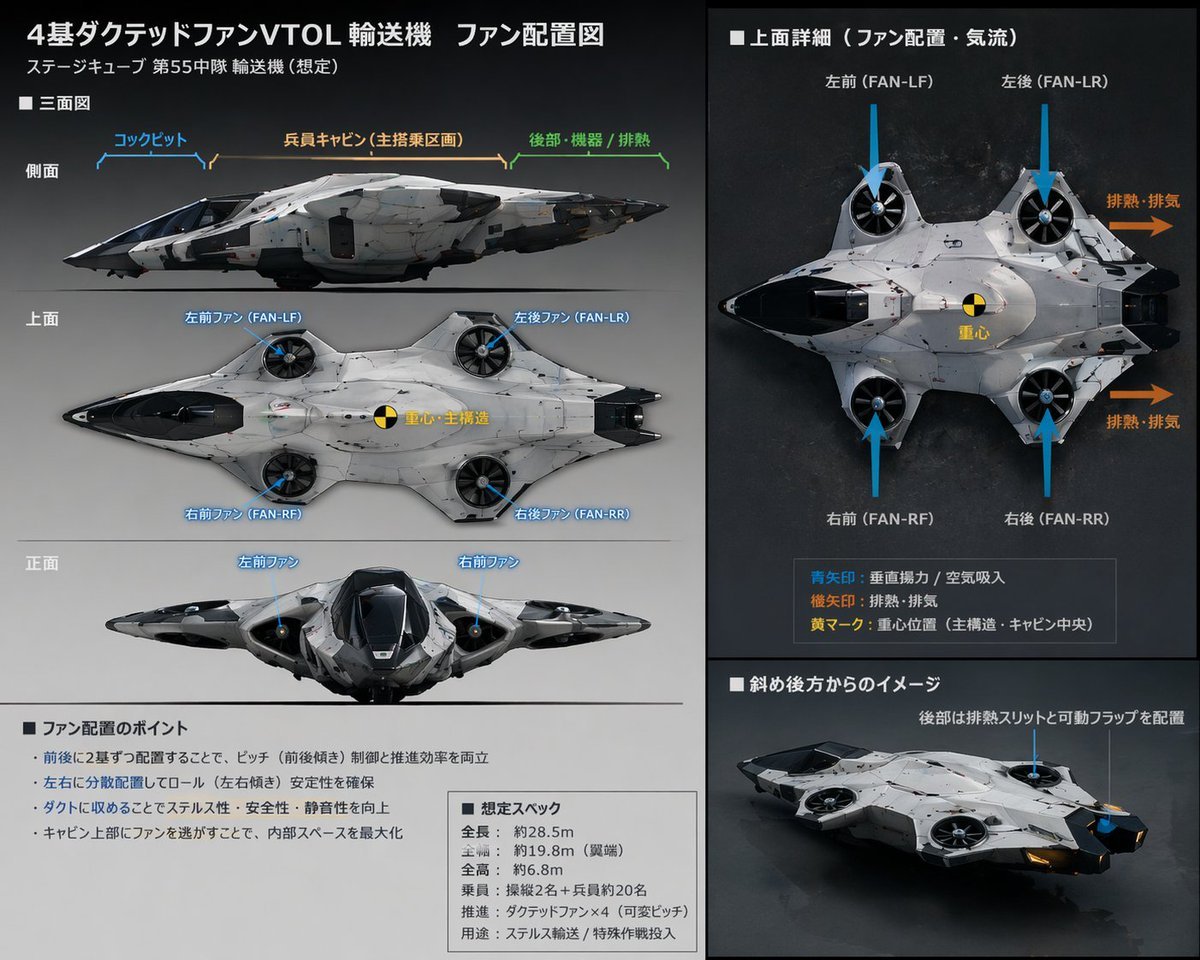
Sci-Fi VTOL Aircraft Technical Spec Sheet
Sci-Fi AI Battle Movie Poster
Sci-Fi Knight of the Order
Make it yours
Kai Ren Sci-Fi Character Sheet works as-is. These are the safest ways to change it without losing the look.
Change one field
Copy a single group, rewrite it, and generate again so you can see what that field is doing.
Keep the frame, change the subject
Hold the composition and light of Kai Ren Sci-Fi Character Sheet, then swap wardrobe, props or the person for a new take.
| If the result… | Why | Fix |
|---|---|---|
| The result drifts from the preview | Too many fields changed at once. | Reuse Kai Ren Sci-Fi Character Sheet as-is first, then change one group — subject, light, or setting. |
| The model over-stylizes the scene | The prose prompt leaves finish and camera underspecified. | Add one camera or lighting sentence and stay on GPT Image 2. |
More GPT Image 2 templates
Other prompts made for GPT Image 2.

Six VTuber Japanese Logo Sheet

Realistic Portrait of Woman and Deer

The Vista Modular Condo Poster

AI Model Routing Comparison Infographic

2.5D Anime Art Board

Isometric Productivity Desk Scene

New York Double Exposure Poster

Four-Panel AI Landscape Comparison

Japanese Tatami Lifestyle Magazine Cover

NESCAFÉ Coffee Map Poster
More image prompts
Fresh picks from across the catalog.
Selfie with Sydney Sweeney and Ana De Ar
Nostalgic Film Point-and-Shoot Portrait
Google Maps Inspired Digital Collage Poster

Ultra-Realistic Cinematic Night Street Selfie Prompt
Cybernetic Butler Concerned Speech
Fitness Product Showcase Card Grid Prompt
Coffee Pouring Cinematic Artwork (Dual Monitor)
High-Angle Flash Photo on SUV Hood at Night
untitled

Blue-Haired Festival Portrait
Browse template categories
Kai Ren Sci-Fi Character Sheet questions
How do I use the Kai Ren Sci-Fi Character Sheet template?
Add your photo if the template asks for one, edit the prompt if you like — the template's model and format are already selected — and press Generate. Your version opens in PicX Studio.
Can I customize the Kai Ren Sci-Fi Character Sheet template?
Yes. You can change the subject, setting, lighting, mood, format, and available model controls before creating your image.
Is the Kai Ren Sci-Fi Character Sheet template free?
Opening and editing this template is free. Generating uses credits, shown on the Generate button when you are signed in.
Which AI model should I use?
Start with GPT Image 2, which is the model associated with this template. You can compare another compatible model for a different finish.
Looking for something else? Browse all templates.

Your photo, any look
Thousands of ready templates for every top image and video model, from one credit balance.