
TV Interview Scene with Captions
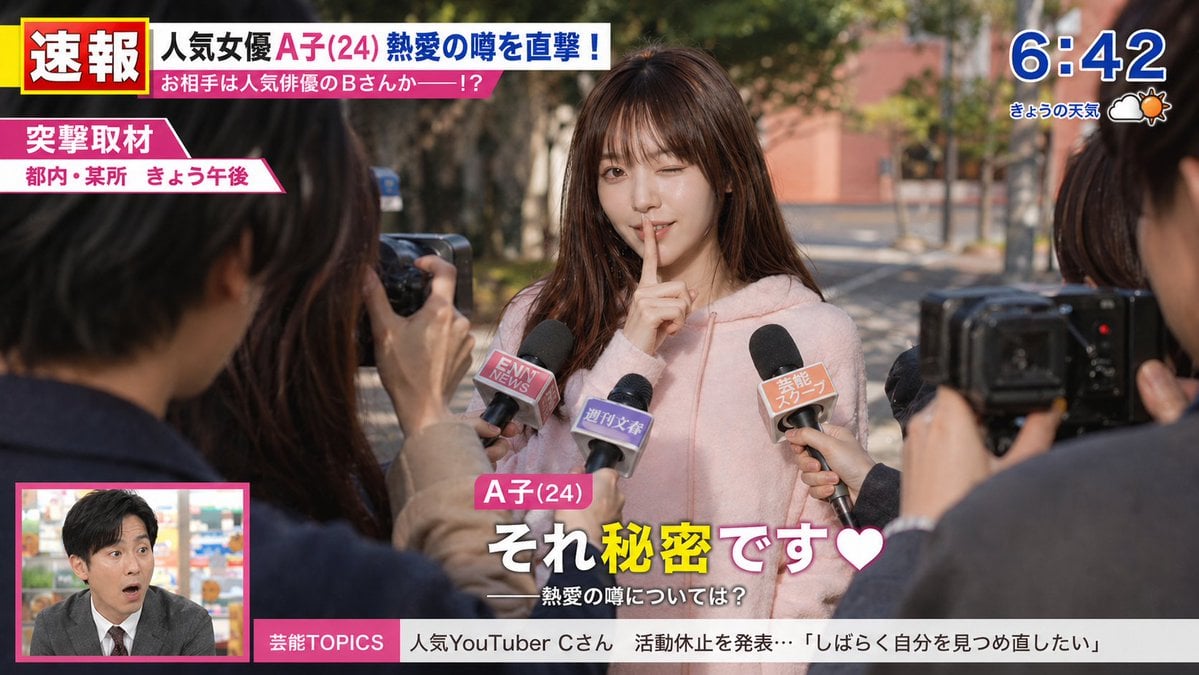
A prompt for generating a wide-screen TV interview scene with specific UI elements like wipes, time displays, and news tickers.
- Prompt included
- Model and format preset
- Free template
The prompt behind this image
Copy the exact prompt behind TV Interview Scene with Captions, or open it in the studio and make it yours.
{argument name="アスペクト比" default="16・9の横"} {argument name="モデル" default="モデルの女の子"}に芸能リポーターが、{argument name="質問内容" default="別の男性芸能人との恋愛関係"}を聞かれる。 TVの取材を受けて、{argument name="セリフ" default="それ秘密です❤"}とテロップが画面に付ける。 画面は、ワイドショーで画面左下にワイプ画面があり右上に時刻表示がある。 速報 突撃取材などのテロップで画面を構成する。 モデル女の子が、「それ秘密です❤」 相応しいポーズで、口に一指し指を当てて、片眼をウインクする。
How to use TV Interview Scene with Captions in 3 steps
- 1
Open
The prompt is already in the box next to the preview, with the template's model and format selected.
- 2…a portrait of your subject in softgolden-hour light, 85mm…
Personalize
Edit the subject and creative details for your destination.
- 3Generate
Generate
Press Generate — your image is created in PicX Studio, so you can compare it with the original and refine one variable at a time.
More like this
Templates with the same subject, style or setup. Open one to see its prompt.
Podcast Studio Interview Shot
Cinematic Studio Interview Scene
Realistic Influencer Interview Retouch
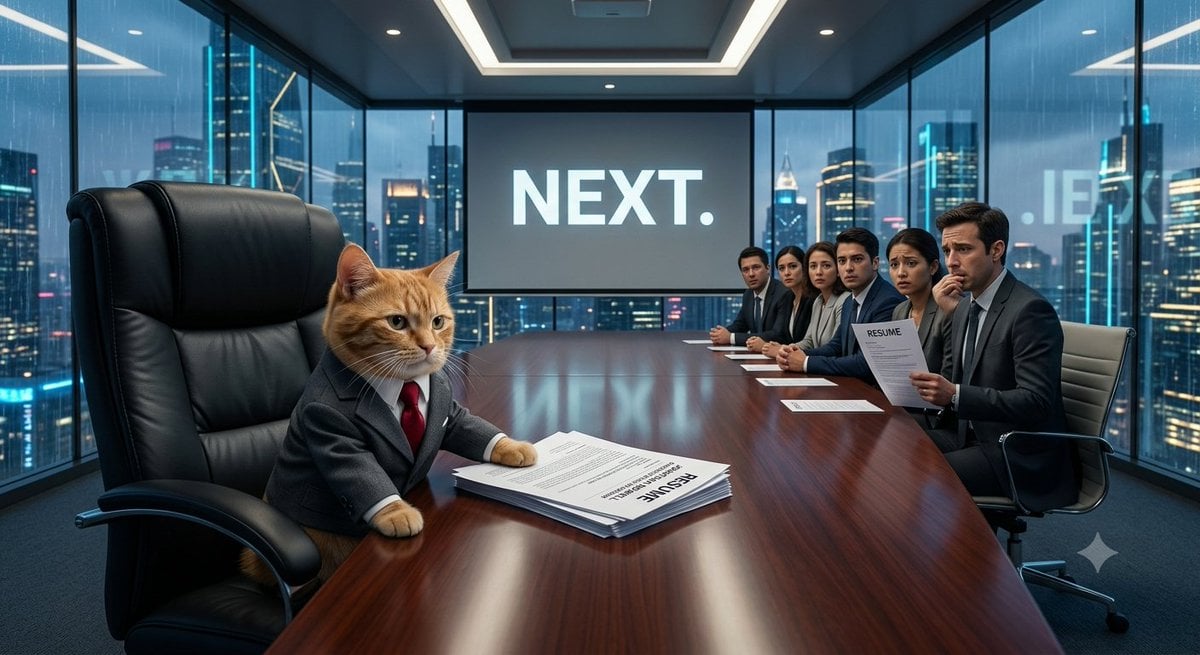
The Cat CEO Office Interview
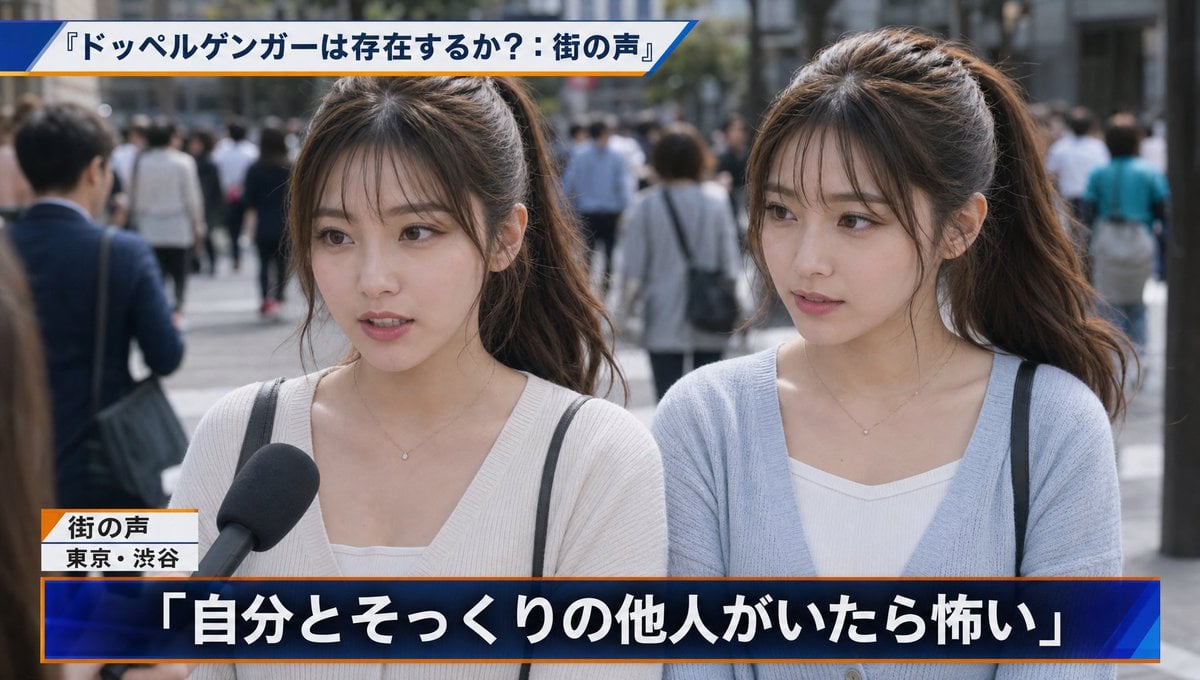
Japanese News Interview Broadcast
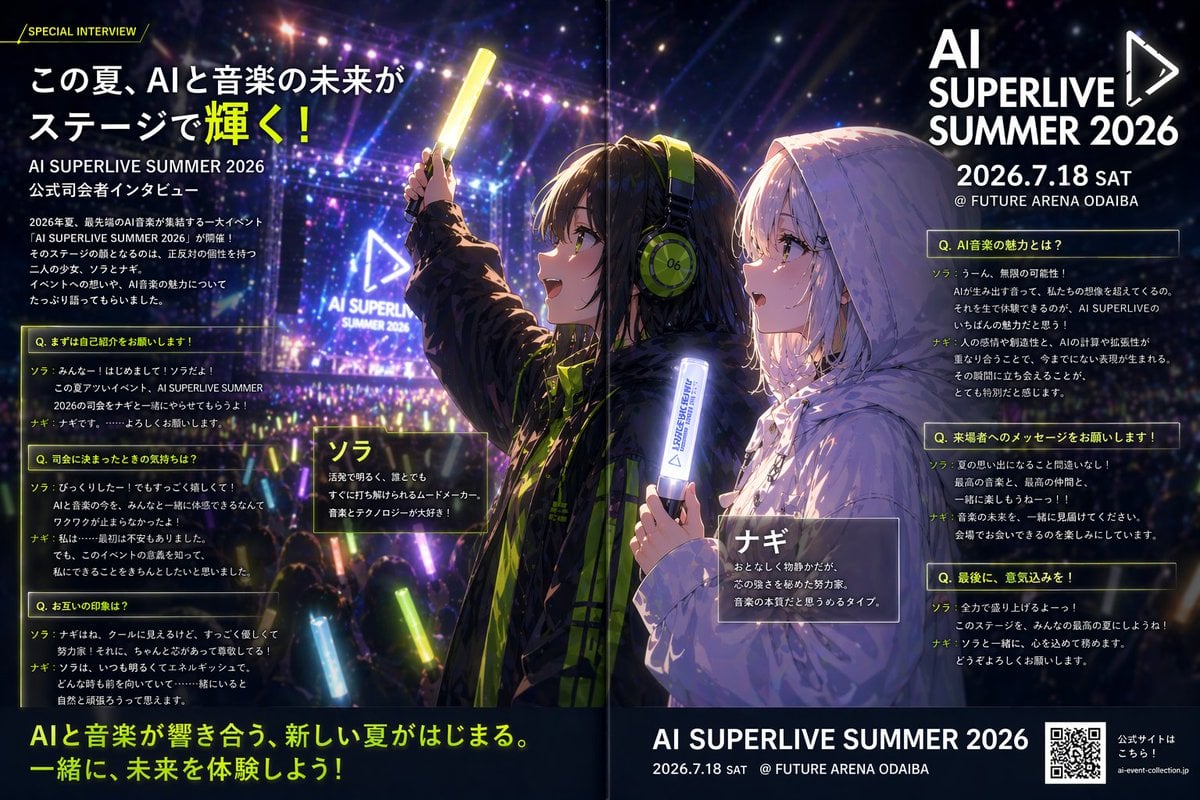
Anime Concert Interview Magazine Spread
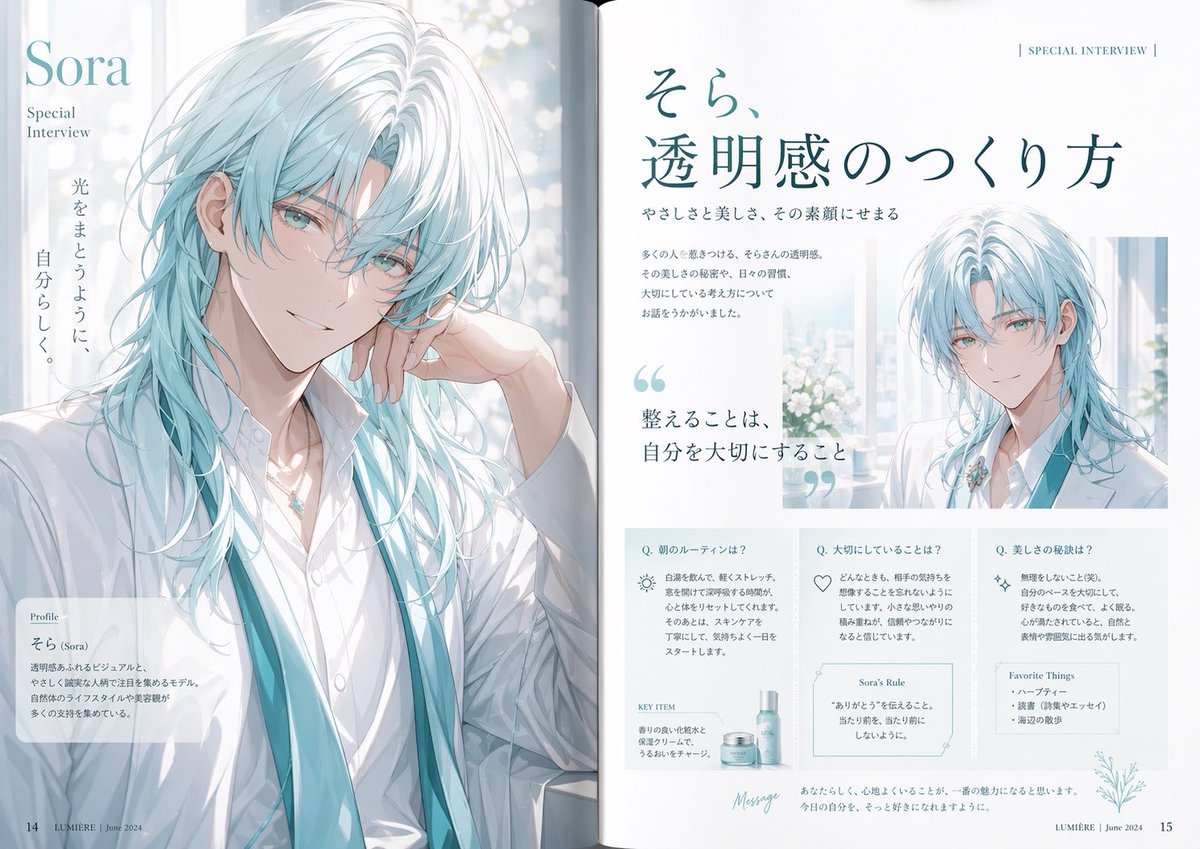
Anime Magazine Interview Spread
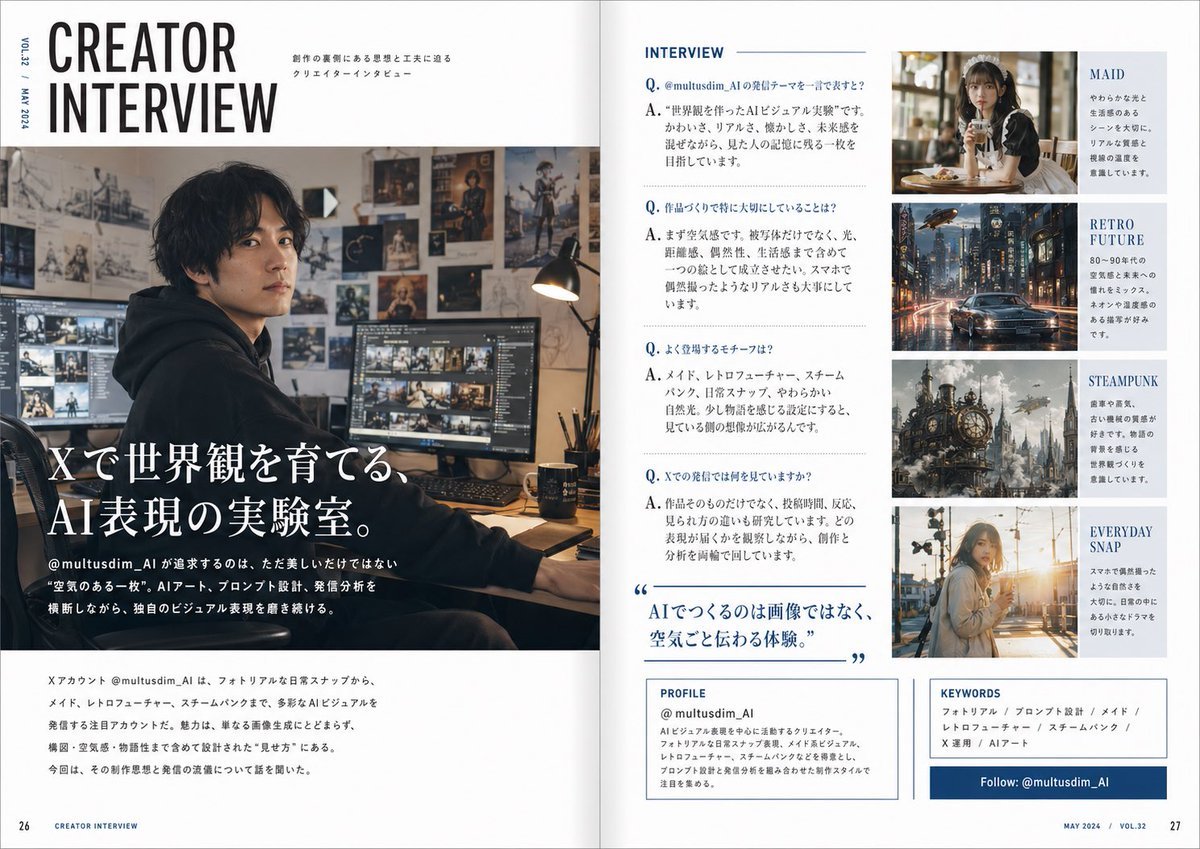
Japanese Creator Interview Magazine Spread
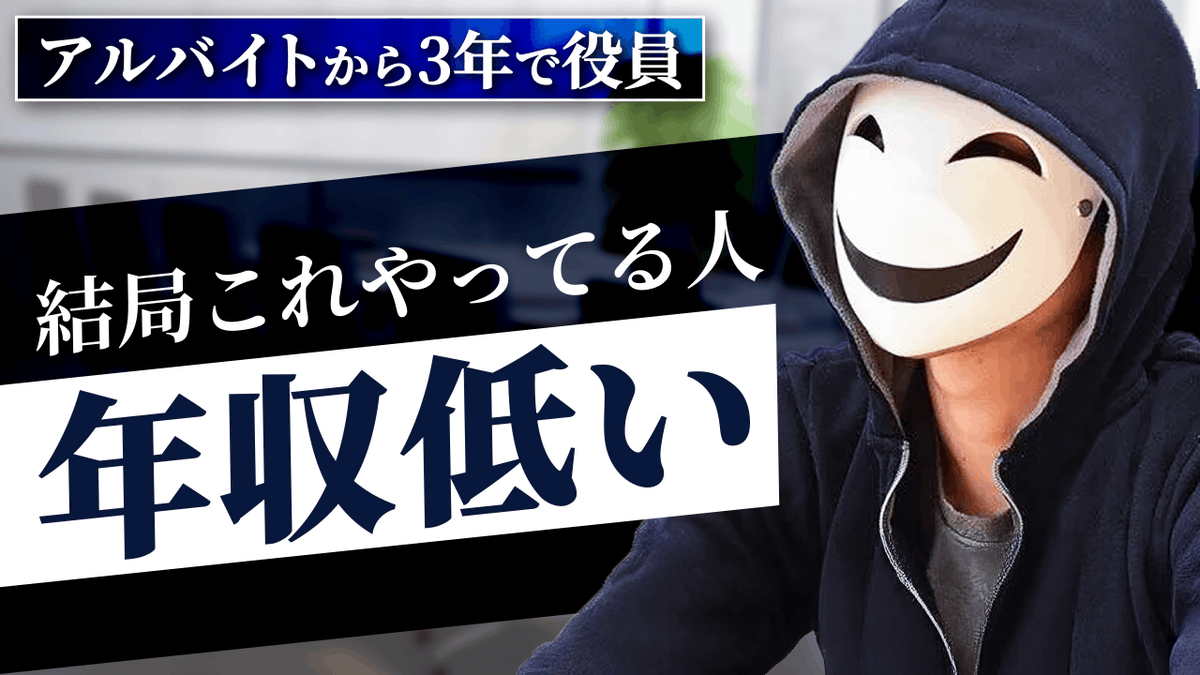
YouTube thumbnail design brief for a masked interview video
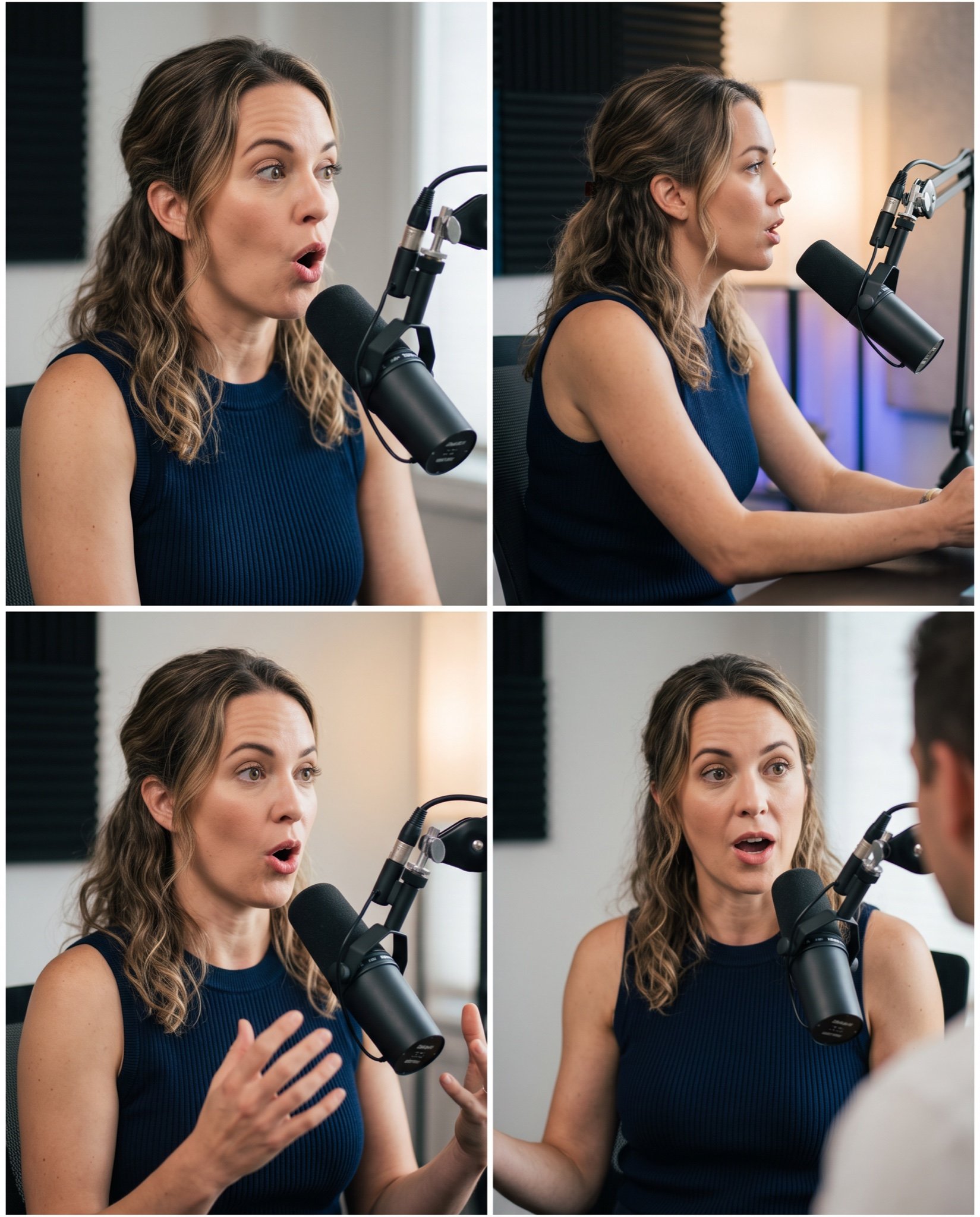
Mahira Khan 2x2 Collage Podcast Interview Prompt

Six VTuber Japanese Logo Sheet

Brutalist Cogito Chinese Typography Poster
Make it yours
TV Interview Scene with Captions works as-is. These are the safest ways to change it without losing the look.
Change one field
Copy a single group, rewrite it, and generate again so you can see what that field is doing.
Keep the frame, change the subject
Hold the composition and light of TV Interview Scene with Captions, then swap wardrobe, props or the person for a new take.
| If the result… | Why | Fix |
|---|---|---|
| The result drifts from the preview | Too many fields changed at once. | Reuse TV Interview Scene with Captions as-is first, then change one group — subject, light, or setting. |
| The model over-stylizes the scene | The prose prompt leaves finish and camera underspecified. | Add one camera or lighting sentence and stay on GPT Image 2. |
More GPT Image 2 templates
Other prompts made for GPT Image 2.

Realistic Portrait of Woman and Deer

The Vista Modular Condo Poster

AI Model Routing Comparison Infographic

2.5D Anime Art Board

Isometric Productivity Desk Scene

New York Double Exposure Poster

Four-Panel AI Landscape Comparison

Japanese Tatami Lifestyle Magazine Cover

NESCAFÉ Coffee Map Poster

Cinematic Luxury Terrace Portrait
More image prompts
Fresh picks from across the catalog.
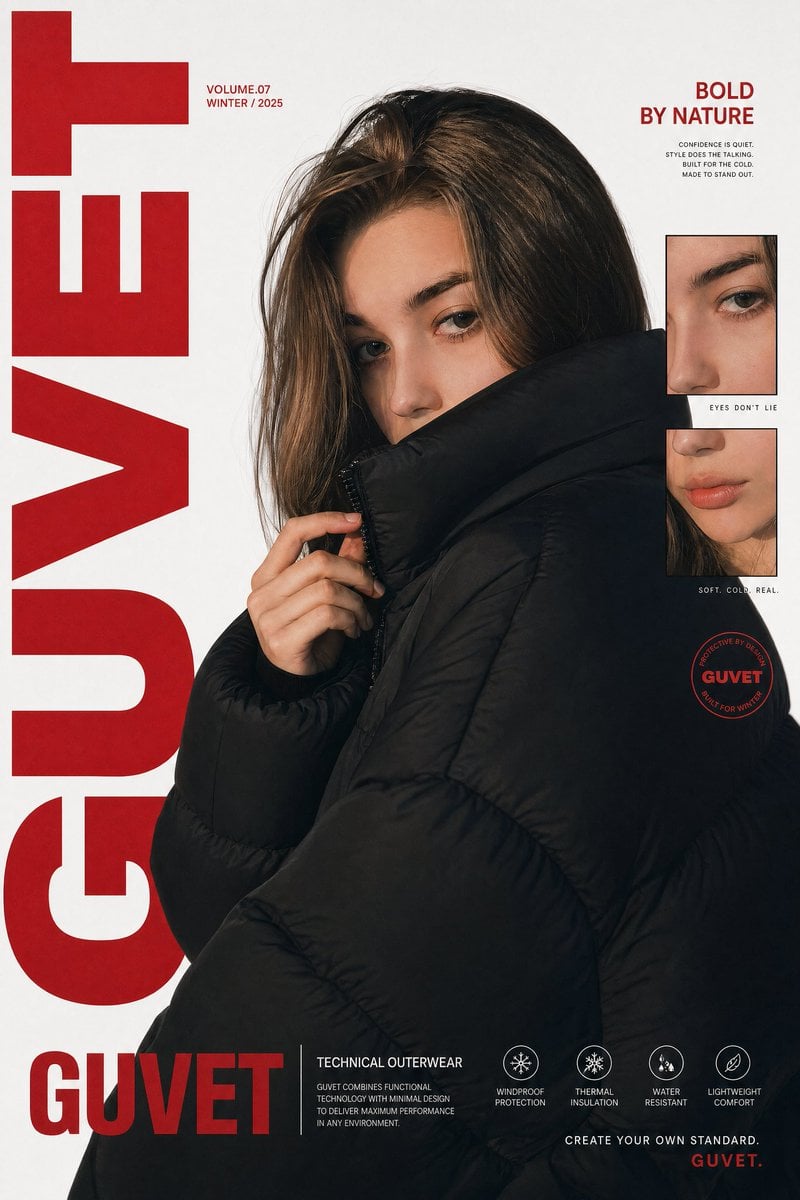
Luxury Streetwear Fashion Poster
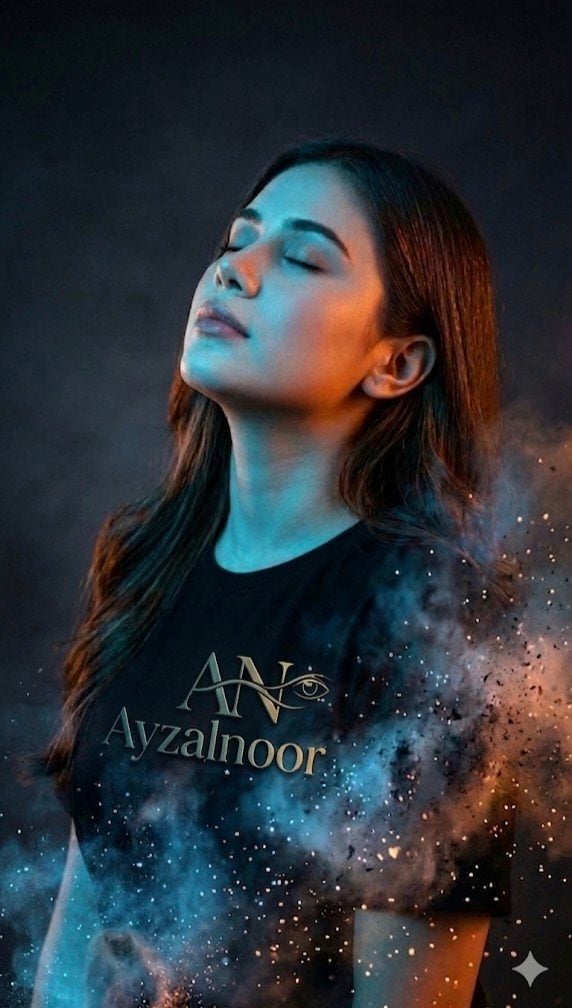
X Ayzalnooor24521 a Cinematic High Resolution Portrait of
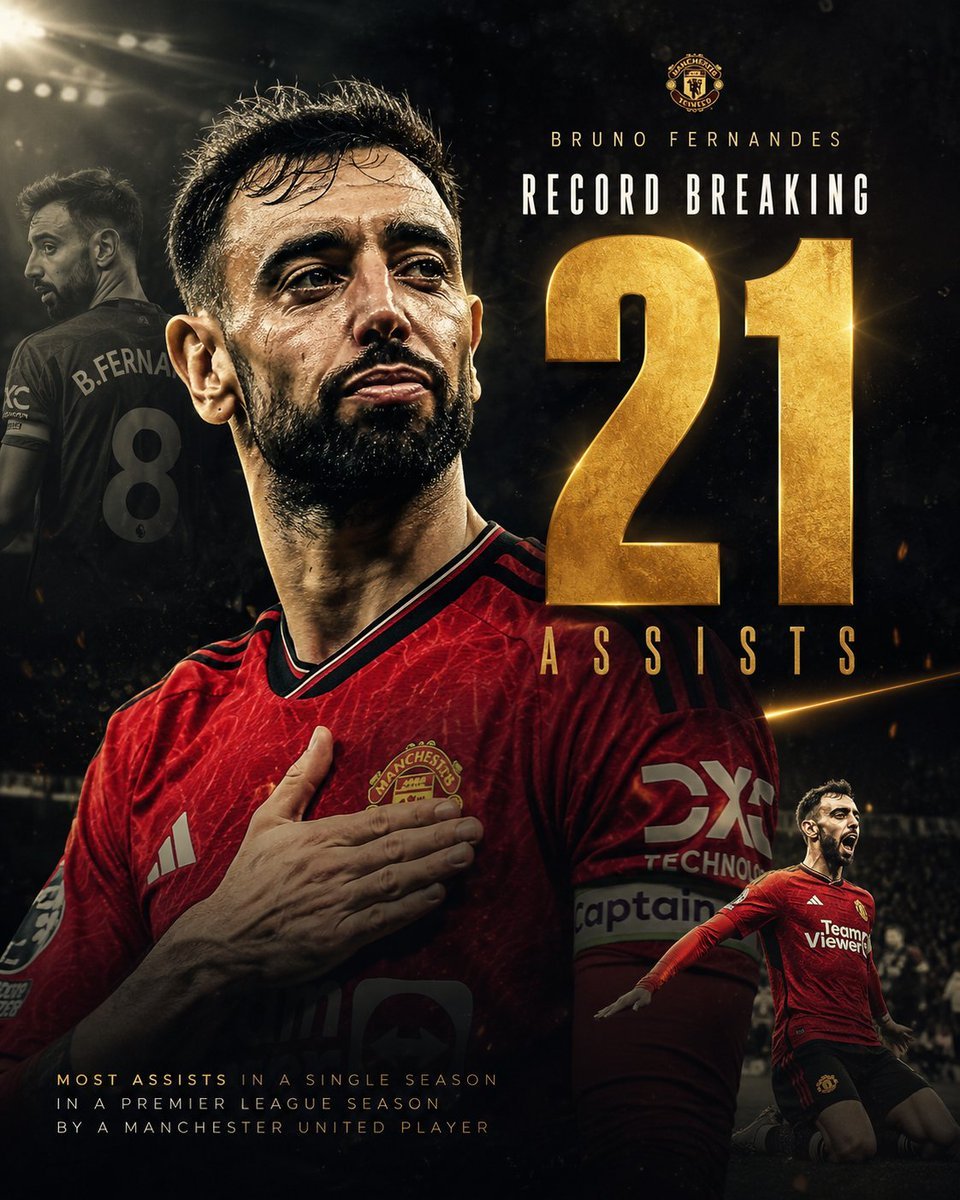
Bruno Fernandes Gold Record Poster
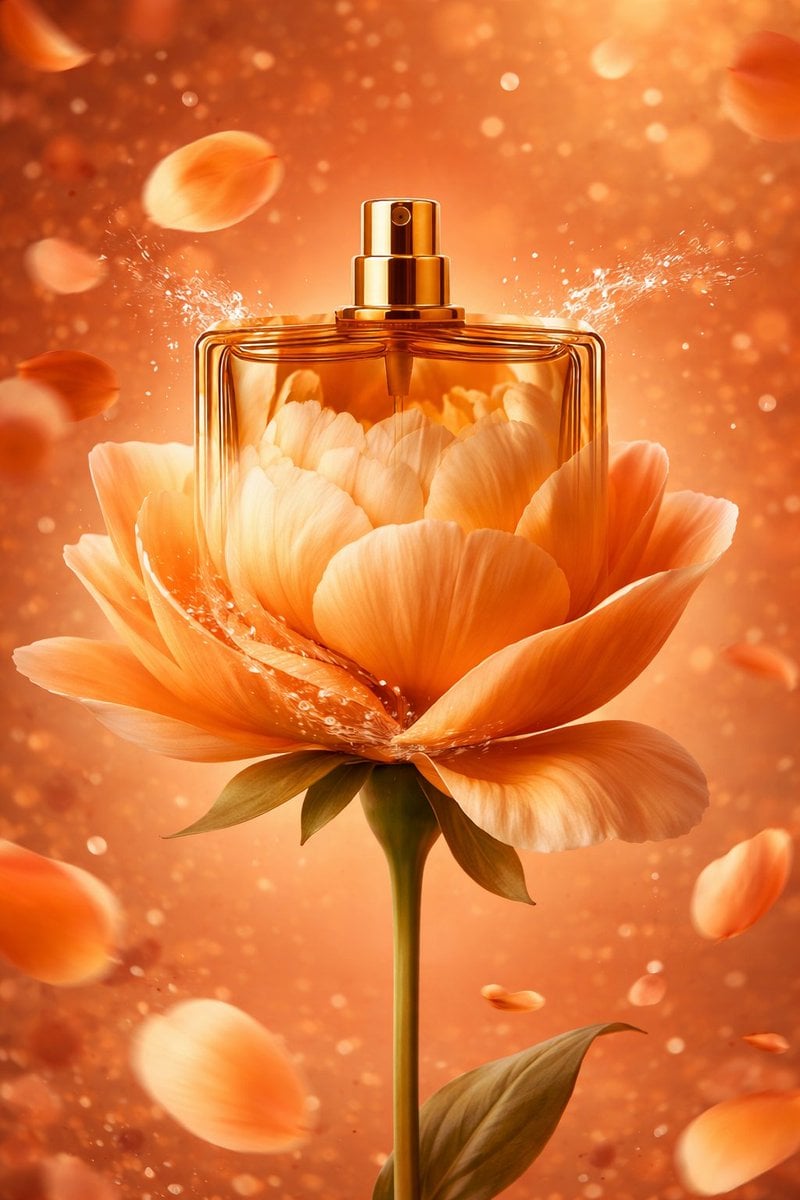
AI-Stylized Perfume Product Visual with Internal Petals
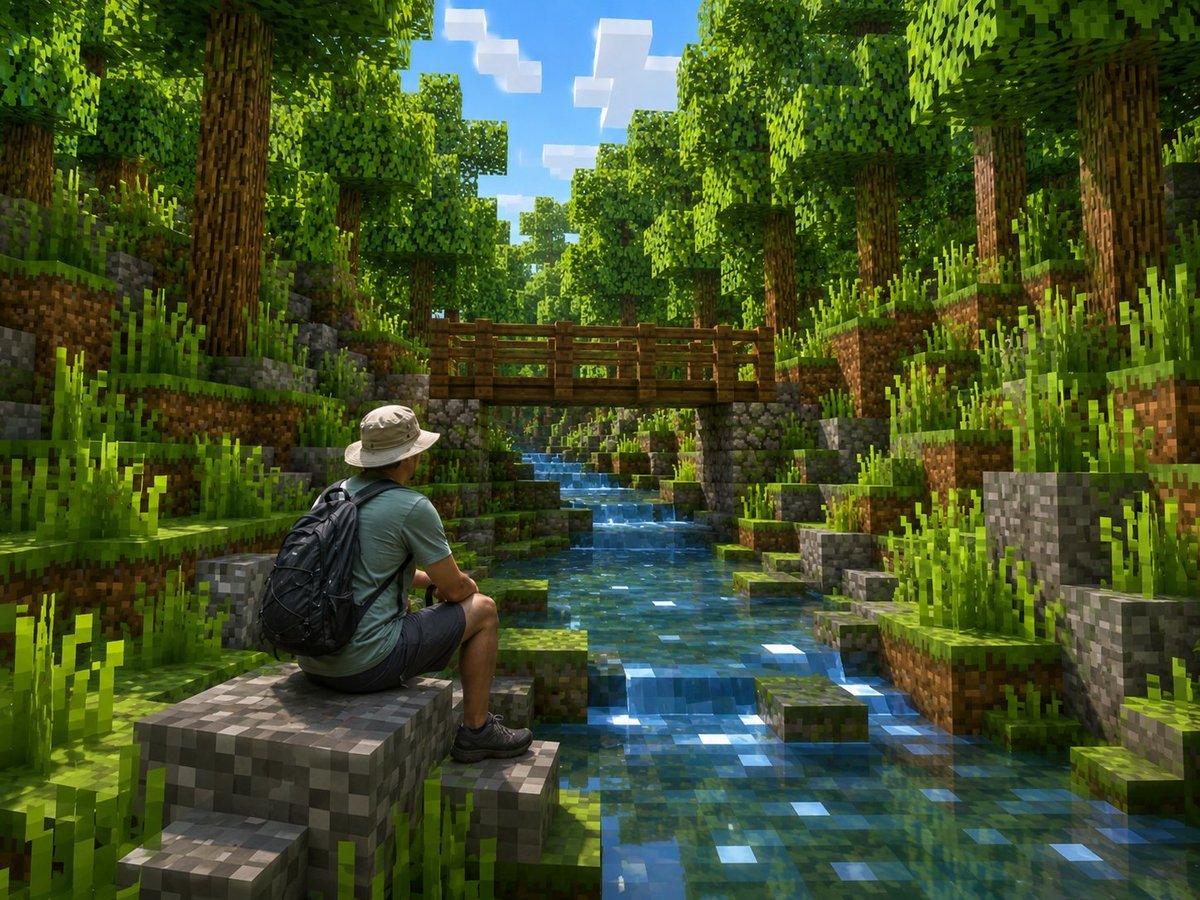
Real Hiker in Minecraft Forest

Retro Pixel Space Shooter HUD
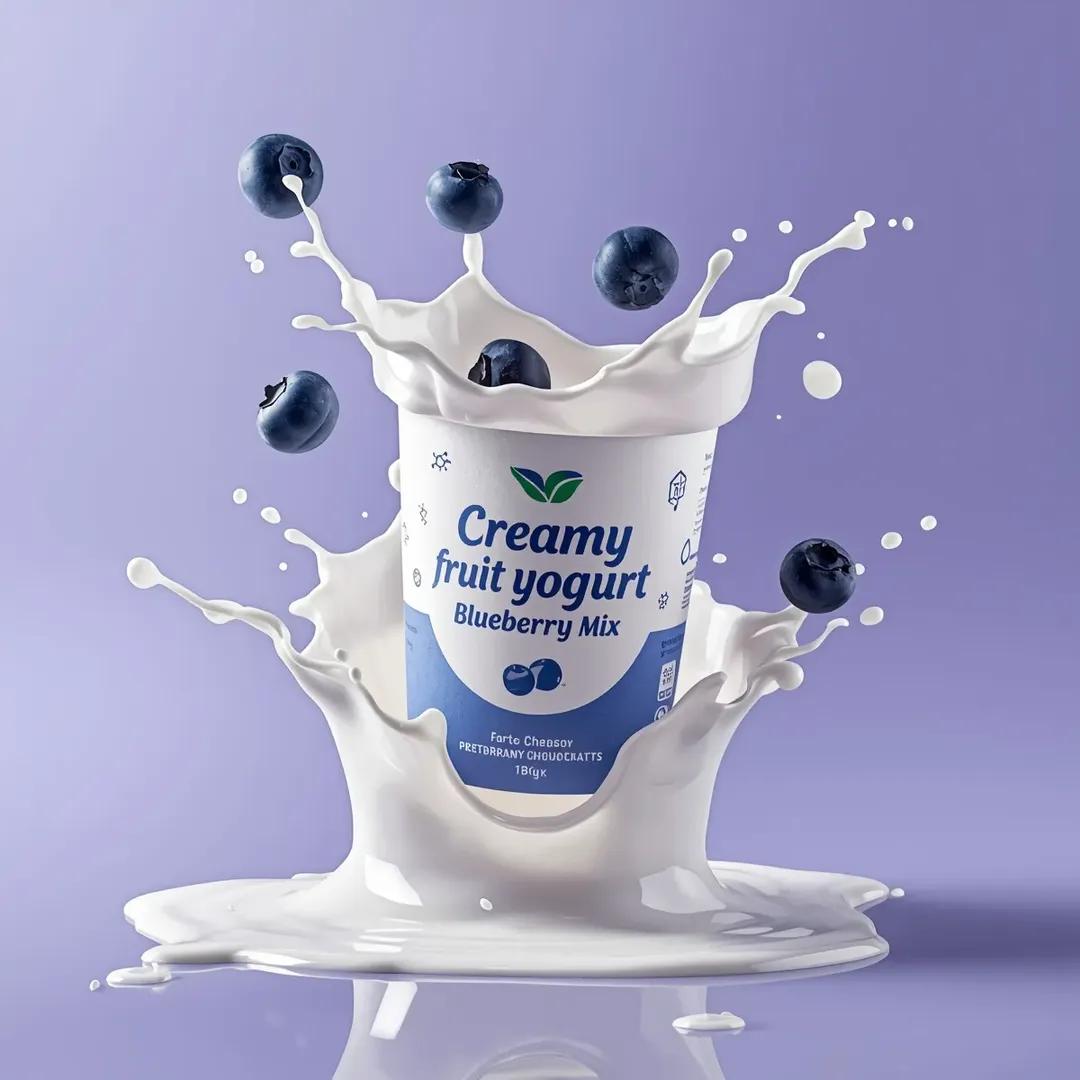
High-End Commercial Yogurt Product Photography Prompt
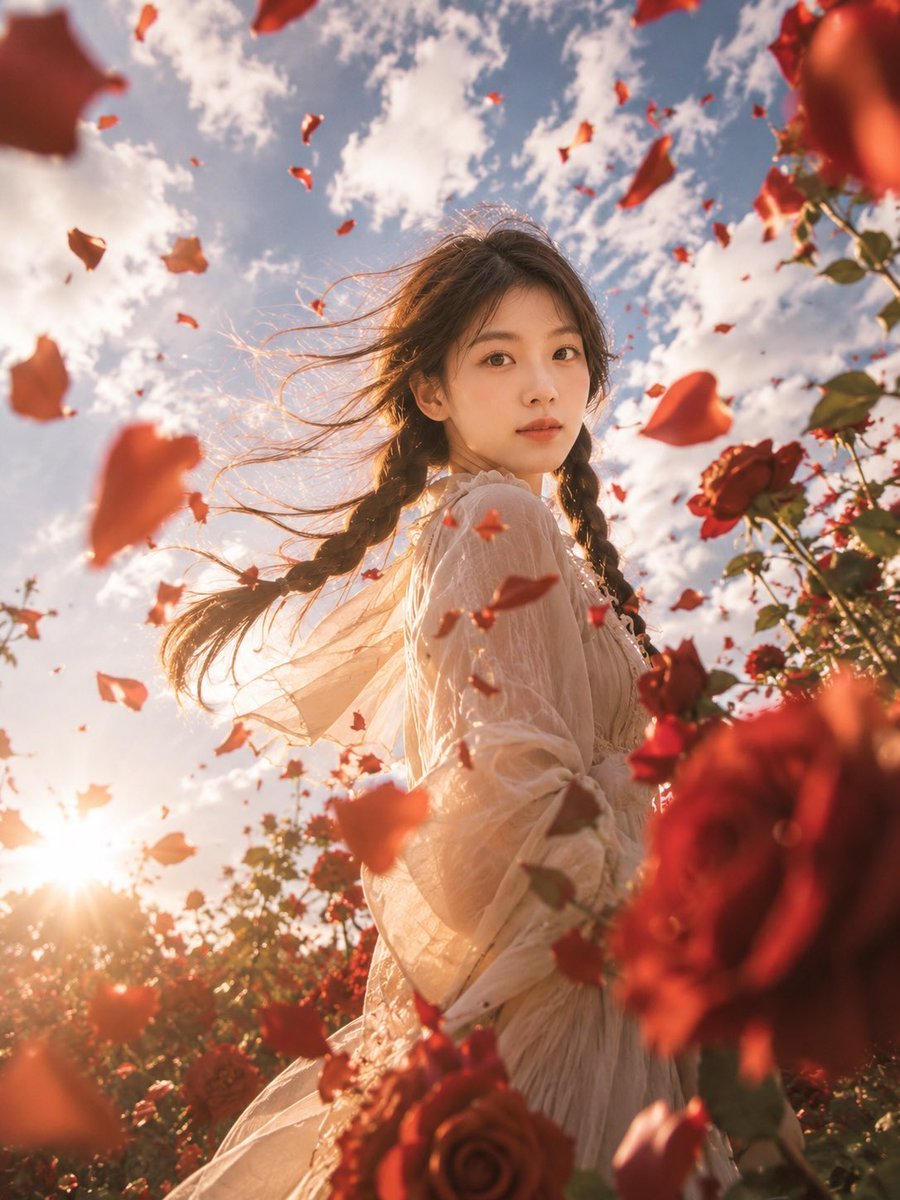
Windblown Rose Garden Portrait
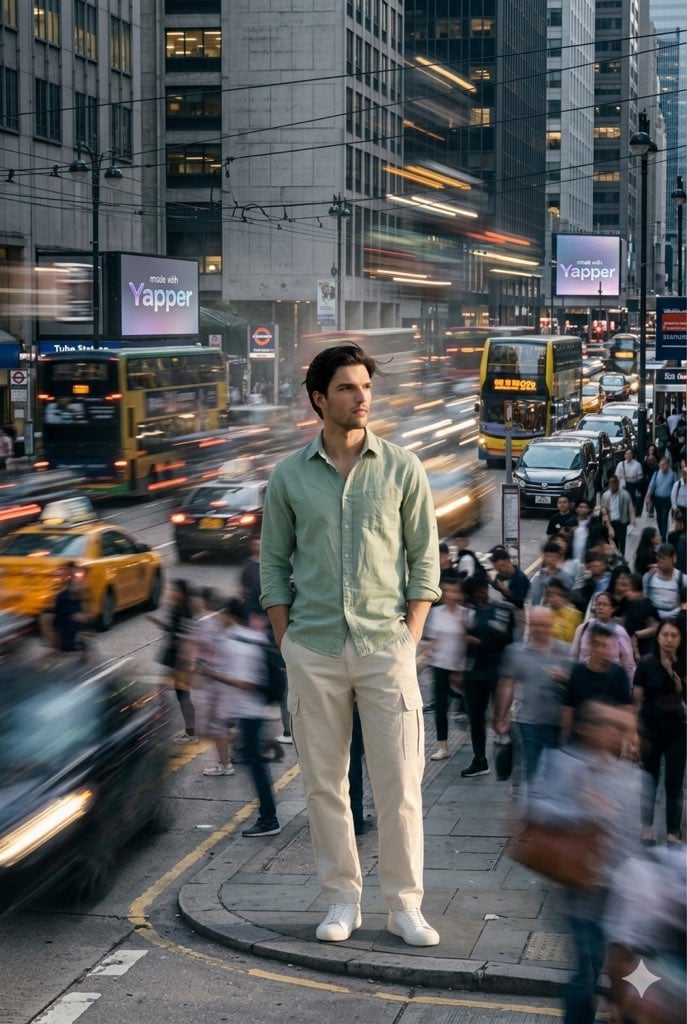
X Iamrealsnow Cinematic Motion Blur Photography Editorial
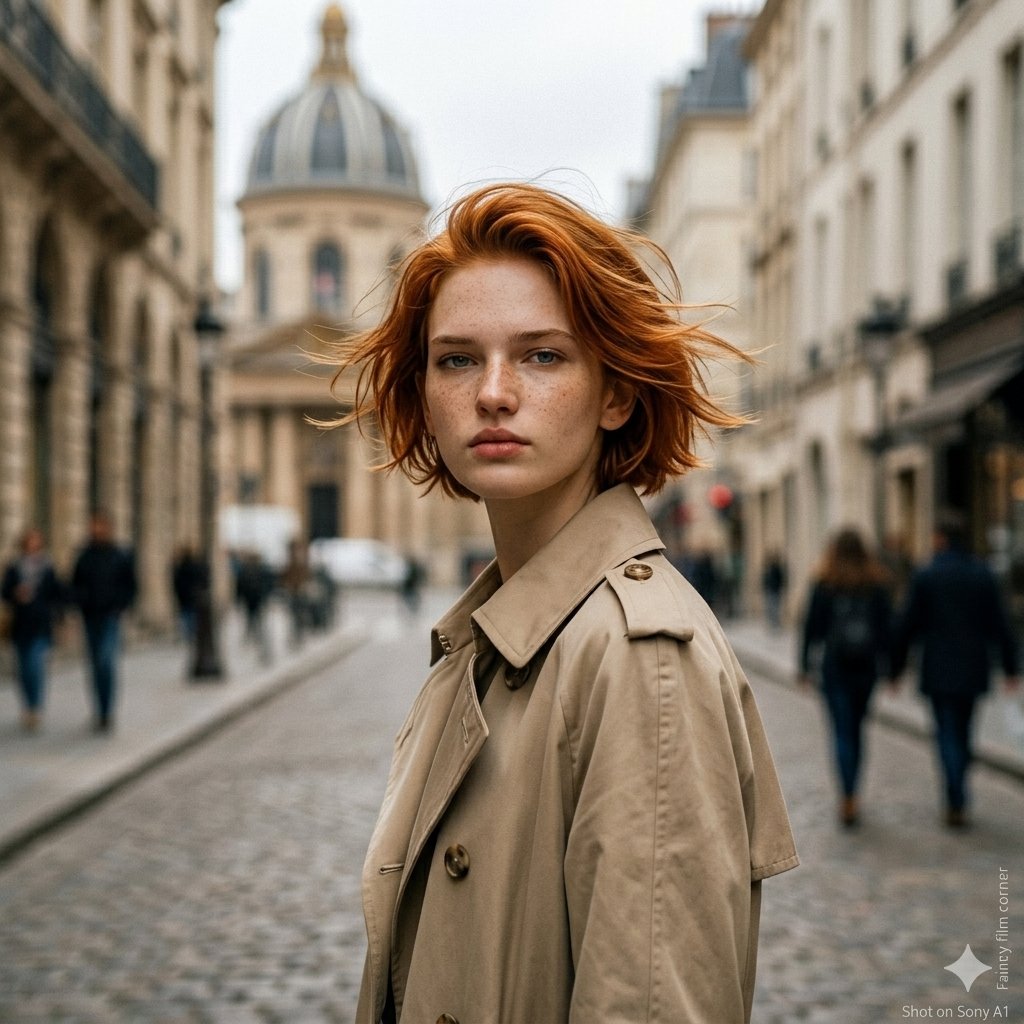
untitled
Browse template categories
TV Interview Scene with Captions questions
How do I use the TV Interview Scene with Captions template?
Add your photo if the template asks for one, edit the prompt if you like — the template's model and format are already selected — and press Generate. Your version opens in PicX Studio.
Can I customize the TV Interview Scene with Captions template?
Yes. You can change the subject, setting, lighting, mood, format, and available model controls before creating your image.
Is the TV Interview Scene with Captions template free?
Opening and editing this template is free. Generating uses credits, shown on the Generate button when you are signed in.
Which AI model should I use?
Start with GPT Image 2, which is the model associated with this template. You can compare another compatible model for a different finish.
Looking for something else? Browse all templates.

Your photo, any look
Thousands of ready templates for every top image and video model, from one credit balance.