
Rainy Noir Manga Alley Page
A cinematic black-and-white manga page showing a tense nighttime meeting in a rain-soaked Japanese alley, ideal for crime thriller or neo-noir comic scenes.
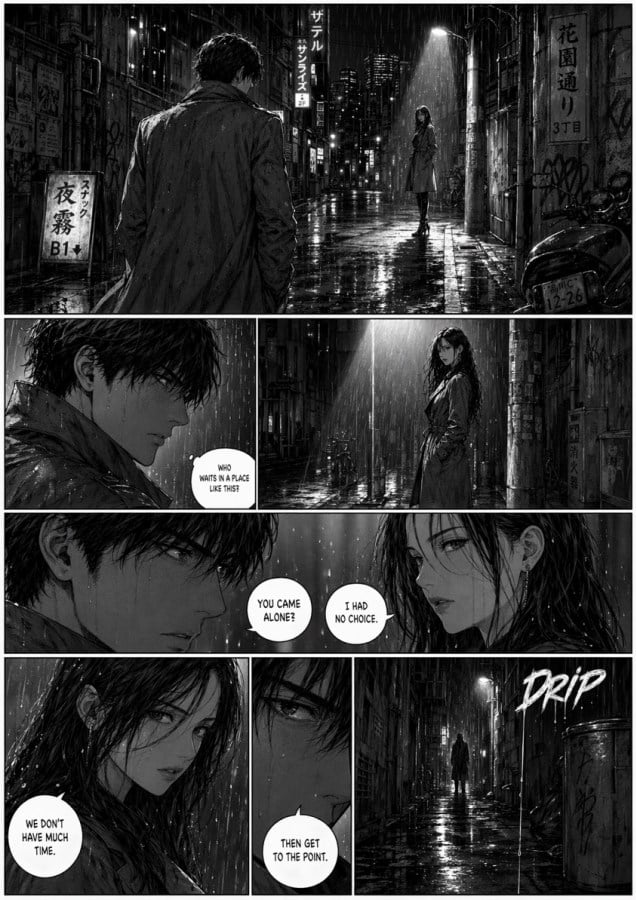
- Prompt included
- Model and format preset
- Free template
The prompt behind this image
Copy the exact prompt behind Rainy Noir Manga Alley Page, or open it in the studio and make it yours.
- Type
- black-and-white cinematic manga page
- Style › Medium
- high-contrast inked graphic novel illustration
- Style › Mood
- noir, tense, rainy, suspenseful
- Style › Palette
- grayscale with deep blacks, silver highlights, wet reflections
- Style › Rendering
- ultra-detailed rain, glossy pavement, realistic urban textures, dramatic rim lighting, soft film grain
- Setting › Location
- narrow Japanese back alley at night
- Setting › Weather
- heavy rain
- Setting › Details
- wet asphalt reflecting streetlights, dense vertical buildings on both sides, telephone poles and pipes, graffiti-covered walls, parked scooter at right edge, distant city lights, Japanese street signs and lightbox shop signs
- Setting › Visible Signs Count
- 5
- Setting › Visible Signs
- サンテル, サンライズ, 花園通り 3丁目, 夜霧 B1, small vertical wall text on the right-side pillar
- Layout › Page Format
- portrait comic page
- Layout › Panel Count
- 7
- Layout › Reading Flow
- top wide establishing panel, two narrow middle rows, three panels in the bottom row
- Layout › Sections › 0 › Title
- top establishing panel
- Layout › Sections › 0 › Position
- top
- Layout › Sections › 0 › Count
- 1
- Layout › Sections › 0 › Labels
- man seen from behind in foreground, woman waiting under a streetlight in the distance
- Layout › Sections › 1 › Title
- second row
- Layout › Sections › 1 › Position
- upper middle
- Layout › Sections › 1 › Count
- 2
- Layout › Sections › 1 › Labels
- close-up of the man's wet face in profile with a speech bubble, full-body side view of the woman under rain
- Layout › Sections › 2 › Title
- third row
- Layout › Sections › 2 › Position
- middle
- Layout › Sections › 2 › Count
- 2
Raw JSON
{"type":"black-and-white cinematic manga page","style":{"medium":"high-contrast inked graphic novel illustration","mood":"noir, tense, rainy, suspenseful","palette":"grayscale with deep blacks, silver highlights, wet reflections","rendering":"ultra-detailed rain, glossy pavement, realistic urban textures, dramatic rim lighting, soft film grain"},"setting":{"location":"narrow Japanese back alley at night","weather":"heavy rain","details":["wet asphalt reflecting streetlights","dense vertical buildings on both sides","telephone poles and pipes","graffiti-covered walls","parked scooter at right edge","distant city lights","Japanese street signs and lightbox shop signs"],"visible_signs_count":5,"visible_signs":["サンテル","サンライズ","花園通り 3丁目","夜霧 B1","small vertical wall text on the right-side pillar"]},"layout":{"page_format":"portrait comic page","panel_count":7,"reading_flow":"top wide establishing panel, two narrow middle rows, three panels in the bottom row","sections":[{"title":"top establishing panel","position":"top","count":1,"labels":["man seen from behind in foreground, woman waiting under a streetlight in the distance"]},{"title":"second row","position":"upper middle","count":2,"labels":["close-up of the man's wet face in profile with a speech bubble","full-body side view of the woman under rain"]},{"title":"third row","position":"middle","count":2,"labels":["tight crop of the man's ear and cheek","two centered speech bubbles between the characters with a close crop of the woman's face on the right"]},{"title":"bottom row","position":"bottom","count":3,"labels":["close-up of the woman's rain-soaked hair and shoulder with speech bubble","intense close-up of the man's eye and mouth with speech bubble","long shot of a lone figure in the alley with sound effect text"]}]},"characters":{"count":2,"subjects":[{"role":"male lead","appearance":"young adult man with messy dark hair, slim build, stubble-free face, wearing a dark trench coat over layered clothes","pose":"mostly shown from behind or in cropped close-up, shoulders hunched against the rain","expression":"serious, guarded, determined"},{"role":"female lead","appearance":"young adult woman with long dark wet hair, slim build, wearing a knee-length coat and dark heels","pose":"standing still beneath a cone of light, shown in side view and close-up fragments","expression":"calm, distant, urgent"}]},"text":{"speech_bubbles_count":5,"speech_bubbles":["WHO WAITS IN A PLACE LIKE THIS?","YOU CAME ALONE?","I HAD NO CHOICE.","WE DON'T HAVE MUCH TIME.","THEN GET TO THE POINT."],"sound_effects_count":1,"sound_effects":["DRIP"]},"composition":{"camera":"mix of wide establishing shot, profile close-ups, extreme close crops, and a final distant alley shot","lighting":"single overhead streetlamp on the woman, scattered neon and sign glow, strong reflections on the ground","tone":"cat-and-mouse meeting, secret exchange, urban loneliness"},"prompt":"Create a 7-panel black-and-white manga page in a gritty neo-noir style, set in a rain-soaked Japanese alley at night. Use dramatic cinematic framing, glossy reflections, heavy rainfall, dense urban detail, realistic wet textures, and high-contrast lighting. In the top wide panel, show a young man in a trench coat from behind approaching a lone woman standing under a streetlight in the distance. Include Japanese signs reading サンテル, サンライズ, 花園通り 3丁目, and 夜霧 B1, plus a parked scooter and graffiti. In the middle panels, alternate close-ups of the man's wet profile and the woman's side silhouette, then fragmented facial crops with dialogue bubbles. In the bottom row, show the woman's close-up saying 'WE DON'T HAVE MUCH TIME.', the man's close-up replying 'THEN GET TO THE POINT.', and a final long shot of a solitary figure in the alley with the large sound effect 'DRIP'. Keep the page entirely grayscale, moody, realistic, and suspenseful, like a mature seinen thriller manga."}How to use Rainy Noir Manga Alley Page in 3 steps
- 1Upload ImagePNG, JPG or paste
Add your photo
Upload the photo the template builds on. The prompt, model and format are already set.
- 2…a portrait of your subject in softgolden-hour light, 85mm…
Personalize
Edit the subject and creative details for your destination.
- 3Generate
Generate
Press Generate — your image is created in PicX Studio, so you can compare it with the original and refine one variable at a time.
More like this
Templates with the same subject, style or setup. Open one to see its prompt.
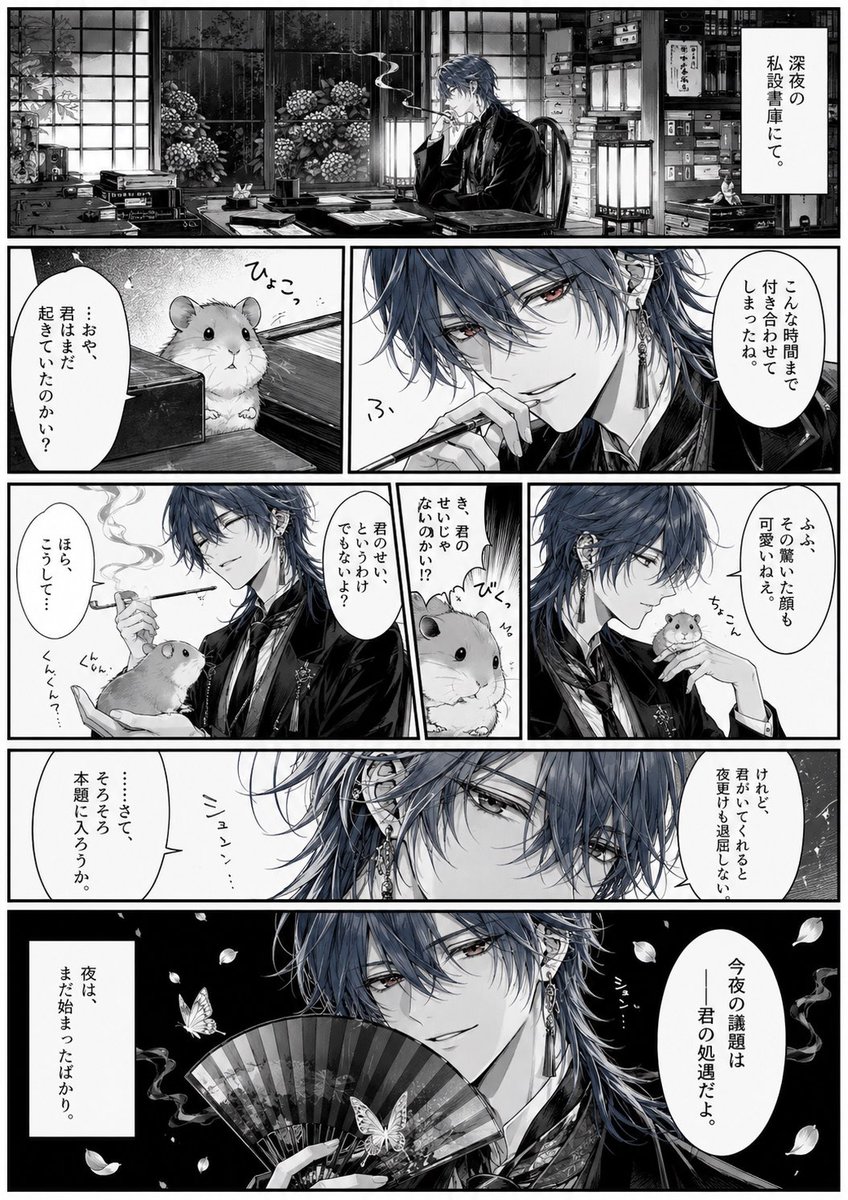
Surreal Noir Hamster Manga Page
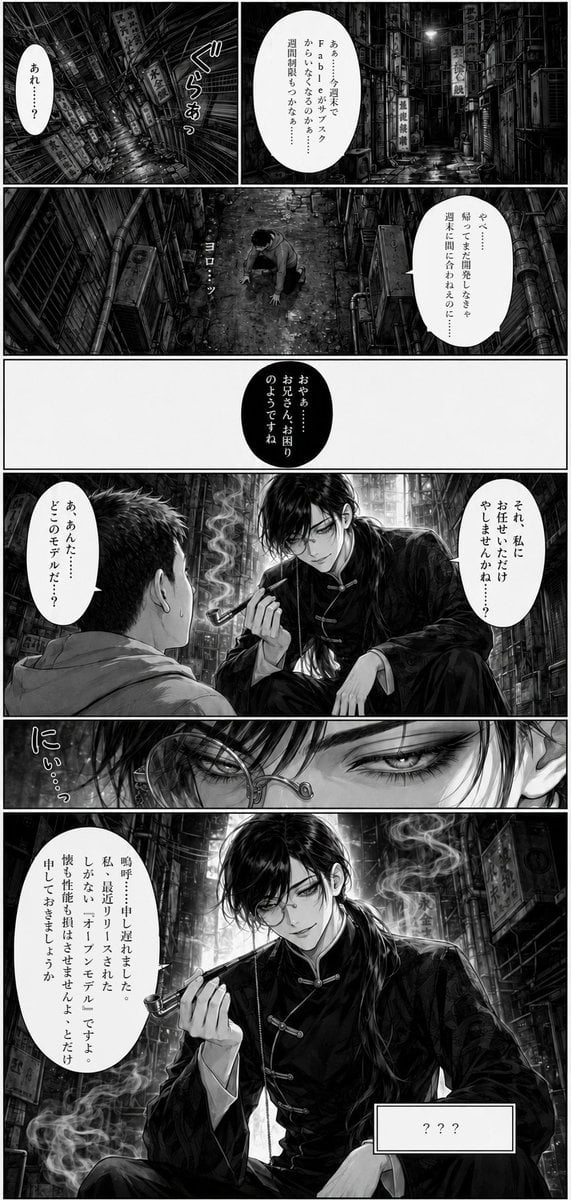
Noir Manga Alley Encounter
Spider-Man Noir Detective Rain Alley
Rainy Manga Alley Woman Portrait
Hard-Boiled Noir Manga Woman Page
Quiet Hamster Manga Page
Anime Girl in Rainy Tokyo Alley
Late-Night Hamster Manga Page

Shojo Horror Manga Corridor Page
Cute AI Manga Lesson Comic Page
Rainy Cyberpunk Superhero Comic Page
Hamster Summons Sol Manga Page
Make it yours
Rainy Noir Manga Alley Page works as-is. These are the safest ways to change it without losing the look.
Swap the setting
Keep the rest of the prompt and replace the location block. The current setting is “narrow Japanese back alley at night”.
Swap the light
One lighting change is enough to compare takes. Current light: “single overhead streetlamp on the woman, scattered neon and sign glow, strong re”.
Change one field
Copy a single group, rewrite it, and generate again so you can see what that field is doing.
| If the result… | Why | Fix |
|---|---|---|
| The result drifts from the preview | Too many fields changed at once. | Reuse Rainy Noir Manga Alley Page as-is first, then change one group — subject, light, or setting. |
| GPT Image 2 ignores part of the JSON | Some models flatten or skip nested keys. | Keep the same values and paste them as a short paragraph instead. |
More GPT Image 2 templates
Other prompts made for GPT Image 2.

Six VTuber Japanese Logo Sheet

Realistic Portrait of Woman and Deer

The Vista Modular Condo Poster

AI Model Routing Comparison Infographic

2.5D Anime Art Board

Isometric Productivity Desk Scene

New York Double Exposure Poster

Four-Panel AI Landscape Comparison

Japanese Tatami Lifestyle Magazine Cover

NESCAFÉ Coffee Map Poster
More image prompts
Fresh picks from across the catalog.
Dramatic Cinematic Portrait with Contrasting Lighting
Y2K Aesthetic Bedroom Portrait
Anthro Idol Group Concert Poster
Tropical Night Market Portrait
Y2K Aesthetic Mirror Selfie Prompt
Miniature Realism Prompt for Restoration Scene
Surreal Luxury Wristwatch Fashion Campaign
NYC Bridge Blue Hour Wallpaper
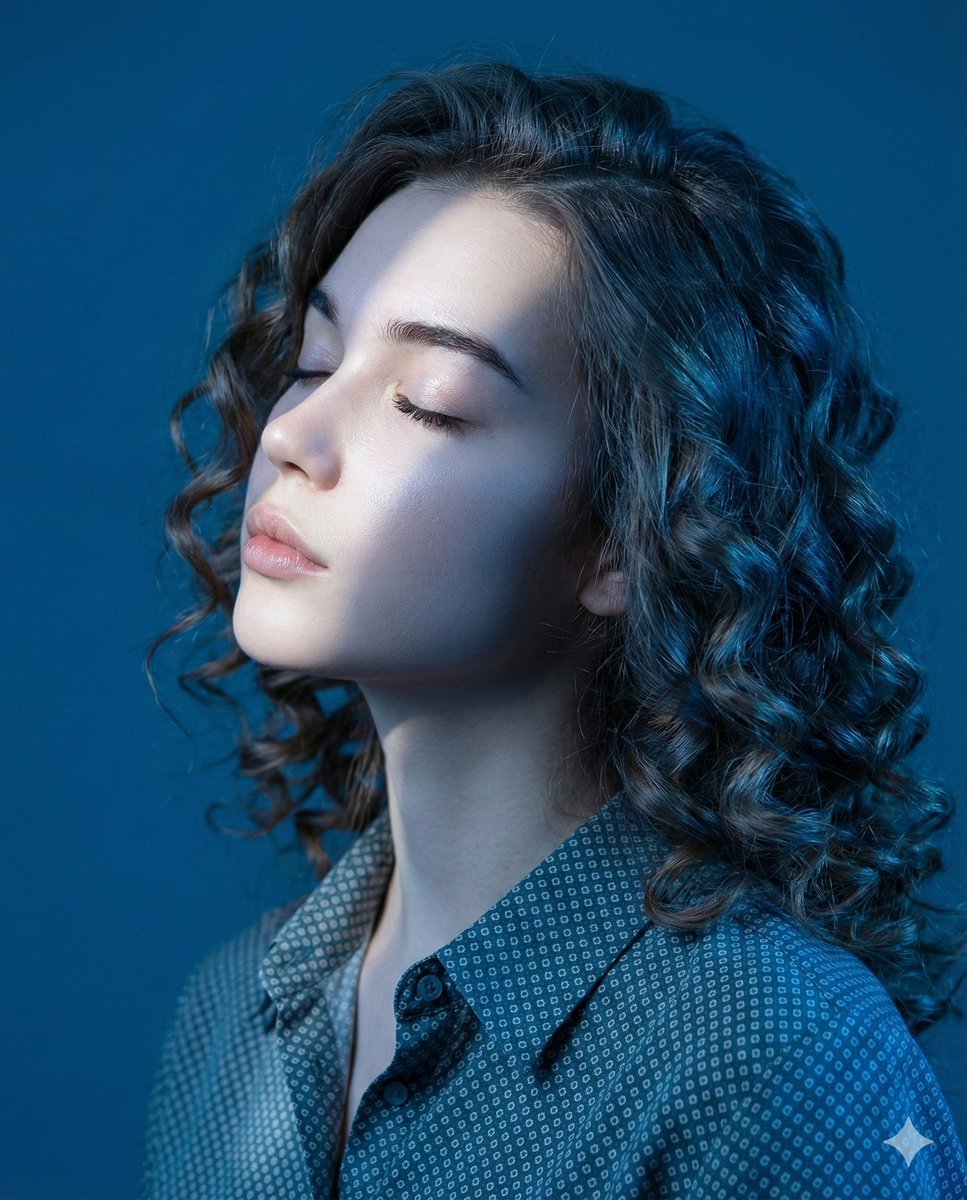
Editorial Profile Portrait in Dramatic Blue Light
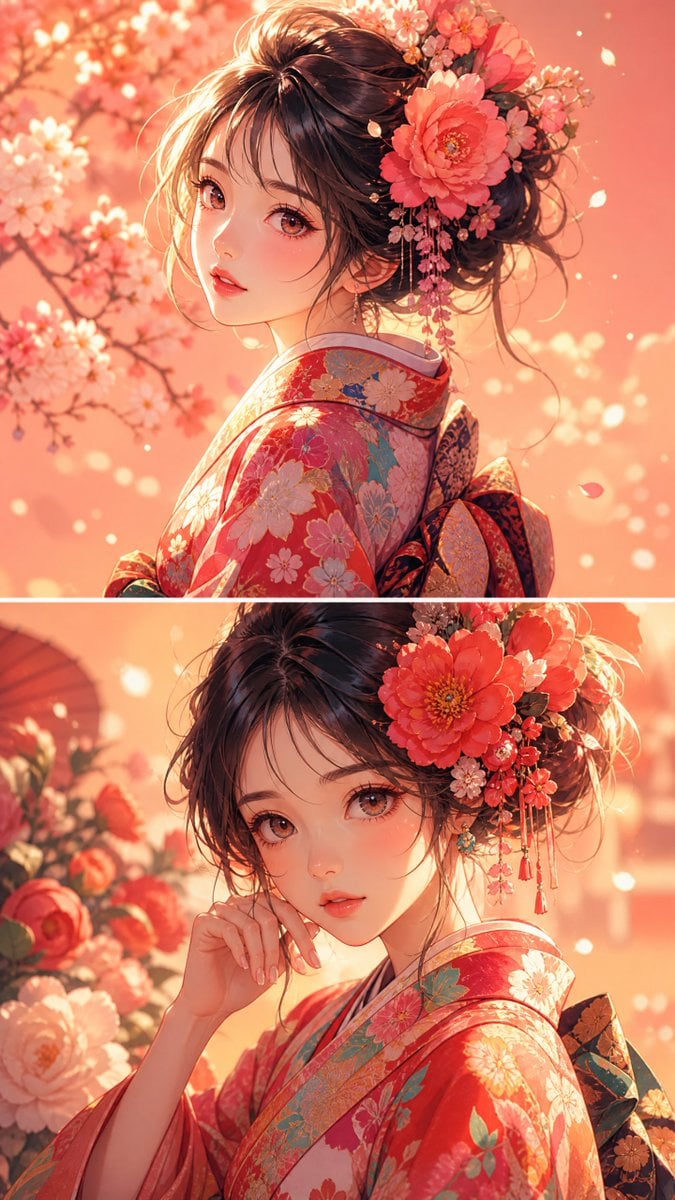
Anime Girl Floral Kimono Portrait
Browse template categories
Rainy Noir Manga Alley Page questions
How do I use the Rainy Noir Manga Alley Page template?
Add your photo if the template asks for one, edit the prompt if you like — the template's model and format are already selected — and press Generate. Your version opens in PicX Studio.
Can I customize the Rainy Noir Manga Alley Page template?
Yes. You can change the subject, setting, lighting, mood, format, and available model controls before creating your image.
Is the Rainy Noir Manga Alley Page template free?
Opening and editing this template is free. Generating uses credits, shown on the Generate button when you are signed in.
Which AI model should I use?
Start with GPT Image 2, which is the model associated with this template. You can compare another compatible model for a different finish.
Looking for something else? Browse all templates.

Your photo, any look
Thousands of ready templates for every top image and video model, from one credit balance.