
Censored Tech Conference Speaker
A realistic cropped event portrait of a headset-wearing conference speaker with the face obscured by a square censor block.

- Prompt included
- Model and format preset
- Free template
The prompt behind this image
Copy the exact prompt behind Censored Tech Conference Speaker, or open it in the studio and make it yours.
Create a realistic press-conference portrait photo of {argument name="speaker description" default="a young adult man with short messy brown hair"} standing on stage, cropped from upper chest to just above the hair. He wears a {argument name="shirt color" default="teal green"} crew-neck T-shirt with a small thin white geometric line logo partly visible near the lower center. His head is turned slightly to the viewer’s left, showing one ear and a thin beige headset microphone wire looping from the right ear down along the cheek and neck. Place a large opaque square censorship block over the entire face, centered from forehead to chin, in a flat warm beige/tan color, hiding all facial features while leaving hair, ears, neck, shirt, and microphone partly visible. The background is a softly blurred conference wall with oversized dark green/black lettering; the visible text should suggest {argument name="background event text" default="TechCrunch"} but remain out of focus and partially cropped. Use shallow depth of field, natural stage lighting, muted green-gray backdrop, realistic DSLR/event photography, centered composition, 4:3 aspect ratio, no added captions, no watermark.
How to use Censored Tech Conference Speaker in 3 steps
- 1Upload ImagePNG, JPG or paste
Add your photo
Upload the photo the template builds on. The prompt, model and format are already set.
- 2…a portrait of your subject in softgolden-hour light, 85mm…
Personalize
Edit the subject and creative details for your destination.
- 3Generate
Generate
Press Generate — your image is created in PicX Studio, so you can compare it with the original and refine one variable at a time.
More like this
Templates with the same subject, style or setup. Open one to see its prompt.
Technical drawing of a speaker from reference
Tech YouTuber Demoing Bluetooth Speaker Video Prompt

Japanese Space Conference Poster

Futuristic Brand Upgrade Conference Poster

Futuristic AI 2026 Tech Poster
Crimson Tech-wear Aesthetic Portrait
Minimalist Luxury Tech Advertisement
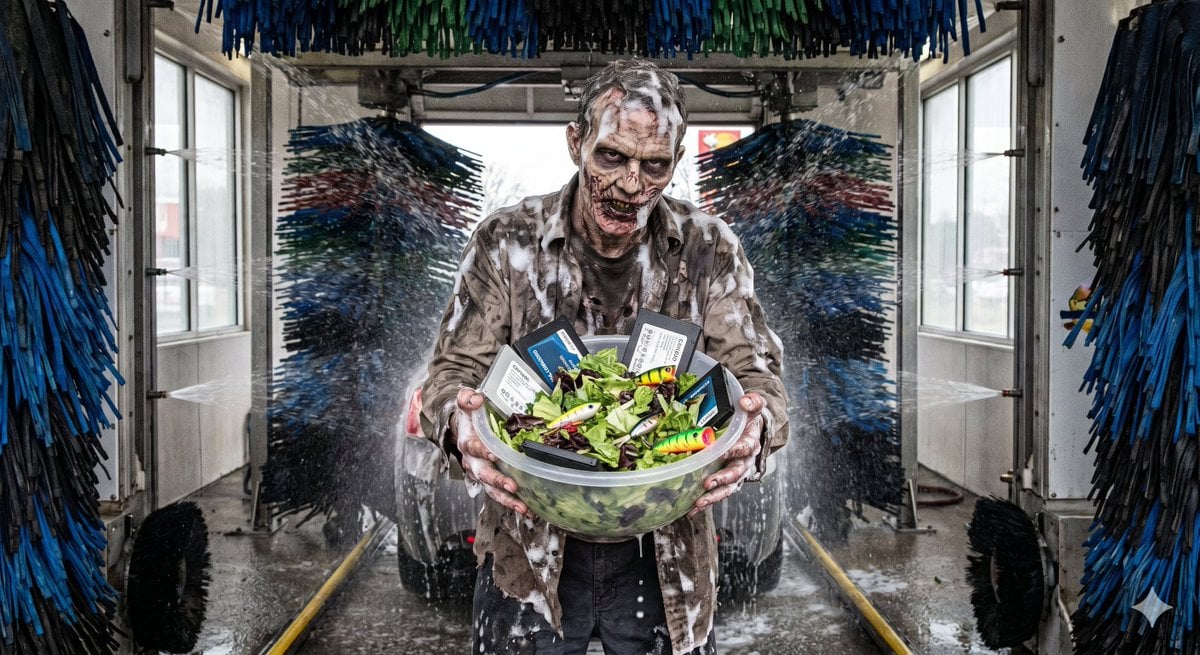
Bizarre Salad with Tech and Fishing Lures
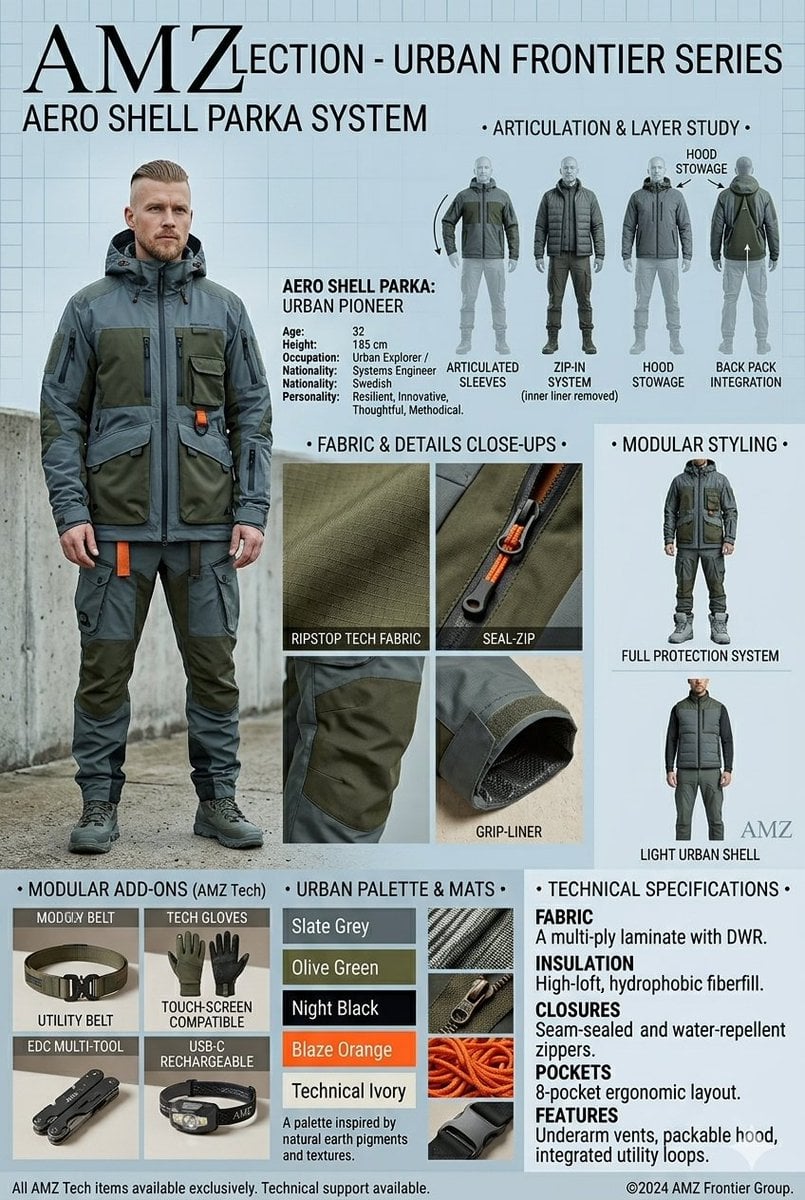
Technical Outerwear Design Sheet

Bit Tech Container Ship
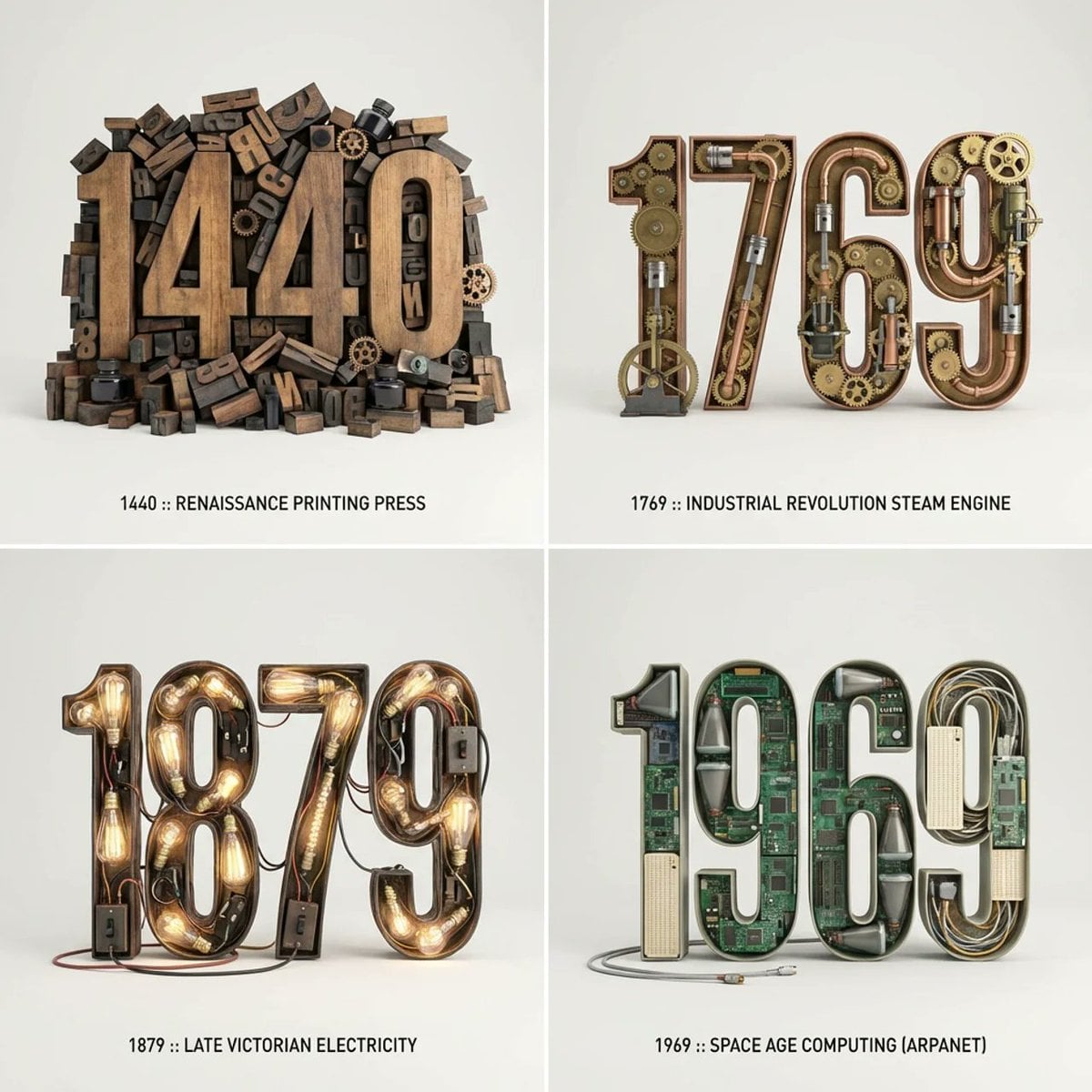
Drive In Speaker Pole
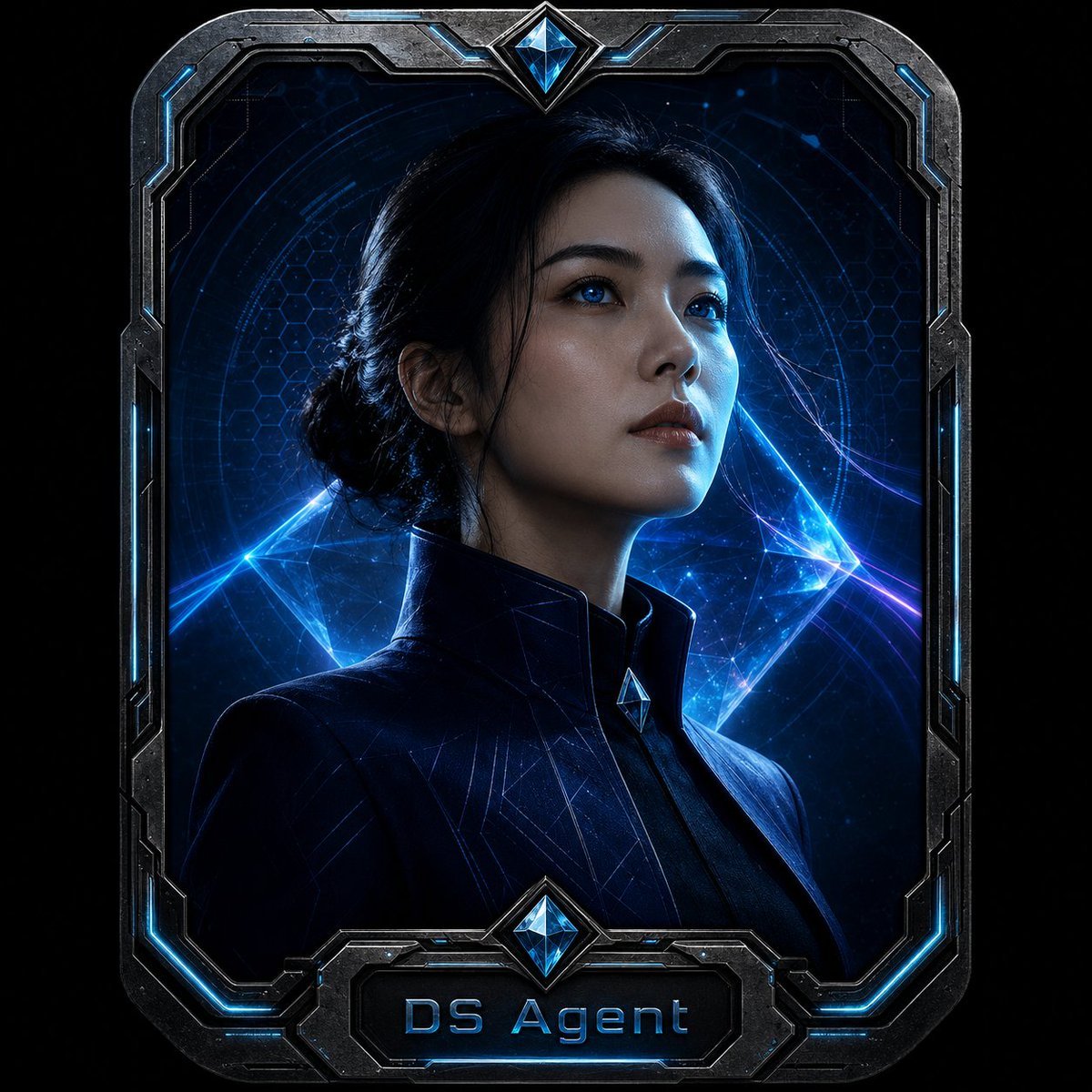
Cyberpunk Tech Aesthetic Badge Portrait
Make it yours
Censored Tech Conference Speaker works as-is. These are the safest ways to change it without losing the look.
Change one field
Copy a single group, rewrite it, and generate again so you can see what that field is doing.
Keep the frame, change the subject
Hold the composition and light of Censored Tech Conference Speaker, then swap wardrobe, props or the person for a new take.
| If the result… | Why | Fix |
|---|---|---|
| The result drifts from the preview | Too many fields changed at once. | Reuse Censored Tech Conference Speaker as-is first, then change one group — subject, light, or setting. |
| The model over-stylizes the scene | The prose prompt leaves finish and camera underspecified. | Add one camera or lighting sentence and stay on GPT Image 2. |
More GPT Image 2 templates
Other prompts made for GPT Image 2.

Six VTuber Japanese Logo Sheet

Realistic Portrait of Woman and Deer

The Vista Modular Condo Poster

AI Model Routing Comparison Infographic

2.5D Anime Art Board

Isometric Productivity Desk Scene

New York Double Exposure Poster

Four-Panel AI Landscape Comparison

Japanese Tatami Lifestyle Magazine Cover

NESCAFÉ Coffee Map Poster
More image prompts
Fresh picks from across the catalog.

Porsche 911 GT3 RS Motorsport Poster
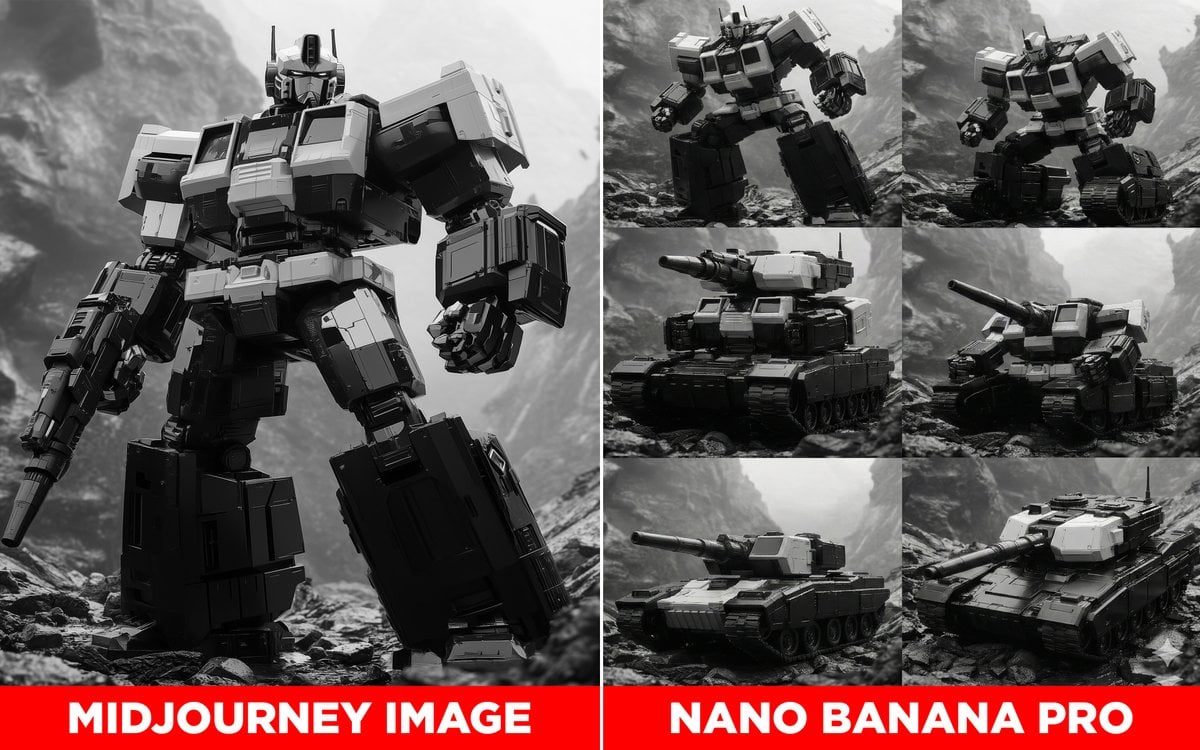
Transformer Robot to Tank Transition Prompt
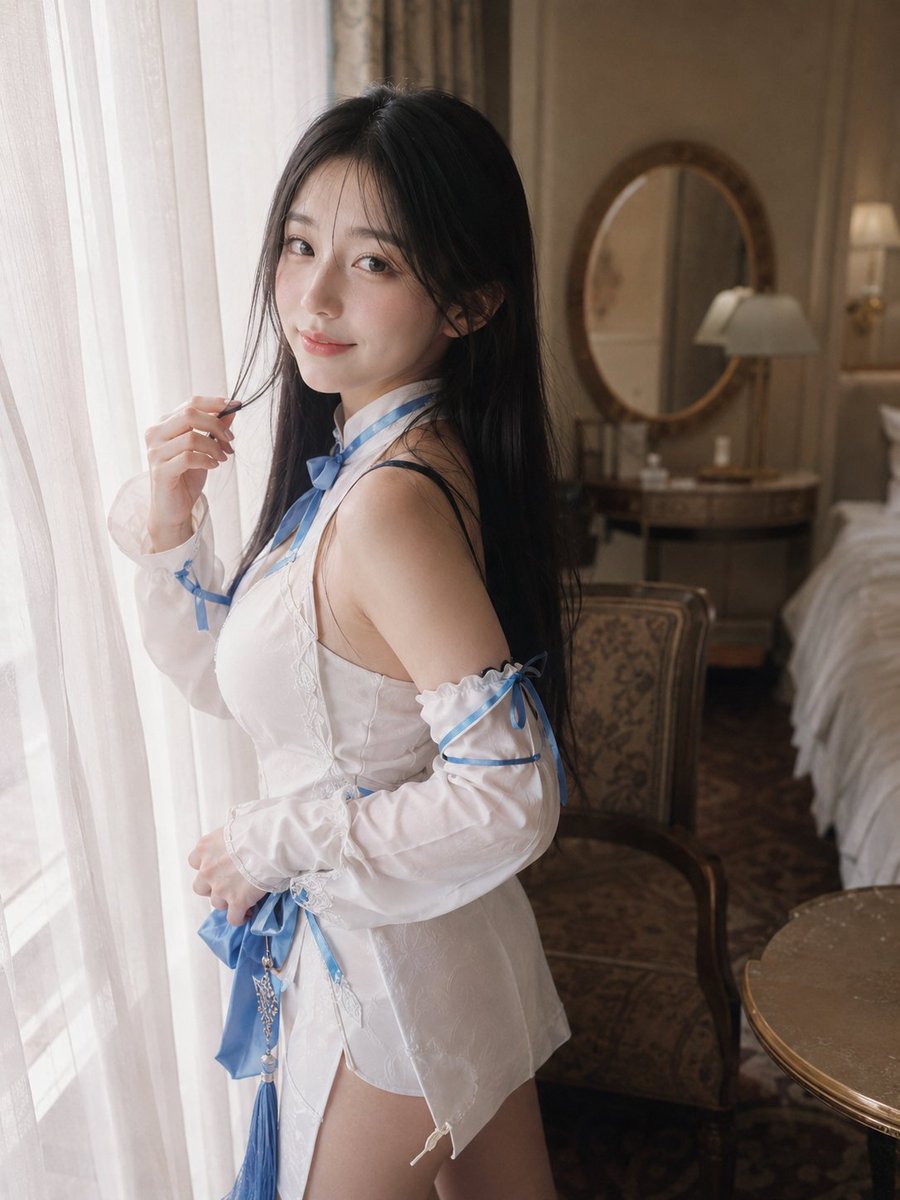
Morning Window Hotel Portrait
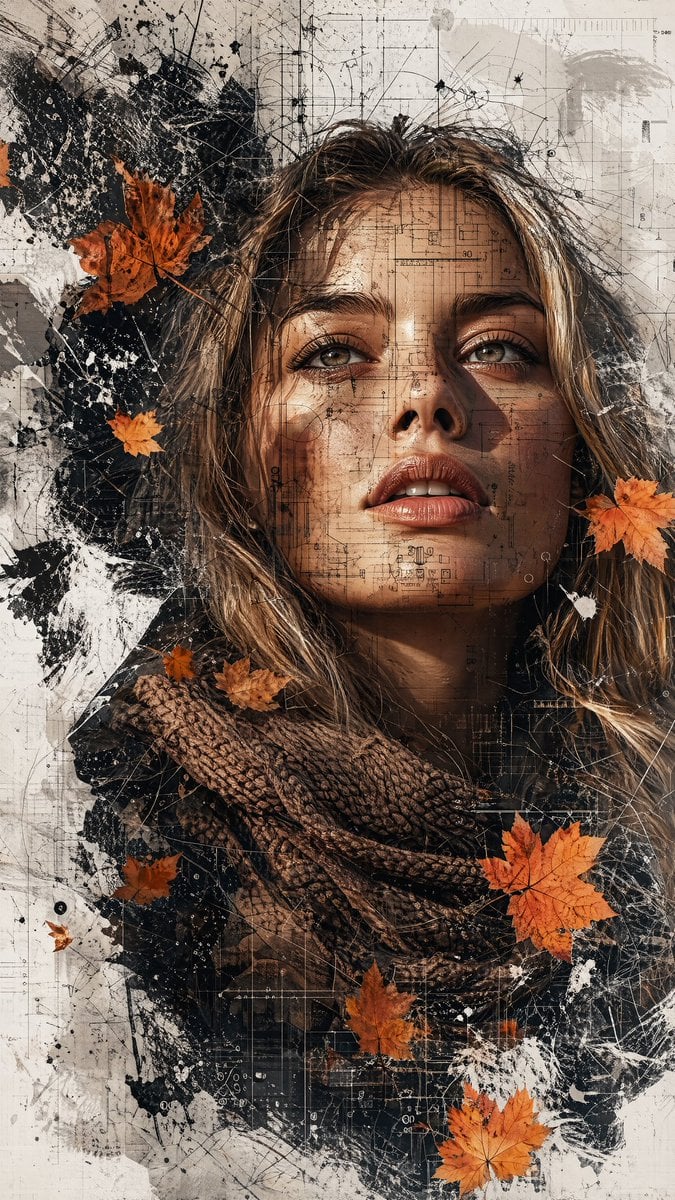
Deconstructed High-Fashion Collage Portrait
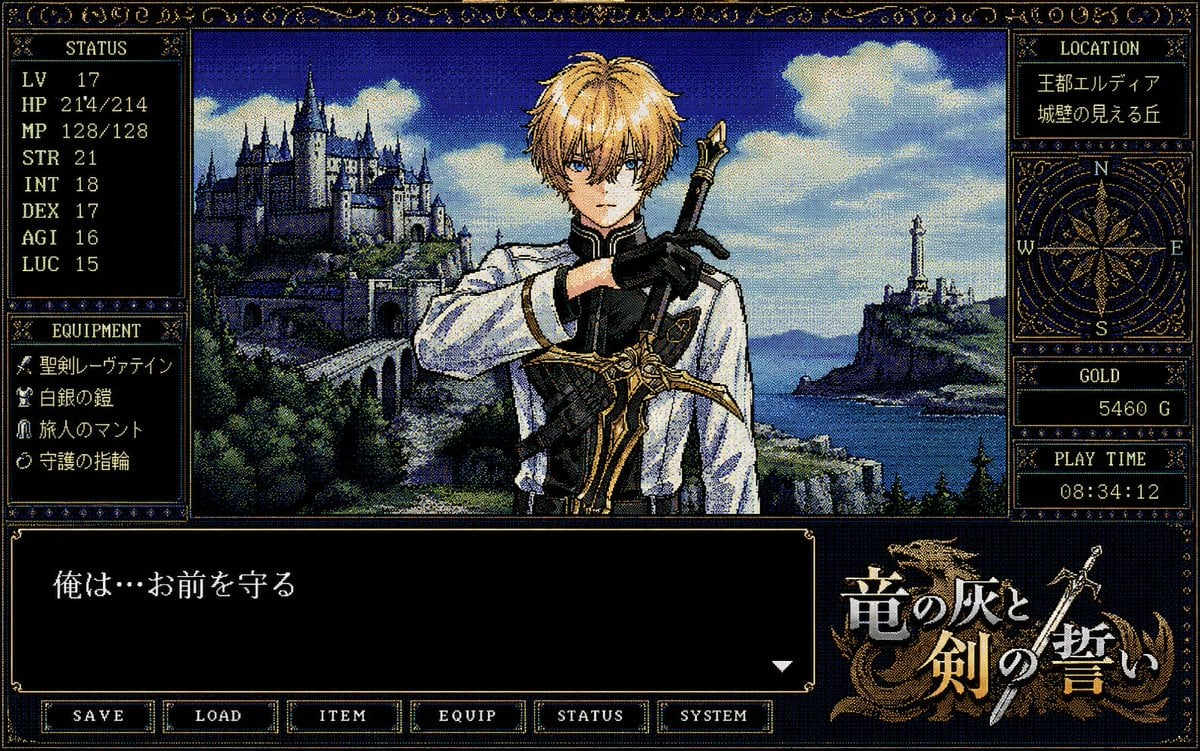
Retro PC-98 Fantasy RPG UI
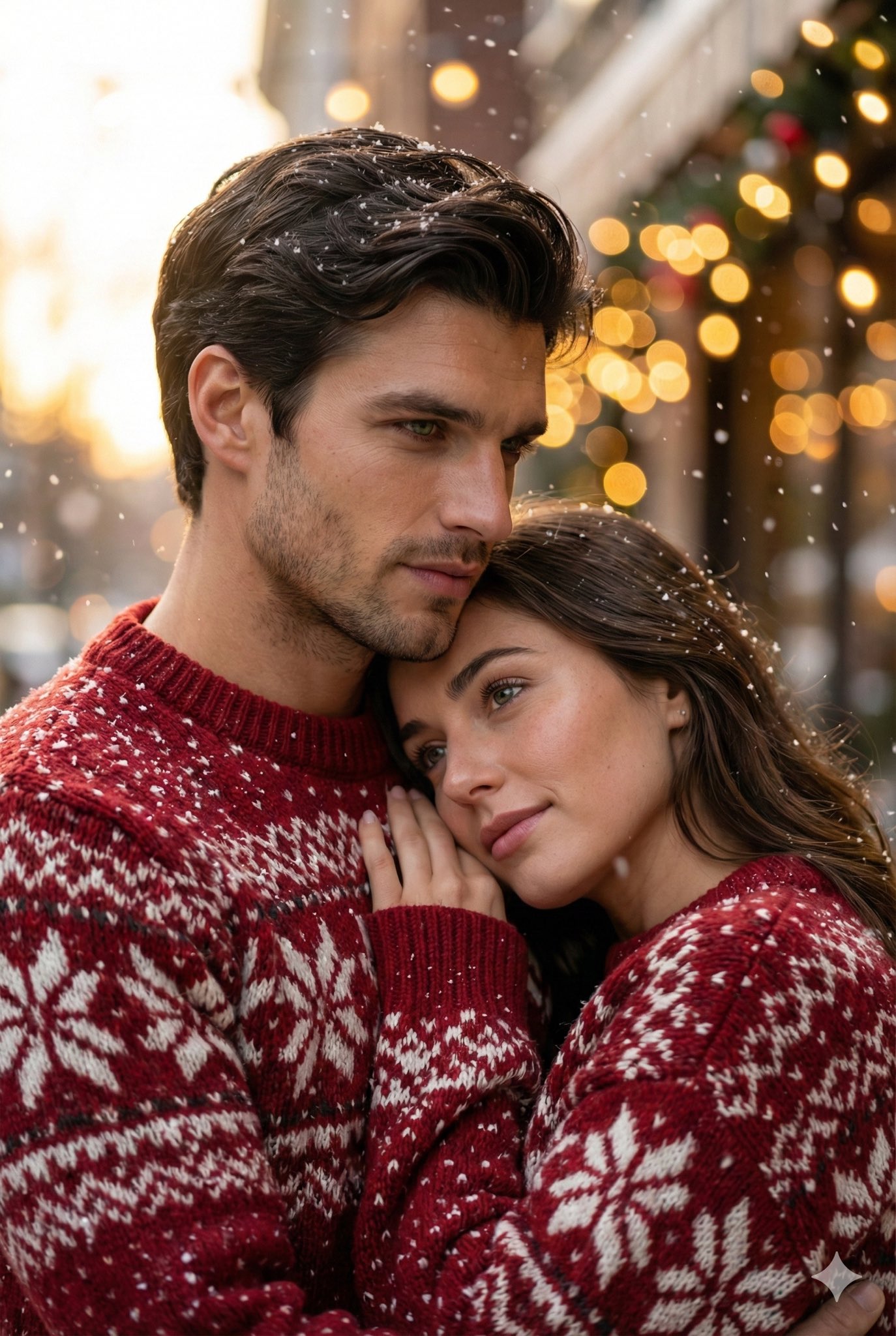
Cinematic Close Up Portrait By Google Na
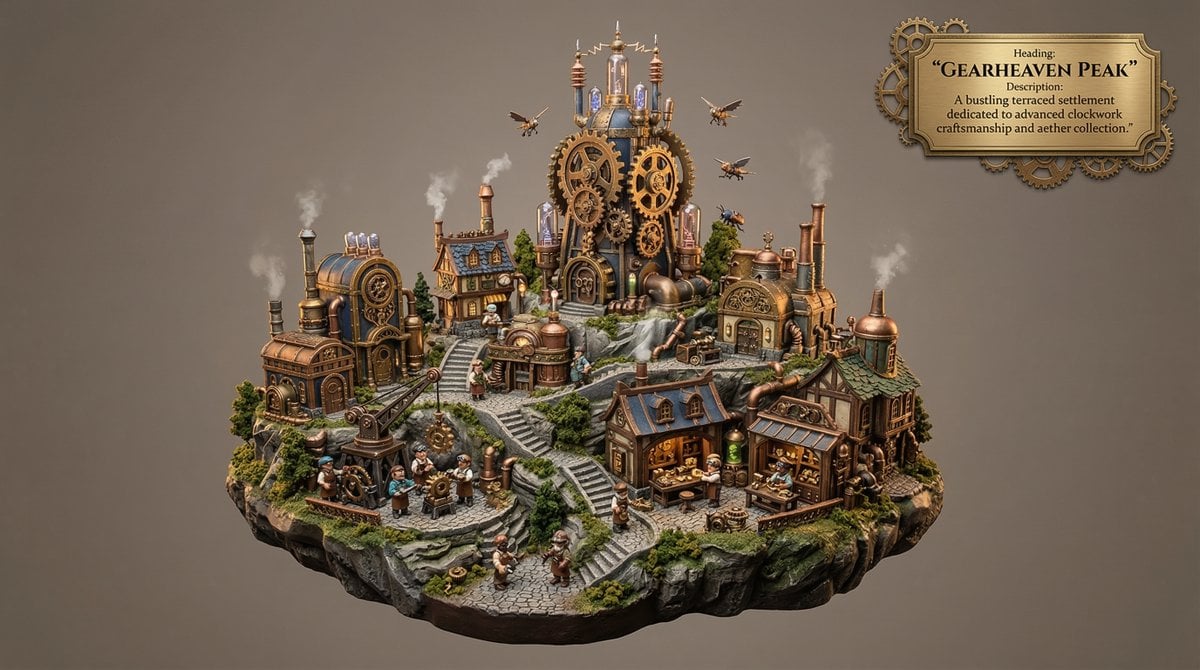
Whimsical Mono-Punk Floating Miniature Diorama Generator
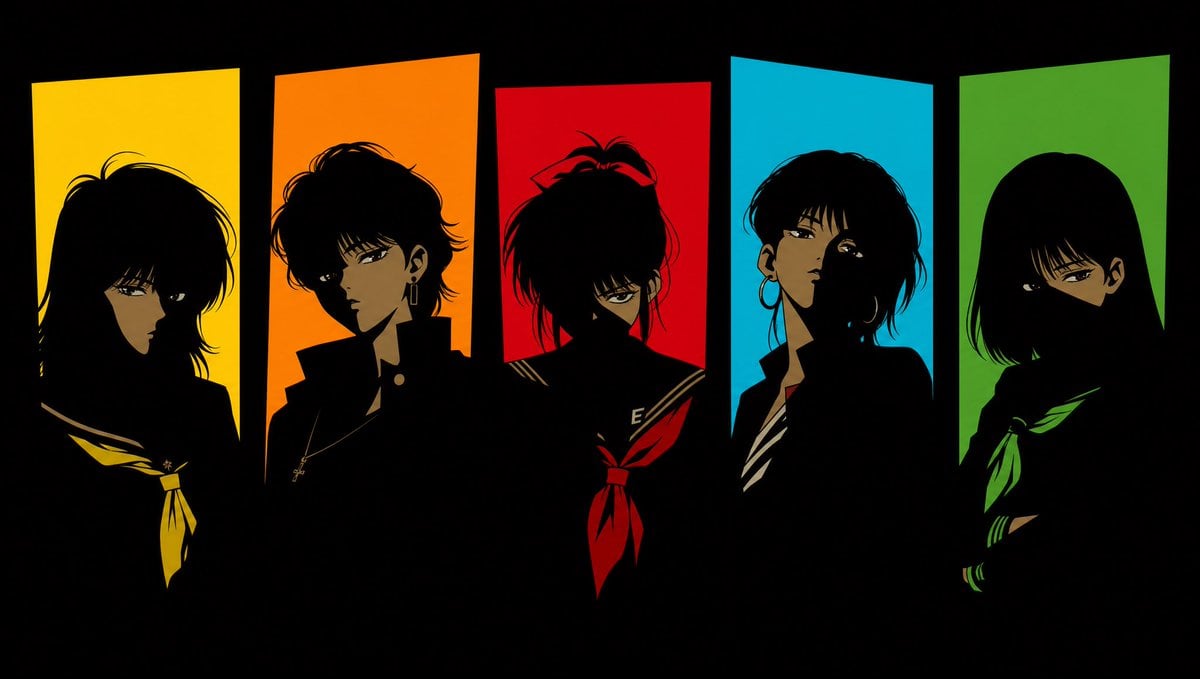
Five 1980s Delinquent Anime Girls
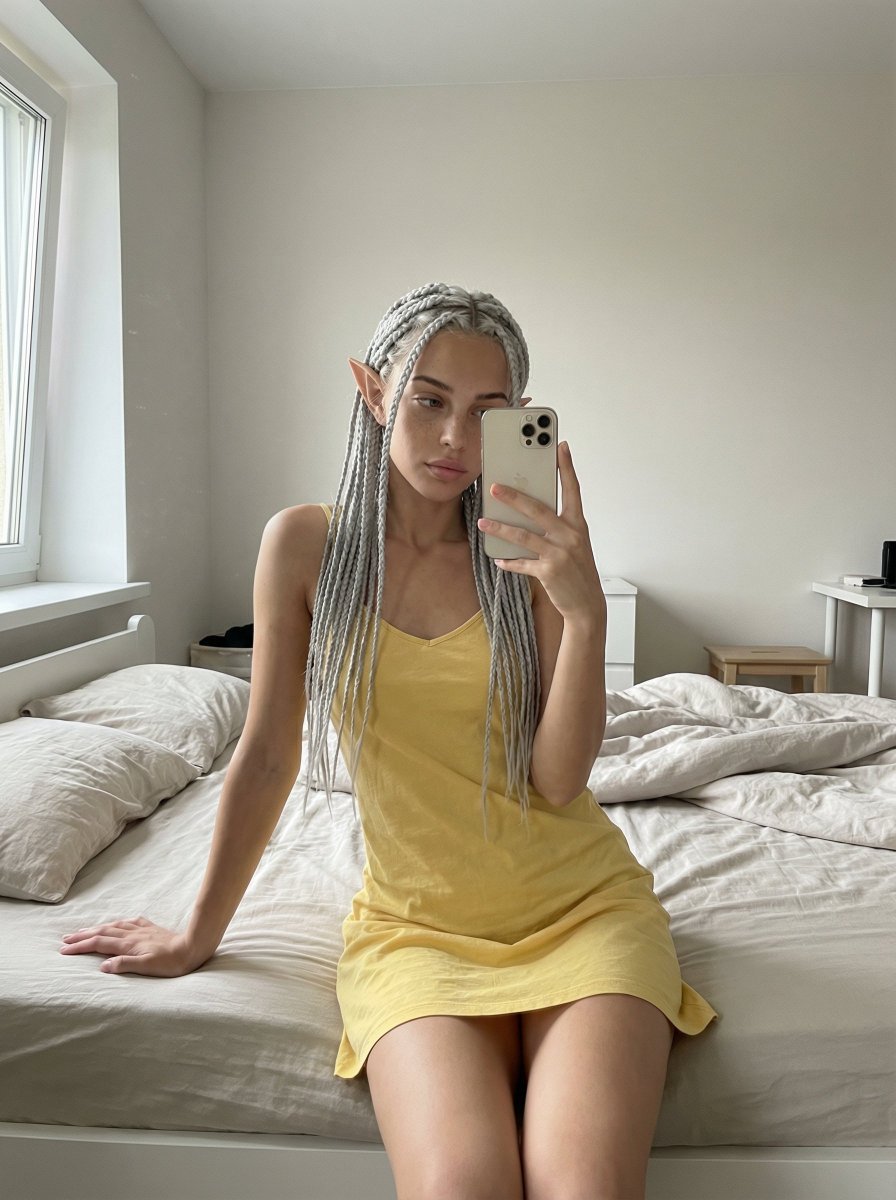
Unfiltered, Candid Bedroom Selfie Simulation
Magical Forest Creature Portrait Prompt (from ALT text)
Browse template categories
Censored Tech Conference Speaker questions
How do I use the Censored Tech Conference Speaker template?
Add your photo if the template asks for one, edit the prompt if you like — the template's model and format are already selected — and press Generate. Your version opens in PicX Studio.
Can I customize the Censored Tech Conference Speaker template?
Yes. You can change the subject, setting, lighting, mood, format, and available model controls before creating your image.
Is the Censored Tech Conference Speaker template free?
Opening and editing this template is free. Generating uses credits, shown on the Generate button when you are signed in.
Which AI model should I use?
Start with GPT Image 2, which is the model associated with this template. You can compare another compatible model for a different finish.
Looking for something else? Browse all templates.

Your photo, any look
Thousands of ready templates for every top image and video model, from one credit balance.