
Disposable Flash Night Candid
Generates a gritty, flash-lit nighttime candid photo with disposable-camera imperfections and anonymized subject framing.
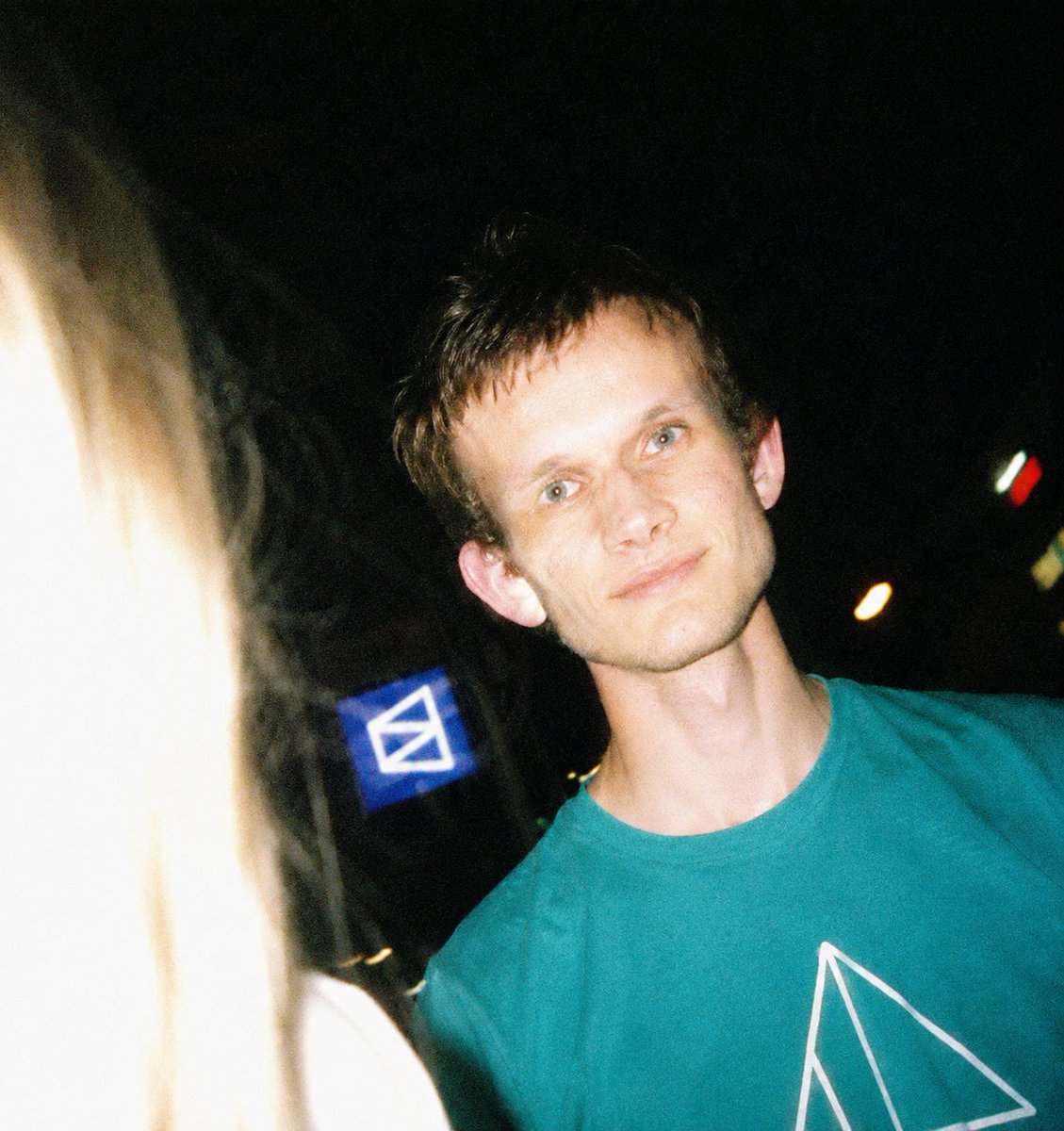
- Prompt included
- Model and format preset
- Free template
The prompt behind this image
Copy the exact prompt behind Disposable Flash Night Candid, or open it in the studio and make it yours.
Create a raw nighttime candid photo in a disposable-camera aesthetic, shot with harsh direct flash and tilted off-center framing. The scene shows {argument name="main subject" default="a young man"} very close to the camera on the right side, wearing {argument name="shirt color" default="a teal T-shirt with a white geometric line design"}; his neck and torso are brightly flash-lit while the background falls into deep black. Place a large square anonymizing blur over his face, matching skin tones, hiding all facial features. On the far left foreground, include the overexposed side of {argument name="foreground person" default="a blonde-haired person"}, blown out by the flash so their hair and shoulder become a bright white vertical shape intruding into the frame. Behind them, show a dark urban night setting with exactly 3 small visible light/sign elements: one blue square sign with a white envelope-like symbol near the center-left background, one small orange bokeh light to the right, and one tiny red-and-white distant light near the upper right. Use grainy 35mm film texture, imperfect focus, motion blur, unpredictable exposure, blown highlights, strong shadows, slight green/yellow color cast, and spontaneous unposed party-night energy. No polished studio lighting, no clean composition, no extra people, no readable text besides the simple sign symbol.
How to use Disposable Flash Night Candid in 3 steps
- 1Upload ImagePNG, JPG or paste
Add your photo
Upload the photo the template builds on. The prompt, model and format are already set.
- 2…a portrait of your subject in softgolden-hour light, 85mm…
Personalize
Edit the subject and creative details for your destination.
- 3Generate
Generate
Press Generate — your image is created in PicX Studio, so you can compare it with the original and refine one variable at a time.
More like this
Templates with the same subject, style or setup. Open one to see its prompt.

Nostalgic Digicam Café Afternoon Portrait

Night Sports Car Portrait — Cinematic Moody

Neon Night Crosswalk Candid Portrait
Neon Night Crosswalk Candid Portrait
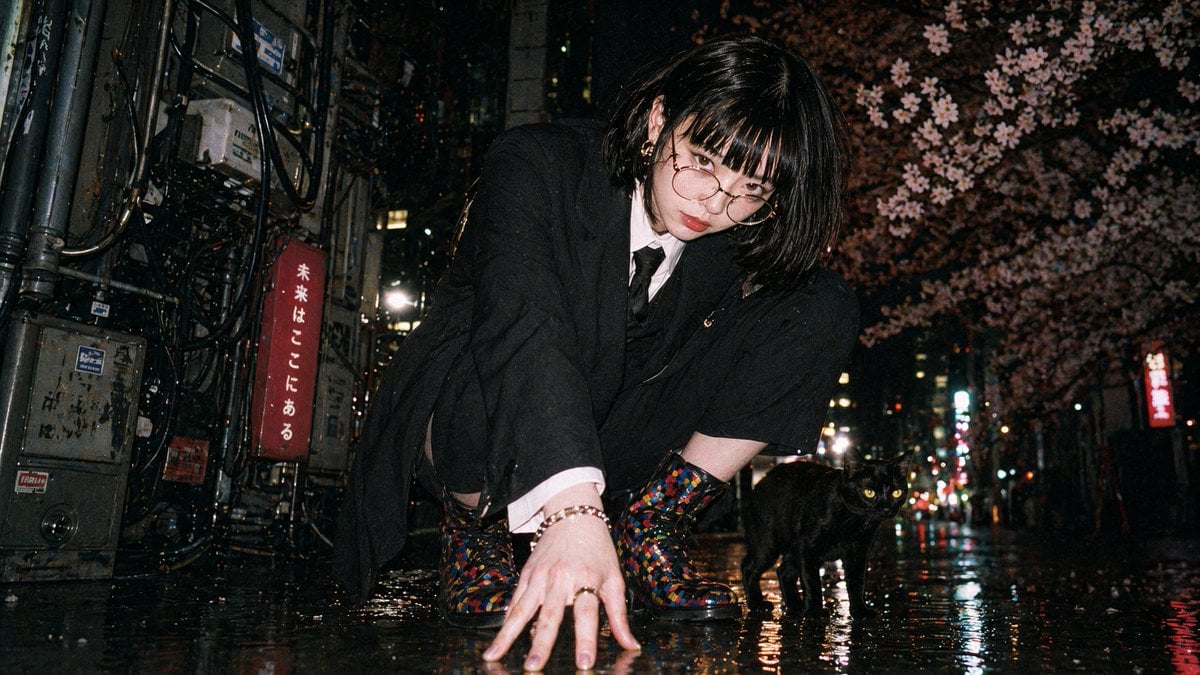
Disposable Flash Tokyo Night Portrait

Sunday Afternoon, 1988

Our Song was on a Cassette

The Date After College

80s College Gate

Teen Girl Alpine Lake Mountain View
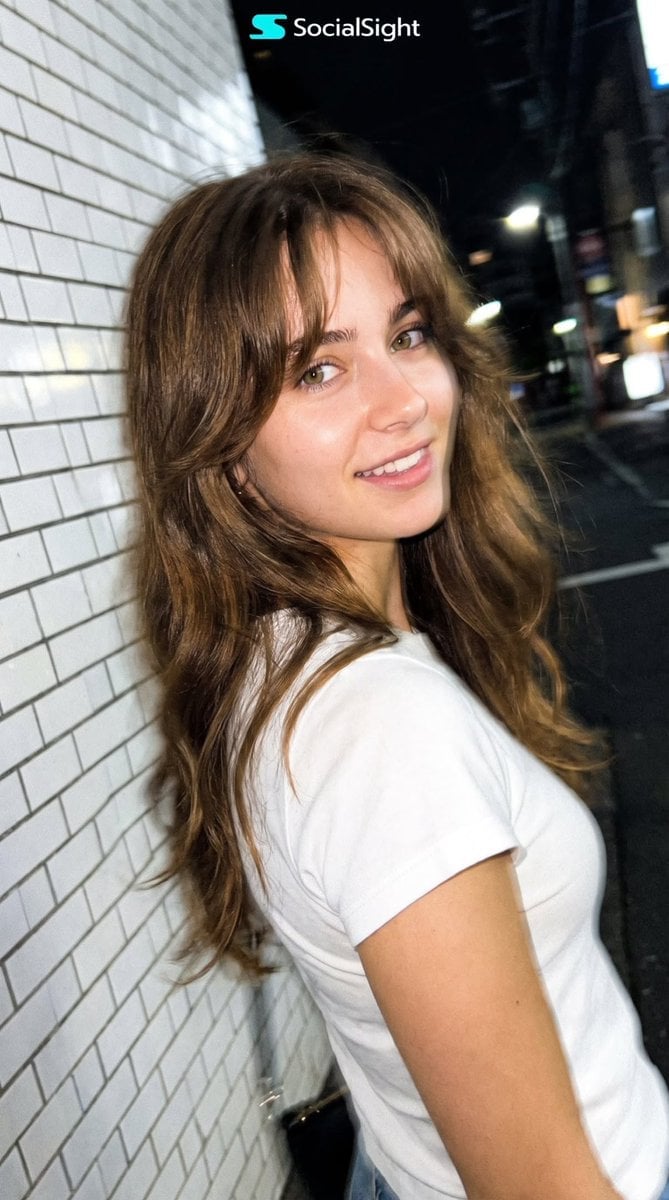
Candid Tokyo Night Smartphone Snapshot
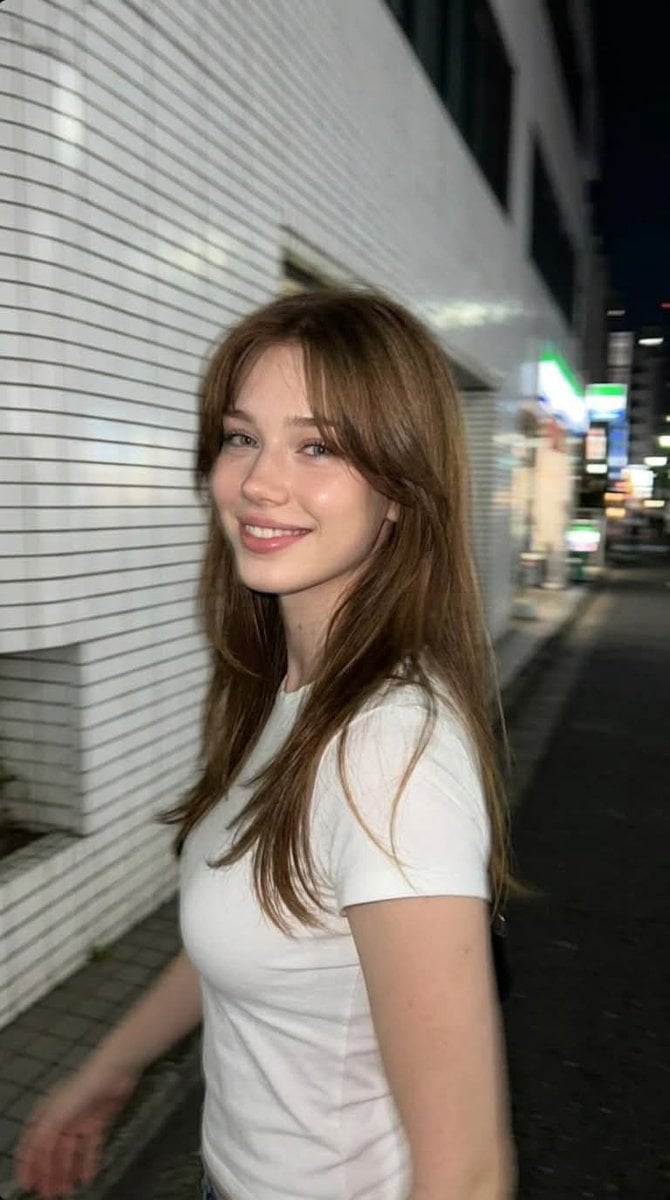
Candid Tokyo Smartphone Night Photo
Make it yours
Disposable Flash Night Candid works as-is. These are the safest ways to change it without losing the look.
Change one field
Copy a single group, rewrite it, and generate again so you can see what that field is doing.
Keep the frame, change the subject
Hold the composition and light of Disposable Flash Night Candid, then swap wardrobe, props or the person for a new take.
| If the result… | Why | Fix |
|---|---|---|
| The result drifts from the preview | Too many fields changed at once. | Reuse Disposable Flash Night Candid as-is first, then change one group — subject, light, or setting. |
| The model over-stylizes the scene | The prose prompt leaves finish and camera underspecified. | Add one camera or lighting sentence and stay on GPT Image 2. |
More GPT Image 2 templates
Other prompts made for GPT Image 2.

Six VTuber Japanese Logo Sheet

Realistic Portrait of Woman and Deer

The Vista Modular Condo Poster

AI Model Routing Comparison Infographic

2.5D Anime Art Board

Isometric Productivity Desk Scene

New York Double Exposure Poster

Four-Panel AI Landscape Comparison

Japanese Tatami Lifestyle Magazine Cover

NESCAFÉ Coffee Map Poster
More image prompts
Fresh picks from across the catalog.
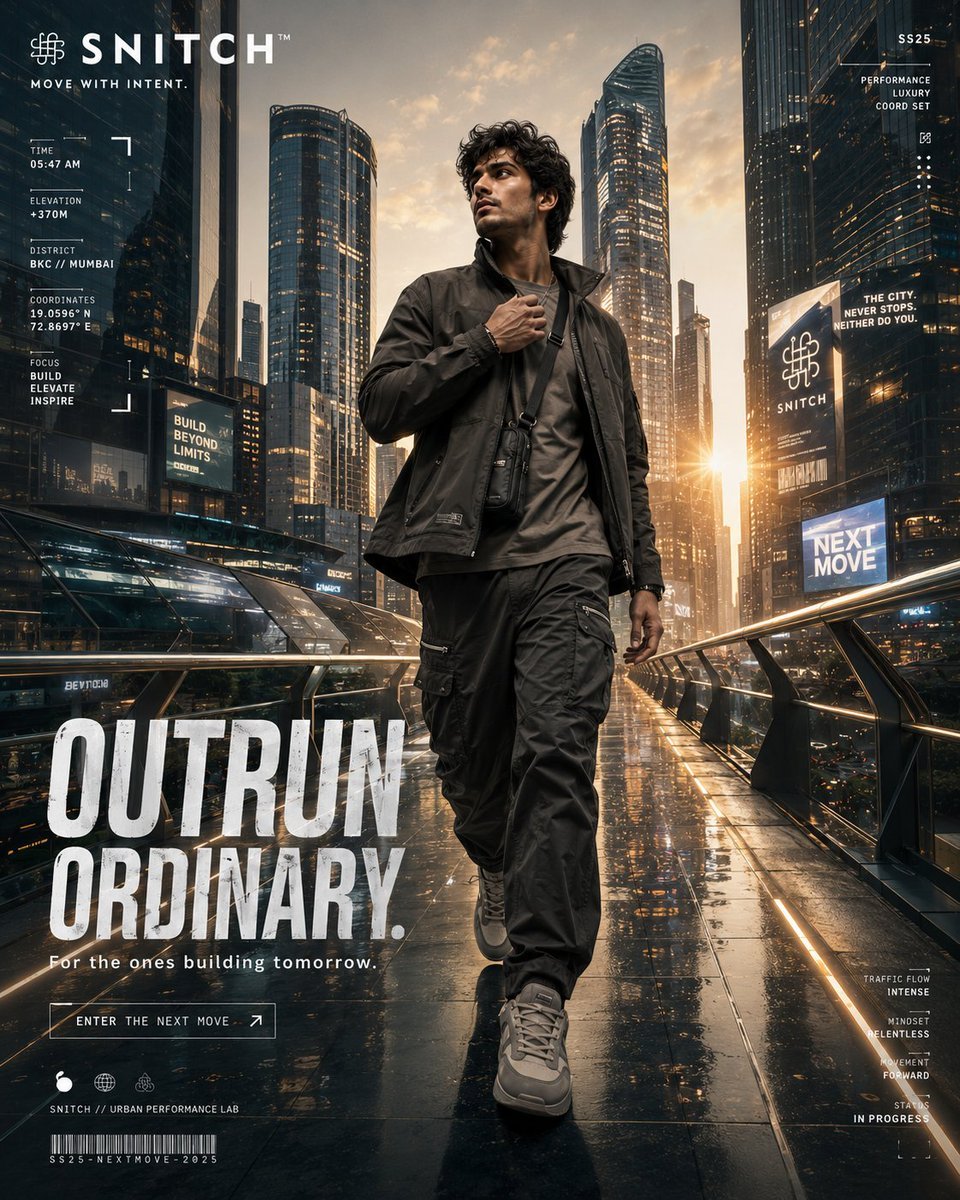
Futuristic Urban Performance Poster
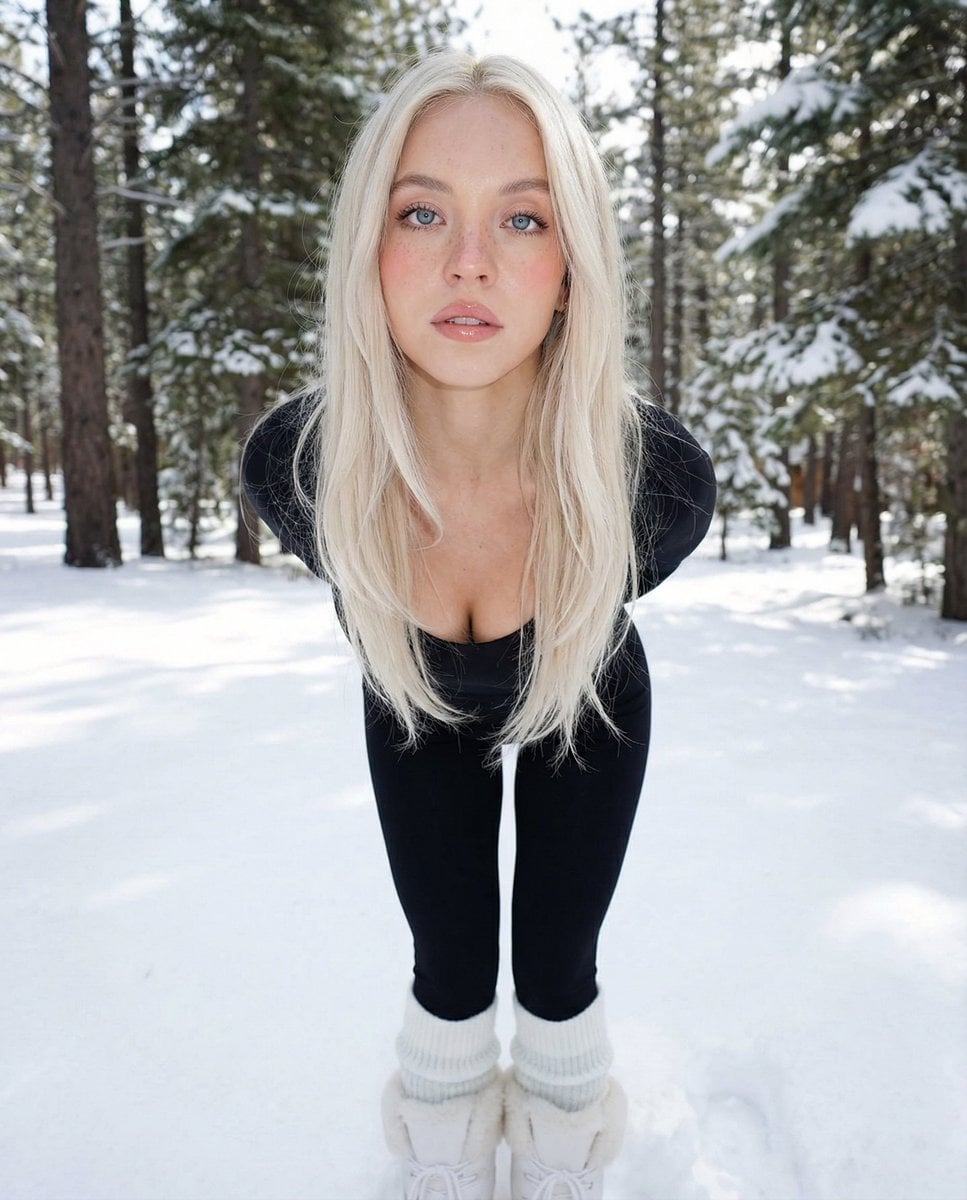
Minimalist Winter Fashion Portrait Prompt
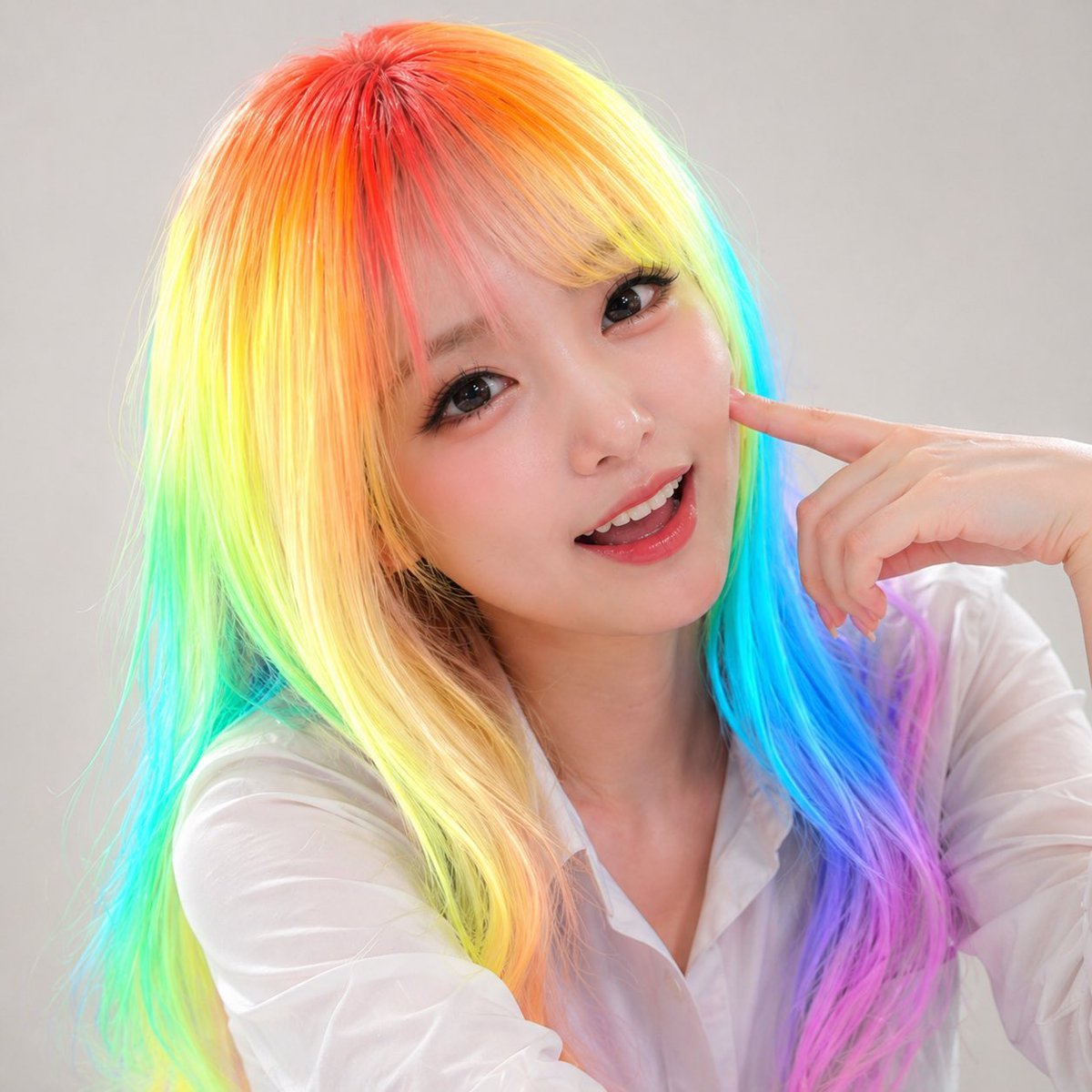
Panel Studio Promo Portrait Grid
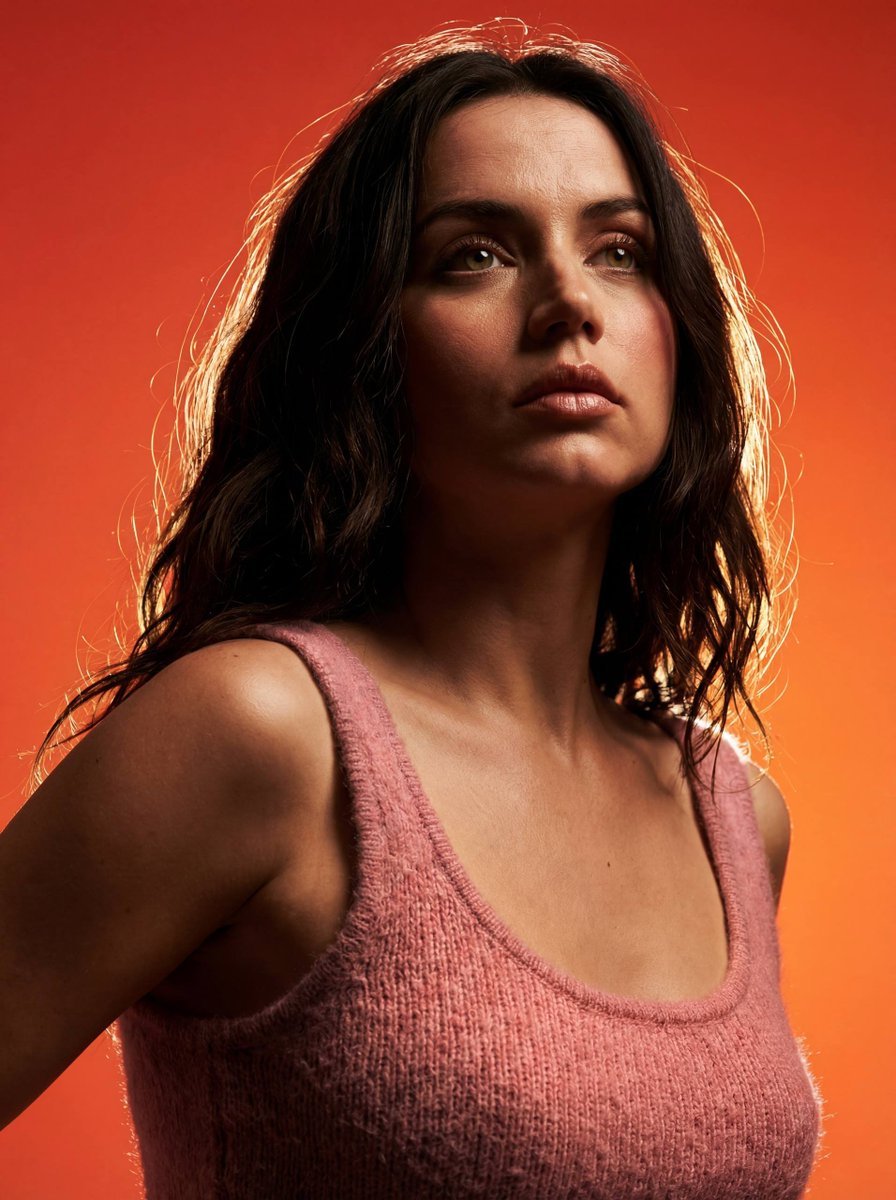
Heroic Dramatic Studio Portrait Prompt
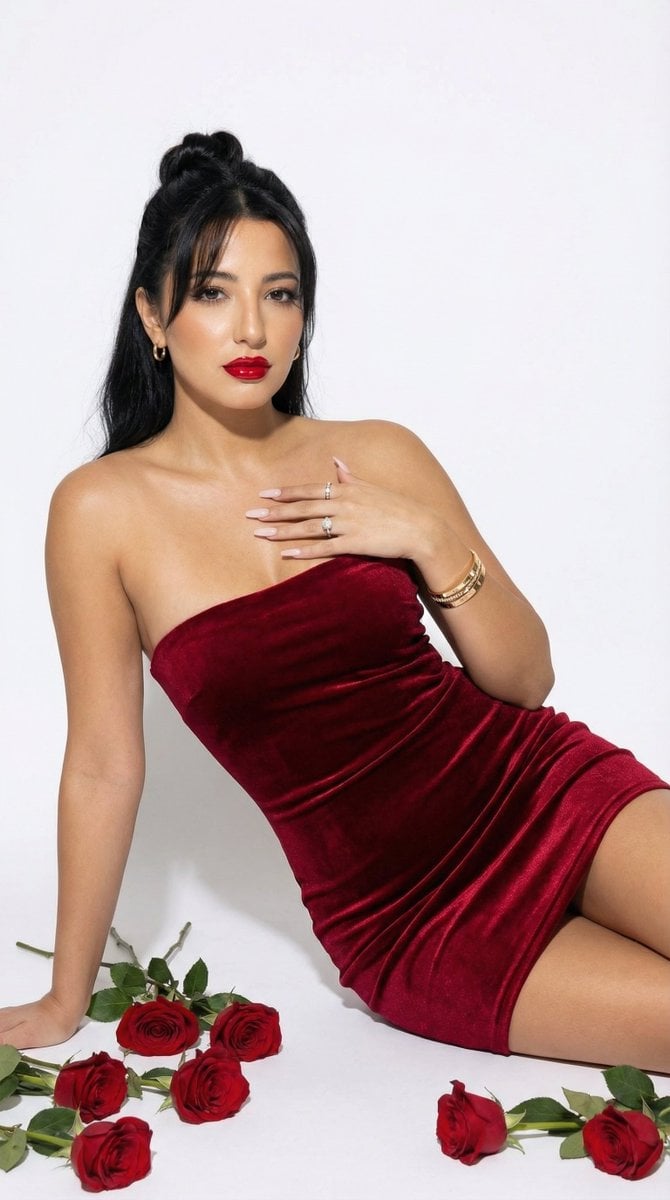
Red Velvet High-Fashion Editorial Portrait
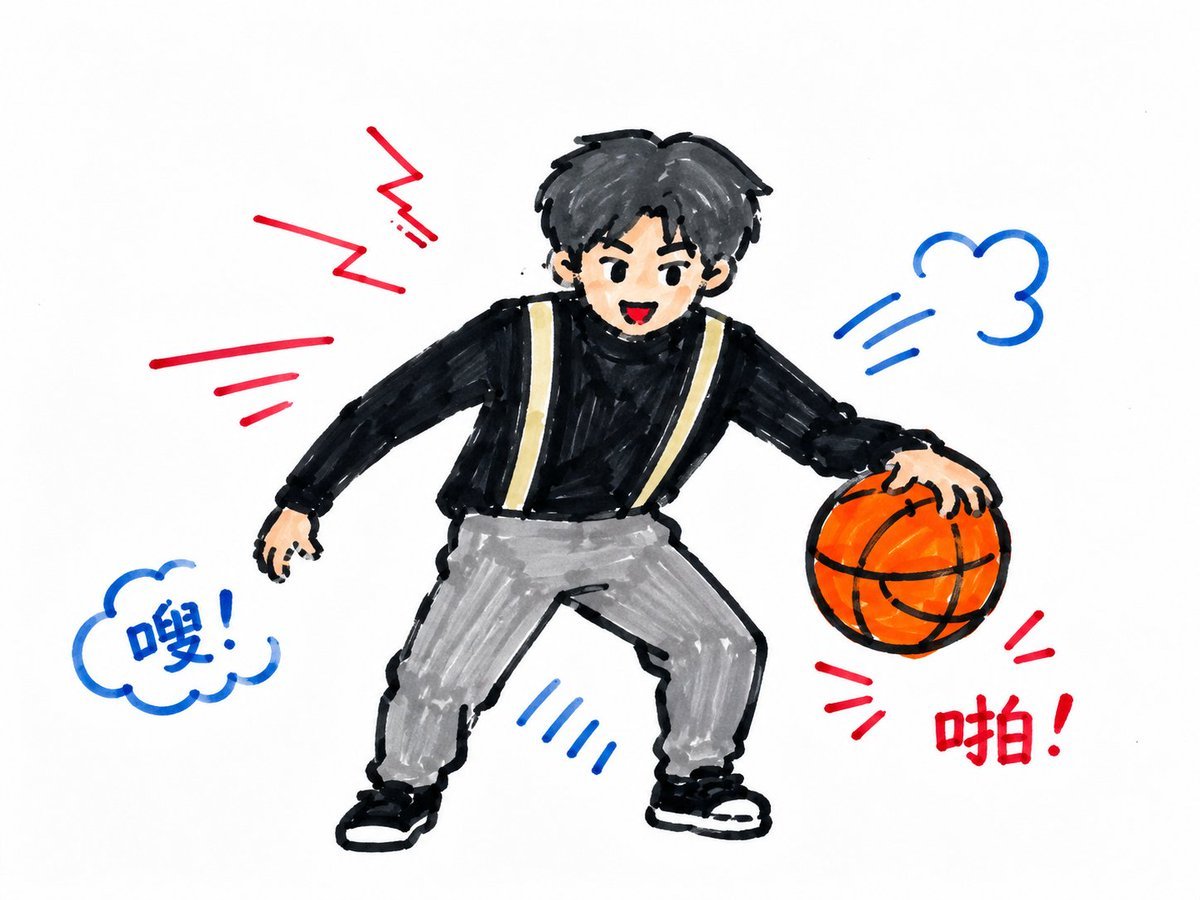
Children's Marker Drawing Style Transfer

Skincare Product Splash Photography
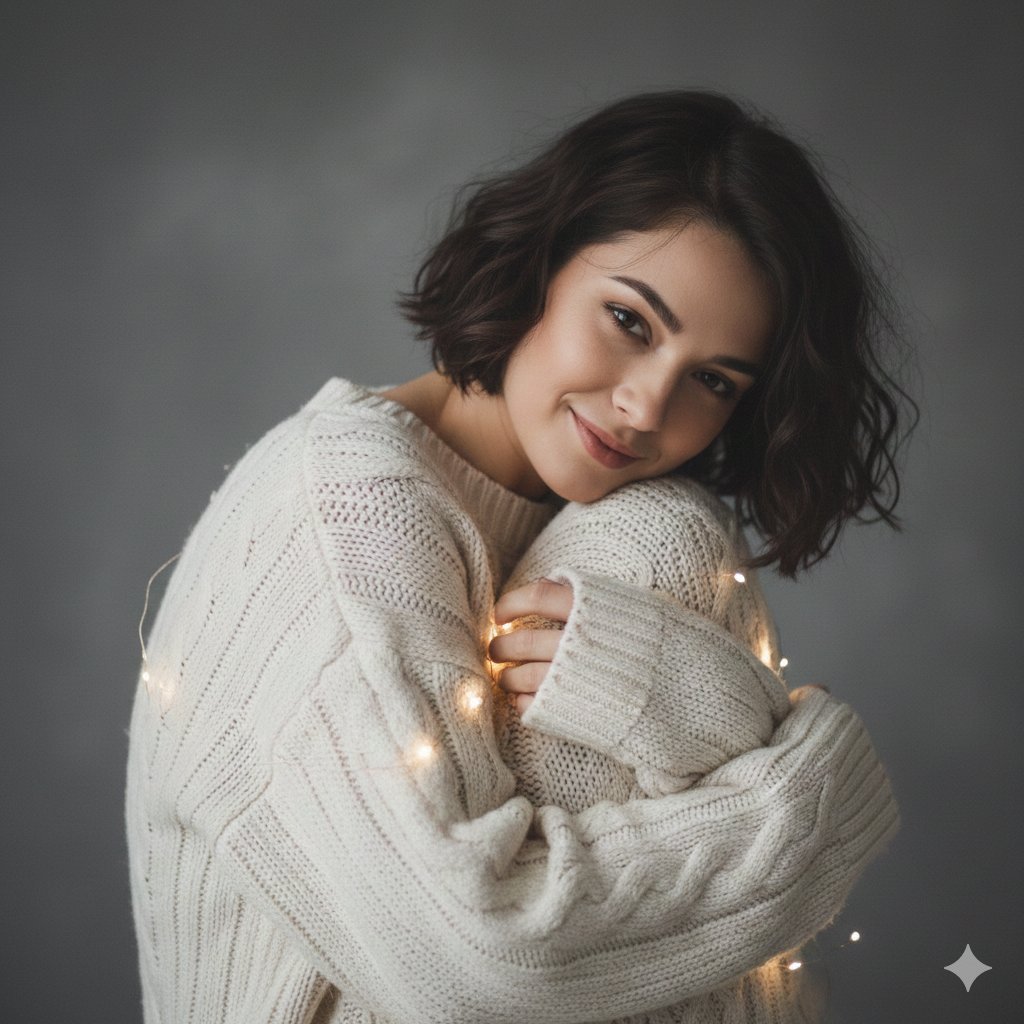
Intimate Studio Portrait with Fairy Lights Prompt
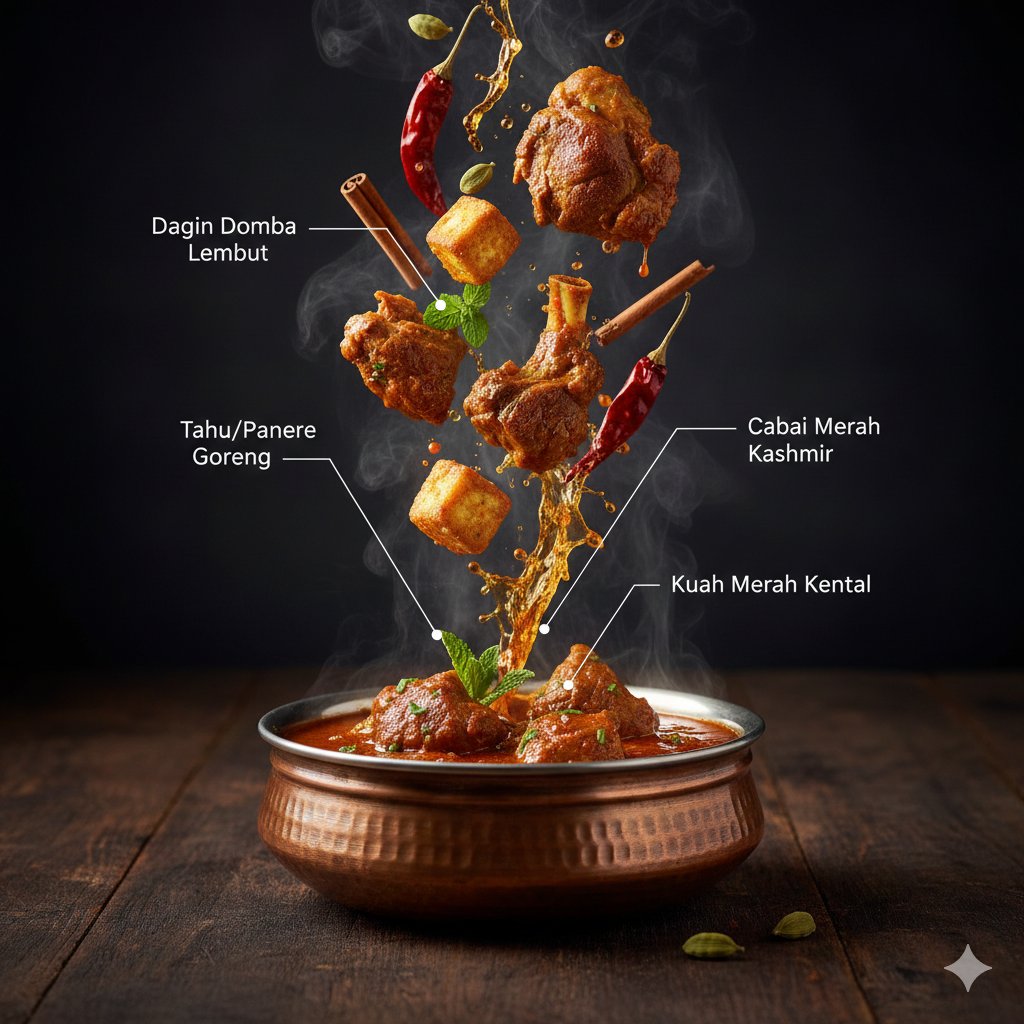
Hyper-Realistic Kashmiri Wazwan Infographic Prompt
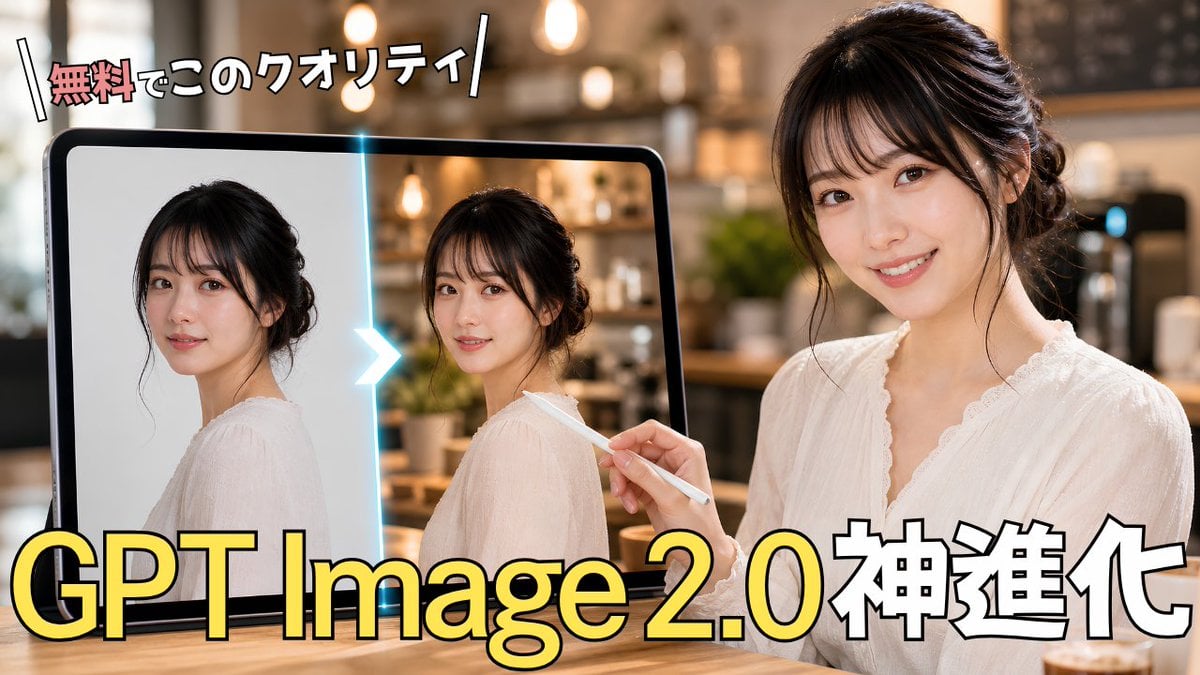
GPT Image 2.0 Japanese Thumbnail
Browse template categories
Disposable Flash Night Candid questions
How do I use the Disposable Flash Night Candid template?
Add your photo if the template asks for one, edit the prompt if you like — the template's model and format are already selected — and press Generate. Your version opens in PicX Studio.
Can I customize the Disposable Flash Night Candid template?
Yes. You can change the subject, setting, lighting, mood, format, and available model controls before creating your image.
Is the Disposable Flash Night Candid template free?
Opening and editing this template is free. Generating uses credits, shown on the Generate button when you are signed in.
Which AI model should I use?
Start with GPT Image 2, which is the model associated with this template. You can compare another compatible model for a different finish.
Looking for something else? Browse all templates.

Your photo, any look
Thousands of ready templates for every top image and video model, from one credit balance.