
Sammy Chibi Sprite Sheet
Generates a clean white-background chibi game character sprite sheet with dozens of poses for animation or mascot design.
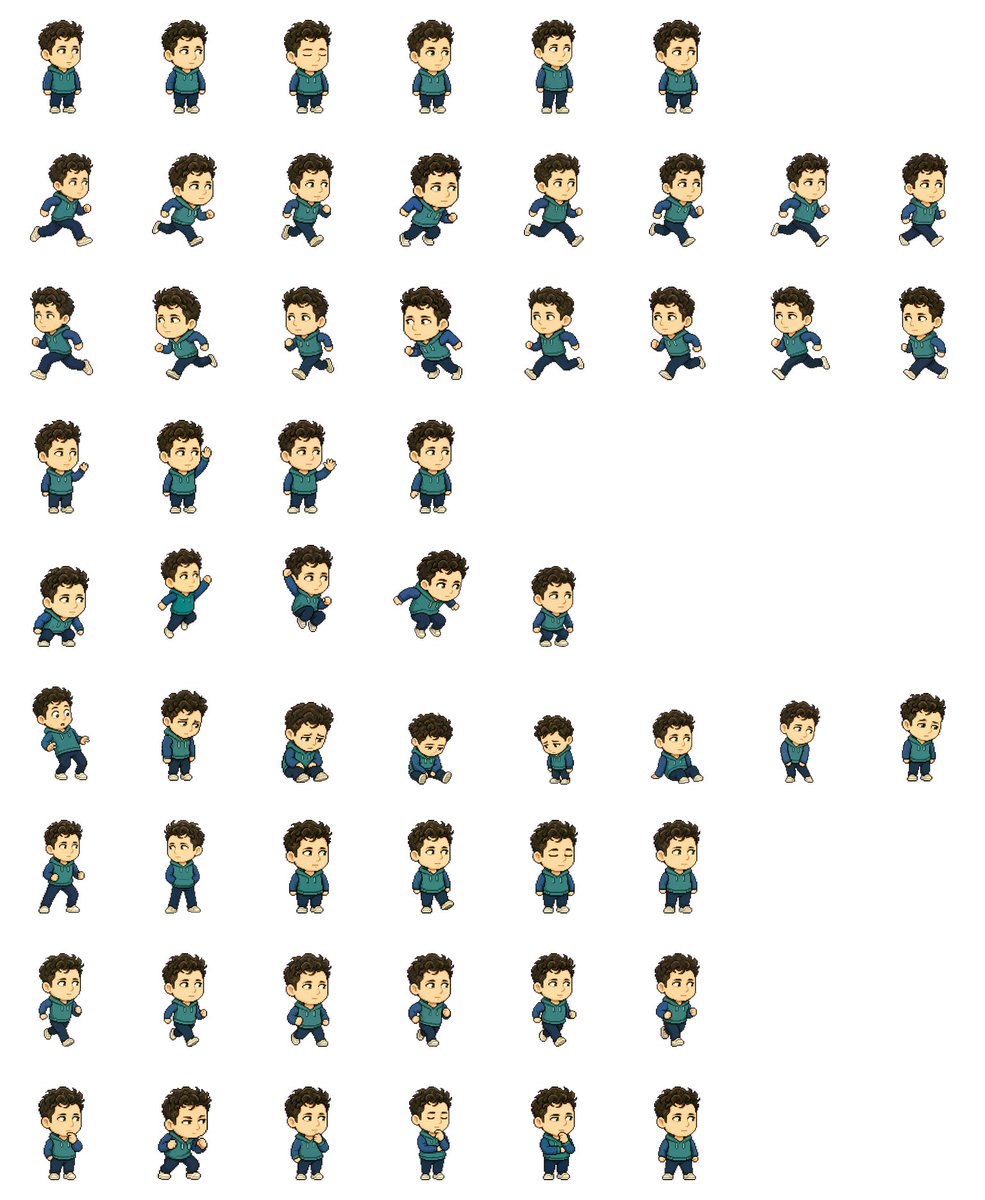
- Prompt included
- Model and format preset
- Free template
The prompt behind this image
Copy the exact prompt behind Sammy Chibi Sprite Sheet, or open it in the studio and make it yours.
- Type
- 2D chibi character animation sprite sheet
- Subject › Character Name
- {argument name="character name" default="Sammy"}
- Subject › Style
- cute game mascot, small chibi proportions, thick soft outline, slight cel shading, clean sticker-like rendering
- Subject › Face
- mostly featureless smooth beige square face with subtle gradient, one tiny expressive face visible on a small sprite near the center-right
- Subject › Hair
- {argument name="hair style" default="dark brown short curly tousled hair"}
- Subject › Skin
- light warm beige
- Subject › Outfit › Top
- {argument name="hoodie color" default="teal hoodie with dark blue sleeves and small front pocket"}
- Subject › Outfit › Bottom
- dark navy pants or shorts depending on pose
- Subject › Outfit › Shoes
- cream sneakers with dark soles
- Canvas › Background
- plain white
- Canvas › Composition
- large sprite sheet with many separated poses arranged in loose rows, no grid lines, no labels, lots of whitespace
- Canvas › View
- mostly front and three-quarter views, small full-body sprites
- Canvas › Total Sprites
- 57
- Layout › Row Count
- 9
- Layout › Rows › 0 › Row
- 1
- Layout › Rows › 0 › Count
- 6
- Layout › Rows › 0 › Descriptions
- front idle standing, front idle standing duplicate, front idle standing duplicate, front idle standing duplicate, front idle standing duplicate, front idle standing duplicate
- Layout › Rows › 1 › Row
- 2
- Layout › Rows › 1 › Count
- 8
- Layout › Rows › 1 › Descriptions
- running left-to-right stride 1, running left-to-right stride 2, running left-to-right stride 3, running left-to-right stride 4, running left-to-right stride 5, running left-to-right stride 6, running left-to-right stride 7, running left-to-right stride 8
- Layout › Rows › 2 › Row
- 3
- Layout › Rows › 2 › Count
- 8
- Layout › Rows › 2 › Descriptions
- running cycle alternate stride 1, running cycle alternate stride 2, running cycle alternate stride 3, running cycle alternate stride 4, running cycle alternate stride 5, running cycle alternate stride 6, running cycle alternate stride 7, running cycle alternate stride 8
- Layout › Rows › 3 › Row
- 4
Raw JSON
{"type":"2D chibi character animation sprite sheet","subject":{"character name":"{argument name=\"character name\" default=\"Sammy\"}","style":"cute game mascot, small chibi proportions, thick soft outline, slight cel shading, clean sticker-like rendering","face":"mostly featureless smooth beige square face with subtle gradient, one tiny expressive face visible on a small sprite near the center-right","hair":"{argument name=\"hair style\" default=\"dark brown short curly tousled hair\"}","skin":"light warm beige","outfit":{"top":"{argument name=\"hoodie color\" default=\"teal hoodie with dark blue sleeves and small front pocket\"}","bottom":"dark navy pants or shorts depending on pose","shoes":"cream sneakers with dark soles"}},"canvas":{"background":"plain white","composition":"large sprite sheet with many separated poses arranged in loose rows, no grid lines, no labels, lots of whitespace","view":"mostly front and three-quarter views, small full-body sprites","total sprites":57},"layout":{"row count":9,"rows":[{"row":1,"count":6,"descriptions":["front idle standing","front idle standing duplicate","front idle standing duplicate","front idle standing duplicate","front idle standing duplicate","front idle standing duplicate"]},{"row":2,"count":8,"descriptions":["running left-to-right stride 1","running left-to-right stride 2","running left-to-right stride 3","running left-to-right stride 4","running left-to-right stride 5","running left-to-right stride 6","running left-to-right stride 7","running left-to-right stride 8"]},{"row":3,"count":8,"descriptions":["running cycle alternate stride 1","running cycle alternate stride 2","running cycle alternate stride 3","running cycle alternate stride 4","running cycle alternate stride 5","running cycle alternate stride 6","running cycle alternate stride 7","running cycle alternate stride 8"]},{"row":4,"count":4,"descriptions":["standing with right fist raised","standing with both arms raised","standing waving with one hand","standing small celebratory pose"]},{"row":5,"count":5,"descriptions":["crouching low","jumping upward with arm raised","tumbling or falling backward","rolling or curled midair","small front standing idle"]},{"row":6,"count":8,"descriptions":["walking or jogging pose","straight front standing","cross-legged sitting","crawling on hands and knees","tiny smiling front-facing character with visible eyebrows and closed smile","kneeling or sitting side pose","tall neutral front pose","front standing with arms relaxed"]},{"row":7,"count":6,"descriptions":["wide confident stance","front idle with hands at sides","front idle relaxed","front idle slight variation","front idle slight variation","front idle slight variation"]},{"row":8,"count":6,"descriptions":["walking stride with one knee lifted","walking stride alternate","running stance with arms forward","walking stride alternate","walking stride alternate","walking stride alternate"]},{"row":9,"count":6,"descriptions":["front idle standing","side-stepping or crouched motion","front idle standing","standing holding or hugging small object near chest","standing holding small object alternate","front idle standing"]}]},"rendering instructions":"Create a polished sprite-sheet concept image for a game character named {argument name=\"character name\" default=\"Sammy\"}. Use a white background and arrange exactly 57 small chibi sprites in 9 loose rows with the counts 6, 8, 8, 4, 5, 8, 6, 6, and 6. Keep all sprites consistent in design: dark curly hair, teal hoodie with blue sleeves, navy bottoms, cream shoes, oversized beige featureless face, rounded body, soft shadows, and clean cartoon linework. Include running, walking, idle, waving, cheering, jumping, crouching, tumbling, sitting, crawling, kneeling, and object-holding poses, with one tiny central sprite showing a simple cute smiling face. No text, no labels, no grid, no background scenery."}How to use Sammy Chibi Sprite Sheet in 3 steps
- 1Upload ImagePNG, JPG or paste
Add your photo
Upload the photo the template builds on. The prompt, model and format are already set.
- 2…a portrait of your subject in softgolden-hour light, 85mm…
Personalize
Edit the subject and creative details for your destination.
- 3Generate
Generate
Press Generate — your image is created in PicX Studio, so you can compare it with the original and refine one variable at a time.
More like this
Templates with the same subject, style or setup. Open one to see its prompt.
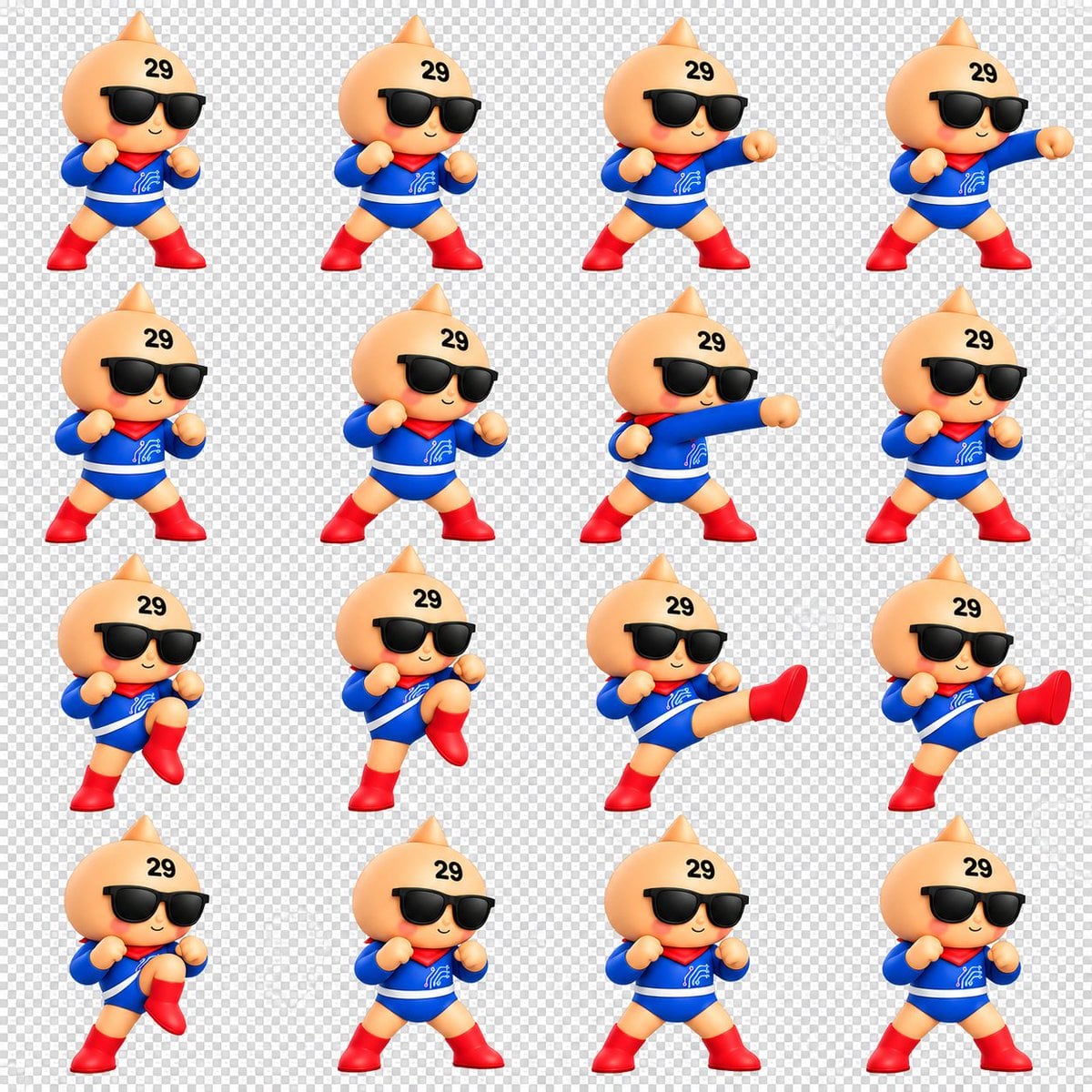
Chibi Mascot Fighting Sprite Sheet
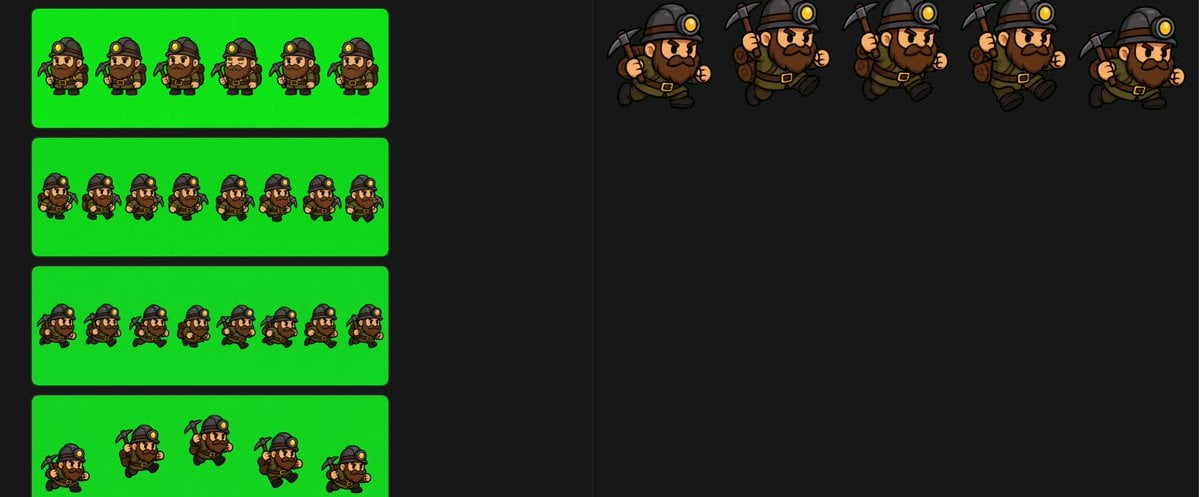
Chibi Miner Game Sprite Sheet
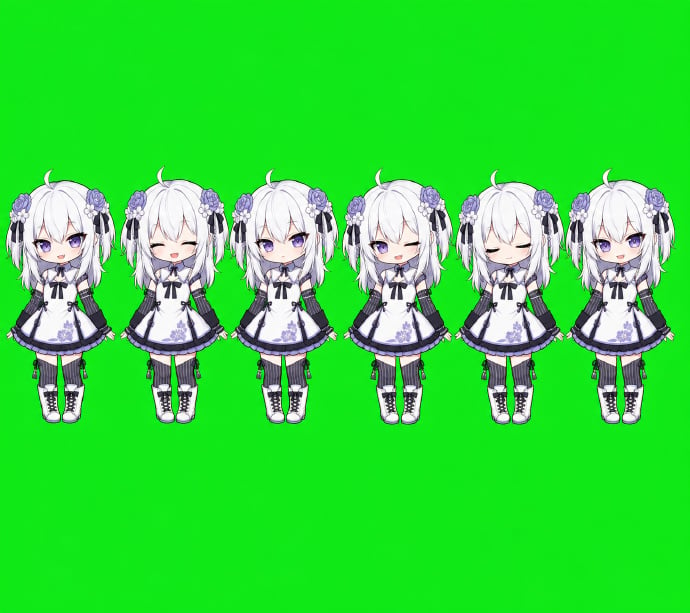
Chibi Desktop Pet Sprite Sheet
3D Chibi Sprite Sheet Generator
Cute Layered Paper Cut Chibi Girl

Pixar-Style Chibi Café Morning Scene
Dancer Character - Four View Reference Sheet
Movement Sheet - Dance Reference (Seedance 2.0)
Nano Banana Pro Pink Office Chibi

Character Battle Motion Sprite Sheet
Cartoon Character GIF Sprite Sheet
Chibi Anime Ninja Sticker Sheet
Make it yours
Sammy Chibi Sprite Sheet works as-is. These are the safest ways to change it without losing the look.
Swap the setting
Keep the rest of the prompt and replace the location block. The current setting is “plain white”.
Change one field
Copy a single group, rewrite it, and generate again so you can see what that field is doing.
Keep the frame, change the subject
Hold the composition and light of Sammy Chibi Sprite Sheet, then swap wardrobe, props or the person for a new take.
| If the result… | Why | Fix |
|---|---|---|
| The result drifts from the preview | Too many fields changed at once. | Reuse Sammy Chibi Sprite Sheet as-is first, then change one group — subject, light, or setting. |
| GPT Image 2 ignores part of the JSON | Some models flatten or skip nested keys. | Keep the same values and paste them as a short paragraph instead. |
More GPT Image 2 templates
Other prompts made for GPT Image 2.

Six VTuber Japanese Logo Sheet

Realistic Portrait of Woman and Deer

The Vista Modular Condo Poster

AI Model Routing Comparison Infographic

2.5D Anime Art Board

Isometric Productivity Desk Scene

New York Double Exposure Poster

Four-Panel AI Landscape Comparison

Japanese Tatami Lifestyle Magazine Cover

NESCAFÉ Coffee Map Poster
More image prompts
Fresh picks from across the catalog.
Ultra-Wide Anime Battle Storyboard

Old Photo Restoration and Upscaling
Cinematic Greenhouse Portrait at Golden Hour

Ultra-Detailed New Chinese Aesthetic Portrait Prompt (Zhao Lusi Style)
Photorealistic Street Photography of Tattooed Woman on Motorcycle
Industrial Blueprint Generation Prompt
Watercolor Man Portrait with City Skyline

Romantic Paris Travel Poster

Professional Identity-Preserving Corporate Portrait
Character Design Expression Style Guide Prompt
Browse template categories
Sammy Chibi Sprite Sheet questions
How do I use the Sammy Chibi Sprite Sheet template?
Add your photo if the template asks for one, edit the prompt if you like — the template's model and format are already selected — and press Generate. Your version opens in PicX Studio.
Can I customize the Sammy Chibi Sprite Sheet template?
Yes. You can change the subject, setting, lighting, mood, format, and available model controls before creating your image.
Is the Sammy Chibi Sprite Sheet template free?
Opening and editing this template is free. Generating uses credits, shown on the Generate button when you are signed in.
Which AI model should I use?
Start with GPT Image 2, which is the model associated with this template. You can compare another compatible model for a different finish.
Looking for something else? Browse all templates.

Your photo, any look
Thousands of ready templates for every top image and video model, from one credit balance.