
Subway Idol Birthday Billboard Photo
A photorealistic subway fan-photo scene with a woman pointing at a pastel Korean idol birthday billboard, useful for recreating K-pop advertisement mockups.
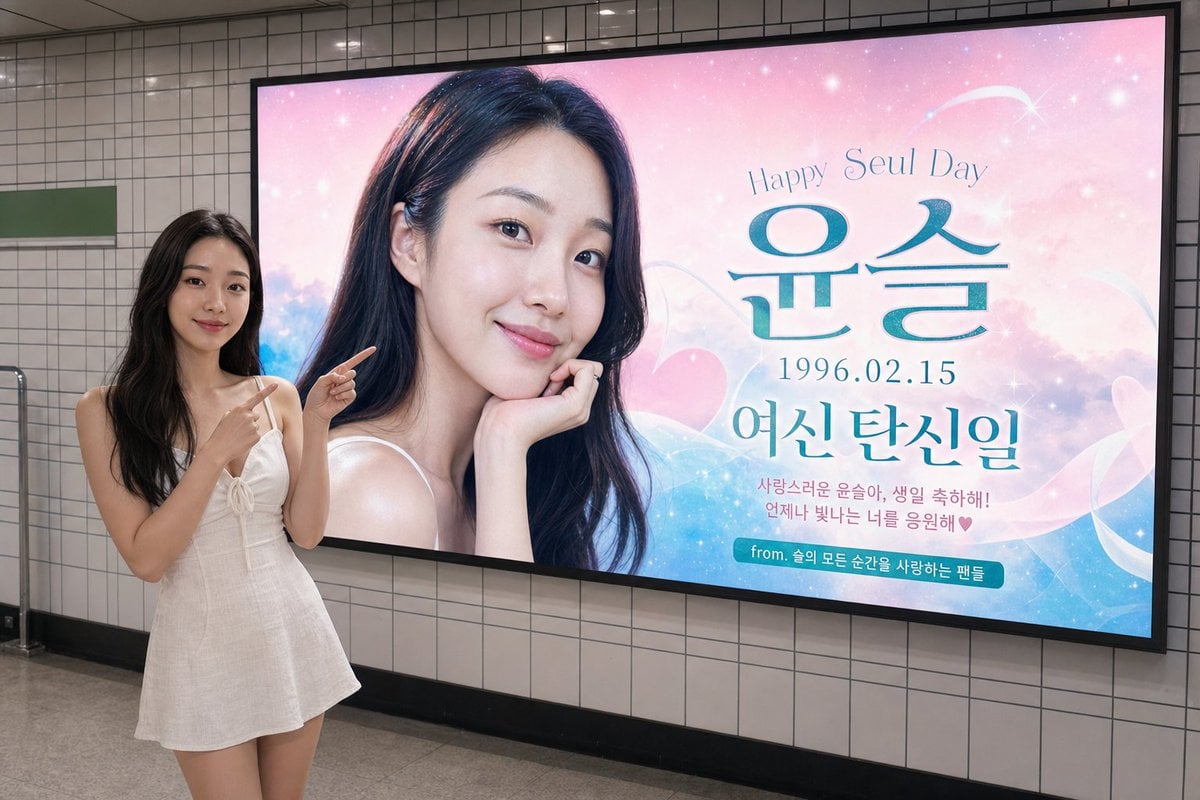
- Prompt included
- Model and format preset
- Free template
The prompt behind this image
Copy the exact prompt behind Subway Idol Birthday Billboard Photo, or open it in the studio and make it yours.
Goal: Create a realistic smartphone-style photo taken in a subway station, showing a young woman posing beside a large wall-mounted digital birthday advertisement for a K-pop idol. Canvas: Horizontal 3:2 photo, eye-level perspective, natural indoor station lighting, slight wide-angle lens look. Setting: Clean subway corridor with glossy off-white square tiled walls and dark grout, gray stone floor, black base trim, ceiling panels visible at the top, and a small green rectangular sign on the left wall. A large black-framed digital billboard is mounted on the tiled wall, occupying most of the right side of the image. Main subject: One young woman stands on the left side of the frame in front of the billboard. She has long dark wavy hair and wears a sleeveless short white summer dress with thin straps and a small bow at the chest. She smiles toward the camera, but her face is covered by a soft-edged opaque taupe privacy rectangle. Her pose uses exactly two pointing gestures: her left hand points across her body toward the billboard, and her right hand points upward toward the billboard. Billboard design: The digital screen shows a pastel pink-and-sky-blue birthday fan ad with sparkles, stars, soft clouds, translucent heart shapes, and a magical swoosh arc in the top-right. On the left half of the billboard is a large glamour portrait of a young woman with long dark hair and bare shoulders; her face is also covered by a large opaque taupe privacy rectangle. The billboard has exactly six visible text elements: 1) small English greeting at the top, 2) large Korean name in teal, 3) date line, 4) large Korean birthday phrase, 5) smaller Korean congratulatory message, 6) teal rounded footer label. Text content: Use the top greeting {argument name="top greeting" default="Happy Seul Day"}. Use the large central Korean name {argument name="idol name text" default="윤슬"}. Use the date {argument name="birthday date" default="1996.02.15"}. Use the birthday phrase {argument name="birthday phrase" default="여신 탄신일"}. Use the small message and footer text {argument name="fan message" default="사랑스러운 윤슬아, 생일 축하해! 언제나 빛나는 너를 응원해 ♥ / from. 슬의 모든 순간을 사랑하는 팬들"}. Typography should be elegant teal serif-like Korean lettering, with the name largest, the birthday phrase second largest, and the footer in white text inside a teal rounded rectangle. Visual style: Photorealistic candid fan photo, realistic shadows and reflections on the digital screen, crisp billboard details, slightly muted station colors contrasted with the bright pastel ad. Do not add extra people, extra posters, watermarks, or additional text beyond the six specified text elements.
How to use Subway Idol Birthday Billboard Photo in 3 steps
- 1Upload ImagePNG, JPG or paste
Add your photo
Upload the photo the template builds on. The prompt, model and format are already set.
- 2…a portrait of your subject in softgolden-hour light, 85mm…
Personalize
Edit the subject and creative details for your destination.
- 3Generate
Generate
Press Generate — your image is created in PicX Studio, so you can compare it with the original and refine one variable at a time.
More like this
Templates with the same subject, style or setup. Open one to see its prompt.
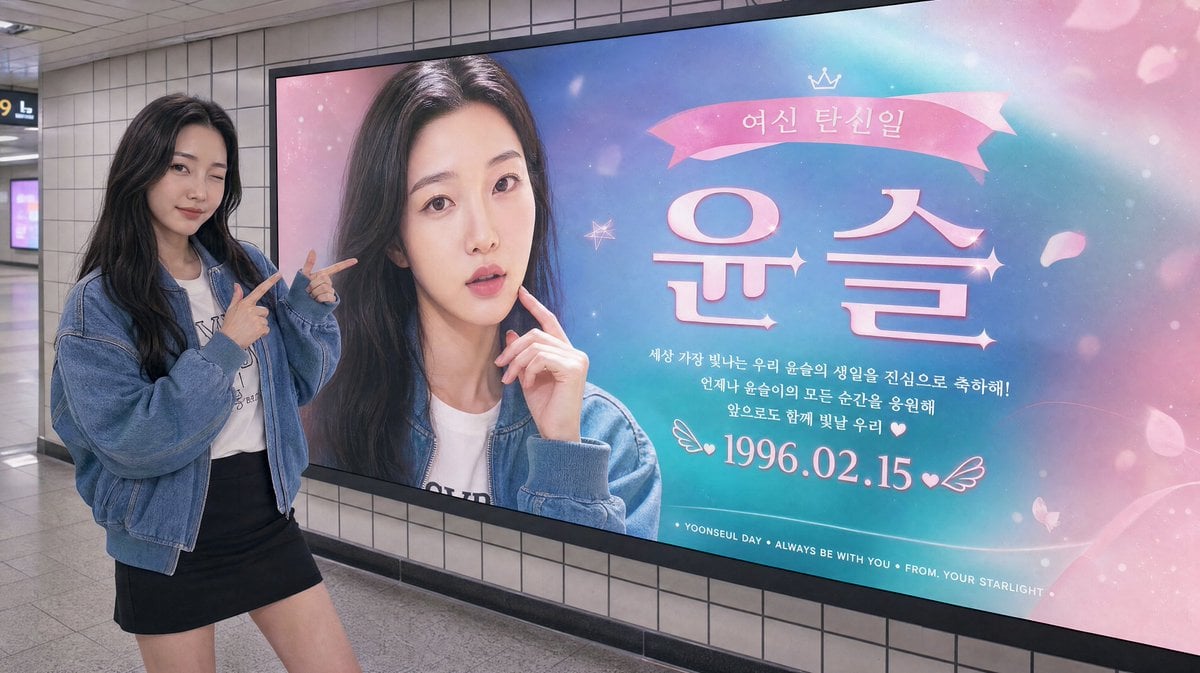
Subway Idol Birthday Billboard
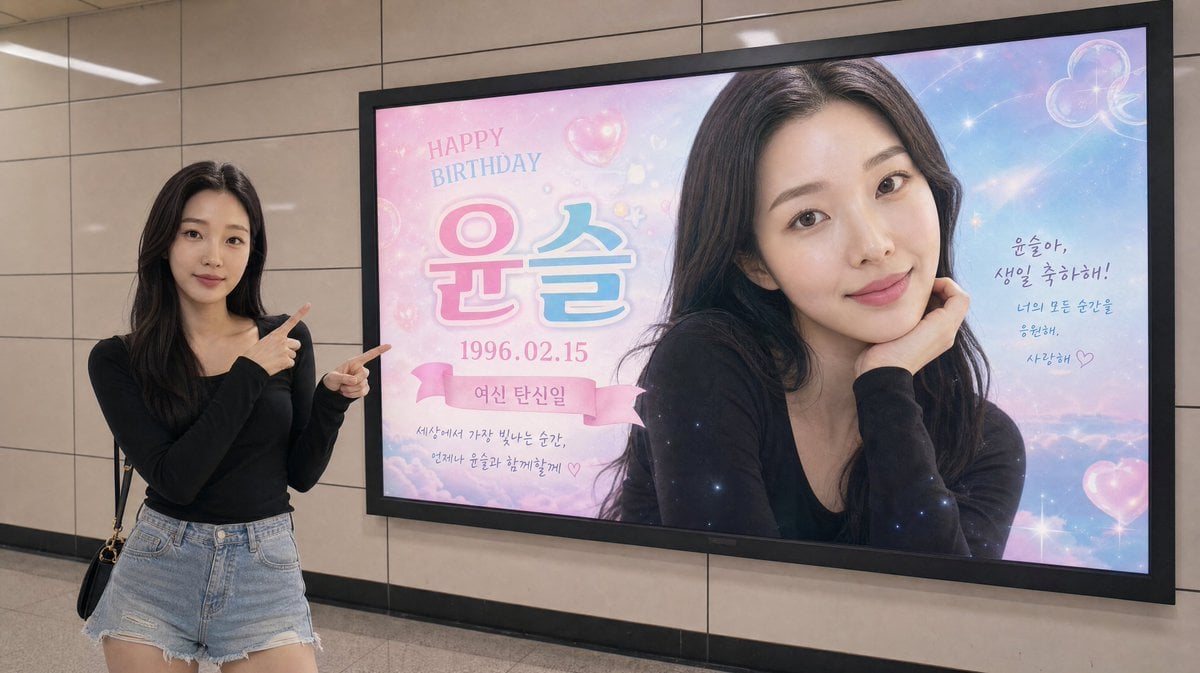
Subway Birthday Billboard Photo
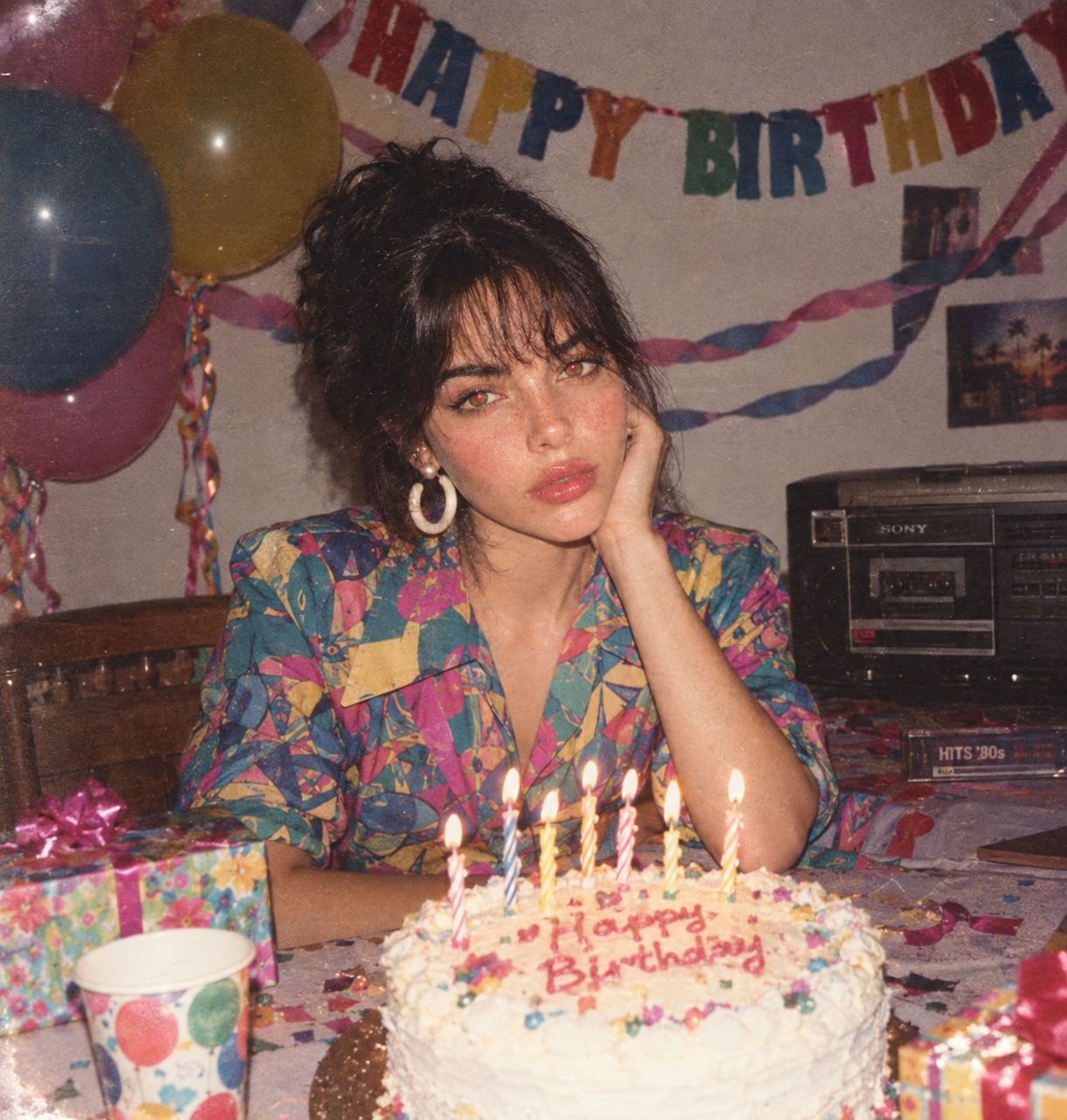
80s Birthday Party
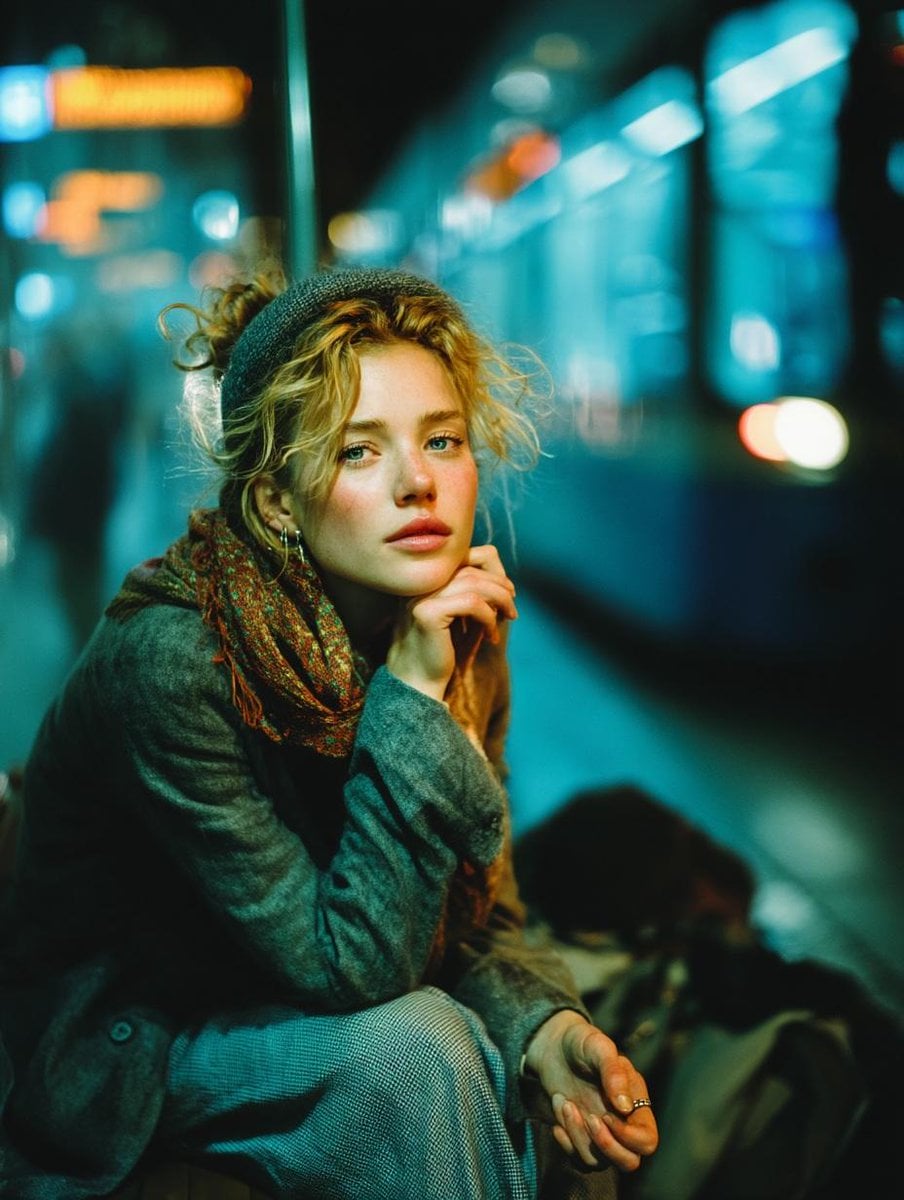
Subway Platform Quiet Introspective Portrait
Subway Platform Quiet Introspective Portrait
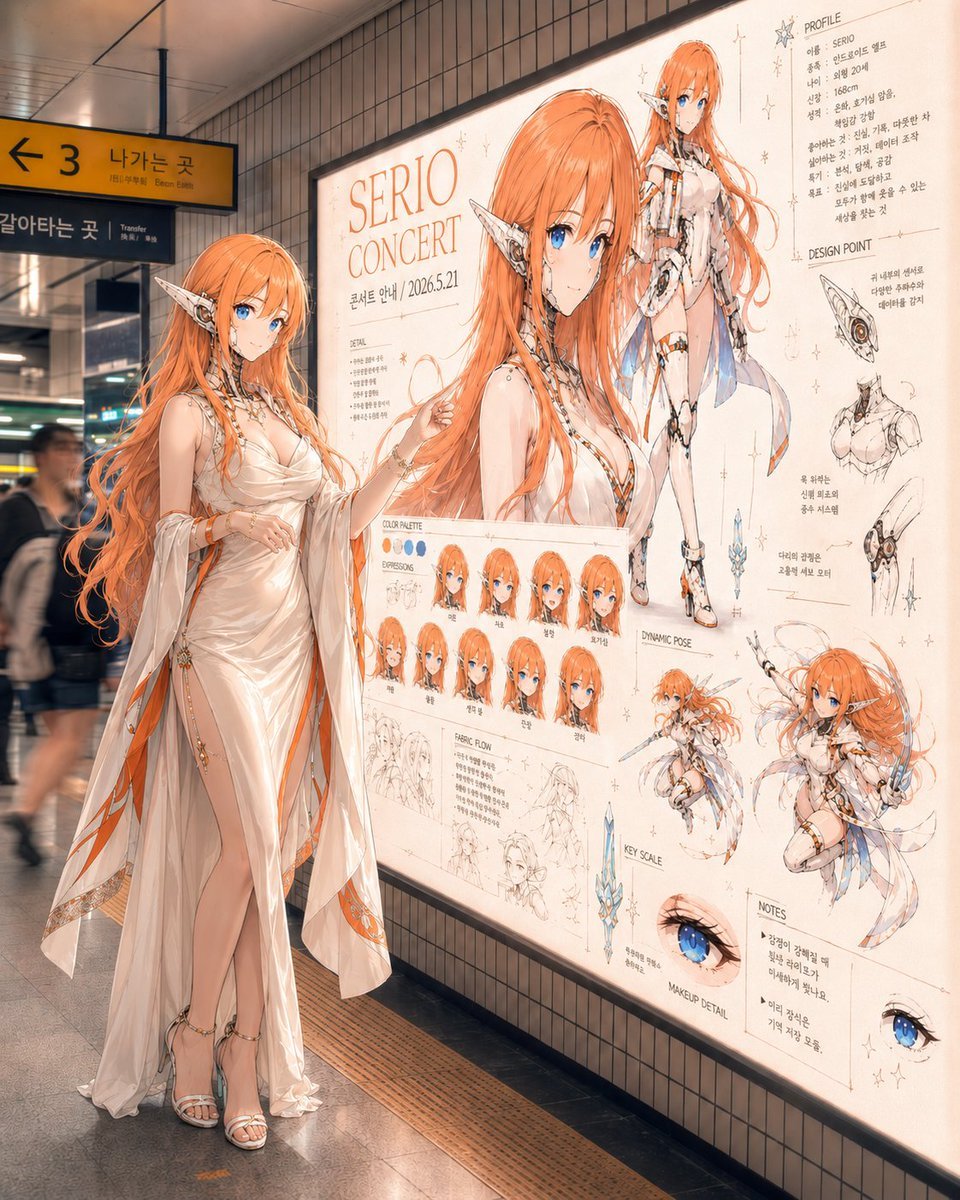
Elf Idol Subway Poster Scene
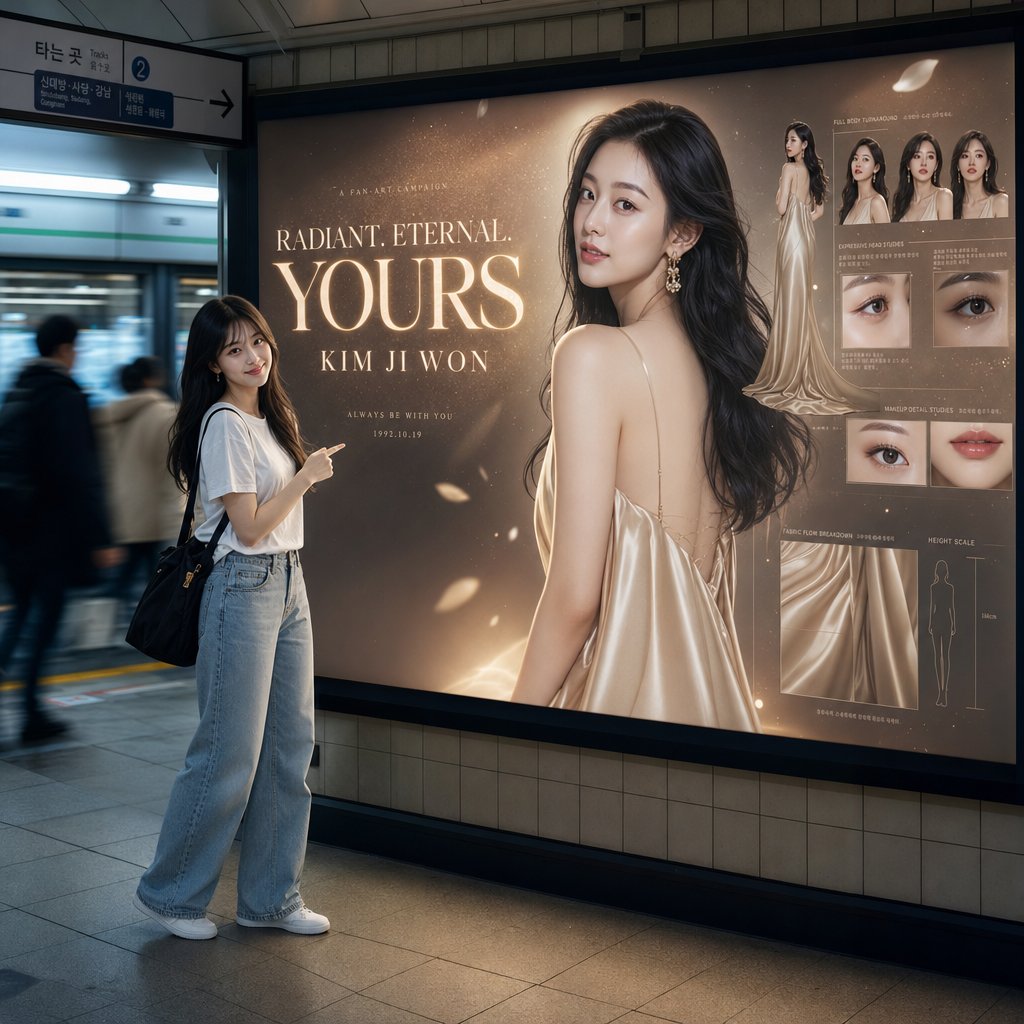
Subway Billboard Cinematic Portrait
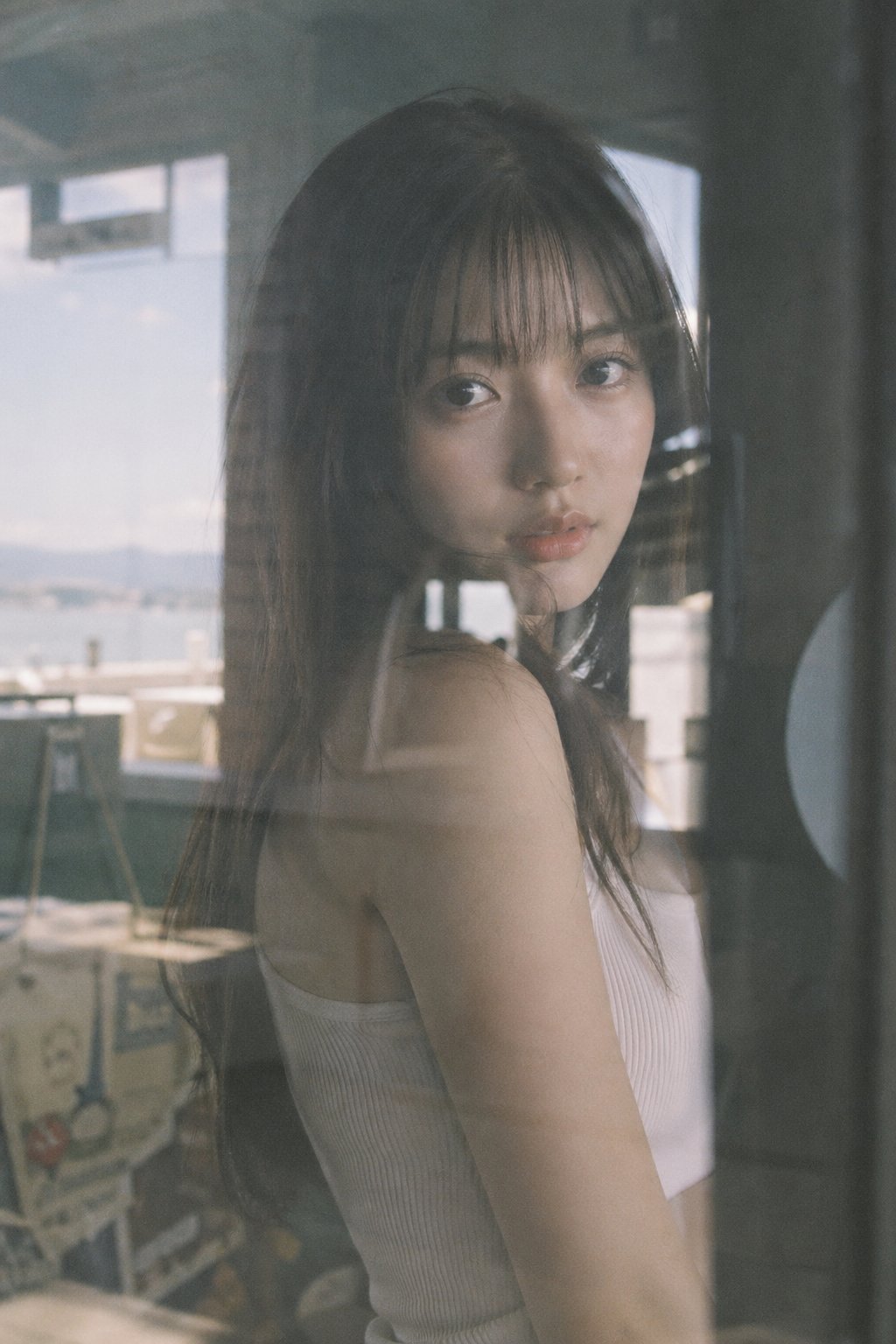
Japanese Film Reflection Idol
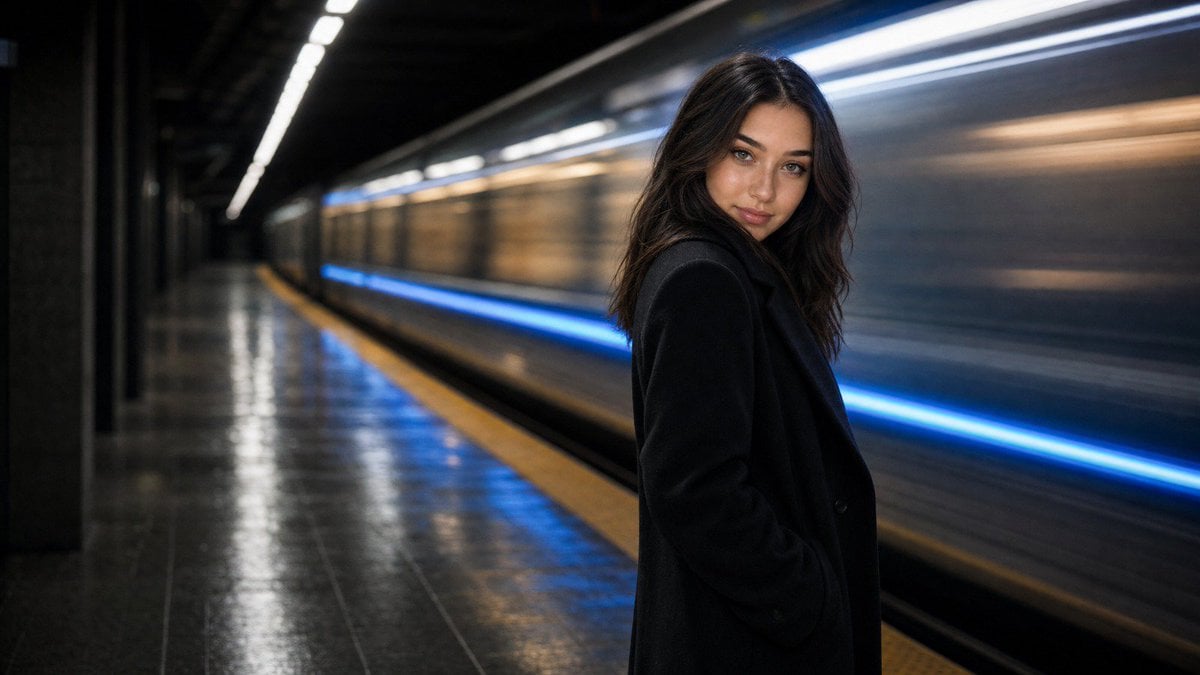
Cinematic Subway Editorial Portrait
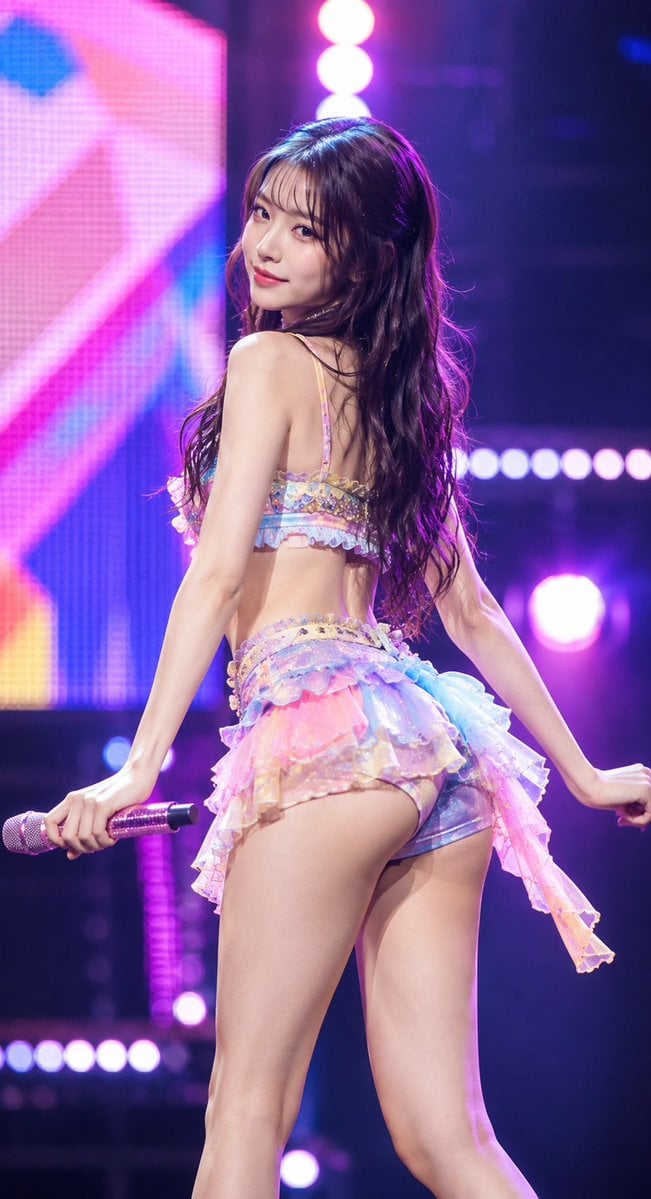
Idol Stage Performance Portrait
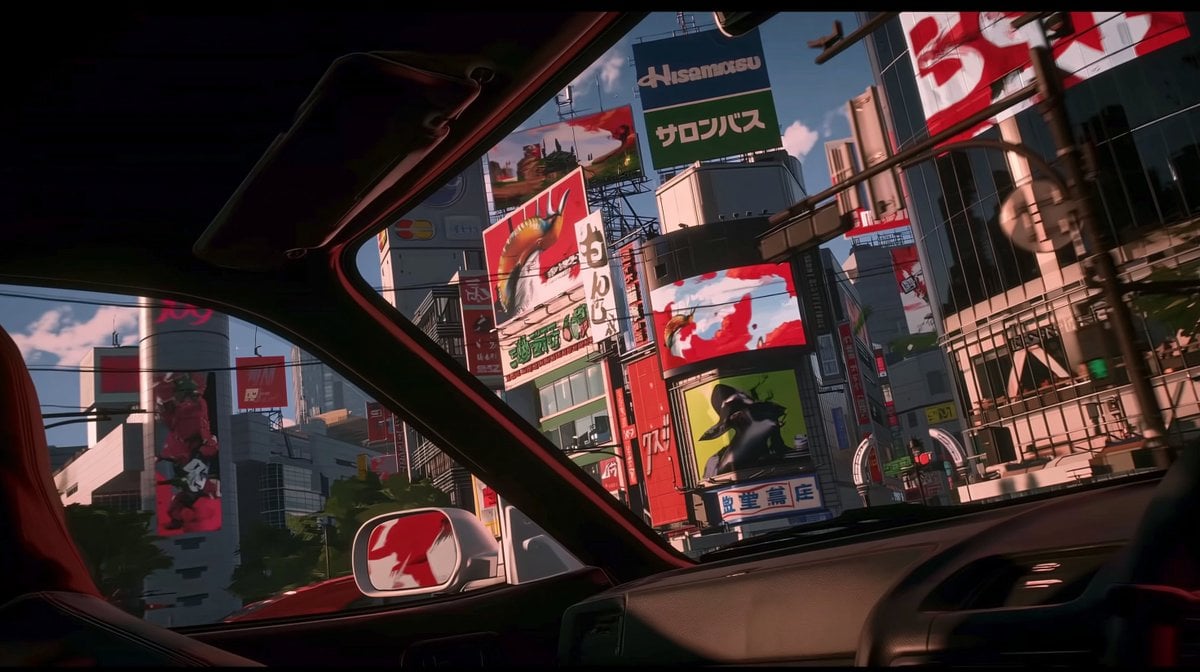
Anime Car View of Tokyo Billboards
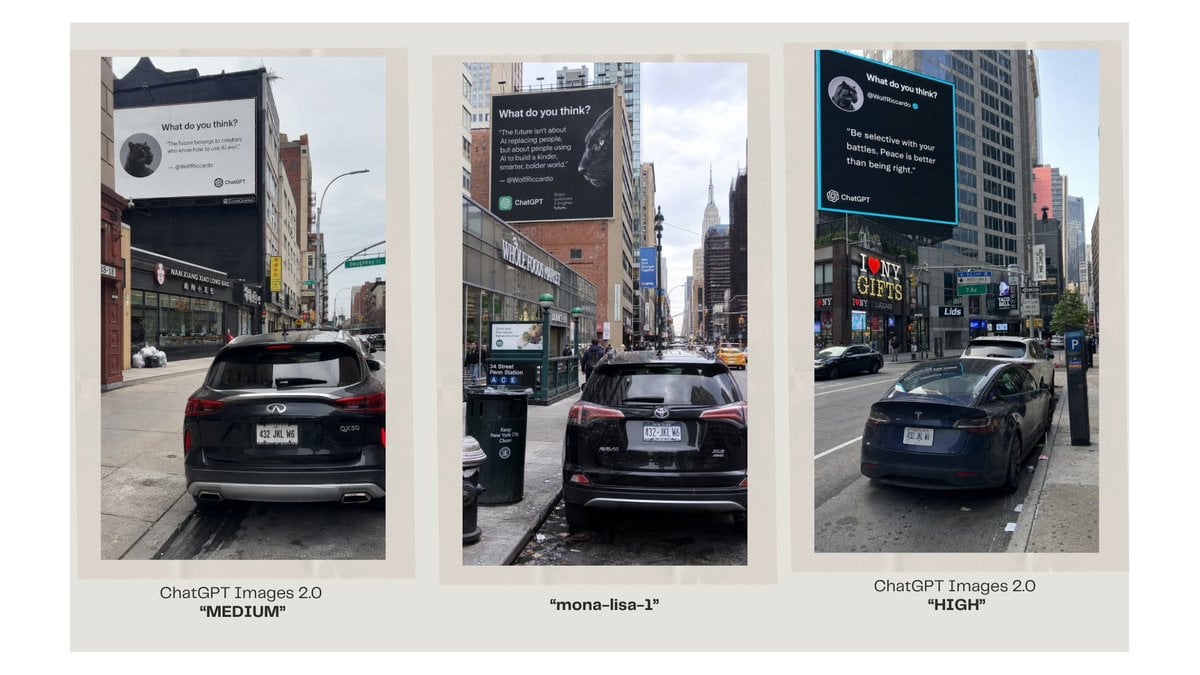
Three-Panel AI Billboard Comparison
Make it yours
Subway Idol Birthday Billboard Photo works as-is. These are the safest ways to change it without losing the look.
Change one field
Copy a single group, rewrite it, and generate again so you can see what that field is doing.
Keep the frame, change the subject
Hold the composition and light of Subway Idol Birthday Billboard Photo, then swap wardrobe, props or the person for a new take.
| If the result… | Why | Fix |
|---|---|---|
| The result drifts from the preview | Too many fields changed at once. | Reuse Subway Idol Birthday Billboard Photo as-is first, then change one group — subject, light, or setting. |
| The model over-stylizes the scene | The prose prompt leaves finish and camera underspecified. | Add one camera or lighting sentence and stay on GPT Image 2. |
More GPT Image 2 templates
Other prompts made for GPT Image 2.

Six VTuber Japanese Logo Sheet

Realistic Portrait of Woman and Deer

The Vista Modular Condo Poster

AI Model Routing Comparison Infographic

2.5D Anime Art Board

Isometric Productivity Desk Scene

New York Double Exposure Poster

Four-Panel AI Landscape Comparison

Japanese Tatami Lifestyle Magazine Cover

NESCAFÉ Coffee Map Poster
More image prompts
Fresh picks from across the catalog.
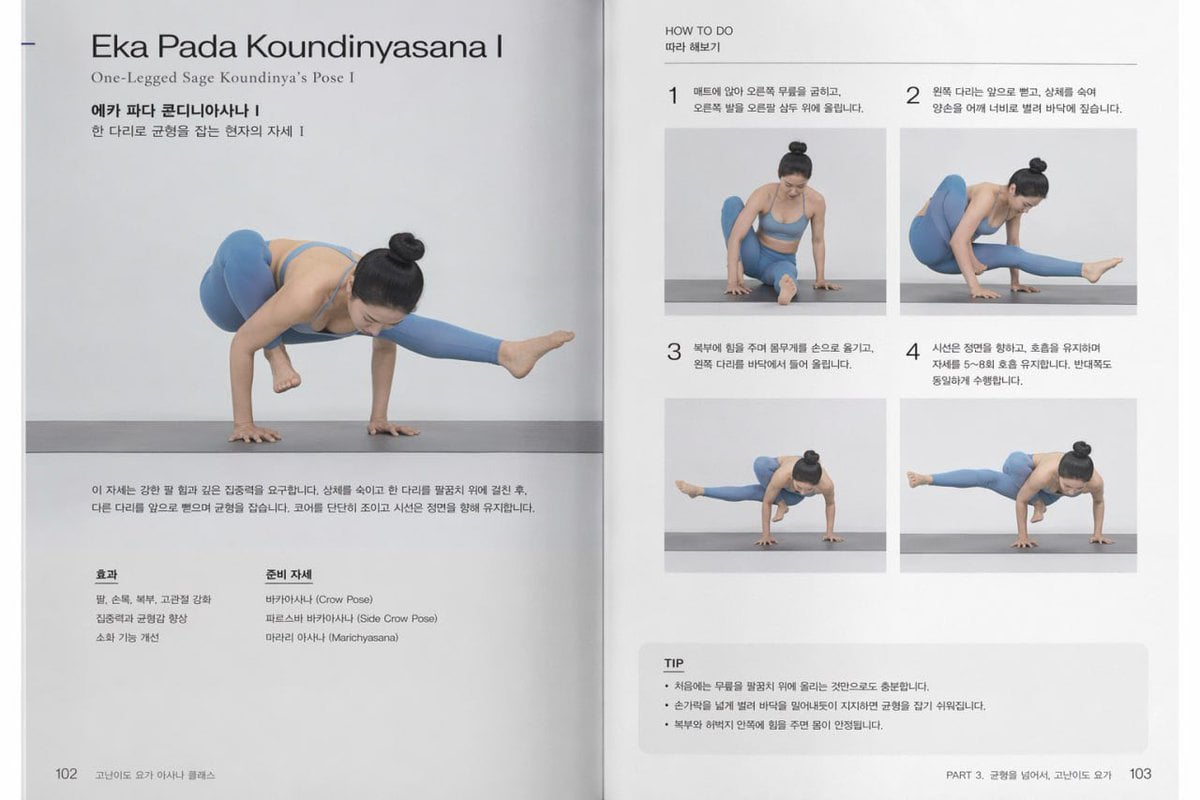
Yoga Book Two-Page Spread
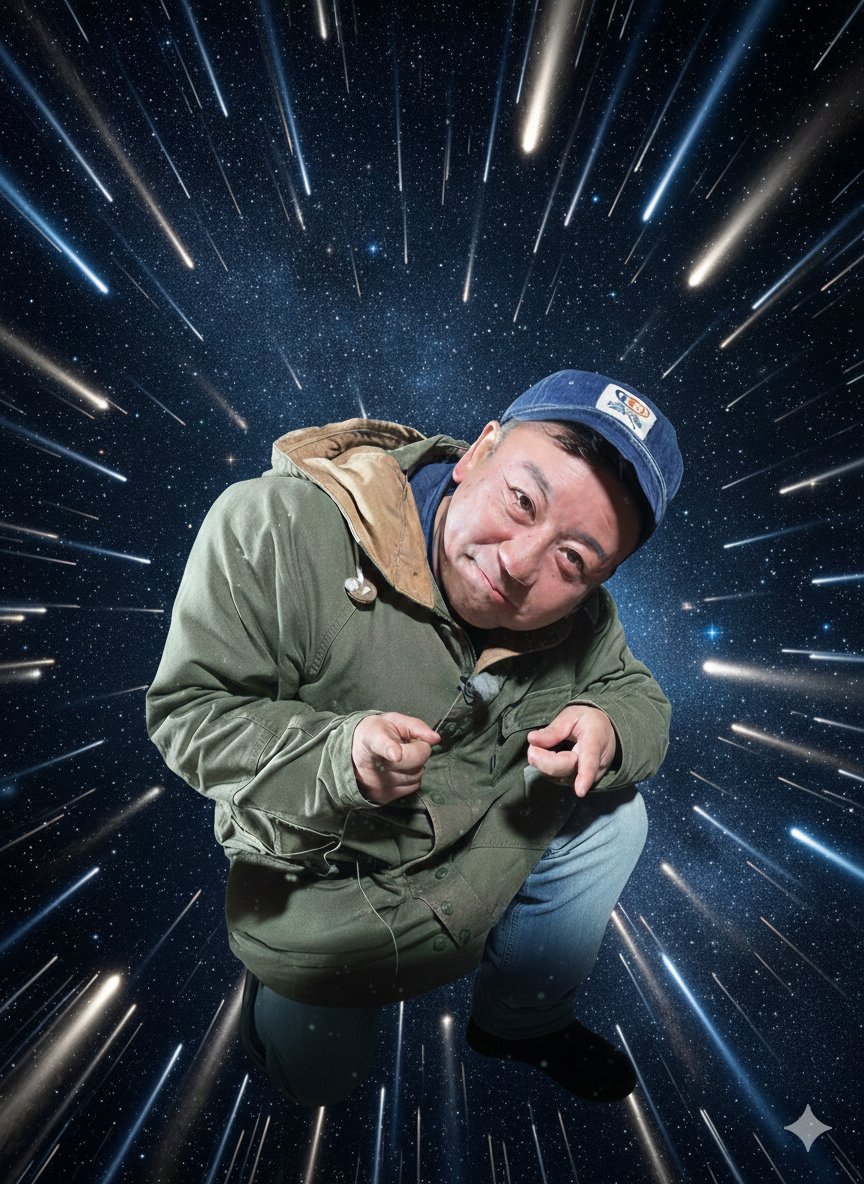
Star Wars SF Image Modification
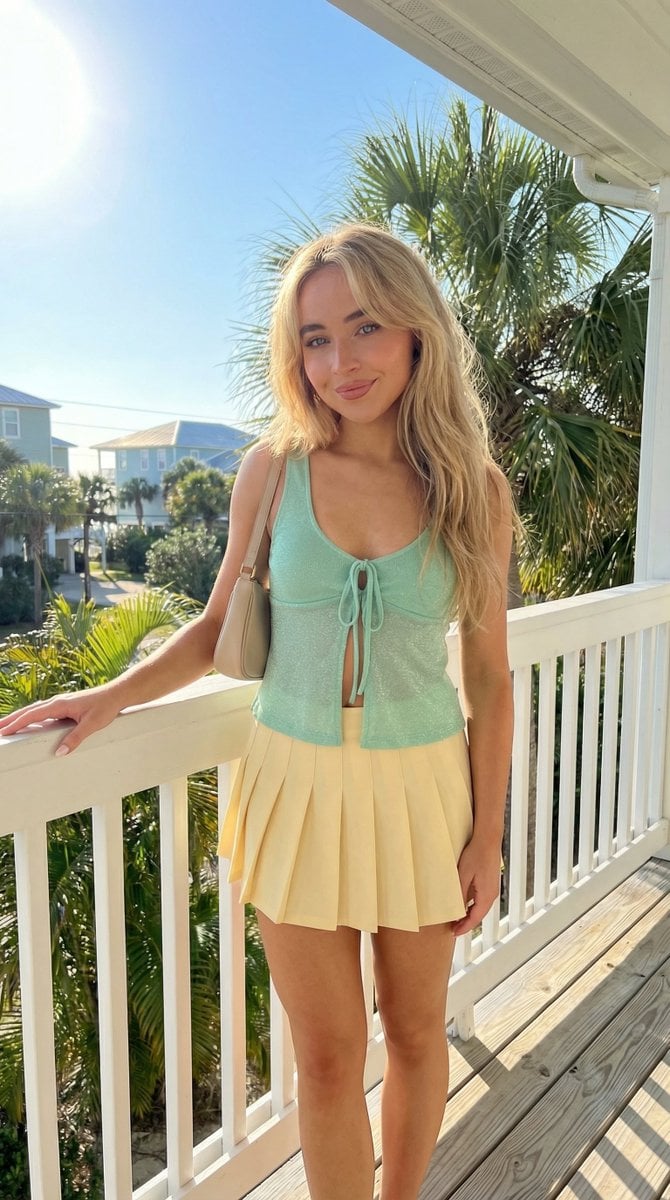
Tropical Balcony Full Body Shot Prompt
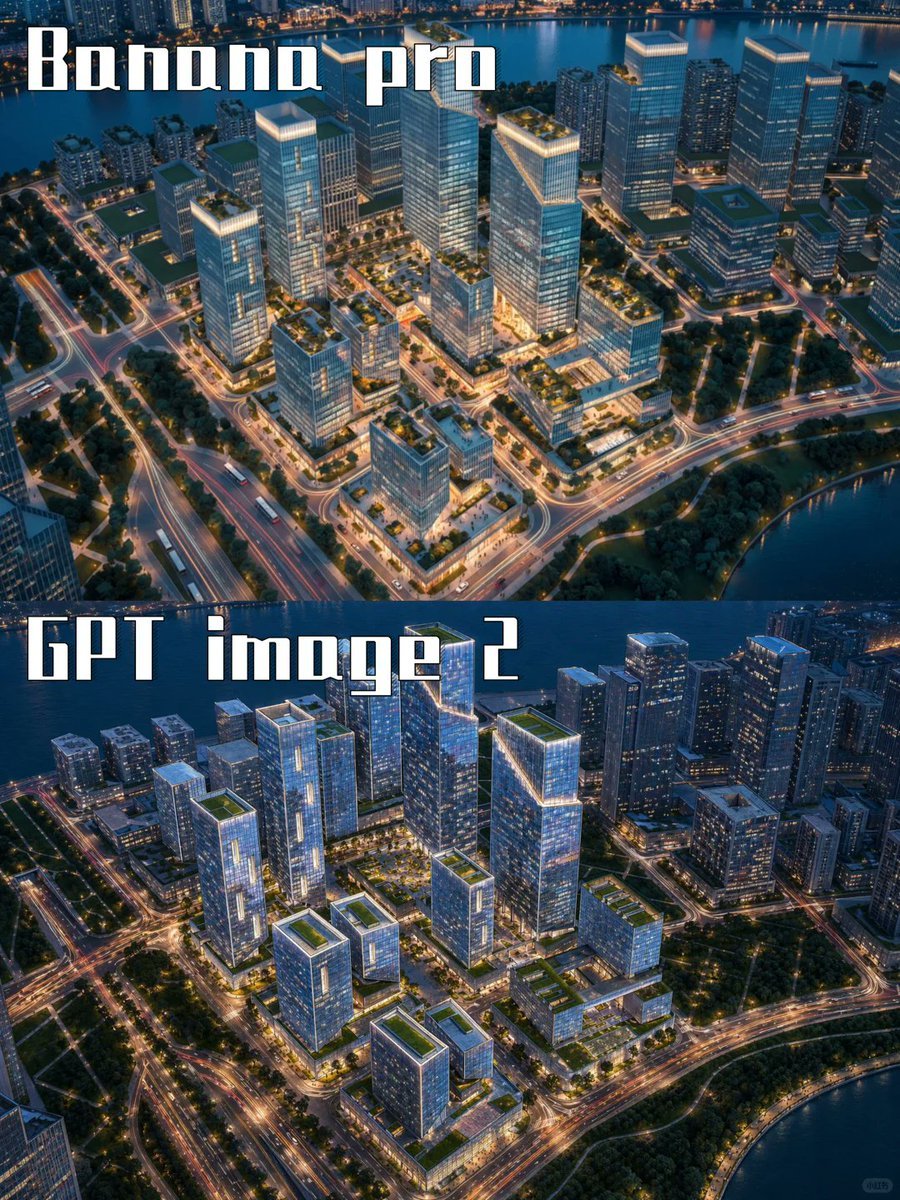
AI City Rendering Comparison Poster
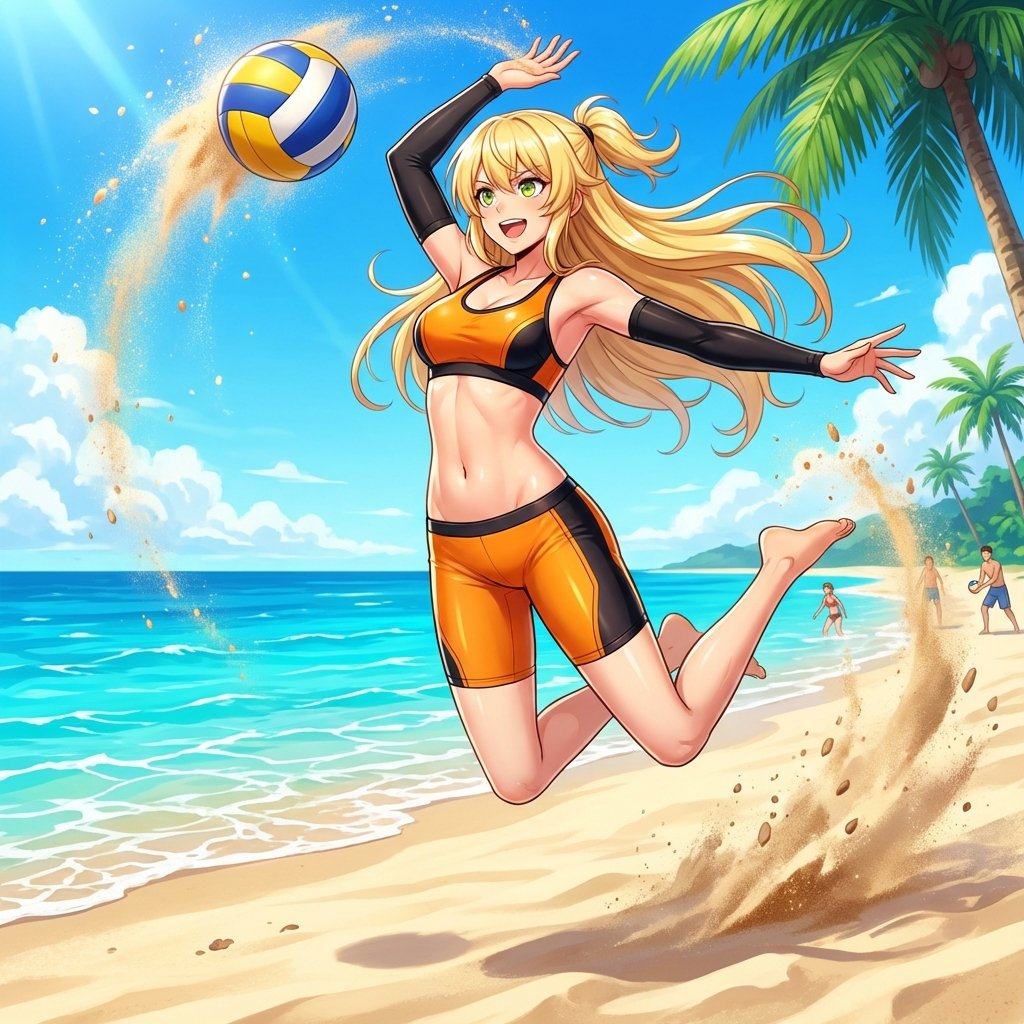
Prompt for Converting Subject into a Beach Volleyball Player
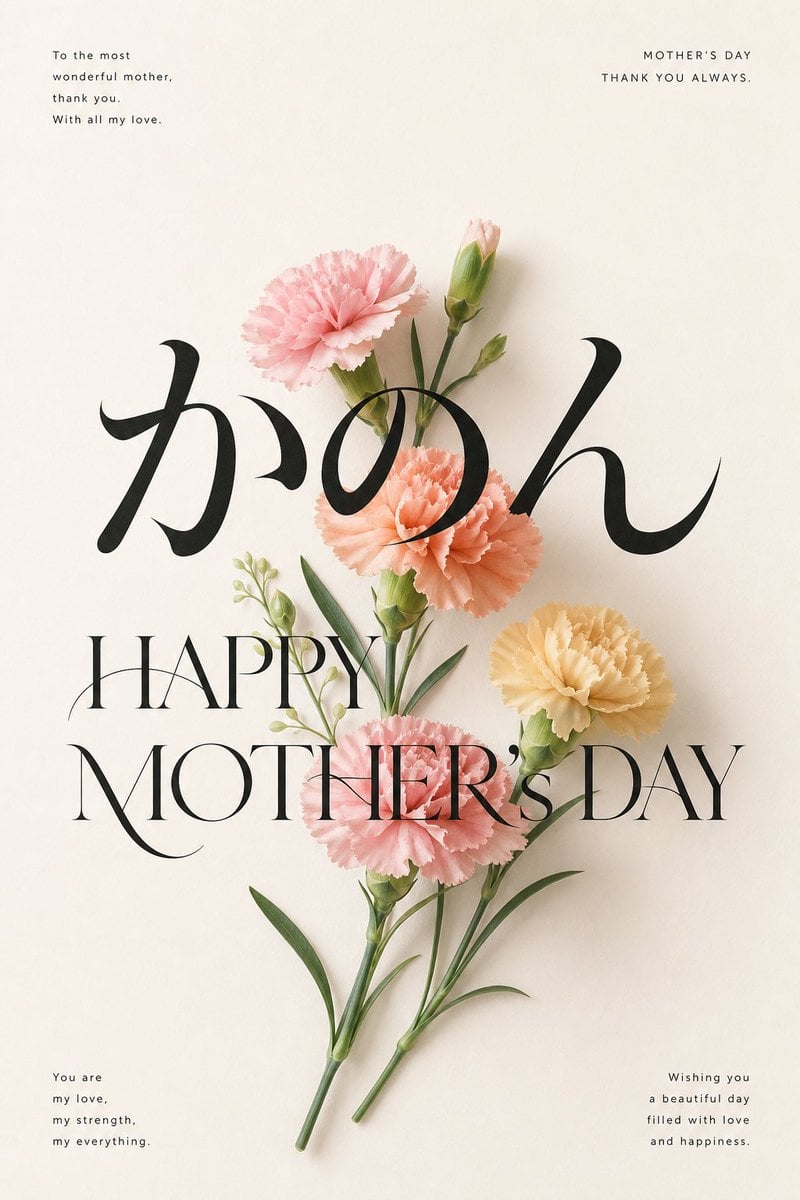
Elegant Carnation Mother's Day Wallpaper
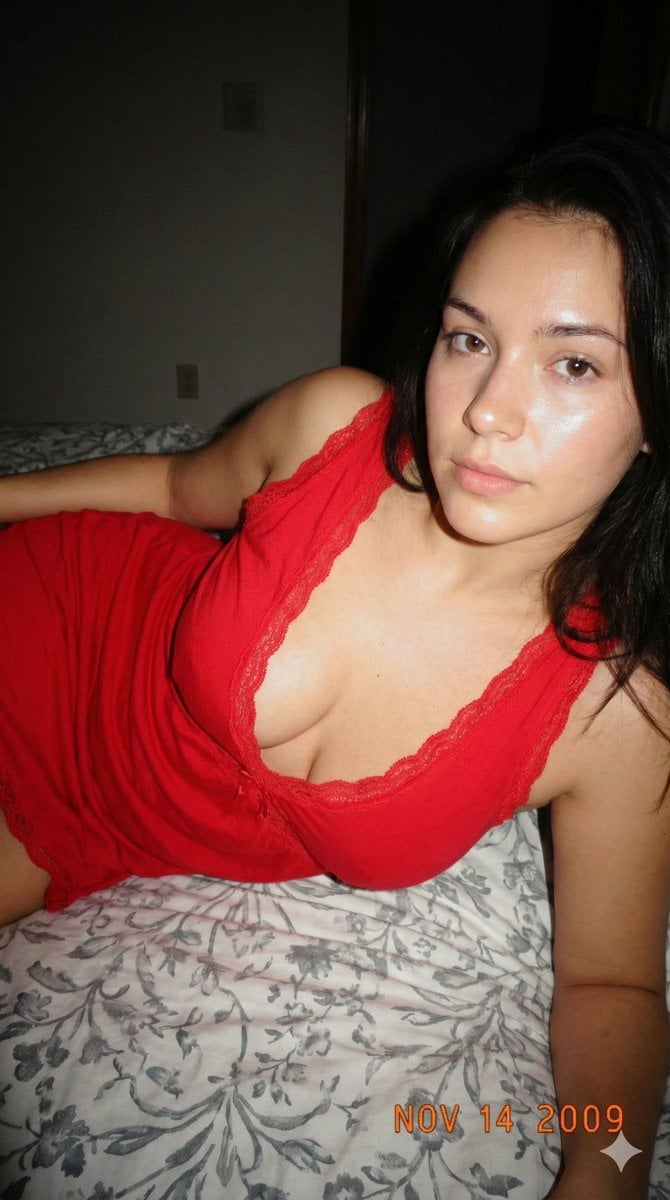
Late-2000s Digital Compact Camera Snapshot

Glamorous Christmas Sleigh Full Body Shot (Duplicate)
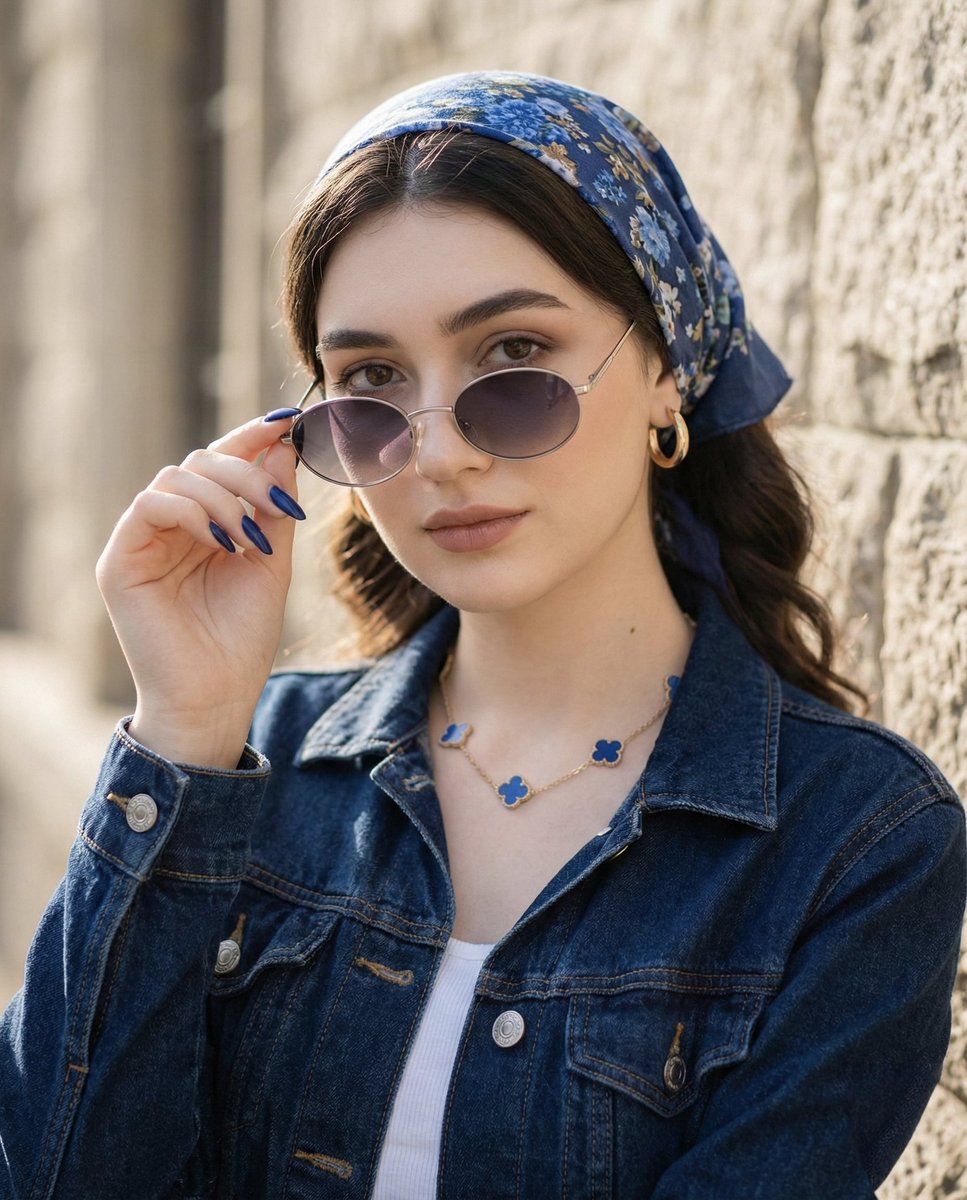
Tight Medium Close-up Portrait with Vintage Accessories

Cozy Christmas Gift Wrapping Flash Photo Prompt
Browse template categories
Subway Idol Birthday Billboard Photo questions
How do I use the Subway Idol Birthday Billboard Photo template?
Add your photo if the template asks for one, edit the prompt if you like — the template's model and format are already selected — and press Generate. Your version opens in PicX Studio.
Can I customize the Subway Idol Birthday Billboard Photo template?
Yes. You can change the subject, setting, lighting, mood, format, and available model controls before creating your image.
Is the Subway Idol Birthday Billboard Photo template free?
Opening and editing this template is free. Generating uses credits, shown on the Generate button when you are signed in.
Which AI model should I use?
Start with GPT Image 2, which is the model associated with this template. You can compare another compatible model for a different finish.
Looking for something else? Browse all templates.

Your photo, any look
Thousands of ready templates for every top image and video model, from one credit balance.