
Minimal Sunscreen Product Cover
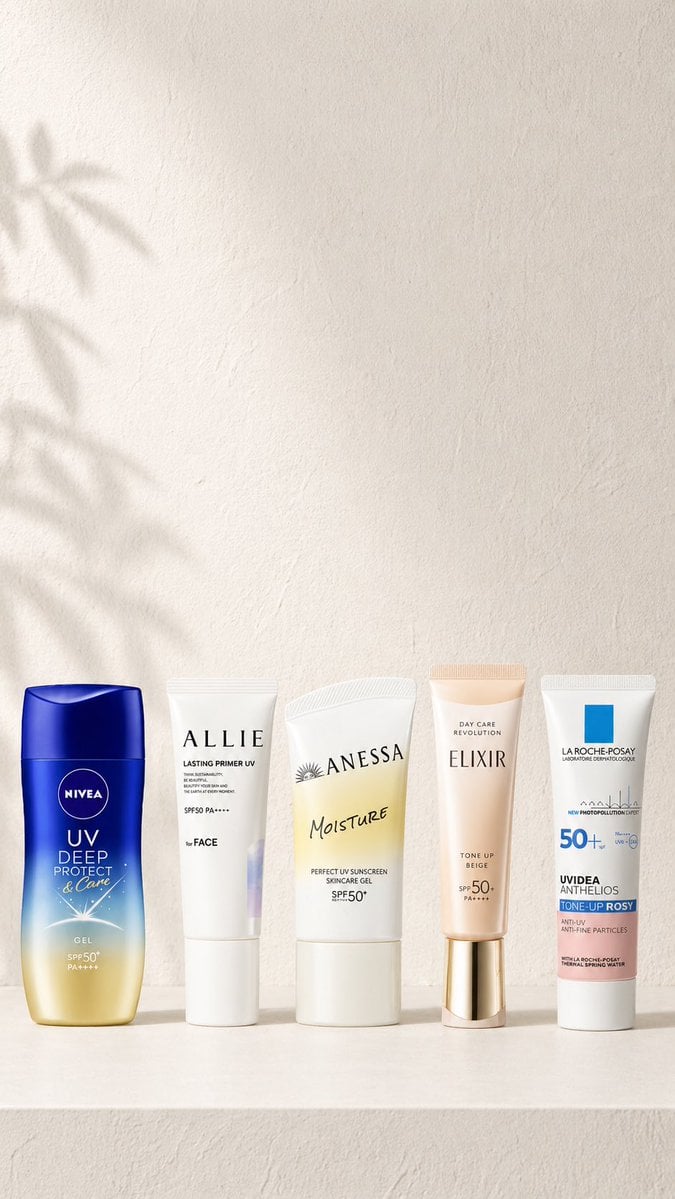
This generates a polished vertical skincare product lineup photo suited for social media reel covers, beauty promotions, and clean lifestyle branding.
- Prompt included
- Model and format preset
- Free template
The prompt behind this image
Copy the exact prompt behind Minimal Sunscreen Product Cover, or open it in the studio and make it yours.
A clean, minimalist product still life for a beauty reel cover, shot in a vertical 9:16 composition. Place exactly 5 sunscreen and UV skincare products standing upright in a straight row on a pale off-white shelf against a warm ivory textured plaster wall. From left to right: 1) a glossy blue-to-gold gradient bottle with a rounded cap, 2) a matte white squeeze tube, 3) a slightly curved white squeeze tube with soft beige tinting and elegant black lettering, 4) a slim beige-pink tube with a metallic gold cap, 5) a white tube with blue labeling. Use soft natural sunlight coming from the left, creating delicate botanical leaf shadows on the upper left side of the wall and faint shadows behind the products. Keep the styling airy, premium, and understated, with lots of negative space above the products for cover text. Neutral cream, white, beige, and blue palette, realistic commercial photography, subtle texture, sharp focus on the packaging, gentle high-end skincare advertising mood.
How to use Minimal Sunscreen Product Cover in 3 steps
- 1Upload ImagePNG, JPG or paste
Add your photo
Upload the photo the template builds on. The prompt, model and format are already set.
- 2…a portrait of your subject in softgolden-hour light, 85mm…
Personalize
Edit the subject and creative details for your destination.
- 3Generate
Generate
Press Generate — your image is created in PicX Studio, so you can compare it with the original and refine one variable at a time.
More like this
Templates with the same subject, style or setup. Open one to see its prompt.
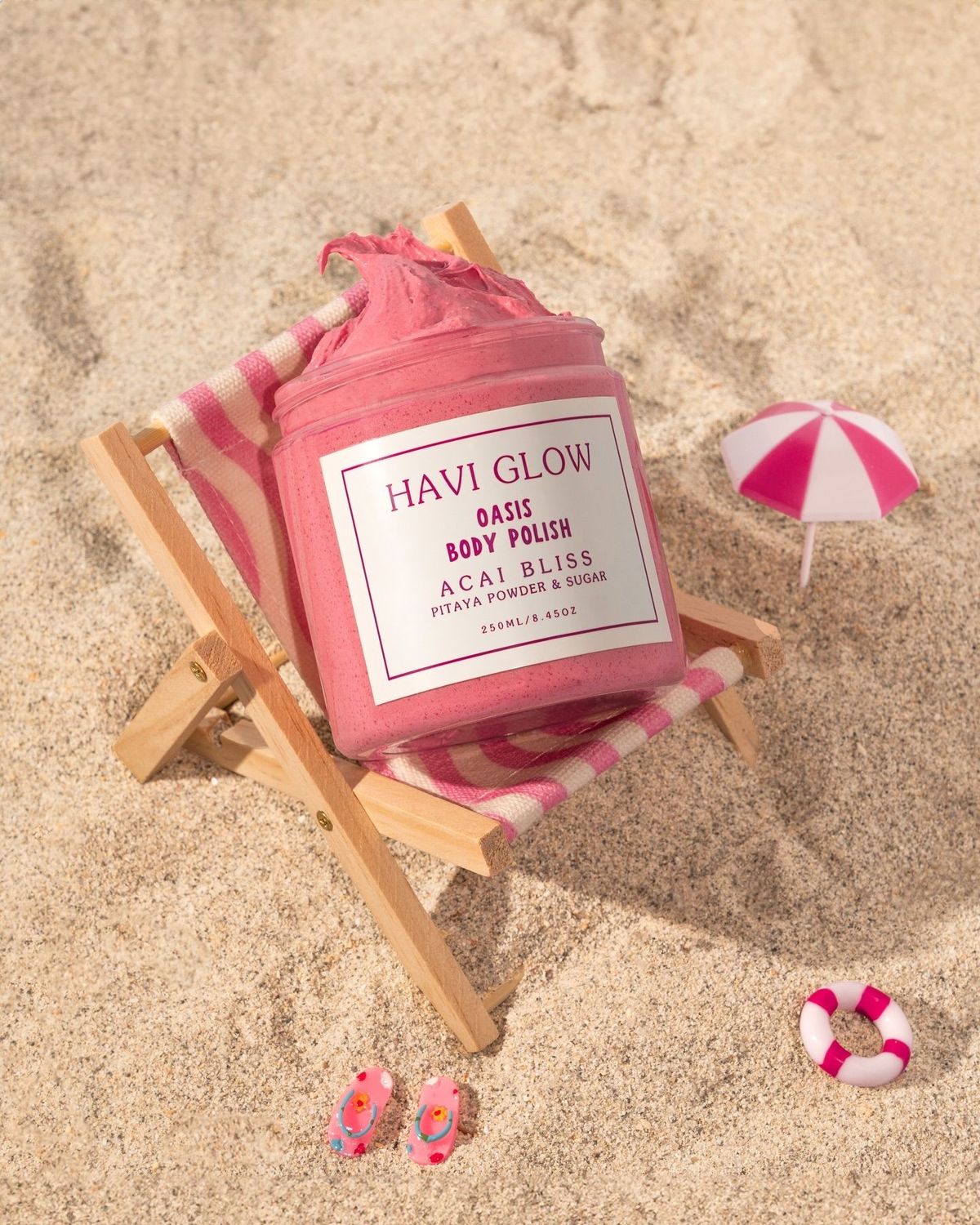
Beach Oasis Body Polish template
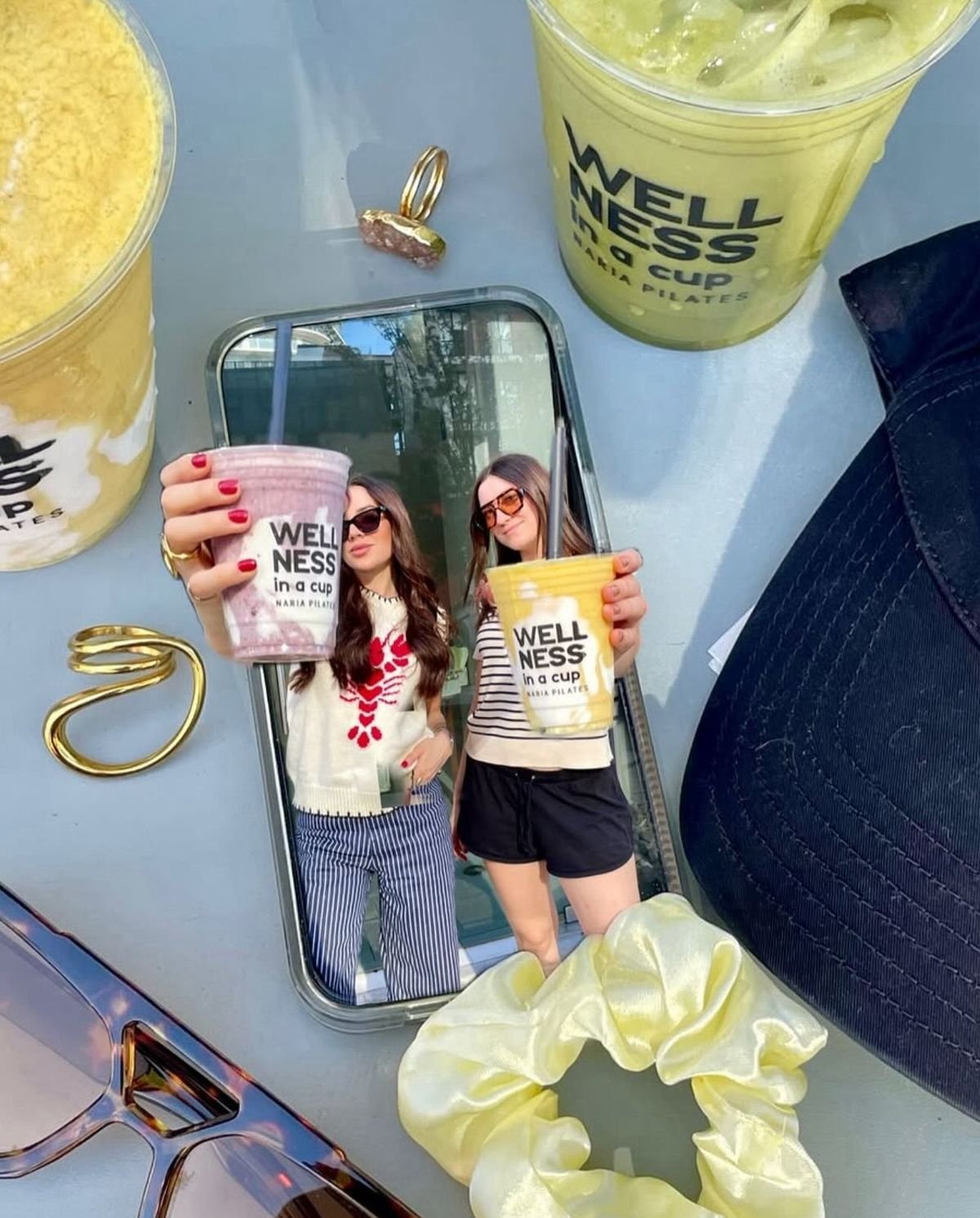
Mirror Matcha Moment
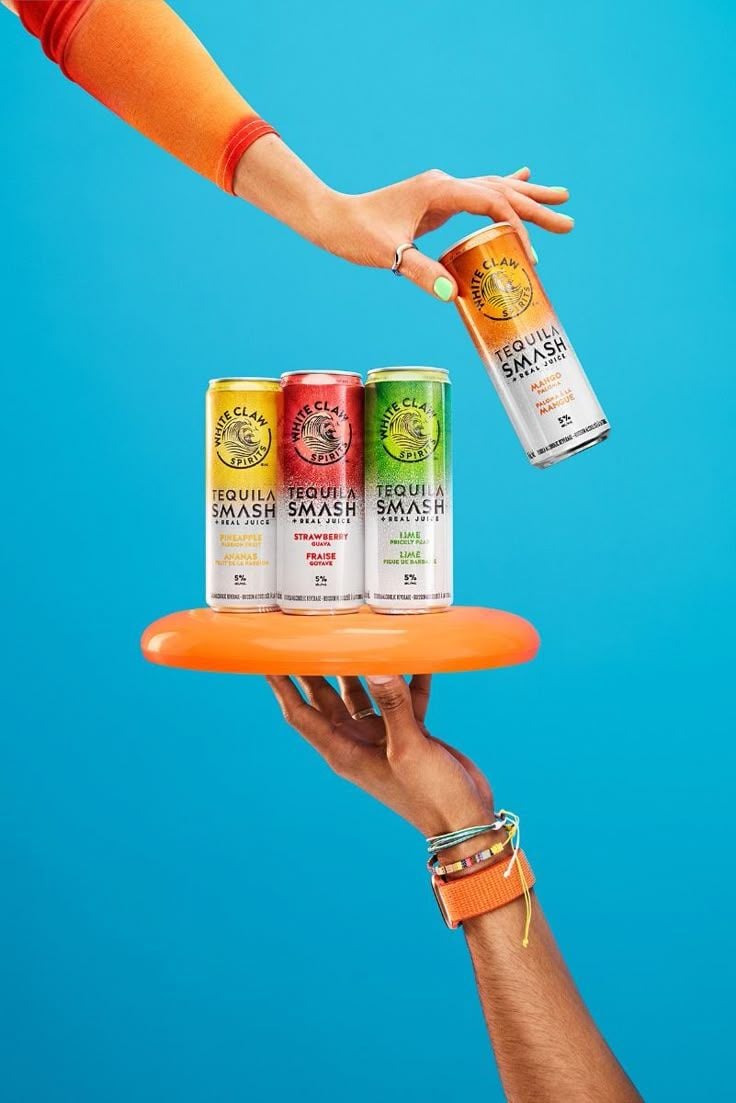
Vibrant Tequila Smash Product Showcase
Soft Shadow Studio Minimalist Product Shot
Minimalist Skincare Product Water Stone Still
Botanical Skincare Minimal Product Advertising
Minimalist Skincare Product Water Stone Still
Moss Logo Minimalist Brand Flat Lay
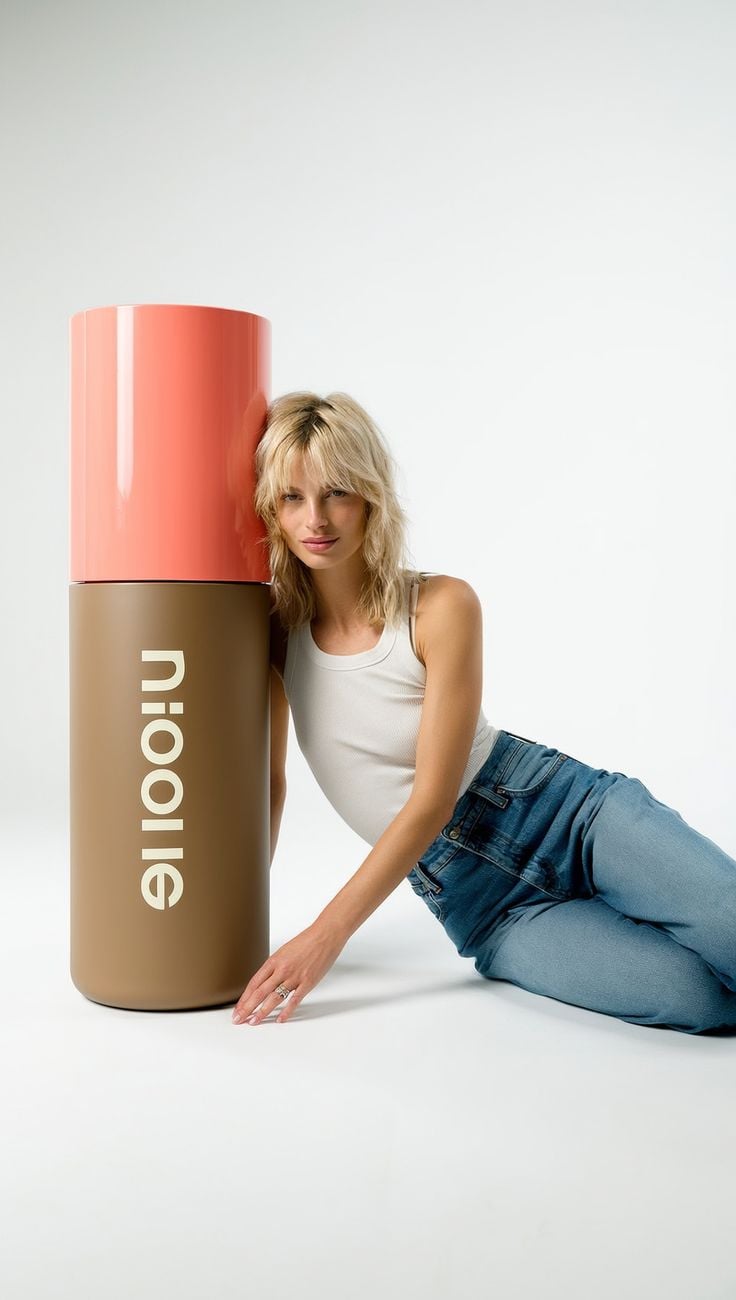
Oversized Minimalist Product Portrait
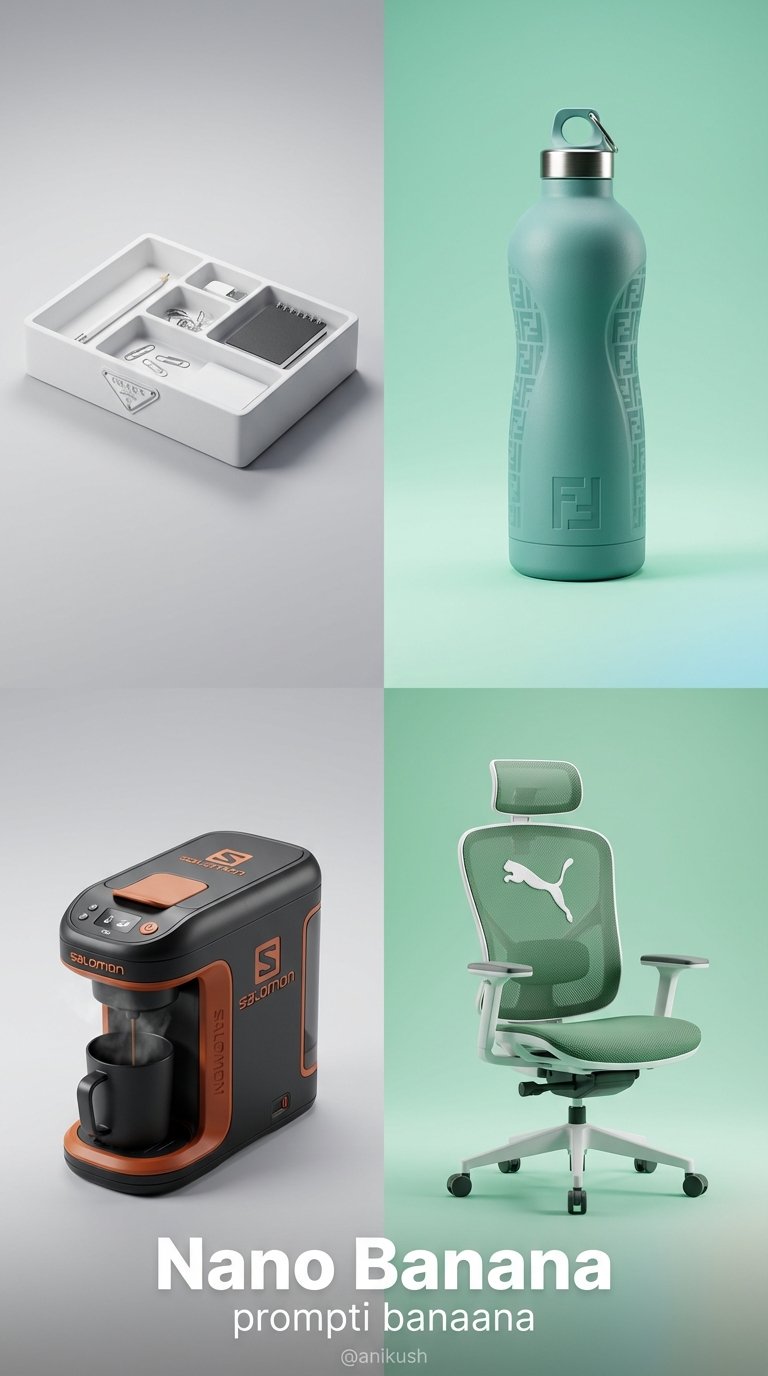
Minimalist Luxury Brand Concept
A k.pop idol on the stage with mic

Trendy Cafe Drink Promo Poster
Make it yours
Minimal Sunscreen Product Cover works as-is. These are the safest ways to change it without losing the look.
Change one field
Copy a single group, rewrite it, and generate again so you can see what that field is doing.
Keep the frame, change the subject
Hold the composition and light of Minimal Sunscreen Product Cover, then swap wardrobe, props or the person for a new take.
| If the result… | Why | Fix |
|---|---|---|
| The result drifts from the preview | Too many fields changed at once. | Reuse Minimal Sunscreen Product Cover as-is first, then change one group — subject, light, or setting. |
| The model over-stylizes the scene | The prose prompt leaves finish and camera underspecified. | Add one camera or lighting sentence and stay on GPT Image 2. |
More GPT Image 2 templates
Other prompts made for GPT Image 2.

Six VTuber Japanese Logo Sheet

Realistic Portrait of Woman and Deer

The Vista Modular Condo Poster

AI Model Routing Comparison Infographic

2.5D Anime Art Board

Isometric Productivity Desk Scene

New York Double Exposure Poster

Four-Panel AI Landscape Comparison

Japanese Tatami Lifestyle Magazine Cover

NESCAFÉ Coffee Map Poster
More image prompts
Fresh picks from across the catalog.
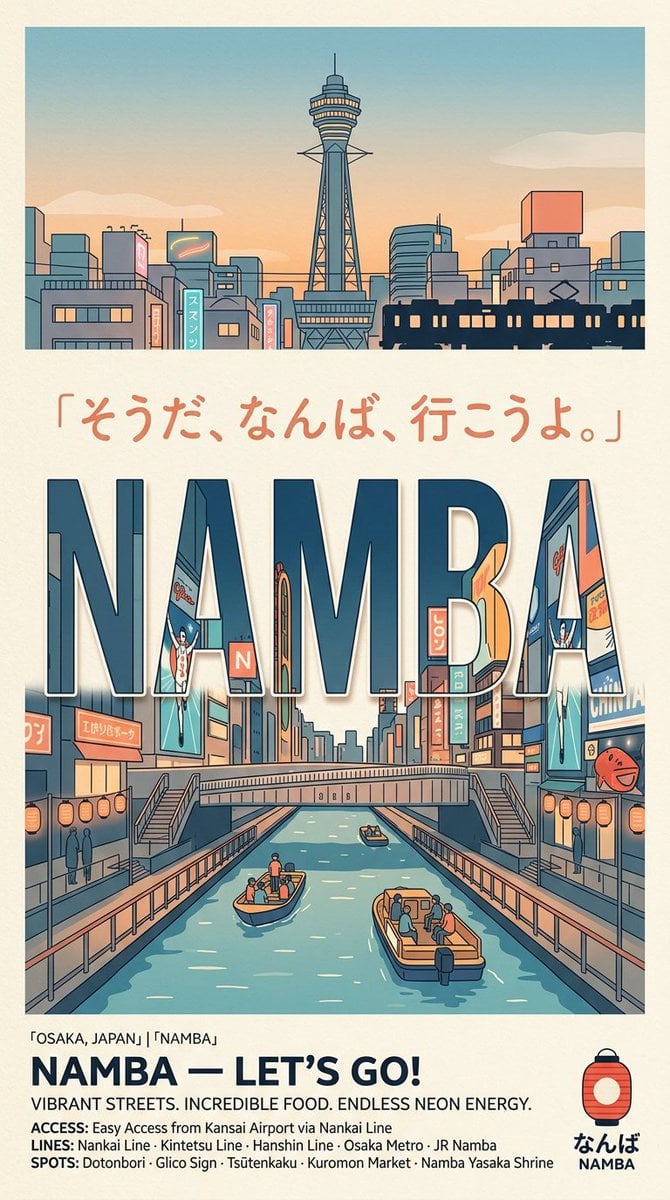
Retro Namba Osaka Travel Poster
Golden Hour Villa Portrait
AI Cosplay Expo Cat Girls
Ancient Hand-Chiseled Stone Artifact Logo
Luxury Jewelry Advertisement

Kylian Mbappé Devastated Photo
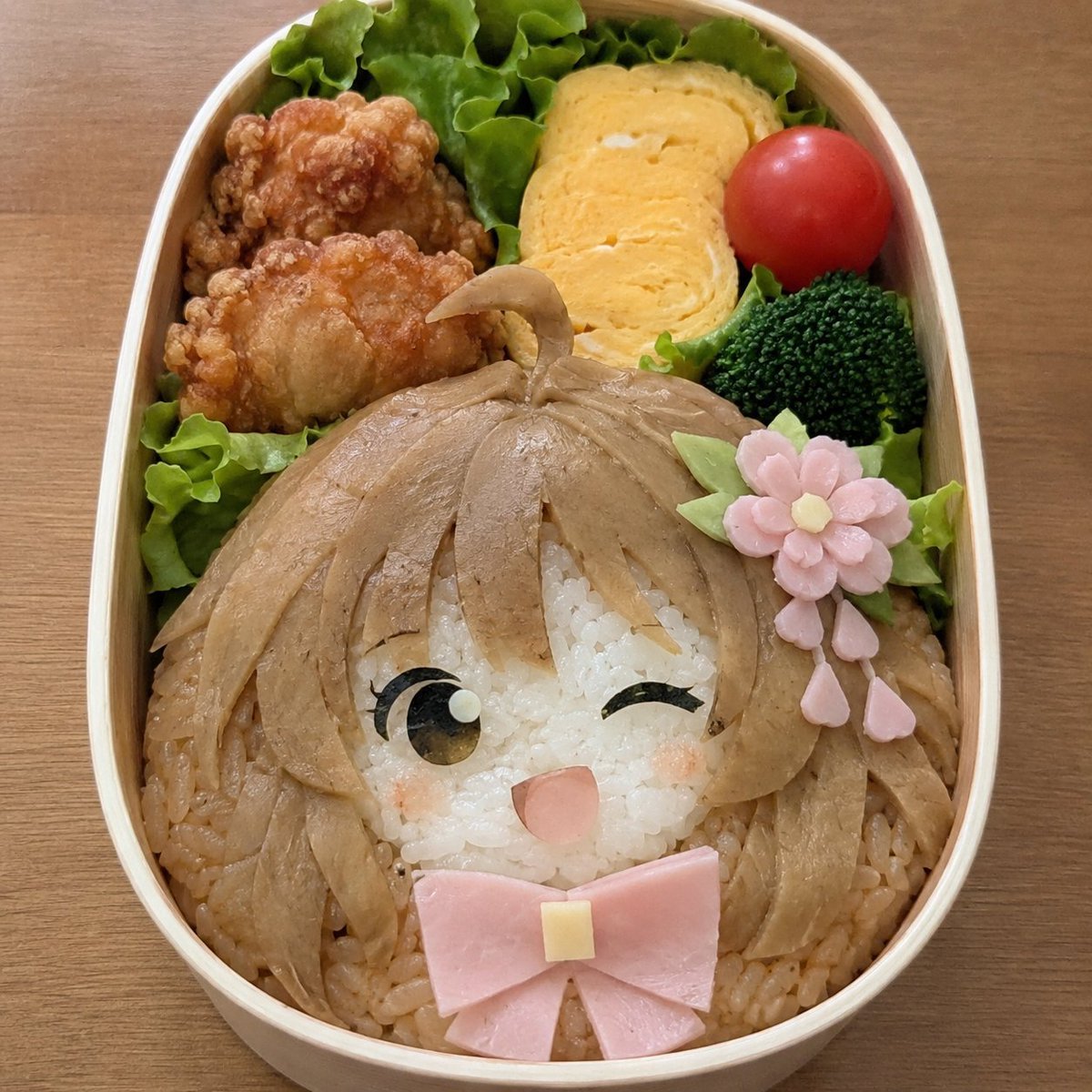
Anime Girl Character Bento
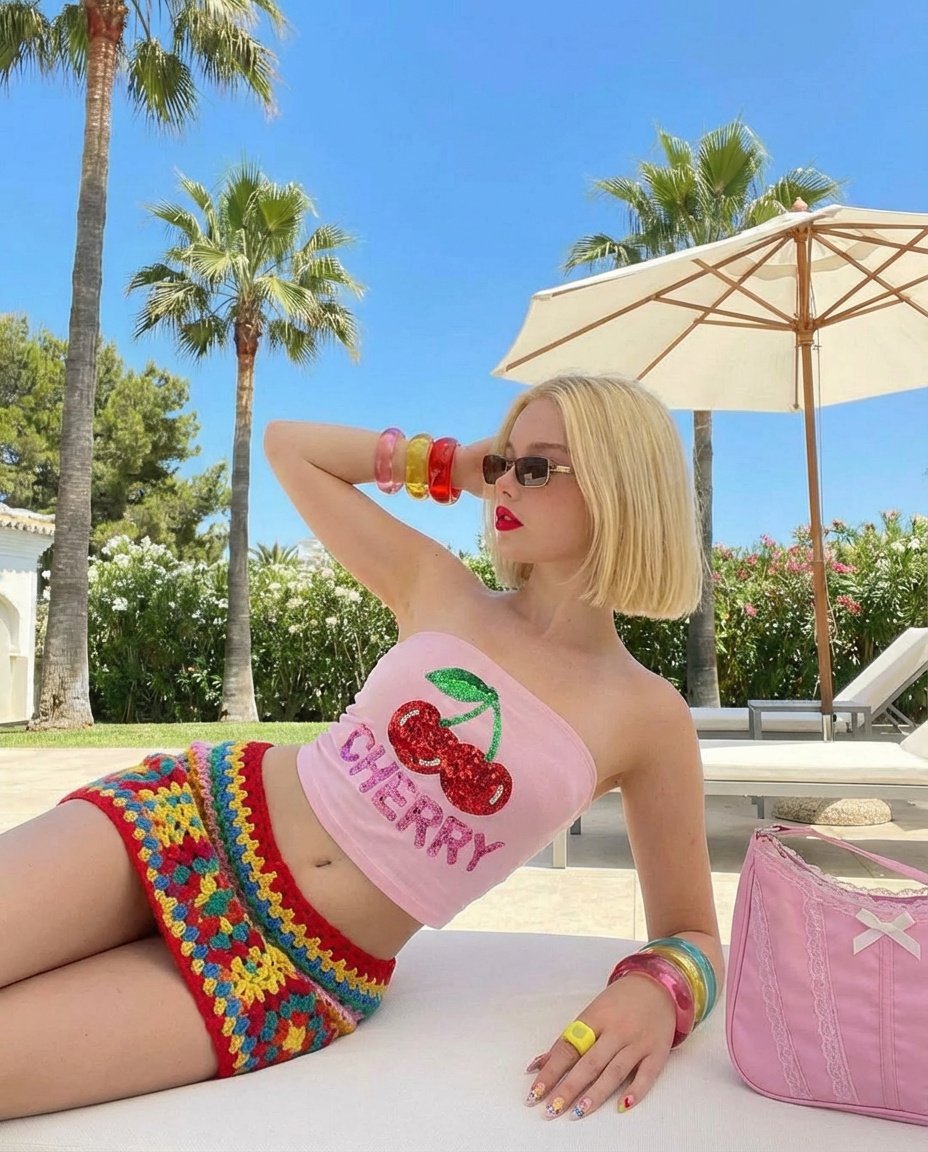
Stylish Poolside Retro Fashion Prompt
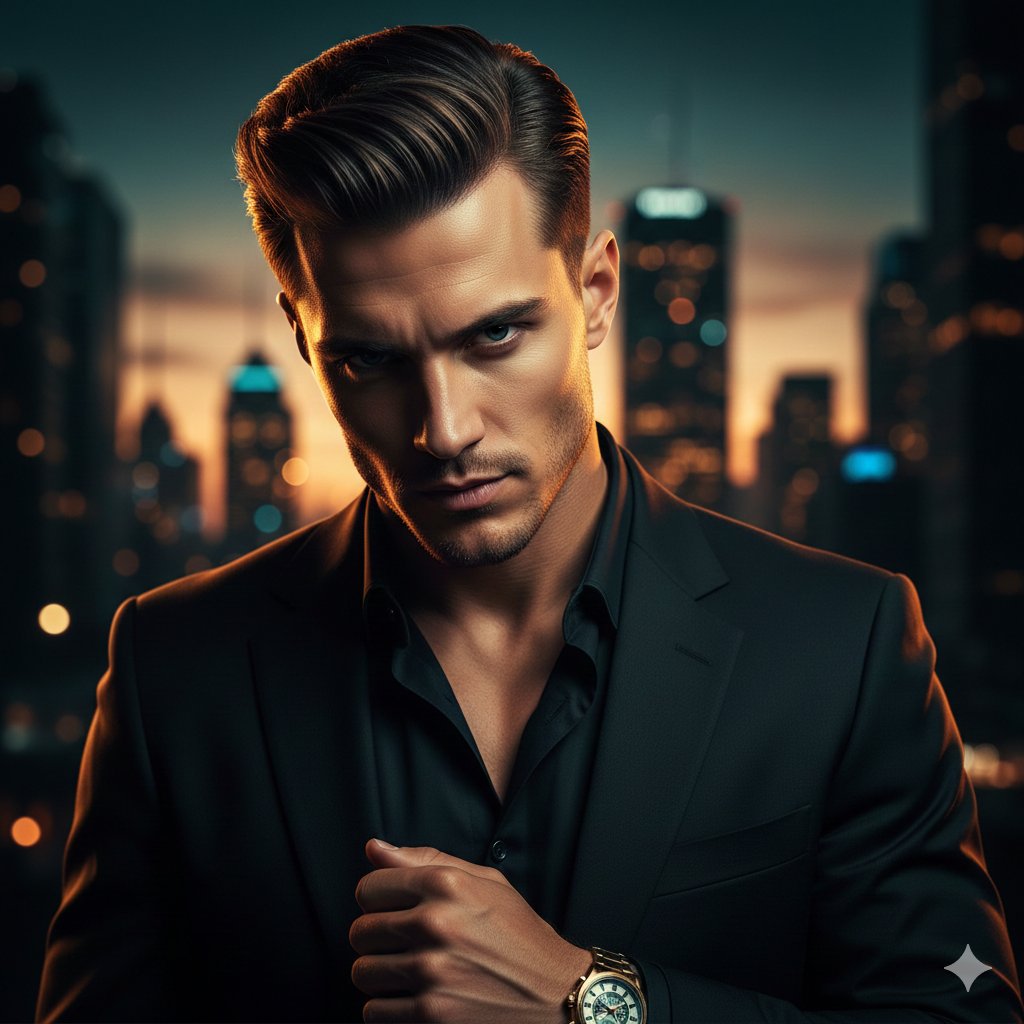
Cinematic Portrait of a Confident Young Man in an Urban Setting
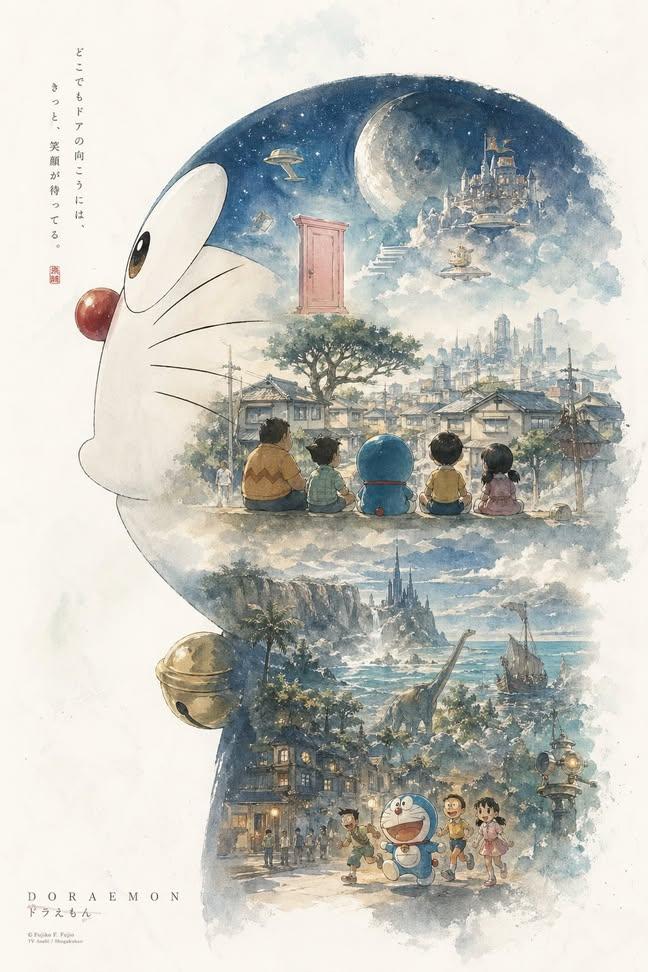
Doraemon Watercolor Silhouette Dreamscapes
Browse template categories
Minimal Sunscreen Product Cover questions
How do I use the Minimal Sunscreen Product Cover template?
Add your photo if the template asks for one, edit the prompt if you like — the template's model and format are already selected — and press Generate. Your version opens in PicX Studio.
Can I customize the Minimal Sunscreen Product Cover template?
Yes. You can change the subject, setting, lighting, mood, format, and available model controls before creating your image.
Is the Minimal Sunscreen Product Cover template free?
Opening and editing this template is free. Generating uses credits, shown on the Generate button when you are signed in.
Which AI model should I use?
Start with GPT Image 2, which is the model associated with this template. You can compare another compatible model for a different finish.
Looking for something else? Browse all templates.

Your photo, any look
Thousands of ready templates for every top image and video model, from one credit balance.