
Midnight Street Candid iPhone Snapshot
A complex prompt designed to mimic an accidental iPhone night photo on a Tokyo street, focusing on realistic noise, glare, and candid imperfection.
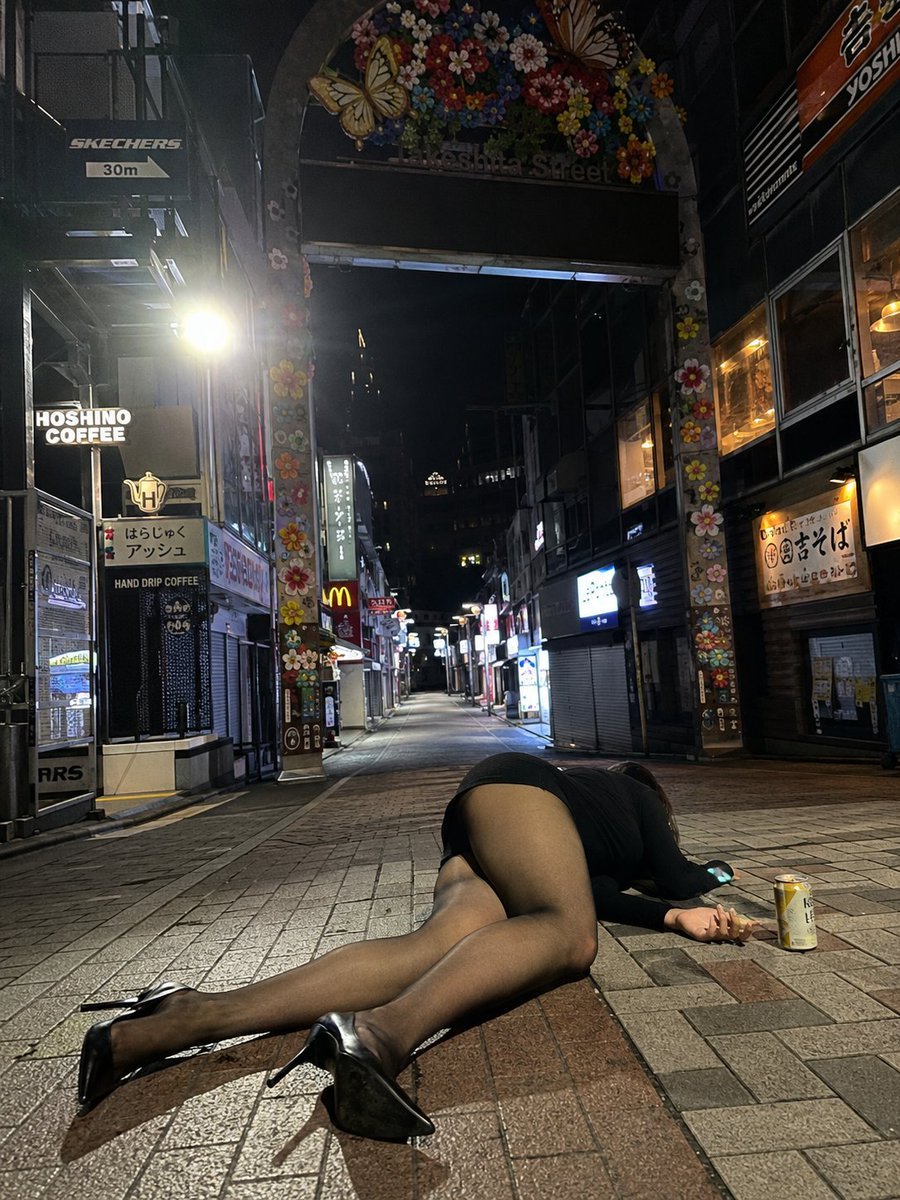
- Prompt included
- Model and format preset
- Free template
The prompt behind this image
Copy the exact prompt behind Midnight Street Candid iPhone Snapshot, or open it in the studio and make it yours.
A realistic vertical nighttime smartphone snapshot, 3:4 aspect ratio. The scene is set at {argument name="location" default="the entrance of a Japanese shopping street"}, similar to Takeshita Street in Harajuku, Tokyo, at late night or after closing time. The street is almost completely empty, but the shop signs, light-box advertisements, café signs, a distant McDonald's sign, and the huge entrance arch are still lit. The background is a street gate decorated with colorful flowers and butterfly ornaments, flanked by dense rows of storefronts, creating a strong sense of urban depth, paved with reddish-brown and light gray square floor tiles. In the lower foreground, an adult woman lies collapsed on the sidewalk, slightly off-center and positioned low in the frame. This should not look like a clean, staged fashion shot, but rather like an accidental moment captured on a phone right after something just happened. Her face is mostly obscured by her pose and shadow; do not generate a clear frontal portrait. She is wearing a black top or a black short bodysuit, black semi-transparent tights, and black pointed-toe high heels. Her legs are the main visual focus: one leg extends toward the front left, the other is bent beneath her, forming an unbalanced, fallen silhouette. The tights cover both legs, letting a soft warm brown skin tone show through. The material should feel like thin elastic nylon, smoothly fitted to the skin, slightly taut, with a faint streetlight sheen, never a plastic look. Almost no bare skin is visible, mainly a small part of the hands and wrists. On the sidewalk near her hand is a yellow-and-white drink can, as if it had fallen or had just been set down there. The photo should feel like a nighttime shot from the rear camera of {argument name="camera type" default="an iPhone"}, at a low to medium-low angle, with slight wide-angle distortion and a large depth of field, keeping the person, the sidewalk, and the background signs mostly in focus. On the left is a glaring cold-white streetlight producing glare and hard shadows; the shop light-boxes provide cool fill light, while the distant signs add small spots of warm light. The lighting should feel messy, real, and textured, not studio-controlled. Preserve subtle nighttime noise, digital sharpening, blown-out highlights, slightly unbalanced composition, excessive background detail, and the imperfect authenticity of a casual street snapshot. The mood is {argument name="mood" default="absurd, tired, and slightly tipsy"}, like a strange moment left behind after a busy city has gone quiet. --ar 3:4 --v 6.0 --style raw
How to use Midnight Street Candid iPhone Snapshot in 3 steps
- 1Upload ImagePNG, JPG or paste
Add your photo
Upload the photo the template builds on. The prompt, model and format are already set.
- 2…a portrait of your subject in softgolden-hour light, 85mm…
Personalize
Edit the subject and creative details for your destination.
- 3Generate
Generate
Press Generate — your image is created in PicX Studio, so you can compare it with the original and refine one variable at a time.
More like this
Templates with the same subject, style or setup. Open one to see its prompt.
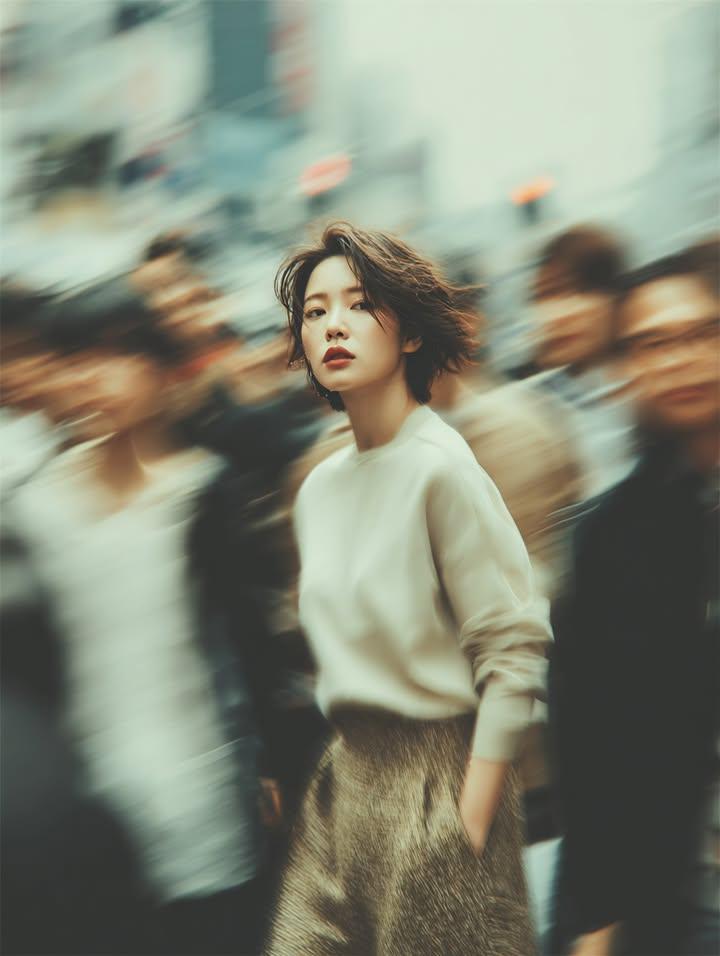
Cinematic Street Fashion Portrait Motion Blur Crowd
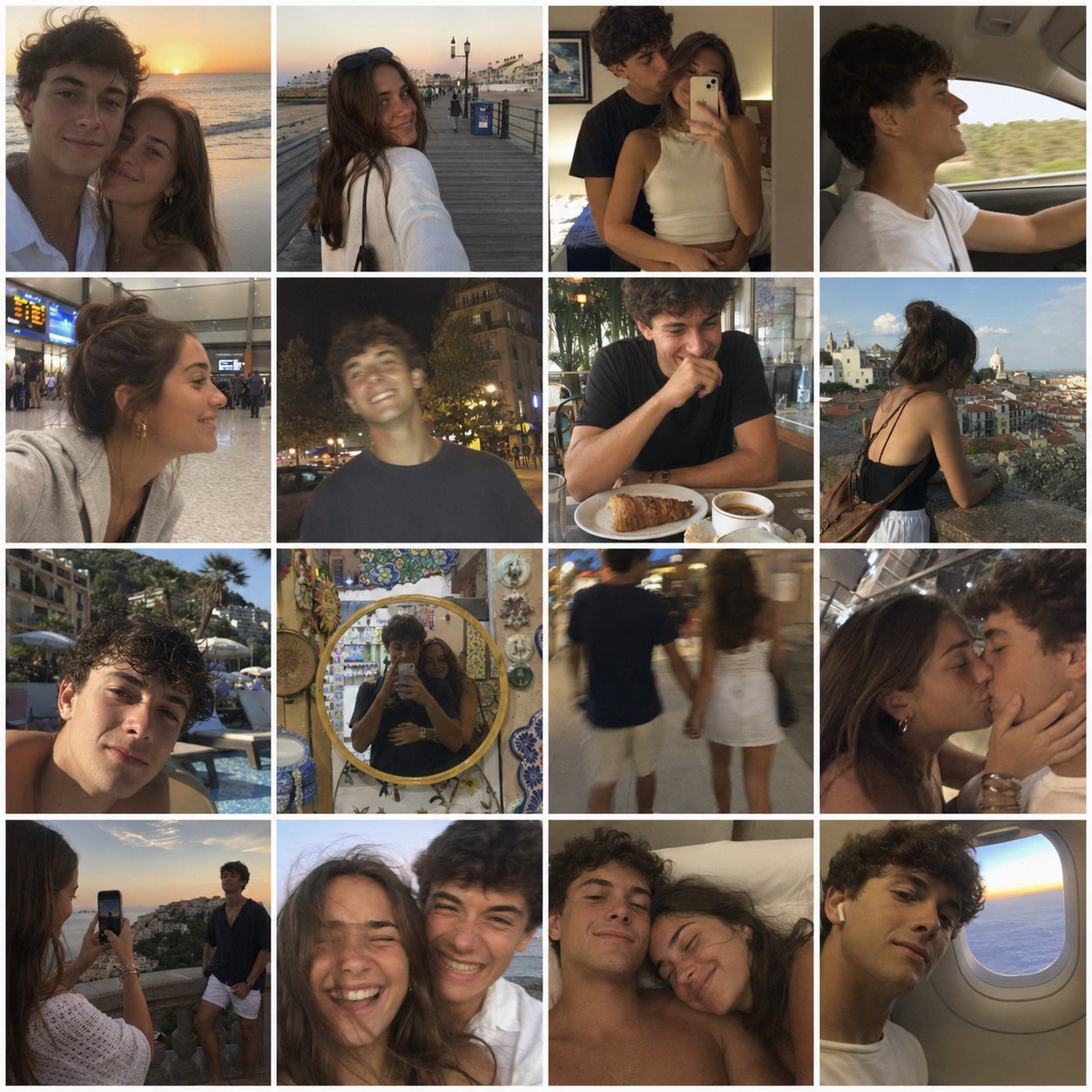
4x4 Grid - Candid Nostalgic Vacation Selfies
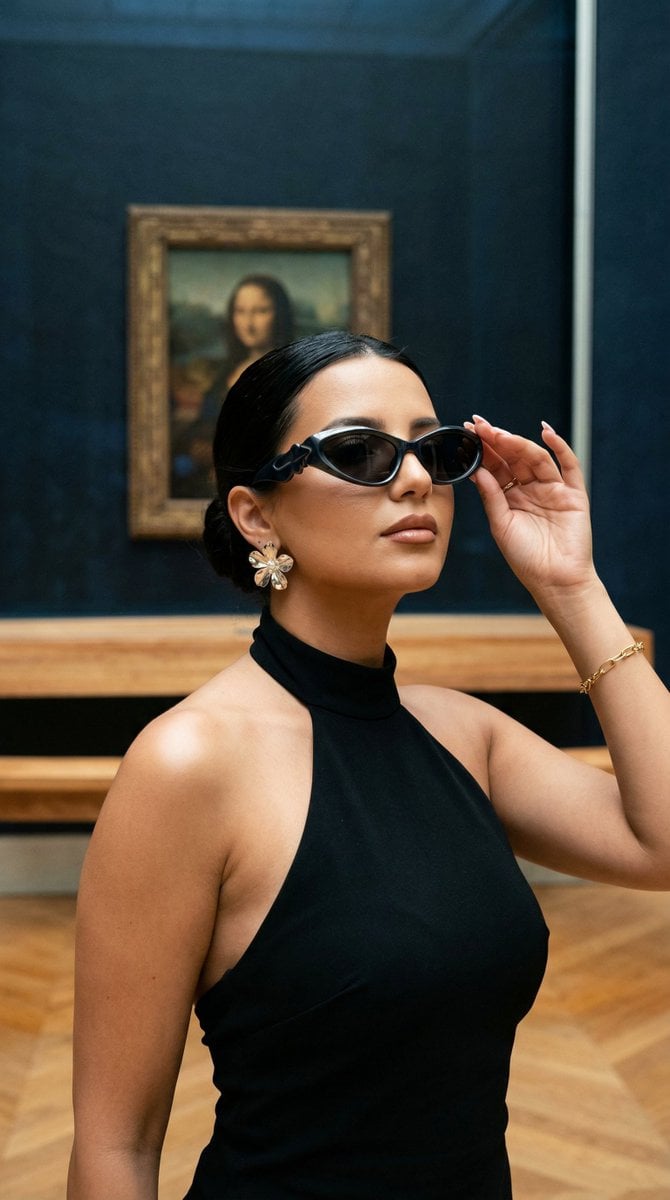
Nano Banana - Street Paris T-Shirt
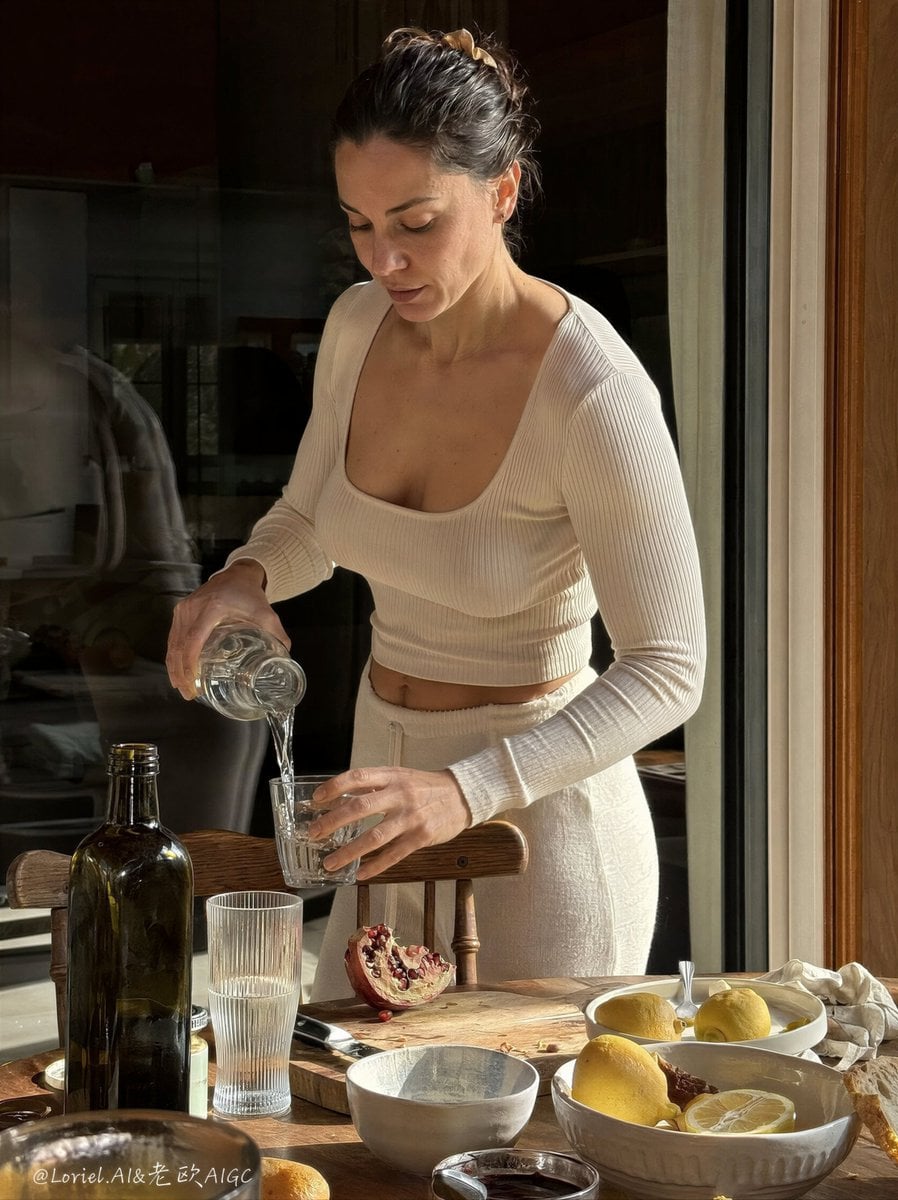
Anti-AI Candid iPhone Snapshot
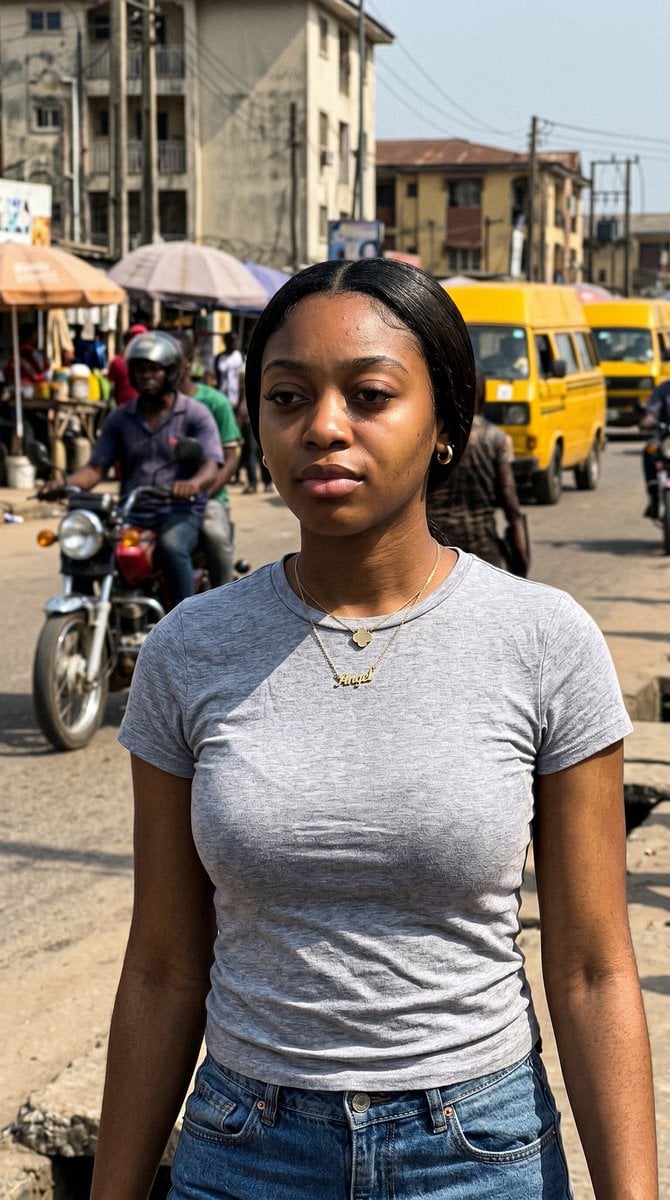
Lagos Street Candid iPhone Shot
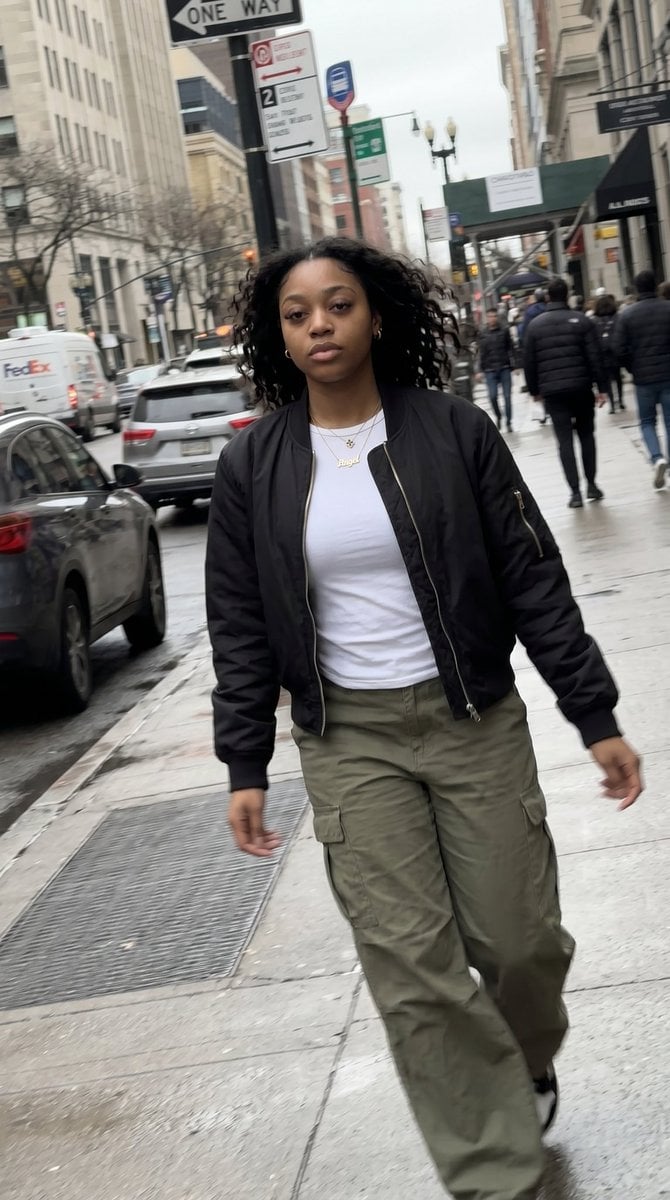
Candid iPhone Streetwear Photography
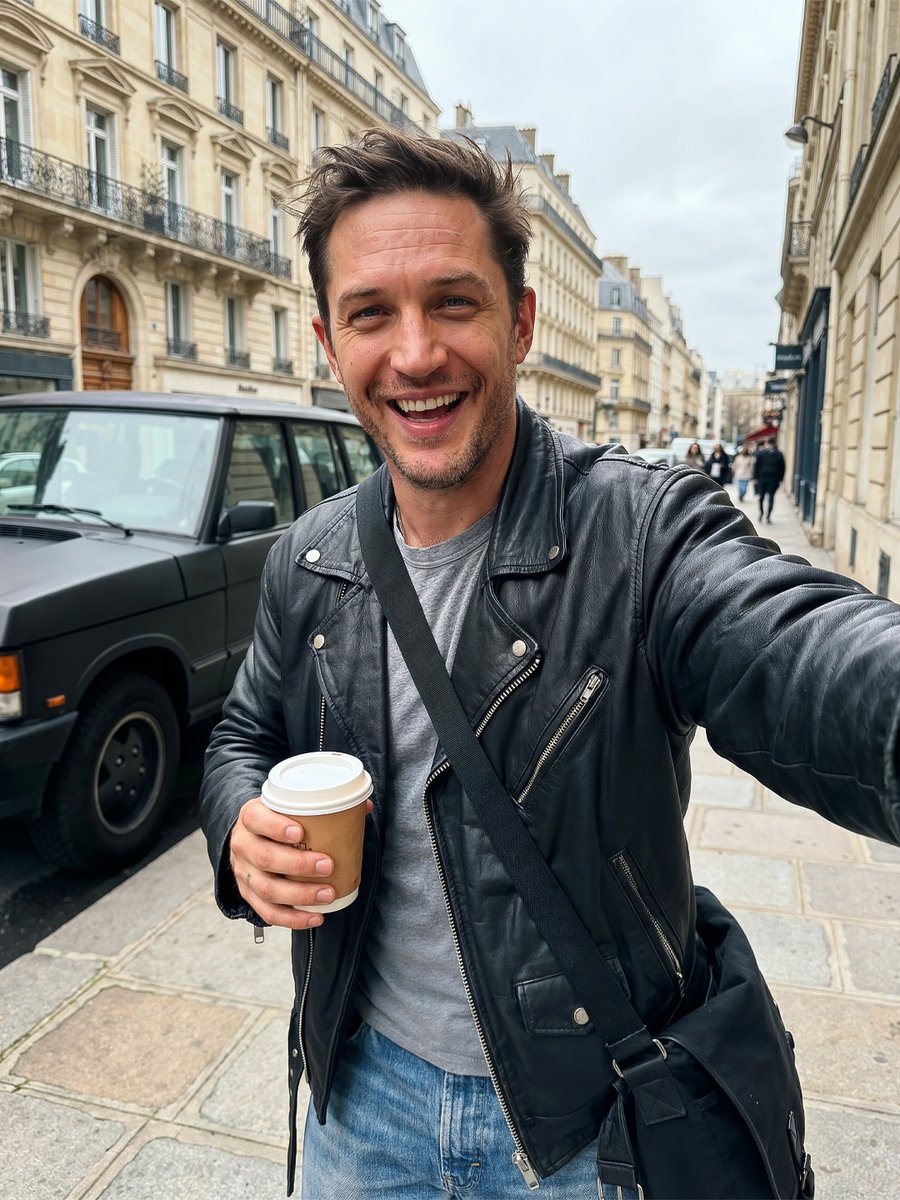
Candid iPhone Street Selfie

Sunday Afternoon, 1988

Two Tickets, One Night

Our Song was on a Cassette

Meet Me When It Rains
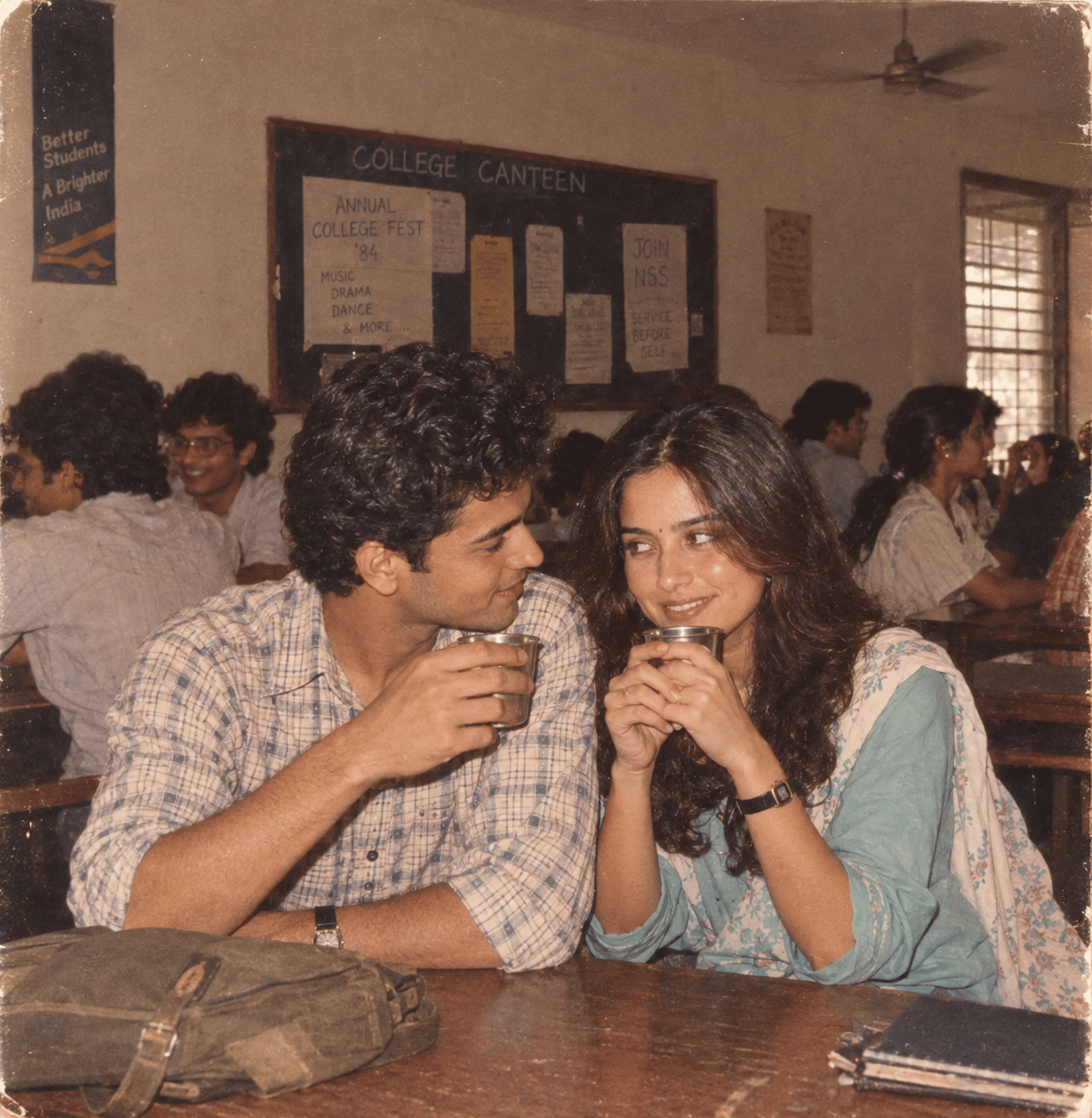
The Date After College
Make it yours
Midnight Street Candid iPhone Snapshot works as-is. These are the safest ways to change it without losing the look.
Change one field
Copy a single group, rewrite it, and generate again so you can see what that field is doing.
Keep the frame, change the subject
Hold the composition and light of Midnight Street Candid iPhone Snapshot, then swap wardrobe, props or the person for a new take.
| If the result… | Why | Fix |
|---|---|---|
| The result drifts from the preview | Too many fields changed at once. | Reuse Midnight Street Candid iPhone Snapshot as-is first, then change one group — subject, light, or setting. |
| The model over-stylizes the scene | The prose prompt leaves finish and camera underspecified. | Add one camera or lighting sentence and stay on GPT Image 2. |
More GPT Image 2 templates
Other prompts made for GPT Image 2.

Six VTuber Japanese Logo Sheet

Realistic Portrait of Woman and Deer

The Vista Modular Condo Poster

AI Model Routing Comparison Infographic

2.5D Anime Art Board

Isometric Productivity Desk Scene

New York Double Exposure Poster

Four-Panel AI Landscape Comparison

Japanese Tatami Lifestyle Magazine Cover

NESCAFÉ Coffee Map Poster
More image prompts
Fresh picks from across the catalog.
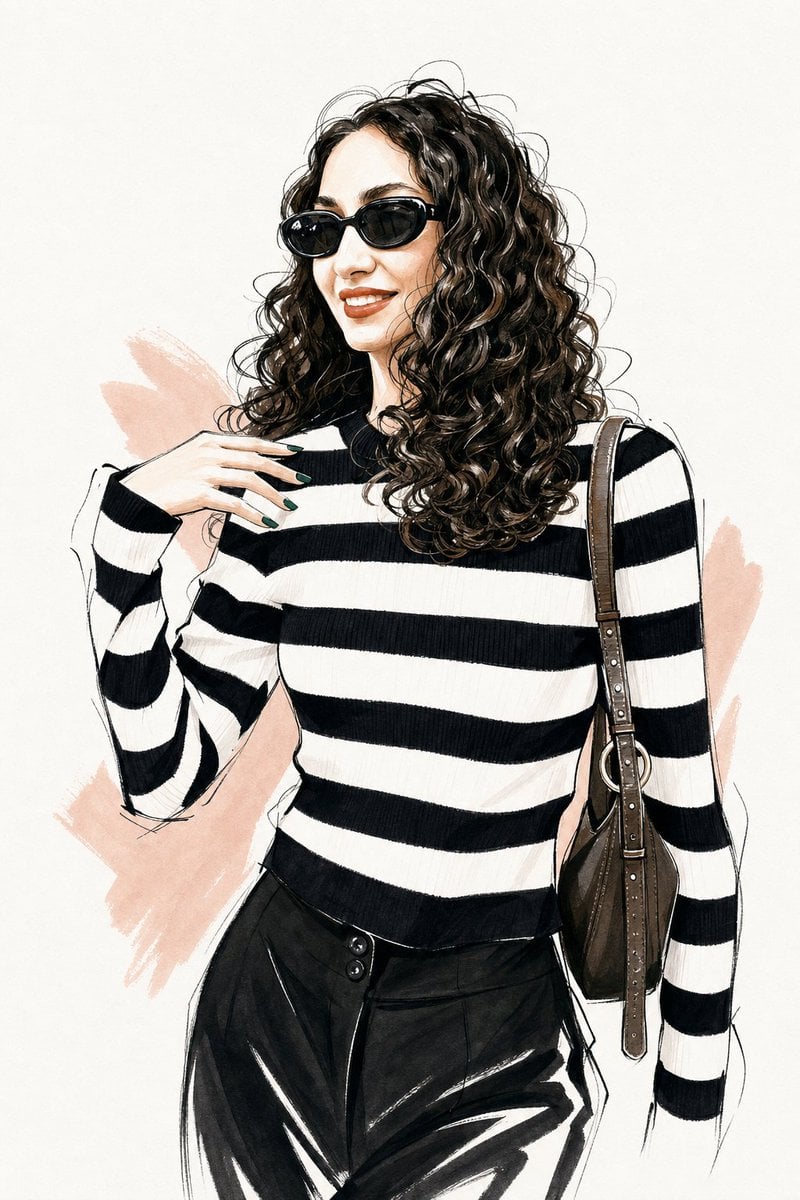
Vogue Style Fashion Illustration
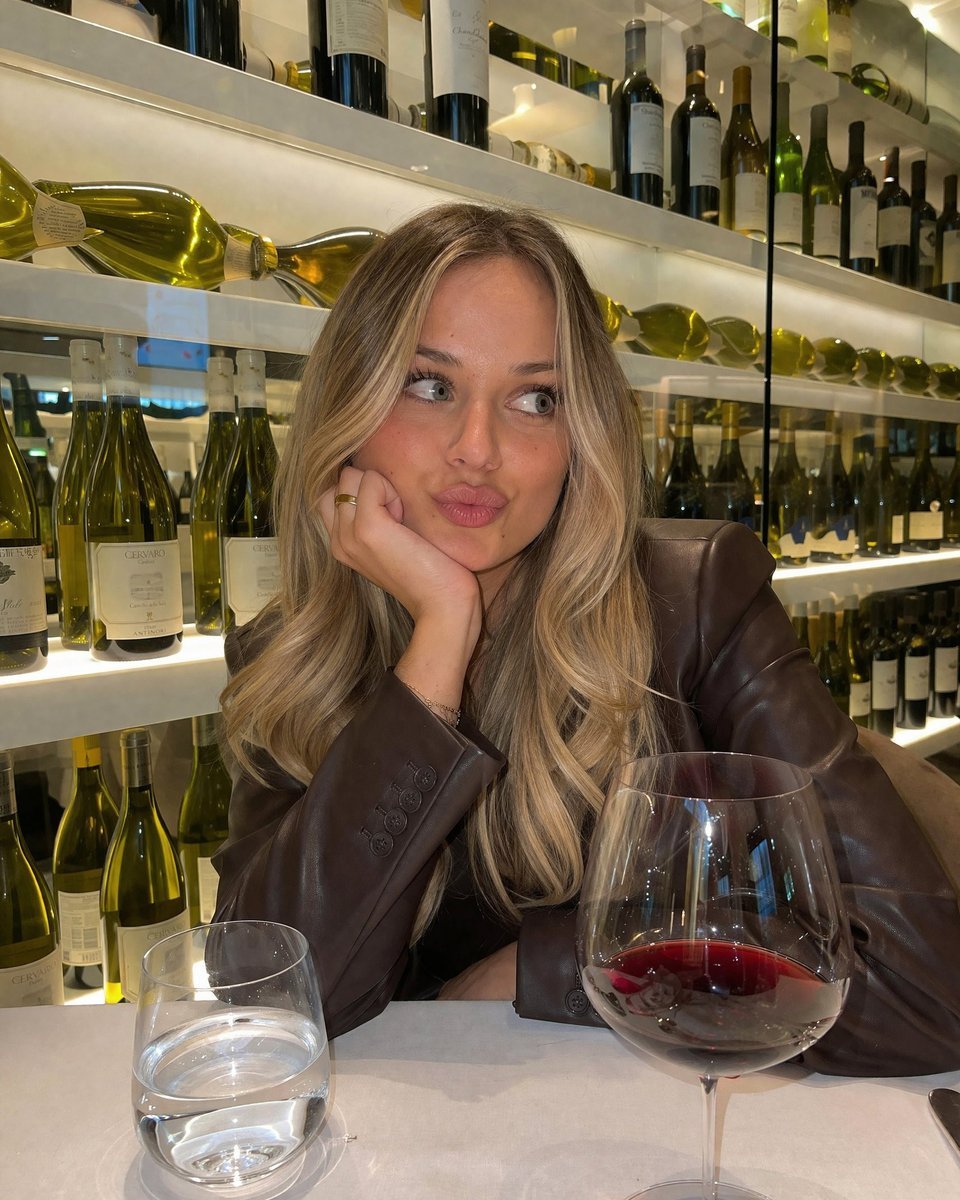
Casual Wine Bar Portrait
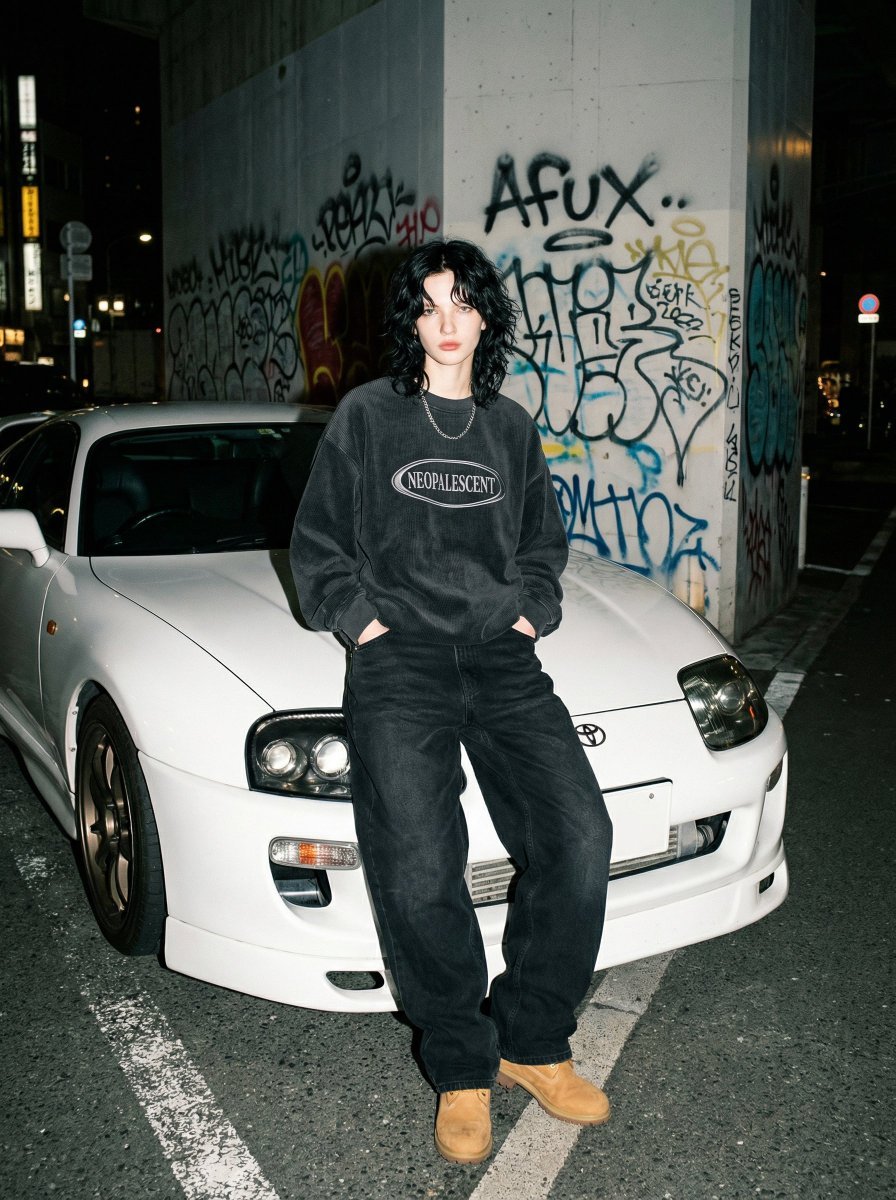
90s Streetwear Portrait with Toyota Supra MK4
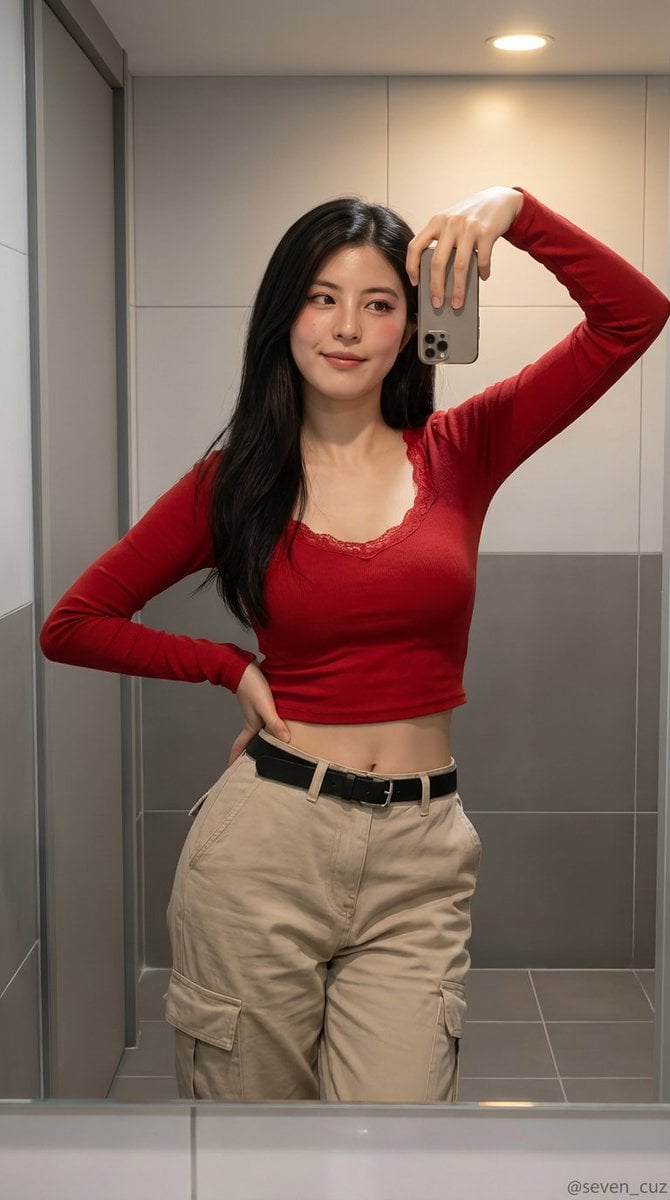
Self-Portrait Generation Prompt (Placeholder)
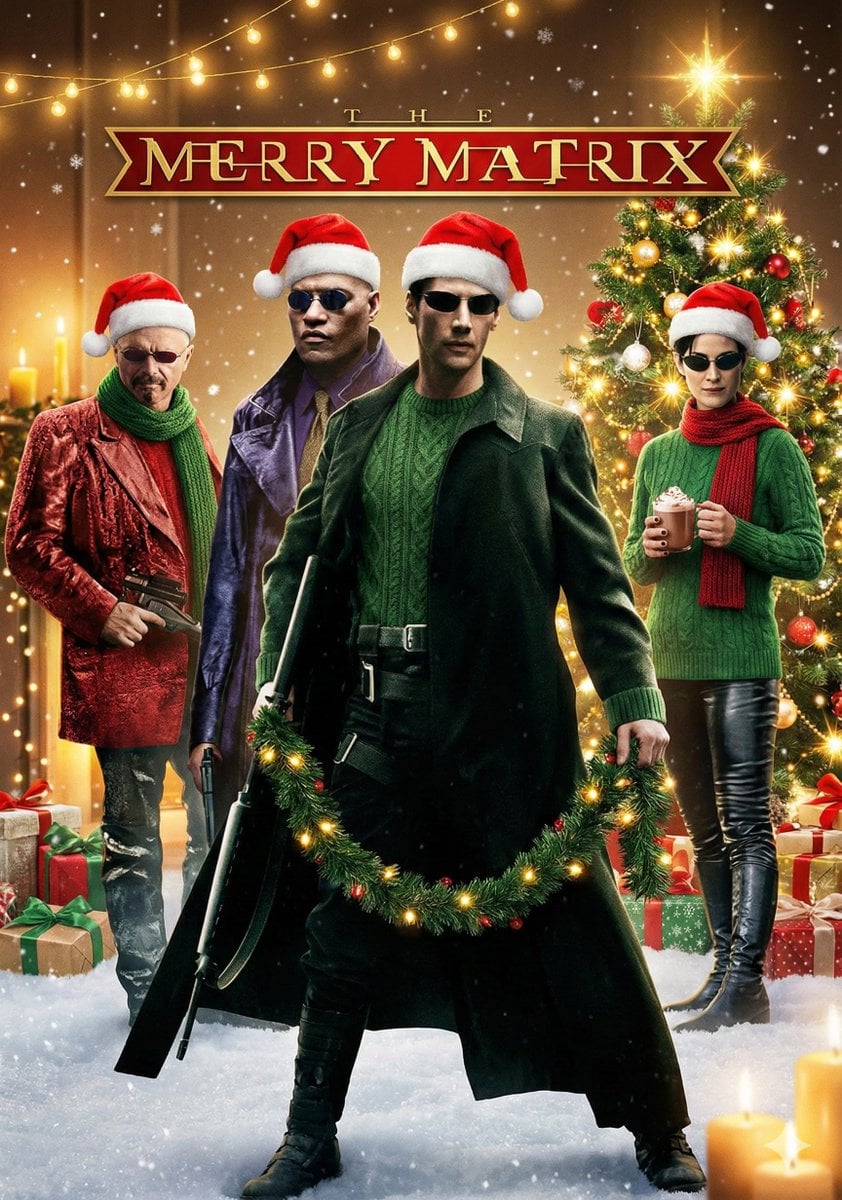
Cinematic Christmas Transformation with Composition Lock
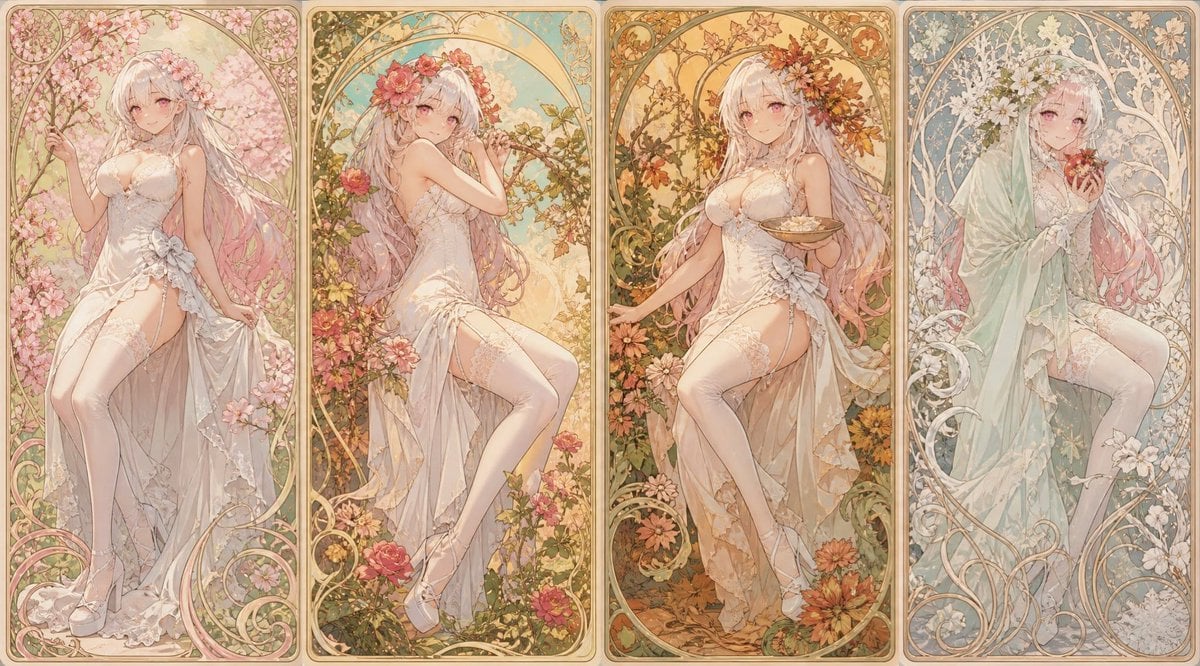
Mucha Style Seasonal Art Nouveau
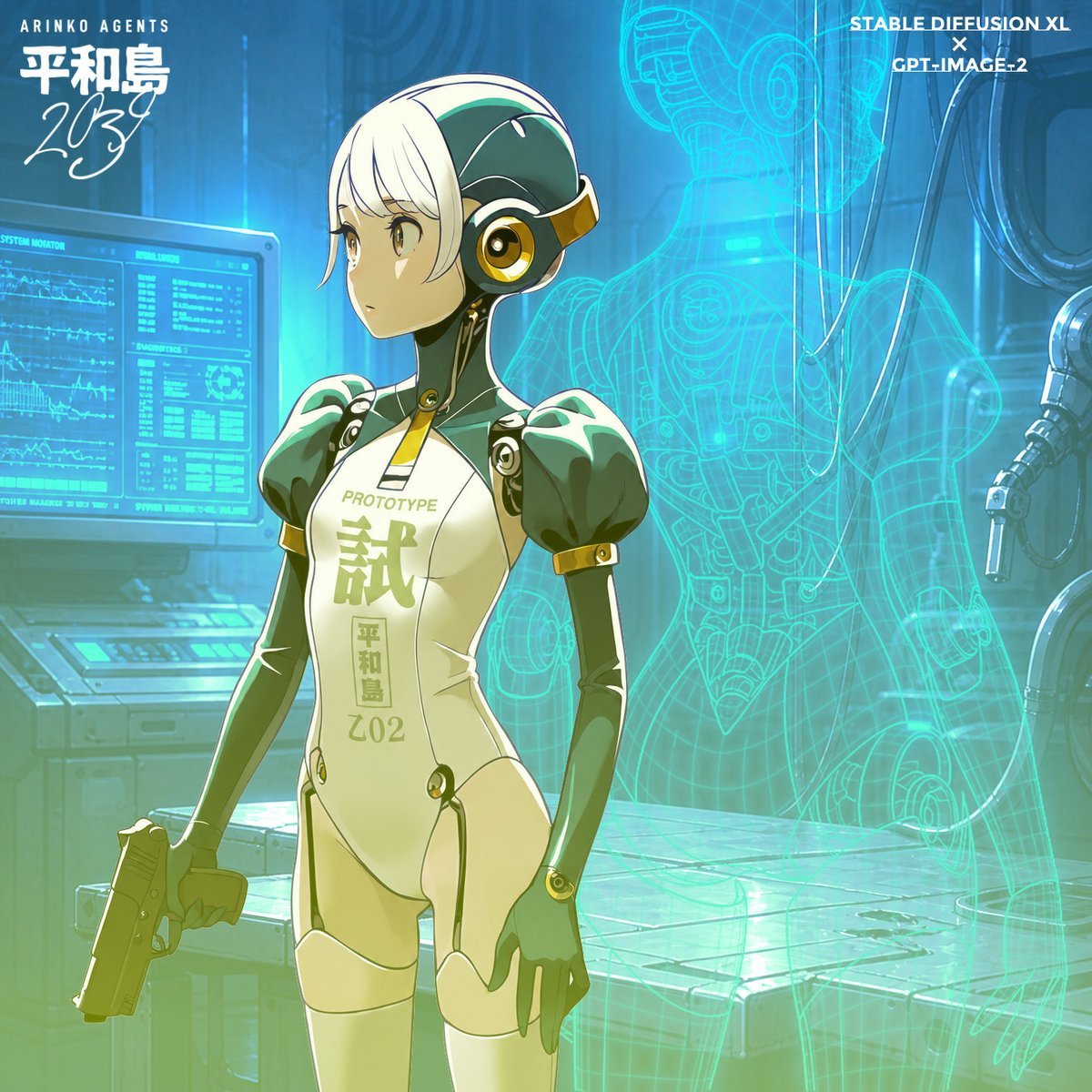
Anime Android Agent Lab Poster
Childlike Watercolor and Crayon Art

Nano Banana Pro Manga Generation - Christmas Present Theme
Split Portrait Editorial Photography
Browse template categories
Midnight Street Candid iPhone Snapshot questions
How do I use the Midnight Street Candid iPhone Snapshot template?
Add your photo if the template asks for one, edit the prompt if you like — the template's model and format are already selected — and press Generate. Your version opens in PicX Studio.
Can I customize the Midnight Street Candid iPhone Snapshot template?
Yes. You can change the subject, setting, lighting, mood, format, and available model controls before creating your image.
Is the Midnight Street Candid iPhone Snapshot template free?
Opening and editing this template is free. Generating uses credits, shown on the Generate button when you are signed in.
Which AI model should I use?
Start with GPT Image 2, which is the model associated with this template. You can compare another compatible model for a different finish.
Looking for something else? Browse all templates.

Your photo, any look
Thousands of ready templates for every top image and video model, from one credit balance.