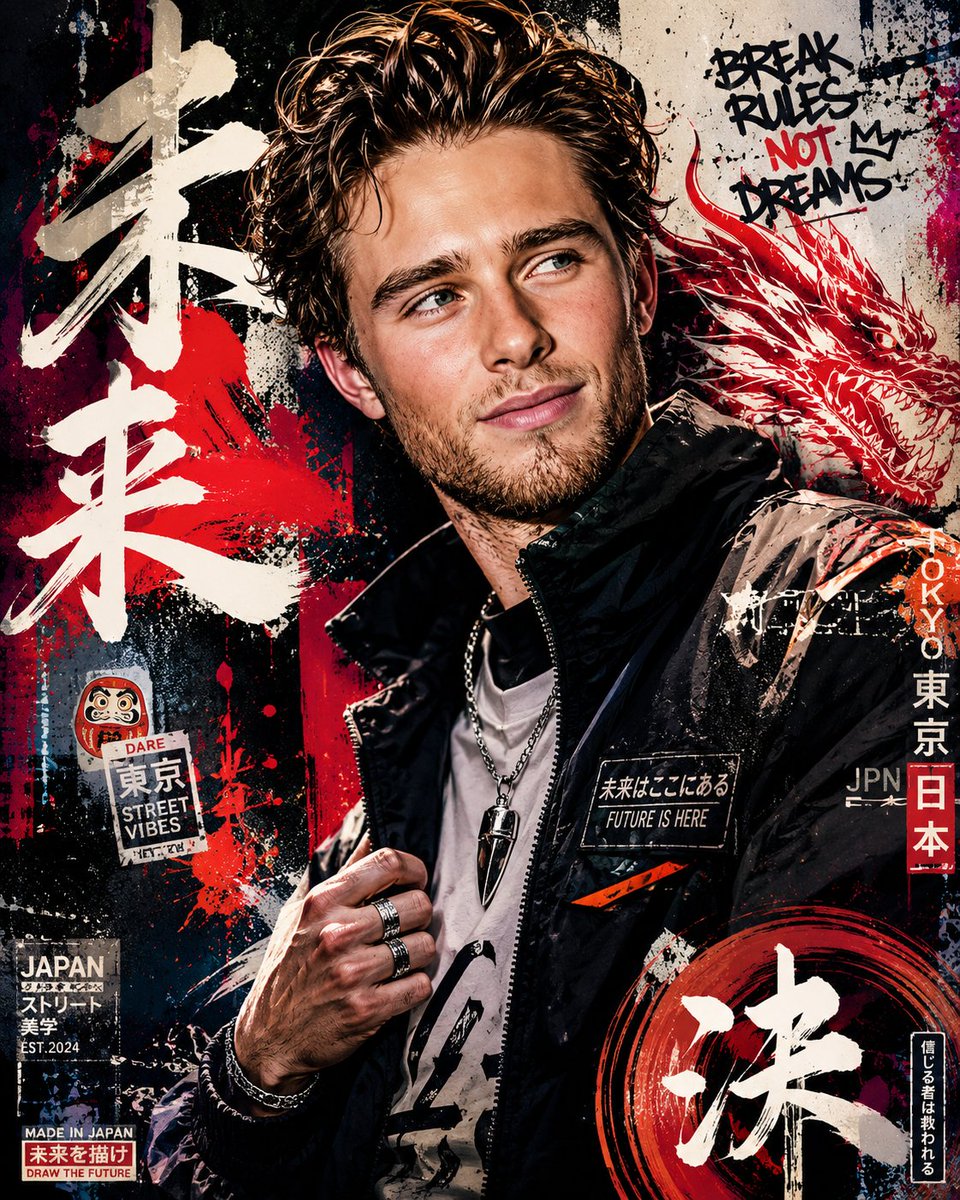
Japanese Graffiti Poster Art
Create a high-detail portrait poster in a {argument name="style" default="bold Japanese graffiti-inspired art style"}, combining modern urban street aesthetics with expressive Japanese visual culture. The poster should feature dynamic graffiti typography, layered spray-paint textures, hand-drawn symbols, abstract paint splashes, neon brush strokes, urban sticker elements, Japanese calligraphy accents, and decorative ornaments that strongly reinforce the energetic atmosphere of the design. The overall composition should feel artistic, rebellious, fashionable, and visually striking, while still maintaining a premium editorial poster quality instead of looking messy or overdone. Humanity somehow turned vandalism into luxury wall art. Impressive species.
The subject must not replicate the exact pose or expression from the reference photo. Instead, create a completely new pose that feels natural, confident, and full of life. The expression should appear emotionally expressive, charismatic, and engaging, avoiding stiff, awkward, flat, or emotionless body language. The pose should reflect the elegance and sophistication commonly seen in international fashion models, with stylish posture, natural movement, and subtle attitude that enhances the overall cinematic fashion aesthetic.
The outfit should feature contemporary stylish casual fashion with strong visual appeal. Avoid plain or repetitive clothing designs. Use fashionable layering, modern streetwear inspiration, premium casual styling, and a balanced combination of colors, patterns, textures, and fabric types that create a rich and non-monotonous appearance. The clothing should feel trendy, fashionable, youthful, and visually premium while still fitting naturally into the Japanese graffiti poster concept.
The background and poster decorations should be filled with thematic urban Japanese-inspired visual elements such as graffiti walls, spray textures, painted symbols, urban signage, layered stickers, modern Japanese graphic motifs, abstract shapes, paint drips, street fashion aesthetics, and stylish decorative compositions that enhance depth and artistic intensity without distracting from the subject.
Lighting should feel cinematic and fashionable, with strong contrast, clean highlights, realistic skin texture, and high-end editorial poster quality. The final result must look like a premium modern street-fashion campaign poster with highly detailed textures, balanced composition, vibrant color harmony, realistic proportions, ultra-sharp focus, and immersive visual storytelling.
Ultra-detailed, highly aesthetic, premium composition, realistic texture rendering, fashionable urban atmosphere, cinematic quality, poster-ready design, 8K ultra high resolution.







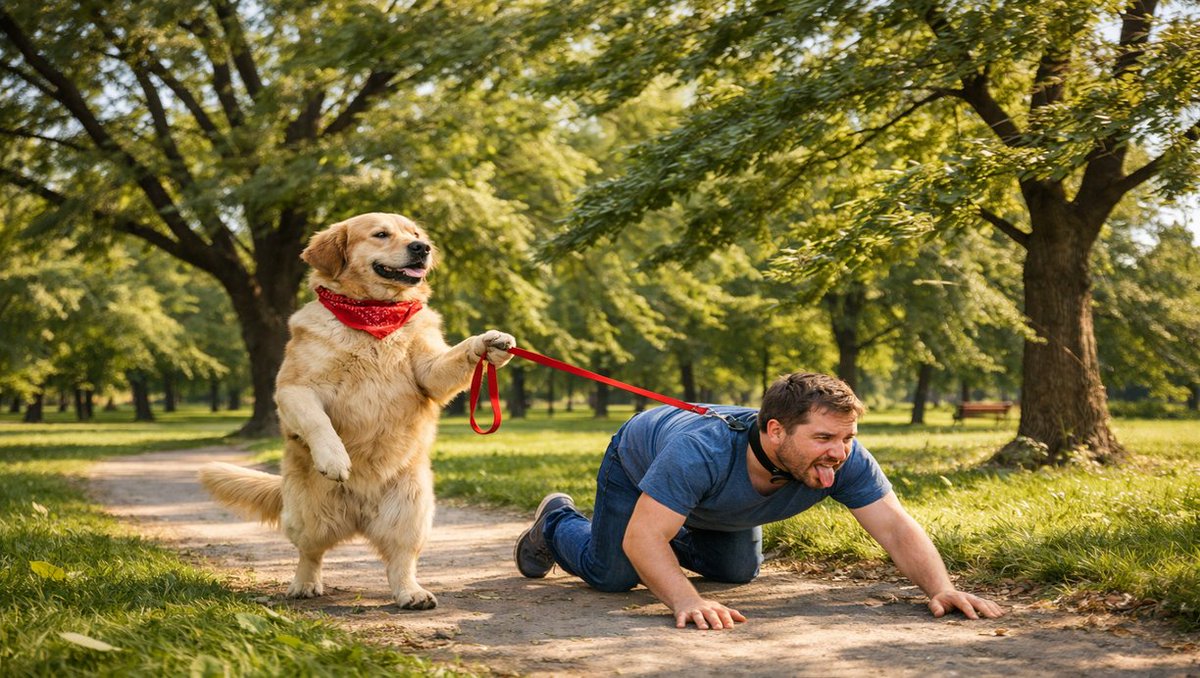
![Naive doodle-style subject illustration — A doodle-style {argument name="subject" default="[subject]"}, naive lines, humorous shape exaggeration](https://pbs.twimg.com/media/G6Wl2YxbsAARB2b.jpg)






















![Mixed Media Sketch Portrait — A mixed-media portrait of {argument name="subject" default="[SUBJECT]"} showing {argument name="expression" default="[EXPRESSION]"](https://cms-assets.youmind.com/media/1780822664914_nkywne_HKFts6AasAANELX.jpg)