How do I use the Minimalist Line Art Bee Illustration template?
Edit the prompt in the box under the preview — the template's model and format are already selected — and press Generate. Your version appears right on this page.
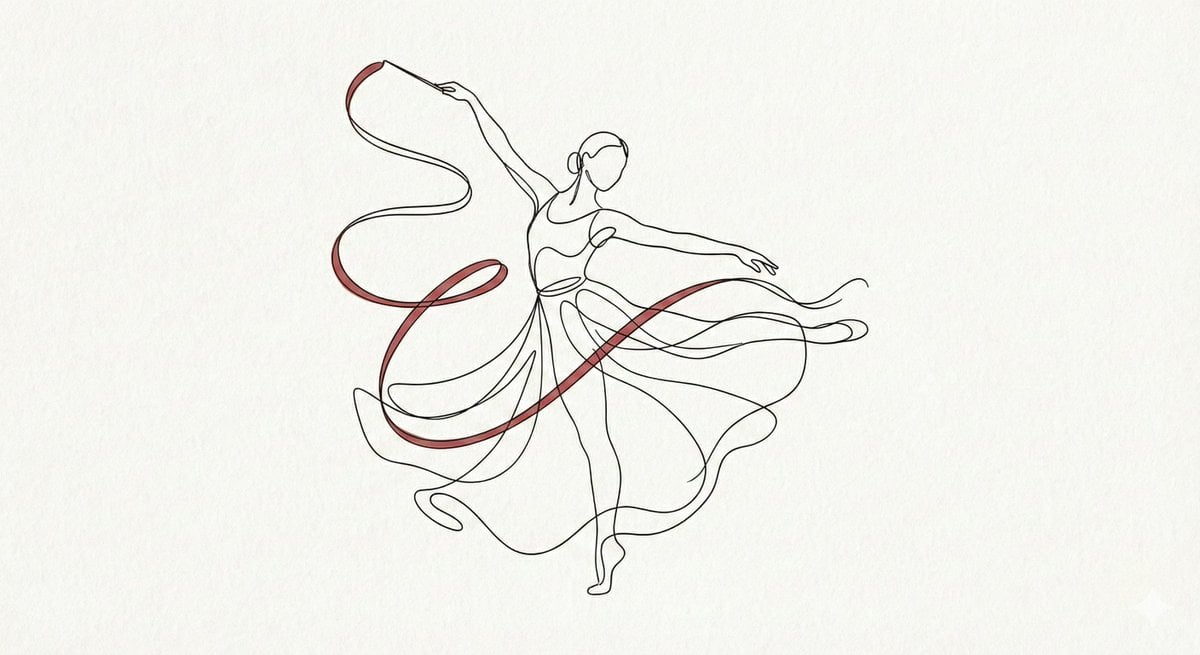
An elegant single-line art prompt for creating minimalist floral and insect illustrations, suitable for logos or tattoo designs.

minimalist, elegant single continuous line art illustration of a {argument name="subject" default="bee"} surrounded by delicate {argument name="background" default="flowers"}, centered on a clean white background; below the bee, the word '{argument name="text" default="Kind"}' in flowing cursive script, balanced composition, thin black lines, high contrast, modern minimal design suitable for logo or tattoo
minimalist, elegant single continuous line art illustration of a {argument name="subject" default="bee"} surrounded by delicate {argument name="background" default="flowers"}, centered on a clean white background; below the bee, the word '{argument name="text" default="Kind"}' in flowing cursive script, balanced composition, thin black lines, high contrast, modern minimal design suitable for logo or tattoo
Edit the prompt in the box under the preview — the template's model and format are already selected — and press Generate. Your version appears right on this page.
Yes. You can change the subject, setting, lighting, mood, format, and available model controls before creating your image.
Opening and editing this template is free. Generating uses credits, shown on the Generate button when you are signed in.
Start with Nano Banana 2, which is the model associated with this template. You can compare another compatible model for a different finish.
Follow a topic to a crawlable collection of related PicX Studio templates.