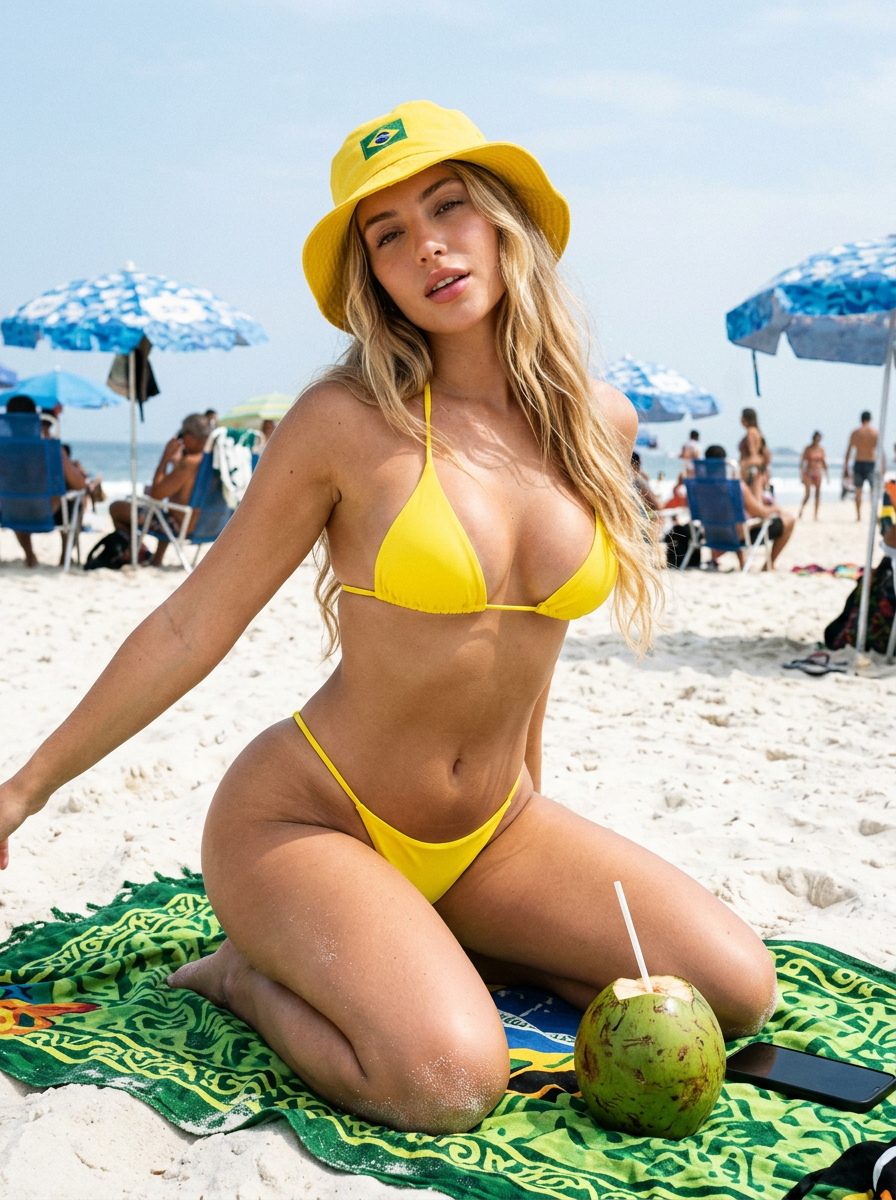
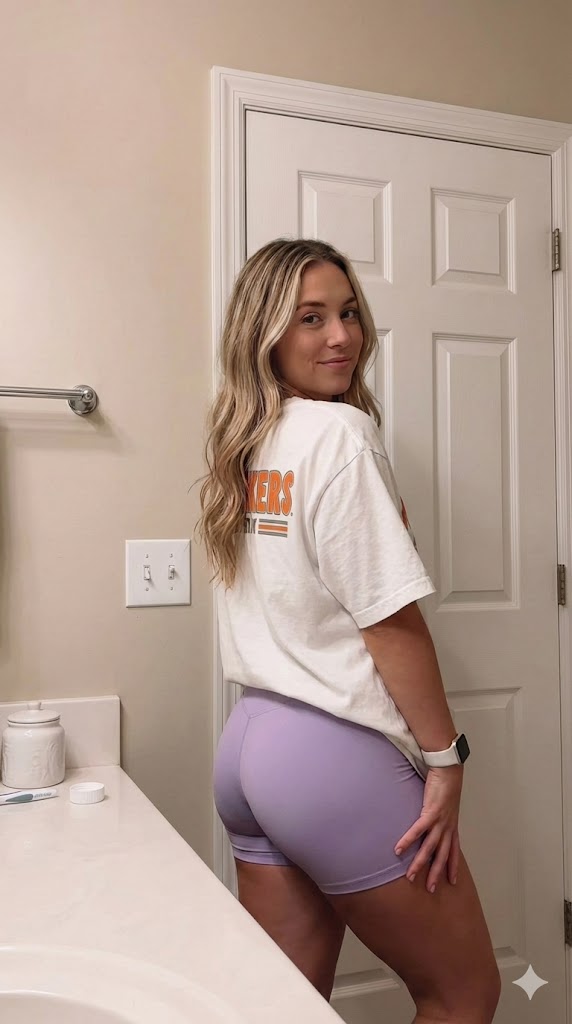
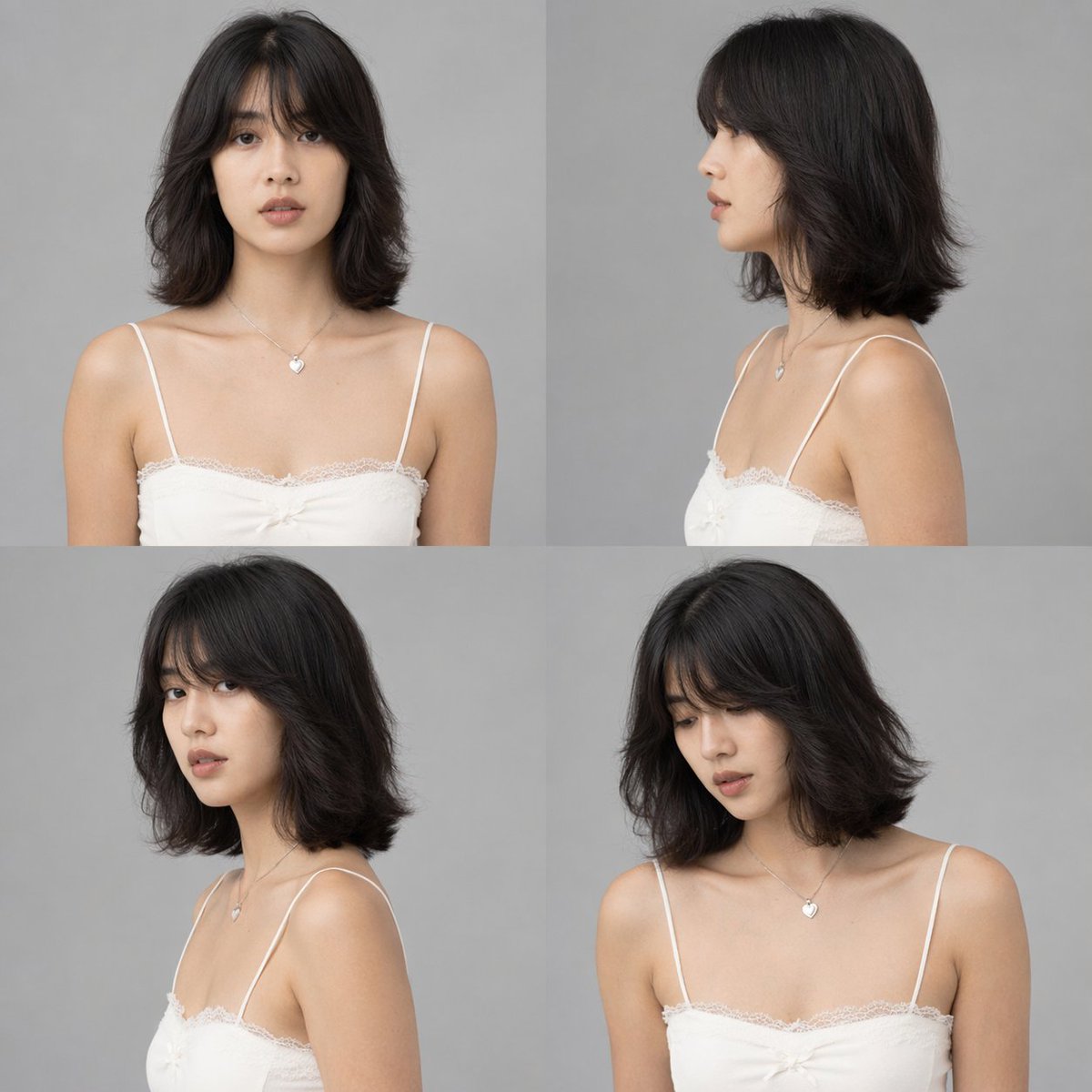
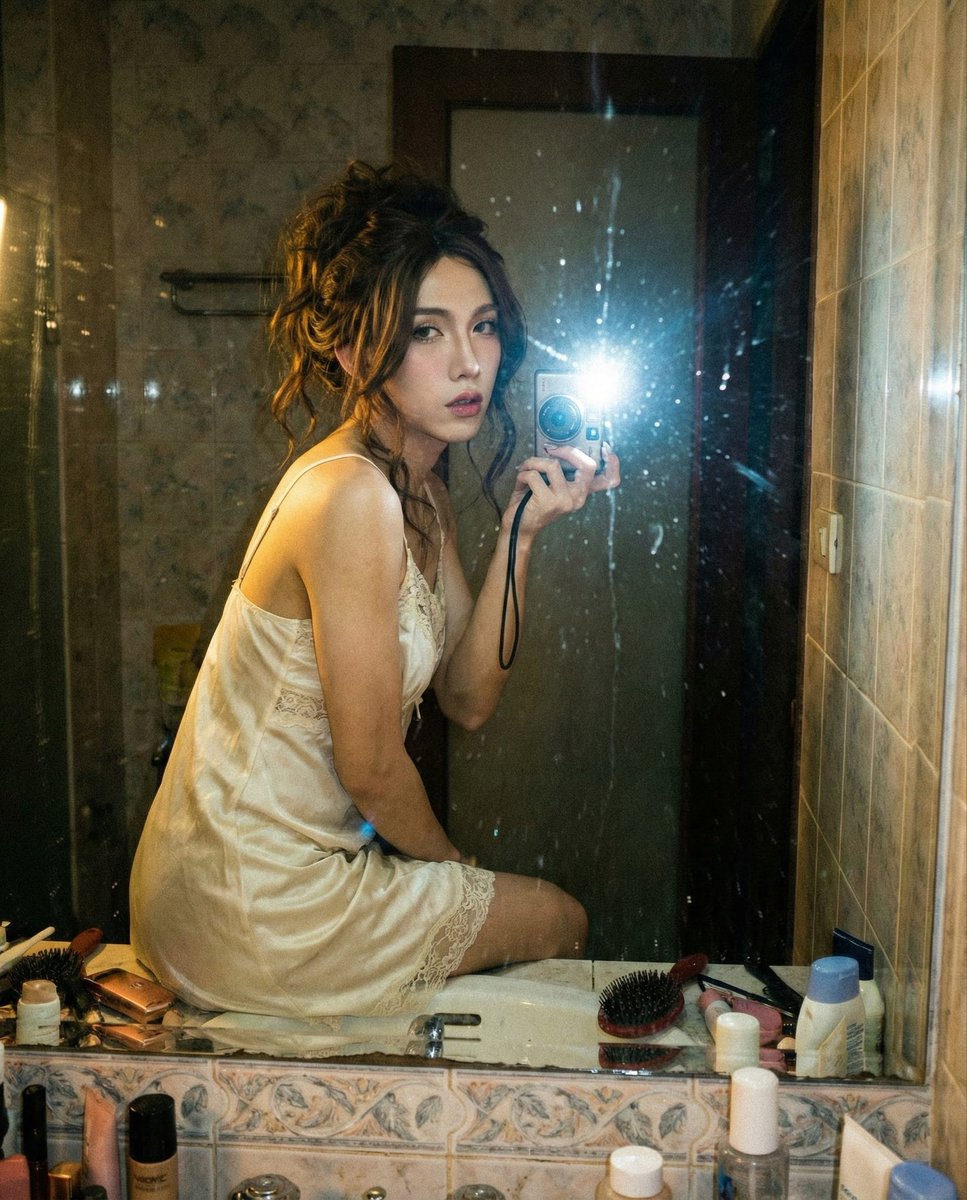
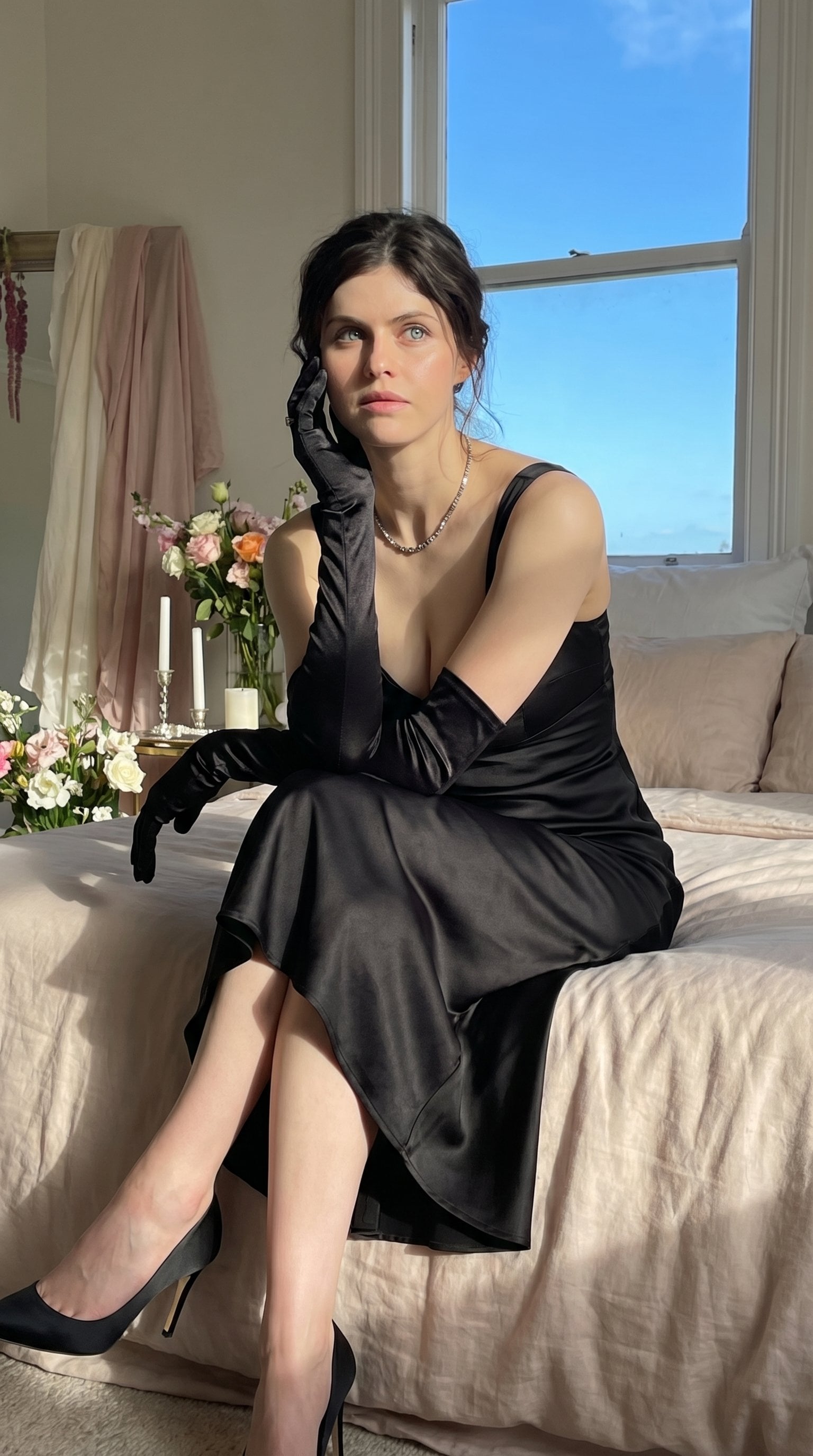
How do I use the Candid Bathroom Lifestyle Portrait template?
Choose the primary action to open PicX Studio with the available template settings. Review the model and format, personalize the creative direction, and generate when ready.
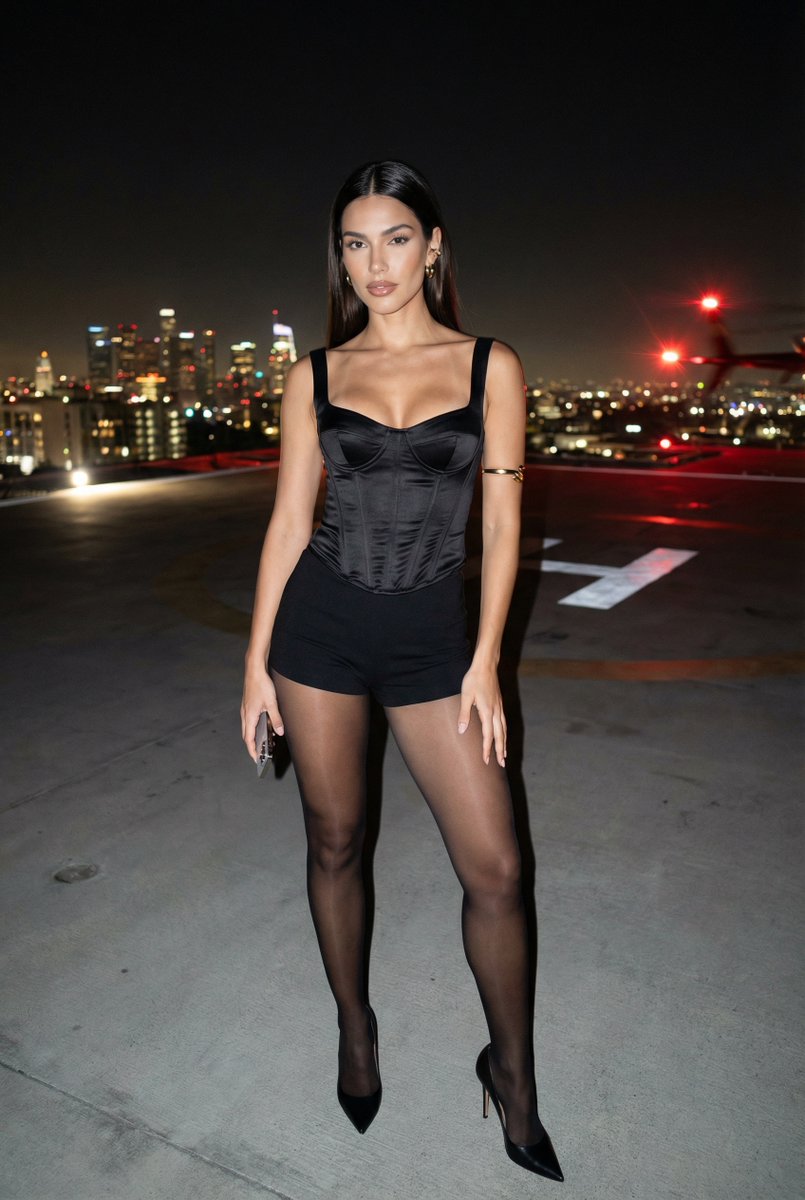
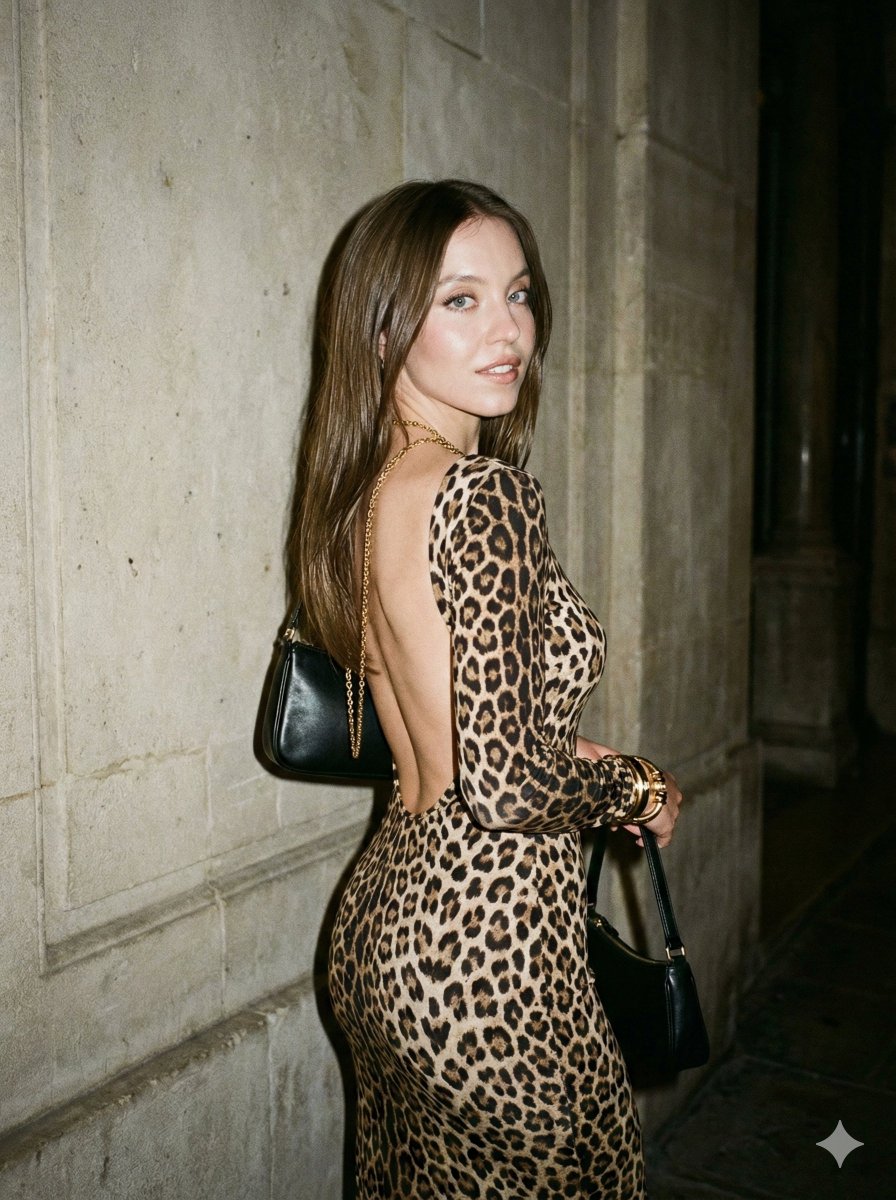
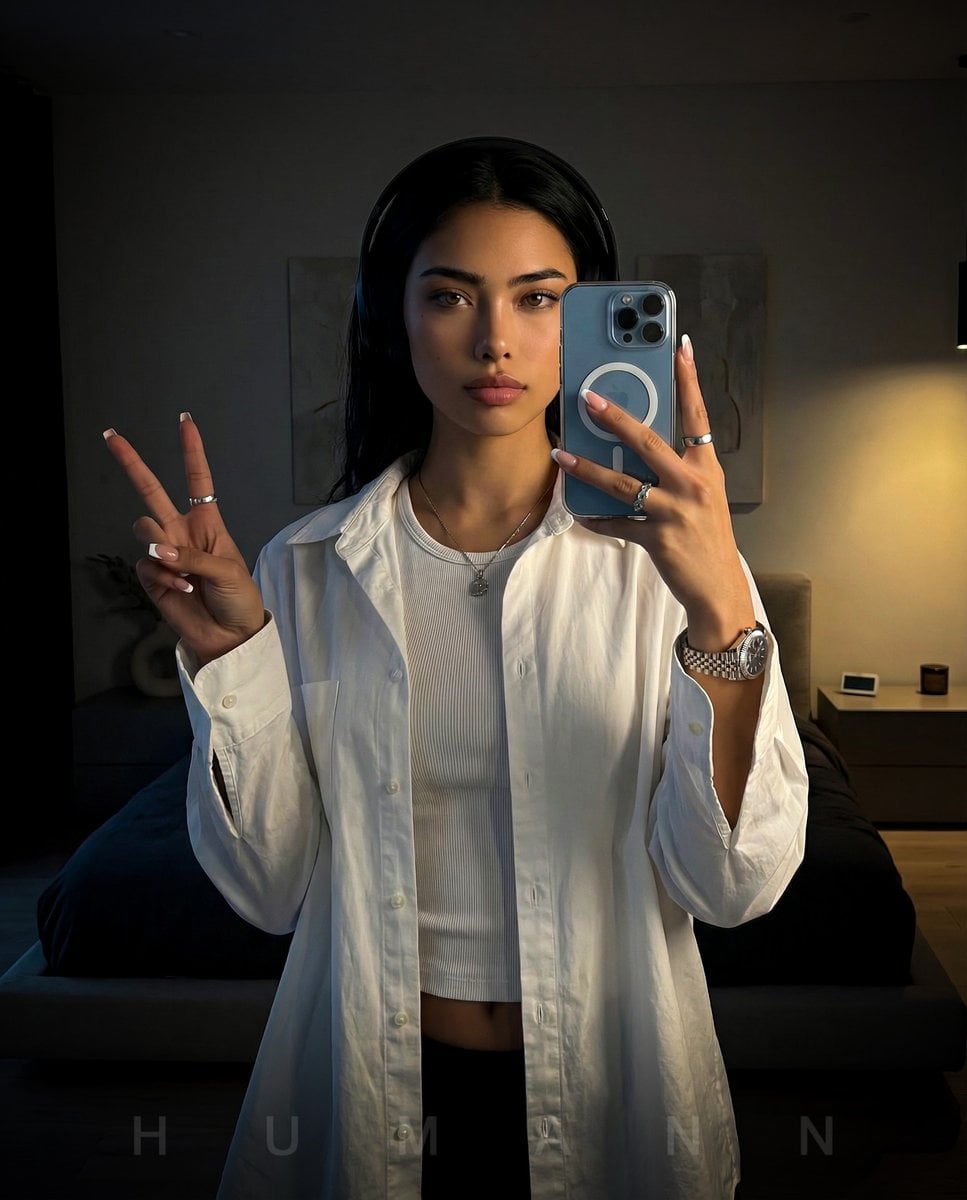
A high-fidelity lifestyle photography prompt of a celebrity wrapped in a towel in a modern upscale bathroom, emphasizing natural skin texture and soft daylight.

{ "image_prompt": { "subject": { "appearance": "Young woman with long, wet, wavy red hair, light freckles, and natural skin texture", "reference_celebrity": "{argument name="celebrity name" default="Sadie Sink"}", "expression": "Relaxed, subtle smile, looking slightly off-camera", "physical_details": "Slightly damp skin with visible, realistic water droplets on arms and shoulders" }, "attire": { "garment": "{argument name="attire" default="Large, textured, light beige or off-white bath towel"}", "styling": "Wrapped securely around the body, held in place by one hand at the chest" }, "pose": { "stance": "Standing casually, facing forward with a slight angle", "arms": "One arm bent holding the towel, the other arm resting naturally at her side" }, "setting": { "environment": "{argument name="location" default="Modern, upscale residential bathroom"}", "background_details": [ "Frosted glass shower enclosure", "Neutral-toned, textured stone or ceramic wall tiles", "Window on the left allowing natural light to enter", "Soft bath mat visible on the floor" ] }, "photography_style": { "aesthetic": "Raw lifestyle photography, candid realism, high-fidelity photorealism", "lighting": "Soft, diffused natural daylight entering from a window, creating gentle highlights on wet hair and skin", "composition": "Medium-full shot from mid-thigh up, eye-level angle, sharp focus on the subject with a softly blurred background (shallow depth of field)" } } } --ar 9:16
Choose the primary action to open PicX Studio with the available template settings. Review the model and format, personalize the creative direction, and generate when ready.
Yes. You can change the subject, setting, lighting, mood, format, and available model controls before creating your image.
This template is free to open and customize. Generation usage is shown in PicX Studio before you create.
Start with Nano Banana 2, which is the model associated with this template. You can compare another compatible model for a different finish.
Follow a topic to a crawlable collection of related PicX Studio templates.