
Cinematic Xianxia Prompt Poster
Generates a Chinese infographic prompt card showcasing cinematic Eastern xianxia portrait examples and copyable GPT Image-2 prompt guidance.
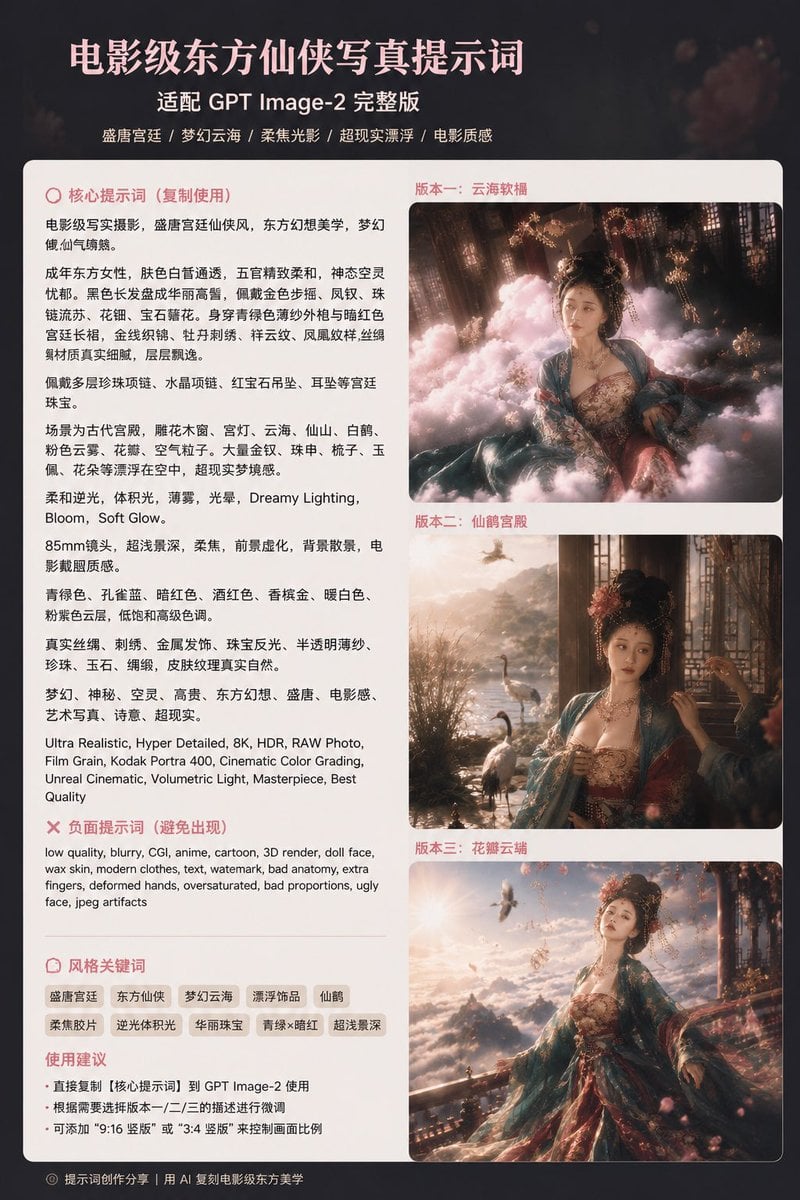
- Prompt included
- Model and format preset
- Premium template
The prompt behind this image
Copy the exact prompt behind Cinematic Xianxia Prompt Poster, or open it in the studio and make it yours.
Goal: Create a vertical Chinese social-media infographic poster teaching a cinematic Eastern xianxia portrait prompt for {argument name="model name" default="GPT Image-2"}, with a premium dark movie-poster aesthetic and a large rounded white content card. Canvas: 3:4 vertical poster, dark charcoal-black background with subtle warm bokeh and faint floral haze. Center a large off-white rounded rectangle panel with soft shadow and thin border, leaving a narrow dark margin around it. Header: At the top, outside or slightly above the white card, place a large pink-white Chinese headline: {argument name="headline text" default="电影级东方仙侠写真提示词"}. Under it, add a smaller white subtitle: {argument name="subtitle text" default="适配 GPT Image-2 完整版"}. Add a tiny centered tagline row beneath: “盛唐宫廷 / 梦幻云海 / 柔焦光影 / 超现实漂浮 / 电影质感”. Layout: Inside the white panel use a two-column layout. The left column is text-heavy, about 48% width. The right column is a vertical gallery, about 52% width, containing exactly 3 cinematic sample images stacked with rounded corners and thin borders. Each sample has a small pink Chinese label above it: 1) “版本一:云海软榻”, 2) “版本二:仙鹤宫殿”, 3) “版本三:花瓣云端”. Left column content: Use pink section headings with small circular icons. First section title: “核心提示词(复制使用)”. Under it, set dense black Chinese body text describing a cinematic realistic portrait of an adult ancient Chinese court woman in Tang-style xianxia fashion, including fair skin, delicate features, ornate updo, gold hairpins, pearl tassels, turquoise-blue gauze outer robe, crimson palace bodice, embroidered silk, jewelry, cloud sea, cranes, petals, gemstones, dreamy lighting, bloom, soft glow, 85mm lens, shallow depth of field, cinematic grading, ultra realistic, 8K, HDR, RAW photo, Kodak Portra 400, Unreal cinematic, volumetric light, masterpiece, best quality. Include some English technical phrases mixed into the Chinese text exactly like a prompt sheet. Negative prompt block: Below the main prompt, add a pink X icon and the heading “负面提示词(避免出现)”. Add a compact paragraph in English: “low quality, blurry, CGI, anime, cartoon, 3D render, doll face, wax skin, modern clothes, text, watermark, bad anatomy, extra fingers, deformed hands, oversaturated, bad proportions, ugly face, jpeg artifacts”. Keyword block: Add a divider line, then the heading “风格关键词”. Show exactly 10 rounded beige pill tags in two rows: 1) 盛唐宫廷, 2) 东方仙侠, 3) 梦幻云海, 4) 漂浮饰品, 5) 仙鹤, 6) 柔焦胶片, 7) 逆光体积光, 8) 华丽珠宝, 9) 青绿×暗红, 10) 超浅景深. Usage advice block: Add the heading “使用建议” and exactly 3 bullet points in Chinese: 1) “直接复制【核心提示词】到 GPT Image-2 使用”, 2) “根据需要选择版本一/二/三的描述进行微调”, 3) “可添加 ‘9:16 竖版’ 或 ‘3:4 竖版’ 来控制画面比例”. Right gallery image details: All 3 images feature the same {argument name="character description" default="young adult Chinese xianxia court beauty with ornate black updo, gold phoenix crown, pearl tassels, fair skin, crimson embroidered bodice, teal translucent silk robe, elaborate jewelry"}. Image 1 shows her reclining among pink clouds inside a dim palace, with floating flowers, warm window light, and surreal dreamy haze. Image 2 shows her seated by a palace window or terrace overlooking a lake with exactly 3 visible cranes, warm sunset mist, dark interior frame, and soft cinematic side light. Image 3 shows her standing or leaning on a balcony above a glowing sea of clouds, petals flying, cranes in the sky, golden backlight, teal and crimson flowing robes, epic romantic atmosphere. Visual style: Elegant Chinese editorial layout, pale blush-pink typography, clean sans-serif Chinese fonts, cinematic soft contrast, warm highlights, subtle grain, premium Xiaohongshu-style prompt card. Keep the poster information-dense but readable. Footer: At the bottom left on the dark margin, add a tiny gray copyright-style line: “© 提示词创作分享|用 AI 复制电影级东方美学”. Constraints: Use exactly 3 gallery images and exactly 10 keyword tags. Keep all Chinese text crisp and legible. Avoid logos, watermarks, UI chrome, random extra sections, or additional sample images.
How to use Cinematic Xianxia Prompt Poster in 3 steps
- 1Upload ImagePNG, JPG or paste
Add your photo
Upload the photo the template builds on. The prompt, model and format are already set.
- 2…a portrait of your subject in softgolden-hour light, 85mm…
Personalize
Edit the subject and creative details for your destination.
- 3Generate
Generate
Press Generate — your image is created in PicX Studio, so you can compare it with the original and refine one variable at a time.
More like this
Templates with the same subject, style or setup. Open one to see its prompt.

Japan Travel Brochure Poster

Cartoon TV Show Poster Pack

Trendy Cafe Drink Promo Poster

Urban Fashion Editorial Collage Streetwear Poster

Premium Fashion Editorial Cover Layout System

Polo Ralph Lauren Luxury American Heritage Fashion Campaign

Monochrome Halftone Editorial Fashion Poster
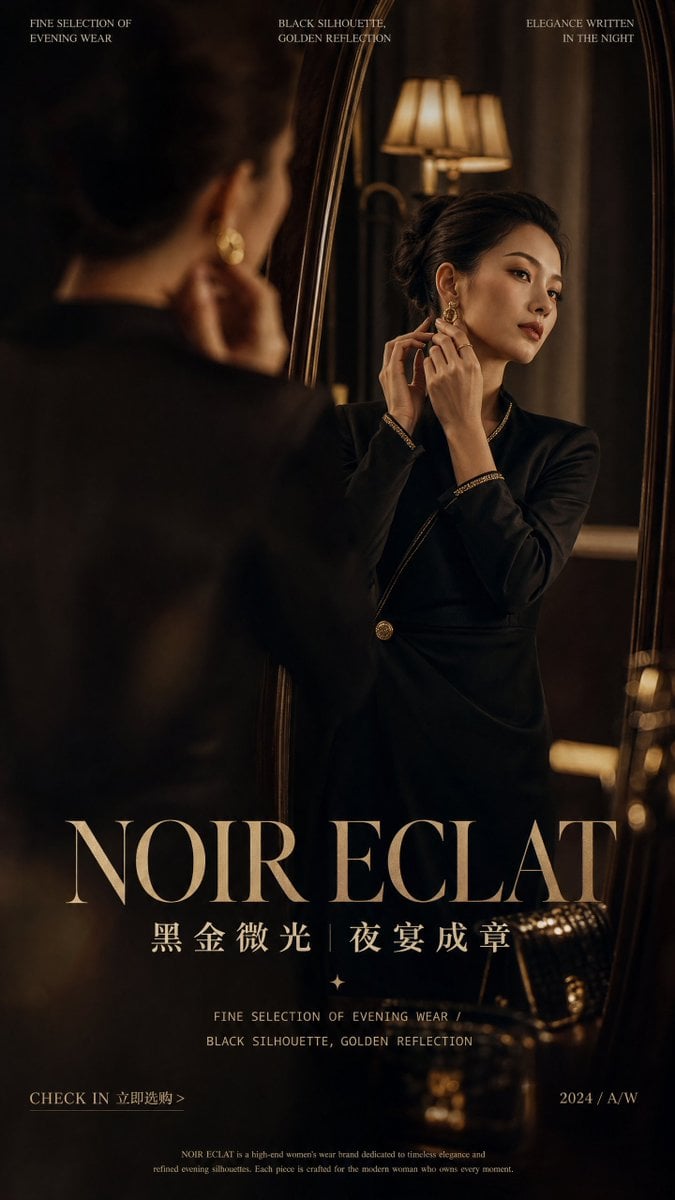
Retro Mirror Luxury Fashion Campaign Poster
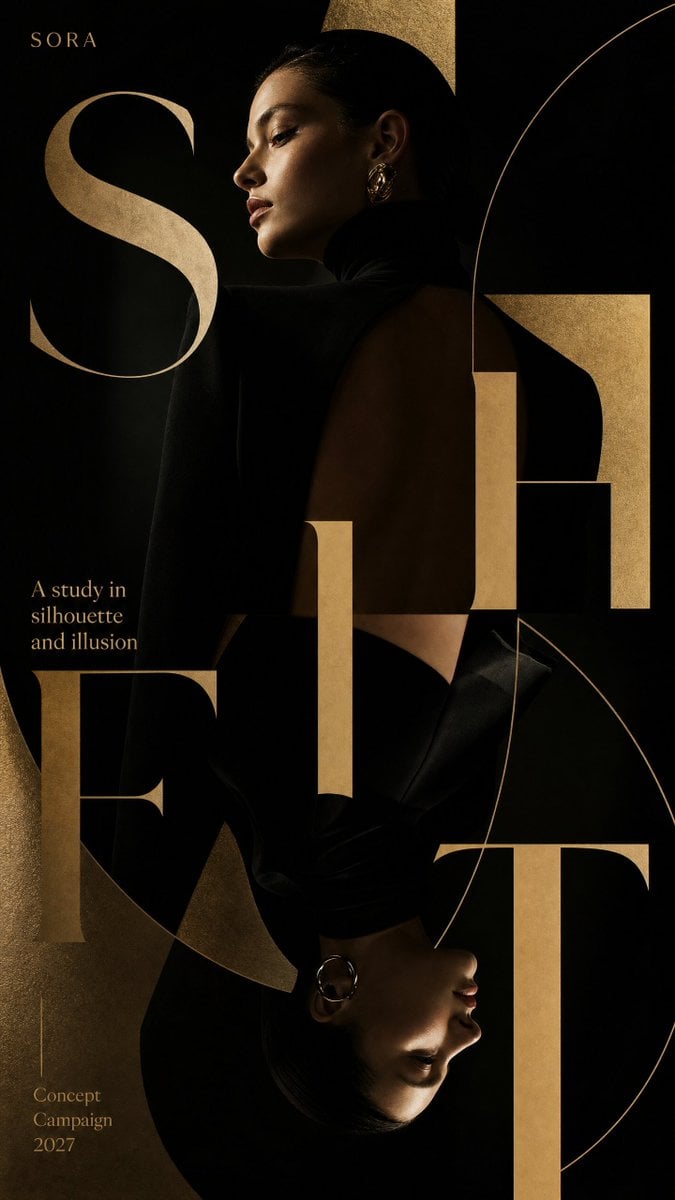
Luxury Fashion Campaign Typography Poster System
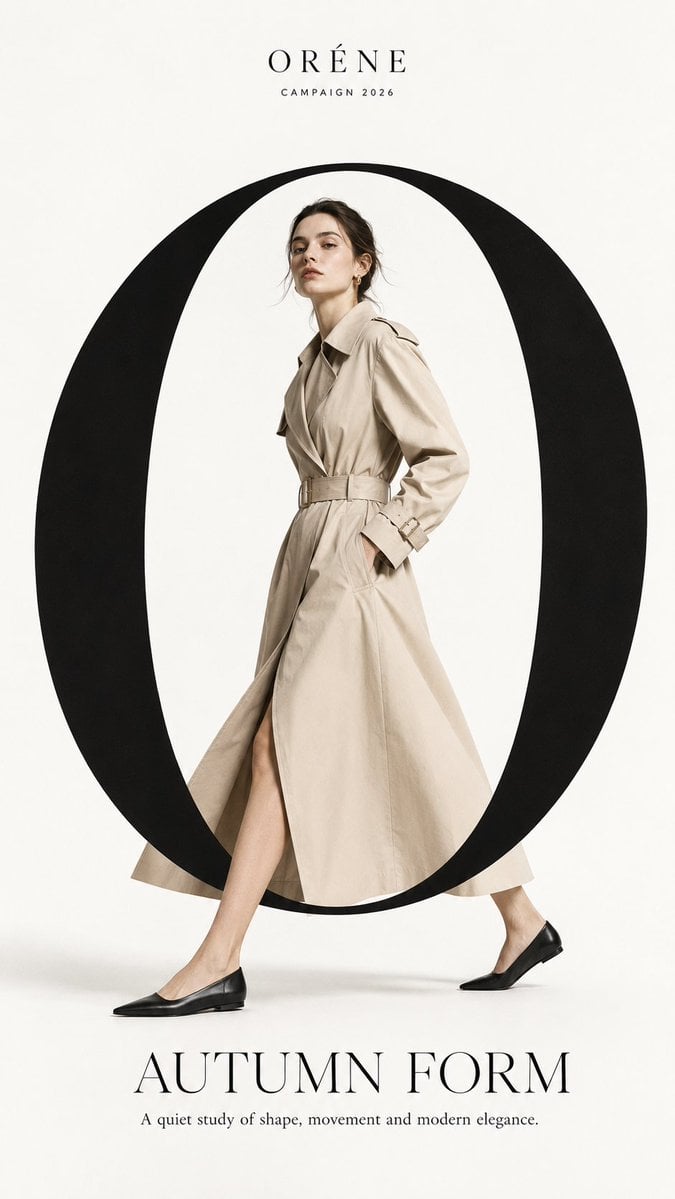
Premium Fashion Editorial Campaign Poster System
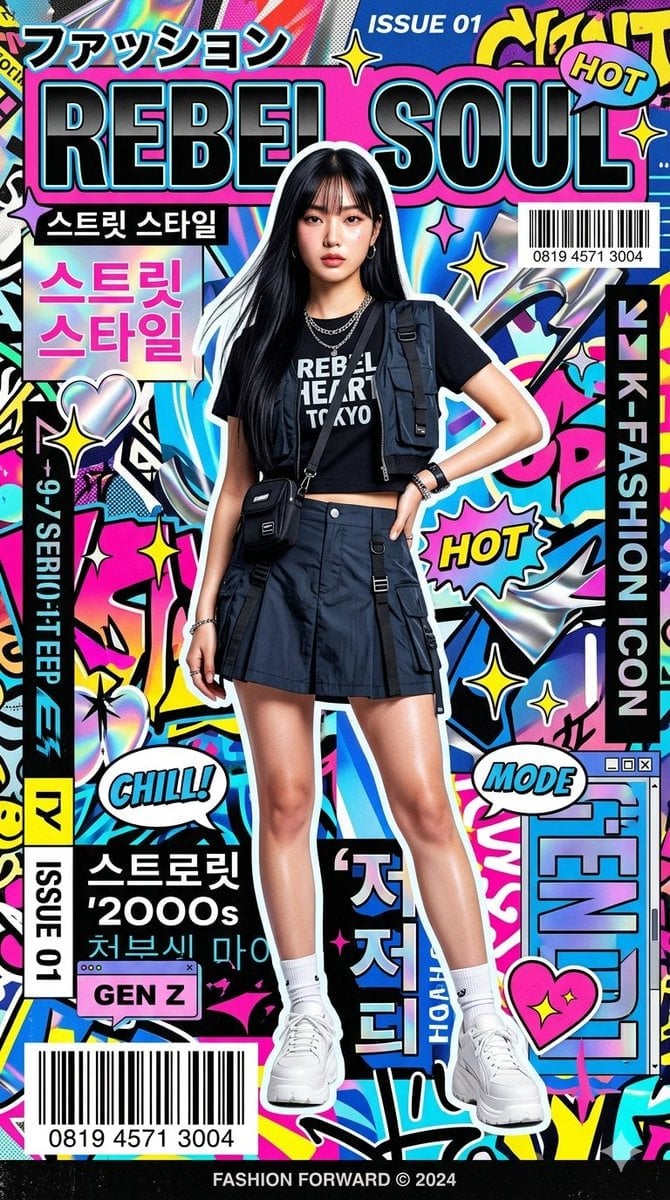
Ultra-Stylized High-Fashion Streetwear Poster
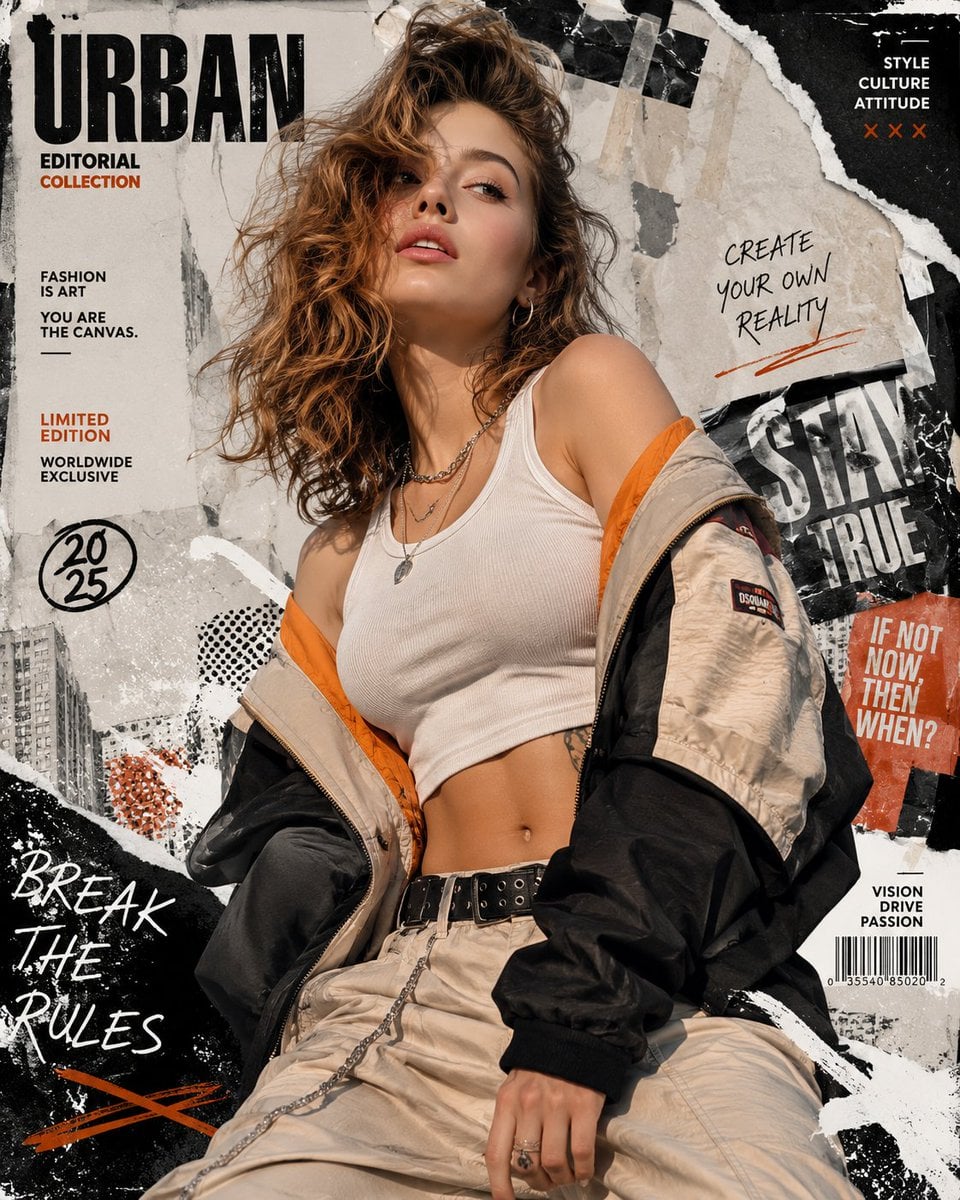
Urban Fashion Editorial Collage Poster
Make it yours
Cinematic Xianxia Prompt Poster works as-is. These are the safest ways to change it without losing the look.
Change one field
Copy a single group, rewrite it, and generate again so you can see what that field is doing.
Keep the frame, change the subject
Hold the composition and light of Cinematic Xianxia Prompt Poster, then swap wardrobe, props or the person for a new take.
| If the result… | Why | Fix |
|---|---|---|
| The result drifts from the preview | Too many fields changed at once. | Reuse Cinematic Xianxia Prompt Poster as-is first, then change one group — subject, light, or setting. |
| The model over-stylizes the scene | The prose prompt leaves finish and camera underspecified. | Add one camera or lighting sentence and stay on GPT Image 2. |
More GPT Image 2 templates
Other prompts made for GPT Image 2.

Six VTuber Japanese Logo Sheet

Realistic Portrait of Woman and Deer

The Vista Modular Condo Poster

AI Model Routing Comparison Infographic

2.5D Anime Art Board

Isometric Productivity Desk Scene

New York Double Exposure Poster

Four-Panel AI Landscape Comparison

Japanese Tatami Lifestyle Magazine Cover

NESCAFÉ Coffee Map Poster
More image prompts
Fresh picks from across the catalog.
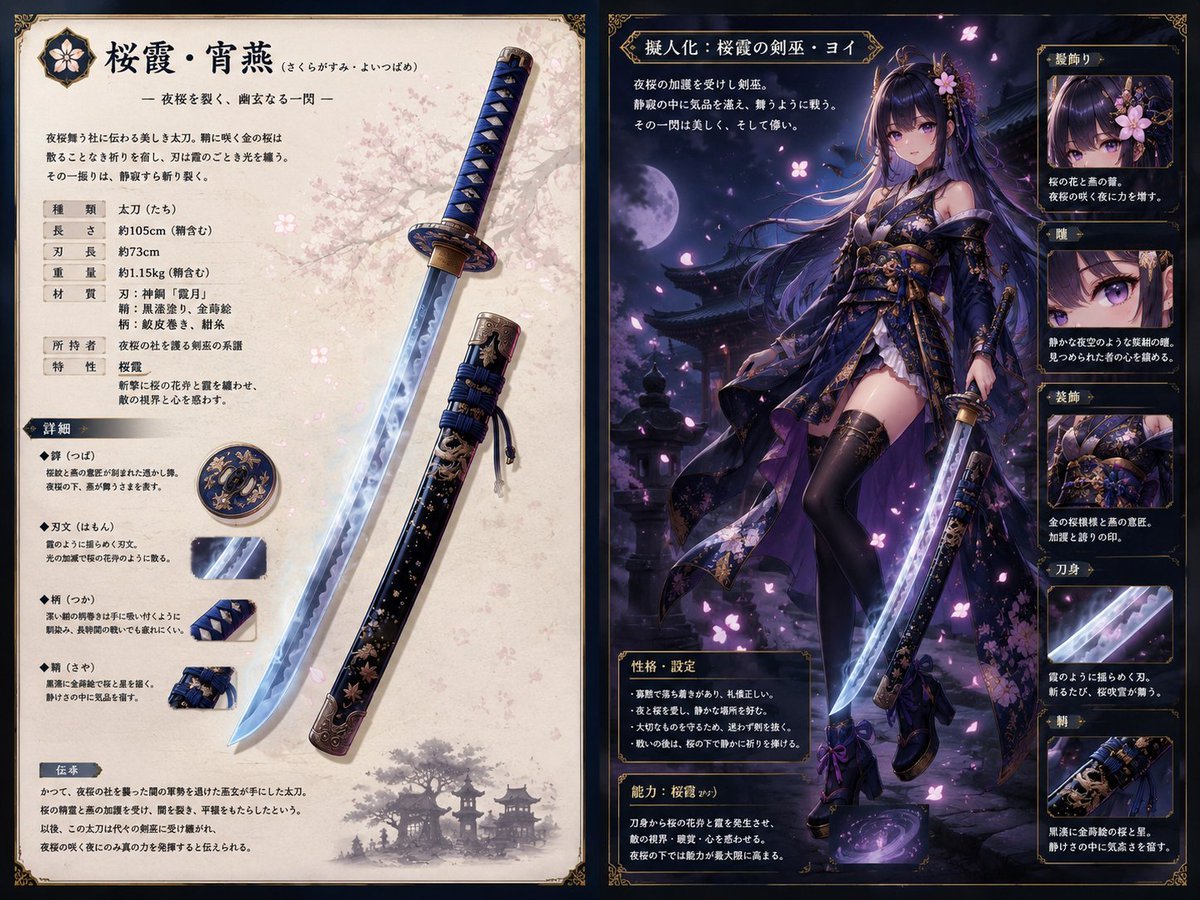
Sakura Katana Character Sheet
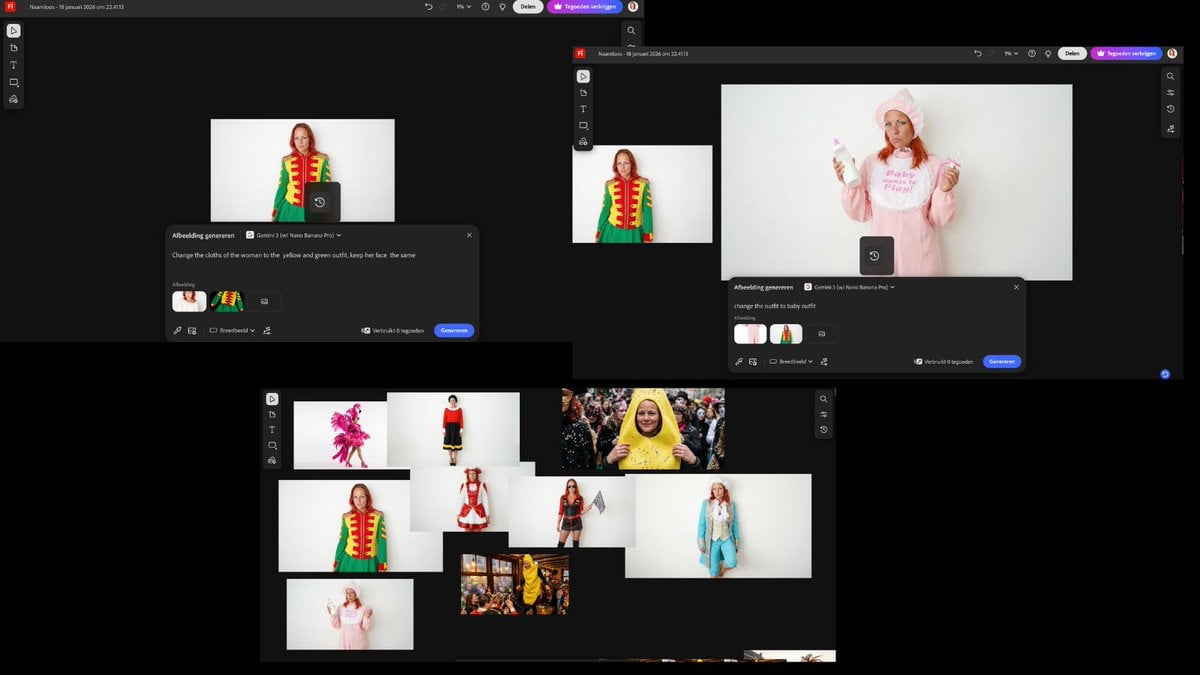
Outfit Swapping Workflow with Reference Images
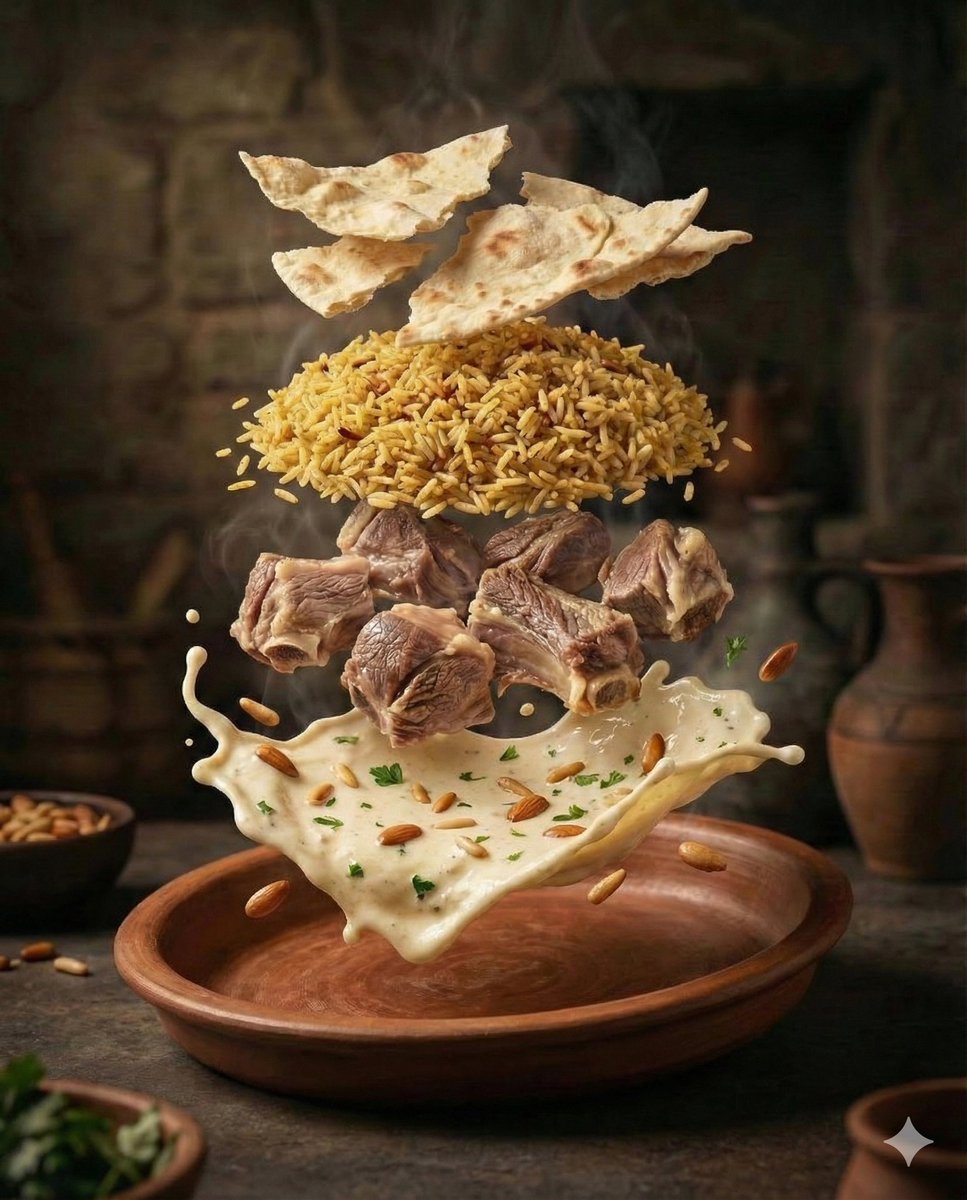
Cinematic Food Photography of Deconstructed Middle Eastern Cuisine
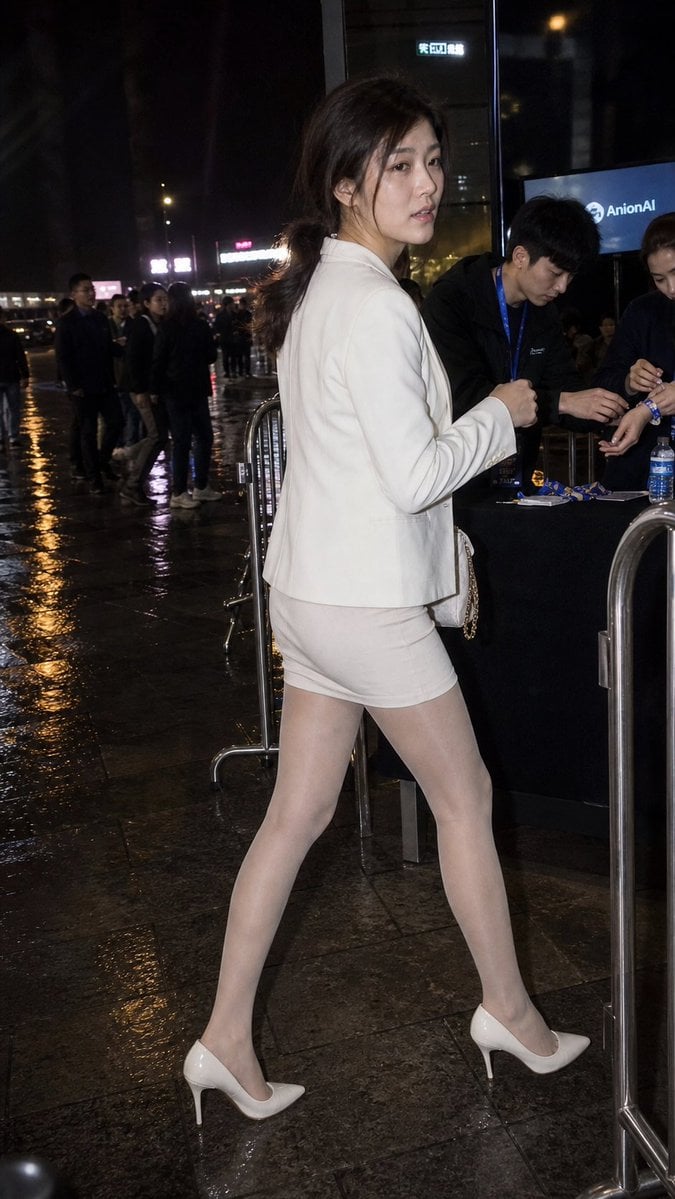
Rainy Night Event Street Fashion
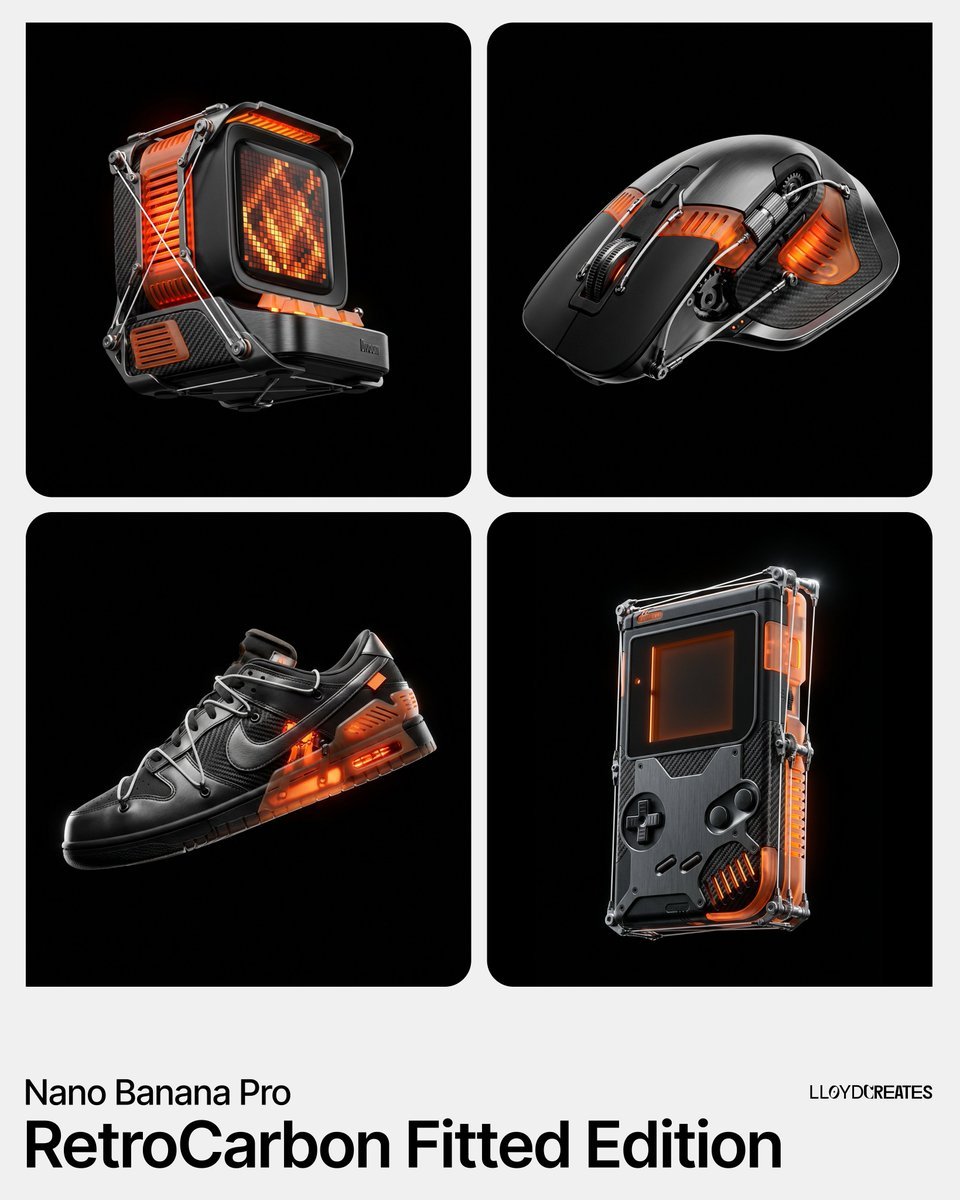
RetroCarbon Levitating Product Void Prompt
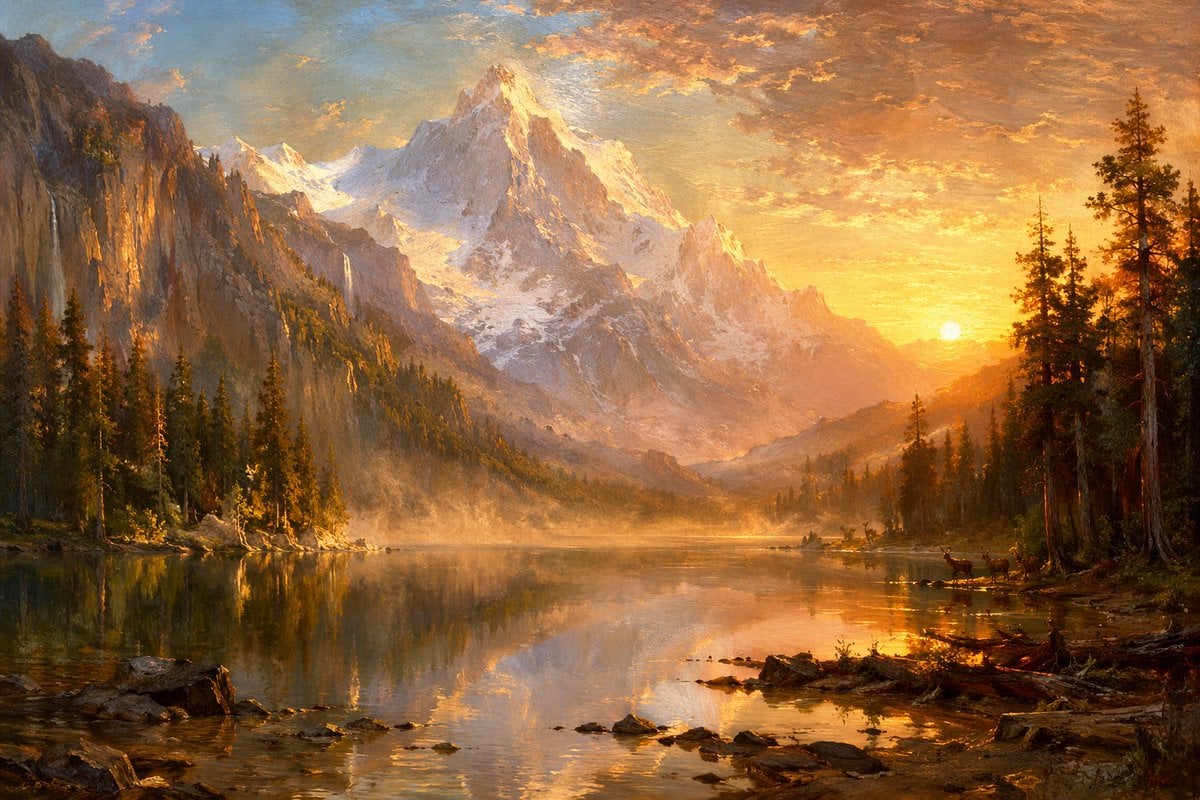
Sunset Alpine Lake Oil Painting
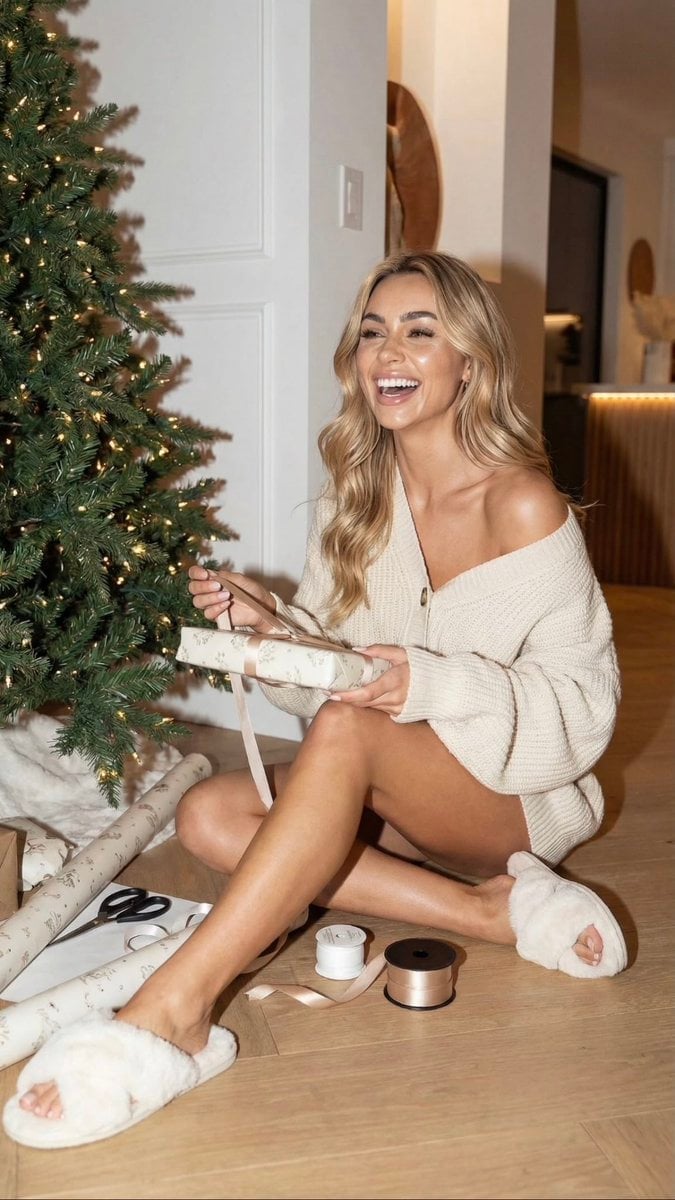
Cozy Christmas Gift Wrapping Flash Photo Prompt
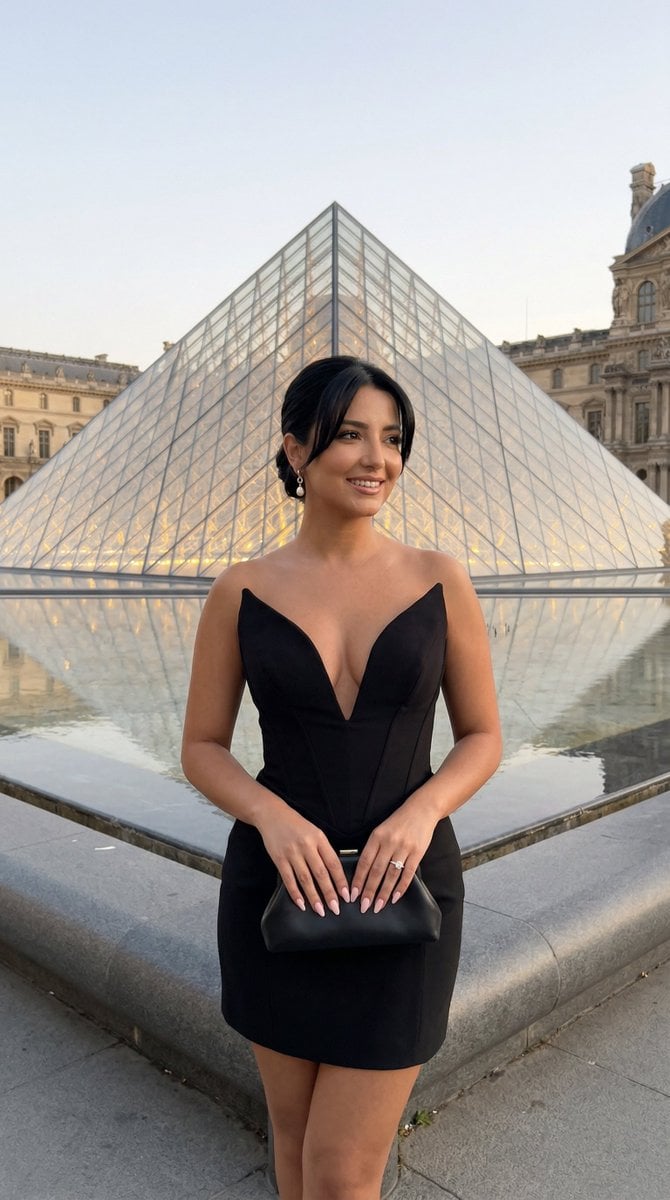
Louvre Pyramid Luxury Editorial Campaign
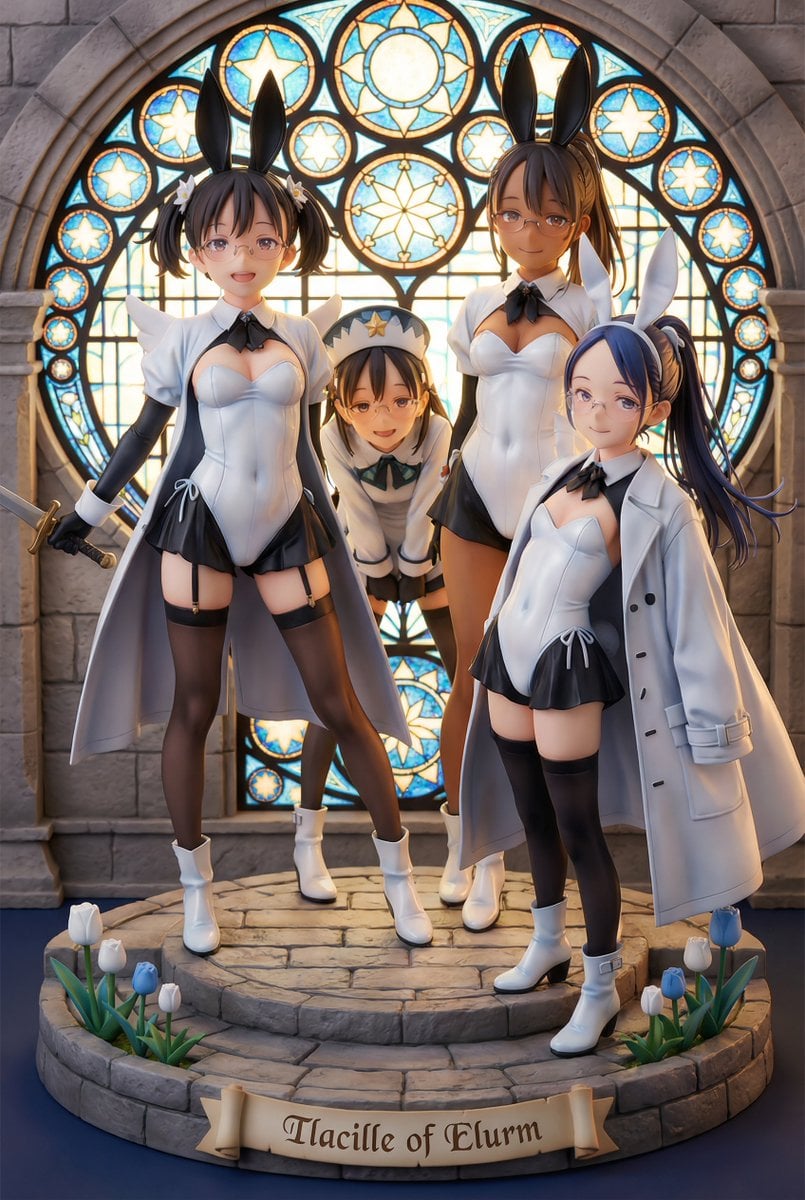
White Fairy Party Figurine Generation
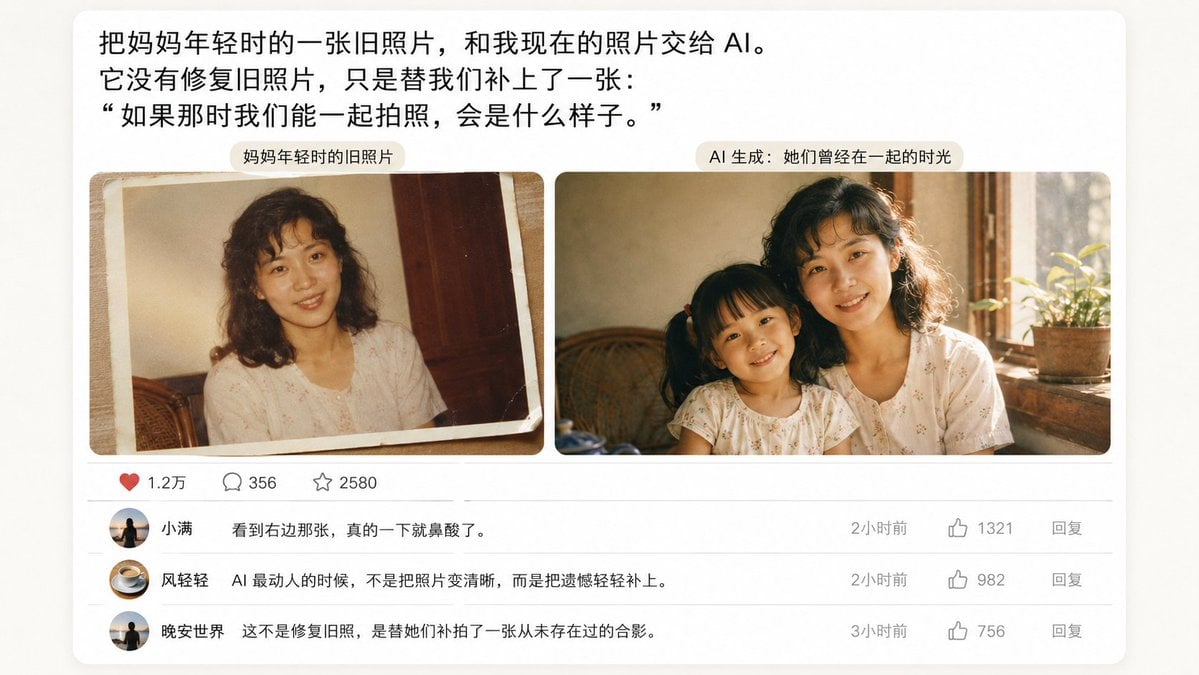
Emotional Mother's Day Comparison Prompt
Browse template categories
Cinematic Xianxia Prompt Poster questions
How do I use the Cinematic Xianxia Prompt Poster template?
Add your photo if the template asks for one, edit the prompt if you like — the template's model and format are already selected — and press Generate. Your version opens in PicX Studio.
Can I customize the Cinematic Xianxia Prompt Poster template?
Yes. You can change the subject, setting, lighting, mood, format, and available model controls before creating your image.
Is the Cinematic Xianxia Prompt Poster template free?
Opening and editing this template is free. Generating uses credits, shown on the Generate button when you are signed in.
Which AI model should I use?
Start with GPT Image 2, which is the model associated with this template. You can compare another compatible model for a different finish.
Looking for something else? Browse all templates.

Your photo, any look
Thousands of ready templates for every top image and video model, from one credit balance.