
Xiaohongshu 3D Creator Profile Card
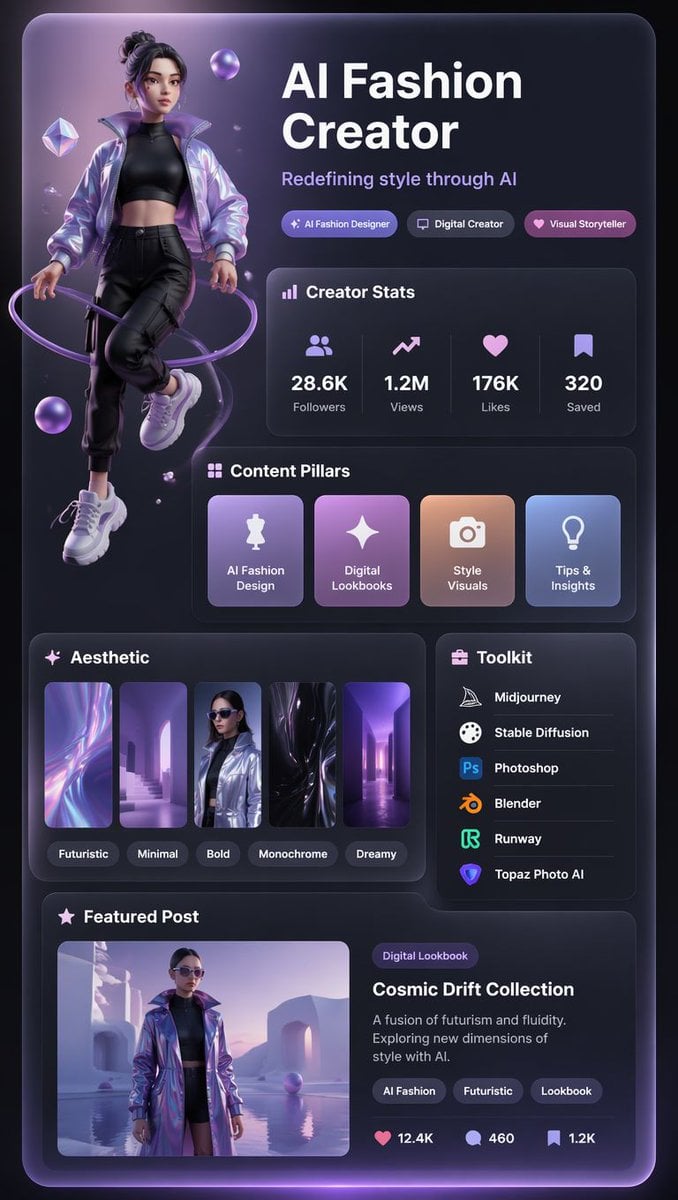
A futuristic purple glassmorphism social profile card for an AI fashion creator, useful for creator branding and Xiaohongshu-style portfolio visuals.
- Prompt included
- Model and format preset
- Premium template
The prompt behind this image
Copy the exact prompt behind Xiaohongshu 3D Creator Profile Card, or open it in the studio and make it yours.
Goal: Create a vertical Xiaohongshu-style 3D creator profile card for {argument name="creator niche" default="AI Fashion Creator"}, with a futuristic purple-black aesthetic, glossy glassmorphism panels, soft neon lighting, and a premium social-media portfolio layout. Canvas: Portrait 9:16 mobile poster, dark charcoal-to-black background, rounded outer card with a subtle violet glow along the edges, high-contrast white typography, lavender accents, and soft bloom lighting. The overall look should feel like a polished 3D UI profile card, combining fashion editorial imagery with app-dashboard components. Main subject: On the left side, place one full-body stylized 3D female fashion creator avatar floating slightly above the bottom, wearing a shiny iridescent lavender bomber jacket, black cropped top, black cargo jogger pants, and chunky white sneakers. Her hair is tied in a high messy bun, her face is intentionally softly blurred or anonymized, and she is surrounded by a glowing purple ring wrapping around her body plus several floating translucent purple orbs and crystal shapes. Layout: Large headline block in the upper right reading “{argument name="headline text" default="AI Fashion Creator"}” in bold white sans-serif type, with a subtitle underneath reading “{argument name="subtitle text" default="Redefining style through AI"}”. Below the subtitle, include exactly 3 pill badges: “AI Fashion Designer”, “Digital Creator”, and “Visual Storyteller”, each with a small icon and purple gradient styling. Creator Stats panel: Add one rounded glass panel titled “Creator Stats” with a small bar-chart icon. Inside it, show exactly 4 stat columns separated by faint vertical dividers: 28.6K Followers with a people icon, 1.2M Views with an upward trend icon, 176K Likes with a heart icon, and 320 Saved with a bookmark icon. Content Pillars panel: Add one rounded glass panel titled “Content Pillars”. Inside it, show exactly 4 square gradient cards with icons and labels: “AI Fashion Design” with a dress mannequin icon, “Digital Lookbooks” with a sparkle icon, “Style Visuals” with a camera icon, and “Tips & Insights” with a lightbulb icon. Aesthetic panel: Add one rounded panel titled “Aesthetic”. Include exactly 5 vertical thumbnail cards showing futuristic abstract/fashion imagery, each with a small rounded label underneath: “Futuristic”, “Minimal”, “Bold”, “Monochrome”, and “Dreamy”. Use purple, lilac, black, chrome, and soft blue color accents. Toolkit panel: Place a narrower right-side rounded panel titled “Toolkit” with a small briefcase icon. List exactly 6 tools with recognizable small app-style icons and white text: Midjourney, Stable Diffusion, Photoshop, Blender, Runway, and Topaz Photo AI. Separate rows with subtle horizontal dividers. Featured Post panel: At the bottom, create a wide rounded panel titled “Featured Post”. On the left, include one rectangular image preview of the same avatar in an iridescent coat standing in a surreal lavender futuristic architectural scene beside reflective water. On the right, add a small purple category pill reading “Digital Lookbook”, the post title “{argument name="featured post title" default="Cosmic Drift Collection"}”, and description text: “A fusion of futurism and fluidity. Exploring new dimensions of style with AI.” Add exactly 3 tag pills: “AI Fashion”, “Futuristic”, and “Lookbook”. At the bottom of this panel, show exactly 3 engagement metrics with icons: heart 12.4K, comment 460, bookmark 1.2K. Visual style: 3D rendered social profile UI, dark glassmorphism, rounded rectangles, violet neon rim light, soft shadows, glossy gradient cards, crisp modern sans-serif typography, premium creator-branding aesthetic, highly detailed but clean and readable. Keep all text in English, maintain exact counts for badges, stat columns, content cards, aesthetic thumbnails, tools, tags, and engagement metrics. No watermark, no browser chrome, no extra panels, no extra text.
How to use Xiaohongshu 3D Creator Profile Card in 3 steps
- 1Upload ImagePNG, JPG or paste
Add your photo
Upload the photo the template builds on. The prompt, model and format are already set.
- 2…a portrait of your subject in softgolden-hour light, 85mm…
Personalize
Edit the subject and creative details for your destination.
- 3Generate
Generate
Press Generate — your image is created in PicX Studio, so you can compare it with the original and refine one variable at a time.
More like this
Templates with the same subject, style or setup. Open one to see its prompt.

Cyberpunk Neon Profile Fashion Portrait
Low-Angle Cyberpunk Neon Profile Portrait
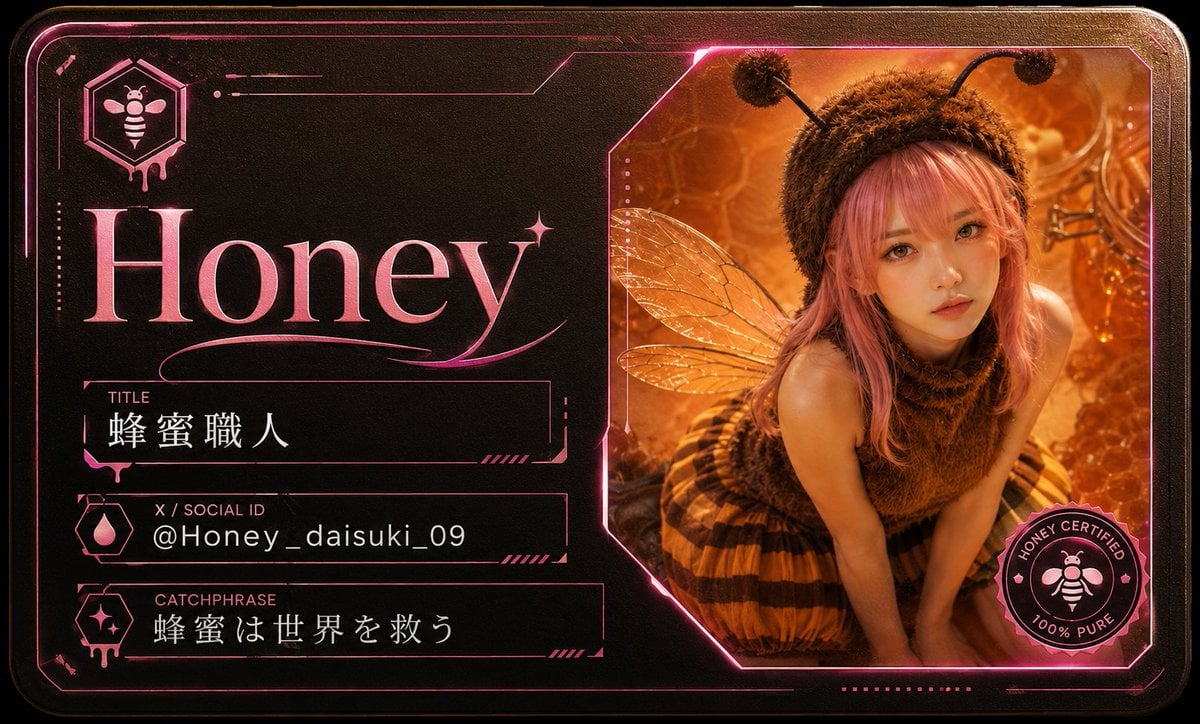
Honey Bee Creator Card
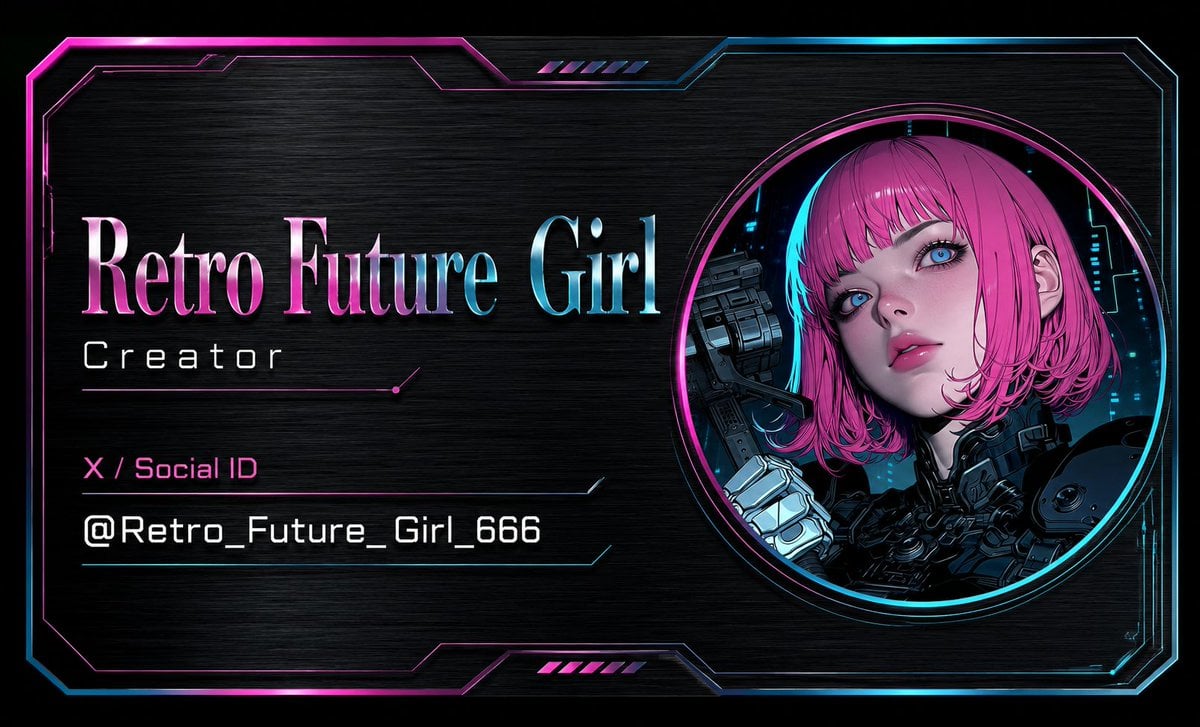
Cyberpunk AI Creator Card
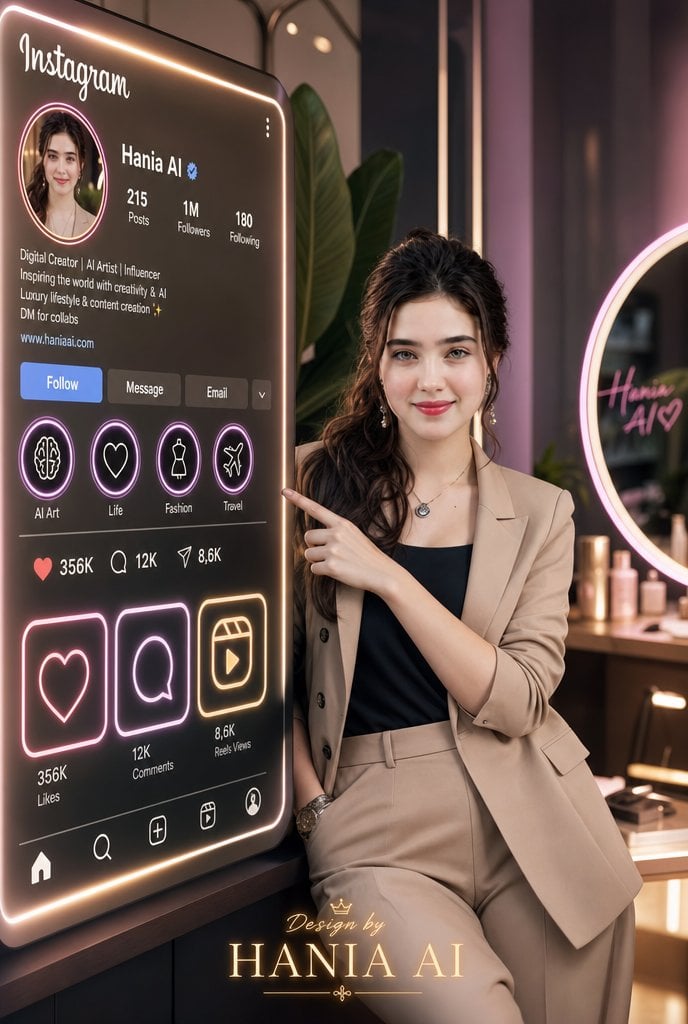
Luxury Instagram Profile Creator Poster
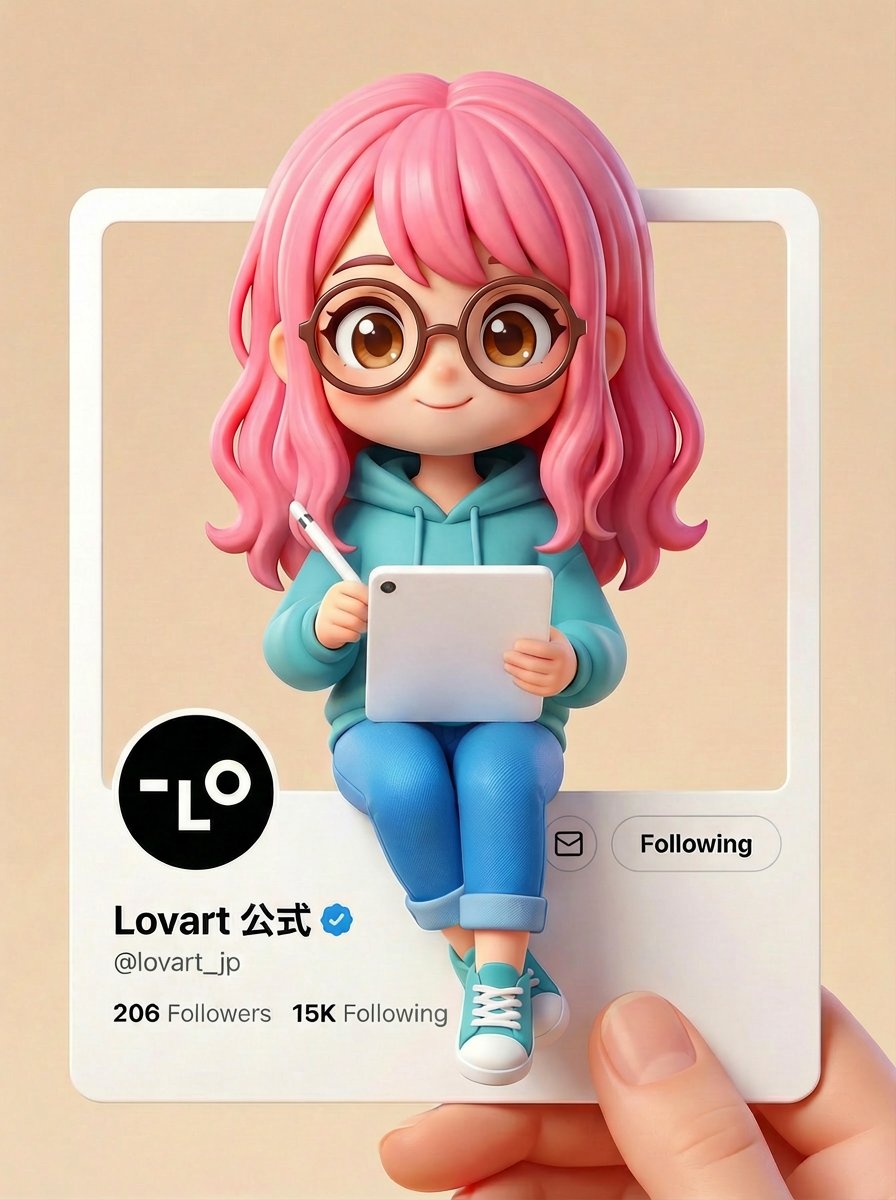
Pixar/Disney Style X (Twitter) Profile Card Prompt

Nano Banana Pro 2.0 — 3x3 Travel Profile Grid

Teal Japanese Handwritten Lyric Card

Reiwa Slang Reaction Gacha Card
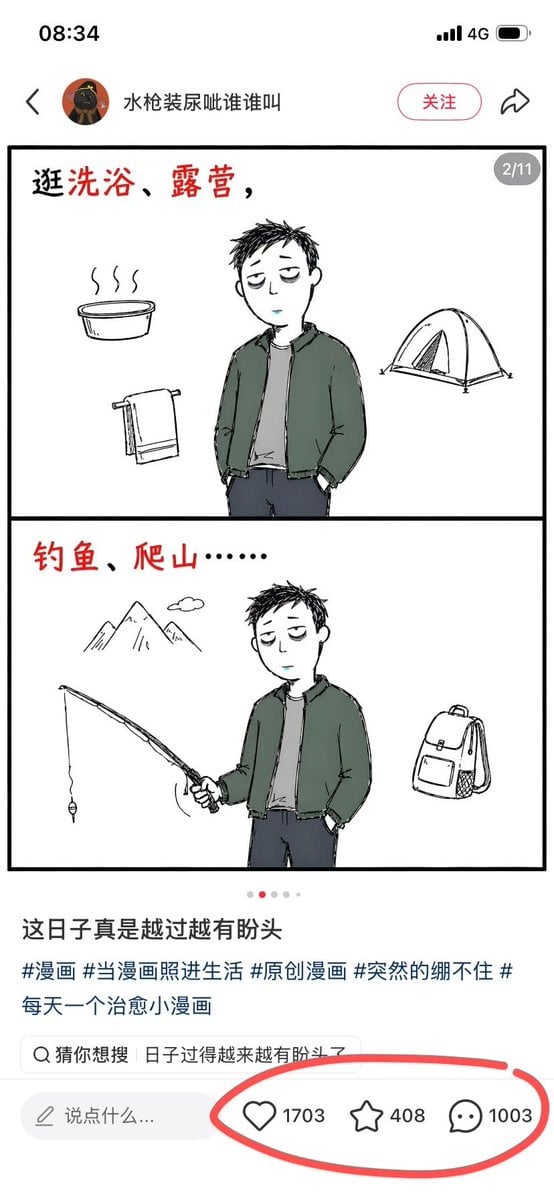
Xiaohongshu Comic Post Screenshot
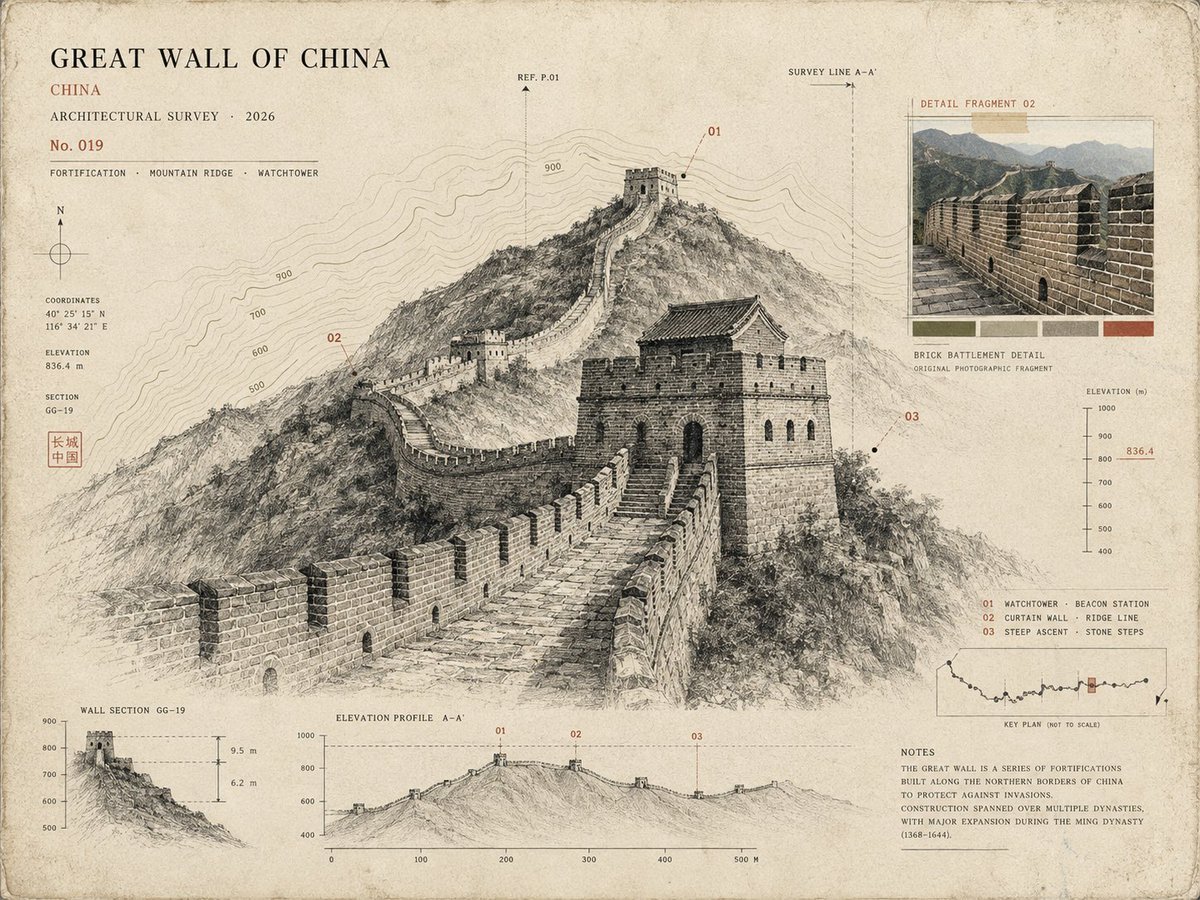
Architectural Museum Specimen Card
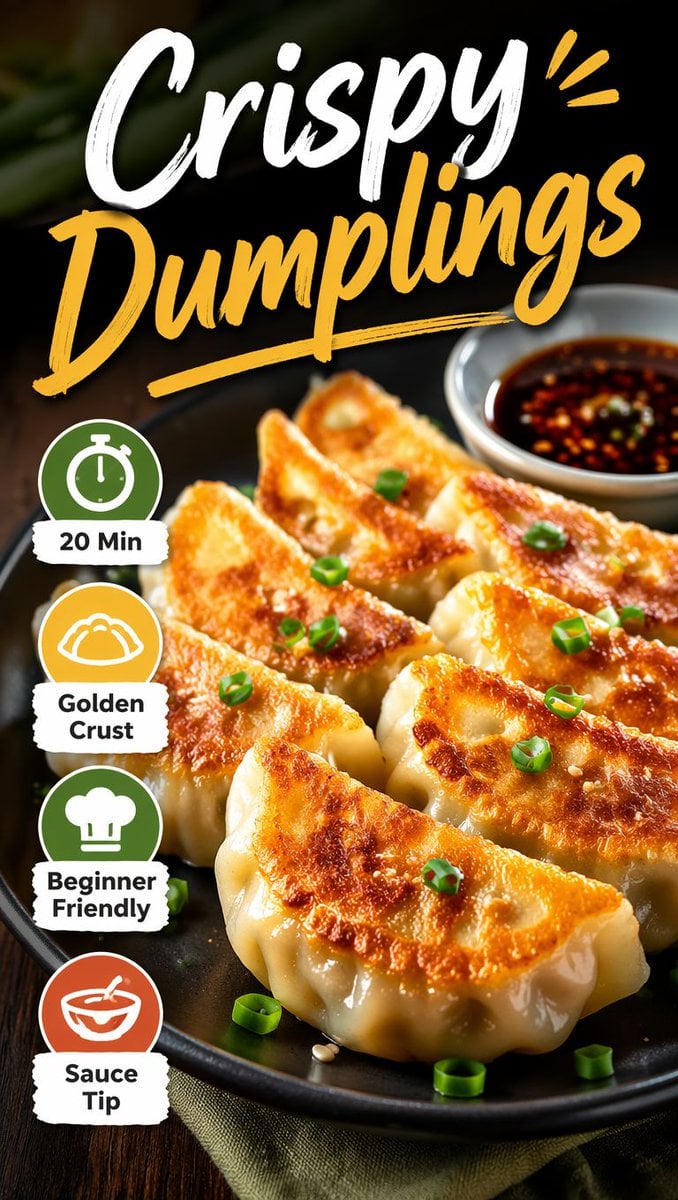
Xiaohongshu Food Cover Transformation
Make it yours
Xiaohongshu 3D Creator Profile Card works as-is. These are the safest ways to change it without losing the look.
Change one field
Copy a single group, rewrite it, and generate again so you can see what that field is doing.
Keep the frame, change the subject
Hold the composition and light of Xiaohongshu 3D Creator Profile Card, then swap wardrobe, props or the person for a new take.
| If the result… | Why | Fix |
|---|---|---|
| The result drifts from the preview | Too many fields changed at once. | Reuse Xiaohongshu 3D Creator Profile Card as-is first, then change one group — subject, light, or setting. |
| The model over-stylizes the scene | The prose prompt leaves finish and camera underspecified. | Add one camera or lighting sentence and stay on GPT Image 2. |
More GPT Image 2 templates
Other prompts made for GPT Image 2.

Six VTuber Japanese Logo Sheet

Realistic Portrait of Woman and Deer

The Vista Modular Condo Poster

AI Model Routing Comparison Infographic

2.5D Anime Art Board

Isometric Productivity Desk Scene

New York Double Exposure Poster

Four-Panel AI Landscape Comparison

Japanese Tatami Lifestyle Magazine Cover

NESCAFÉ Coffee Map Poster
More image prompts
Fresh picks from across the catalog.
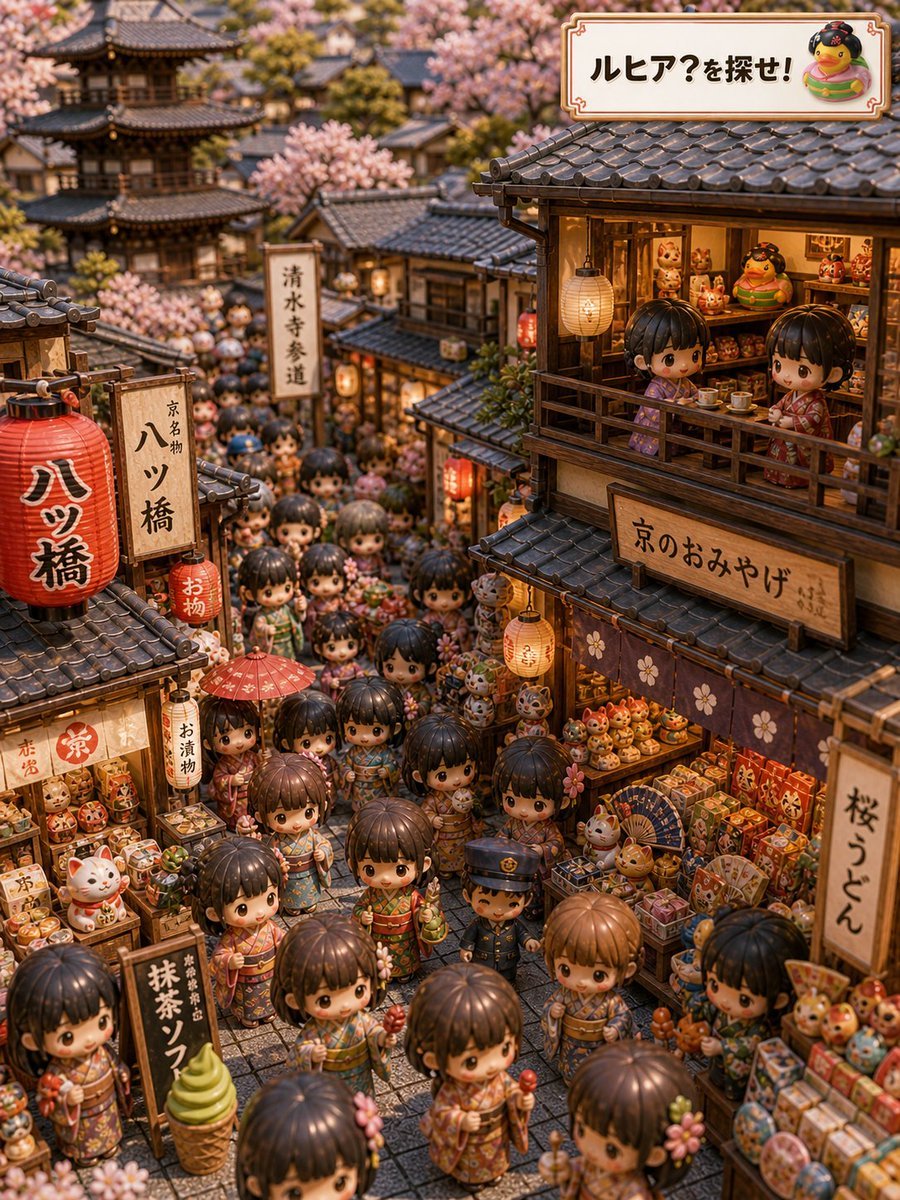
Kyoto Hidden Mascot Diorama
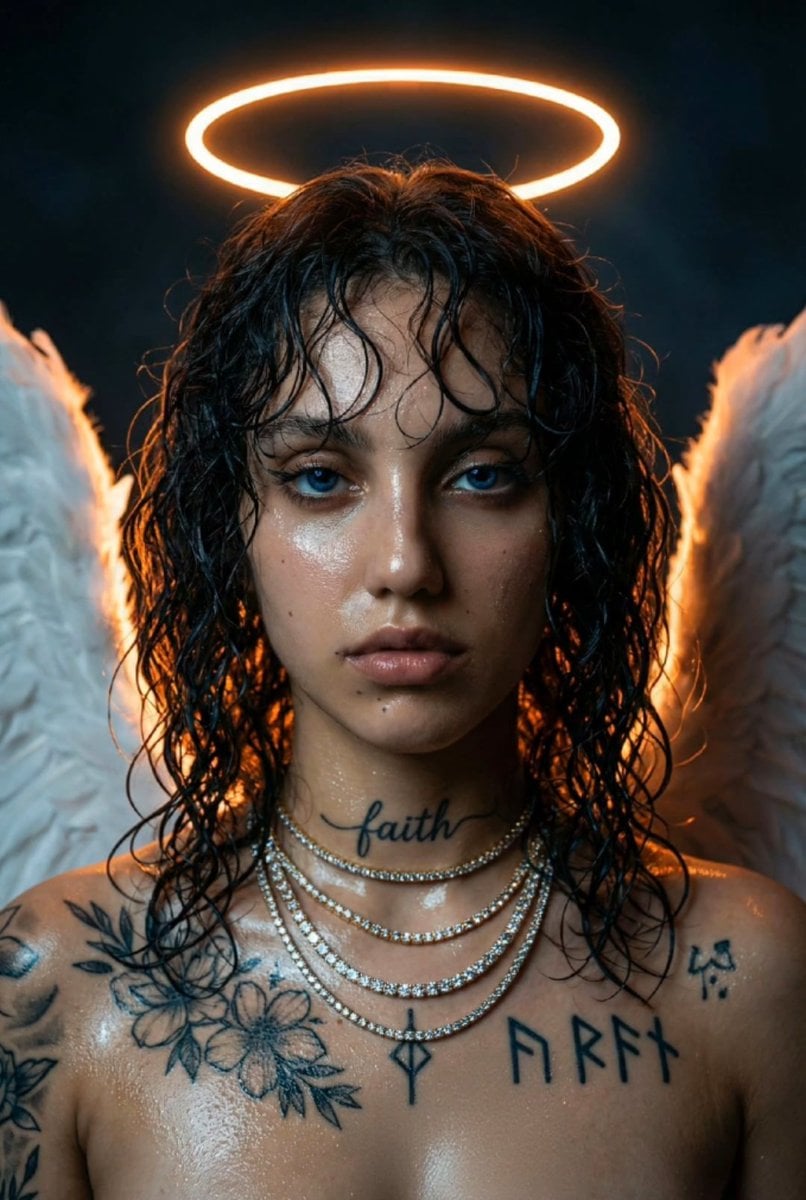
Dark Fantasy Neon Portrait with Glowing Halo Prompt
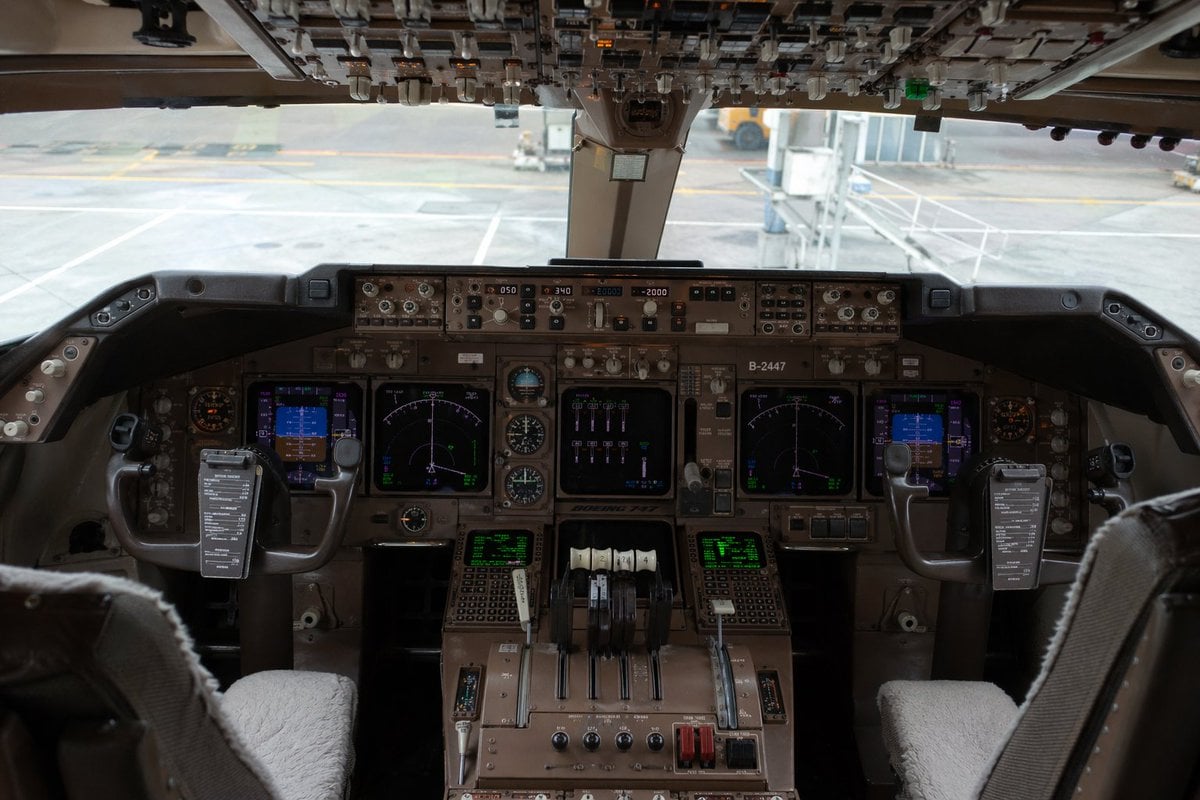
Photorealistic Boeing 747 Cockpit
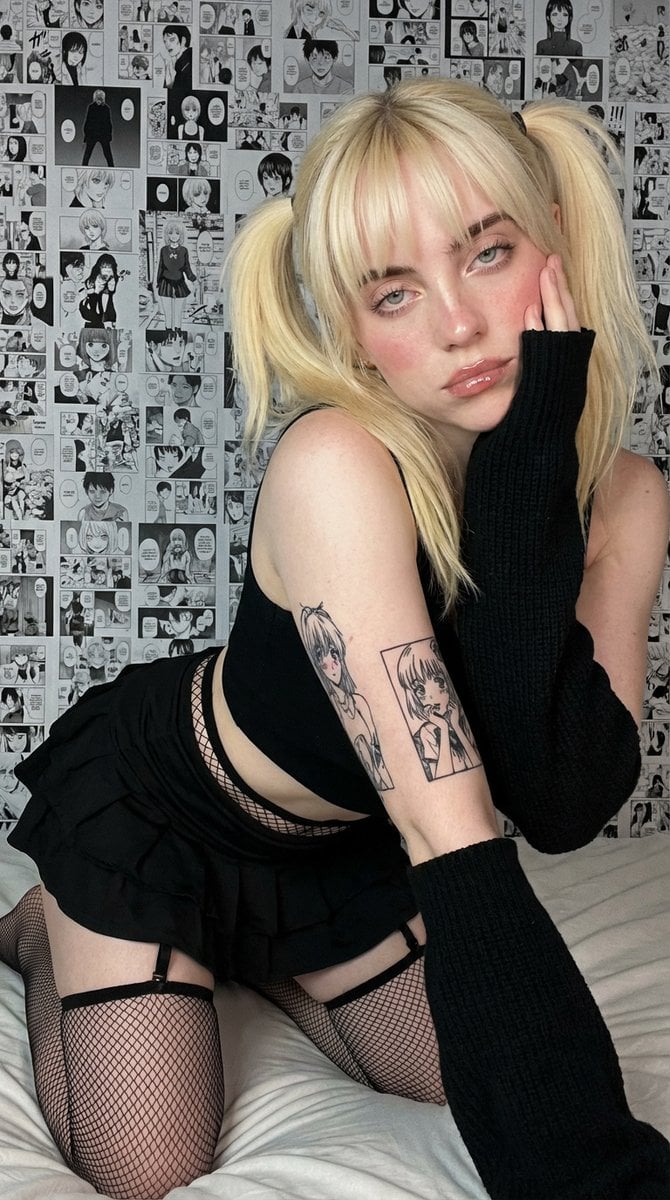
Anime-Inspired Manga Wall Portrait
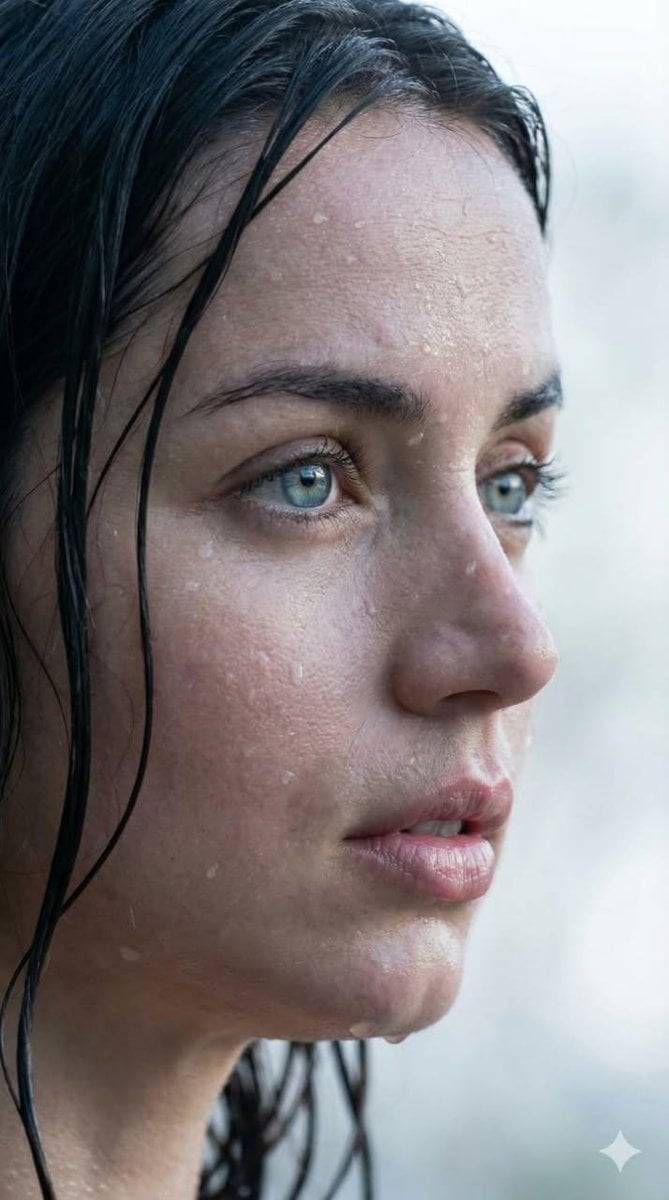
Extreme Wet Close-up Portrait with Reference Image
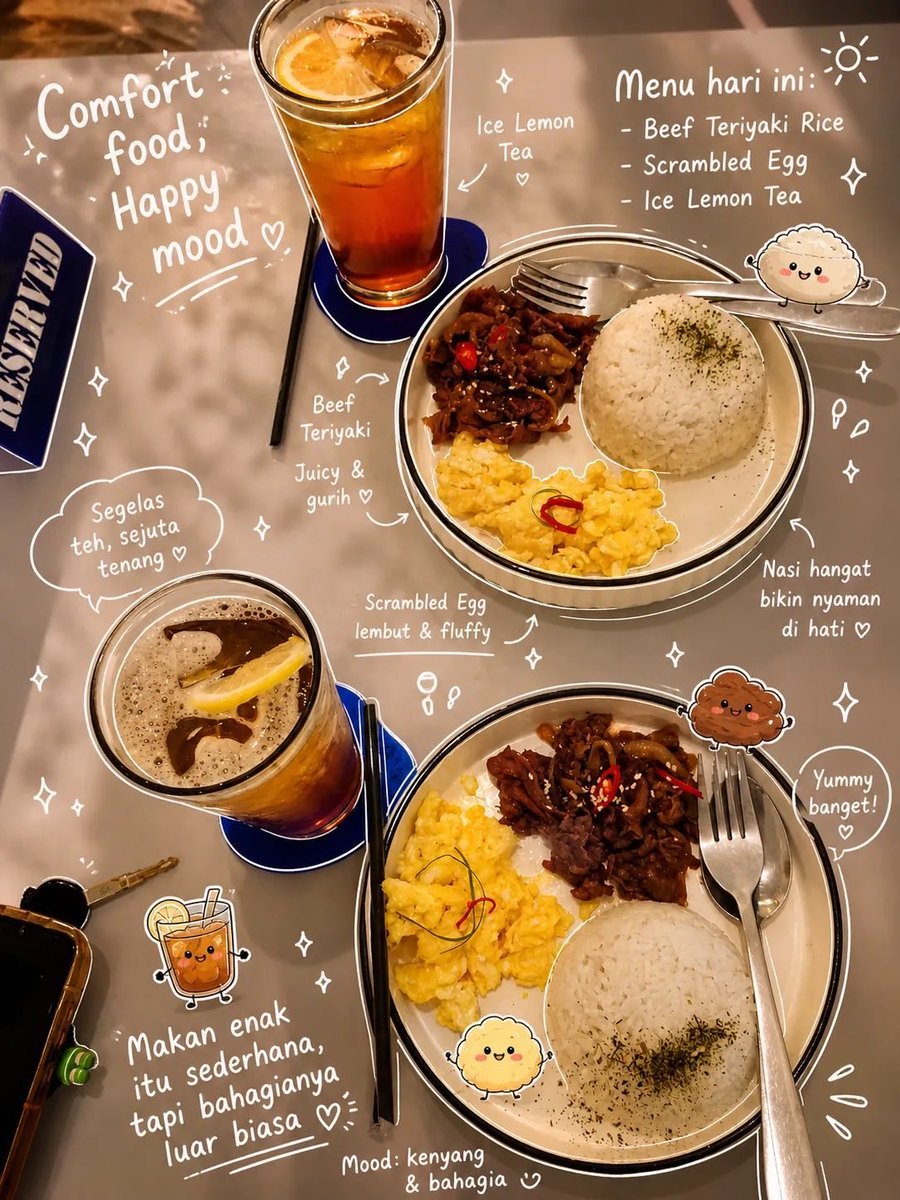
Aesthetic Food Photography with Doodles
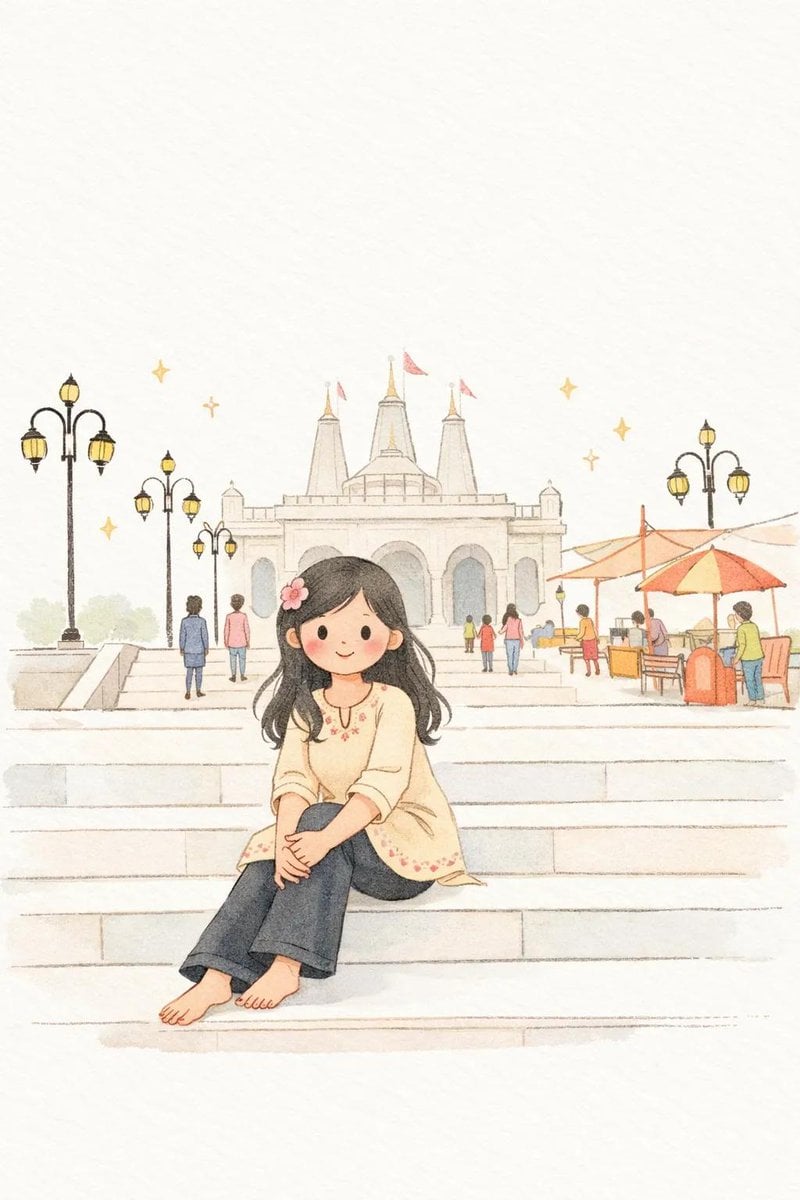
Minimalist Children's Book Illustration
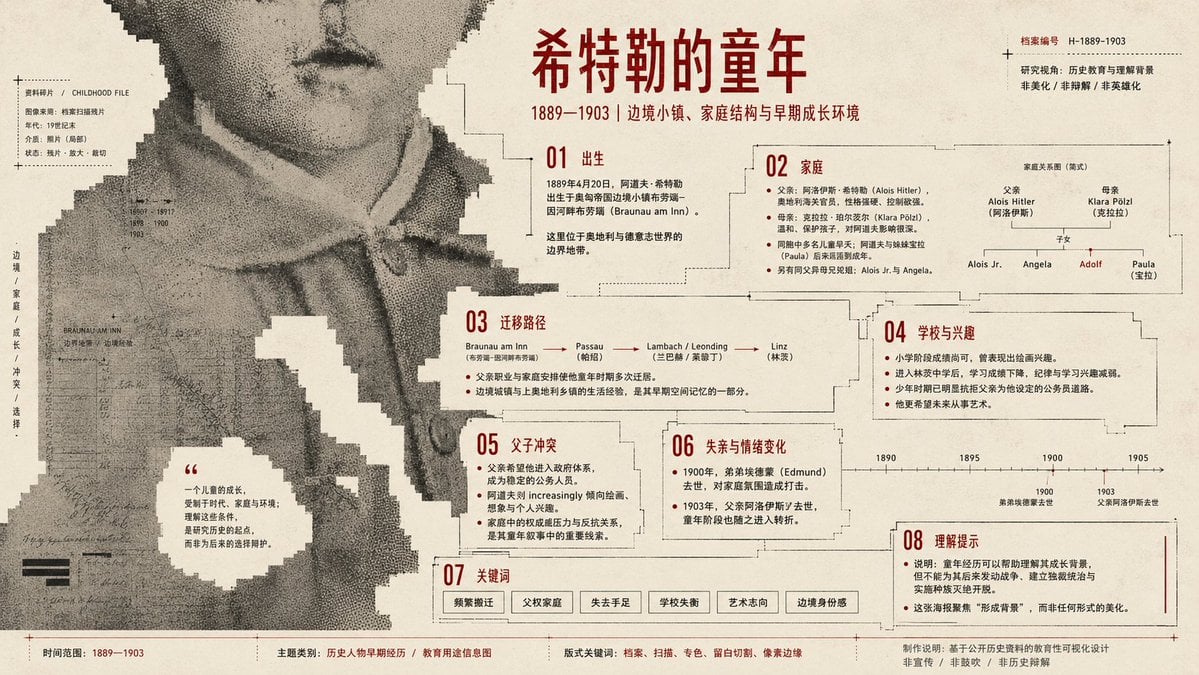
Pixel Glitch Structural Infographic Poster
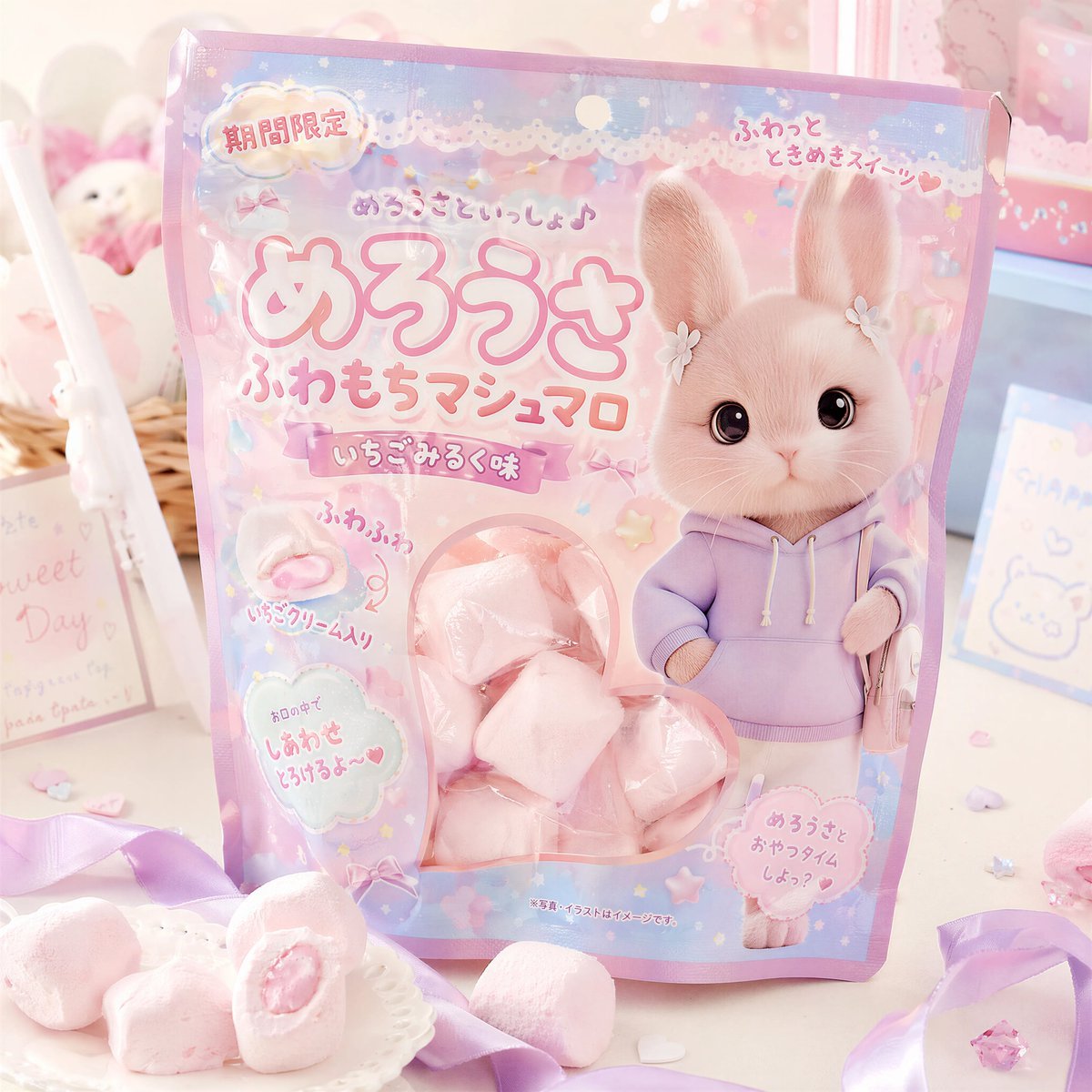
Kawaii Japanese Candy Packaging
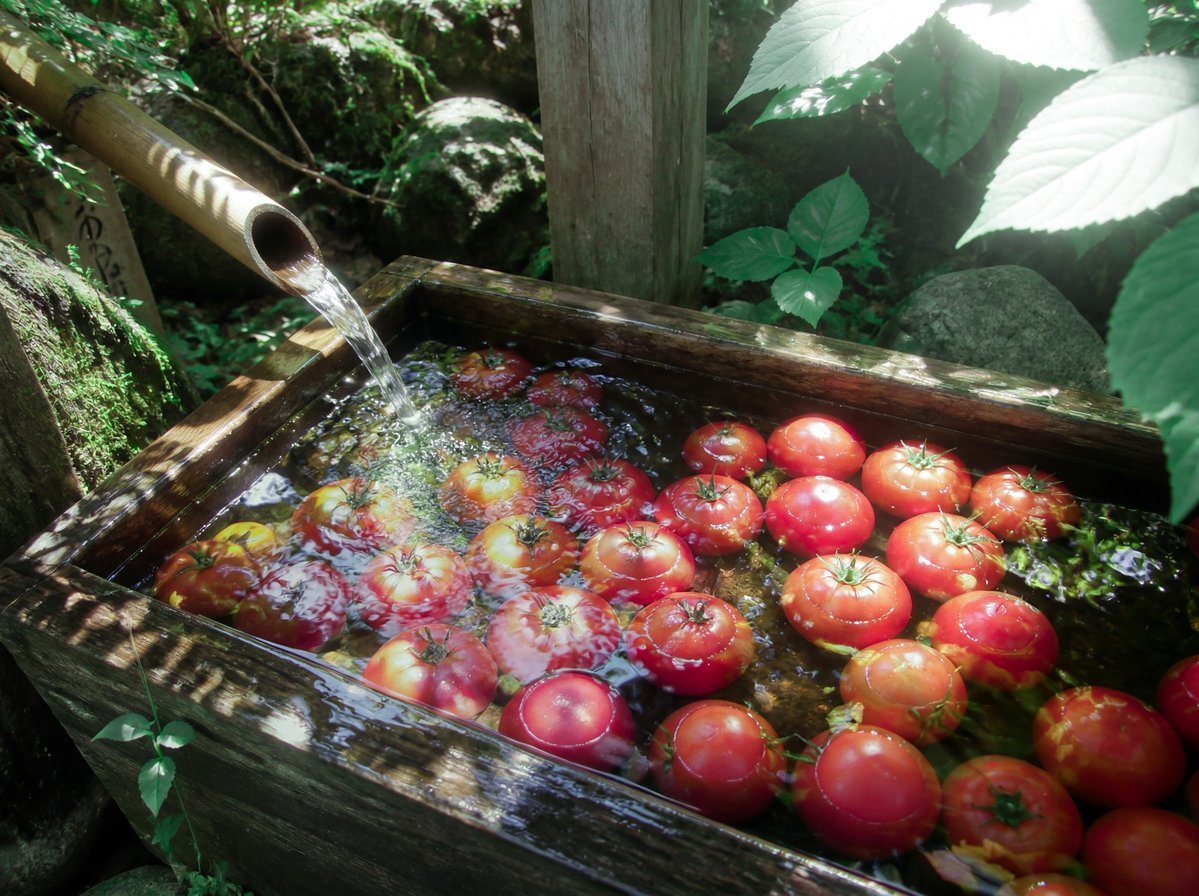
Forest Spring Tomatoes
Browse template categories
Xiaohongshu 3D Creator Profile Card questions
How do I use the Xiaohongshu 3D Creator Profile Card template?
Add your photo if the template asks for one, edit the prompt if you like — the template's model and format are already selected — and press Generate. Your version opens in PicX Studio.
Can I customize the Xiaohongshu 3D Creator Profile Card template?
Yes. You can change the subject, setting, lighting, mood, format, and available model controls before creating your image.
Is the Xiaohongshu 3D Creator Profile Card template free?
Opening and editing this template is free. Generating uses credits, shown on the Generate button when you are signed in.
Which AI model should I use?
Start with GPT Image 2, which is the model associated with this template. You can compare another compatible model for a different finish.
Looking for something else? Browse all templates.

Your photo, any look
Thousands of ready templates for every top image and video model, from one credit balance.