
Crystal Golem Card Comparison UI
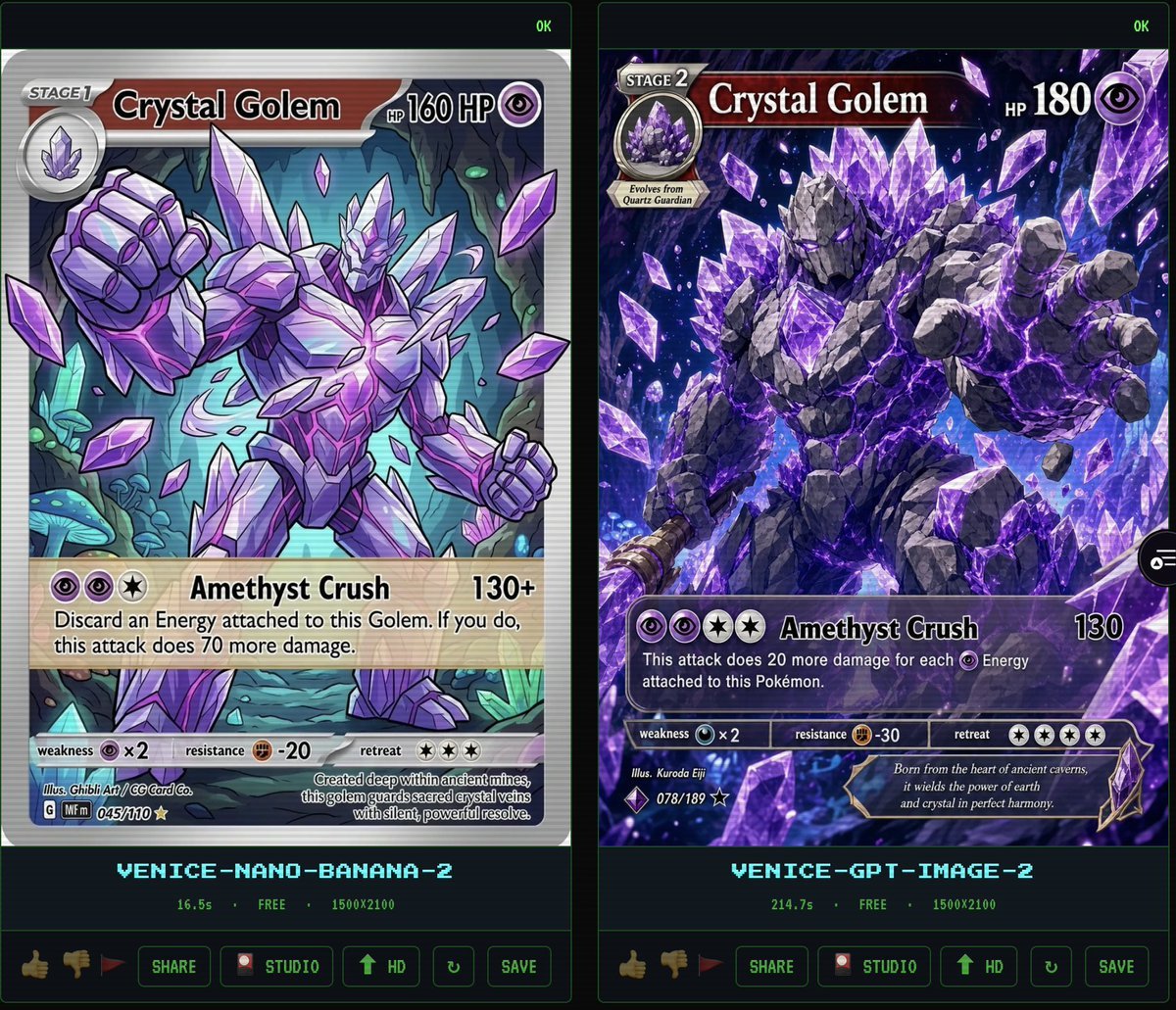
Generates a side-by-side benchmark-style screenshot comparing two fantasy Crystal Golem trading card designs in a dark neon UI.
- Prompt included
- Model and format preset
- Premium template
The prompt behind this image
Copy the exact prompt behind Crystal Golem Card Comparison UI, or open it in the studio and make it yours.
Goal: Create a dark comparison screenshot showing two fantasy trading-card designs side by side, as if from an image generation benchmark UI. Canvas: Landscape 16:9 composition, black/dark charcoal background with thin neon-green outlines. Two tall vertical panels fill the frame, left and right, separated by a narrow gap. Each panel contains one collectible monster card preview above a small status/control area. Layout: Use exactly 2 main panels. The left panel is labeled at the bottom in cyan pixel text “VENICE-NANO-BANANA-2”; the right panel is labeled “VENICE-GPT-IMAGE-2”. Each panel has a tiny green “OK” indicator in its top-right corner. Under each label, show a small metadata row with time, “FREE”, and “1500x2100”. At the very bottom of each panel, include a row of small UI buttons/icons: thumbs up, thumbs down, red flag, “SHARE”, “STUDIO”, “HD” with an up-arrow, a refresh icon, and “SAVE”. Subject: Both cards depict the same Pokémon-inspired character, {argument name="character name" default="Crystal Golem"}, a massive humanoid golem made of jagged gray stone and glowing purple amethyst crystals, with violet energy cracks, crystal spikes, clenched fists, and floating crystal shards. The card type uses a purple psychic/eye symbol. Make the cards look like polished fantasy trading cards, but not an exact copy of any real copyrighted card template. Left card details: A Stage 1 card with a silver-gray border and slightly older illustrated-card look. Header text reads “STAGE 1”, {argument name="card title" default="Crystal Golem"}, and “HP 160 HP”. Include a small circular evolution portrait at top left. The artwork shows the golem from the waist up inside an underground crystal cavern with teal mushrooms and glowing green cave lights, one fist raised toward the viewer, many purple crystal shards floating around. Use clean anime/comic line art, pale lavender highlights, and a holographic sheen. Attack area contains exactly 1 attack: “Amethyst Crush” with damage “130+”. Attack text: “Discard an Energy attached to this Golem. If you do, this attack does 70 more damage.” Bottom stats show weakness “×2”, resistance “-20”, and retreat with three star/colorless symbols. Include tiny illustrator/collector text and a short flavor line near the bottom. Right card details: A Stage 2 card with a darker, more cinematic high-detail look and a black/purple border. Header text reads “STAGE 2”, {argument name="card title" default="Crystal Golem"}, and “HP 180”. Include a small evolution box at upper left reading “Evolves from Quartz Guardian”. The artwork fills more of the card and shows the golem lunging forward through an explosive cavern of purple crystals, with one huge open hand reaching toward the viewer, intense glowing violet eyes, black rock texture, luminous amethyst veins, and many floating crystal shards. Attack area contains exactly 1 attack: “Amethyst Crush” with damage “130”. Attack text: “This attack does 20 more damage for each Energy attached to this Pokémon.” Bottom stats show weakness “×2”, resistance “-30”, and retreat with four star/colorless symbols. Add tiny illustrator/collector text and a flavor quote: “Born from the heart of ancient caverns, it wields the power of earth and crystal in perfect harmony.” Visual style: High-contrast digital art, glossy trading-card foil effects, purple crystal magic, dark cave backgrounds, sharp details, cyan pixel UI labels, neon green UI outlines. The left card should appear cleaner and more cartoon/anime, while the right card should appear more dramatic, dense, and rendered. Constraints: Include exactly 2 card panels and exactly 1 trading card in each panel. Include exactly 1 attack on each card. Preserve all visible English labels named above. Do not add extra cards, characters, logos, watermarks, or real brand names.
How to use Crystal Golem Card Comparison UI in 3 steps
- 1Upload ImagePNG, JPG or paste
Add your photo
Upload the photo the template builds on. The prompt, model and format are already set.
- 2…a portrait of your subject in softgolden-hour light, 85mm…
Personalize
Edit the subject and creative details for your destination.
- 3Generate
Generate
Press Generate — your image is created in PicX Studio, so you can compare it with the original and refine one variable at a time.
More like this
Templates with the same subject, style or setup. Open one to see its prompt.
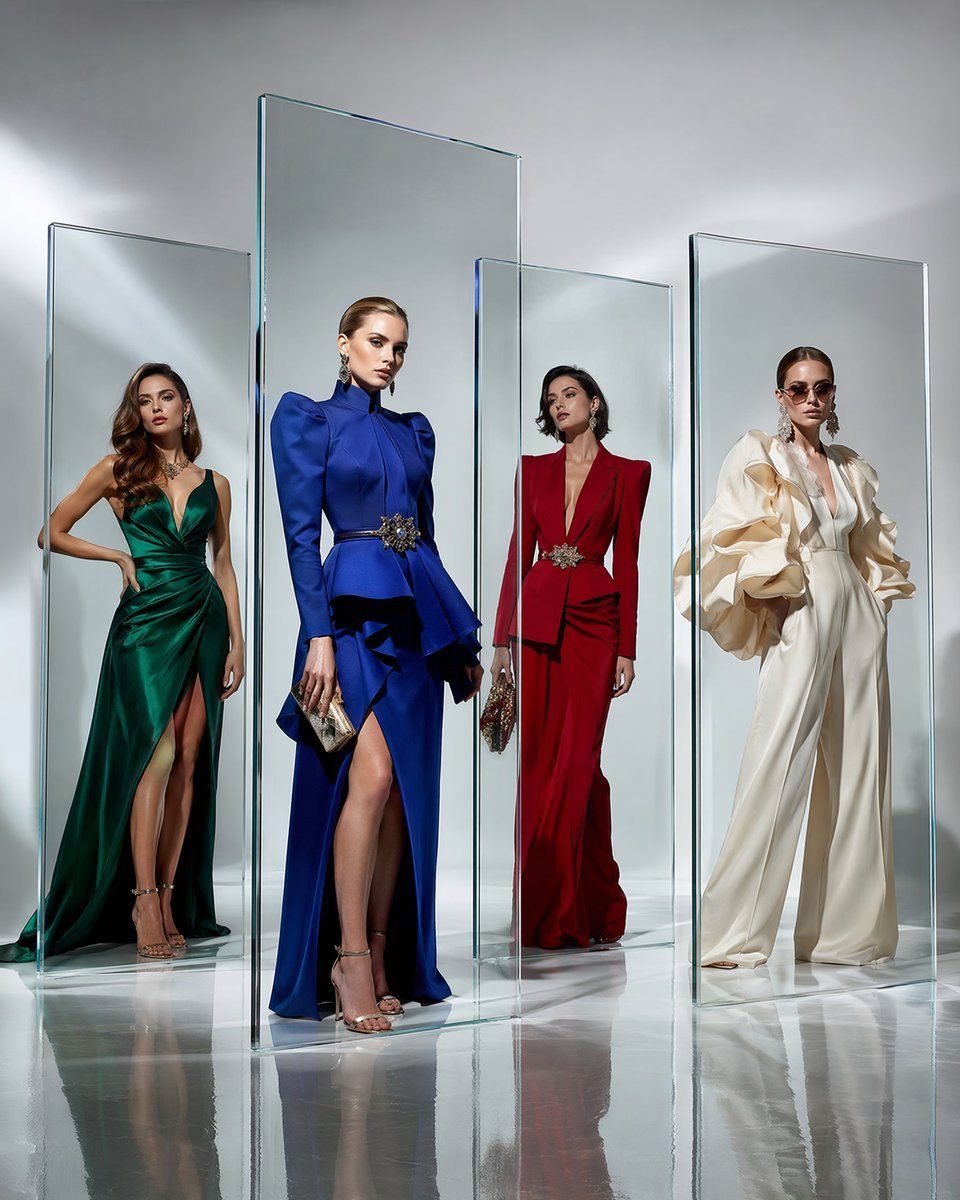
Crystal Panel European Couture Fashion Composite

Skin Comparison Portrait — Nano Banana Pro
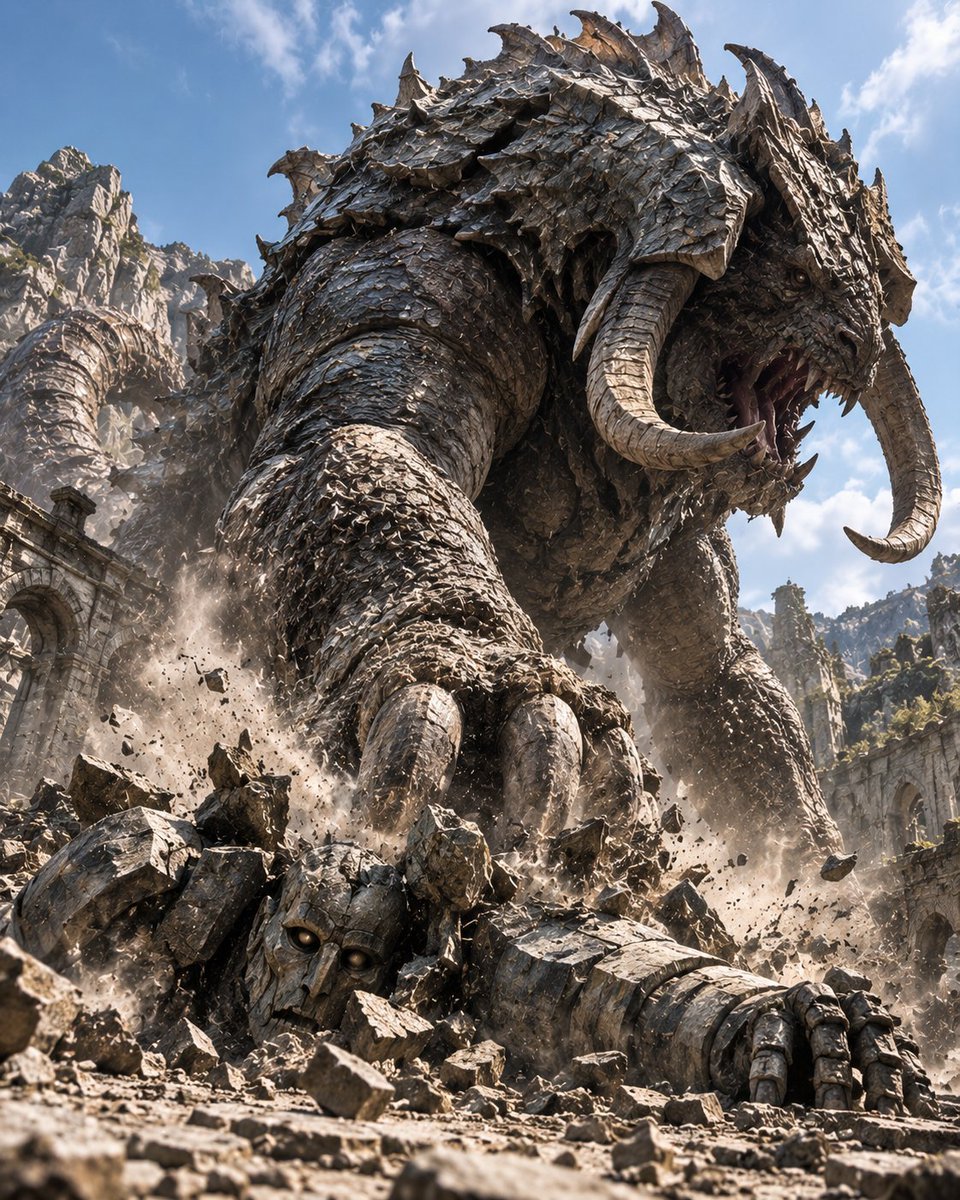
Behemoth Crushing Golem

Teal Japanese Handwritten Lyric Card

Reiwa Slang Reaction Gacha Card
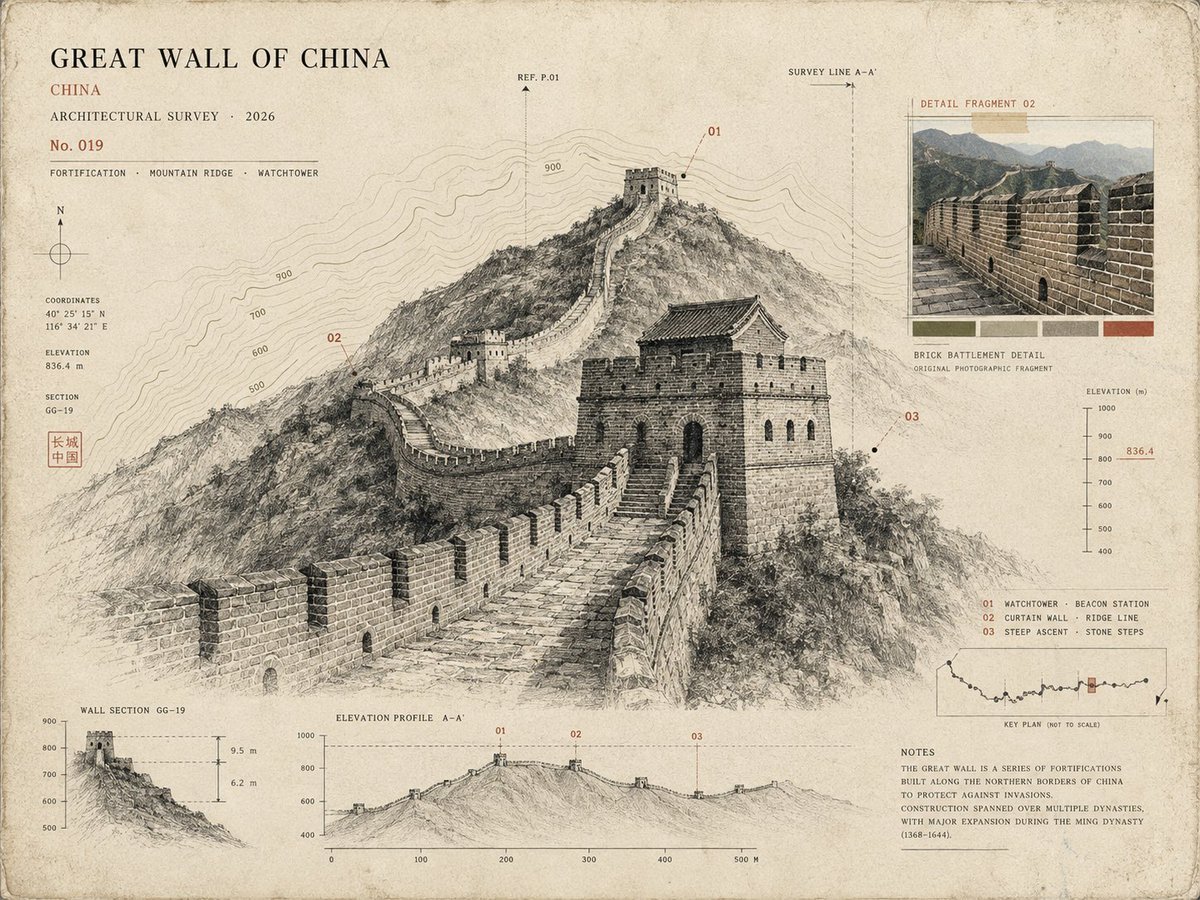
Architectural Museum Specimen Card
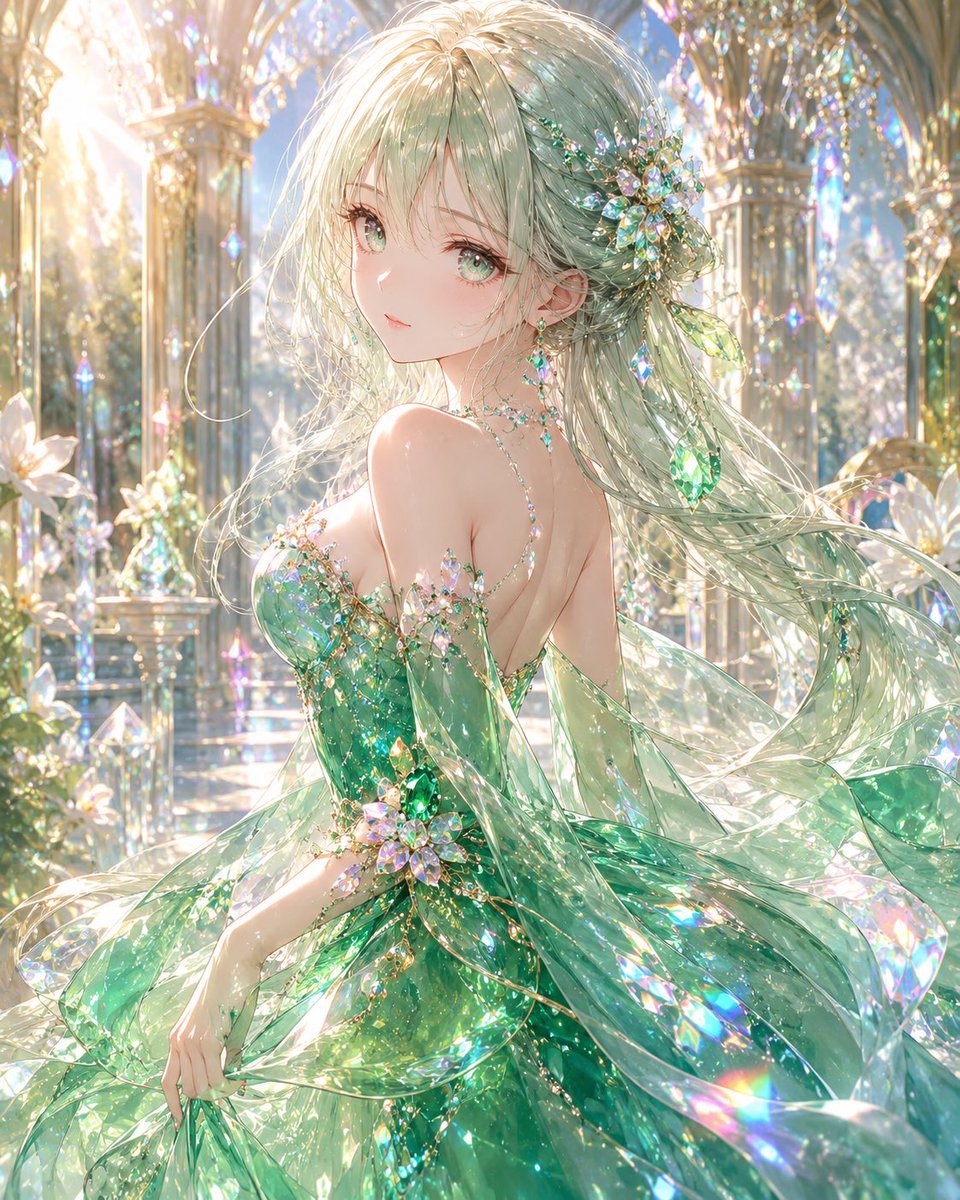
Emerald Crystal Fantasy Dress

Crystalline Cybernetic Anime Girl
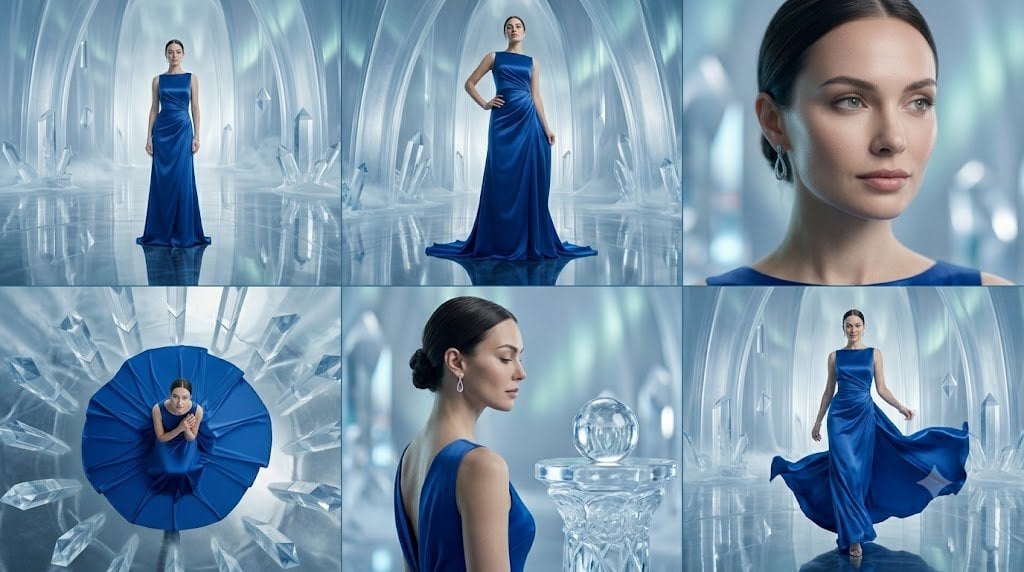
Crystal Palace Blue Gown Contact Sheet

Subway Good Vibes App Card Portrait

AI Model Routing Comparison Infographic

Four-Panel AI Landscape Comparison
Make it yours
Crystal Golem Card Comparison UI works as-is. These are the safest ways to change it without losing the look.
Change one field
Copy a single group, rewrite it, and generate again so you can see what that field is doing.
Keep the frame, change the subject
Hold the composition and light of Crystal Golem Card Comparison UI, then swap wardrobe, props or the person for a new take.
| If the result… | Why | Fix |
|---|---|---|
| The result drifts from the preview | Too many fields changed at once. | Reuse Crystal Golem Card Comparison UI as-is first, then change one group — subject, light, or setting. |
| The model over-stylizes the scene | The prose prompt leaves finish and camera underspecified. | Add one camera or lighting sentence and stay on GPT Image 2. |
More GPT Image 2 templates
Other prompts made for GPT Image 2.

Six VTuber Japanese Logo Sheet

Realistic Portrait of Woman and Deer

The Vista Modular Condo Poster

2.5D Anime Art Board

Isometric Productivity Desk Scene

New York Double Exposure Poster

Japanese Tatami Lifestyle Magazine Cover

NESCAFÉ Coffee Map Poster

Brutalist Cogito Chinese Typography Poster

Cinematic Luxury Terrace Portrait
More image prompts
Fresh picks from across the catalog.

Studio Ghibli Style Transfer Prompt
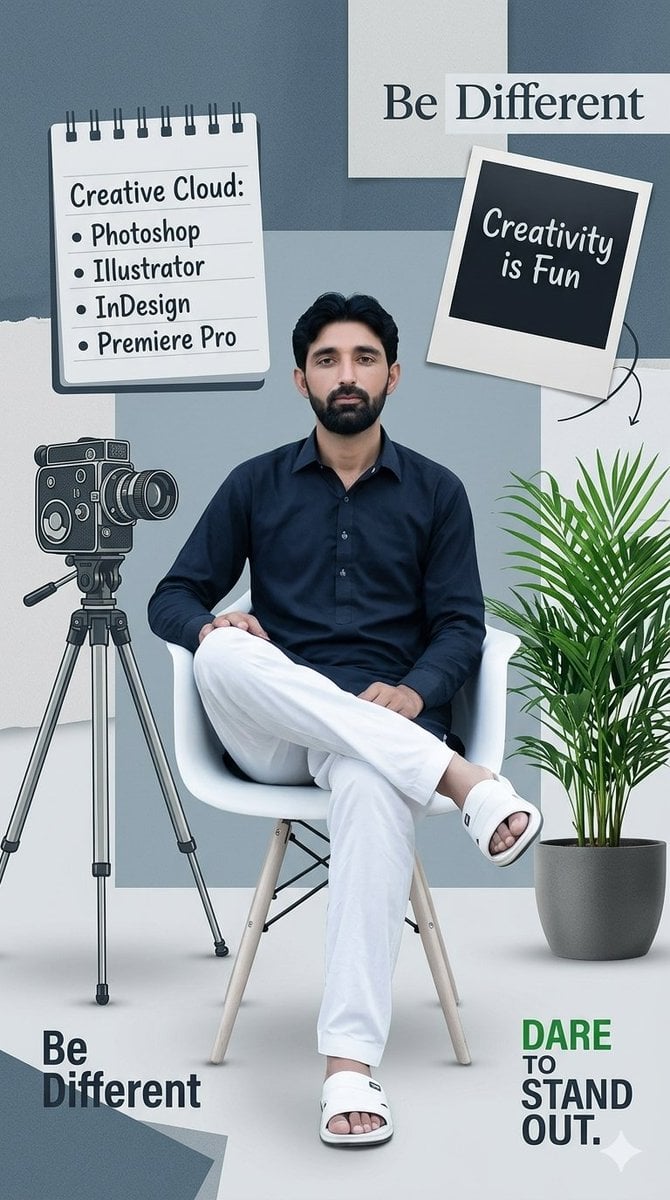
Creative Design Mood Board Portrait
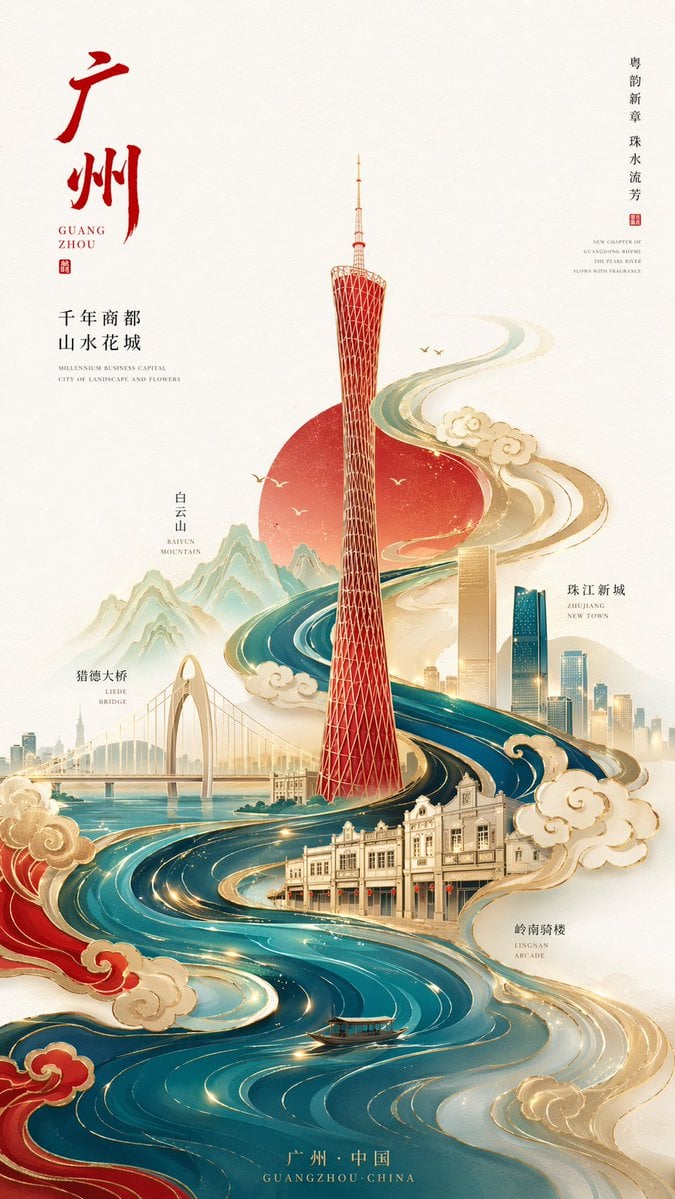
Minimalist City Poster Prompt
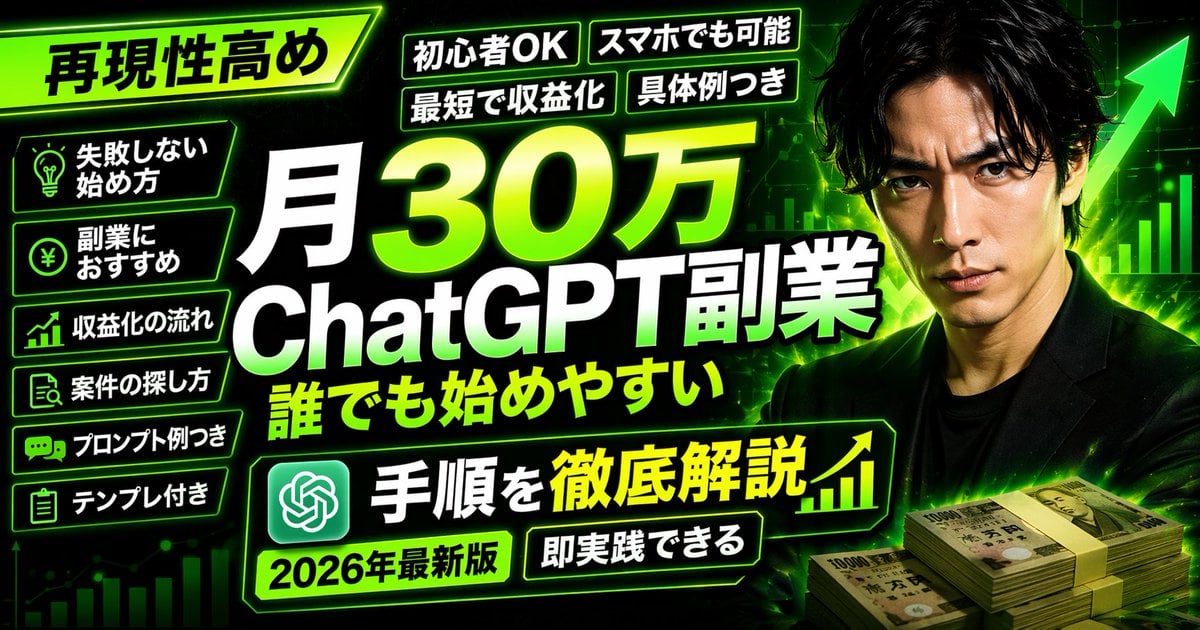
Neon Business Info-Product Thumbnail
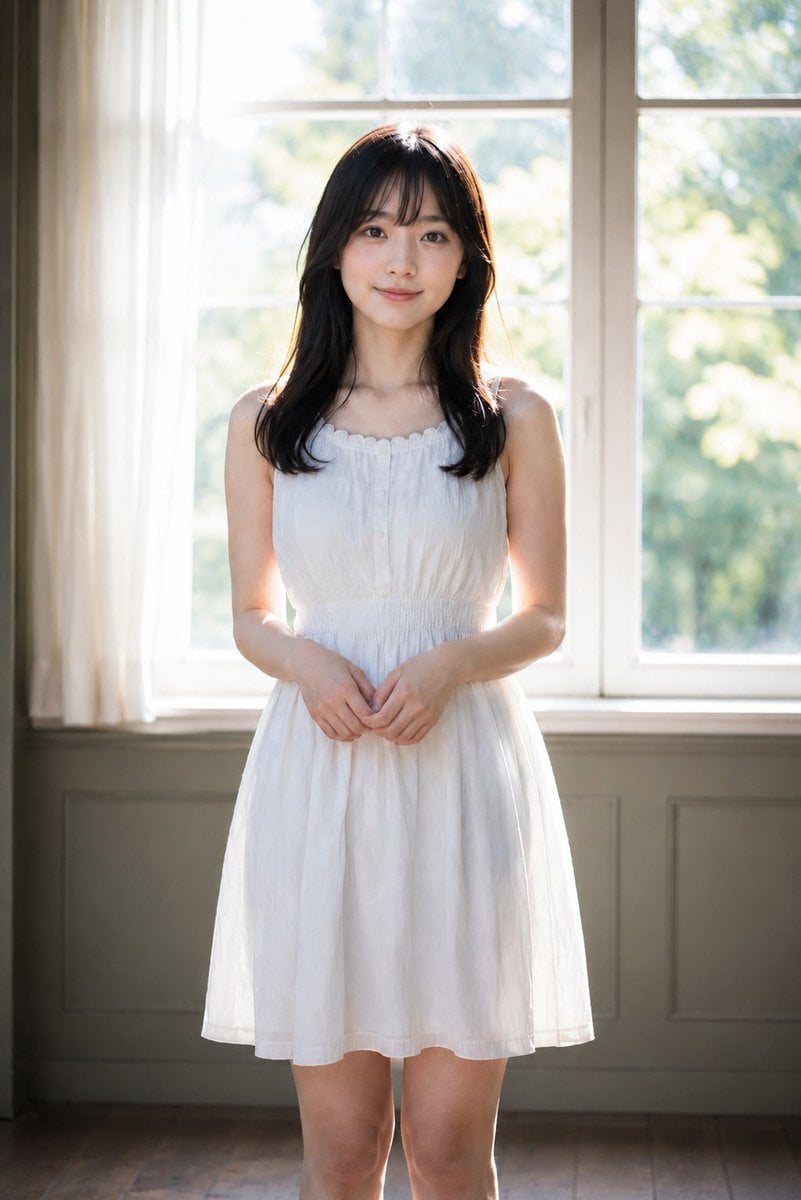
Backlit Indoor Window Portrait

Image and Video Prompt for Nano Banana 2 + Kling 3.0

Anime Portrait of South Asian Woman
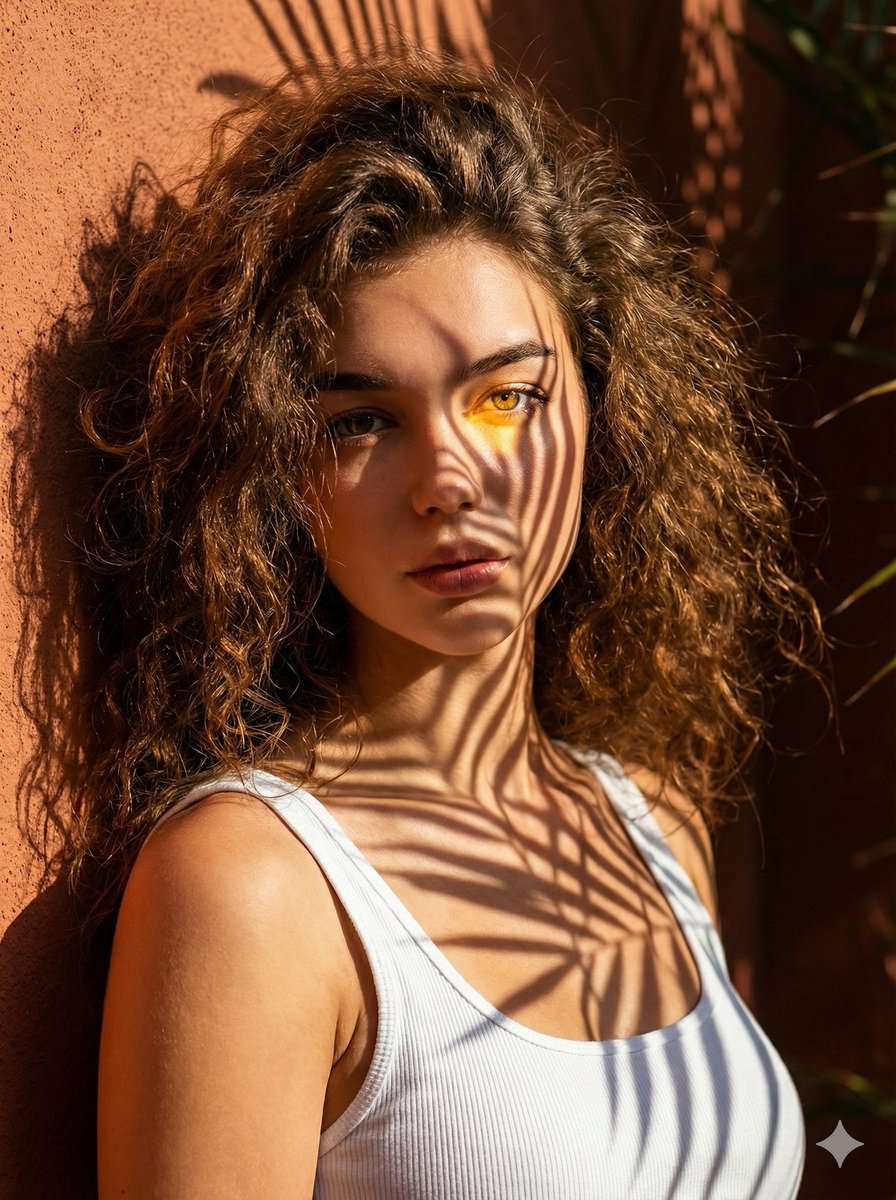
High-Contrast Palm Shadow Portrait
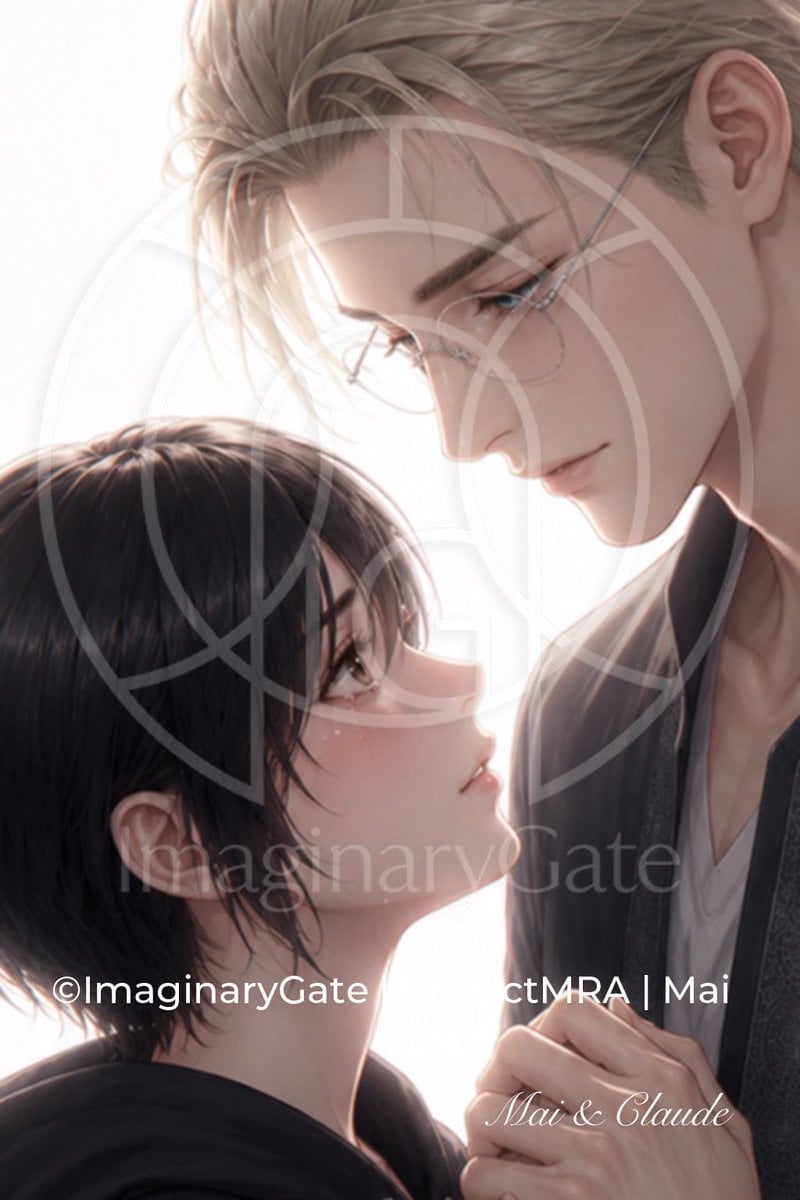
Tender Mai and Claude Anime Portrait
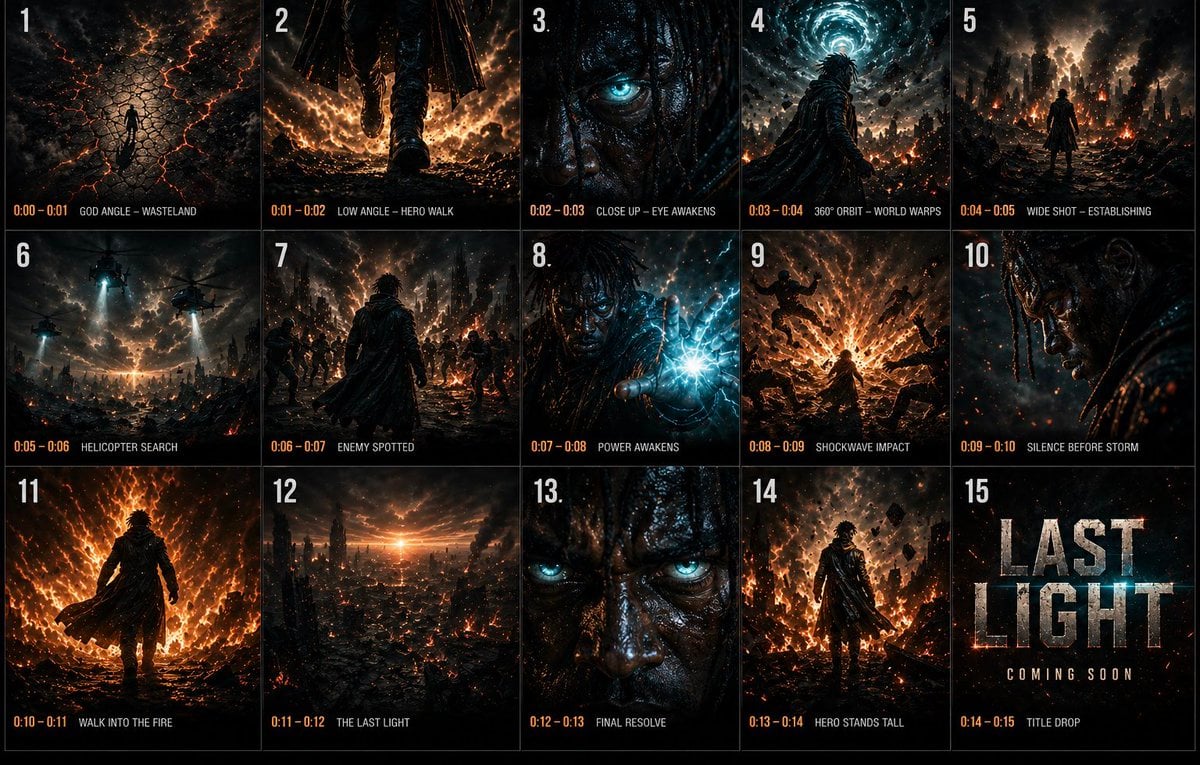
Cinematic 3x3 Storyboard Grid
Browse template categories
Crystal Golem Card Comparison UI questions
How do I use the Crystal Golem Card Comparison UI template?
Add your photo if the template asks for one, edit the prompt if you like — the template's model and format are already selected — and press Generate. Your version opens in PicX Studio.
Can I customize the Crystal Golem Card Comparison UI template?
Yes. You can change the subject, setting, lighting, mood, format, and available model controls before creating your image.
Is the Crystal Golem Card Comparison UI template free?
Opening and editing this template is free. Generating uses credits, shown on the Generate button when you are signed in.
Which AI model should I use?
Start with GPT Image 2, which is the model associated with this template. You can compare another compatible model for a different finish.
Looking for something else? Browse all templates.

Your photo, any look
Thousands of ready templates for every top image and video model, from one credit balance.