
Arcane Siege Mobile Deck UI
A dark fantasy mobile game deck-building lobby screen with ornate branding, collectible card grid, and multiplayer match controls.
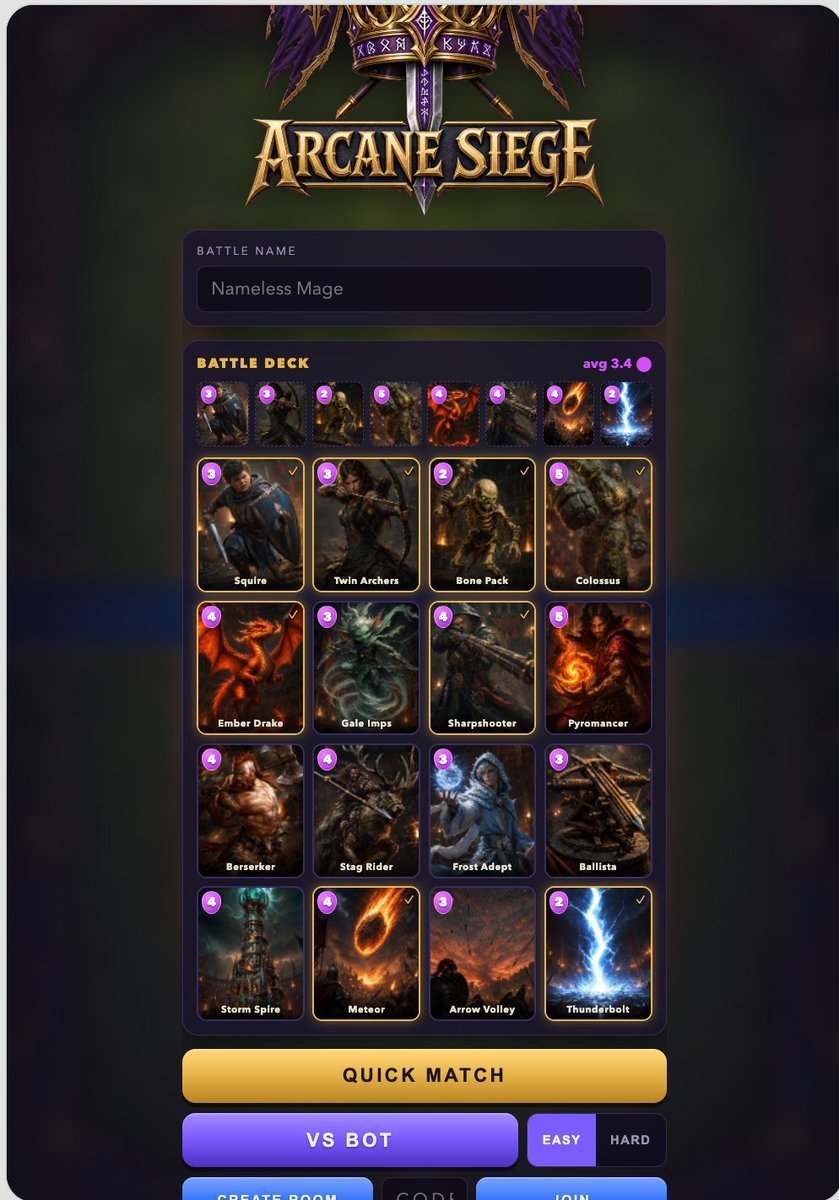
- Prompt included
- Model and format preset
- Premium template
The prompt behind this image
Copy the exact prompt behind Arcane Siege Mobile Deck UI, or open it in the studio and make it yours.
Goal: Create a polished dark fantasy mobile game lobby/deck-building screen for a Clash Royale-like game titled {argument name="game title" default="Arcane Siege"}, shown as a vertical smartphone UI screenshot. Canvas: Tall portrait mobile screen, about 768×1152, with rounded black phone-screen corners. Use a dark blurred green-and-purple magical battlefield background, subtle vignette, and glowing UI panels. Top branding: At the top center, place an ornate fantasy emblem with purple banners, gold filigree, crossed weapons, runic details, and a large metallic gold medieval logo reading “{argument name="game title" default="Arcane Siege"}”. Player panel: Below the logo, add a rounded dark purple input panel. It contains the small uppercase label “BATTLE NAME” and a dark text field showing “{argument name="battle name" default="Nameless Mage"}”. Deck panel: Under the name field, create one large rounded dark purple card-selection panel. Header text on the left reads “BATTLE DECK” in yellow-gold uppercase. On the right show “avg 3.4” in magenta with a small magenta elixir dot. Top deck strip: Directly below the deck header, show exactly 8 small selected-card thumbnails in one horizontal row. Each has a tiny purple circular elixir cost badge at the top-left. The visible costs from left to right are: 3, 3, 2, 5, 4, 4, 4, 2. The cards depict gritty fantasy units and spells. Main card grid: Below the strip, show exactly 16 collectible battle cards in a 4-column by 4-row grid. Each card has a dark fantasy illustration, rounded black frame, purple circular elixir cost badge at top-left, white name label at the bottom, and selected cards have a thin glowing gold outline plus a small gold check mark at top-right. The 16 cards, in reading order, are: 1. cost 3, “Squire”, armored young swordsman with blue cloak, selected. 2. cost 3, “Twin Archers”, hooded archer drawing a bow, selected. 3. cost 2, “Bone Pack”, skeletal undead soldiers, selected. 4. cost 5, “Colossus”, hulking stone giant, selected. 5. cost 4, “Ember Drake”, red-orange dragon, selected. 6. cost 3, “Gale Imps”, icy winged imp creature, unselected. 7. cost 4, “Sharpshooter”, rugged gunner with long rifle, selected. 8. cost 5, “Pyromancer”, fiery mage holding flame, unselected. 9. cost 4, “Berserker”, muscular warrior with axe, unselected. 10. cost 4, “Stag Rider”, dark horned stag mount and rider, unselected. 11. cost 3, “Frost Adept”, blue-white ice mage, unselected. 12. cost 3, “Ballista”, wooden siege crossbow, unselected. 13. cost 4, “Storm Spire”, magical storm tower, unselected. 14. cost 4, “Meteor”, flaming meteor falling from sky, selected. 15. cost 3, “Arrow Volley”, battlefield sky filled with arrows, unselected. 16. cost 2, “Thunderbolt”, bright blue lightning strike, selected. Bottom controls: Below the deck panel, show exactly 7 visible controls. First is a wide rounded gold button labeled “QUICK MATCH”. Second row has a wide purple button labeled “VS BOT”, followed by two smaller difficulty buttons: “EASY” highlighted in purple and “HARD” dark. At the very bottom edge, partially visible, include three rectangular controls: blue “CREATE ROOM”, dark “CODE”, and blue “JOIN”. Visual style: High-quality fantasy game UI, cinematic card art, gold and purple color palette, glossy beveled buttons, glowing outlines, clean mobile-game typography, crisp readable labels, dramatic lighting, no real-world branding, no watermark. Keep the layout centered with generous margins and make it look like a finished mobile game asset screen.
How to use Arcane Siege Mobile Deck UI in 3 steps
- 1Upload ImagePNG, JPG or paste
Add your photo
Upload the photo the template builds on. The prompt, model and format are already set.
- 2…a portrait of your subject in softgolden-hour light, 85mm…
Personalize
Edit the subject and creative details for your destination.
- 3Generate
Generate
Press Generate — your image is created in PicX Studio, so you can compare it with the original and refine one variable at a time.
More like this
Templates with the same subject, style or setup. Open one to see its prompt.
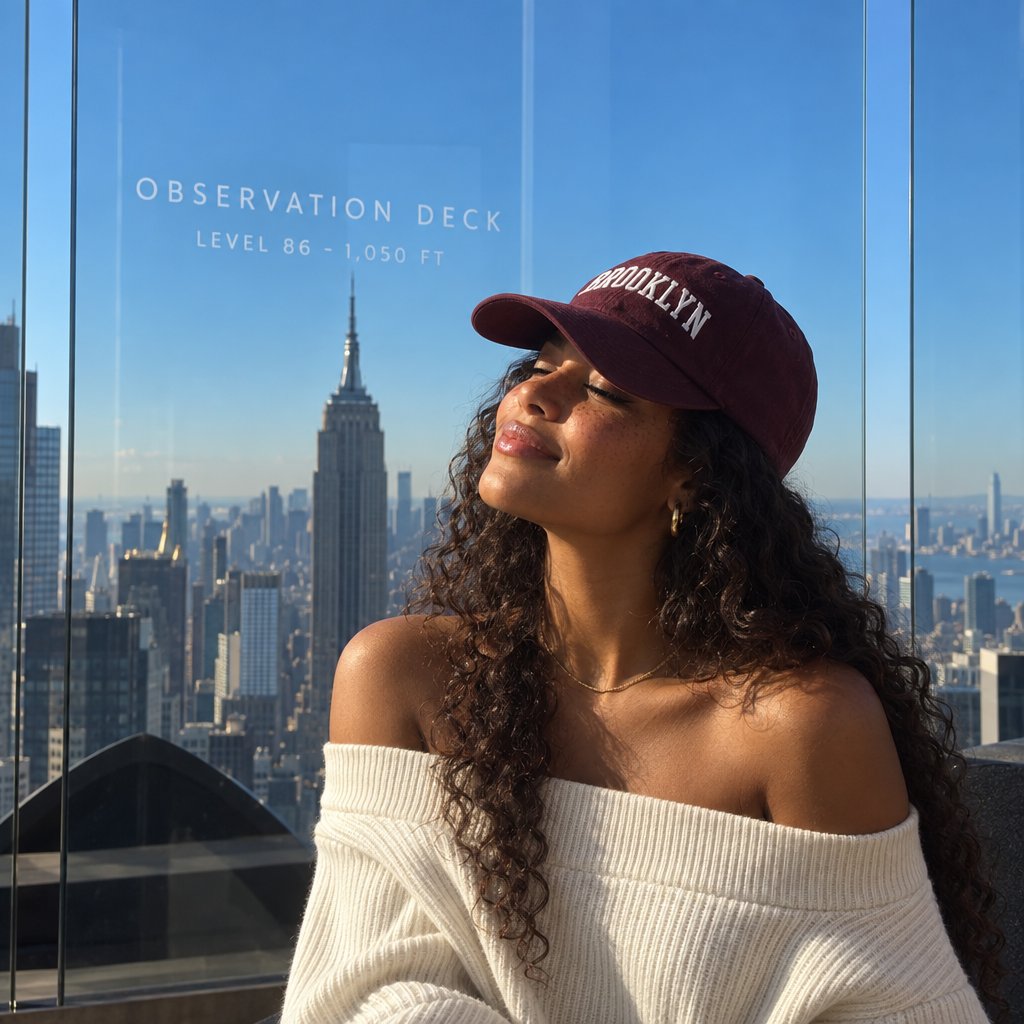
NYC Observation Deck Portrait
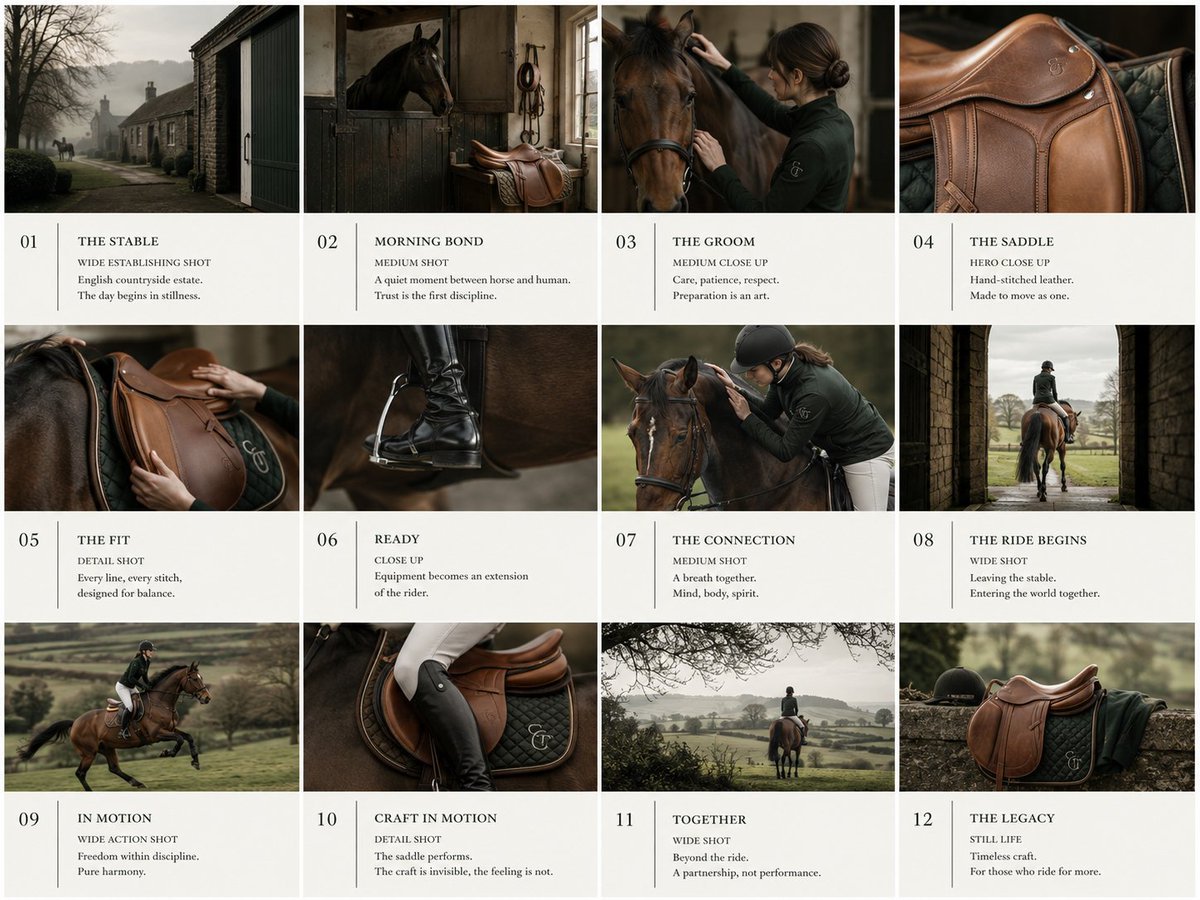
Equestrian Pitch Deck Storyboard
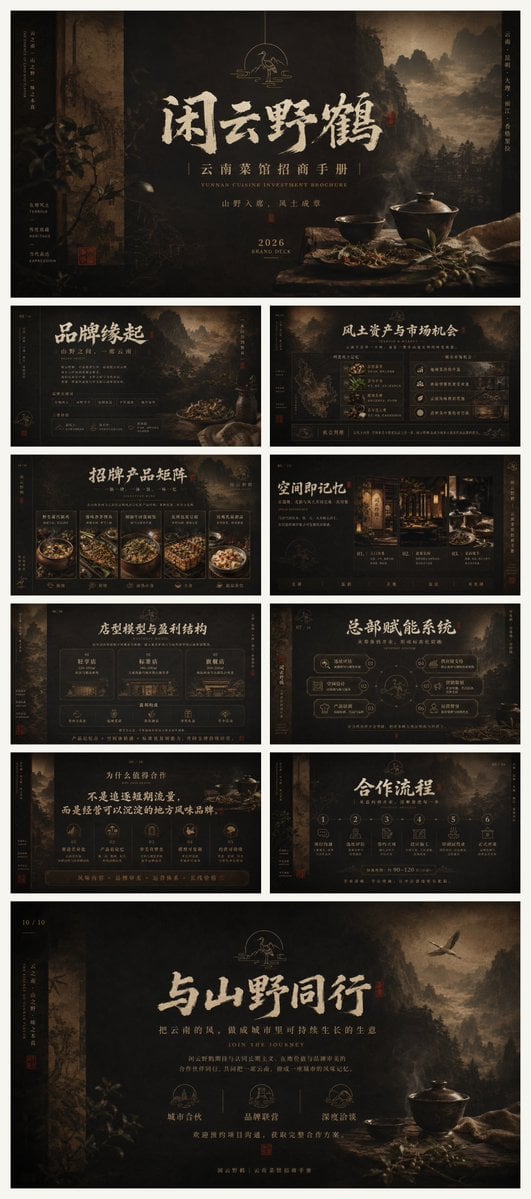
Dark Yunnan Restaurant Brochure Deck
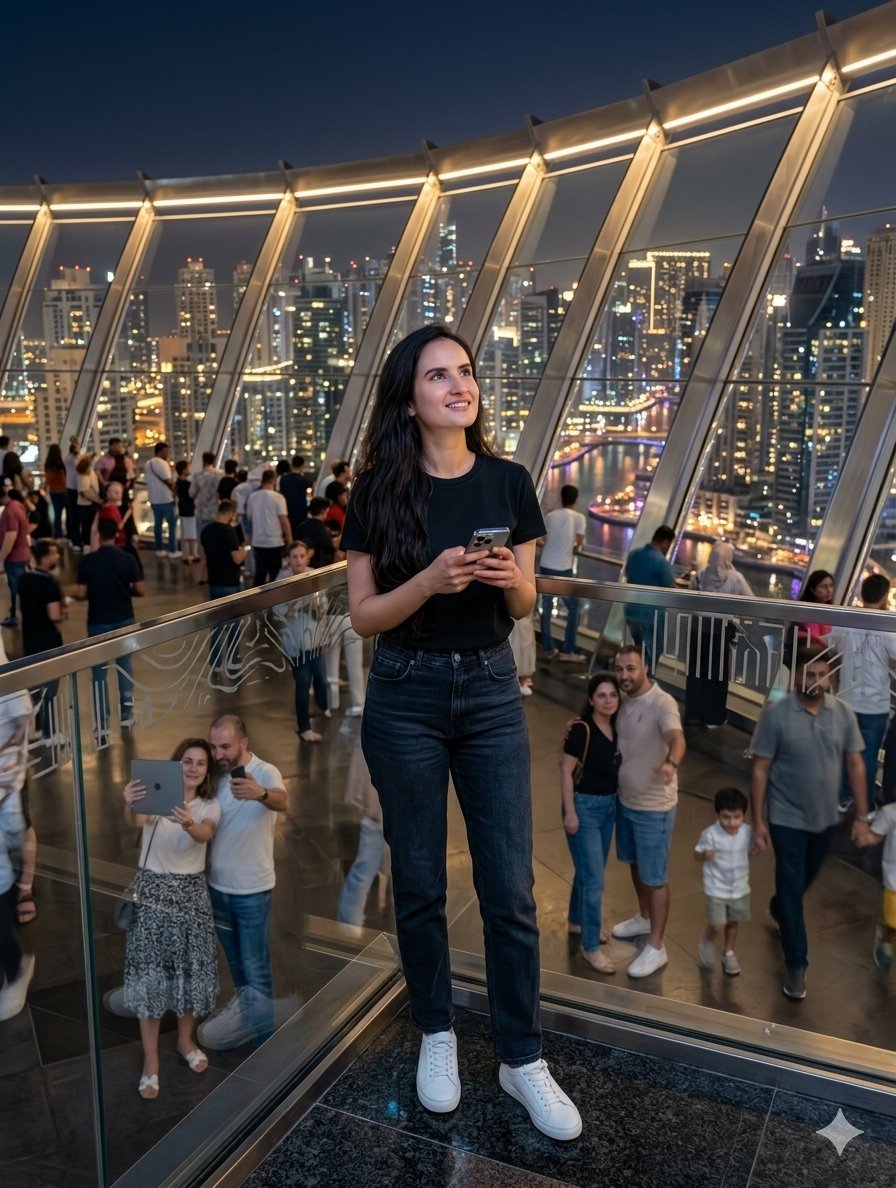
Modern Observation Deck Skyline Portrait

Steam Ocean Liner Deck
Yacht Deck Cash Briefcase

Whimsical Pirate Girl on Ship Deck
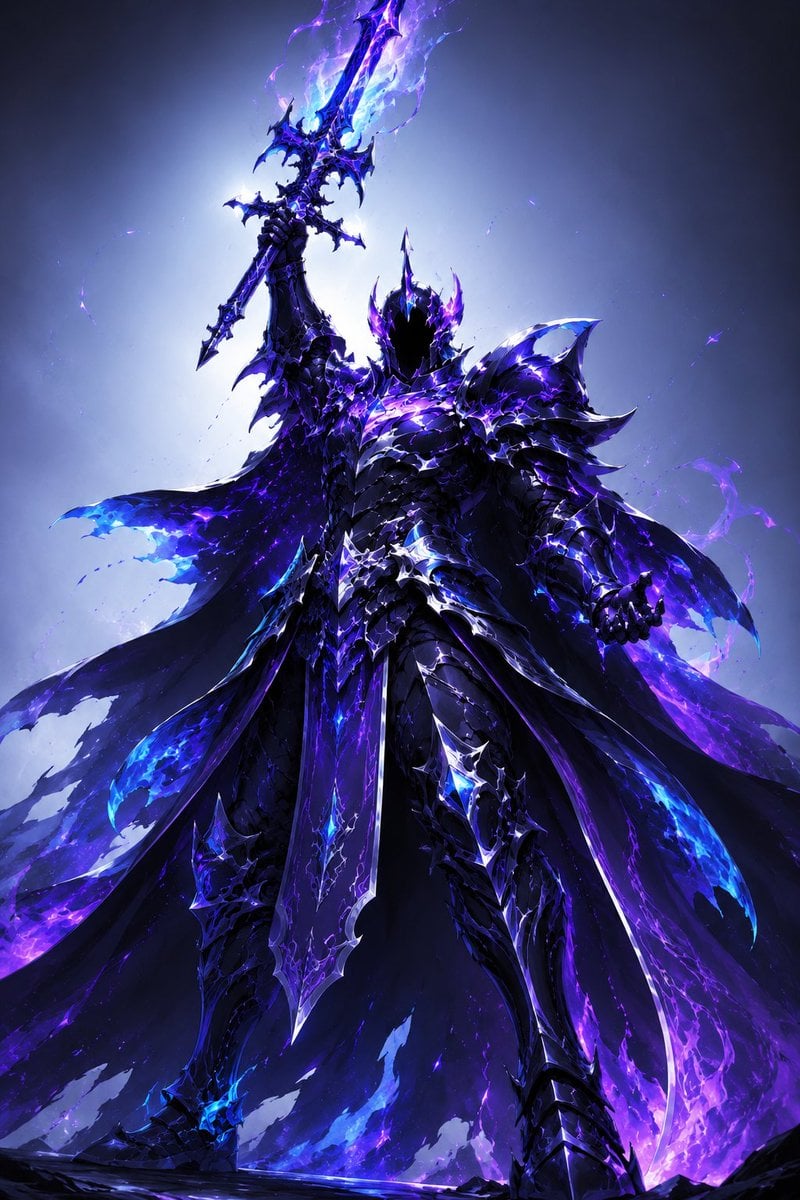
Majestic Dark Fantasy Arcane Knight

NOVALITH SaaS Pitch Deck Grid
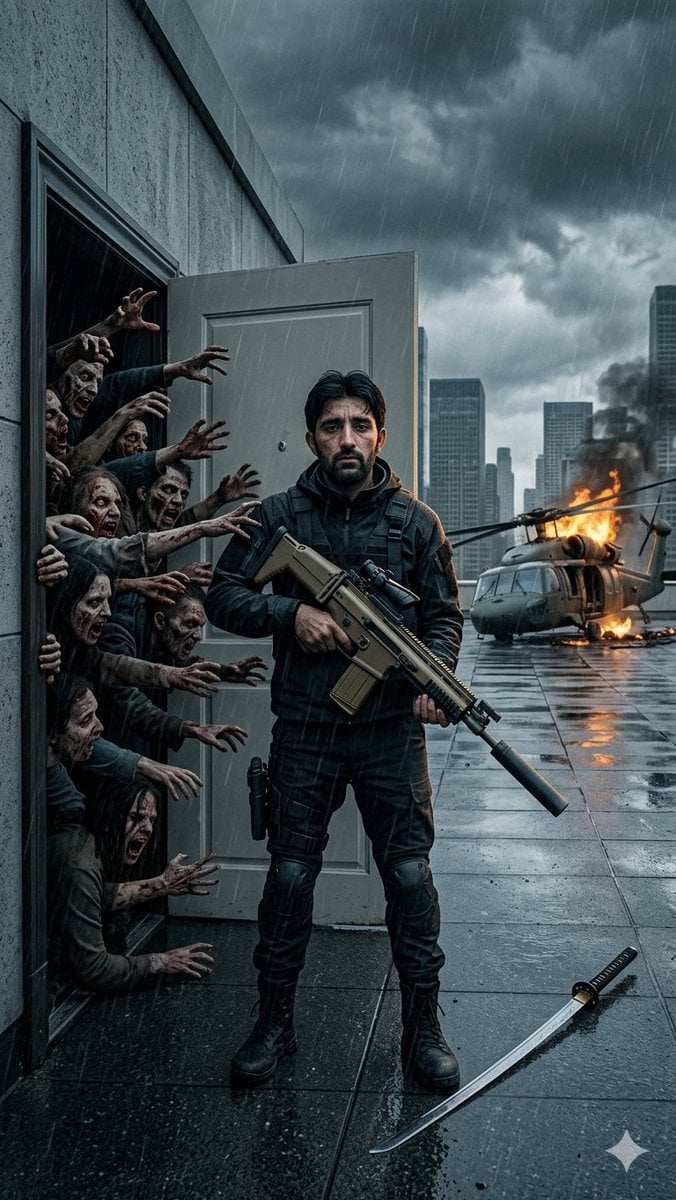
Stormy Rooftop Zombie Siege
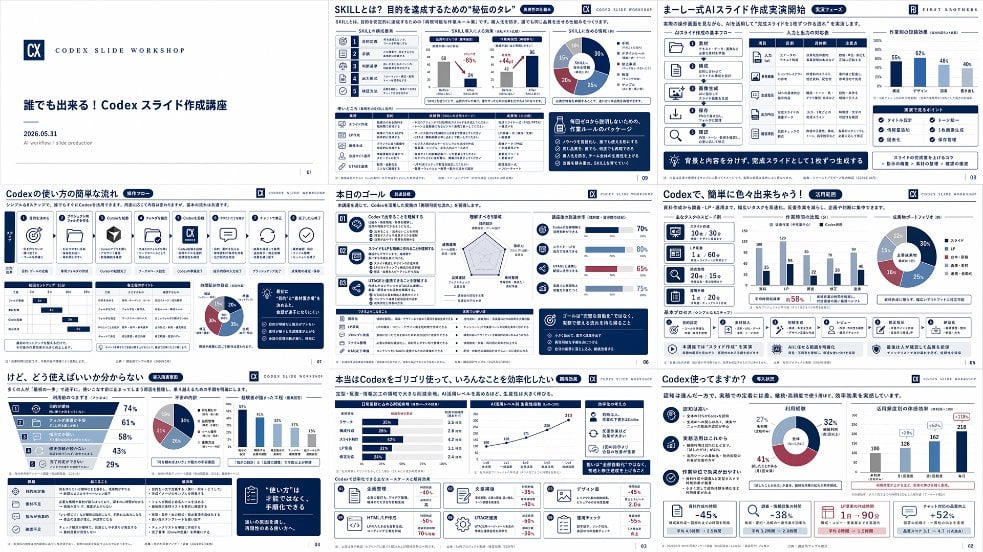
Japanese Codex Workshop Slide Deck Grid
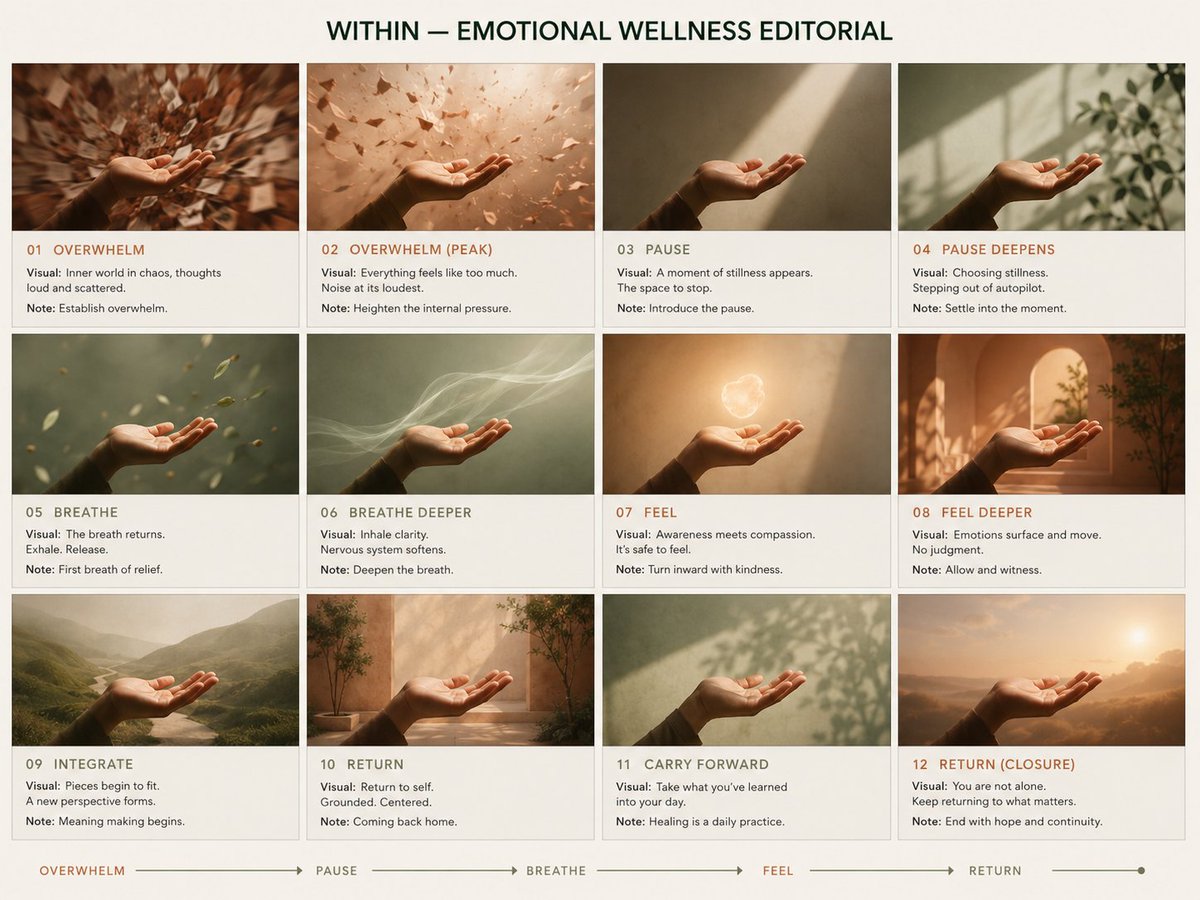
Premium Pitch Deck Storyboard
Make it yours
Arcane Siege Mobile Deck UI works as-is. These are the safest ways to change it without losing the look.
Change one field
Copy a single group, rewrite it, and generate again so you can see what that field is doing.
Keep the frame, change the subject
Hold the composition and light of Arcane Siege Mobile Deck UI, then swap wardrobe, props or the person for a new take.
| If the result… | Why | Fix |
|---|---|---|
| The result drifts from the preview | Too many fields changed at once. | Reuse Arcane Siege Mobile Deck UI as-is first, then change one group — subject, light, or setting. |
| The model over-stylizes the scene | The prose prompt leaves finish and camera underspecified. | Add one camera or lighting sentence and stay on GPT Image 2. |
More GPT Image 2 templates
Other prompts made for GPT Image 2.

Six VTuber Japanese Logo Sheet

Realistic Portrait of Woman and Deer

The Vista Modular Condo Poster

AI Model Routing Comparison Infographic

2.5D Anime Art Board

Isometric Productivity Desk Scene

New York Double Exposure Poster

Four-Panel AI Landscape Comparison

Japanese Tatami Lifestyle Magazine Cover

NESCAFÉ Coffee Map Poster
More image prompts
Fresh picks from across the catalog.
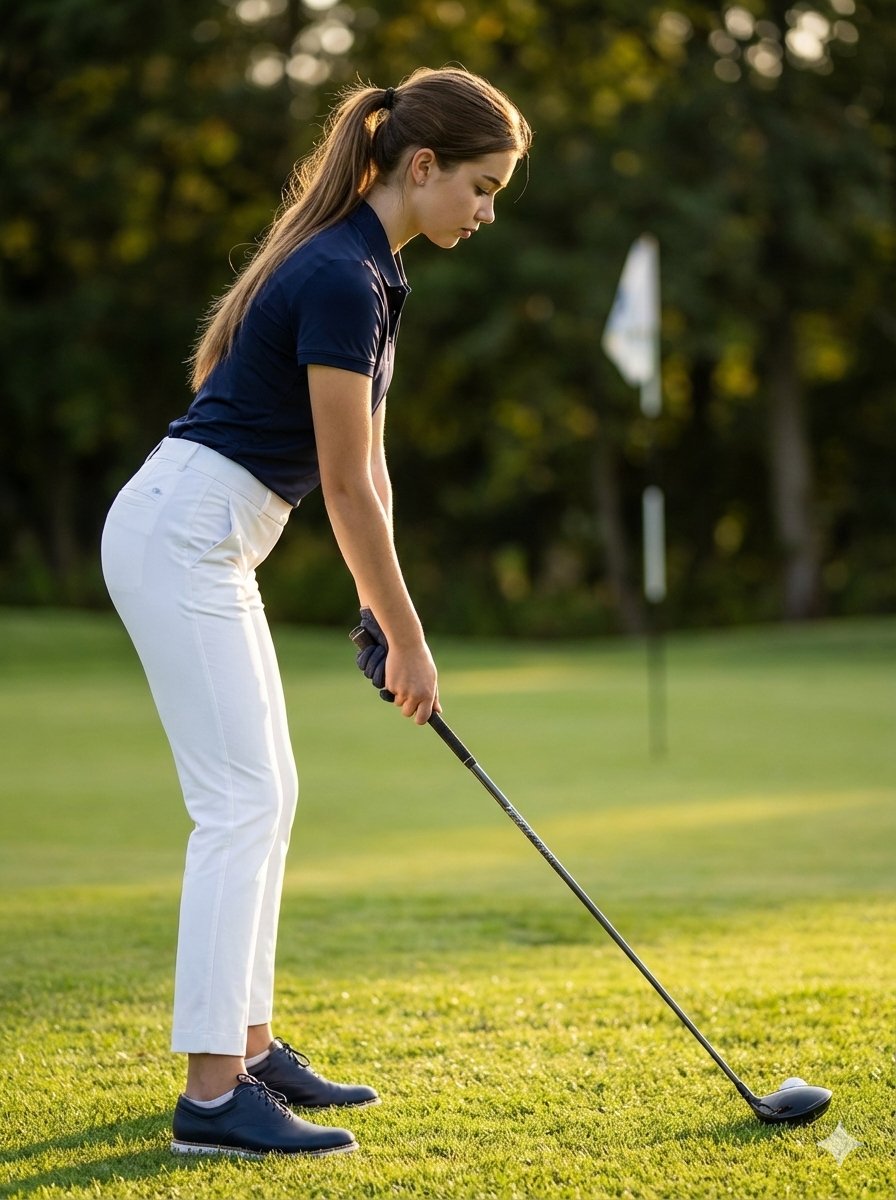
Ultra-Realistic Cinematic Female Golfer Portrait
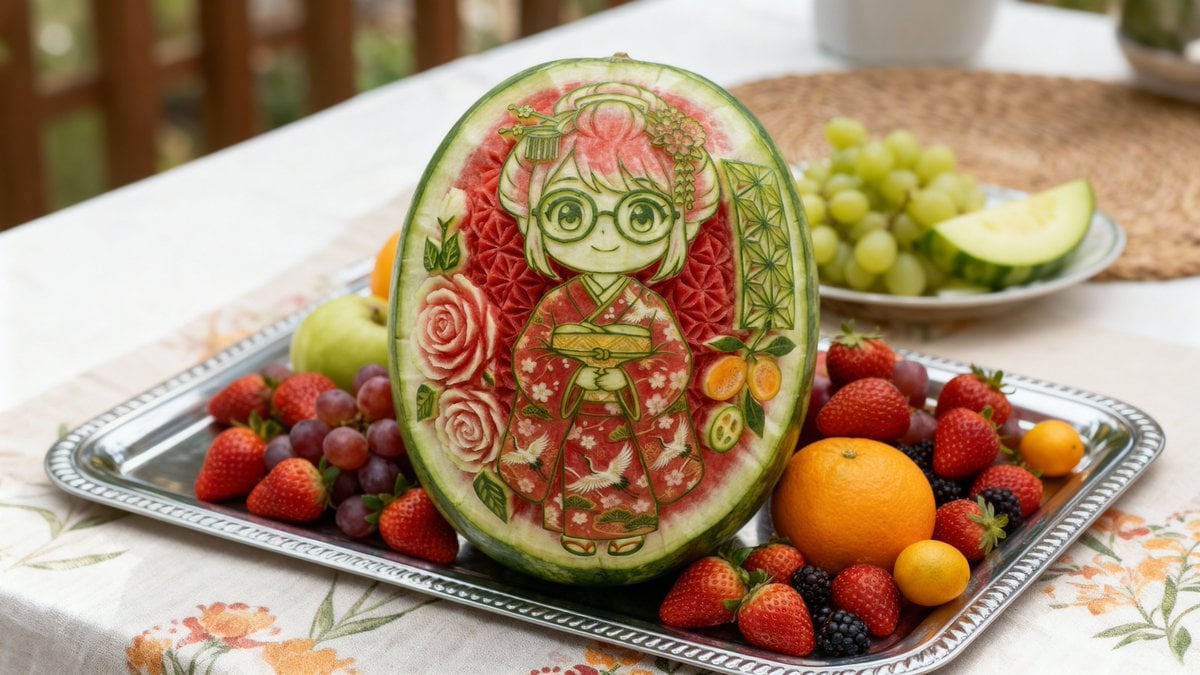
Photorealistic Watermelon Carving of an Original Character (OC)
Grandfather and Granddaughter Height Chart

Floating Woman Above Cityscape with Notifications
Kawaii Family Travel Paper-Cut Collage
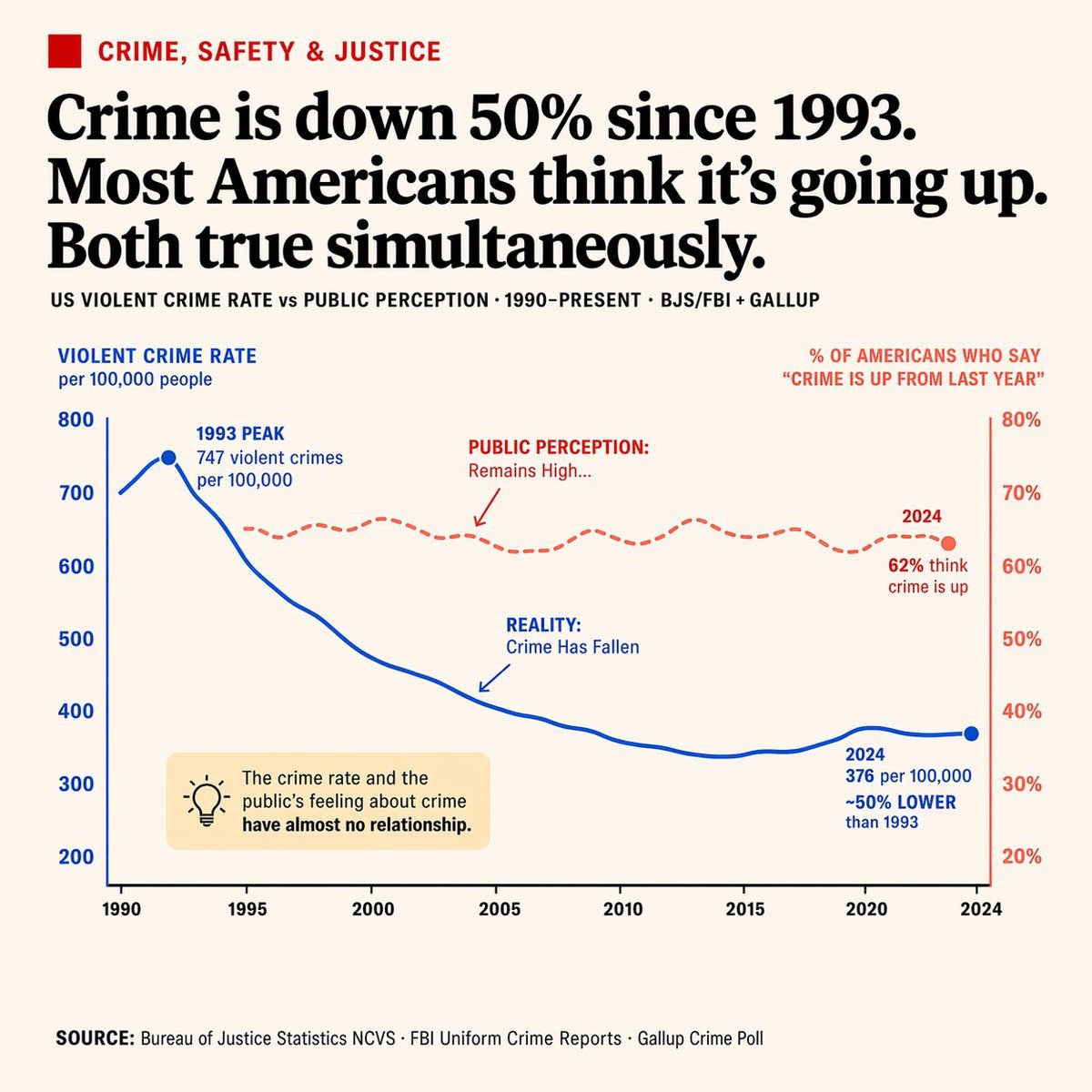
Editorial Dual-Axis Data Infographic

Glossy Pink Betta Fish Transformation
Gritty Evangelion Unit-01 Poster

Kijiro Cat Rider Movie Poster

Cinematic Portrait in Fine Dining Restaurant
Browse template categories
Arcane Siege Mobile Deck UI questions
How do I use the Arcane Siege Mobile Deck UI template?
Add your photo if the template asks for one, edit the prompt if you like — the template's model and format are already selected — and press Generate. Your version opens in PicX Studio.
Can I customize the Arcane Siege Mobile Deck UI template?
Yes. You can change the subject, setting, lighting, mood, format, and available model controls before creating your image.
Is the Arcane Siege Mobile Deck UI template free?
Opening and editing this template is free. Generating uses credits, shown on the Generate button when you are signed in.
Which AI model should I use?
Start with GPT Image 2, which is the model associated with this template. You can compare another compatible model for a different finish.
Looking for something else? Browse all templates.

Your photo, any look
Thousands of ready templates for every top image and video model, from one credit balance.