
Kawaii Bunny Kigurumi Magazine Cover
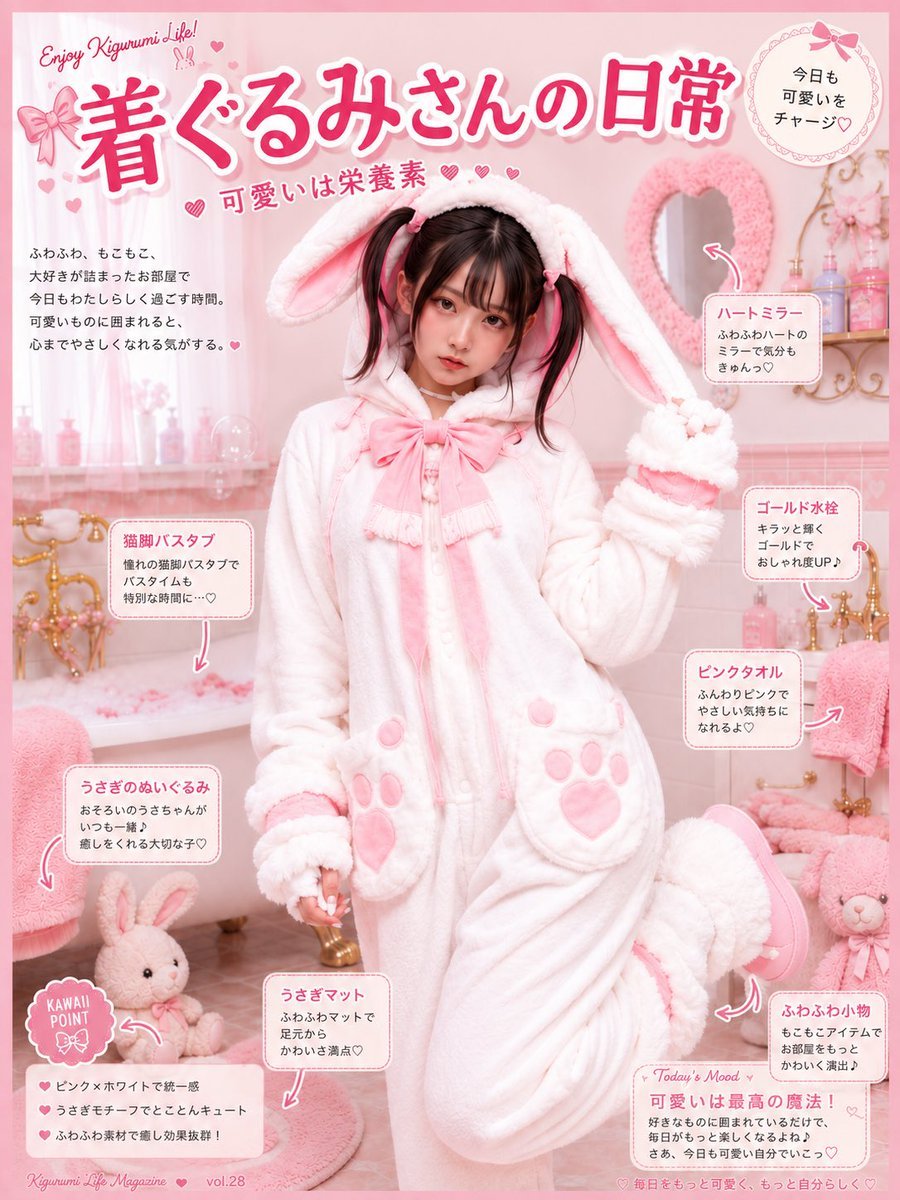
Generates a pastel Japanese kawaii magazine-style infographic featuring a young woman in a fluffy bunny kigurumi surrounded by cute bathroom self-care annotations.
- Prompt included
- Model and format preset
- Premium template
The prompt behind this image
Copy the exact prompt behind Kawaii Bunny Kigurumi Magazine Cover, or open it in the studio and make it yours.
Goal: Create a kawaii Japanese magazine-cover style infographic about a young woman enjoying a pink bunny kigurumi lifestyle in a dreamy bathroom. Main headline text should be {argument name="headline text" default="着ぐるみさんの日常"}, with the small English phrase “Enjoy Kigurumi Life!” above it and the subheading “可愛いは栄養素” with tiny hearts. Canvas: Vertical 4:5 poster, soft pastel pink border, glossy lifestyle-magazine layout, highly detailed photorealistic subject blended with cute graphic annotations. Overall palette is white, baby pink, rose pink, cream, and gold, with many small hearts, bows, dotted frames, and hand-drawn arrows. Main subject: Center a cute young Japanese woman, about early 20s, petite, soft expression, looking at the camera, wearing a fluffy white bunny kigurumi onesie with pink accents. She has {argument name="hair color" default="dark brown twin-tails"}, straight bangs, pink ribbon hair ties, and a gentle doll-like makeup look. The hood has long floppy bunny ears lined in pale pink; the outfit has a large pink bow at the neck, pink buttons, pink paw-print pockets, fluffy cuffs, and a plush rounded silhouette. Pose: she stands in the bathtub area or bathroom floor, one arm raised in a cute paw pose, one leg bent up behind her, showing a pink slipper sole. Setting: A pink-and-white feminine bathroom filled with cozy cute objects. Include a white bathtub with ornate gold faucet hardware on the left, pink bath petals or foam, sheer pink curtains, pale tile walls, a heart-shaped fluffy pink mirror on the right wall, a gold shelf with pastel bottles, pink towels, a bunny plush, pink round rugs, and soft romantic lighting. Make the environment feel fluffy, warm, and scented, like a “kawaii self-care room.” Layout and text elements: Use exactly 8 visible annotation callout boxes with rounded white or pale-pink frames, pink Japanese headings, small black Japanese body text, and curved pink arrows pointing to objects. The 8 callouts are: 1) “ハートミラー” pointing to the heart mirror, 2) “ゴールド水栓” pointing to the gold faucet, 3) “ピンクタオル” pointing to folded/hanging pink towels, 4) “ふわふわ小物” pointing to small fluffy decor and plush items, 5) “うさぎマット” pointing to the bunny/pink floor mat, 6) “うさぎのぬいぐるみ” pointing to a bunny plush, 7) “猫脚バスタブ” pointing to the clawfoot bathtub, 8) a bottom-right mood card headed “Today’s Mood” with “可愛いは最高の魔法!” and a short diary-like note. Add 1 round badge in the top-right reading “今日も可愛いをチャージ♡”. Add 1 bottom-left “KAWAII POINT” badge with 3 checklist lines beneath it. Add a short Japanese intro paragraph on the left side under the headline. Add tiny footer text like a magazine issue: “Kigurumi Life Magazine vol.28” and a small slogan along the bottom. Visual style: Photorealistic fashion/lifestyle photography with Japanese kawaii magazine graphics overlaid; soft focus, bright high-key lighting, gentle bloom, delicate shadows, pastel UI labels, cute stickers, hand-drawn hearts, lace-like circular badge decoration, bow icons, and a polished editorial composition. Constraints: Keep all visible typography in Japanese except the small English decorative phrases. The subject must remain the central focus and be unobstructed by labels. Use exactly one person, exactly one main bunny kigurumi outfit, exactly 8 annotation callouts, exactly 1 top-right circular badge, and exactly 1 bottom-left kawaii point badge. Avoid dark colors, harsh contrast, horror, cluttered unreadable text, extra people, or unrelated animals.
How to use Kawaii Bunny Kigurumi Magazine Cover in 3 steps
- 1Upload ImagePNG, JPG or paste
Add your photo
Upload the photo the template builds on. The prompt, model and format are already set.
- 2…a portrait of your subject in softgolden-hour light, 85mm…
Personalize
Edit the subject and creative details for your destination.
- 3Generate
Generate
Press Generate — your image is created in PicX Studio, so you can compare it with the original and refine one variable at a time.
More like this
Templates with the same subject, style or setup. Open one to see its prompt.
Off Duty Fashion Magazine Cover

Japanese Tatami Lifestyle Magazine Cover
Ethereal Bloom Magazine Cover
Tropical Macaw Magazine Cover
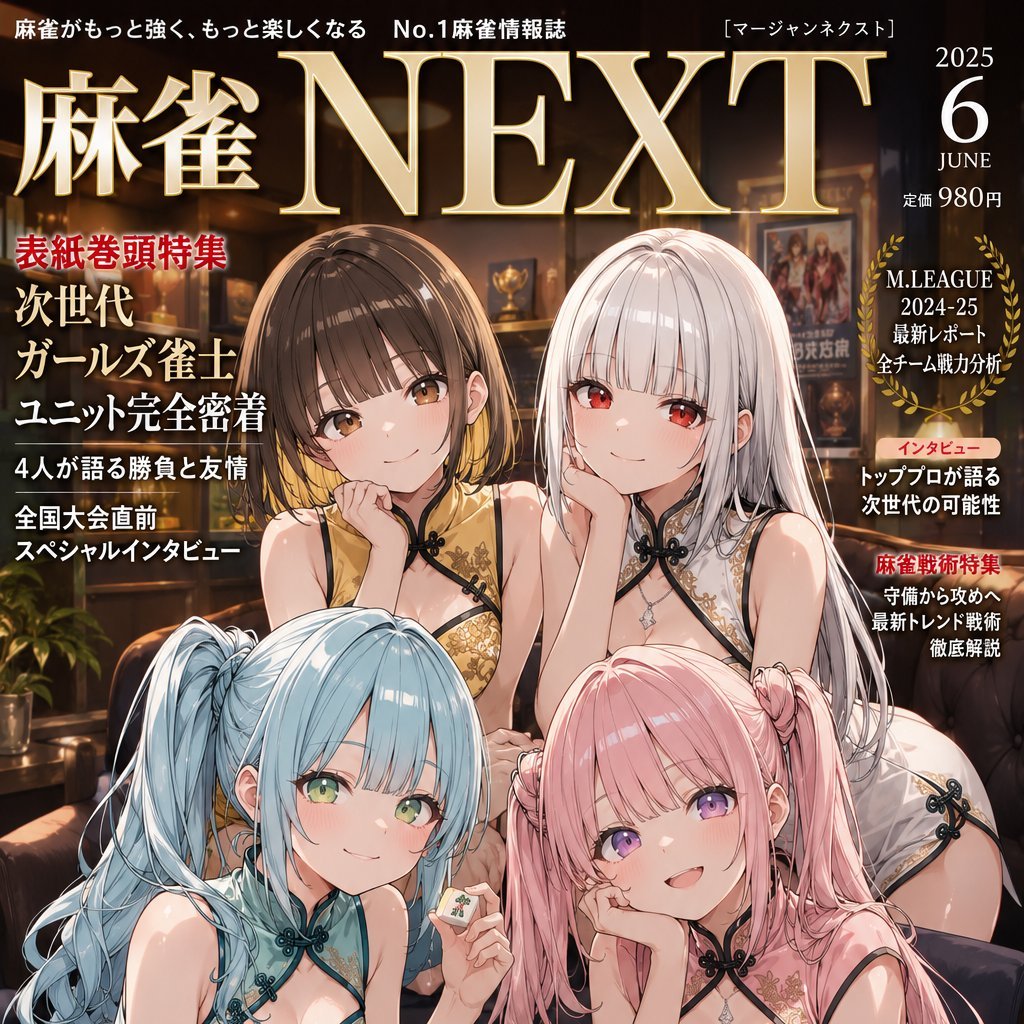
Anime Mahjong Magazine Cover

Neon Anime Fireworks Magazine Cover
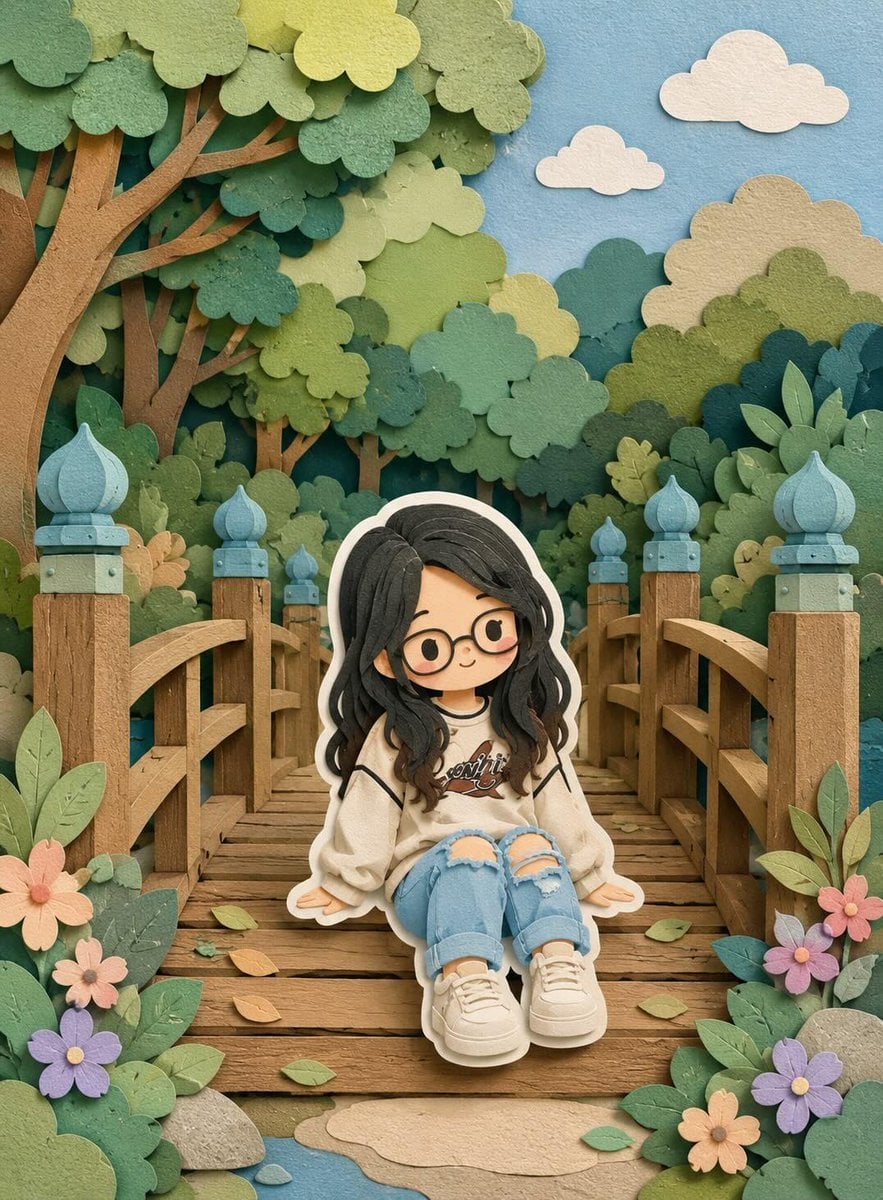
Cute Layered Paper Cut Chibi Girl
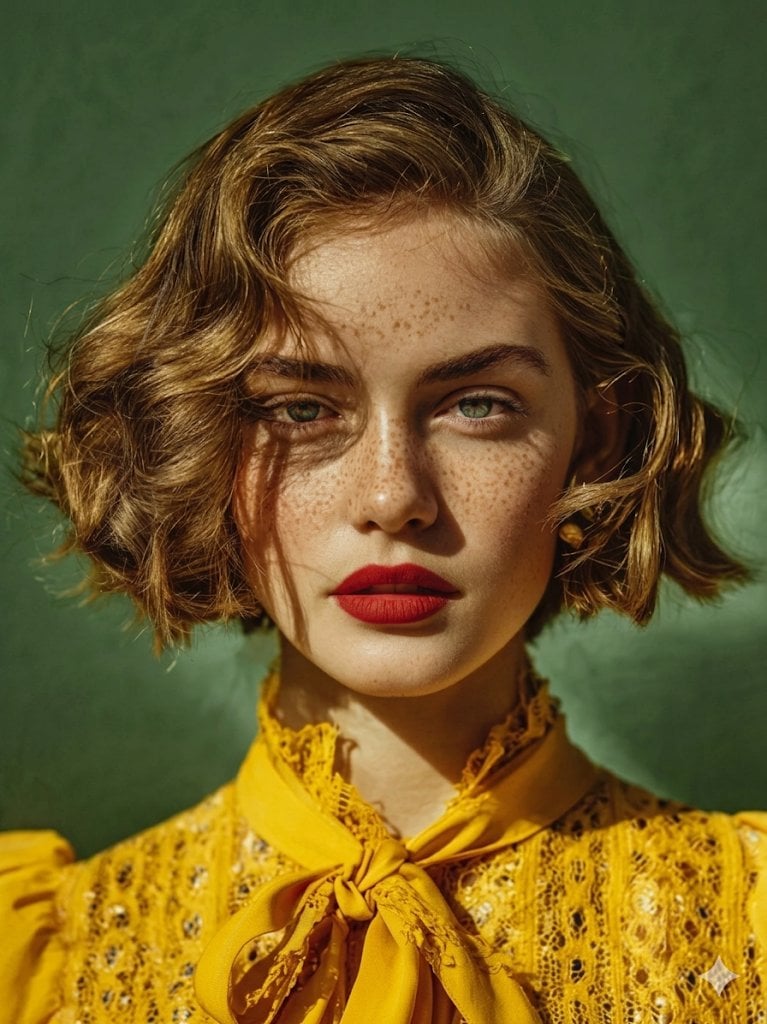
High-Fashion Magazine Cover Portrait
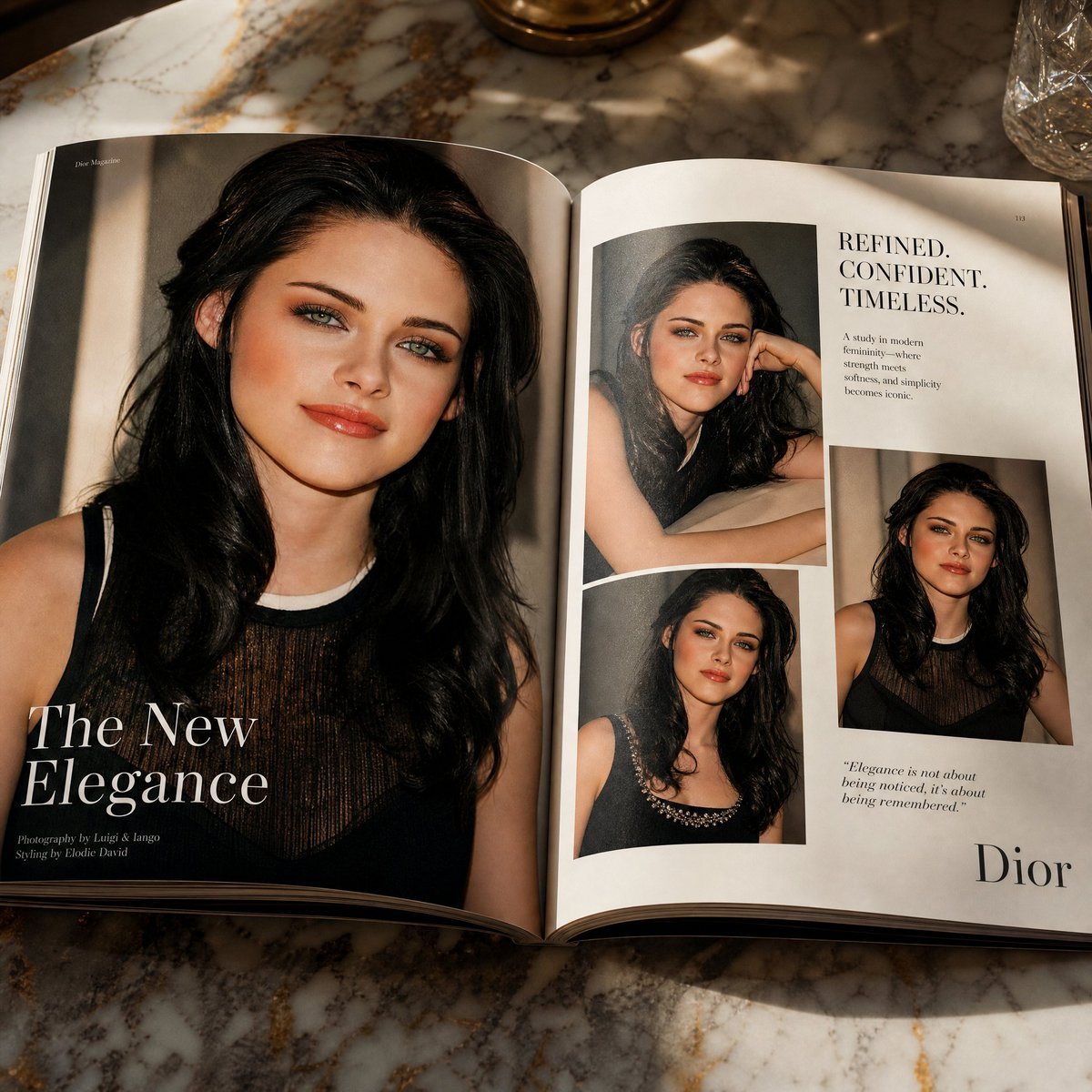
Open Magazine Luxury Fashion Editorial Layout

Monochrome Halftone Editorial Fashion Poster
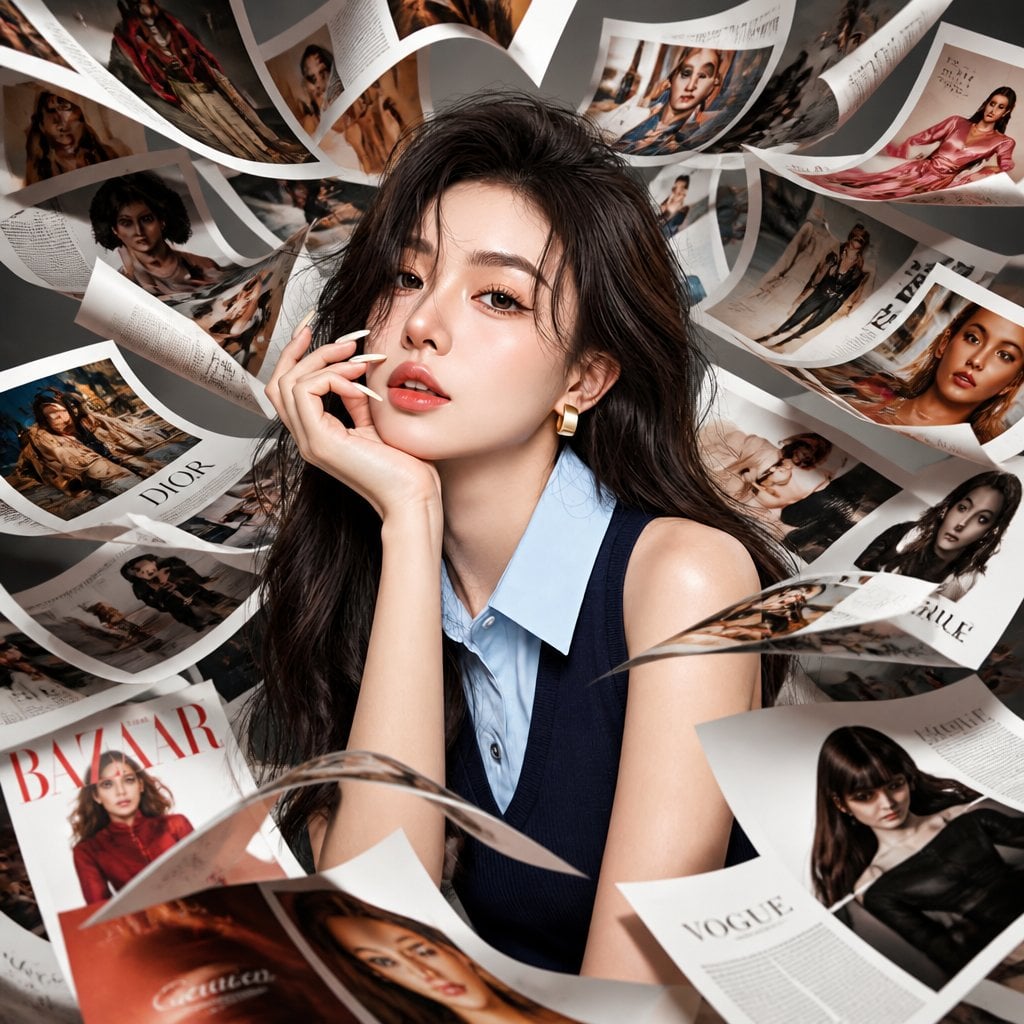
Korean Model Floating Magazine Pages Campaign
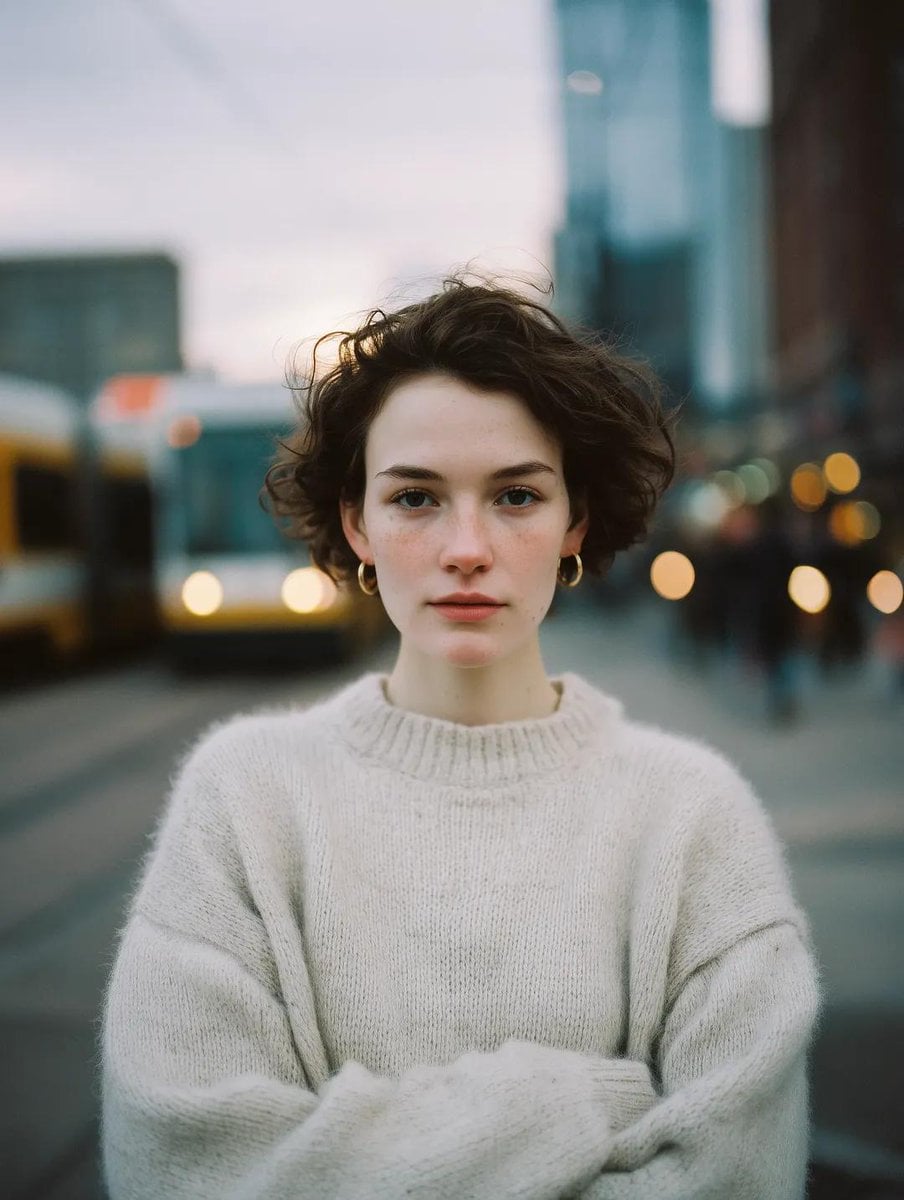
Blue Hour Editorial Fashion Portrait
Make it yours
Kawaii Bunny Kigurumi Magazine Cover works as-is. These are the safest ways to change it without losing the look.
Change one field
Copy a single group, rewrite it, and generate again so you can see what that field is doing.
Keep the frame, change the subject
Hold the composition and light of Kawaii Bunny Kigurumi Magazine Cover, then swap wardrobe, props or the person for a new take.
| If the result… | Why | Fix |
|---|---|---|
| The result drifts from the preview | Too many fields changed at once. | Reuse Kawaii Bunny Kigurumi Magazine Cover as-is first, then change one group — subject, light, or setting. |
| The model over-stylizes the scene | The prose prompt leaves finish and camera underspecified. | Add one camera or lighting sentence and stay on GPT Image 2. |
More GPT Image 2 templates
Other prompts made for GPT Image 2.

Six VTuber Japanese Logo Sheet

Realistic Portrait of Woman and Deer

The Vista Modular Condo Poster

AI Model Routing Comparison Infographic

2.5D Anime Art Board

Isometric Productivity Desk Scene

New York Double Exposure Poster

Four-Panel AI Landscape Comparison

NESCAFÉ Coffee Map Poster

Brutalist Cogito Chinese Typography Poster
More image prompts
Fresh picks from across the catalog.
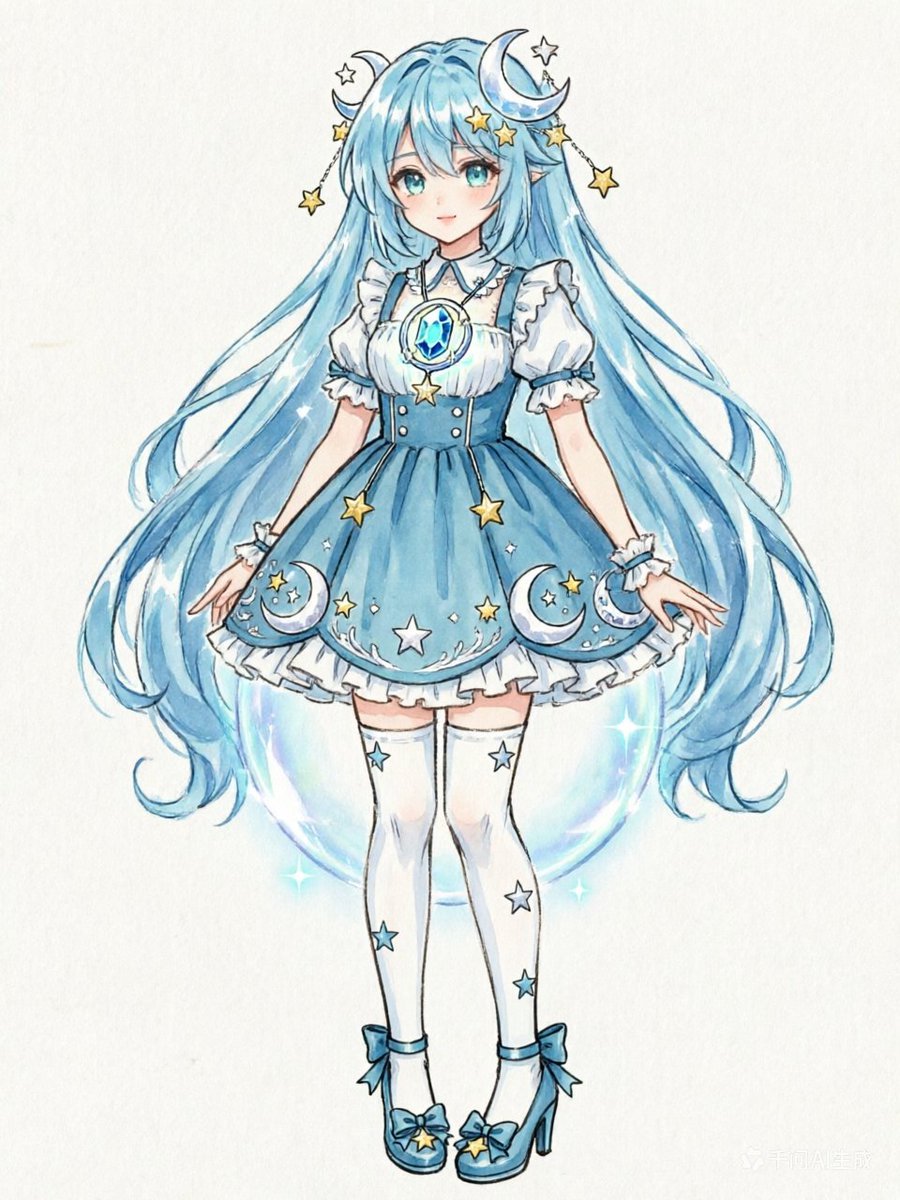
Blue Celestial Anime Girl Design

cinematography style warm amber and cool blue colo... (IMAGE-NANO_BANANA)
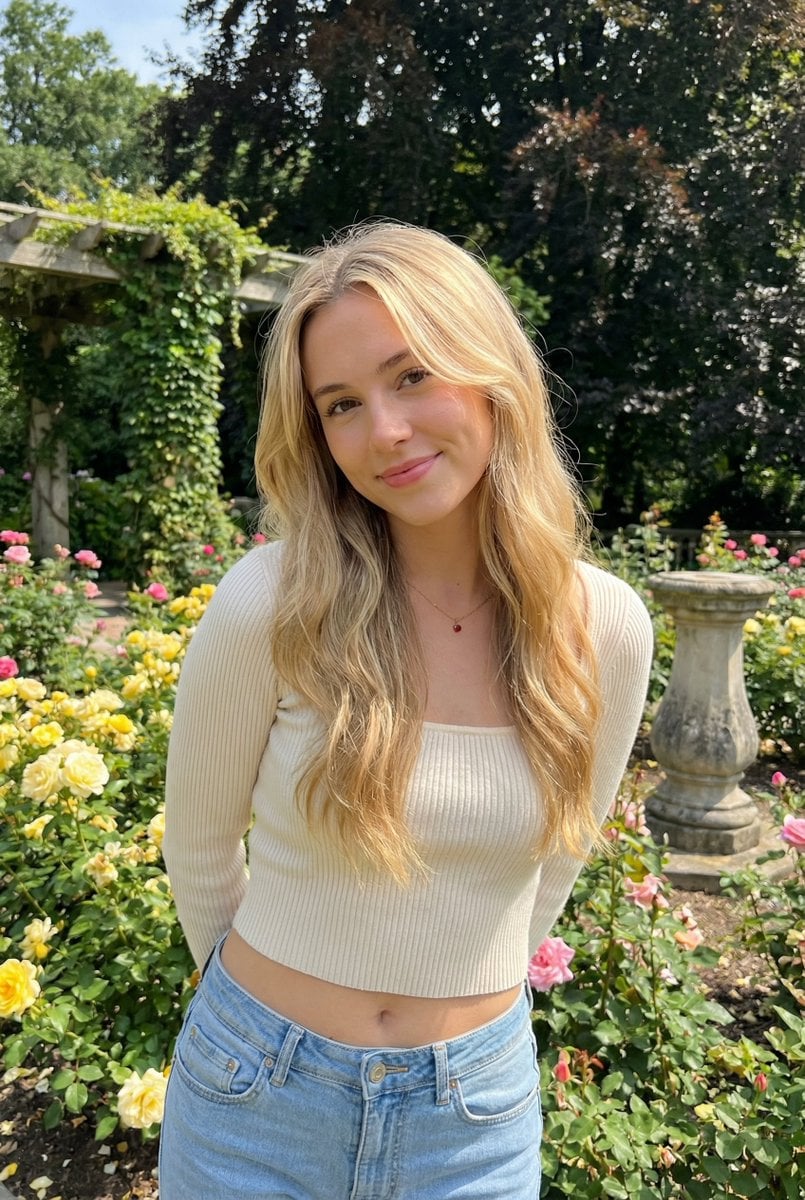
Sunlit Candid Portrait in a Rose Garden
NYC Bridge Blue Hour Wallpaper
Chengdu Gourmet Walking Map
Warm Indoor Group Mirror Selfie Prompt for Nano Banana Pro
Silver Lehenga Bridal Portrait

Transforming a Company Building into a Transformer
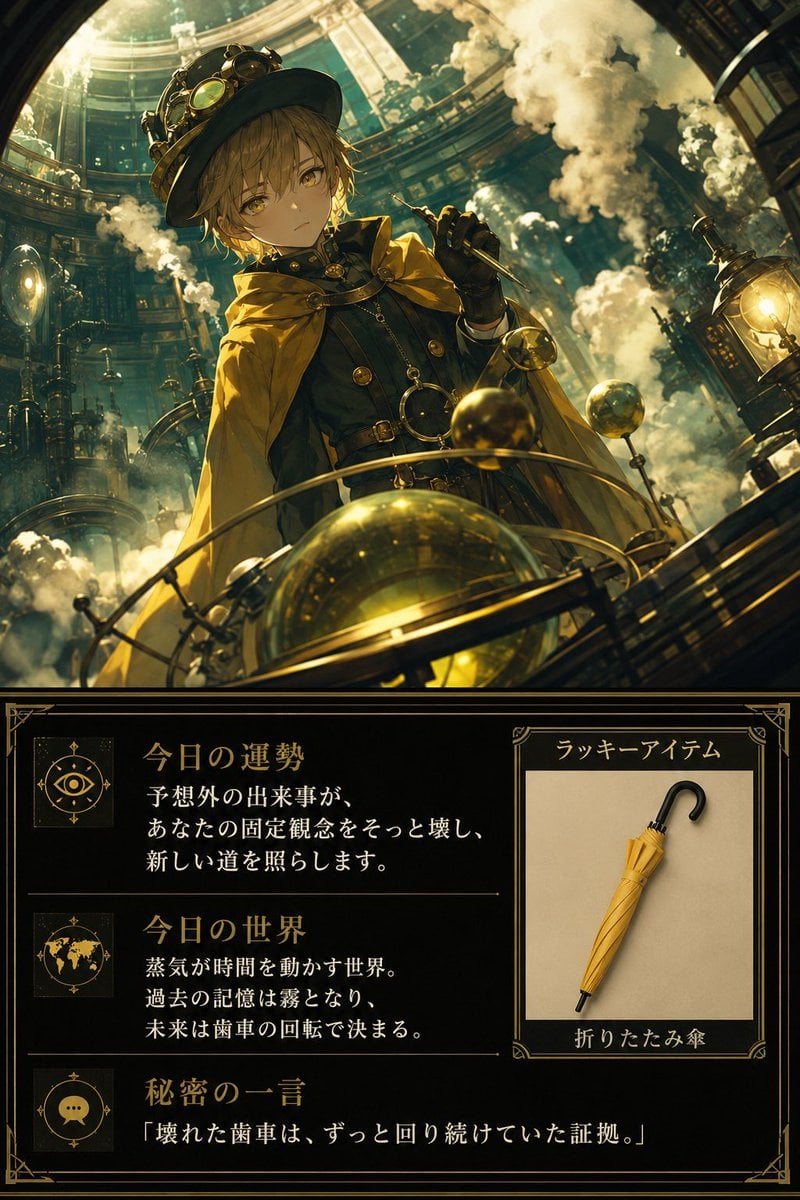
Steampunk Daily Fortune Card
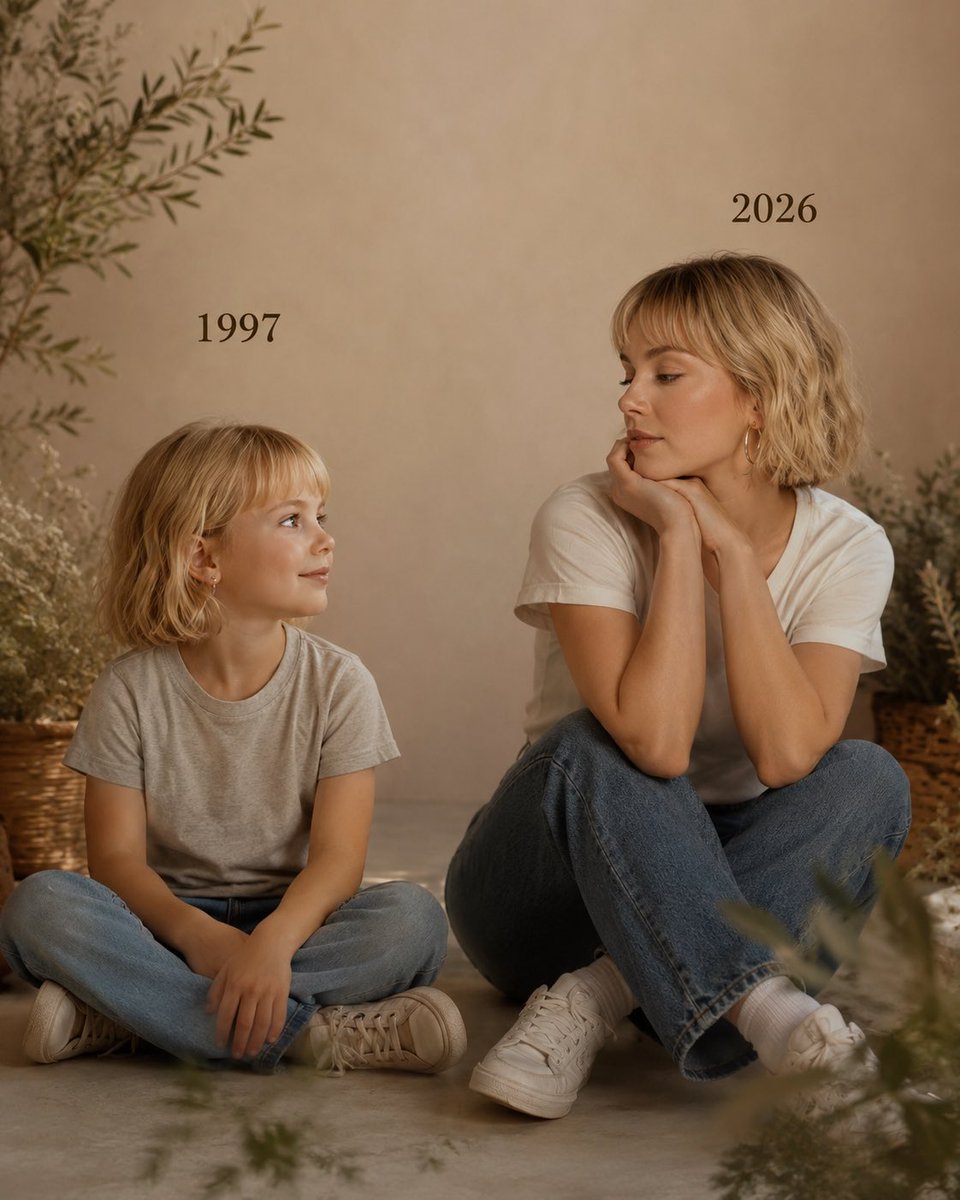
Past vs Present Portrait
Browse template categories
Kawaii Bunny Kigurumi Magazine Cover questions
How do I use the Kawaii Bunny Kigurumi Magazine Cover template?
Add your photo if the template asks for one, edit the prompt if you like — the template's model and format are already selected — and press Generate. Your version opens in PicX Studio.
Can I customize the Kawaii Bunny Kigurumi Magazine Cover template?
Yes. You can change the subject, setting, lighting, mood, format, and available model controls before creating your image.
Is the Kawaii Bunny Kigurumi Magazine Cover template free?
Opening and editing this template is free. Generating uses credits, shown on the Generate button when you are signed in.
Which AI model should I use?
Start with GPT Image 2, which is the model associated with this template. You can compare another compatible model for a different finish.
Looking for something else? Browse all templates.

Your photo, any look
Thousands of ready templates for every top image and video model, from one credit balance.