
Monochrome Idol Manga Preview Poster
Creates a dramatic black-and-white Japanese manga teaser poster with two central characters, concert-stage collage panels, and bold Japanese promotional typography.
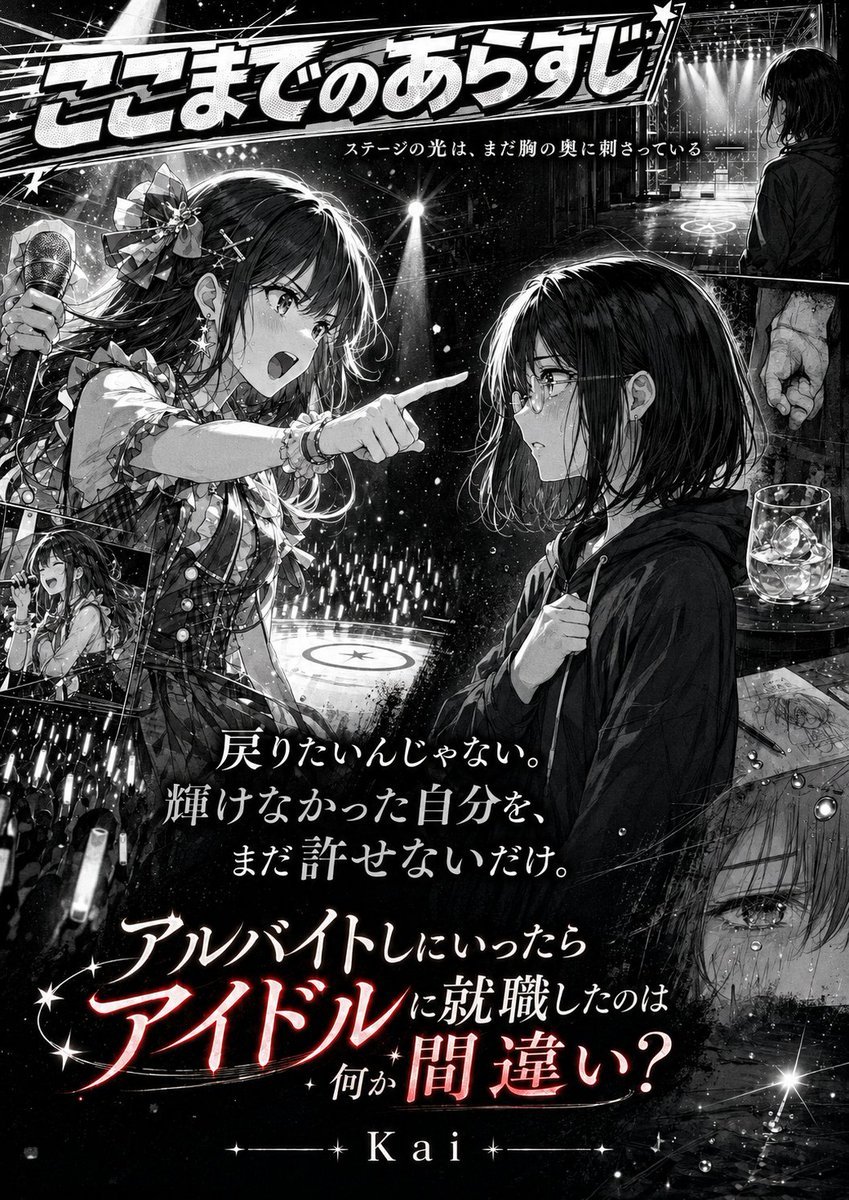
- Prompt included
- Model and format preset
- Premium template
The prompt behind this image
Copy the exact prompt behind Monochrome Idol Manga Preview Poster, or open it in the studio and make it yours.
Goal: Create a dramatic black-and-white Japanese manga promotional poster for a continuation preview, with glossy screentone rendering, cinematic lighting, idol-concert atmosphere, and dense collage composition. Canvas: Vertical poster, approximately 2:3 aspect ratio. High-contrast monochrome manga art with a few selective red glow accents only in the bottom title text. Use rich ink blacks, white sparkle highlights, halftone gradients, speed lines, rain-like particles, stage haze, and lens flares. Main subject details: Show exactly 2 main female characters in the center. Character 1 is an energetic idol singer on the left, long dark hair, large ribbon and flower hair ornament, frilly plaid idol costume, bracelets, holding a handheld microphone in her left hand while pointing sharply with her right hand, mouth open as if shouting or singing, intense determined eyes. Character 2 is a quiet young woman on the right, shoulder-length dark bob hair, round glasses, dark oversized hoodie, slightly hunched posture, one hand clutching the hoodie near her chest, looking conflicted and vulnerable toward the idol. They stand against a concert stage filled with glow sticks and spotlights, with a circular stage mark visible behind them. Layout: Put a huge bold manga-style headline across the very top, angled slightly, with thick white lettering, black outline, star decorations, and speed-line background. Beneath it place a small centered tagline. The two main characters dominate the middle, separated by a diagonal emotional confrontation line from the idol’s pointing finger. Add exactly 5 secondary collage panels around the main scene: 1 small left inset showing the idol singing happily onstage with a microphone; 1 lower-left crowd panel filled with many glow sticks; 1 upper-right rectangular panel showing an empty lit stage and a dark long-haired figure watching from backstage, plus a tense hand at the edge; 1 right-middle still-life panel with a short glass of liquor with ice on a table beside rough papers or sketches; 1 lower-right close-up panel of a tearful eye and wet face, partially transparent over a rainy texture. Text content: Use Japanese text as visible typography. Top headline: {argument name="top headline" default="ここまでのあらすじ"}. Small tagline under headline: {argument name="tagline" default="ステージの光は、まだ胸の奥に刺さっている"}. Center quote in three stacked lines: {argument name="center quote" default="戻りたいんじゃない。\n輝けなかった自分を、\nまだ許せないだけ。"}. Bottom dramatic question: {argument name="bottom question" default="アルバイトしにいったら\nアイドルに就職したのは\n何か間違い?"}. Author name at bottom center: {argument name="author name" default="Kai"}. Typography: Make the top headline oversized and playful but dramatic. Make the center quote elegant white Mincho-style Japanese lettering. Make the bottom question large, layered, and theatrical, with the word “アイドル” much larger than the surrounding text and glowing red-white in an otherwise monochrome image. Add small starbursts around the bottom title. Visual style: Professional seinen/shoujo hybrid manga poster, ultra-detailed line art, emotional idol-drama mood, polished magazine advertisement composition, crisp faces, sparkling concert lights, deep blacks, white rim lighting, rain and glass reflections, dramatic contrast. No full color except subtle red accent on the bottom title. Avoid modern UI elements, watermarks, logos, or extra characters beyond the 2 main characters and the silhouetted backstage figure in the inset panel.
How to use Monochrome Idol Manga Preview Poster in 3 steps
- 1Upload ImagePNG, JPG or paste
Add your photo
Upload the photo the template builds on. The prompt, model and format are already set.
- 2…a portrait of your subject in softgolden-hour light, 85mm…
Personalize
Edit the subject and creative details for your destination.
- 3Generate
Generate
Press Generate — your image is created in PicX Studio, so you can compare it with the original and refine one variable at a time.
More like this
Templates with the same subject, style or setup. Open one to see its prompt.

Monochrome Halftone Editorial Fashion Poster

Monochrome Portrait Jersey Accent Poster

Last Dance Legacy Monochrome Portrait

Selective Color Monochrome Football Poster

Japan Travel Brochure Poster
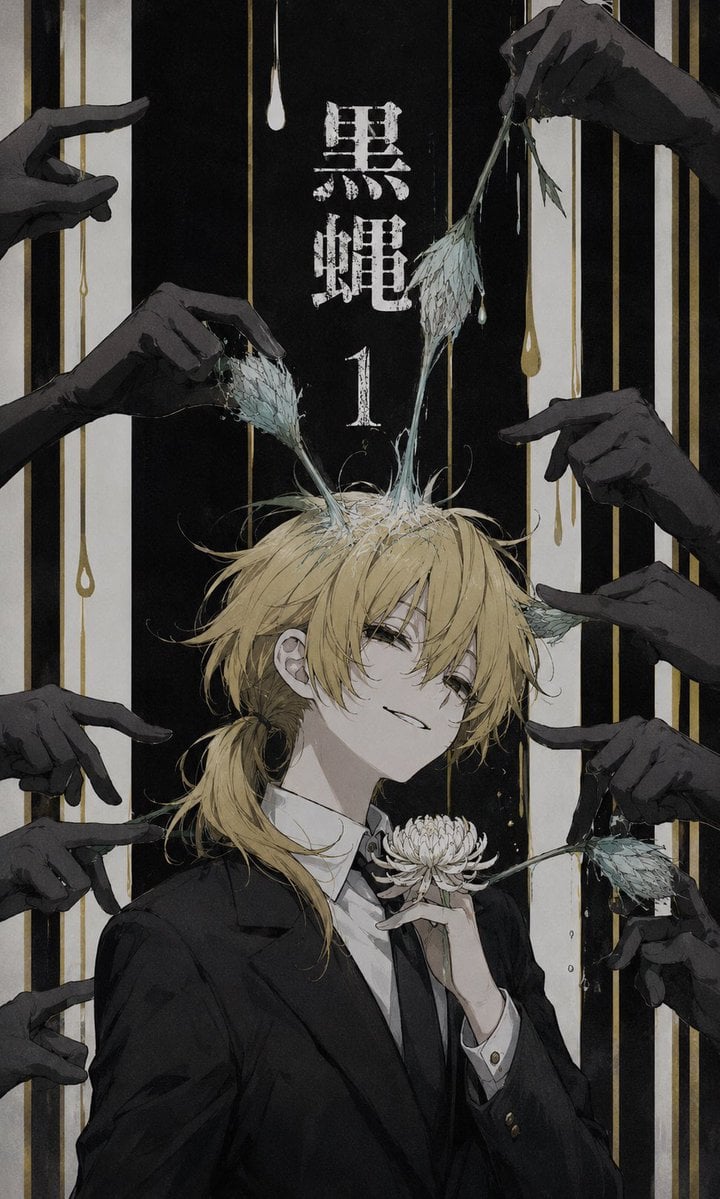
Dark Monochrome Manga Cover
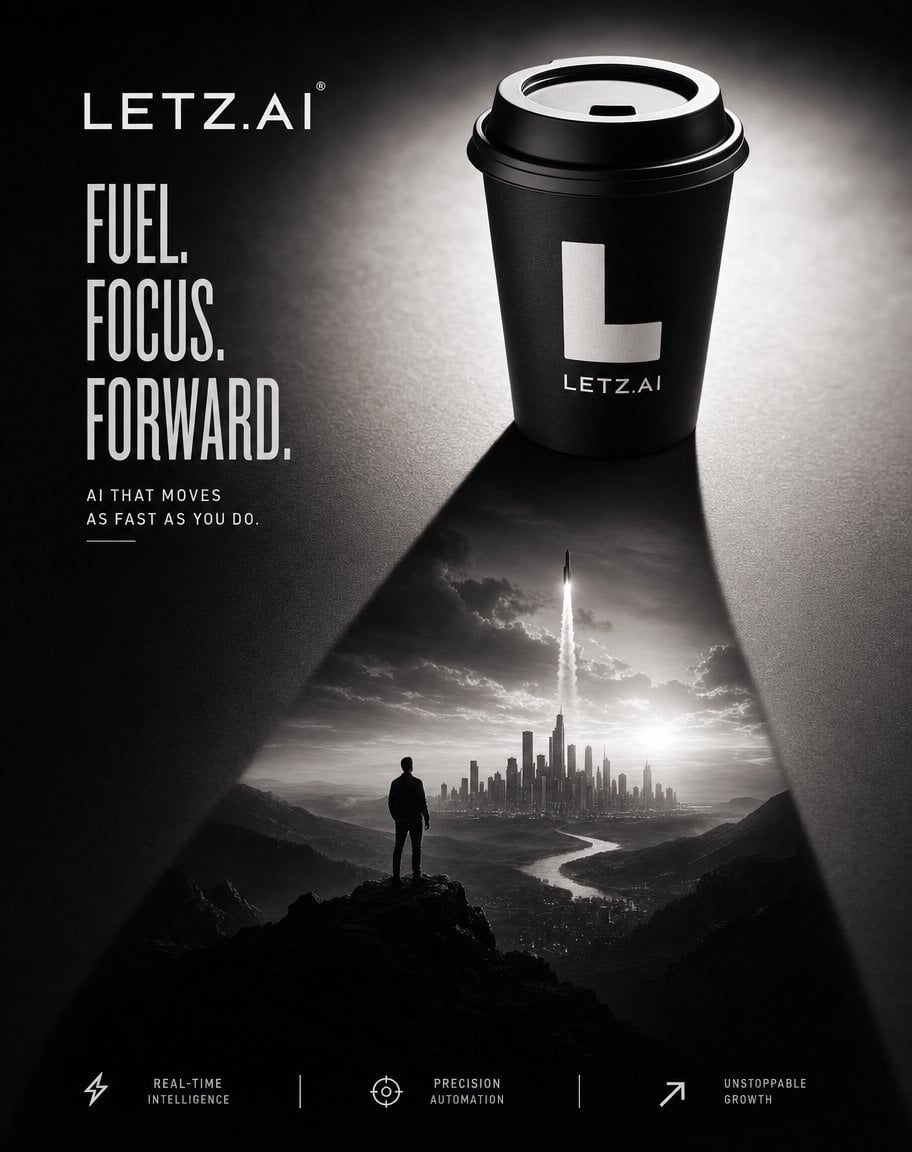
Monochrome AI Coffee Poster
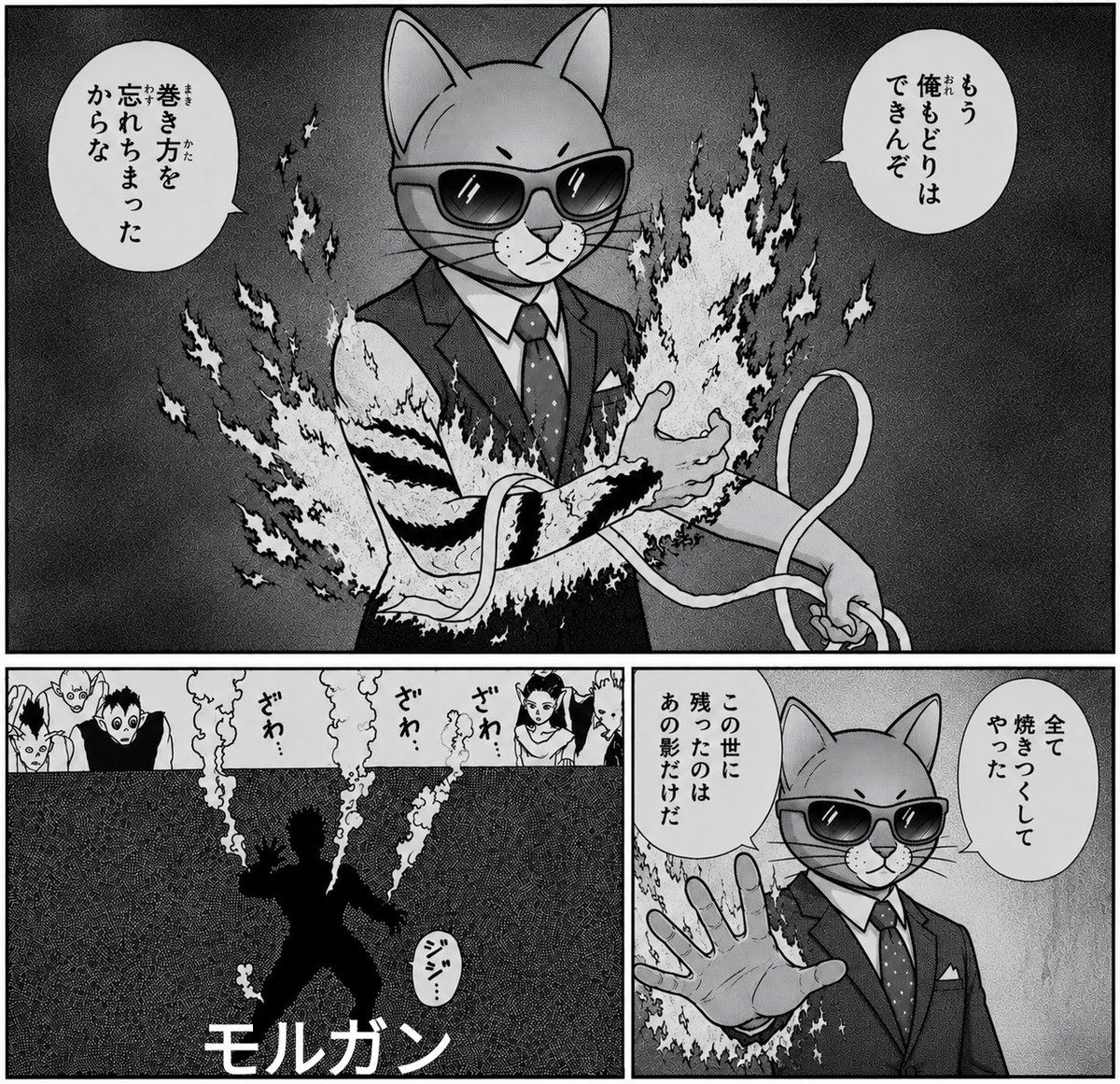
Monochrome Cat Businessman Manga Page

Cartoon TV Show Poster Pack

Trendy Cafe Drink Promo Poster

Urban Fashion Editorial Collage Streetwear Poster

Monochrome Hypebeast Street Fashion Editorial Motion
Make it yours
Monochrome Idol Manga Preview Poster works as-is. These are the safest ways to change it without losing the look.
Change one field
Copy a single group, rewrite it, and generate again so you can see what that field is doing.
Keep the frame, change the subject
Hold the composition and light of Monochrome Idol Manga Preview Poster, then swap wardrobe, props or the person for a new take.
| If the result… | Why | Fix |
|---|---|---|
| The result drifts from the preview | Too many fields changed at once. | Reuse Monochrome Idol Manga Preview Poster as-is first, then change one group — subject, light, or setting. |
| The model over-stylizes the scene | The prose prompt leaves finish and camera underspecified. | Add one camera or lighting sentence and stay on GPT Image 2. |
More GPT Image 2 templates
Other prompts made for GPT Image 2.

Six VTuber Japanese Logo Sheet

Realistic Portrait of Woman and Deer

The Vista Modular Condo Poster

AI Model Routing Comparison Infographic

2.5D Anime Art Board

Isometric Productivity Desk Scene

New York Double Exposure Poster

Four-Panel AI Landscape Comparison

Japanese Tatami Lifestyle Magazine Cover

NESCAFÉ Coffee Map Poster
More image prompts
Fresh picks from across the catalog.
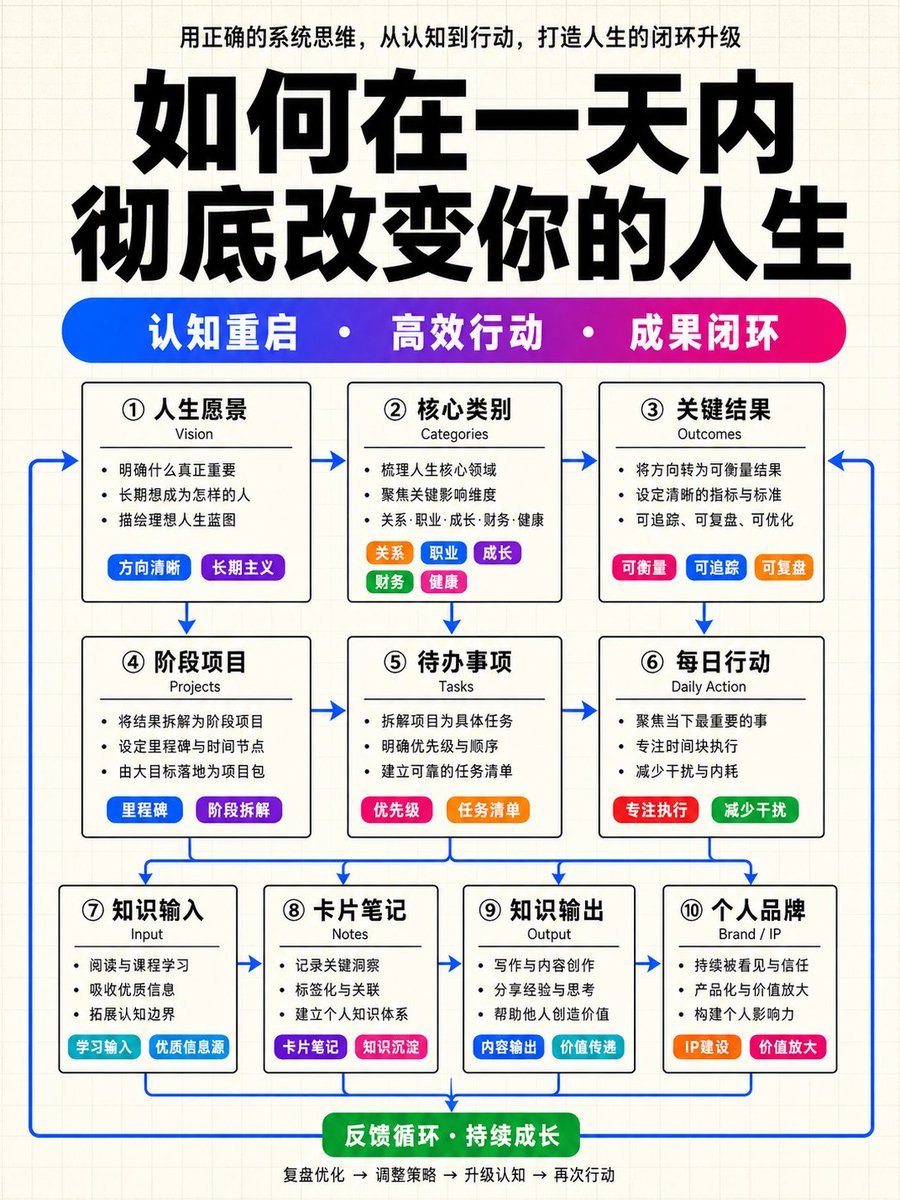
Structured Knowledge Architecture Infographic
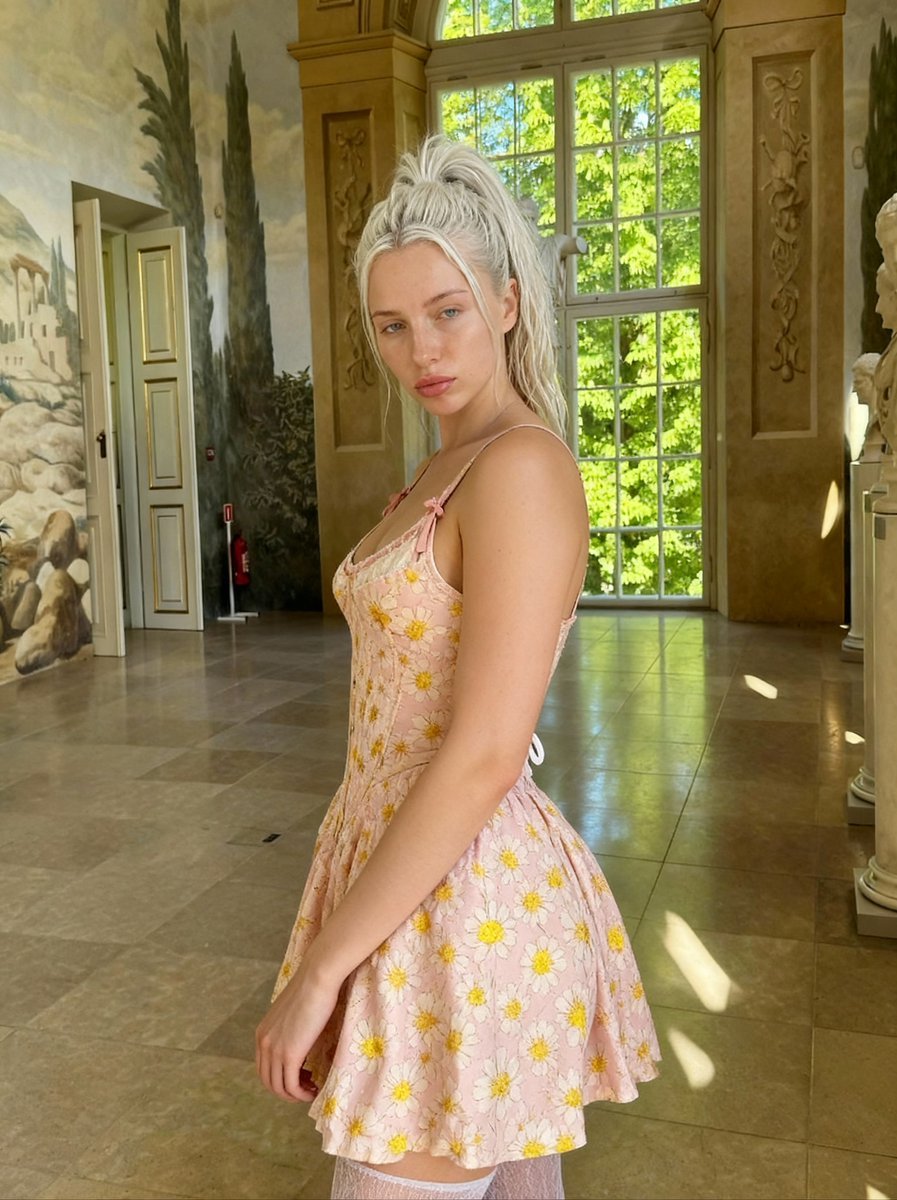
Renaissance Painting Style Portrait in an Italian Palazzo
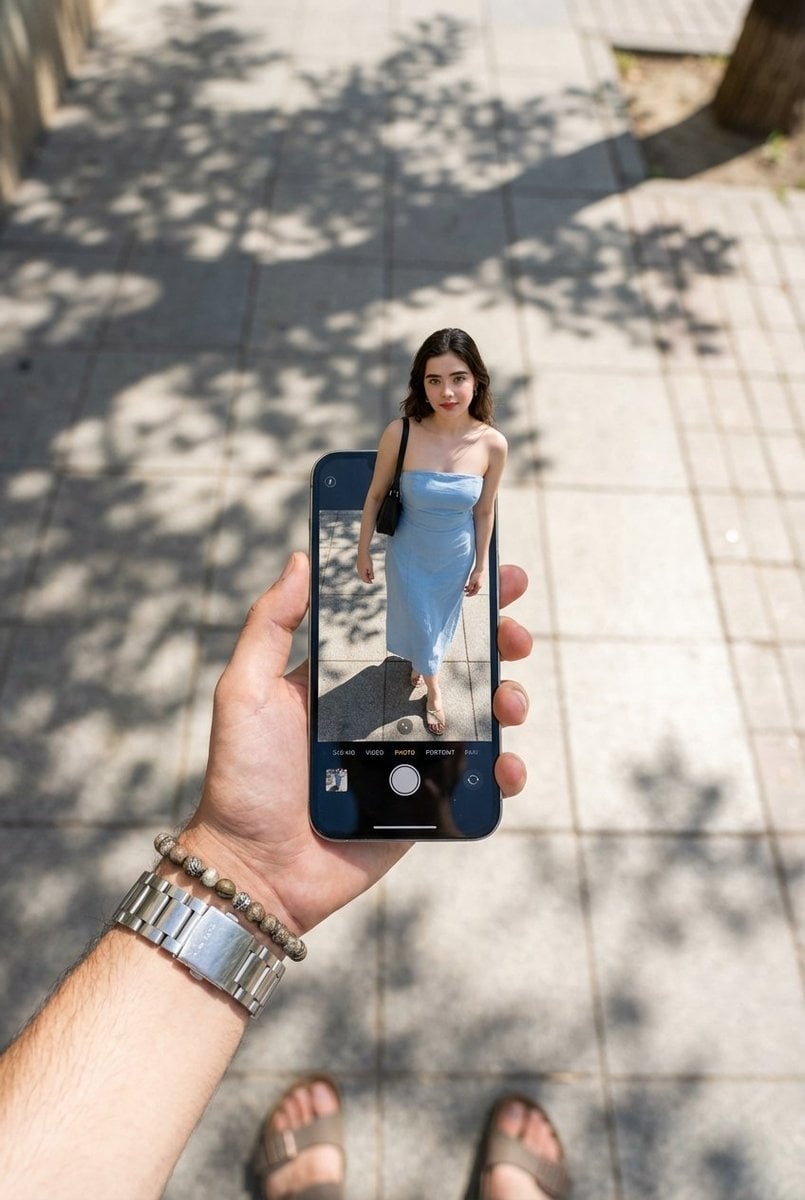
Surreal Forced Perspective Miniature Woman

Alpine Snow Portrait with Trapper Hat
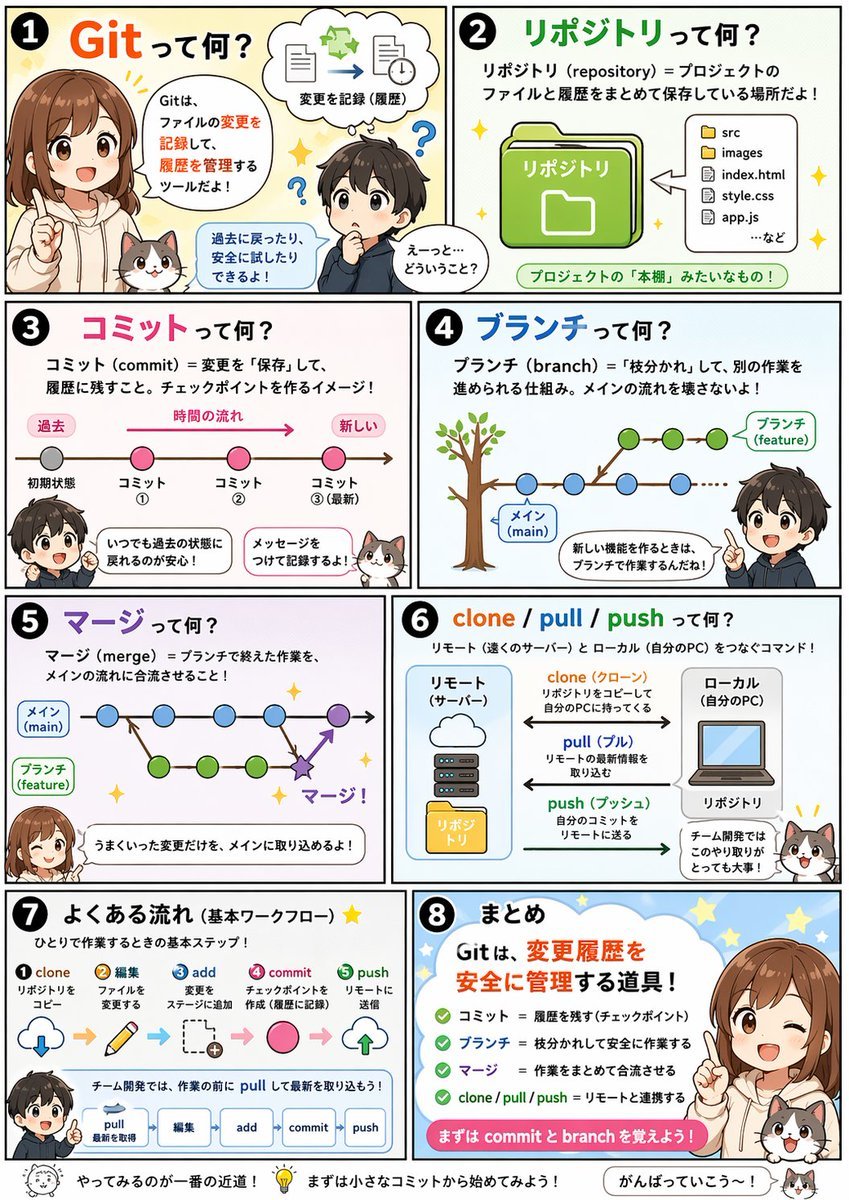
Educational Comic Generator
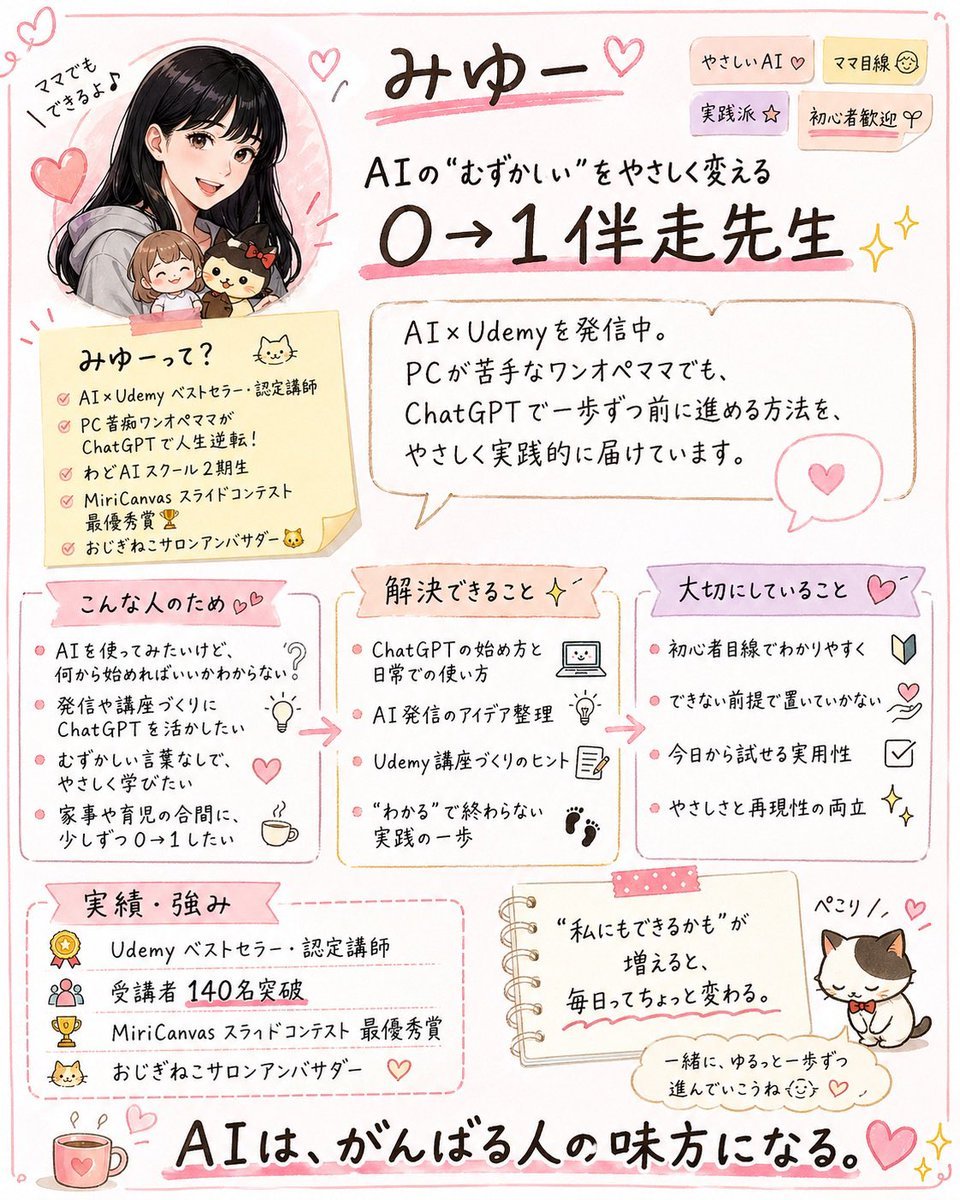
Cute handwritten profile summary poster
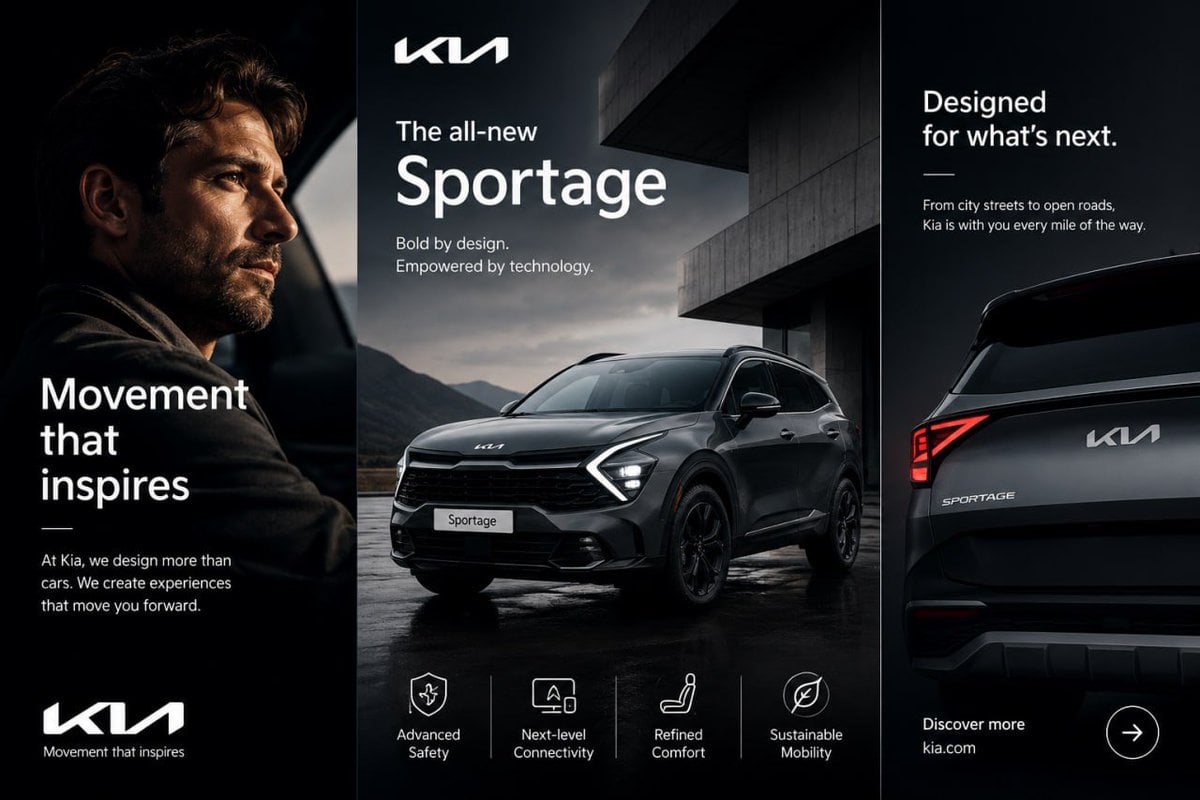
Kia Sportage Triptych Ad
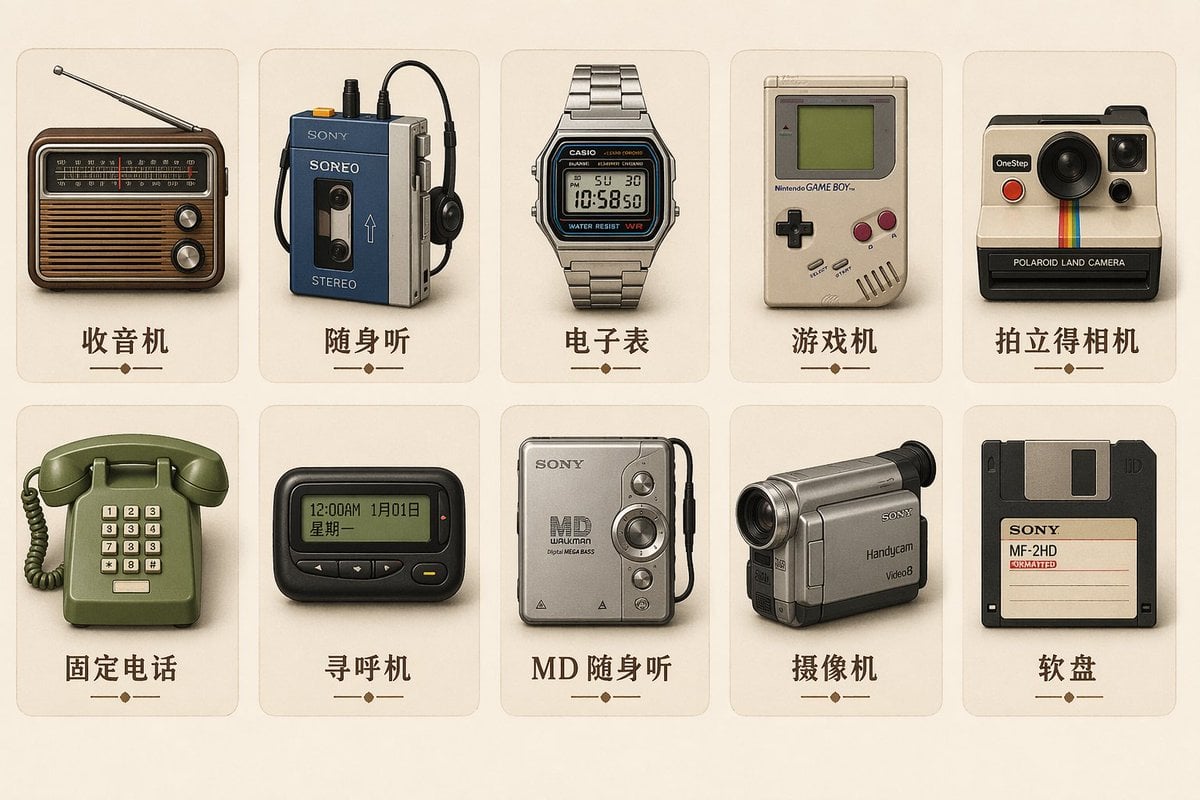
Vintage Skeuomorphic Icon Set

Conceptual Fire and Water Portrait

Motivational Character Poster with Mini Clones
Browse template categories
Monochrome Idol Manga Preview Poster questions
How do I use the Monochrome Idol Manga Preview Poster template?
Add your photo if the template asks for one, edit the prompt if you like — the template's model and format are already selected — and press Generate. Your version opens in PicX Studio.
Can I customize the Monochrome Idol Manga Preview Poster template?
Yes. You can change the subject, setting, lighting, mood, format, and available model controls before creating your image.
Is the Monochrome Idol Manga Preview Poster template free?
Opening and editing this template is free. Generating uses credits, shown on the Generate button when you are signed in.
Which AI model should I use?
Start with GPT Image 2, which is the model associated with this template. You can compare another compatible model for a different finish.
Looking for something else? Browse all templates.

Your photo, any look
Thousands of ready templates for every top image and video model, from one credit balance.