
Gothic Bishounen Reads to Hamster
Generates a three-panel monochrome manga page of an elegant gothic young man reading a story to a cute hamster in a refined library.
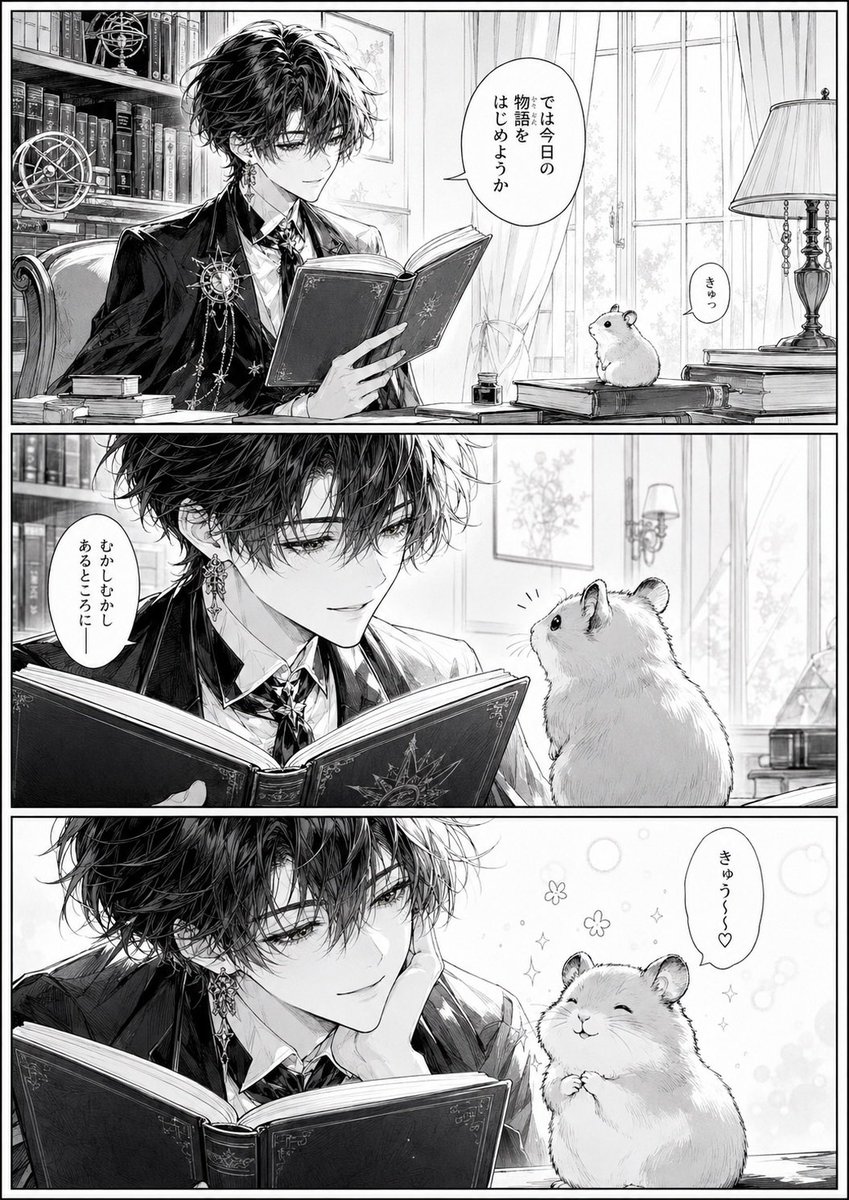
- Prompt included
- Model and format preset
- Premium template
The prompt behind this image
Copy the exact prompt behind Gothic Bishounen Reads to Hamster, or open it in the studio and make it yours.
Goal: Create a black-and-white shoujo manga page with exactly 3 horizontal panels showing a beautiful gothic young man reading to a cute hamster in an elegant private library. Canvas: Vertical manga page, portrait orientation, thin black outer border and thick black gutters separating the 3 stacked panels. High-detail monochrome ink, delicate screentone shading, luminous soft daylight, crisp line art, romantic bishounen aesthetic. Main character: A slender, androgynous young man named {argument name="character name" default="Sol"}, with messy wavy black hair falling over his eyes, pale skin, long lashes, calm melancholy expression, ornate dangling earrings, a dark tailored suit jacket, white shirt, decorative cravat or ribbon tie, and celestial star-themed brooch chains on his chest. He holds an ornate hardcover book with a star/compass emblem on the cover. Hamster character: A small round golden hamster with fluffy fur, tiny ears, bead eyes, and soft whiskers, drawn cutely and expressively. The hamster sits on books or a desk and reacts to the reader. Setting: A refined study/library with tall bookshelves full of books, an armillary sphere or celestial globe, stacked books, a writing desk, ink bottle, large bright window with curtains, framed botanical art, and an antique table lamp. Keep the environment elegant, scholarly, and slightly fantastical. Panel layout and exact contents: 1. Top panel: Wide establishing shot. The young man sits at a desk on the left, reading an open book, surrounded by bookshelves and celestial instruments. The hamster sits on a stack of books on the right near a lamp and window. Include exactly 2 speech bubbles: the young man says {argument name="opening line" default="では今日の物語をはじめようか"}; the hamster says {argument name="hamster squeak" default="きゅっ"}. 2. Middle panel: Closer intimate shot. The young man leans forward behind the open book, smiling softly at the hamster, who faces him from the right in close-up. Include exactly 1 speech bubble from the young man saying {argument name="gentle line" default="むかしむかしあるところにー"}. 3. Bottom panel: Dreamy close-up. The young man rests his cheek on one hand while continuing to read, gazing fondly toward the hamster. The hamster sits upright, eyes closed, paws clasped, smiling with delight. Add small sparkles, flowers, bubbles, and soft decorative effects around the hamster. Include exactly 1 speech bubble from the hamster saying {argument name="happy squeak" default="きゅう〜〜♡"}. Text constraints: Use vertical Japanese manga speech bubbles matching the defaults. Keep exactly 4 speech bubbles total across the whole page. Do not add extra captions, sound effects, signatures, watermarks, or English text. Style constraints: High-detail grayscale manga illustration, elegant romantic atmosphere, fine hair strands, ornate clothing details, soft highlights, clean panel borders, no color.
How to use Gothic Bishounen Reads to Hamster in 3 steps
- 1Upload ImagePNG, JPG or paste
Add your photo
Upload the photo the template builds on. The prompt, model and format are already set.
- 2…a portrait of your subject in softgolden-hour light, 85mm…
Personalize
Edit the subject and creative details for your destination.
- 3Generate
Generate
Press Generate — your image is created in PicX Studio, so you can compare it with the original and refine one variable at a time.
More like this
Templates with the same subject, style or setup. Open one to see its prompt.
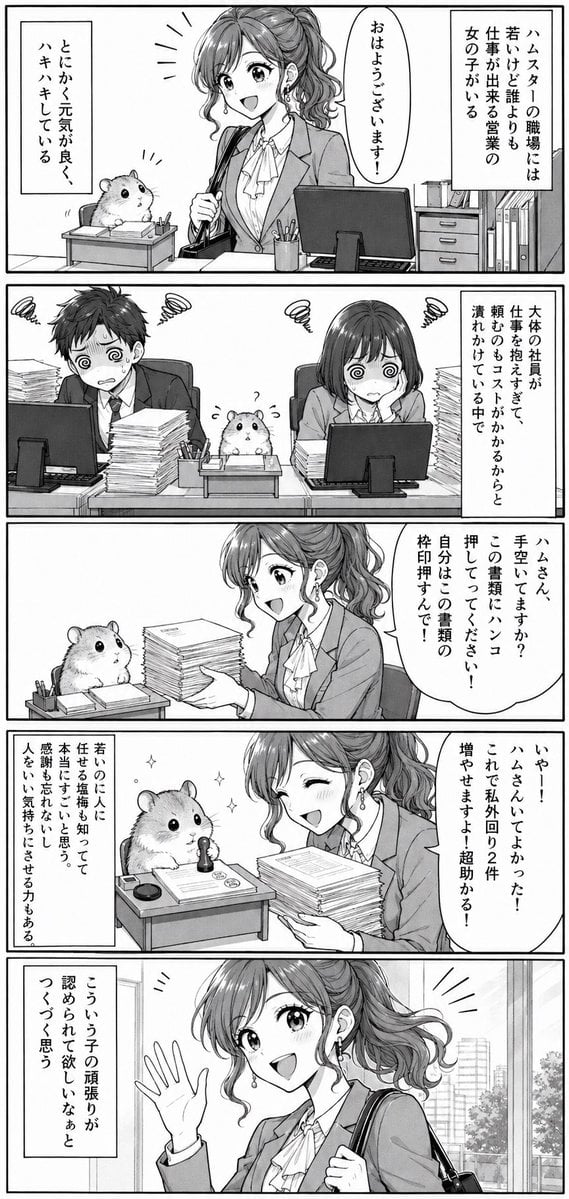
Office Hamster Manga Diary

Gothic Japanese Mobile Homepage

Burning Gothic Flood Escape

Mitarashi Calico Cat and Hamster
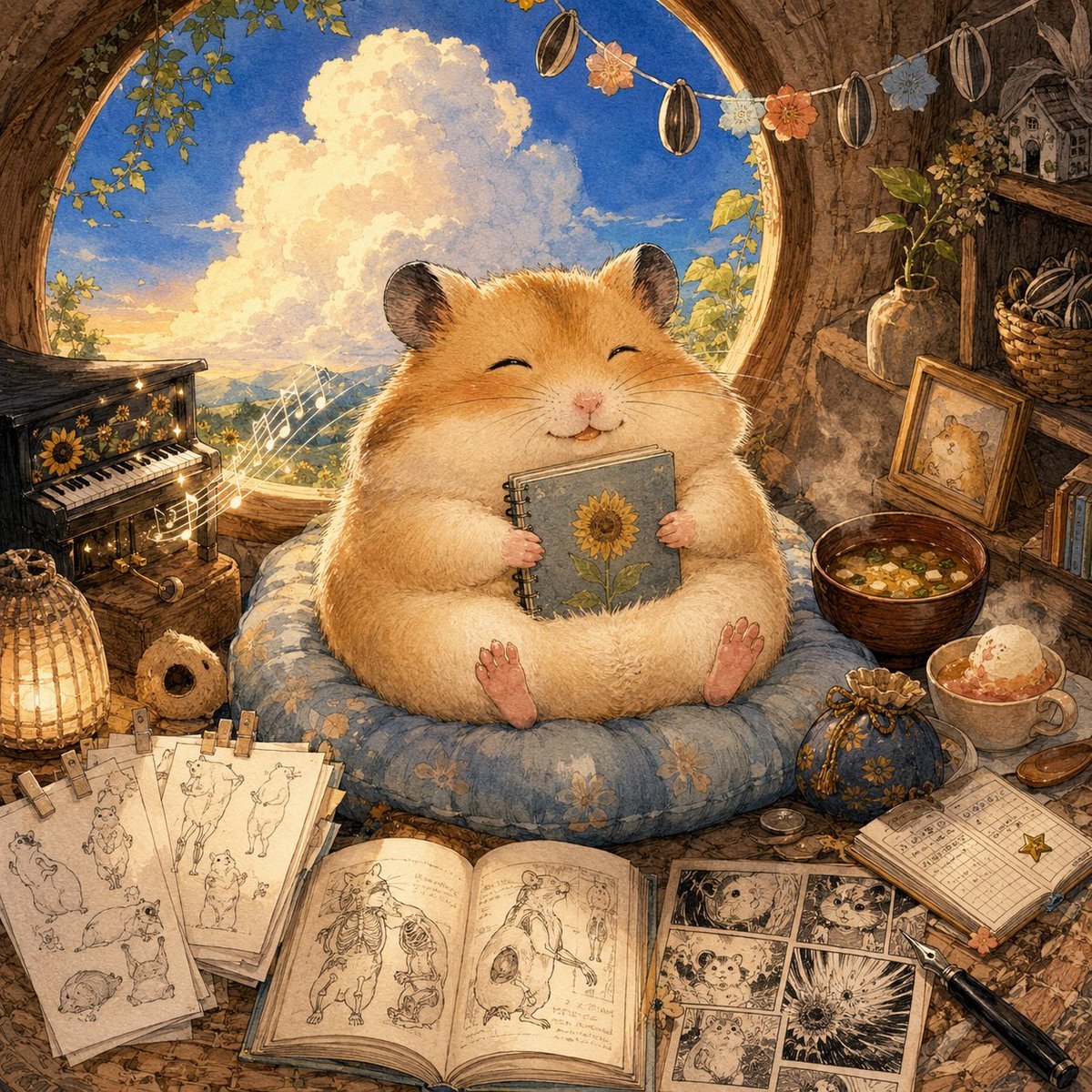
Happiest Hamster Portrait
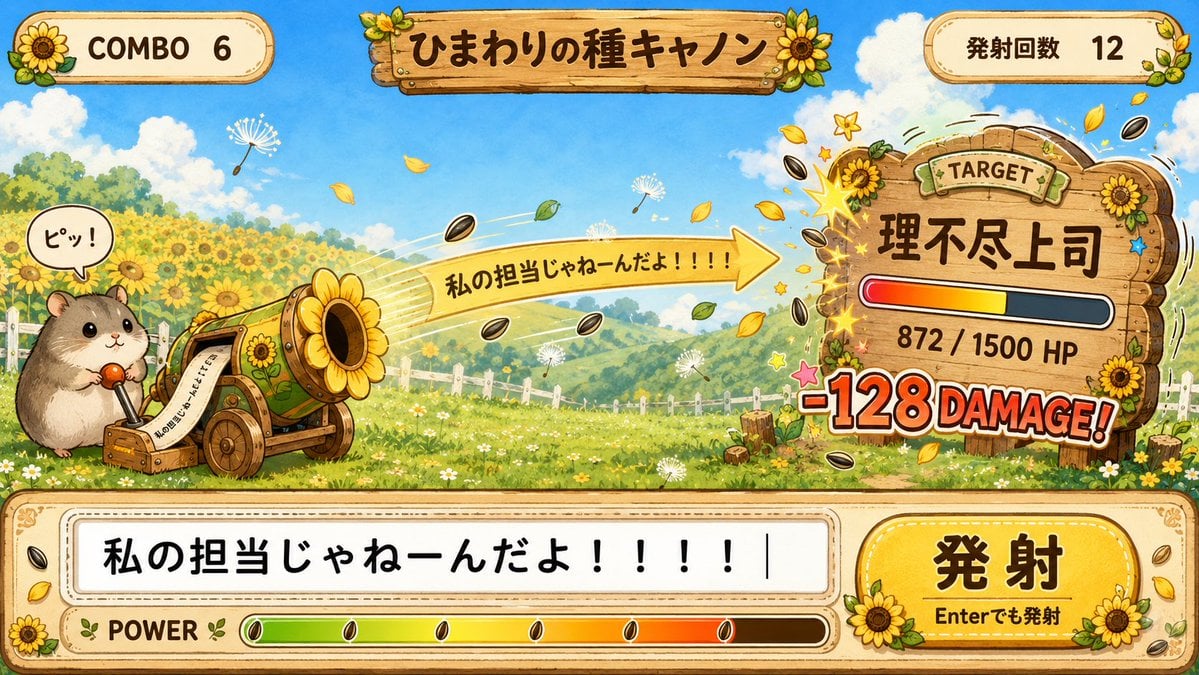
Hamster Sunflower Cannon Game UI

Quiet Hamster Manga Page
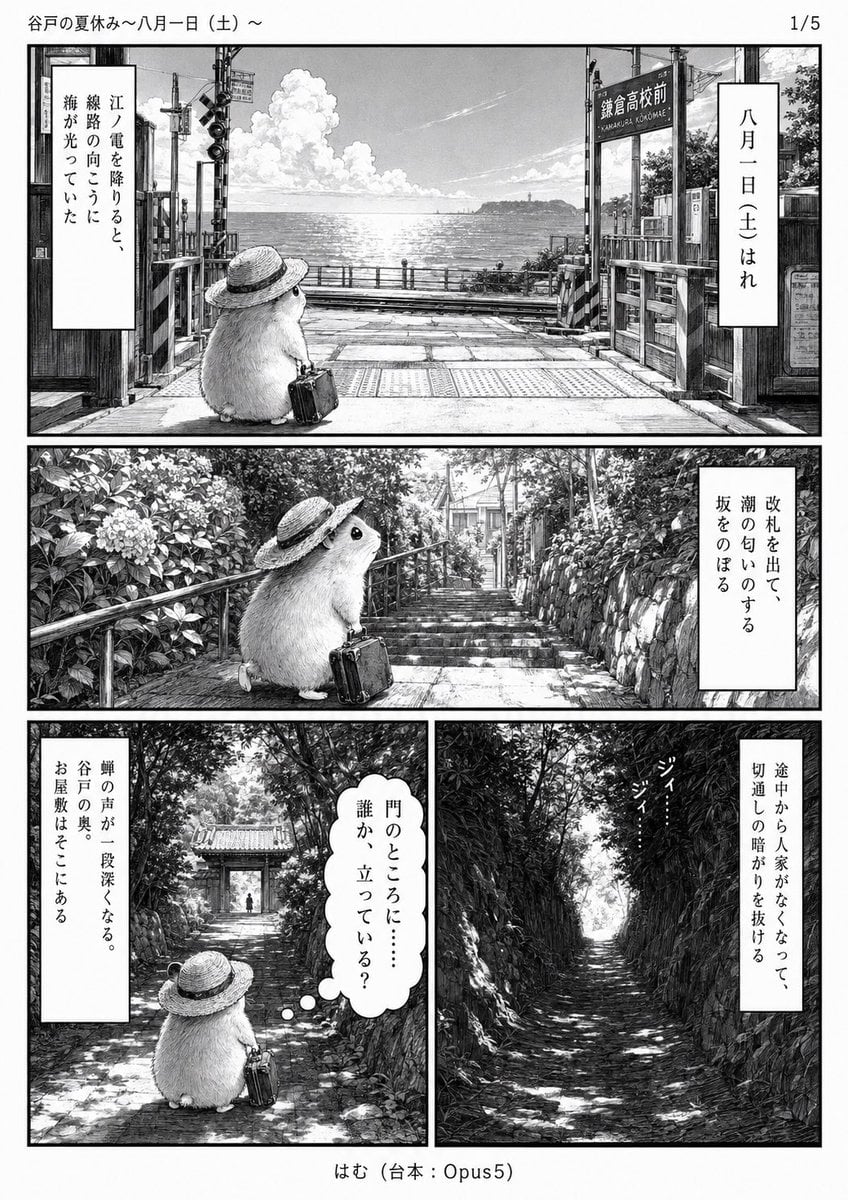
Monochrome Summer Hamster Manga Page
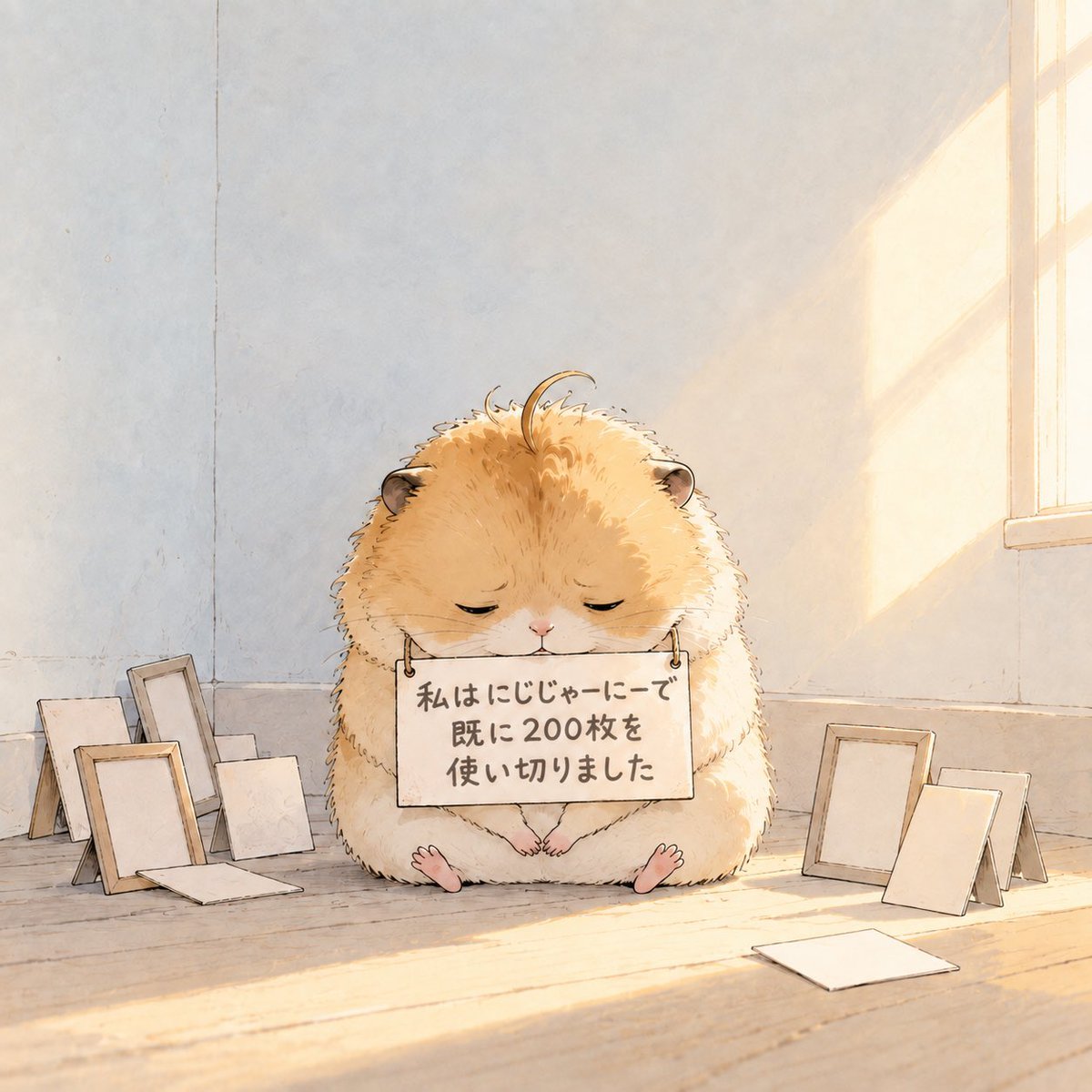
Fluffy Hamster Holding Japanese Sign
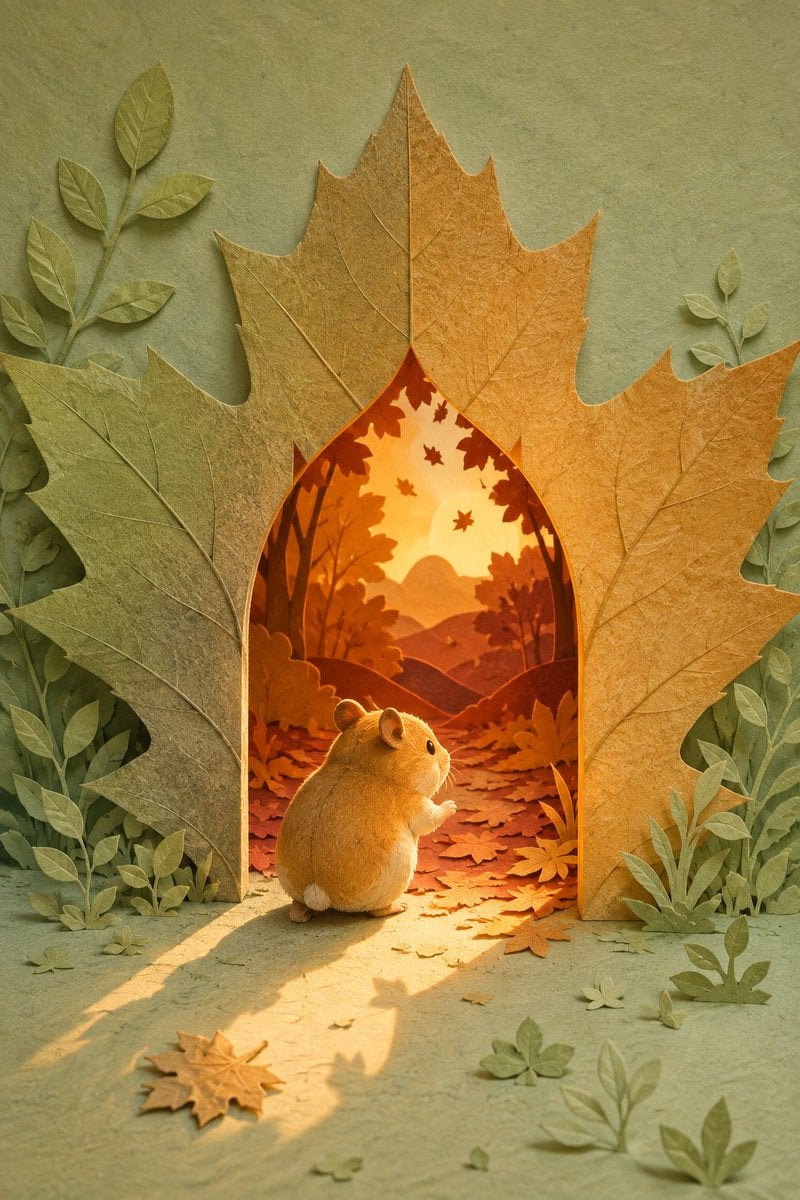
Hamster Autumn Leaf Doorway

Hamster Taiko Festival Manga Scene
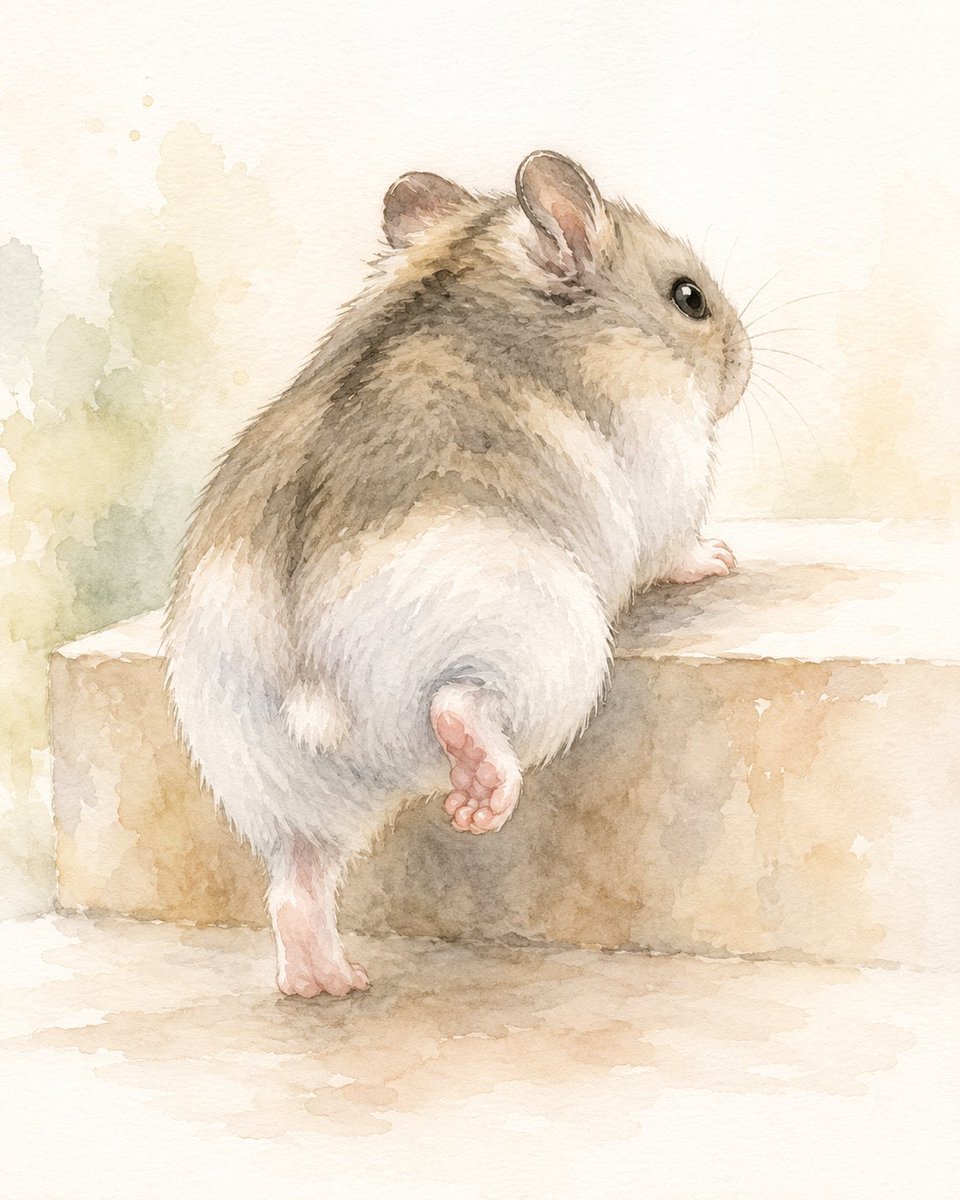
Watercolor Hamster Climbing Step
Make it yours
Gothic Bishounen Reads to Hamster works as-is. These are the safest ways to change it without losing the look.
Change one field
Copy a single group, rewrite it, and generate again so you can see what that field is doing.
Keep the frame, change the subject
Hold the composition and light of Gothic Bishounen Reads to Hamster, then swap wardrobe, props or the person for a new take.
| If the result… | Why | Fix |
|---|---|---|
| The result drifts from the preview | Too many fields changed at once. | Reuse Gothic Bishounen Reads to Hamster as-is first, then change one group — subject, light, or setting. |
| The model over-stylizes the scene | The prose prompt leaves finish and camera underspecified. | Add one camera or lighting sentence and stay on GPT Image 2. |
More GPT Image 2 templates
Other prompts made for GPT Image 2.

Six VTuber Japanese Logo Sheet

Realistic Portrait of Woman and Deer

The Vista Modular Condo Poster

AI Model Routing Comparison Infographic

2.5D Anime Art Board

Isometric Productivity Desk Scene

New York Double Exposure Poster

Four-Panel AI Landscape Comparison

Japanese Tatami Lifestyle Magazine Cover

NESCAFÉ Coffee Map Poster
More image prompts
Fresh picks from across the catalog.

Cinematic Male Portrait with Neon Halo

Self-Portrait Generation Prompt (Placeholder)
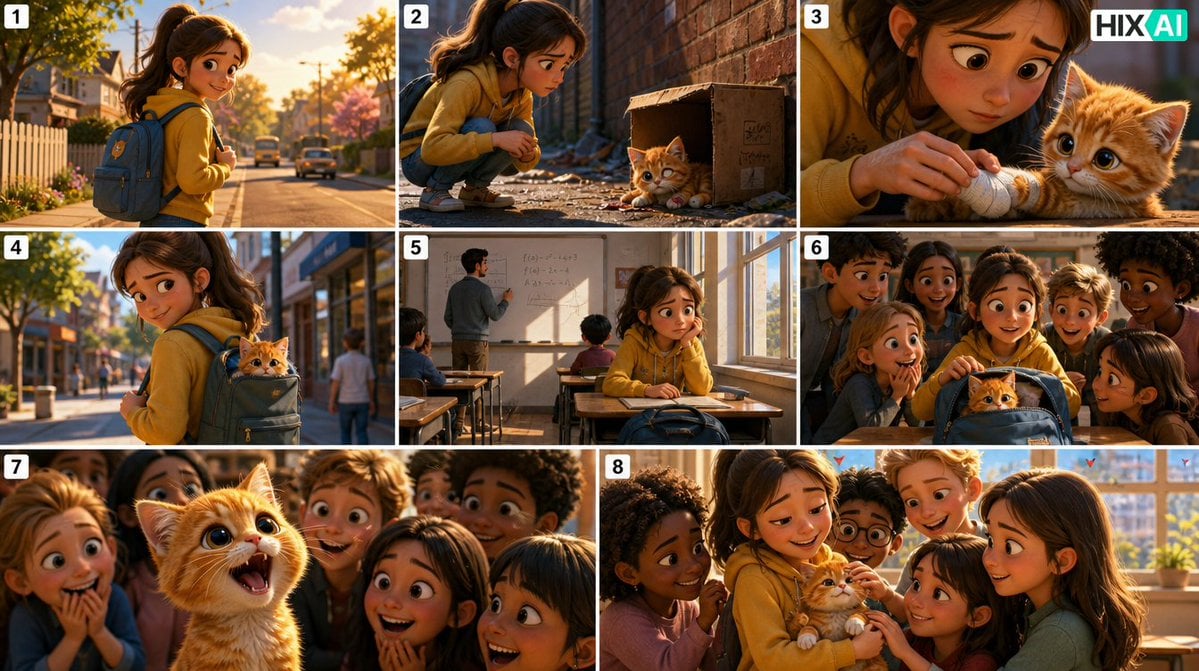
Eight-Panel Kitten Rescue Storyboard
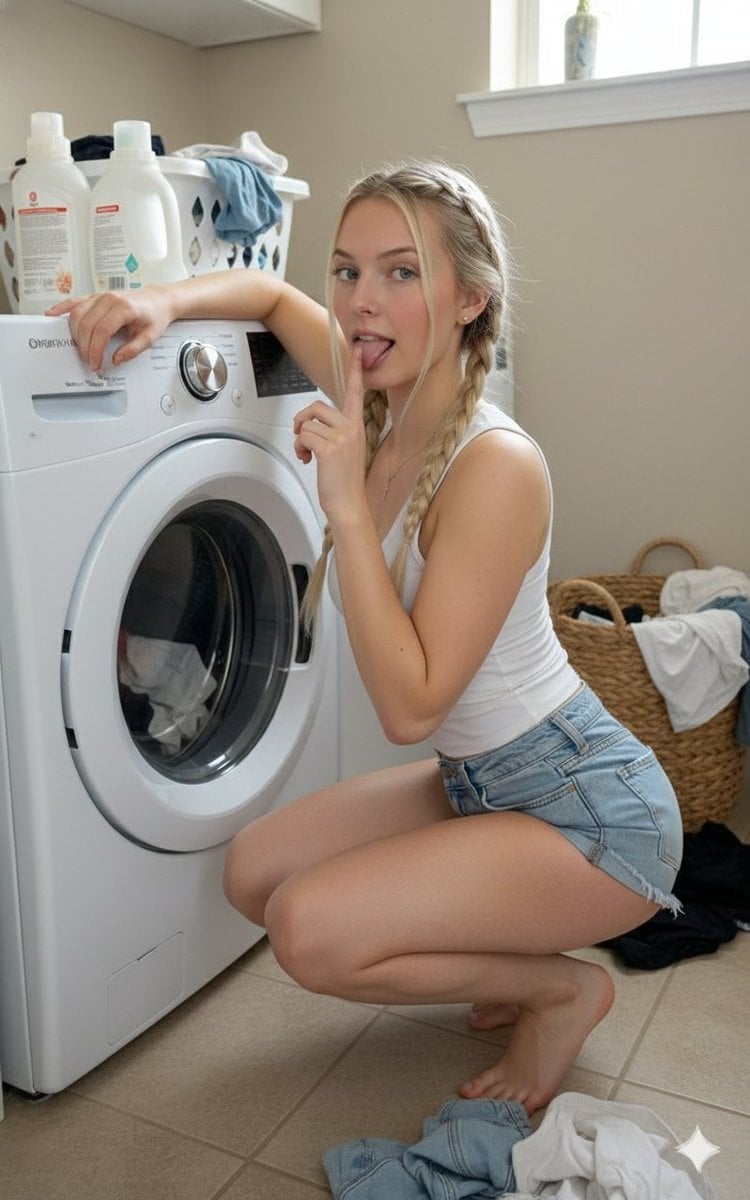
Playful Laundry Room Portrait Prompt

Kia Sportage Triptych Ad

Gpt2 Profile Avatar Restored Vintage Mother and Child Portrait

Live-Action Anime Movie Poster

Dark Samurai Ink Wash Poster

Low-Angle Wedding Editorial with Heart Hands

Ultra-Realistic Luxury Cosmetic Product Photography Prompt
Browse template categories
Gothic Bishounen Reads to Hamster questions
How do I use the Gothic Bishounen Reads to Hamster template?
Add your photo if the template asks for one, edit the prompt if you like — the template's model and format are already selected — and press Generate. Your version opens in PicX Studio.
Can I customize the Gothic Bishounen Reads to Hamster template?
Yes. You can change the subject, setting, lighting, mood, format, and available model controls before creating your image.
Is the Gothic Bishounen Reads to Hamster template free?
Opening and editing this template is free. Generating uses credits, shown on the Generate button when you are signed in.
Which AI model should I use?
Start with GPT Image 2, which is the model associated with this template. You can compare another compatible model for a different finish.
Looking for something else? Browse all templates.

Your photo, any look
Thousands of ready templates for every top image and video model, from one credit balance.