
Minimal Cyber Bunny Character Card
Generates a minimalist anime character card with a cyber-goth bunny-skull motif, ideal for original character profile visuals.
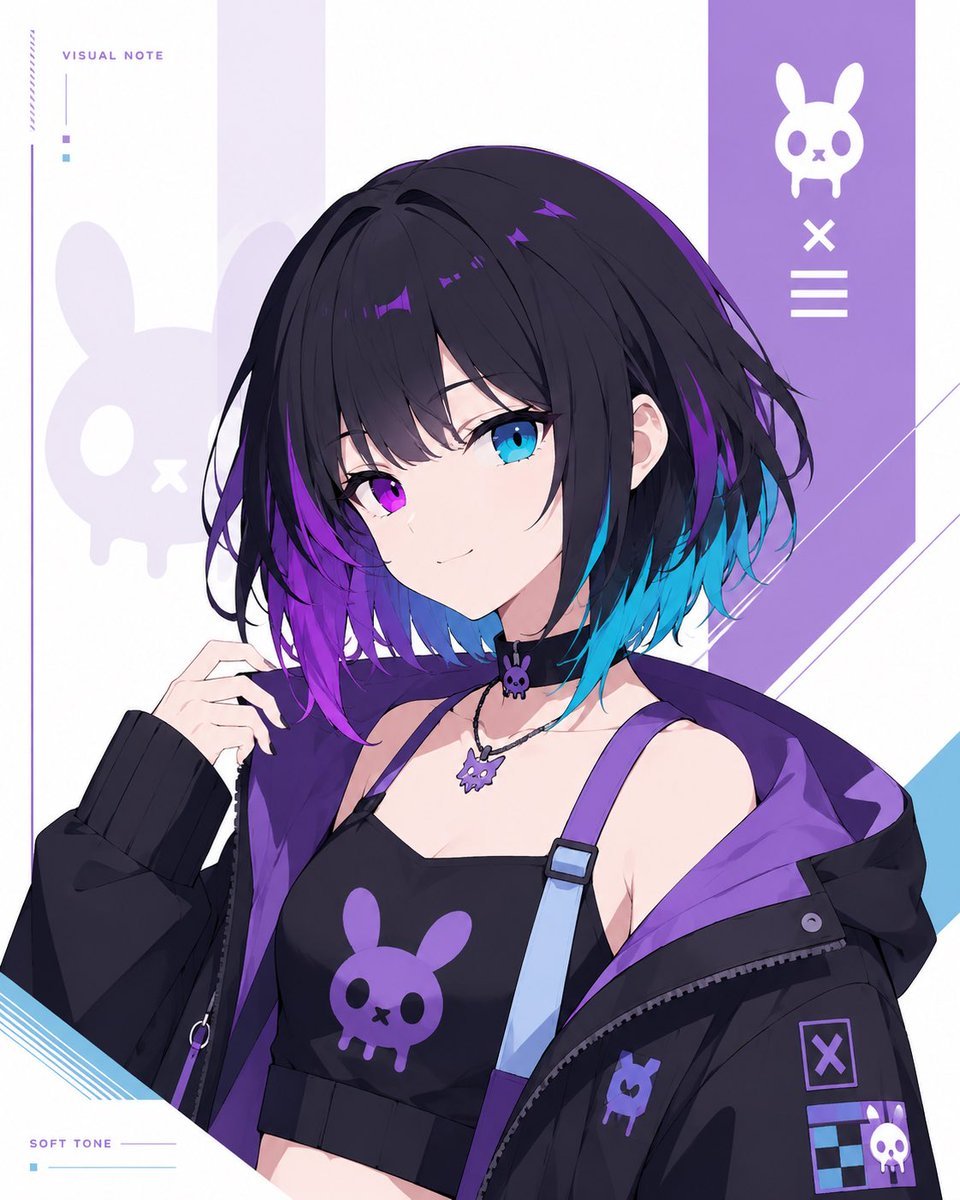
- Prompt included
- Model and format preset
- Premium template
The prompt behind this image
Copy the exact prompt behind Minimal Cyber Bunny Character Card, or open it in the studio and make it yours.
Goal: Create a clean minimalist original character card illustration on a white background, featuring a bust-up anime girl with a cyber-goth streetwear look and a custom bunny-skull symbol motif. Canvas: Vertical 4:5 rectangular card, bright white base, airy editorial layout, no circular frames, no round masks, no round windows, no cropped circular portrait. Keep the character naturally framed from chest to head, centered slightly right. Main subject: Draw {argument name="character name" default="unnamed cyber bunny girl"} as a youthful anime-style female character with short messy bob hair, mostly {argument name="hair color" default="black with vivid purple and cyan-blue underside gradients"}. Her face is intentionally covered by a centered square soft gradient block, about one third of the canvas width, in muted gray-lavender tones. Show one visible ear, loose layered bangs, tousled strands, and glossy purple highlights. Pose her with one hand raised near her hair, shoulders angled slightly, confident but understated. Outfit: Black cropped camisole with a large purple bunny-skull logo on the chest; one pale blue suspender strap with a purple connector; oversized black zip hoodie falling off the shoulders with a vivid purple lining. Add ribbed black sleeve cuffs, zipper details, small patches, and a collar/choker area with two visible accessories: 1 small black choker charm shaped like the bunny skull and 1 silver necklace with a purple bunny-skull pendant. Background and layout: Minimal white graphic card design with pale lavender vertical panels and angular diagonal accents. Place a tall purple vertical band on the upper right containing exactly 3 white icon elements stacked vertically: 1 bunny-skull symbol at the top, 1 X mark in the middle, and 1 three-line menu mark below. Add a large faint lavender bunny-skull silhouette on the left behind the character. Add thin decorative lines, small square color chips, and diagonal blue line accents near the lower left and right edges. Visible text: Include exactly 2 small English labels in a thin modern sans-serif font: “VISUAL NOTE” near the upper left and “SOFT TONE” near the lower left. Keep the typography tiny, spaced out, and secondary to the character. Symbol count: Use exactly 5 visible bunny-skull motifs total: 1 large faint background silhouette on the left, 1 white icon in the right purple band, 1 purple logo on the camisole, 1 small purple patch on the hoodie, and 1 purple necklace pendant. Additional charm details may echo the shape but should remain small and not dominate. Visual style: High-quality anime illustration, crisp linework, soft cel shading, polished digital art, cool purple/cyan palette, minimalist character-card composition, clean negative space, no watermark, no extra characters, no clutter.
How to use Minimal Cyber Bunny Character Card in 3 steps
- 1Upload ImagePNG, JPG or paste
Add your photo
Upload the photo the template builds on. The prompt, model and format are already set.
- 2…a portrait of your subject in softgolden-hour light, 85mm…
Personalize
Edit the subject and creative details for your destination.
- 3Generate
Generate
Press Generate — your image is created in PicX Studio, so you can compare it with the original and refine one variable at a time.
More like this
Templates with the same subject, style or setup. Open one to see its prompt.

Japanese Architectural Concrete Studio Fashion Campaign

Quiet Luxury Black and White Fashion Editorial Portrait

Premium Editorial Branding Poster Charcoal Green

Premium Vintage Travel Poster Landscape

Japanese Café Sketch Duo Illustration

Delicate Japanese Café Lifestyle Illustration

Soft Shadow Studio Minimalist Product Shot

Minimalist Skincare Product Water Stone Still

Botanical Skincare Minimal Product Advertising

Luxury Sliced Wordmark Player Poster

Legendary Player Fragmented Editorial Poster

Clean Minimalist Player Editorial Poster
Make it yours
Minimal Cyber Bunny Character Card works as-is. These are the safest ways to change it without losing the look.
Change one field
Copy a single group, rewrite it, and generate again so you can see what that field is doing.
Keep the frame, change the subject
Hold the composition and light of Minimal Cyber Bunny Character Card, then swap wardrobe, props or the person for a new take.
| If the result… | Why | Fix |
|---|---|---|
| The result drifts from the preview | Too many fields changed at once. | Reuse Minimal Cyber Bunny Character Card as-is first, then change one group — subject, light, or setting. |
| The model over-stylizes the scene | The prose prompt leaves finish and camera underspecified. | Add one camera or lighting sentence and stay on GPT Image 2. |
More GPT Image 2 templates
Other prompts made for GPT Image 2.

Six VTuber Japanese Logo Sheet

Realistic Portrait of Woman and Deer

The Vista Modular Condo Poster

AI Model Routing Comparison Infographic

2.5D Anime Art Board

Isometric Productivity Desk Scene

New York Double Exposure Poster

Four-Panel AI Landscape Comparison

Japanese Tatami Lifestyle Magazine Cover

NESCAFÉ Coffee Map Poster
More image prompts
Fresh picks from across the catalog.
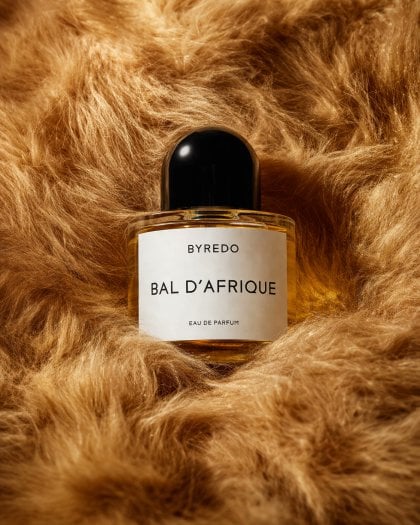
Editorial Perfume Bottle in Golden Fur
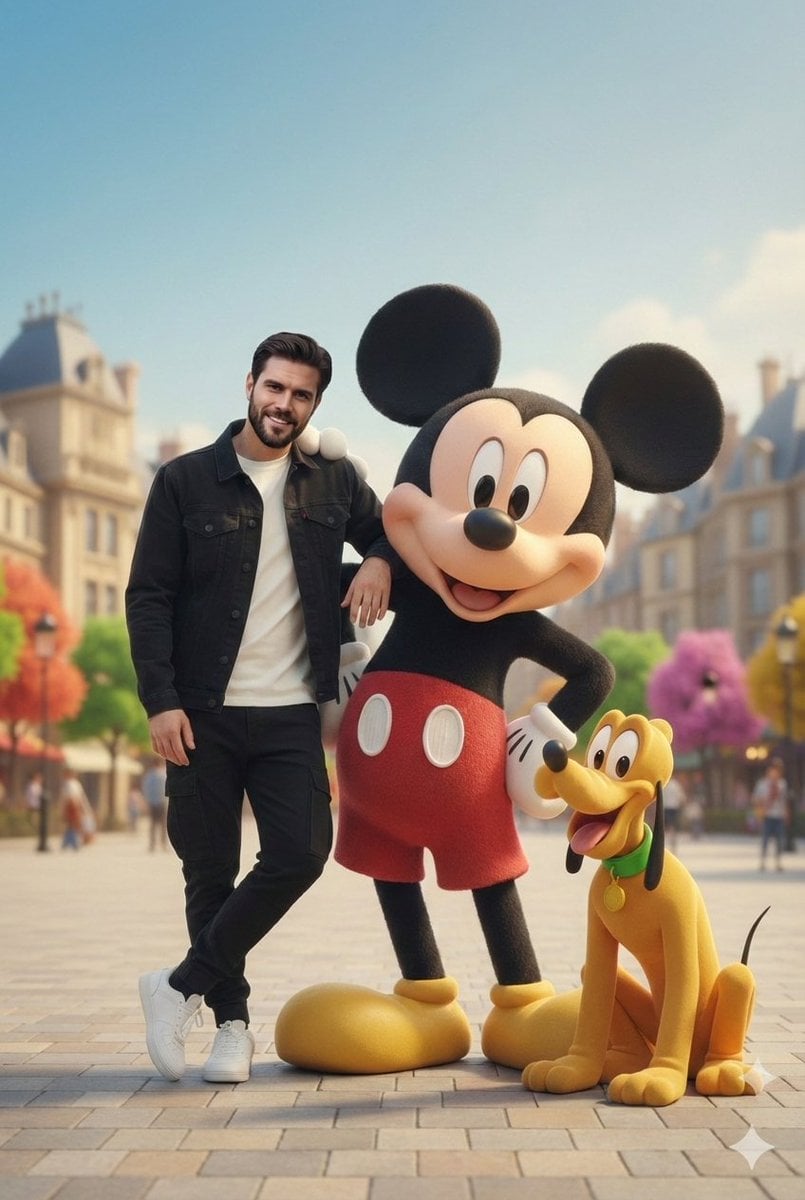
Cinematic Lifestyle with 3D Cartoon Characters
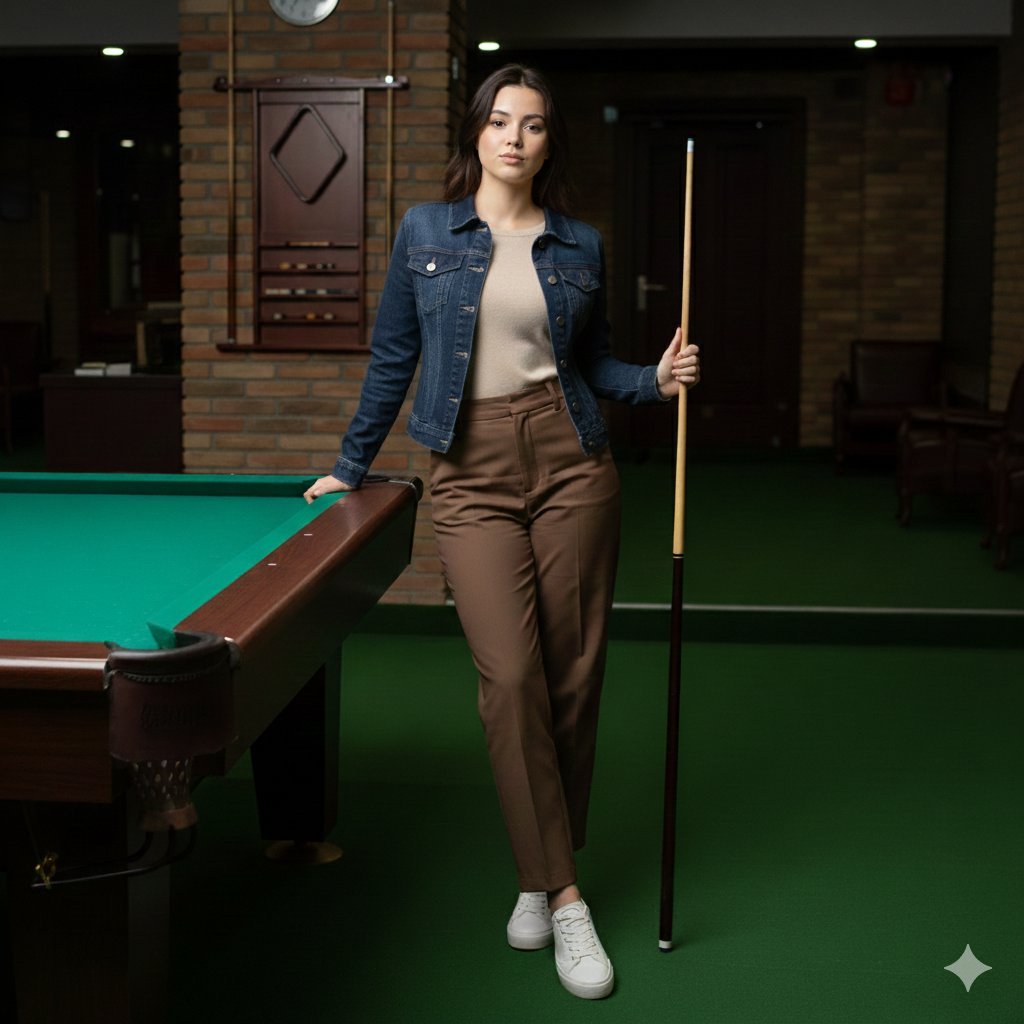
Casual Lifestyle Portrait in a Billiards Lounge (Brown Trousers)
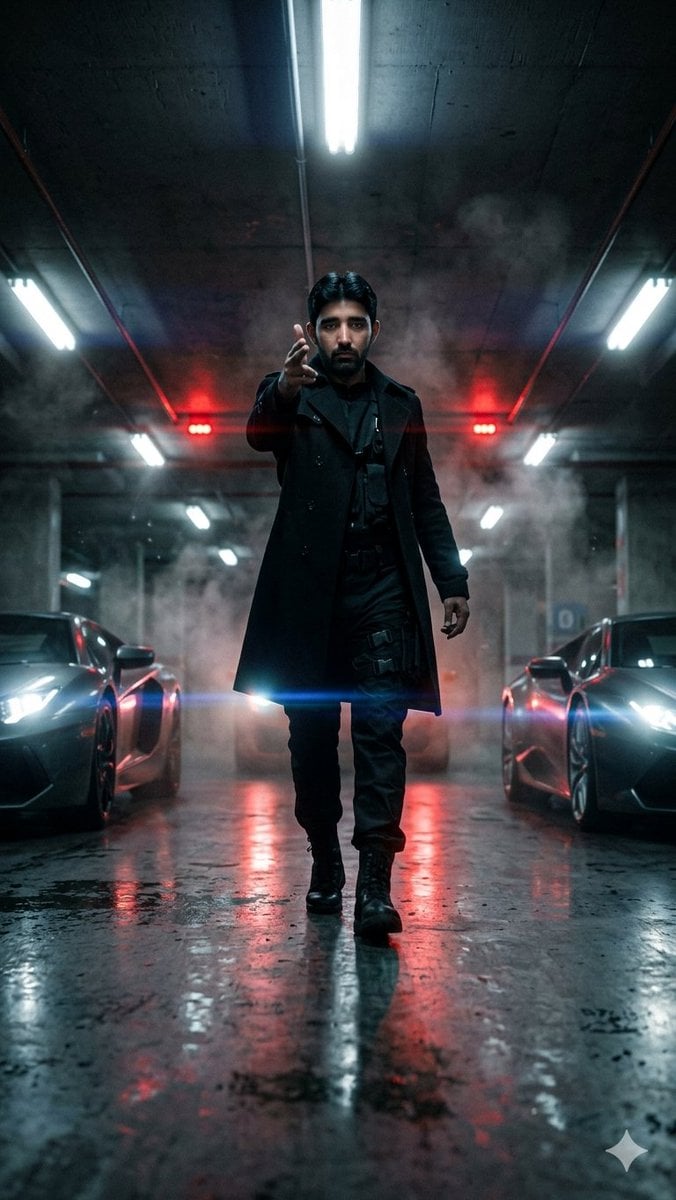
Cinematic Parking Garage Walk
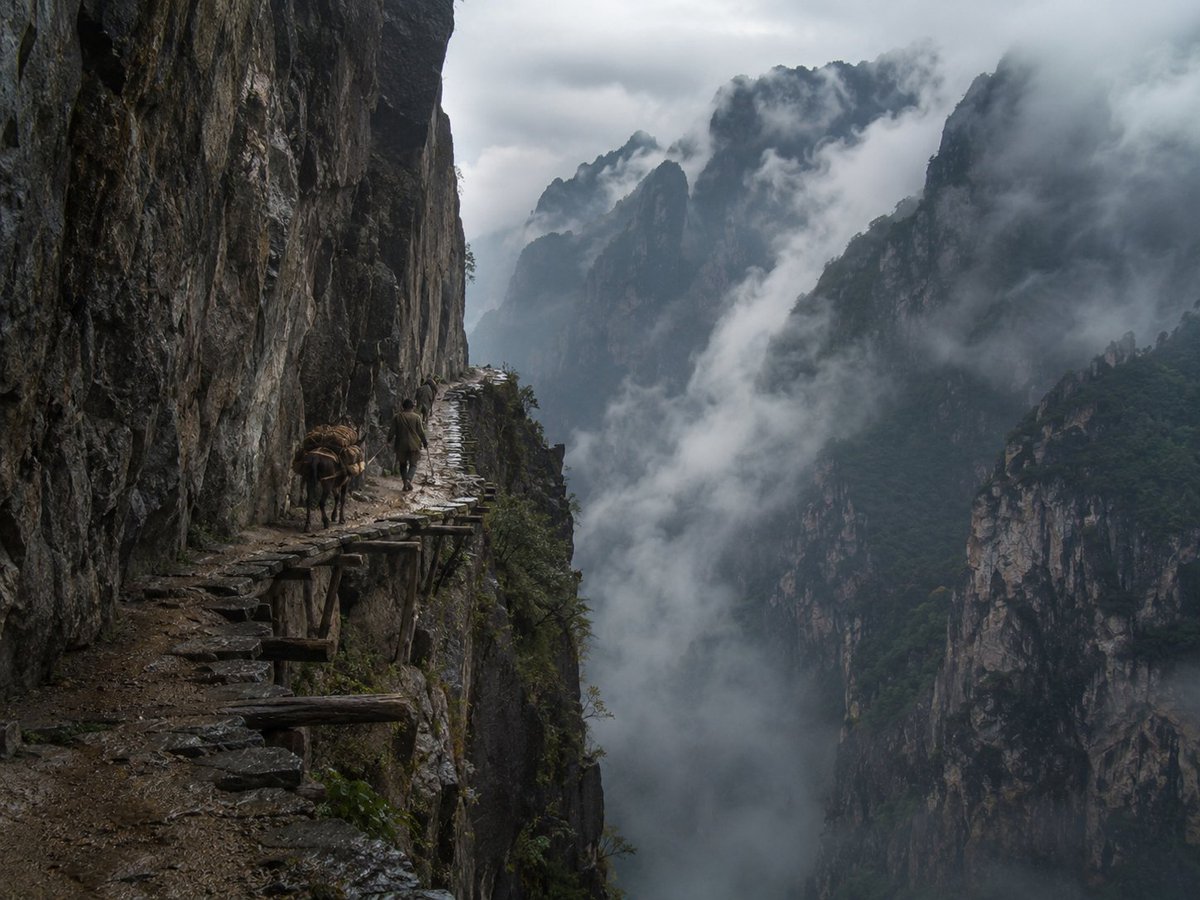
Misty Cliff Plank Road Photograph
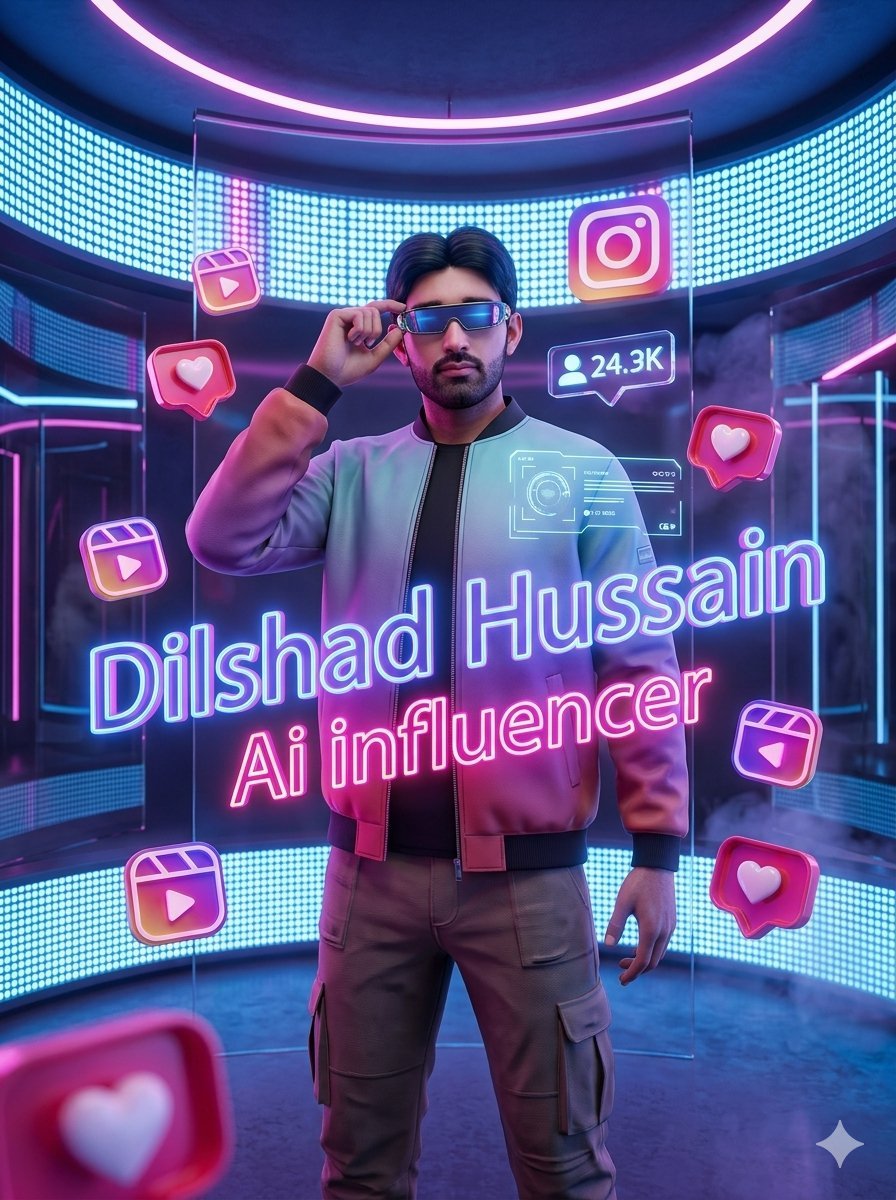
Neon AI Influencer Studio Ad
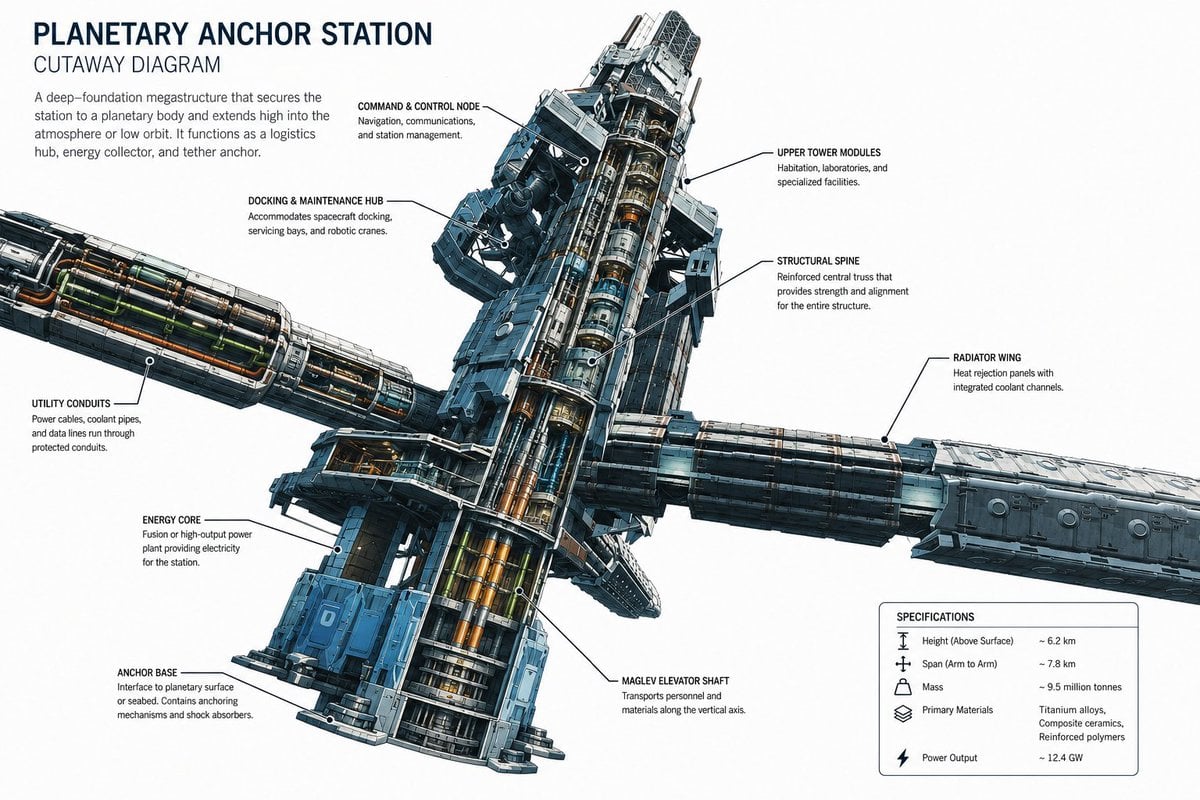
Planetary Anchor Station Cutaway
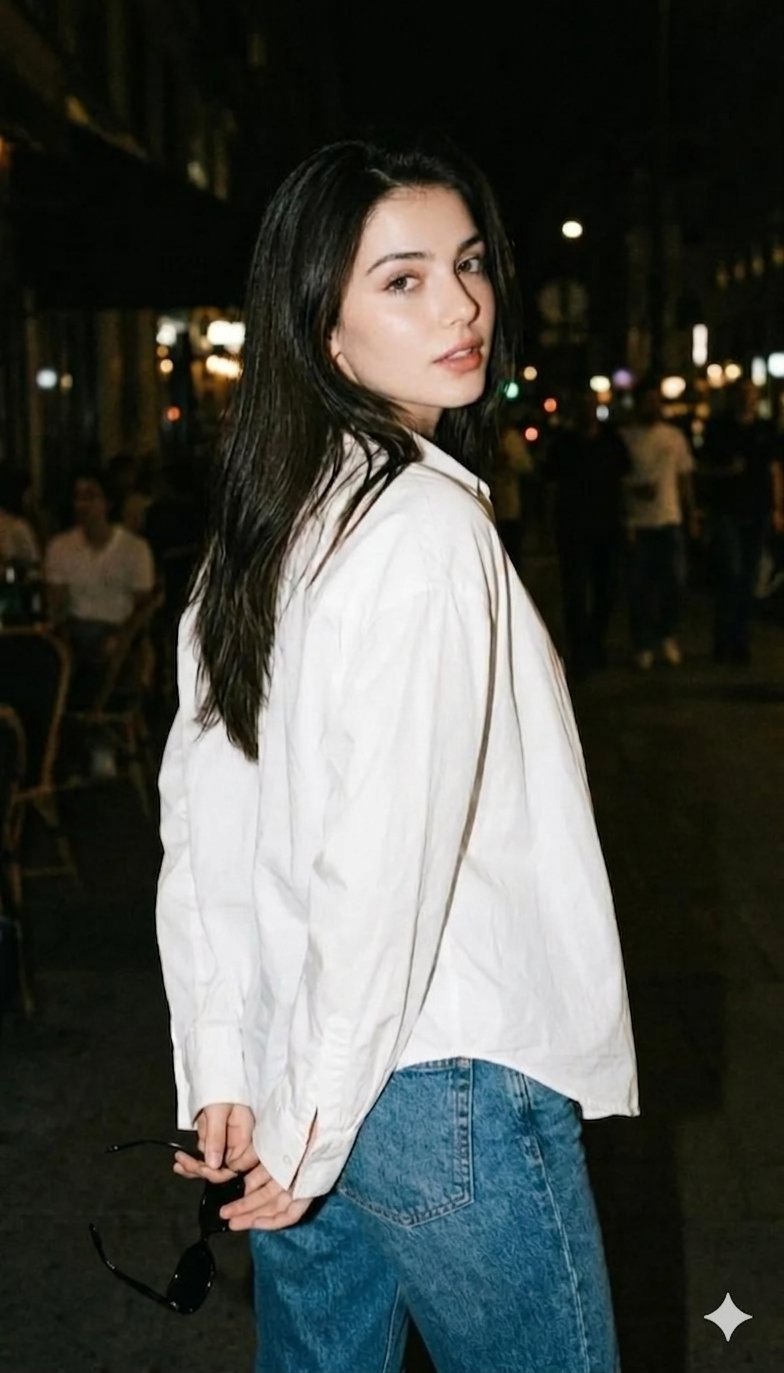
Gemini Night Flash Portrait
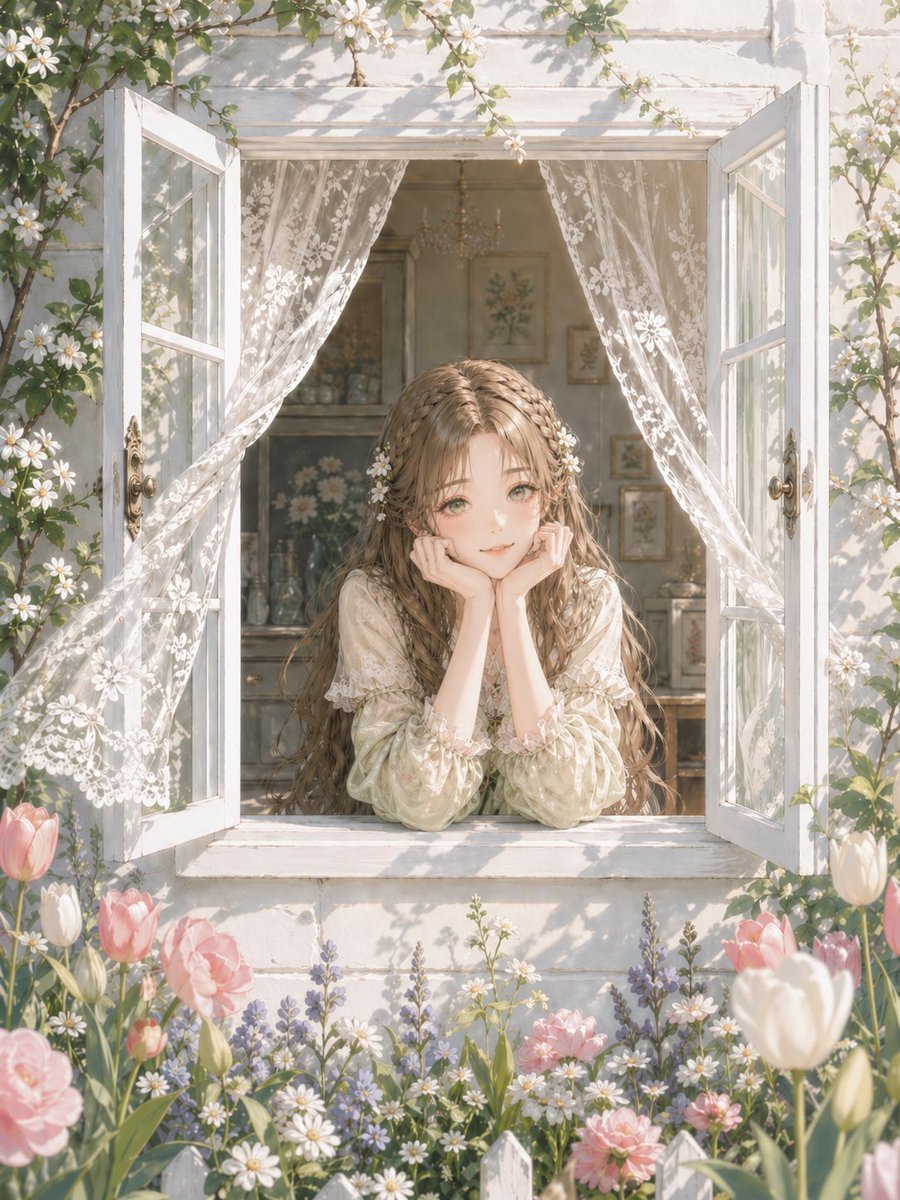
Romantic Cottage Window Garden Scene

Ultra-Photorealistic Winter Beauty Ad Product Replacement
Browse template categories
Minimal Cyber Bunny Character Card questions
How do I use the Minimal Cyber Bunny Character Card template?
Add your photo if the template asks for one, edit the prompt if you like — the template's model and format are already selected — and press Generate. Your version opens in PicX Studio.
Can I customize the Minimal Cyber Bunny Character Card template?
Yes. You can change the subject, setting, lighting, mood, format, and available model controls before creating your image.
Is the Minimal Cyber Bunny Character Card template free?
Opening and editing this template is free. Generating uses credits, shown on the Generate button when you are signed in.
Which AI model should I use?
Start with GPT Image 2, which is the model associated with this template. You can compare another compatible model for a different finish.
Looking for something else? Browse all templates.

Your photo, any look
Thousands of ready templates for every top image and video model, from one credit balance.