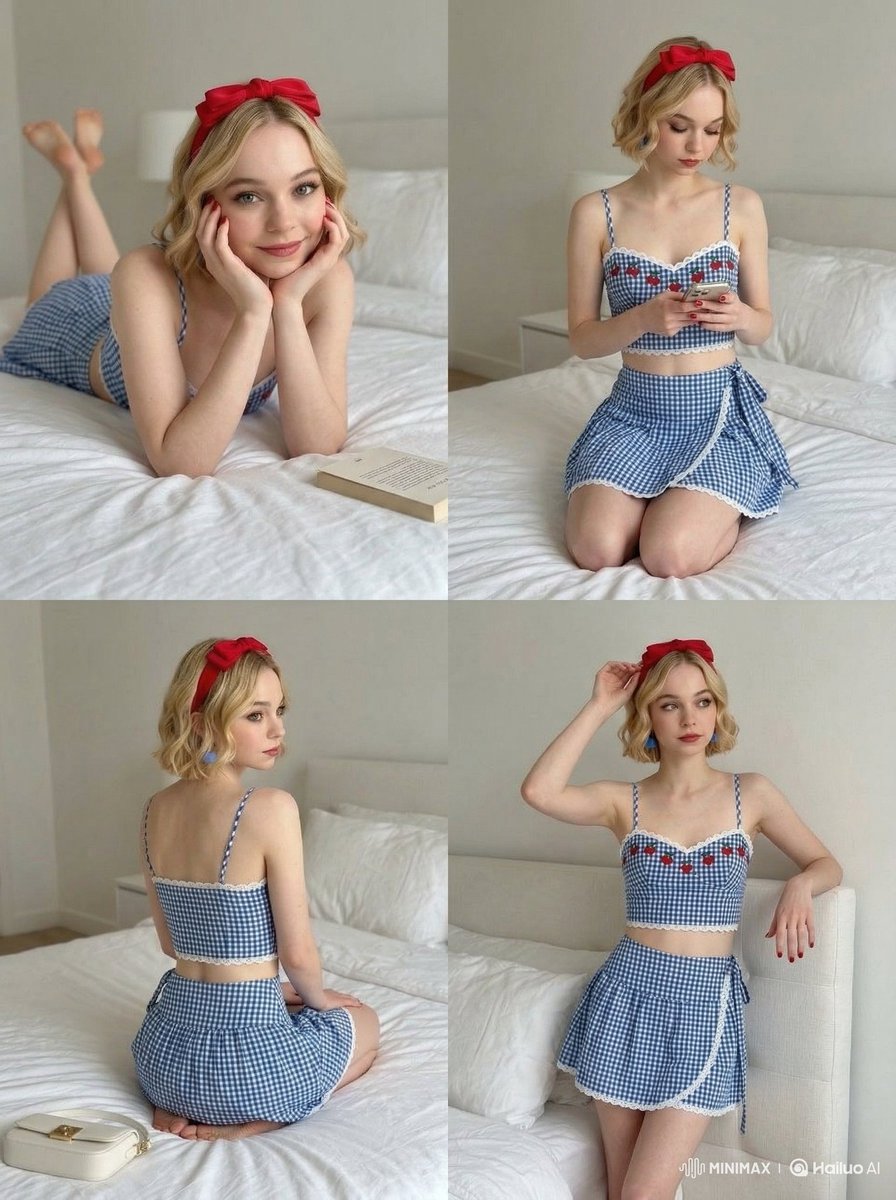
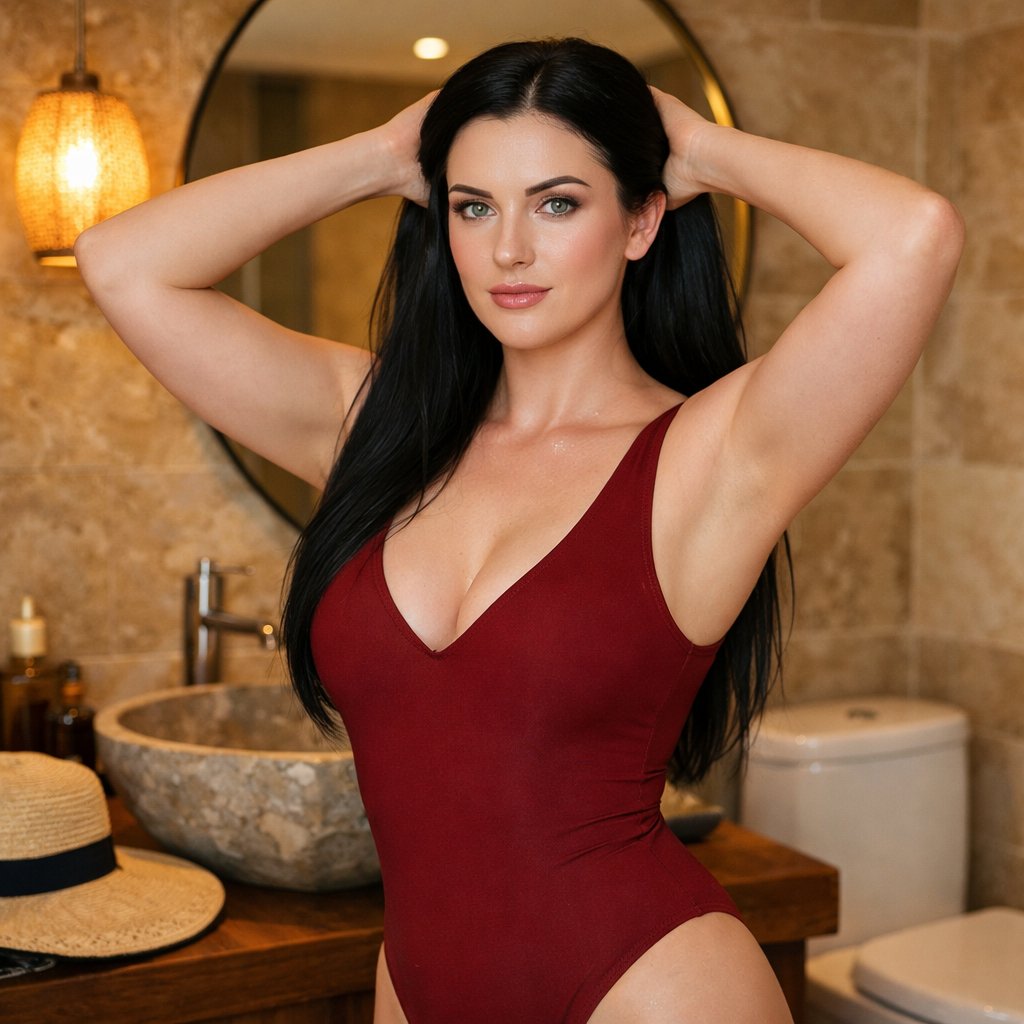
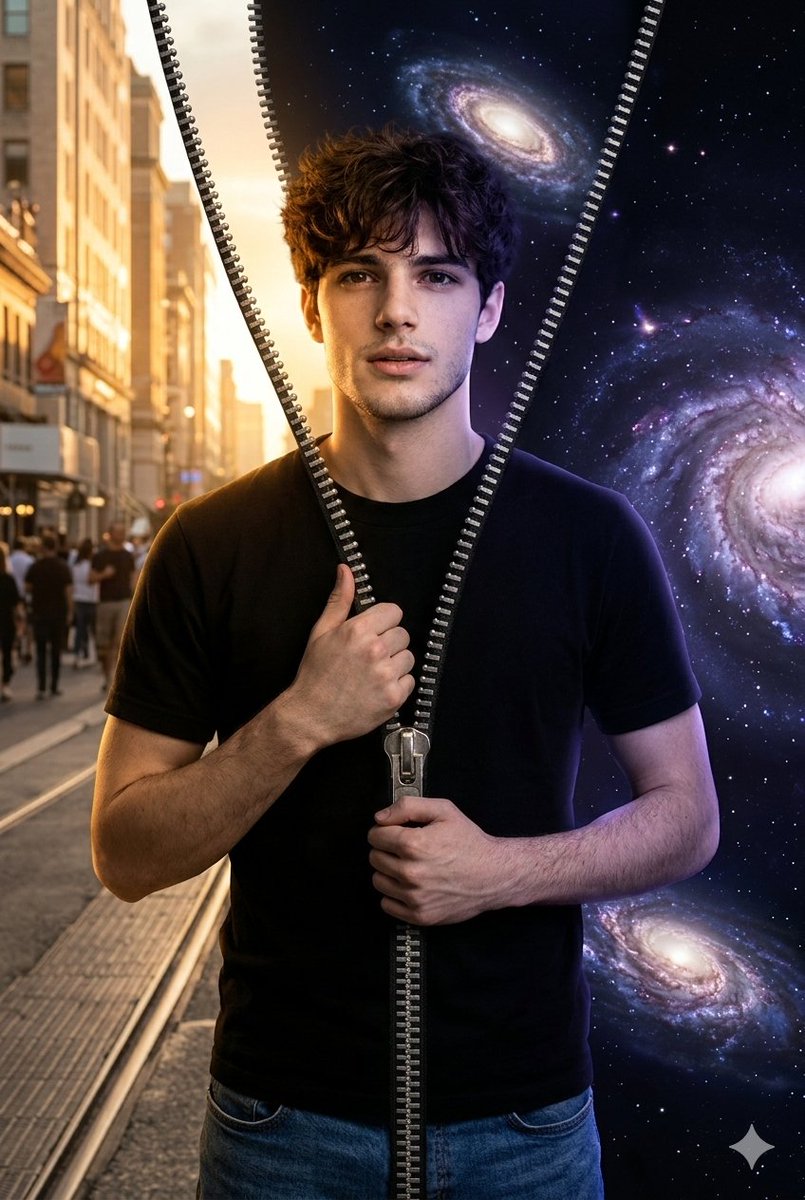
How do I use the Smartphone Travel Selfie Prompt template?
Choose the primary action to open PicX Studio with the available template settings. Review the model and format, personalize the creative direction, and generate when ready.
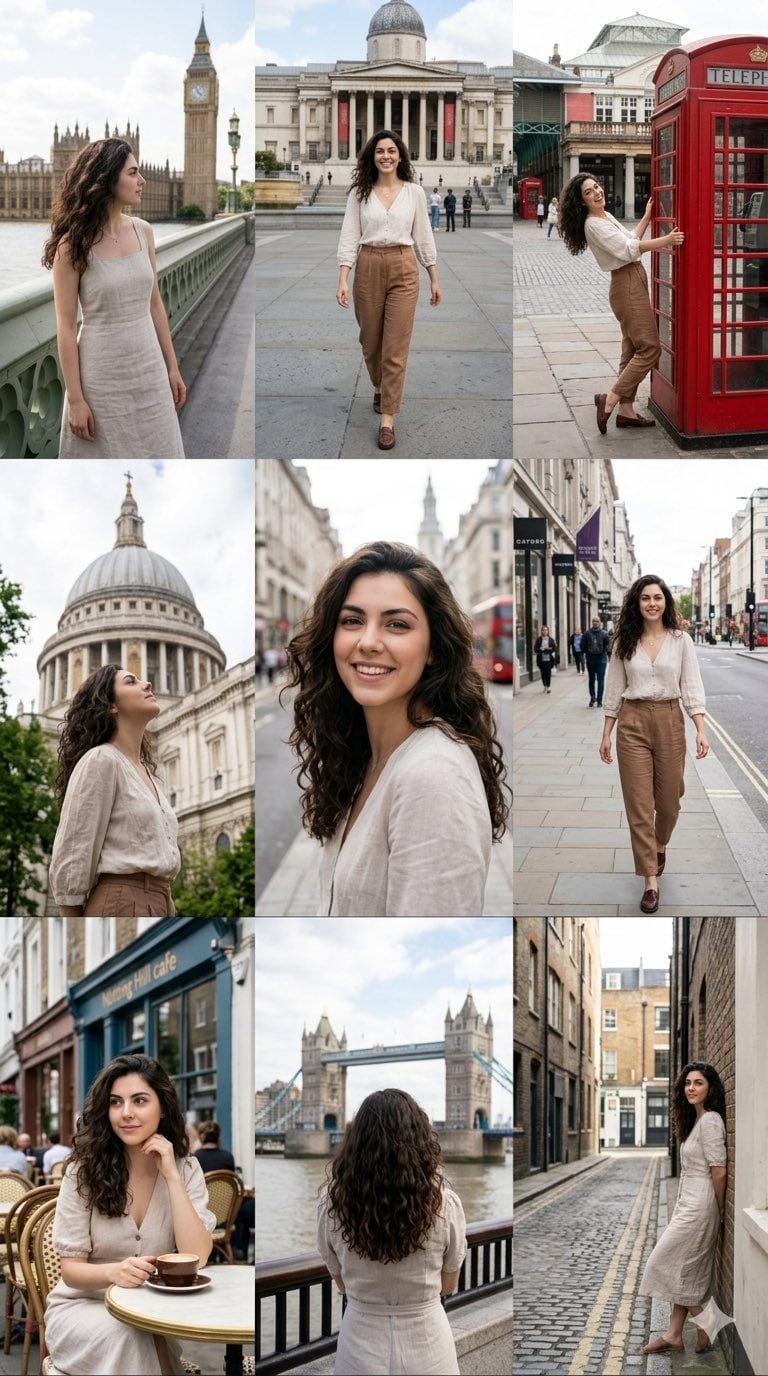
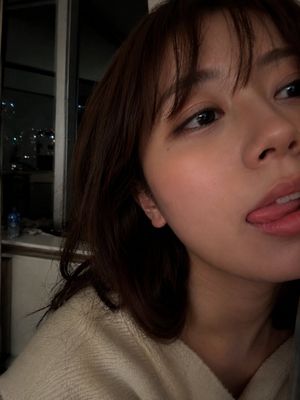
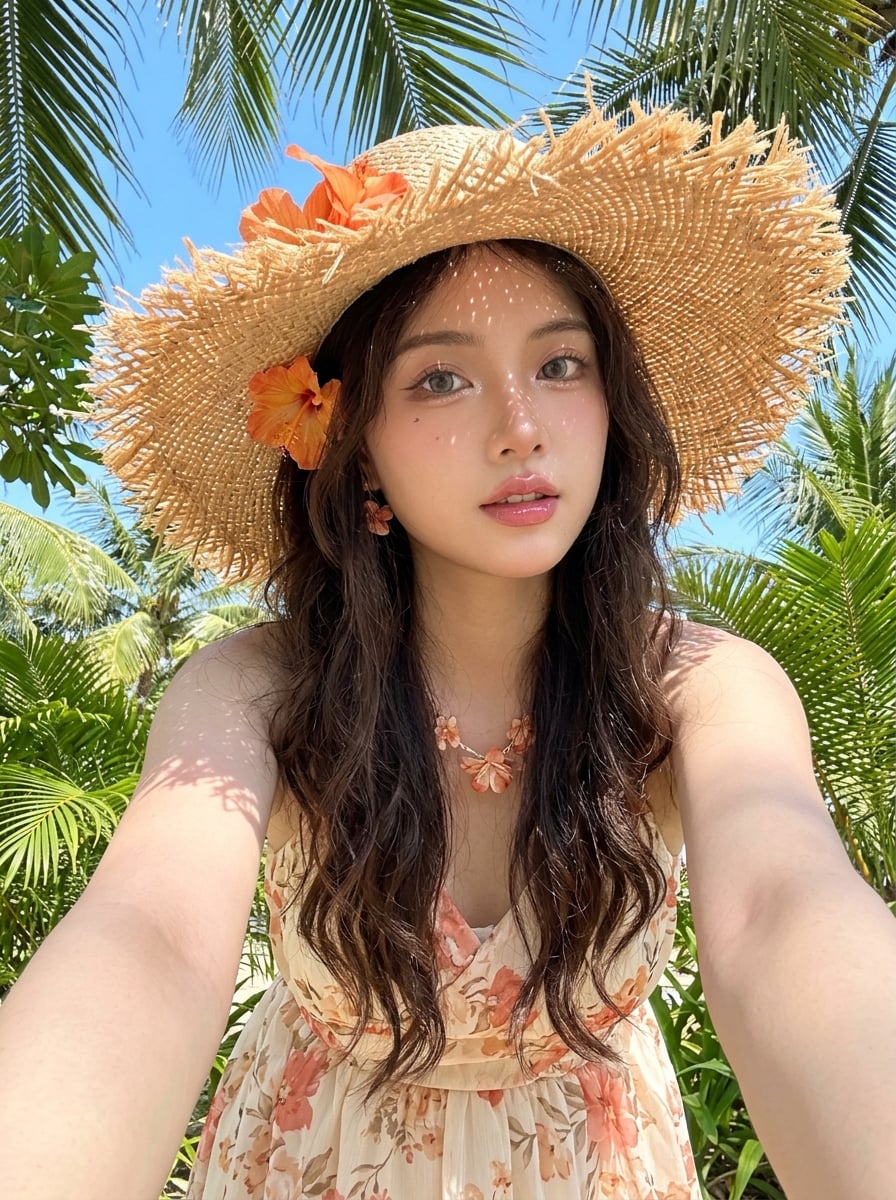
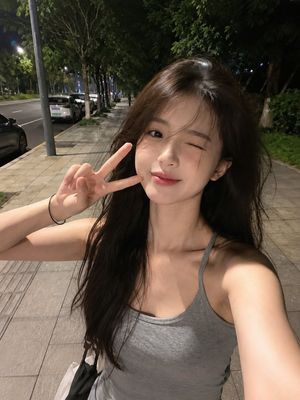
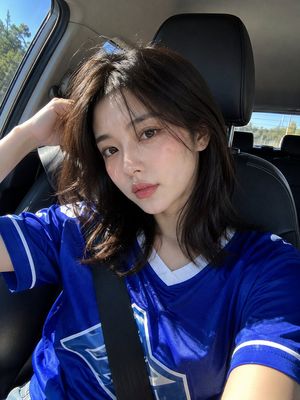
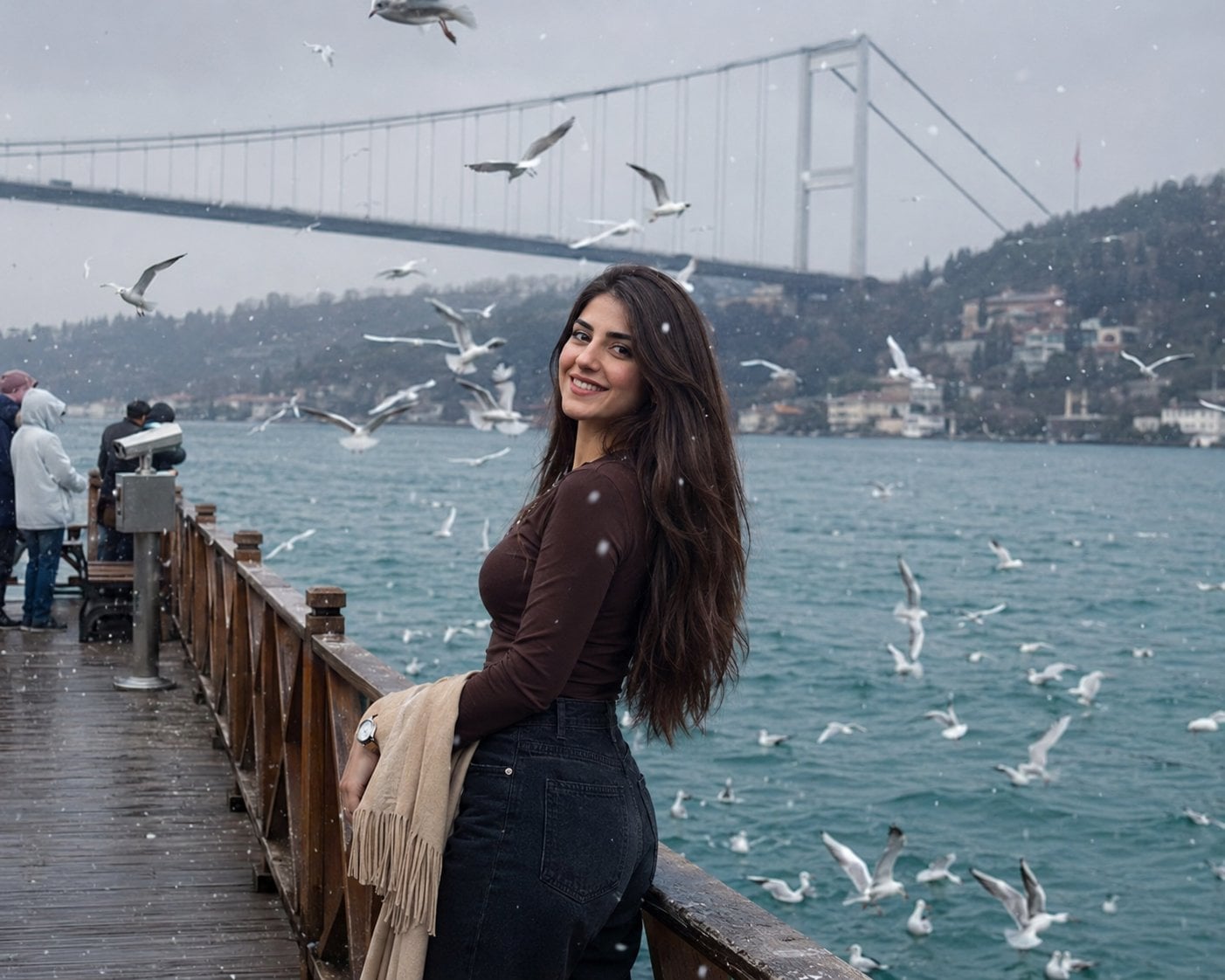
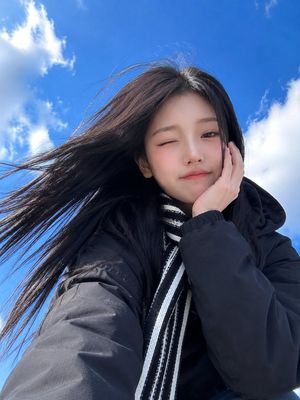
A structured technical prompt for generating highly realistic smartphone selfies in scenic outdoor travel locations using identity reference technology.
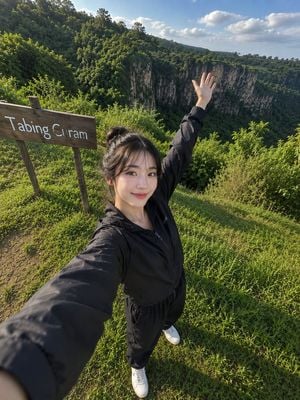
{ "identity_reference": { "source": "uploaded_reference_photo", "priority": "primary", "preserve": [ "100% facial identity", "facial structure", "skin tone", "hairstyle", "facial proportions", "facial expression", "unique facial features" ], "rule": "The person must remain instantly recognizable as the exact same individual from the uploaded reference photo." }, "scene": { "type": "ultra-realistic outdoor smartphone selfie", "location": "{argument name="location" default="lush green grassy hill beside a rustic wooden sign reading 'Tabing Curam'"}", "environment": { "background": [ "beautiful rolling green hills", "dramatic cliff views", "dense tropical trees", "lush vegetation", "peaceful natural landscape", "clean blue sky with soft clouds" ], "atmosphere": "warm morning or late afternoon travel destination" } }, "subject": { "pose": { "style": "natural full-body selfie", "camera_hand": "one arm extended toward the camera", "other_hand": "raised naturally above the head", "expression": "soft genuine smile", "mood": "relaxed, cheerful, spontaneous sightseeing" }, "outfit": { "jacket": "{argument name="top" default="black lightweight zip-up jacket"}", "pants": "{argument name="bottom" default="black sweatpants"}", "shoes": "{argument name="footwear" default="white sneakers"}" } }, "lighting": { "type": "natural sunlight", "skin": "soft highlights", "exposure": "balanced", "color_temperature": "slightly warm", "hdr": "natural HDR", "bounce_light": "soft ambient" }, "camera": { "device": "smartphone front camera", "shot": "full-body selfie", "angle": "high-angle (camera held above eye level)", "lens": "slight wide-angle smartphone lens distortion", "focus": "sharp", "depth": "realistic depth of field", "quality": "RAW ultra-realistic" }, "style": { "photography": "professional travel photography", "look": [ "RAW photo aesthetic", "ultra-realistic", "natural skin texture", "realistic shadows", "fine film grain", "high dynamic range", "authentic clothing folds", "natural hair strands", "true-to-life colors", "looks like a genuine smartphone selfie captured during a real outdoor trip" ] }, "negative_prompt": [ "beauty filter", "excessive skin smoothing", "CGI", "illustration", "anime", "watermark", "logo", "extra text", "low quality", "blurry", "distorted face", "incorrect identity" ] }
Choose the primary action to open PicX Studio with the available template settings. Review the model and format, personalize the creative direction, and generate when ready.
Yes. You can change the subject, setting, lighting, mood, format, and available model controls before creating your image.
This template is free to open and customize. Generation usage is shown in PicX Studio before you create.
Start with GPT Image 2, which is the model associated with this template. You can compare another compatible model for a different finish.
Follow a topic to a crawlable collection of related PicX Studio templates.