
Cinematic Beach Wedding Triptych
Generates a three-panel romantic beach wedding scene with a bride and groom running at dusk while holding sparklers.
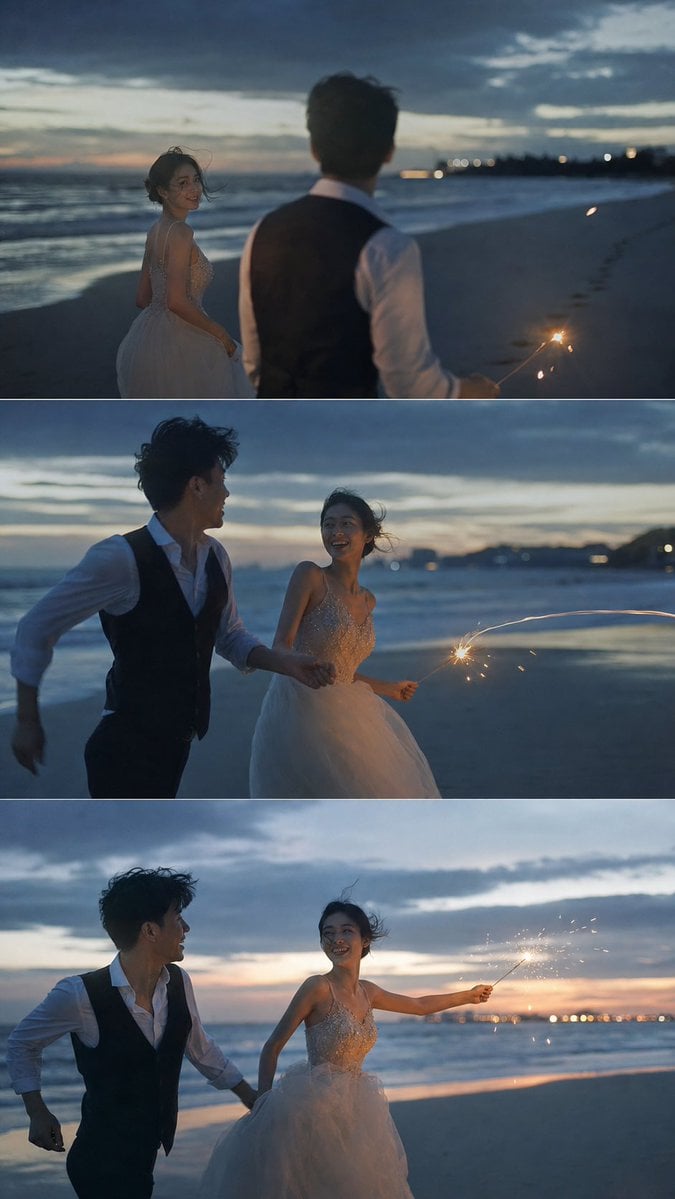
- Prompt included
- Model and format preset
- Premium template
The prompt behind this image
Copy the exact prompt behind Cinematic Beach Wedding Triptych, or open it in the studio and make it yours.
Goal: Create a romantic cinematic wedding photo triptych of a young couple running and playing with a sparkler on a beach at dusk, like frames from an atmospheric destination-wedding film. Canvas: Vertical 9:16 image divided into exactly 3 horizontal widescreen panels stacked from top to bottom, separated by thin white divider lines. Each panel should feel like a different moment from the same beach scene. Subjects: Include exactly 2 people: a {argument name="bride description" default="young East Asian bride with windblown dark hair, joyful smile, wearing a sleeveless sparkling beaded bodice and airy white tulle wedding dress"} and a {argument name="groom description" default="young East Asian groom with tousled dark hair, wearing a white dress shirt with rolled sleeves and a black vest"}. Their expressions should be happy, candid, and intimate rather than posed. Panel 1: The bride is on the left near the shoreline, turning back and smiling toward the groom. The groom is in the foreground on the right with his back mostly to camera, slightly out of focus, holding one lit sparkler low at his side. The ocean is on the left, dark sand stretches into the distance on the right, and faint city lights glow far away. Panel 2: The couple runs together along the wet beach, holding hands. The groom is on the left, laughing and looking toward the bride. The bride is on the right, smiling back while holding exactly 1 lit sparkler extended to the right, making a bright curved streak of sparks. Motion blur should convey movement. Panel 3: The couple continues running, closer to camera. The groom is on the left looking at the bride while holding her hand. The bride is centered-right, smiling, her dress flowing, arm extended to the right with exactly 1 lit sparkler scattering golden sparks. The horizon and sunset glow are more visible behind them. Environment and mood: {argument name="location" default="moody ocean beach at blue hour just after sunset"}, with rolling waves, reflective wet sand, distant coastline lights, layered dark clouds, and a faint warm orange strip near the horizon. Wind should lift the bride’s hair and dress. The scene should feel spontaneous, emotional, youthful, and cinematic. Visual style: Shot as realistic high-end wedding photography, soft natural low light, shallow depth of field, film grain, teal-blue shadows with warm sparkler highlights, dreamy bokeh city lights, gentle motion blur, atmospheric seaside romance. Use a 35mm documentary wedding-photo look, not a studio portrait. Constraints: No text, no logos, no extra people, no bouquet, no fireworks beyond the single handheld sparkler in each visible sparkler moment, no over-polished CGI look.
How to use Cinematic Beach Wedding Triptych in 3 steps
- 1Upload ImagePNG, JPG or paste
Add your photo
Upload the photo the template builds on. The prompt, model and format are already set.
- 2…a portrait of your subject in softgolden-hour light, 85mm…
Personalize
Edit the subject and creative details for your destination.
- 3Generate
Generate
Press Generate — your image is created in PicX Studio, so you can compare it with the original and refine one variable at a time.
More like this
Templates with the same subject, style or setup. Open one to see its prompt.
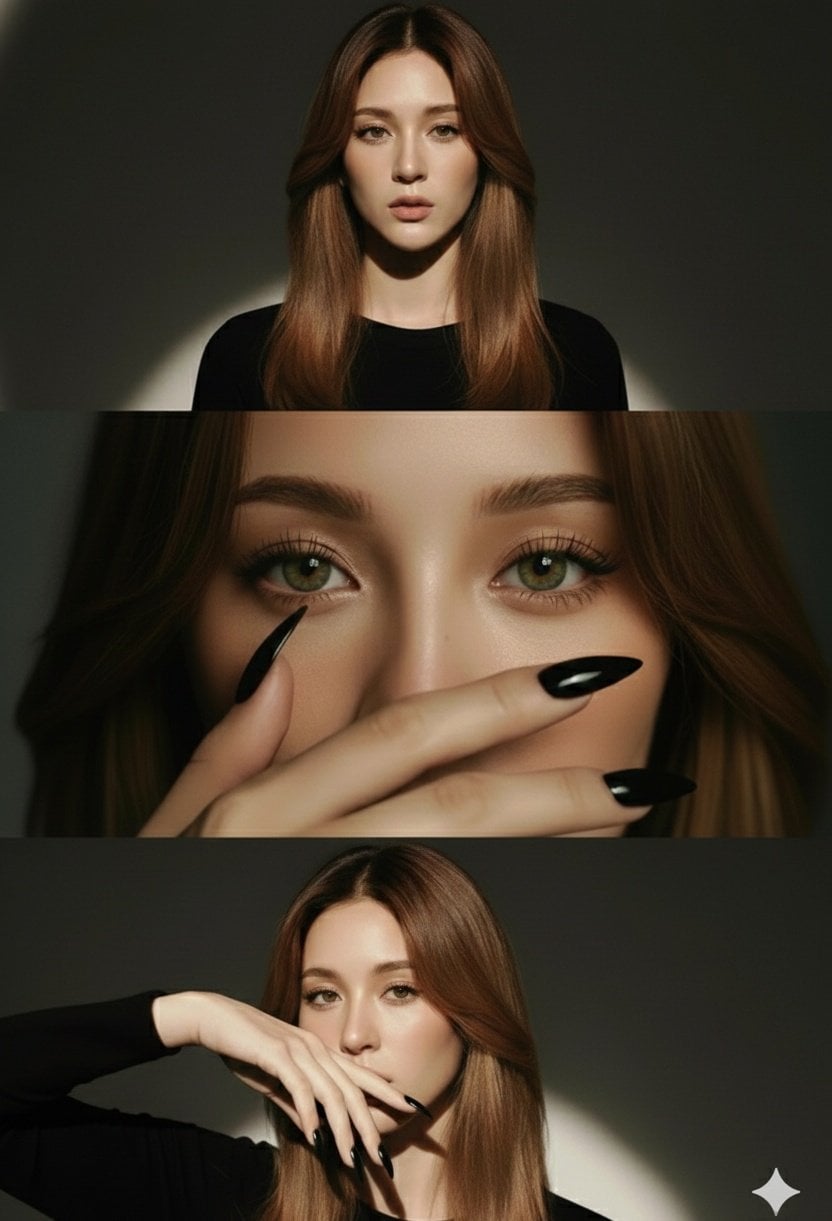
High-Fashion Editorial Studio Portrait Triptych
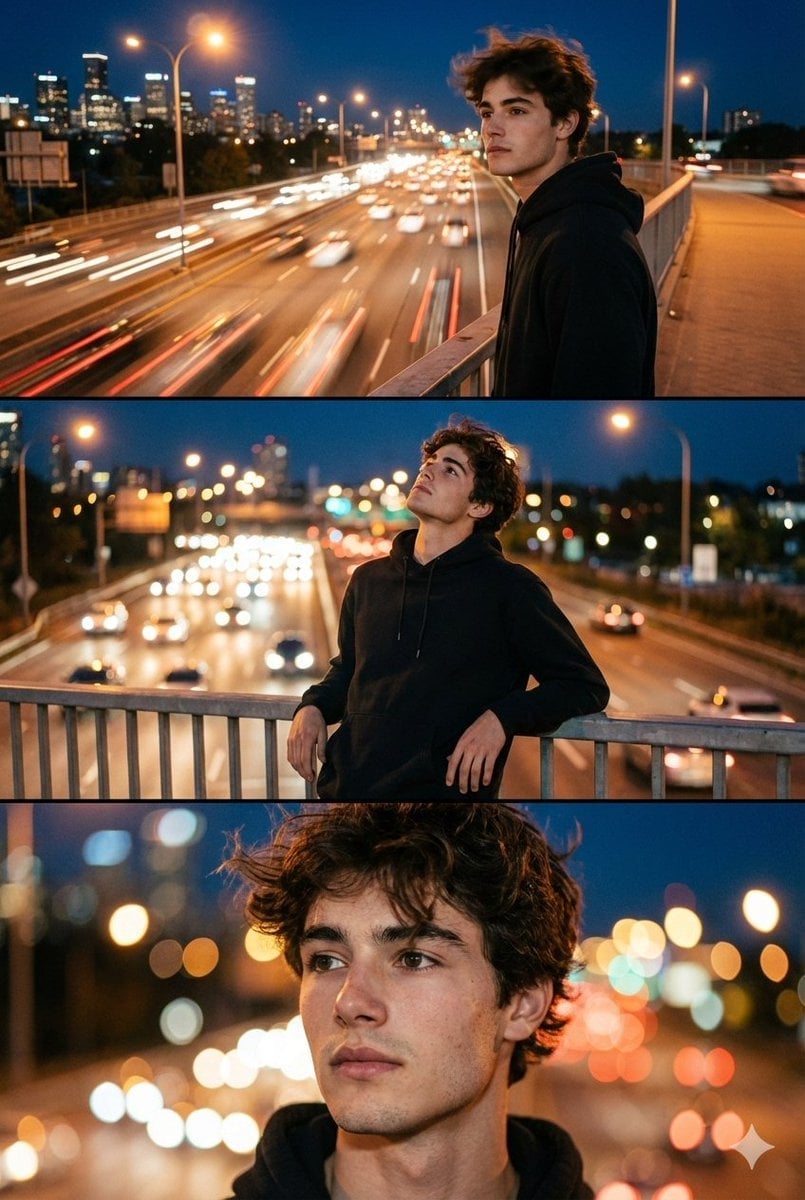
Night City Bridge Triptych Portrait Session
Night City Bridge Triptych Portrait Session
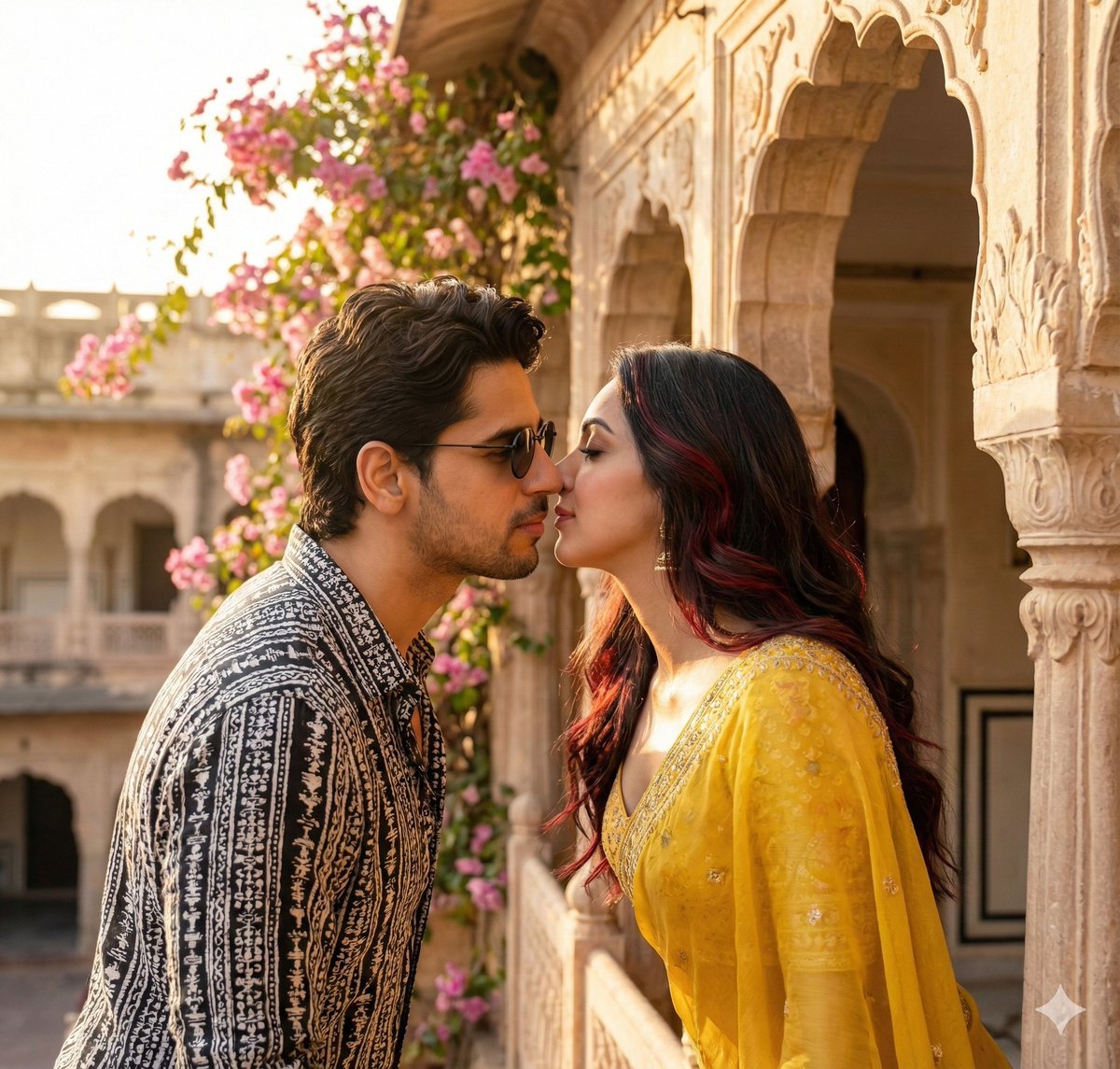
Couple Portrait Prompts (Indian Wedding, Tropical Beach)
Coastal Bench Portrait — Navy Floral Sundress
Japanese Samurai Ukiyo-e Triptych

Pet Wedding Invitation Design
Romantic Zushi Beach Sunset Couple
Rainy Street Triptych Portrait
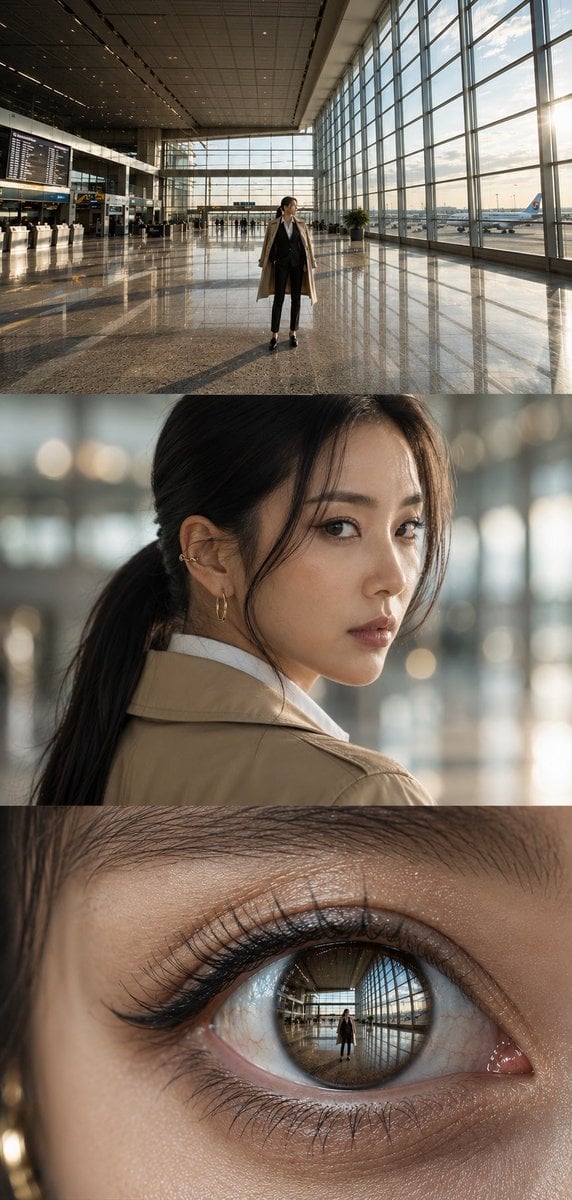
Airport Triptych Eye Reflection

Faceless Fashion Editorial Triptych
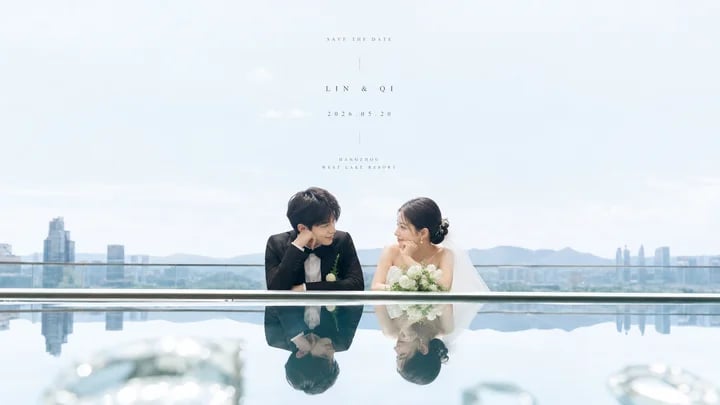
Airy Reflective Wedding Save the Date
Make it yours
Cinematic Beach Wedding Triptych works as-is. These are the safest ways to change it without losing the look.
Change one field
Copy a single group, rewrite it, and generate again so you can see what that field is doing.
Keep the frame, change the subject
Hold the composition and light of Cinematic Beach Wedding Triptych, then swap wardrobe, props or the person for a new take.
| If the result… | Why | Fix |
|---|---|---|
| The result drifts from the preview | Too many fields changed at once. | Reuse Cinematic Beach Wedding Triptych as-is first, then change one group — subject, light, or setting. |
| The model over-stylizes the scene | The prose prompt leaves finish and camera underspecified. | Add one camera or lighting sentence and stay on GPT Image 2. |
More GPT Image 2 templates
Other prompts made for GPT Image 2.

Six VTuber Japanese Logo Sheet

Realistic Portrait of Woman and Deer

The Vista Modular Condo Poster

AI Model Routing Comparison Infographic

2.5D Anime Art Board

Isometric Productivity Desk Scene

New York Double Exposure Poster

Four-Panel AI Landscape Comparison

Japanese Tatami Lifestyle Magazine Cover

NESCAFÉ Coffee Map Poster
More image prompts
Fresh picks from across the catalog.
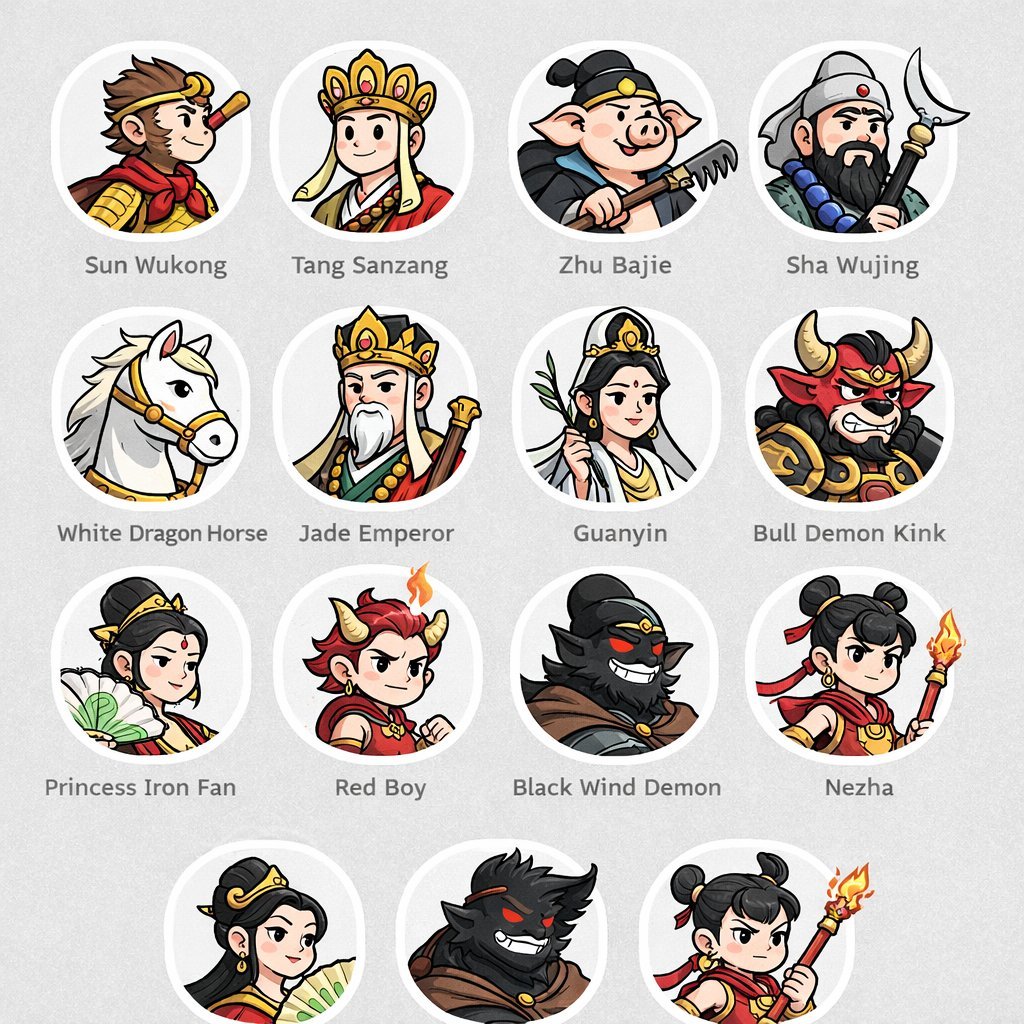
Mythological Character Avatar Grid
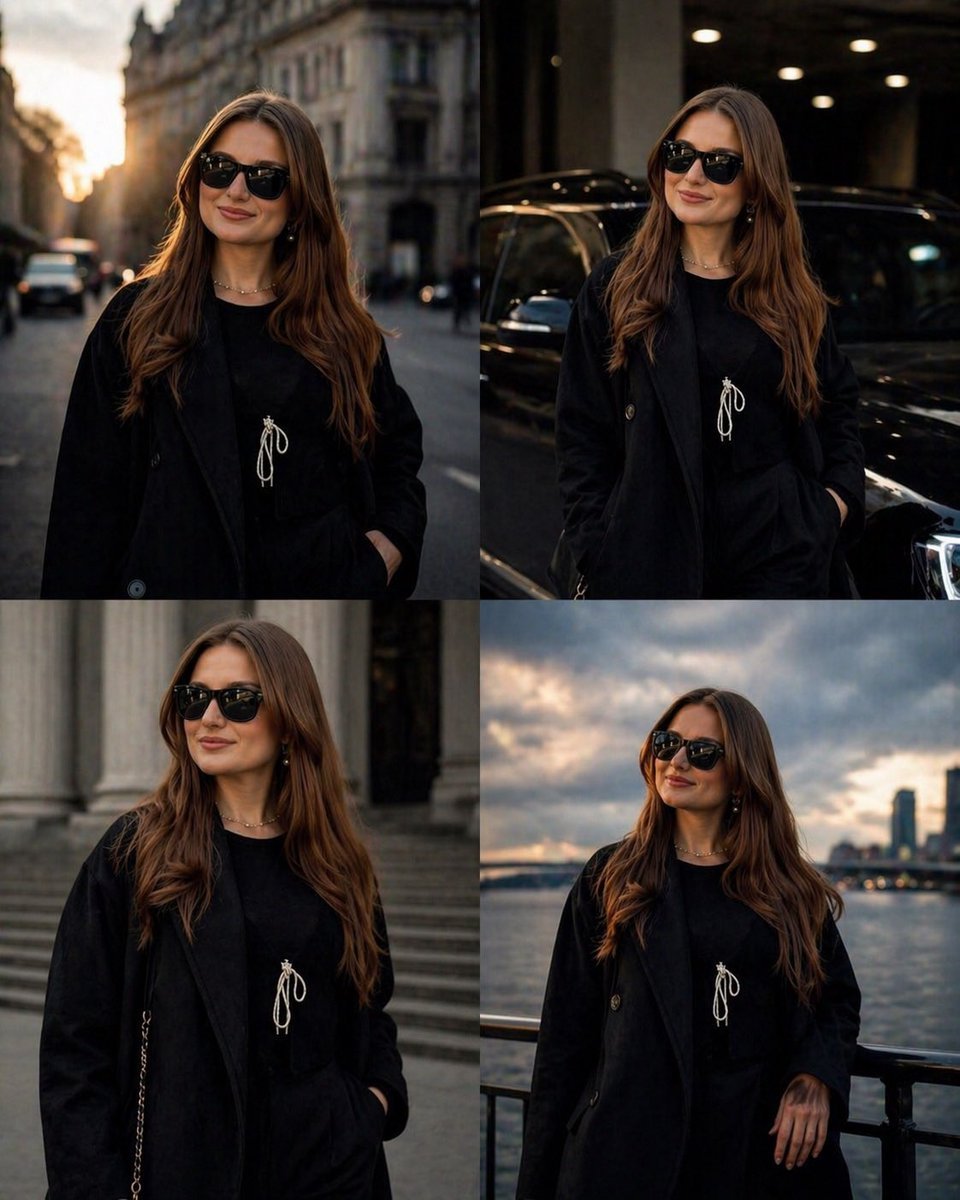
Luxury Urban Street Portrait
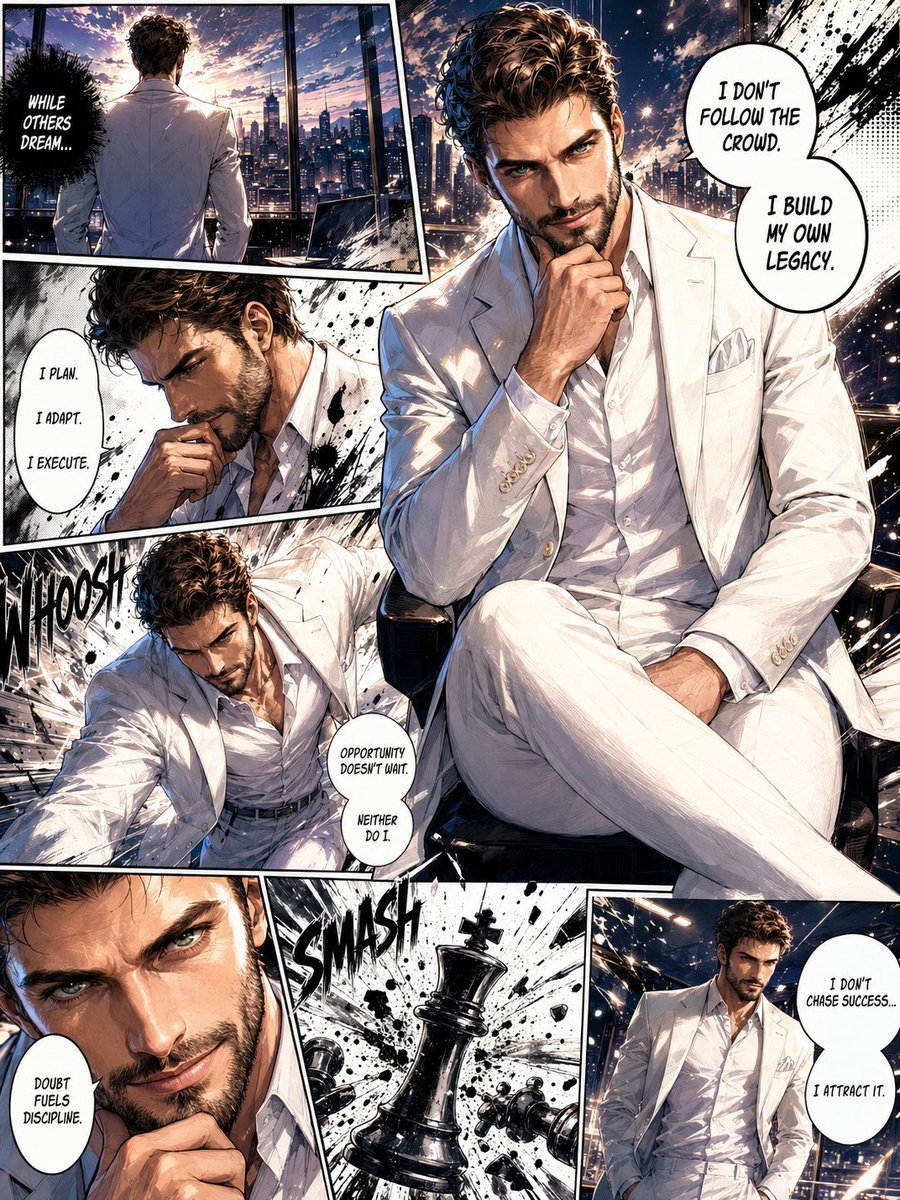
Full Page Manga Illustration
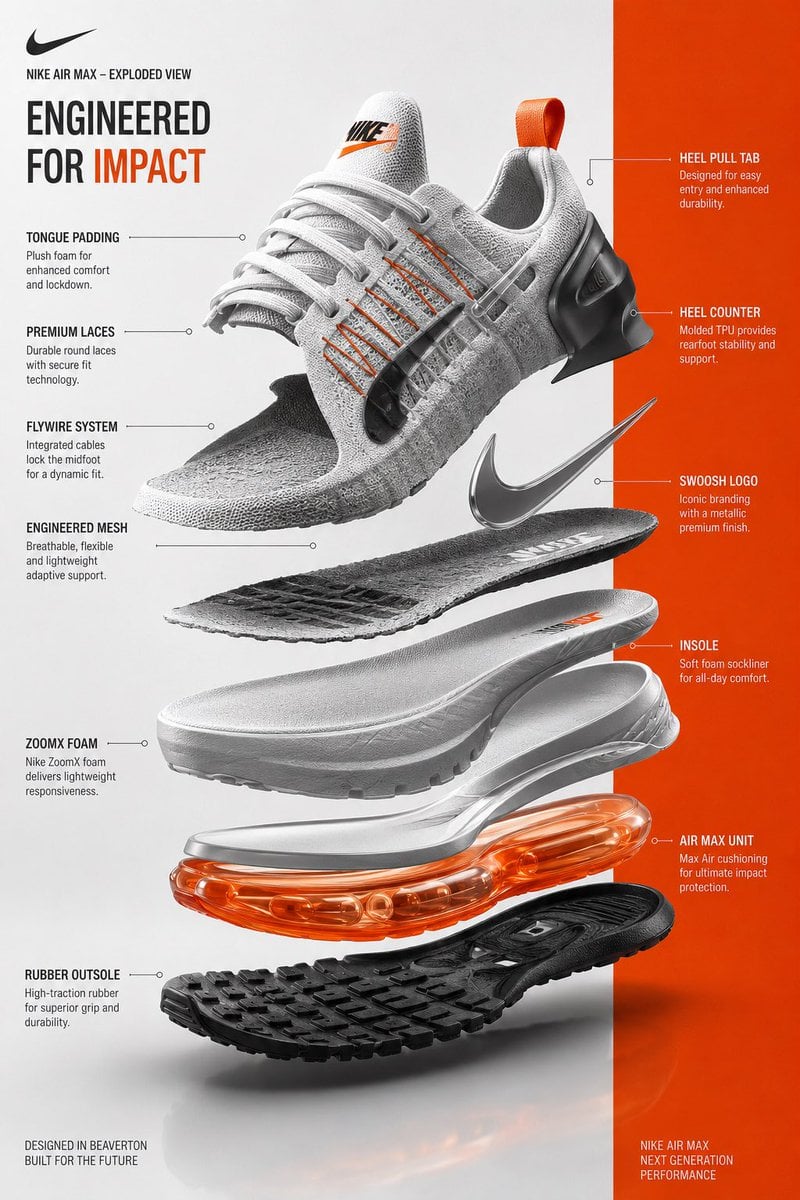
Exploded View Sneaker Infographic
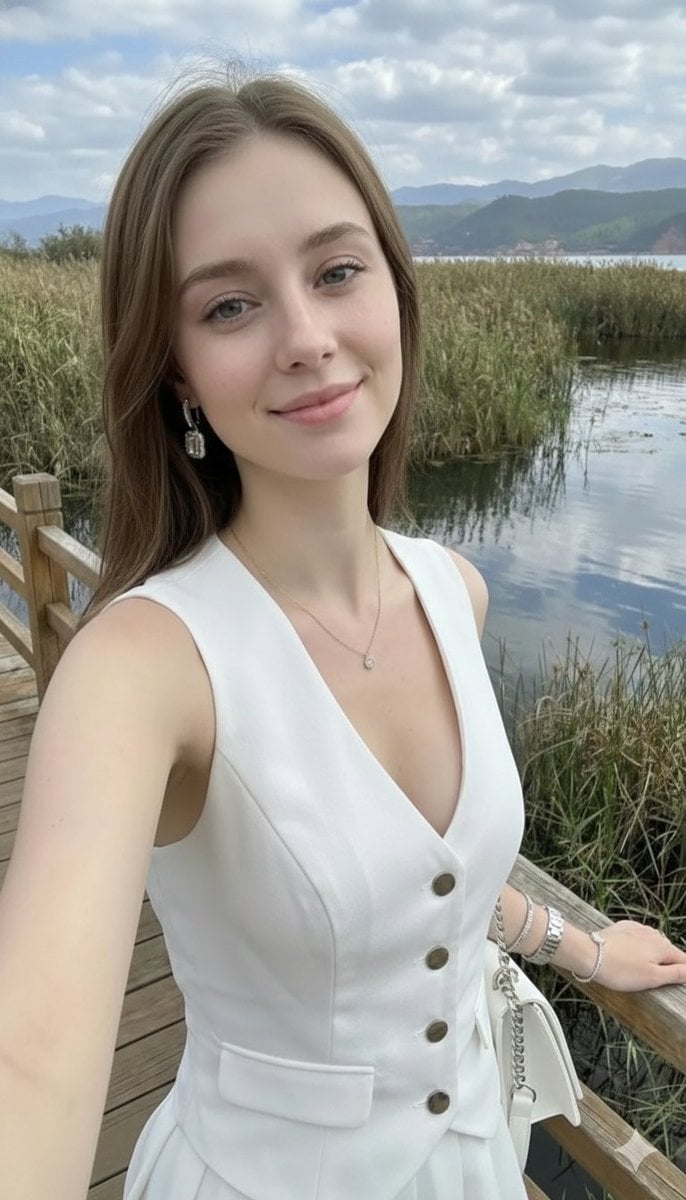
Photorealistic Highland Lake Selfie
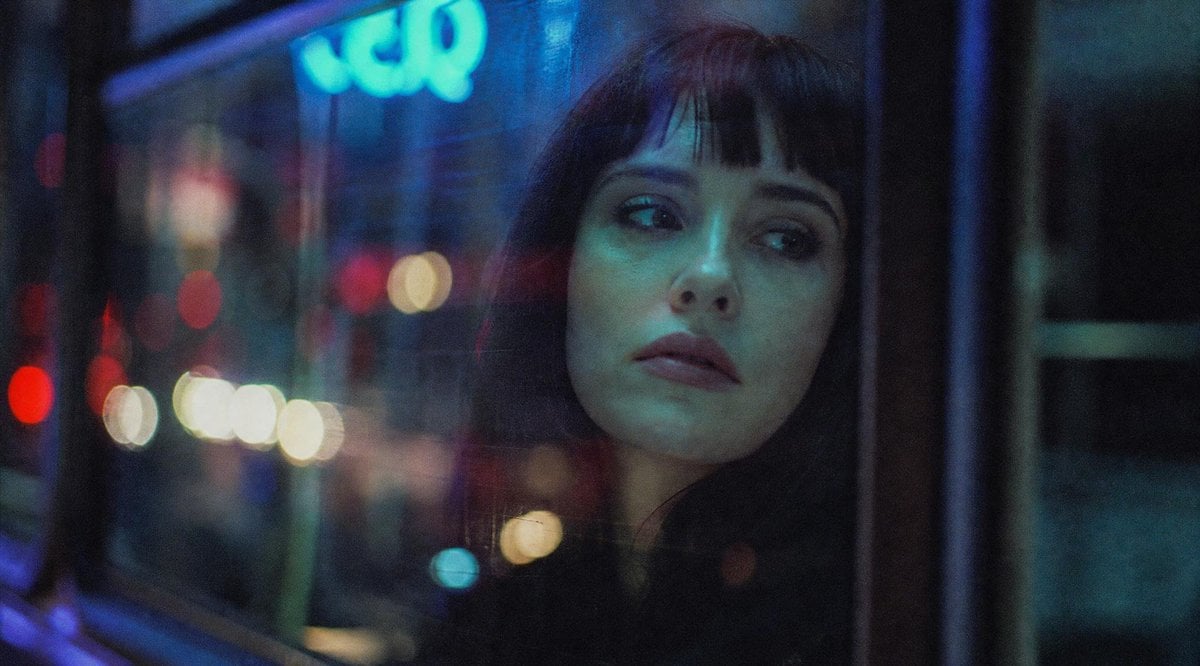
Anonymous Night Bus Portrait
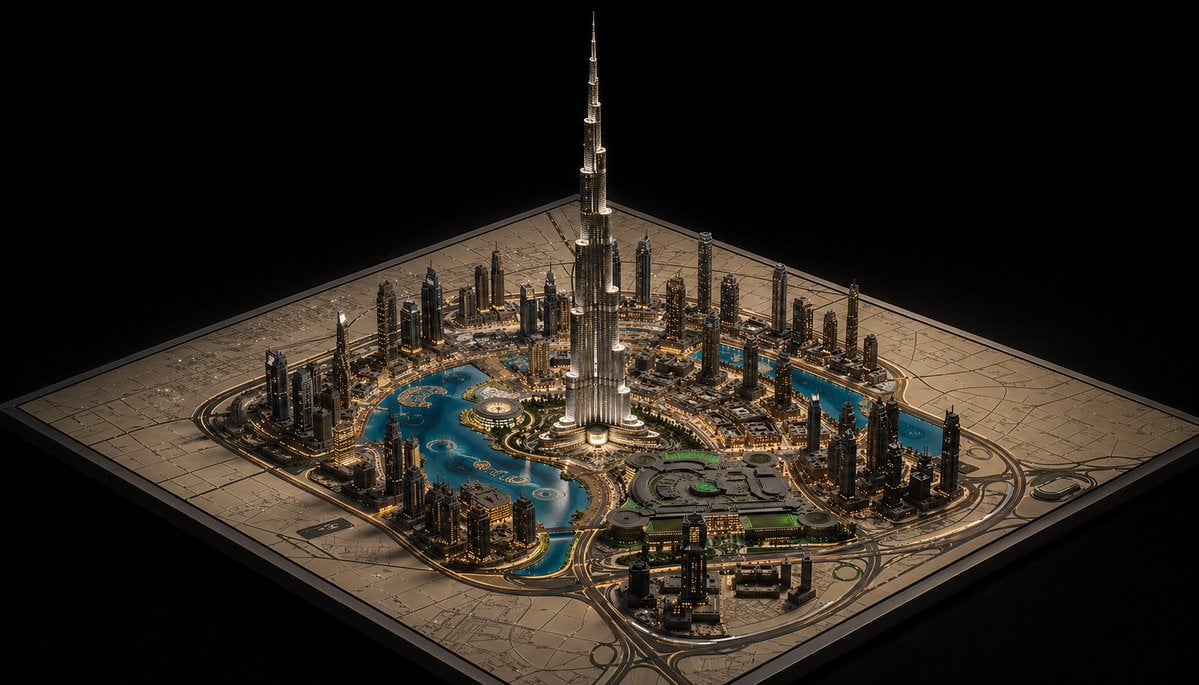
Luxury Miniature Dubai City Model
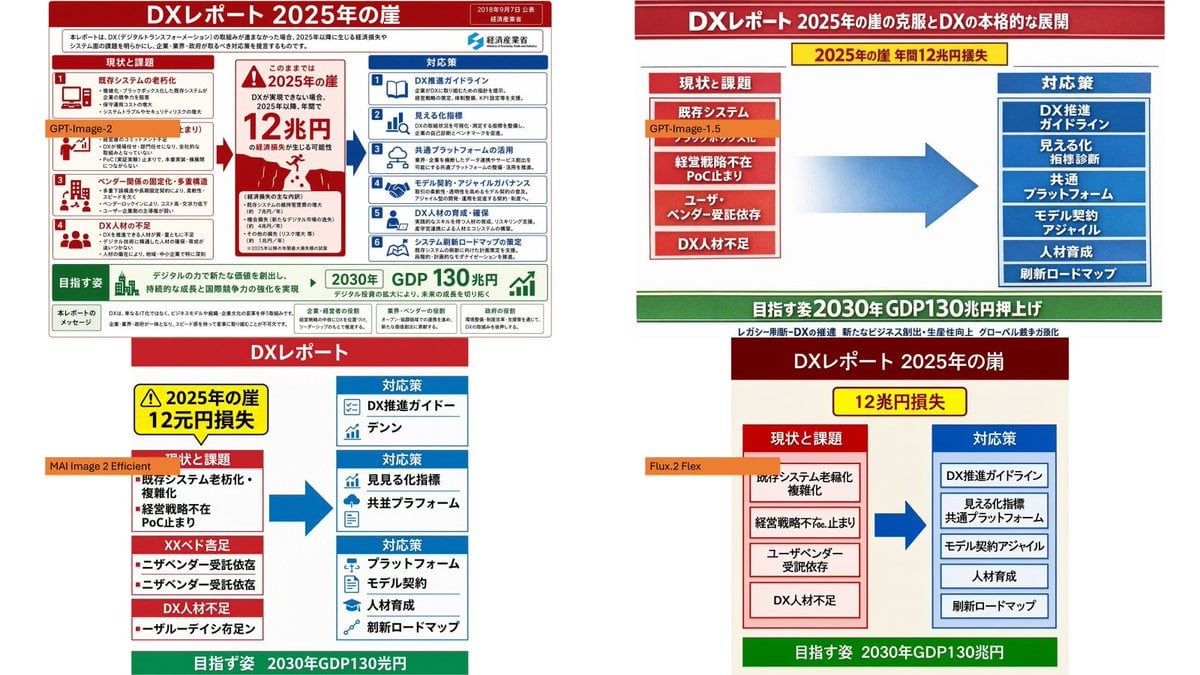
Four-Panel DX Report Model Comparison

Punk Magazine Cover Korea Style
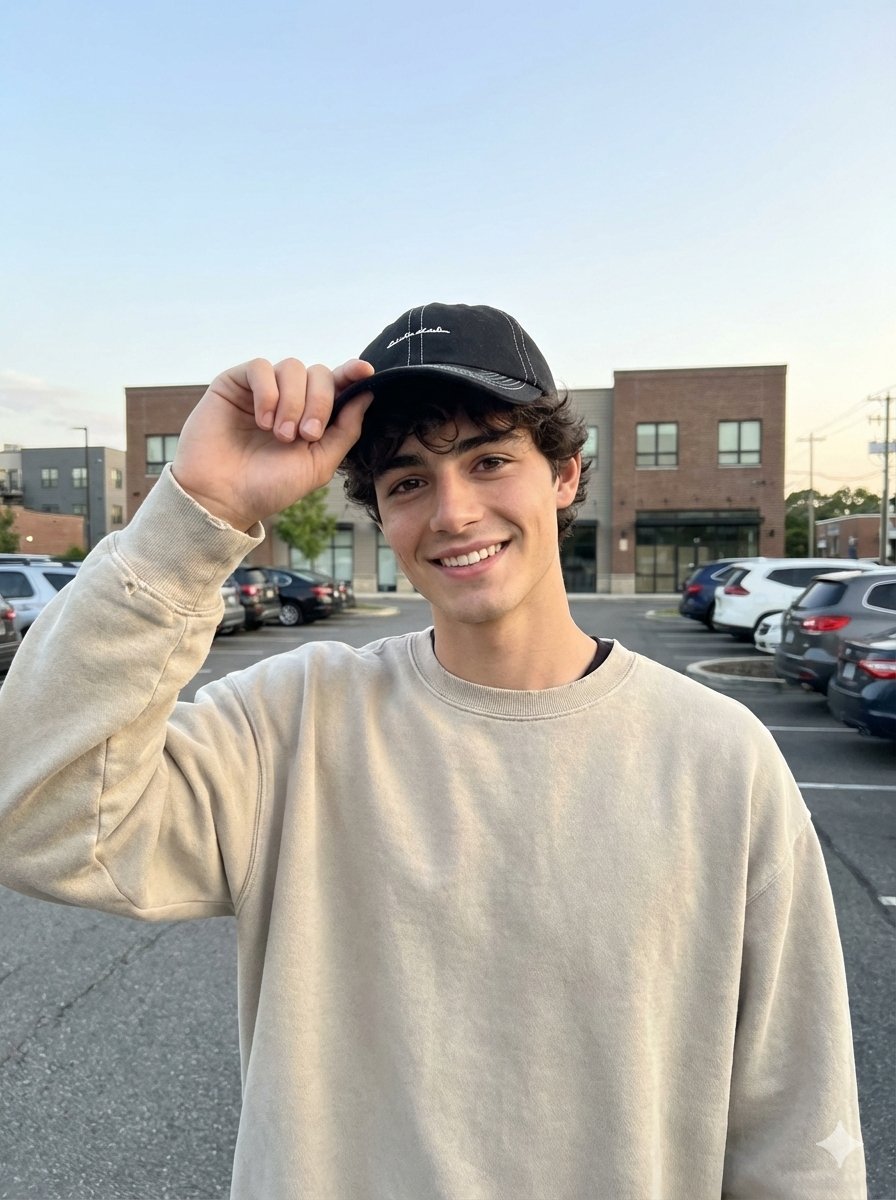
Amateur iPhone Photo Portrait with Accurate Face Reference
Browse template categories
Cinematic Beach Wedding Triptych questions
How do I use the Cinematic Beach Wedding Triptych template?
Add your photo if the template asks for one, edit the prompt if you like — the template's model and format are already selected — and press Generate. Your version opens in PicX Studio.
Can I customize the Cinematic Beach Wedding Triptych template?
Yes. You can change the subject, setting, lighting, mood, format, and available model controls before creating your image.
Is the Cinematic Beach Wedding Triptych template free?
Opening and editing this template is free. Generating uses credits, shown on the Generate button when you are signed in.
Which AI model should I use?
Start with GPT Image 2, which is the model associated with this template. You can compare another compatible model for a different finish.
Looking for something else? Browse all templates.

Your photo, any look
Thousands of ready templates for every top image and video model, from one credit balance.