
Anthropic Token Check Mockup
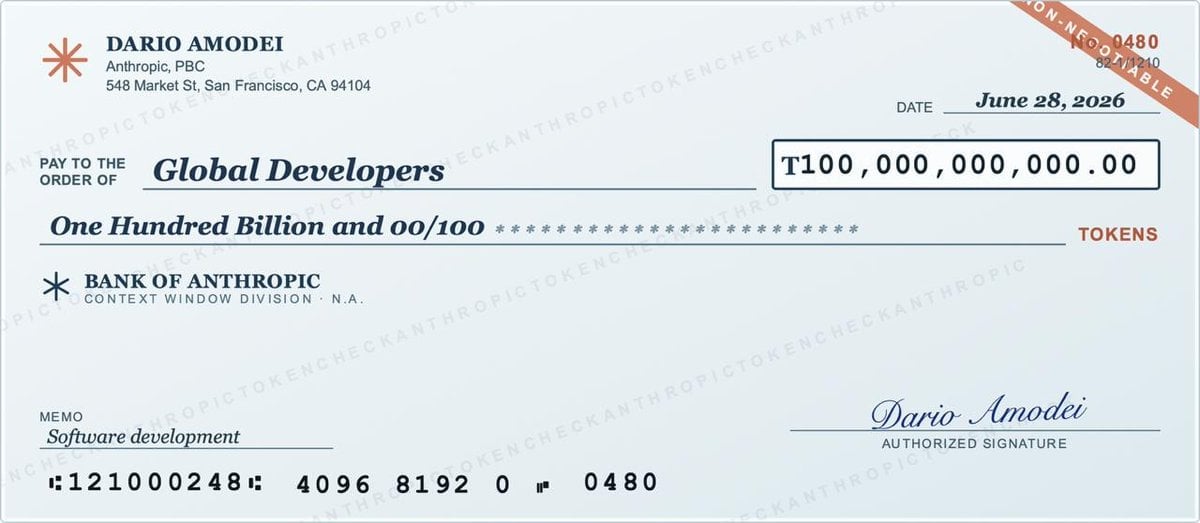
Generates a realistic wide bank-check graphic for an AI token grant or tech announcement visual.
- Prompt included
- Model and format preset
- Premium template
The prompt behind this image
Copy the exact prompt behind Anthropic Token Check Mockup, or open it in the studio and make it yours.
Goal: Create a realistic oversized bank check styled as a high-resolution promotional mockup for an AI company token grant, shown straight-on with a pale blue security-paper background. Canvas: Wide horizontal check, approximately 1200×520 px, thin gray border, soft off-white/light-blue check paper, clean vector-print quality with slight scan-like realism. Layout: Top-left payer identity block; top-right date and check number corner strip; center payee and amount lines; lower-left bank and memo information; lower-right signature; bottom MICR banking numbers. Text content: Use exactly 14 visible text groups: 1) top-left name “DARIO AMODEI”, 2) address block “Anthropic, PBC / 548 Market St, San Francisco, CA 94104”, 3) small label “PAY TO THE ORDER OF”, 4) payee “{argument name="payee" default="Global Developers"}”, 5) date label “DATE”, 6) date “{argument name="date" default="June 28, 2026"}”, 7) boxed numeric amount “{argument name="numeric amount" default="T100,000,000,000.00"}”, 8) written amount “{argument name="written amount" default="One Hundred Billion and 00/100"}” followed by a row of asterisks, 9) red unit label “TOKENS”, 10) bank name “BANK OF ANTHROPIC”, 11) bank subtitle “CONTEXT WINDOW DIVISION · N.A.”, 12) memo label and memo text “MEMO / {argument name="memo" default="Software development"}”, 13) cursive signature “Dario Amodei” with caption “AUTHORIZED SIGNATURE”, 14) bottom MICR line “:121000248: 4096 8192 0 ʺ 0480”. Design details: Add the Anthropic starburst logo in rust red at top left beside the payer block, and a smaller navy star icon beside “BANK OF ANTHROPIC.” Use dark navy ink for most text, red for the “TOKENS” label and the diagonal corner strip. The payee, written amount, memo text, date, and signature should be italic serif or cursive, while labels and numbers are clean sans serif or monospaced. The numeric amount sits in a dark navy outlined rectangle on the right. Use a repeated faint diagonal watermark pattern across the whole check reading “ANTHROPICTOKENCHECK,” very low opacity. In the top-right corner place a diagonal rust-red security ribbon containing “NON-NEGOTIABLE,” with small check number text “0480” nearby and tiny routing-like numbers beneath. Constraints: Keep the check uncluttered, centered, and fully legible; do not add people, hands, background scenery, extra logos, or extra text beyond the listed groups.
How to use Anthropic Token Check Mockup in 3 steps
- 1Upload ImagePNG, JPG or paste
Add your photo
Upload the photo the template builds on. The prompt, model and format are already set.
- 2…a portrait of your subject in softgolden-hour light, 85mm…
Personalize
Edit the subject and creative details for your destination.
- 3Generate
Generate
Press Generate — your image is created in PicX Studio, so you can compare it with the original and refine one variable at a time.
More like this
Templates with the same subject, style or setup. Open one to see its prompt.

Product Shot - T-Shirt Mockup
Weathered JP Morgan Bank Check
Photorealistic Codex Token Coins
Photorealistic Bank Check Macro
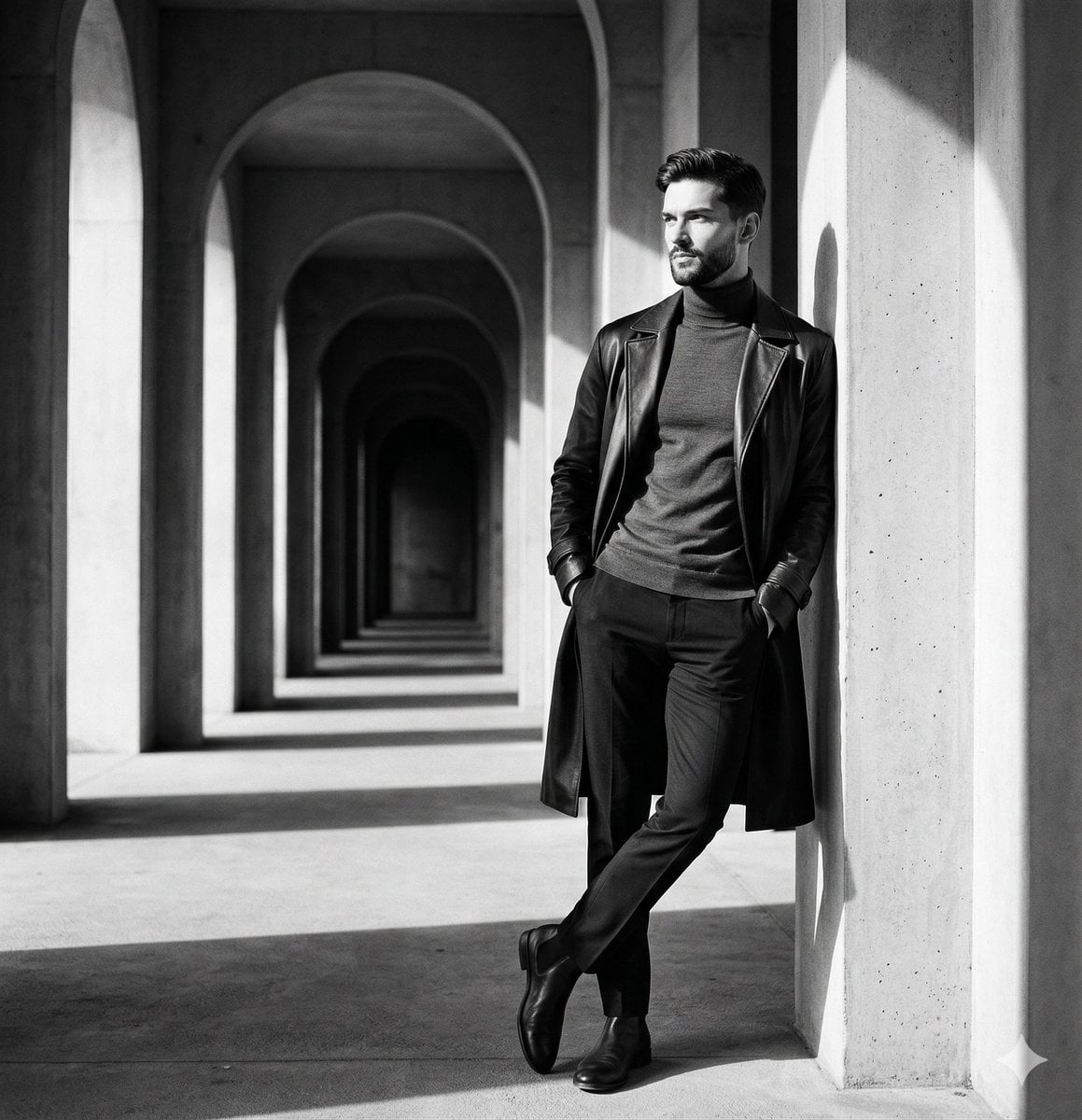
Top Hat Coat Check
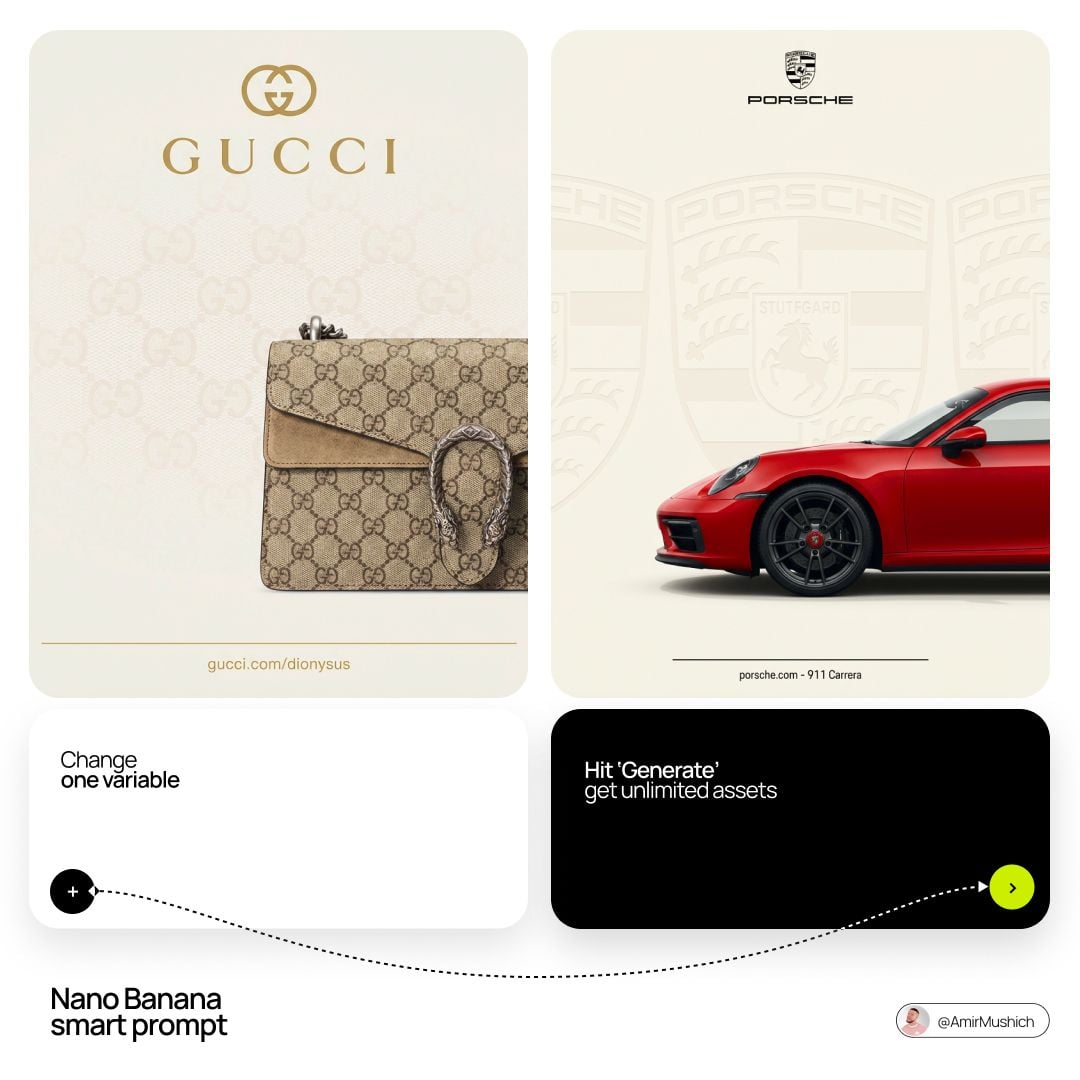
Luxury Pen Signing Check
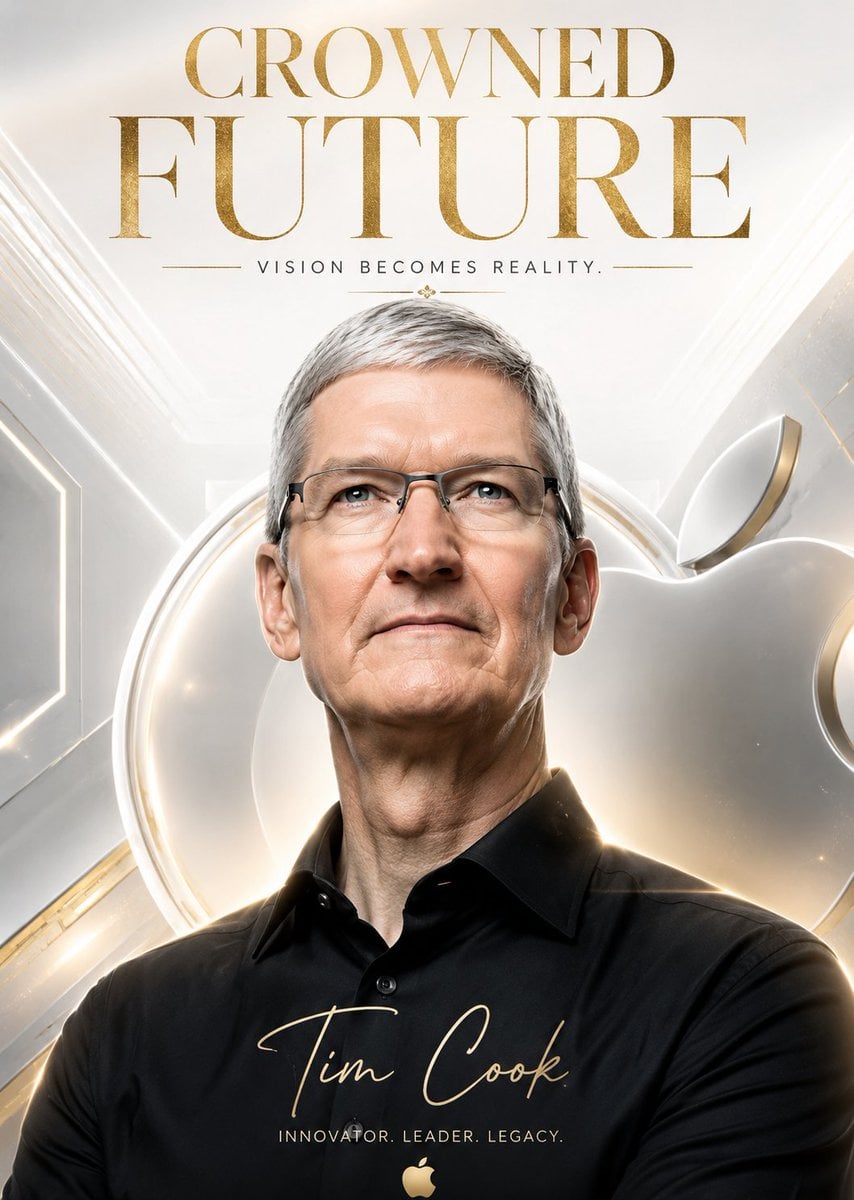
Arcade Token To Gold
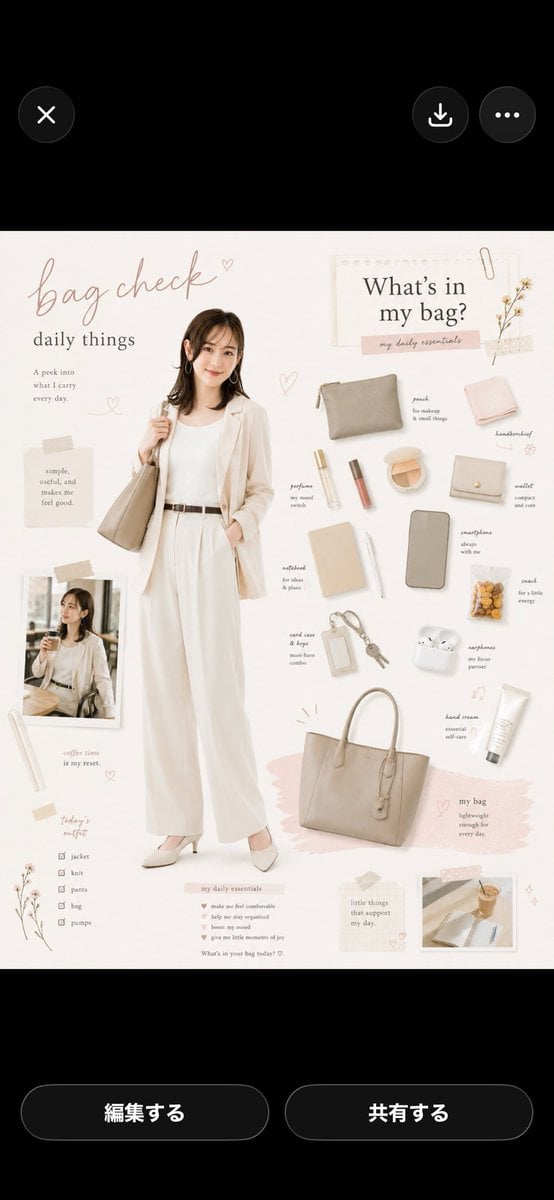
Bag Check Lifestyle Infographic
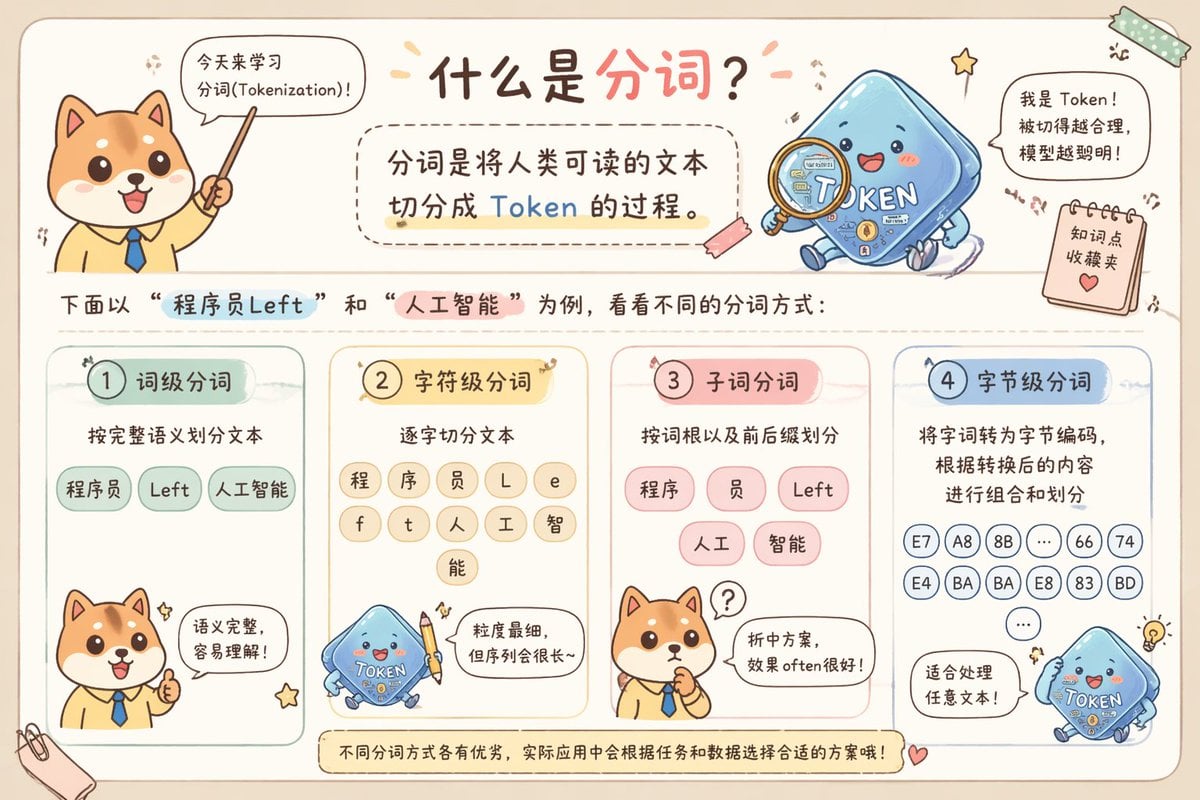
Cute Chinese Tokenization Infographic
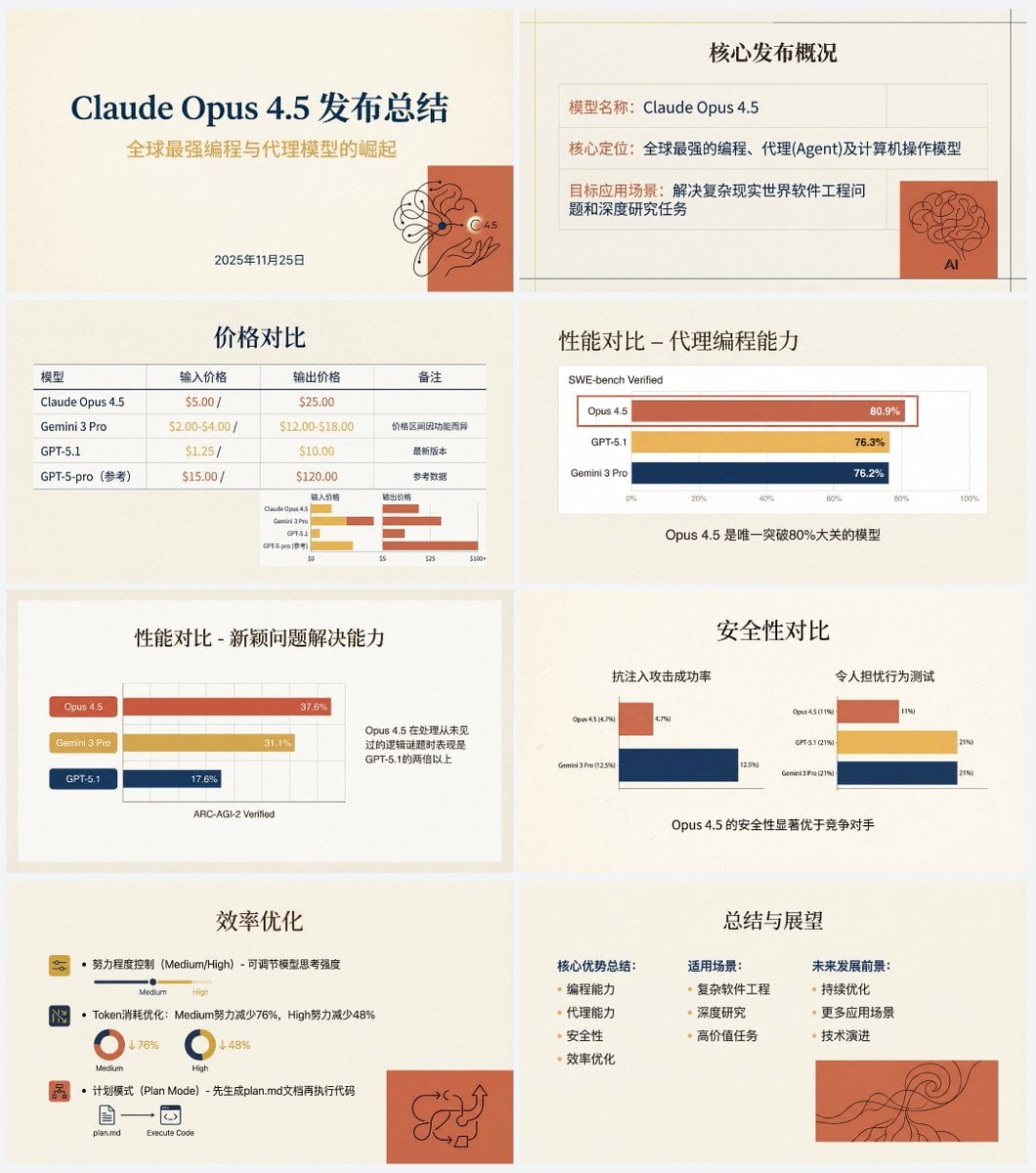
Anthropic-style warm academic PPT workflow prompt
Candid Gen Z Fit Check Mirror Selfie Narrative

Cinematic Anime Shinobi Poster Mockup
Make it yours
Anthropic Token Check Mockup works as-is. These are the safest ways to change it without losing the look.
Change one field
Copy a single group, rewrite it, and generate again so you can see what that field is doing.
Keep the frame, change the subject
Hold the composition and light of Anthropic Token Check Mockup, then swap wardrobe, props or the person for a new take.
| If the result… | Why | Fix |
|---|---|---|
| The result drifts from the preview | Too many fields changed at once. | Reuse Anthropic Token Check Mockup as-is first, then change one group — subject, light, or setting. |
| The model over-stylizes the scene | The prose prompt leaves finish and camera underspecified. | Add one camera or lighting sentence and stay on GPT Image 2. |
More GPT Image 2 templates
Other prompts made for GPT Image 2.

Six VTuber Japanese Logo Sheet

Realistic Portrait of Woman and Deer

The Vista Modular Condo Poster

AI Model Routing Comparison Infographic

2.5D Anime Art Board

Isometric Productivity Desk Scene

New York Double Exposure Poster

Four-Panel AI Landscape Comparison

Japanese Tatami Lifestyle Magazine Cover

NESCAFÉ Coffee Map Poster
More image prompts
Fresh picks from across the catalog.
High-Contrast Flash Portrait with Identity Lock
Gothic Noir Vigilante Portrait (Batgirl Inspired)
AirPods Style Tech Ad Poster
Product Shot Prompt for Nano Banana Pro: Art Toy in a Coca-Cola Cooler
Hyper-Realistic 3D Chess Set for Rivalry Themes
Monochrome Noir Fashion Portrait
Gothic Oiran Anime Portrait
Epic Fantasy Mecha Light Novel Cover
Custom Logo Basketball Selfie
Pop Star Concert Photography
Browse template categories
Anthropic Token Check Mockup questions
How do I use the Anthropic Token Check Mockup template?
Add your photo if the template asks for one, edit the prompt if you like — the template's model and format are already selected — and press Generate. Your version opens in PicX Studio.
Can I customize the Anthropic Token Check Mockup template?
Yes. You can change the subject, setting, lighting, mood, format, and available model controls before creating your image.
Is the Anthropic Token Check Mockup template free?
Opening and editing this template is free. Generating uses credits, shown on the Generate button when you are signed in.
Which AI model should I use?
Start with GPT Image 2, which is the model associated with this template. You can compare another compatible model for a different finish.
Looking for something else? Browse all templates.

Your photo, any look
Thousands of ready templates for every top image and video model, from one credit balance.