
Retro School Girly Fashion Photography
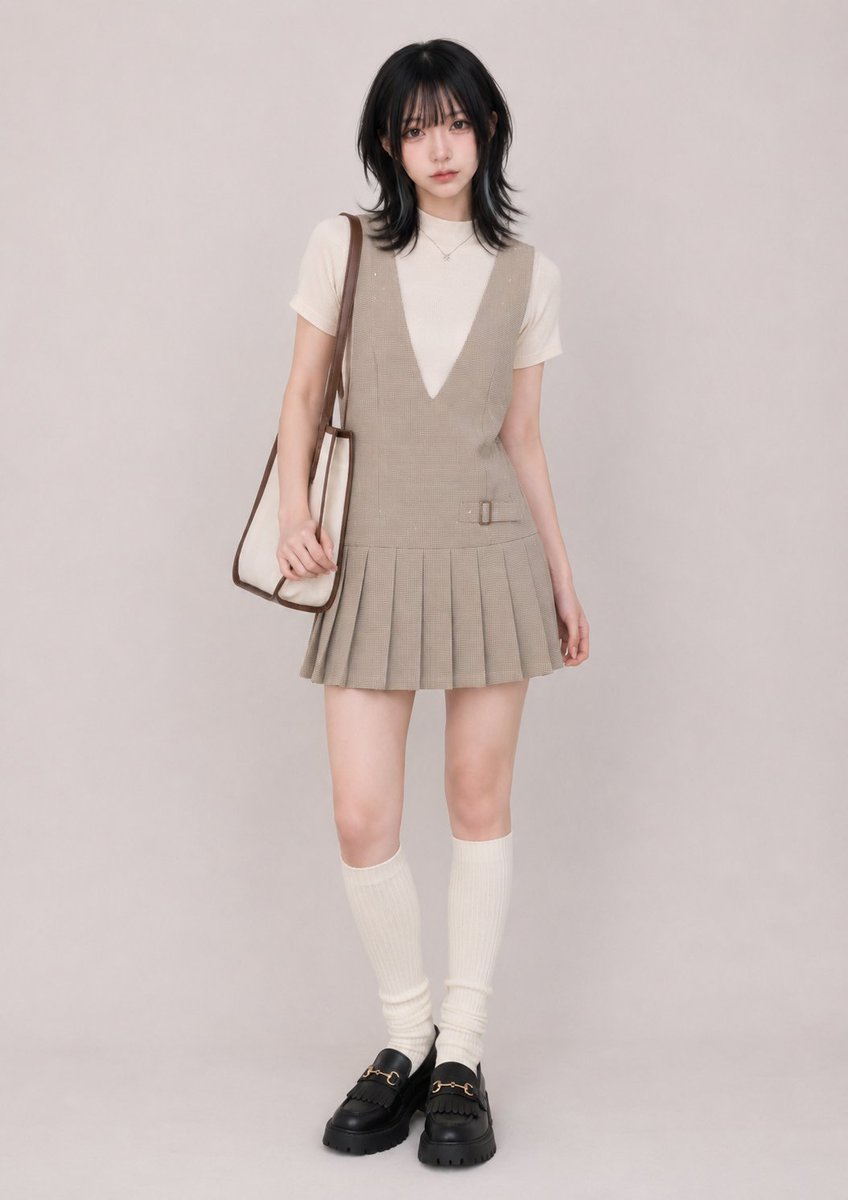
An incredibly detailed fashion prompt for GPT Image 2 that specifies every layer and texture of a retro school-inspired outfit.
- Prompt included
- Model and format preset
- Premium template
The prompt behind this image
Copy the exact prompt behind Retro School Girly Fashion Photography, or open it in the studio and make it yours.
Outfit: a fitted ivory-cream short-sleeve inner top in fine cotton-blend stretch knit, featuring a close shallow mock neckline and regular upper-arm-length sleeves worn fully down without folding or rolling, layered completely beneath a beige and light-brown sleeveless pinafore mini dress in medium-light suiting-like woven fabric with a fine micro-check pattern and sparse tiny ivory dot-like embellishments, featuring broad shoulder sections worn evenly in their normal position, a structurally deep symmetrical V-shaped front opening extending into the upper torso and exposing a long narrow inverted-triangle section of the cream inner top, a clean semi-fitted elongated bodice, a low dropped-waist seam, a short matching fabric tab with a small rectangular buckle-like detail fixed flat against one side of the front waist, and a mid-thigh pleated mini skirt formed from multiple crisp vertical knife pleats, with no visible front buttons, zipper, hooks, ribbon, belt, or drawstrings and no shoulder slippage, neckline shifting, hem folding, waistband rolling, or asymmetrical styling, the inner top hem fully concealed inside the dress, paired with cream vertical-rib knit knee-high socks pulled evenly to just below both knees without folded cuffs and with only subtle natural bunching around the ankles, black chunky closed-toe loafers in smooth leather-like material featuring rounded apron toes, kiltie-style instep fringe, fixed gold-tone horsebit-like hardware, and thick black lugged rubber platform soles, plus a small-to-medium vertically proportioned natural-ivory canvas shoulder tote with dark-brown leather-like edging, reinforced trim, and one long narrow functional shoulder strap, worn from one shoulder so the bag hangs at the hip rather than crossbody or handheld, with no bag charms or decorative keychains, accompanied only by a minimal random mix of delicate understated metal-tone accessories with very light visual volume, with premium fabric texture, realistic garment construction, clean stitching, visible seams, refined edge finishing, natural seam tension, believable fabric weight, crisp but realistic pleat structure, subtle wrinkles, real folds, realistic layered depth, natural fabric bunching, believable buckle and metal-hardware construction, high-quality material feel, and well-made everyday clothing details, not costume-like and not cheap-looking.
How to use Retro School Girly Fashion Photography in 3 steps
- 1
Open
The prompt is already in the box next to the preview, with the template's model and format selected.
- 2…a portrait of your subject in softgolden-hour light, 85mm…
Personalize
Edit the subject and creative details for your destination.
- 3Generate
Generate
Press Generate — your image is created in PicX Studio, so you can compare it with the original and refine one variable at a time.
More like this
Templates with the same subject, style or setup. Open one to see its prompt.












Make it yours
Retro School Girly Fashion Photography works as-is. These are the safest ways to change it without losing the look.
Change one field
Copy a single group, rewrite it, and generate again so you can see what that field is doing.
Keep the frame, change the subject
Hold the composition and light of Retro School Girly Fashion Photography, then swap wardrobe, props or the person for a new take.
| If the result… | Why | Fix |
|---|---|---|
| The result drifts from the preview | Too many fields changed at once. | Reuse Retro School Girly Fashion Photography as-is first, then change one group — subject, light, or setting. |
| The model over-stylizes the scene | The prose prompt leaves finish and camera underspecified. | Add one camera or lighting sentence and stay on GPT Image 2. |
More GPT Image 2 templates
Other prompts made for GPT Image 2.

Six VTuber Japanese Logo Sheet

Realistic Portrait of Woman and Deer

The Vista Modular Condo Poster

AI Model Routing Comparison Infographic

2.5D Anime Art Board

Isometric Productivity Desk Scene

New York Double Exposure Poster

Four-Panel AI Landscape Comparison

Japanese Tatami Lifestyle Magazine Cover

NESCAFÉ Coffee Map Poster
More image prompts
Fresh picks from across the catalog.

Cartoon Animal Sticker Set
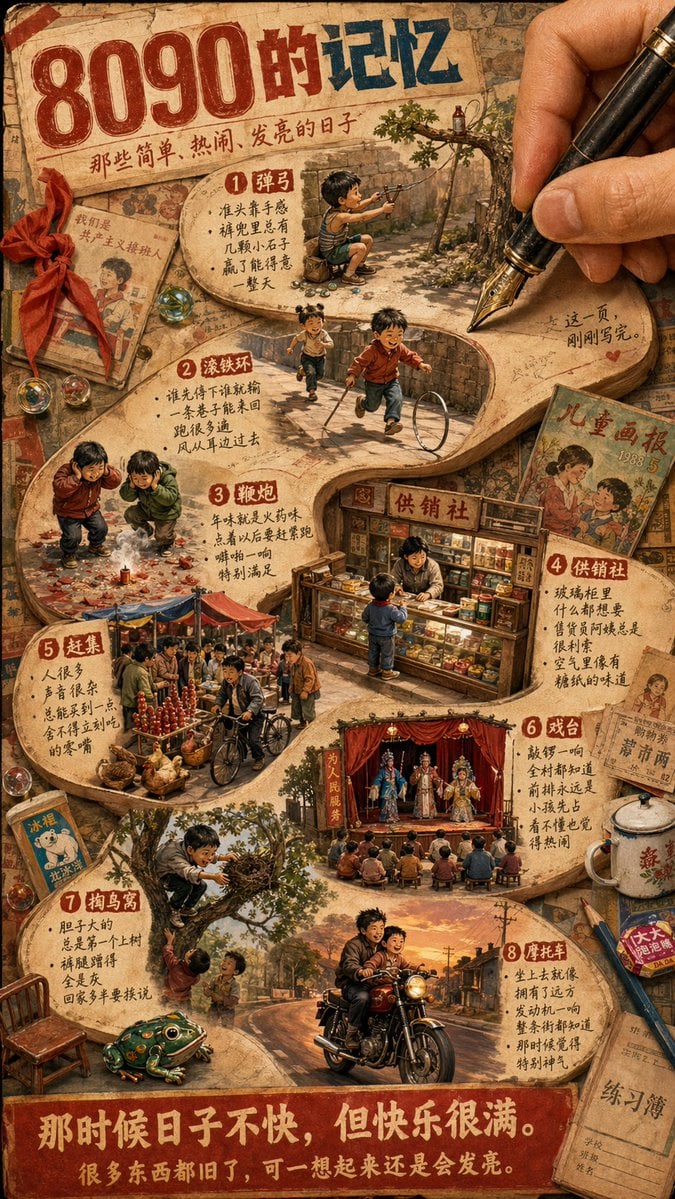
Nostalgic 80s 90s China Memory Poster
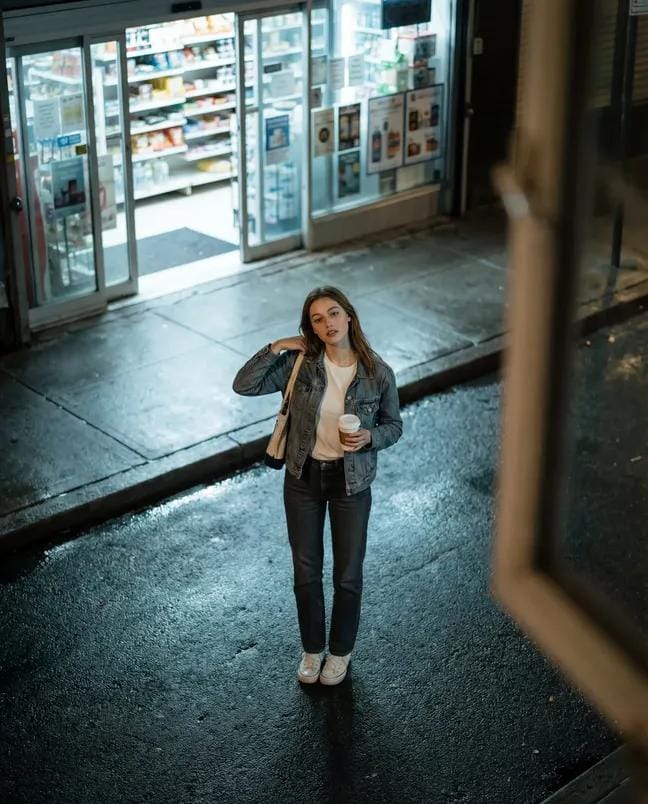
High-Angle Night Street Fashion Photograph
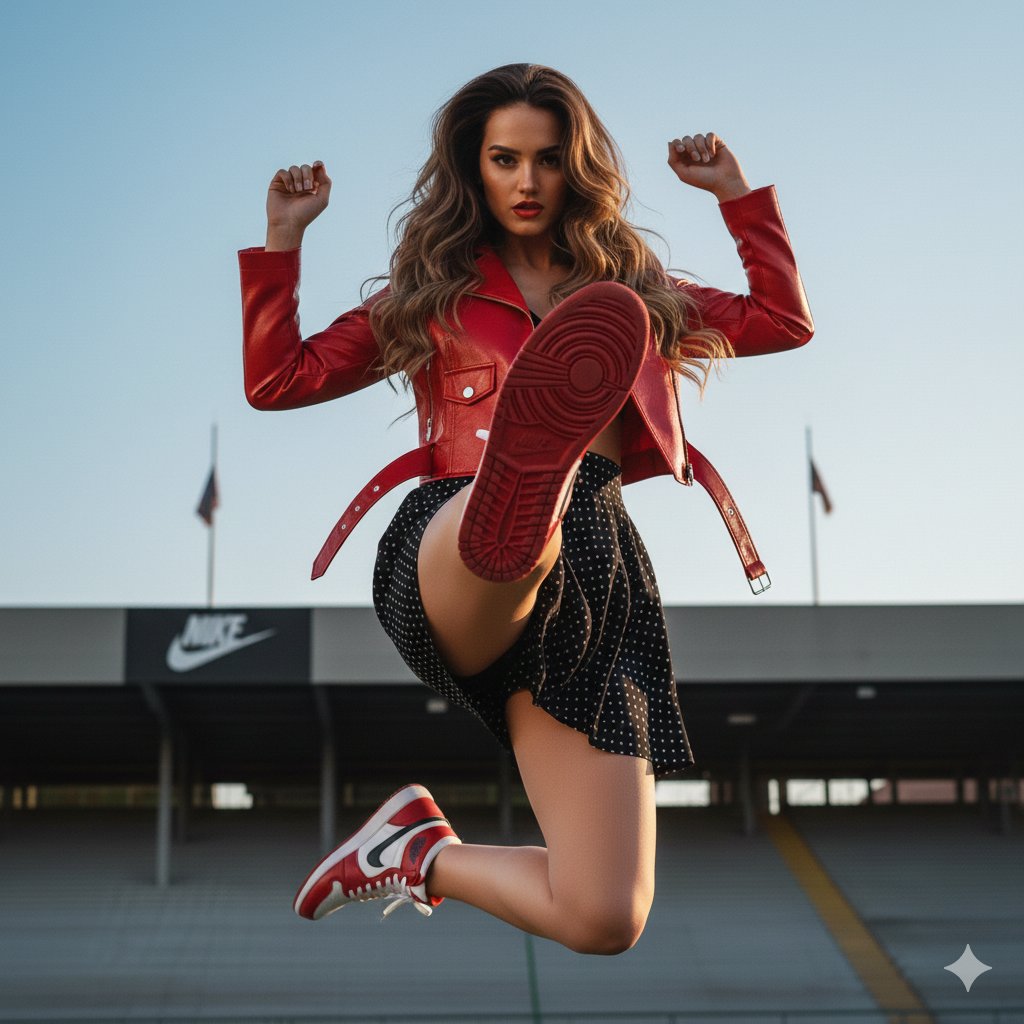
Photorealistic Fashion Portrait with Exact Face Match Prompt
Magazine Cover Mockup for AI Interiors

Real-World Anime Character Crossover
untitled
X Minahil42298354 Subject a Heartwarming Portrait
iPhone Screen Reflection Portrait
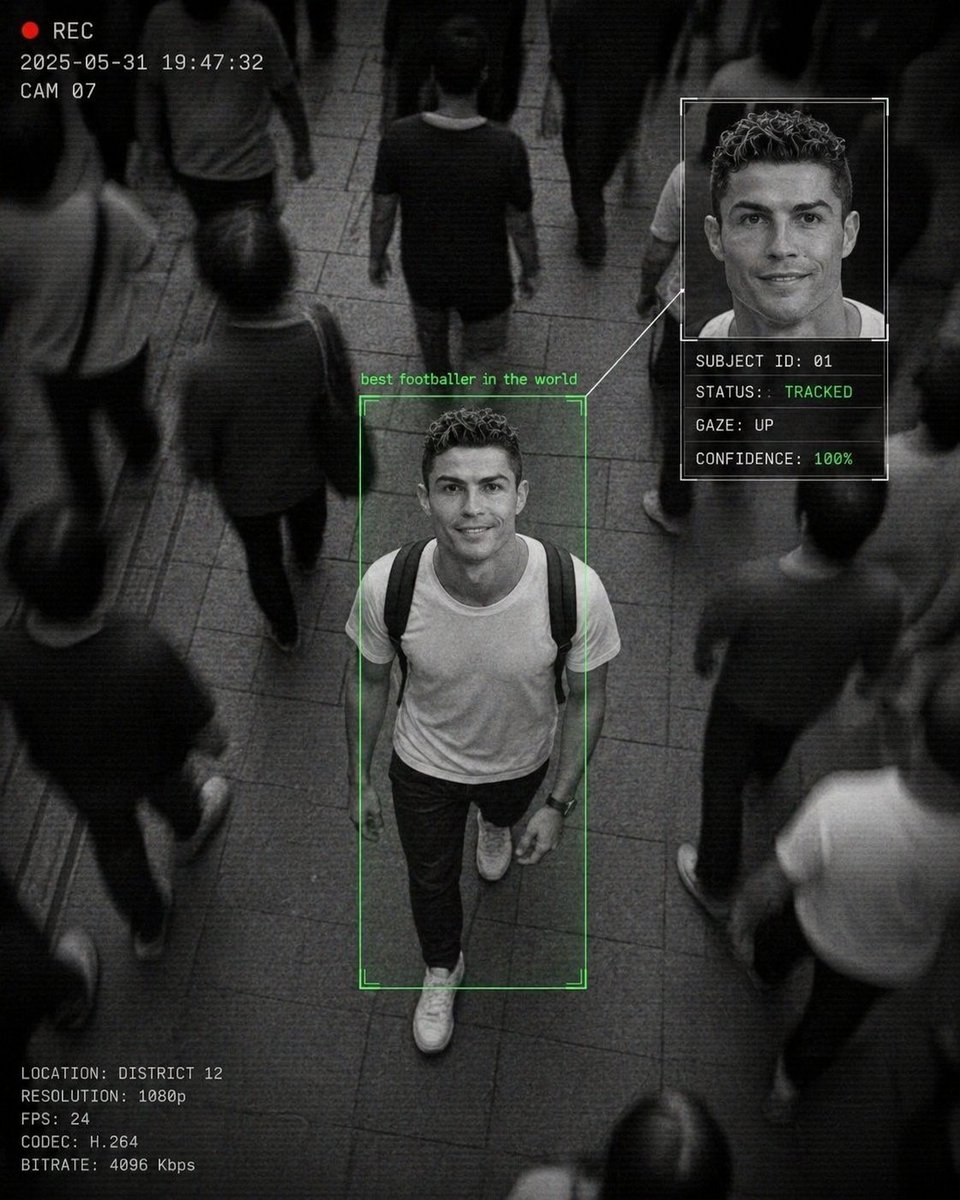
Cinematic Surveillance Interface Aesthetic
Browse template categories
Retro School Girly Fashion Photography questions
How do I use the Retro School Girly Fashion Photography template?
Add your photo if the template asks for one, edit the prompt if you like — the template's model and format are already selected — and press Generate. Your version opens in PicX Studio.
Can I customize the Retro School Girly Fashion Photography template?
Yes. You can change the subject, setting, lighting, mood, format, and available model controls before creating your image.
Is the Retro School Girly Fashion Photography template free?
Opening and editing this template is free. Generating uses credits, shown on the Generate button when you are signed in.
Which AI model should I use?
Start with GPT Image 2, which is the model associated with this template. You can compare another compatible model for a different finish.
Looking for something else? Browse all templates.

Your photo, any look
Thousands of ready templates for every top image and video model, from one credit balance.