How do I use the Cinematic Fashion Poster Prompt template?
Choose the primary action to open PicX Studio with the available template settings. Review the model and format, personalize the creative direction, and generate when ready.
A detailed prompt for creating high-end cinematic posters featuring a specific person.
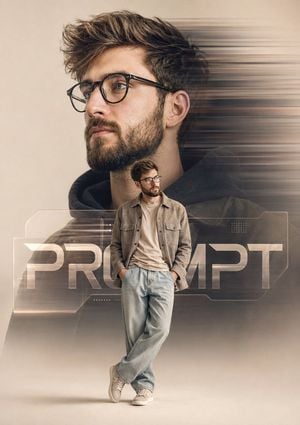
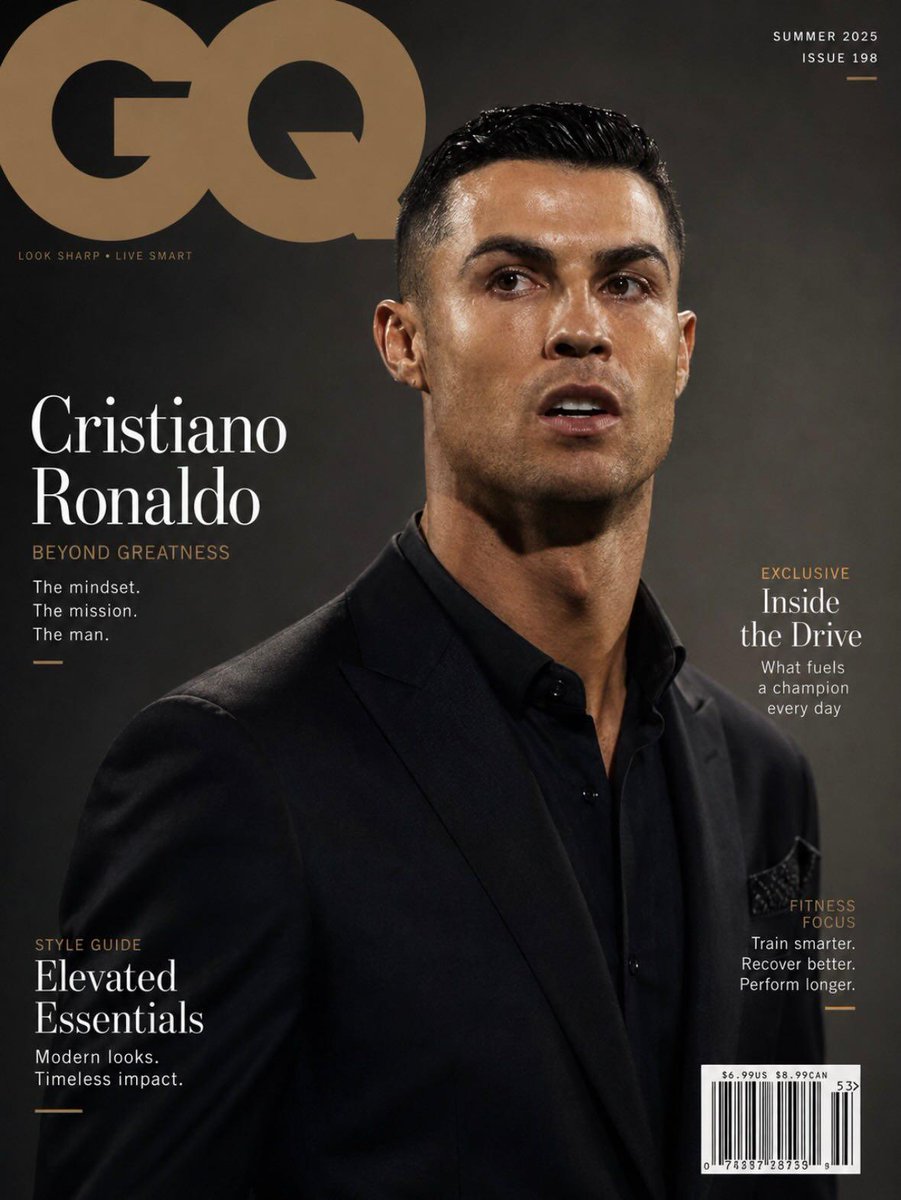
Create a premium cinematic poster-style portrait of the {argument name="subject" default="uploaded person"} in a clean {argument name="environment" default="beige studio"} environment, aspect ratio 4:5. The composition closely follows the reference design. A large side-profile portrait of the {argument name="subject" default="uploaded person"} dominates the background, occupying approximately 70-75% of the frame height, facing left with a calm, confident expression. Behind the large portrait, add strong horizontal motion blur streaks extending toward the right side, creating a dynamic sense of movement. In the foreground, place a smaller full-body version of the {argument name="subject" default="uploaded person"} standing in front of the larger portrait, occupying approximately 30-35% of the frame height. He is wearing stylish beige-tan casual clothing matching the reference aesthetic: a relaxed overshirt/jacket, light-wash loose-fit jeans, and casual sneakers. Add modern transparent eyeglasses. Both hands are casually tucked into his trouser pockets. His stance matches the reference exactly: one leg crossed naturally in front of the other, leaning slightly with a relaxed, confident posture. He is looking slightly toward the brand text area rather than directly at the camera. Place a large modern branding text element behind the foreground figure, partially obscured by his body, using the word "{argument name="branding text" default="PROMPT"}" in bold futuristic typography. The text should feel integrated into the design, with subtle transparency and layered depth effects. Add minimal geometric UI-style design elements and soft translucent panels around the text area for a contemporary creative-director look. Soft editorial lighting, luxury fashion campaign aesthetic, high-end digital poster design, ultra-detailed facial features, sharp focus on the subject, subtle shadows beneath the standing figure, clean background, premium color grading, realistic textures, professional photography, modern creative branding artwork. No logos, no watermarks, no extra text except "{argument name="branding text" default="PROMPT"}".
Choose the primary action to open PicX Studio with the available template settings. Review the model and format, personalize the creative direction, and generate when ready.
Yes. You can change the subject, setting, lighting, mood, format, and available model controls before creating your image.
This template is free to open and customize. Generation usage is shown in PicX Studio before you create.
Start with GPT Image 2, which is the model associated with this template. You can compare another compatible model for a different finish.
Follow a topic to a crawlable collection of related PicX Studio templates.