
Neon Fantasy Archer 3D Illustration
Generates a vivid low-angle 3D fantasy archer character with rainbow gradients, dramatic foreshortening, and a clean white studio background.
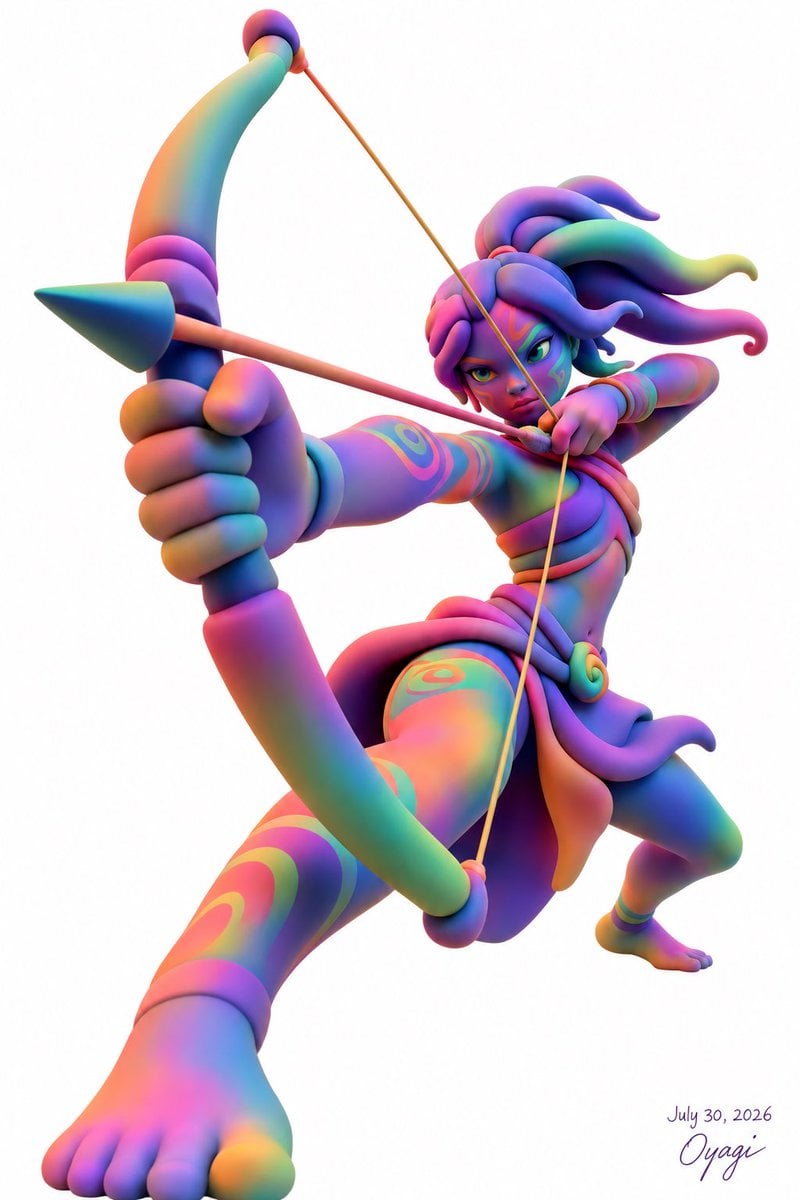
- Prompt included
- Model and format preset
- Premium template
The prompt behind this image
Copy the exact prompt behind Neon Fantasy Archer 3D Illustration, or open it in the studio and make it yours.
Create a dynamic full-body 3D character illustration on a clean white background: a fierce fantasy archer with {argument name="character name" default="Oyagi"} signature style, shown in an extreme low-angle action pose as if leaping toward the viewer while aiming a bow. The character has a stylized athletic humanoid body with exaggerated foreshortening: one bare foot enormous in the foreground at the lower left, the rear leg bent back to the right, the left arm thrust forward gripping a large curved bow, and the right arm pulling the bowstring back near the face. Use a glossy clay-like 3D render aesthetic with soft studio lighting, smooth rounded forms, and no outlines. The palette is a vivid rainbow gradient with {argument name="main color palette" default="neon cyan, magenta, violet, coral, teal, yellow, and deep blue"} blended across skin, hair, clothing, and weapons. The character has an intense focused expression, green-yellow eyes, dark brows, colorful face markings, and thick sculptural hair made of exactly 8 large flowing tendrils sweeping backward and outward. Add decorative spiral and stripe body markings on the face, arm, thigh, and shin. The costume is minimal fantasy warrior clothing: exactly 5 visible outfit elements consisting of a wrapped chest band, a layered waist sash, a hanging front loincloth panel, a round spiral belt ornament on the right hip, and simple ankle bands. The weapon set contains exactly 2 items: one oversized curved bow with rounded joints and a cone-like arrow rest on the left side, and one long thin arrow drawn across the image from left to right. Make the bowstring taut, crossing diagonally through the composition, and place the arrow tip just past the bow. Keep the background pure white with no scenery. Add a small handwritten signature and date in the bottom-right corner reading {argument name="date text" default="July 30, 2026"} and {argument name="signature text" default="Oyagi"}. High-resolution vertical composition, dramatic foreshortening, playful toy-like anatomy, vibrant fantasy archer energy.
How to use Neon Fantasy Archer 3D Illustration in 3 steps
- 1Upload ImagePNG, JPG or paste
Add your photo
Upload the photo the template builds on. The prompt, model and format are already set.
- 2…a portrait of your subject in softgolden-hour light, 85mm…
Personalize
Edit the subject and creative details for your destination.
- 3Generate
Generate
Press Generate — your image is created in PicX Studio, so you can compare it with the original and refine one variable at a time.
More like this
Templates with the same subject, style or setup. Open one to see its prompt.

Unfinished Sketch Comes Alive Portrait

Open Travel Journal Overhead Still Life

80s Neon Disco Night

Cartoon TV Show Poster Pack

Quiet Minimalist Anime Style Guide

Rainy Night Android Cyberpunk Portrait

Anime Fantasy Celestial Movie Poster

Korean Idol Partial Shadow Editorial Portrait

Cyberpunk Neon Profile Fashion Portrait

Real Illustration Split Portrait Transition

Neon Night Crosswalk Candid Portrait

Subway Platform Quiet Introspective Portrait
Make it yours
Neon Fantasy Archer 3D Illustration works as-is. These are the safest ways to change it without losing the look.
Change one field
Copy a single group, rewrite it, and generate again so you can see what that field is doing.
Keep the frame, change the subject
Hold the composition and light of Neon Fantasy Archer 3D Illustration, then swap wardrobe, props or the person for a new take.
| If the result… | Why | Fix |
|---|---|---|
| The result drifts from the preview | Too many fields changed at once. | Reuse Neon Fantasy Archer 3D Illustration as-is first, then change one group — subject, light, or setting. |
| The model over-stylizes the scene | The prose prompt leaves finish and camera underspecified. | Add one camera or lighting sentence and stay on GPT Image 2. |
More GPT Image 2 templates
Other prompts made for GPT Image 2.

Six VTuber Japanese Logo Sheet

Realistic Portrait of Woman and Deer

The Vista Modular Condo Poster

AI Model Routing Comparison Infographic

2.5D Anime Art Board

Isometric Productivity Desk Scene

New York Double Exposure Poster

Four-Panel AI Landscape Comparison

Japanese Tatami Lifestyle Magazine Cover

NESCAFÉ Coffee Map Poster
More image prompts
Fresh picks from across the catalog.
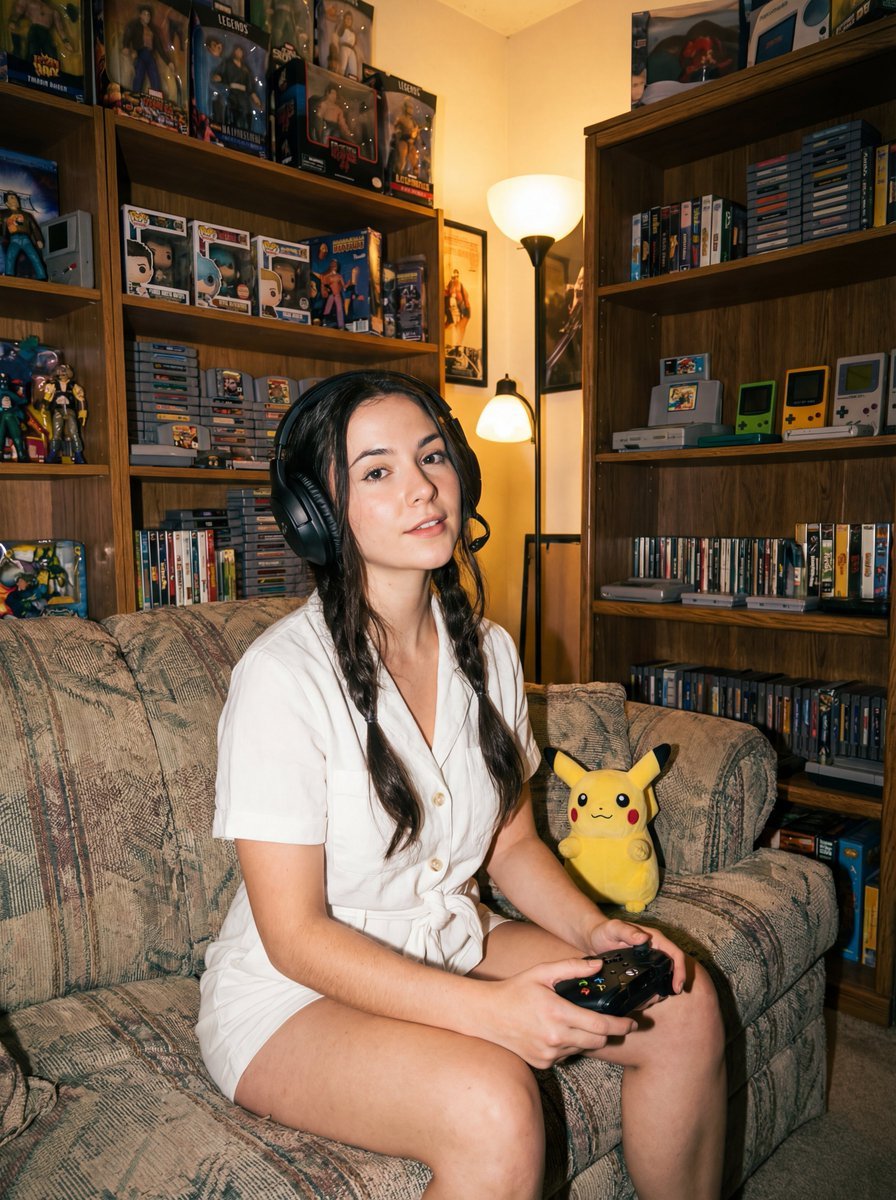
Direct flash gamer girl Nano Banana Pro JSON tag prompt
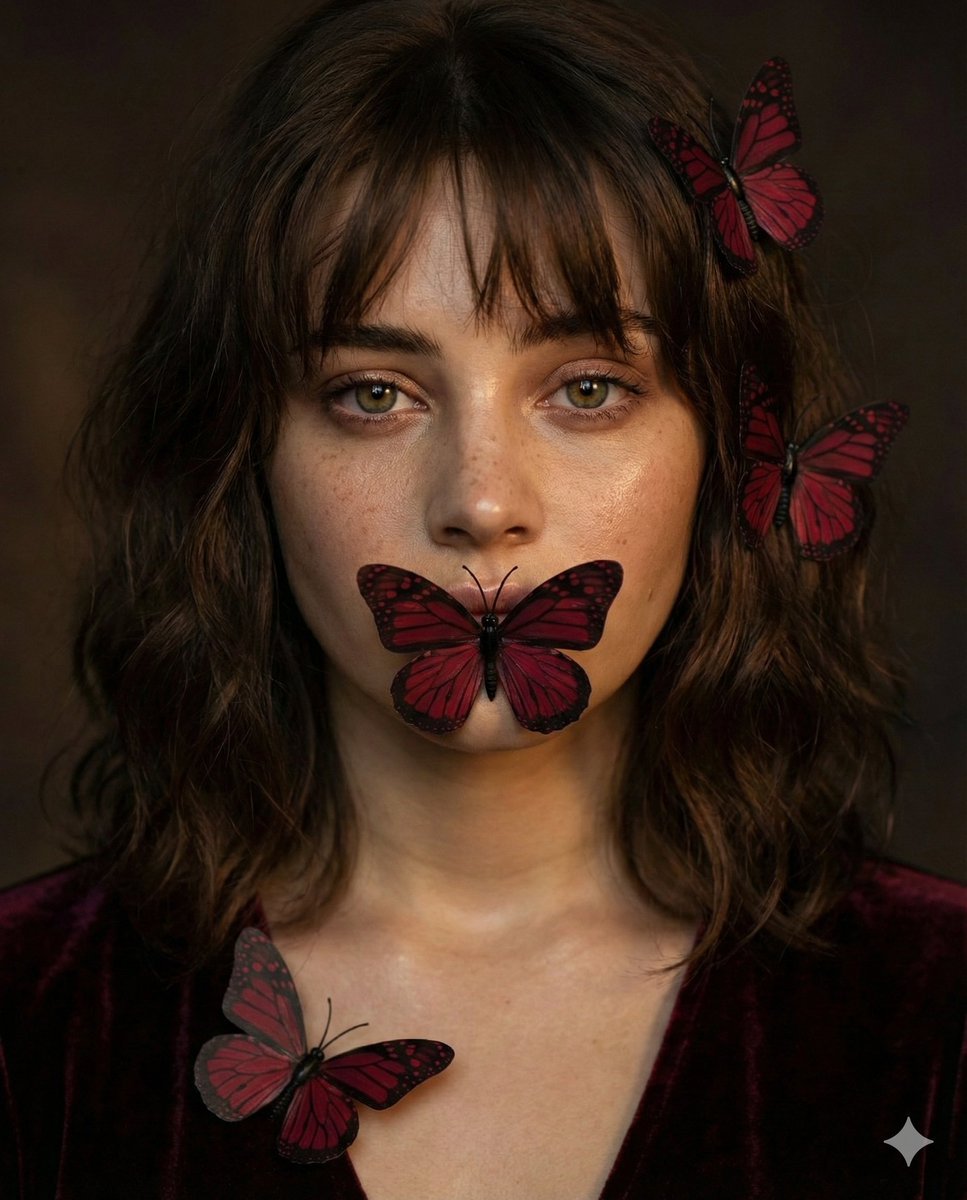
Mysterious Portrait with Butterflies
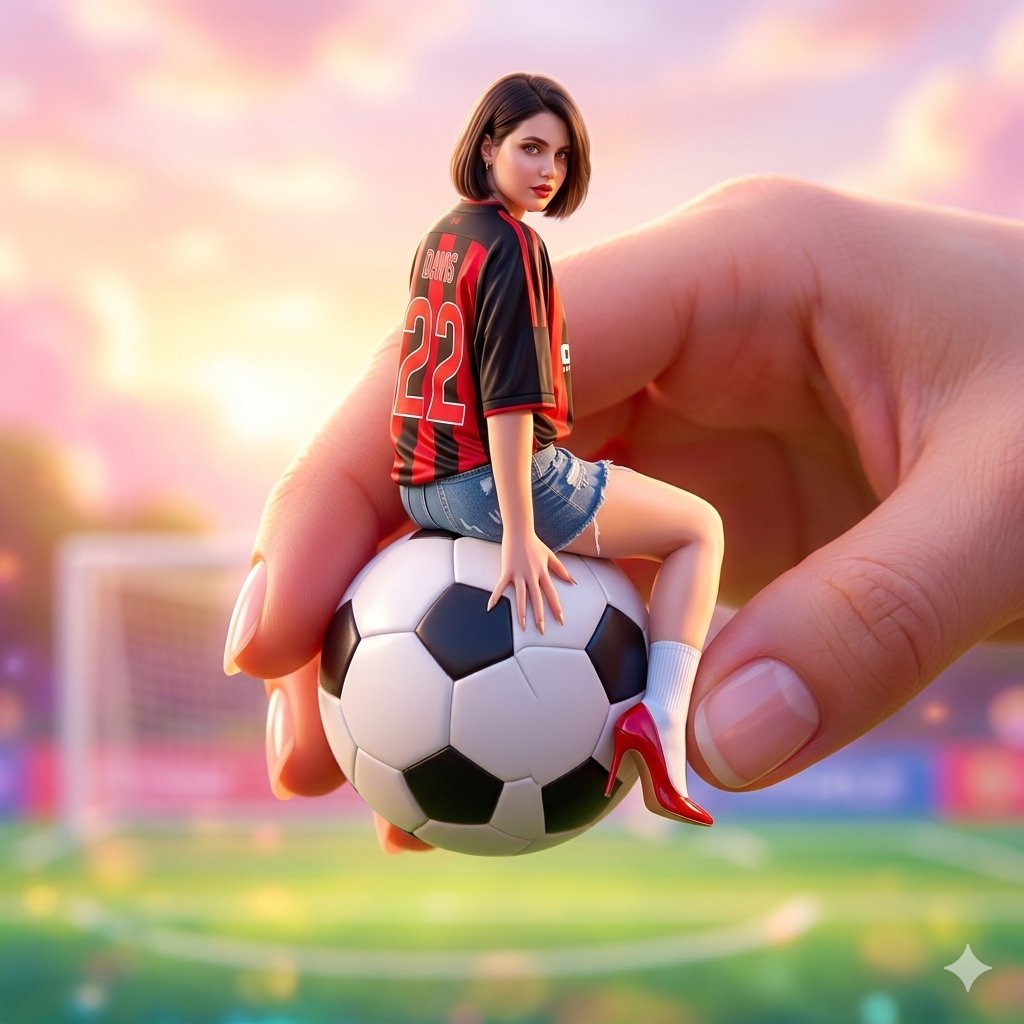
Miniature Fashionable Girl on Soccer Ball
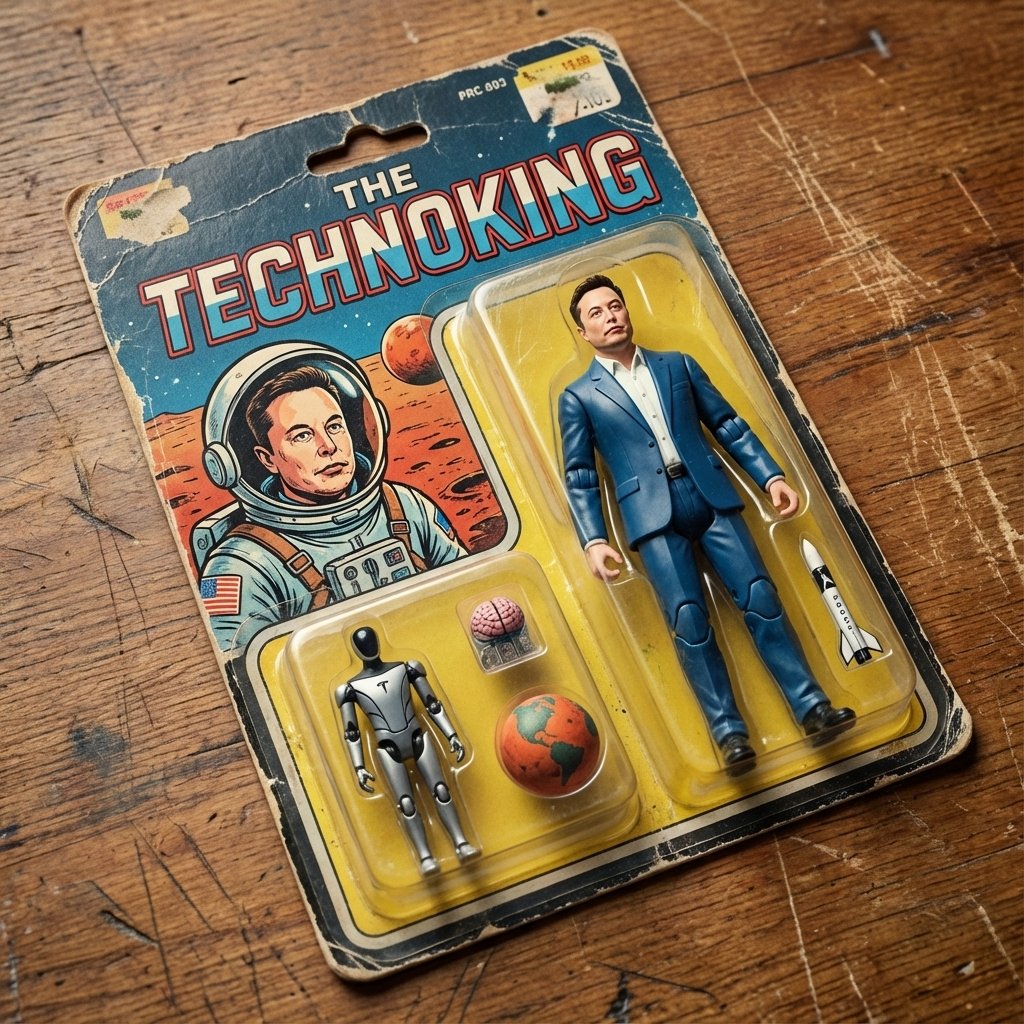
Vintage Action Figure Packaging Generator
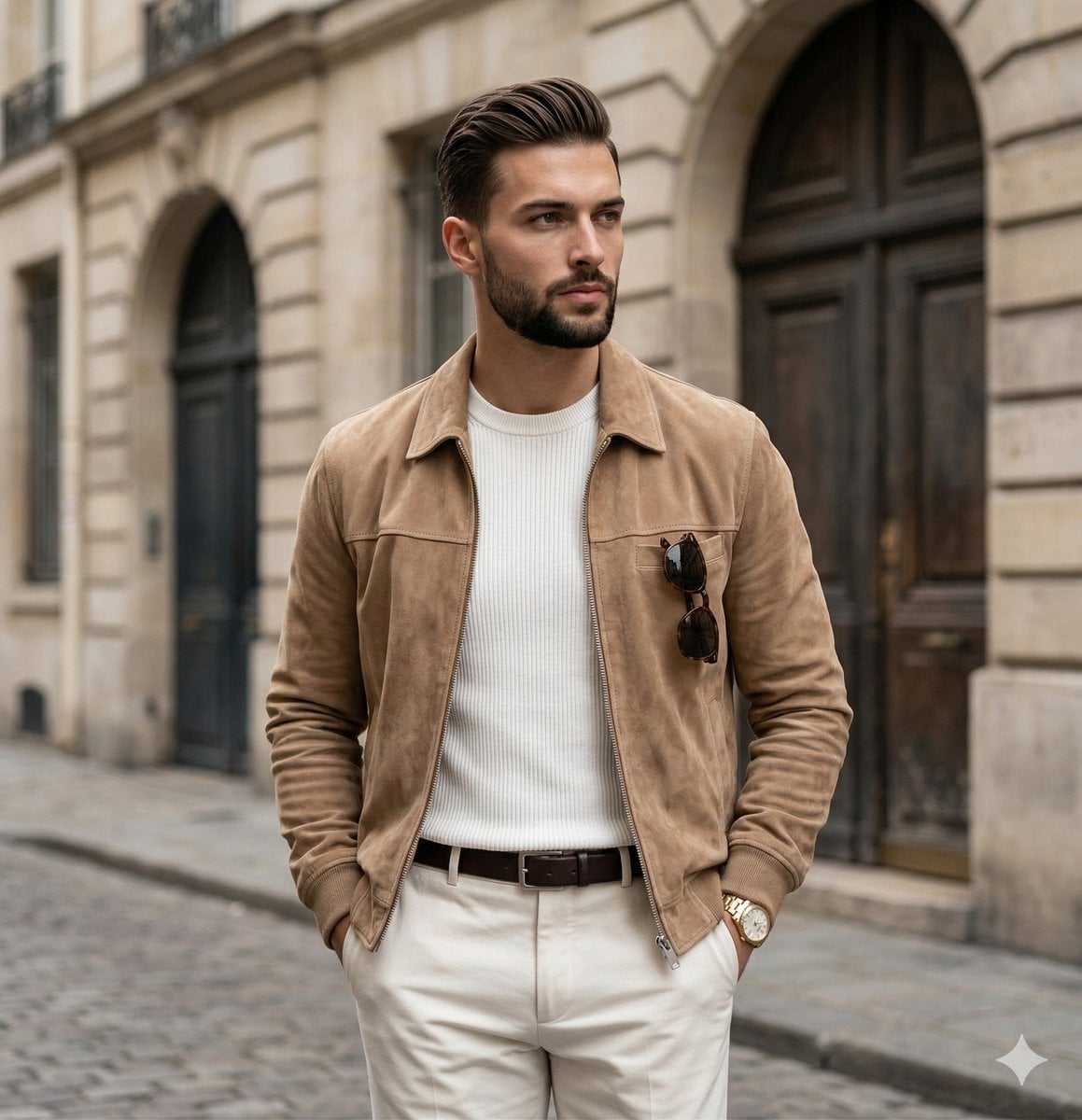
Quiet Luxury Editorial Portrait Prompt
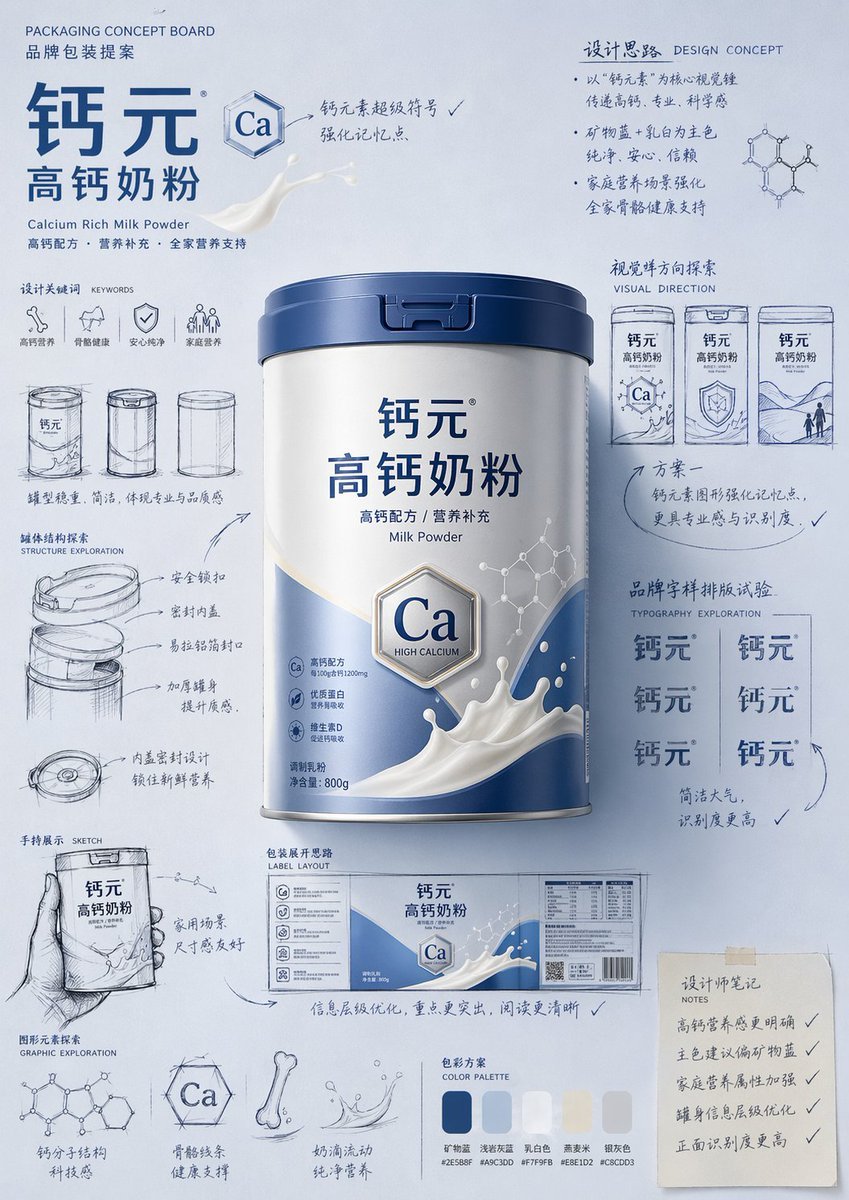
Packaging Design Proposal Board Prompt
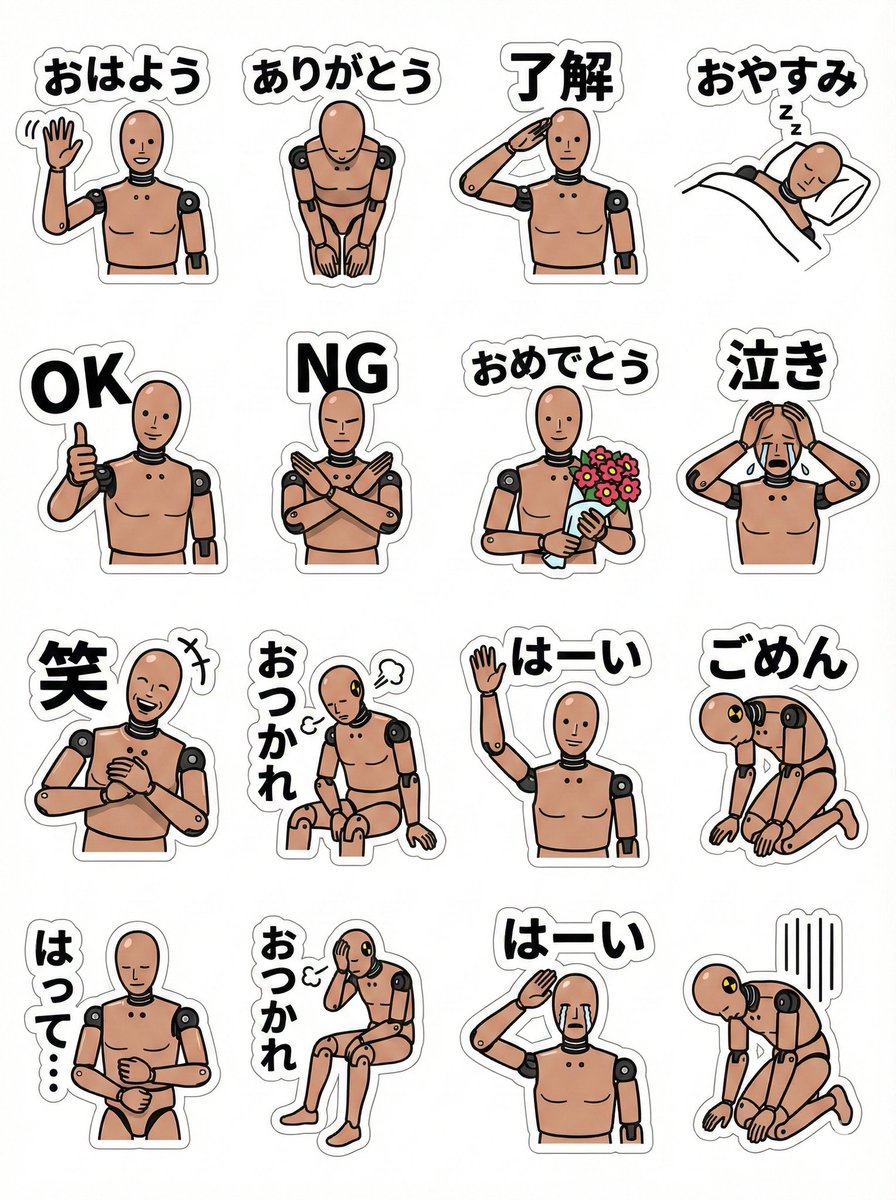
LINE sticker sheet for standing doll character (Japanese)
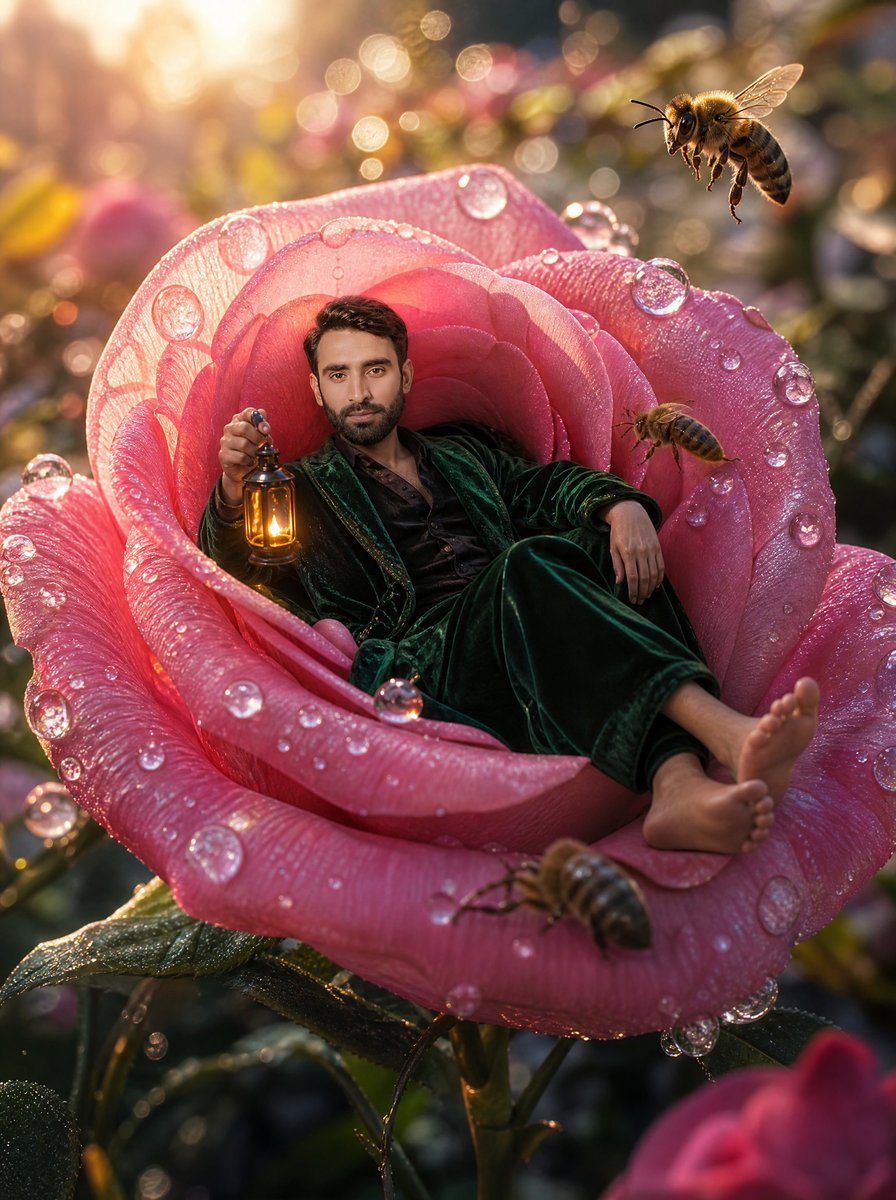
Tiny Man Lounging in Giant Rose
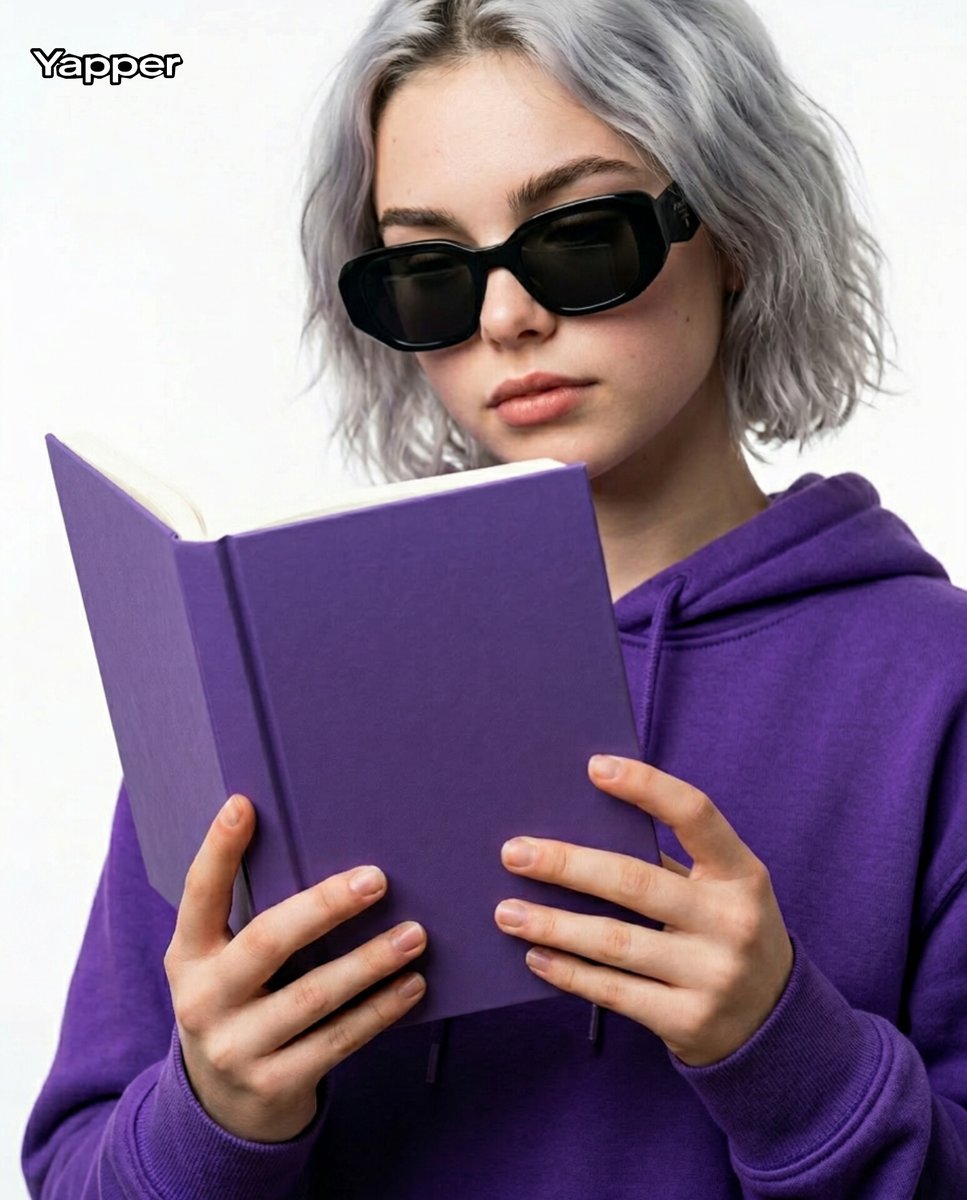
Editorial Close-Up with Purple Hoodie and Book Prompt
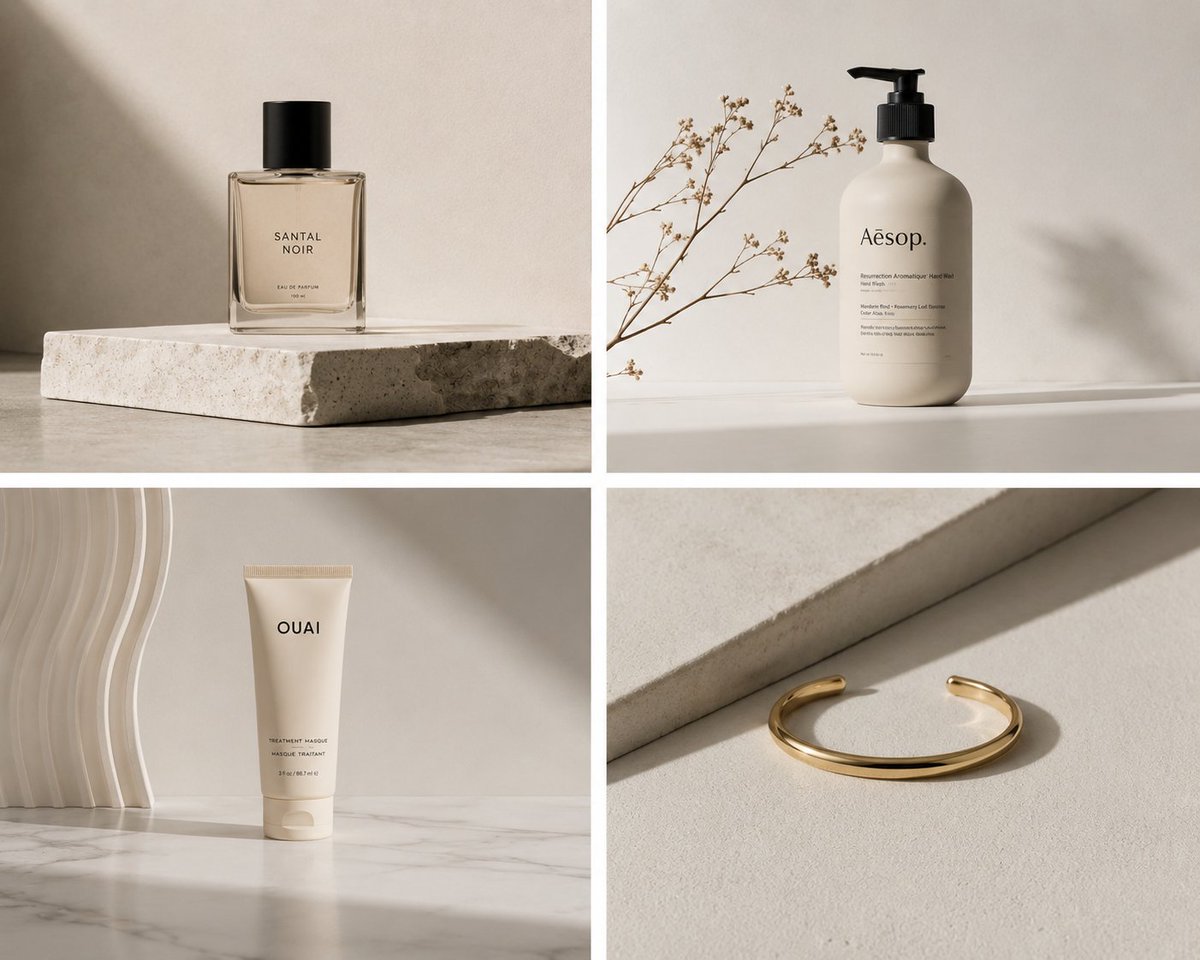
Minimalist Product Photography
Browse template categories
Neon Fantasy Archer 3D Illustration questions
How do I use the Neon Fantasy Archer 3D Illustration template?
Add your photo if the template asks for one, edit the prompt if you like — the template's model and format are already selected — and press Generate. Your version opens in PicX Studio.
Can I customize the Neon Fantasy Archer 3D Illustration template?
Yes. You can change the subject, setting, lighting, mood, format, and available model controls before creating your image.
Is the Neon Fantasy Archer 3D Illustration template free?
Opening and editing this template is free. Generating uses credits, shown on the Generate button when you are signed in.
Which AI model should I use?
Start with GPT Image 2, which is the model associated with this template. You can compare another compatible model for a different finish.
Looking for something else? Browse all templates.

Your photo, any look
Thousands of ready templates for every top image and video model, from one credit balance.