
Real Woman with Manga Counterpart Selfie
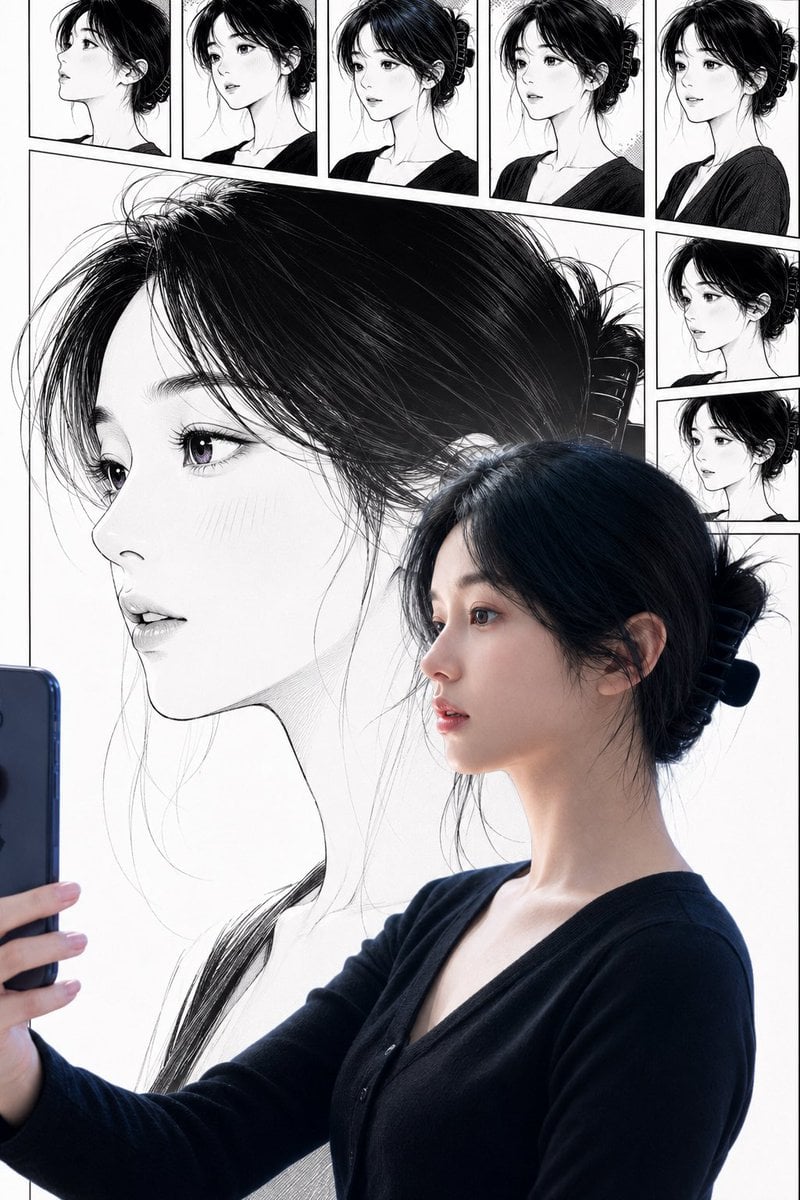
Generates a vertical mixed-reality portrait of a real East Asian woman taking a selfie in front of matching manga character panels.
- Prompt included
- Model and format preset
- Free template
The prompt behind this image
Copy the exact prompt behind Real Woman with Manga Counterpart Selfie, or open it in the studio and make it yours.
Create a vertical 2:3 mixed live-action and manga portrait showing an East Asian young woman taking a mirror-style selfie while her manga counterpart appears behind and around her. The real woman is on the lower right half of the frame in three-quarter side profile, holding a dark blue smartphone at the lower left edge with one hand visible. She has {argument name="hair color" default="black"} hair tied into a low messy bun with a large black claw clip, loose wispy bangs and flyaway strands, a visible ear, natural skin, and a calm introspective expression. She wears a fitted {argument name="outfit color" default="black"} V-neck cardigan or knit top with long sleeves. Behind her, fill the background with a huge black-and-white manga illustration of the same woman in matching side profile, matching bun, hair clip, long neck, V-neck top, and delicate linework, scaled so the manga head and hair dominate the upper and left areas. Add a comic contact-sheet border across the top and right side: exactly 7 small manga portrait panels total, each showing the same woman from slightly different side angles with the same hairstyle and outfit; arrange 5 rectangular panels in a horizontal row across the top and 2 smaller panels stacked vertically on the right. Use clean white background, thin black panel borders, detailed ink hatching, high-contrast monochrome manga lines, and subtle halftone texture. Blend the real subject and illustrated background so they align visually, as if the woman is taking a selfie in front of her own manga character sheet and the real and drawn versions share the same identity. Keep the composition bright and minimal, with no text, no watermark, no extra people, no exaggerated beauty retouching, and realistic East Asian facial proportions. Use {argument name="photo style" default="natural smartphone selfie realism"} for the live-action part and {argument name="manga style" default="delicate black-and-white shojo manga ink drawing"} for the illustrated part.
How to use Real Woman with Manga Counterpart Selfie in 3 steps
- 1Upload ImagePNG, JPG or paste
Add your photo
Upload the photo the template builds on. The prompt, model and format are already set.
- 2…a portrait of your subject in softgolden-hour light, 85mm…
Personalize
Edit the subject and creative details for your destination.
- 3Generate
Generate
Press Generate — your image is created in PicX Studio, so you can compare it with the original and refine one variable at a time.
More like this
Templates with the same subject, style or setup. Open one to see its prompt.

Surreal Cat Astronaut — Humanoid Face Freefall

Photoreal Village Lanterns Minecraft Scene

Photoreal Snow Biome Name Tag UI

Photoreal Selfie Minecraft Block World

Photoreal Selfie Minecraft Village Ghast UI

Realistic Portrait of Woman and Deer
Ultra-Photorealistic Car Selfie

Surreal Noir Hamster Manga Page

Rooftop Fisheye — Cat-Ear Balaclava at Golden Hour

Felt & Knit 3D Character — Photo-Exact Face, Pixar-Quality Plush Figurine

Eid al-Adha Cute Chaos — Fisheye Selfie with Farm Selfie, Mosque & Animals

Cat Photobomb Selfie — 0.5x Wide Angle Café Chaos
Make it yours
Real Woman with Manga Counterpart Selfie works as-is. These are the safest ways to change it without losing the look.
Change one field
Copy a single group, rewrite it, and generate again so you can see what that field is doing.
Keep the frame, change the subject
Hold the composition and light of Real Woman with Manga Counterpart Selfie, then swap wardrobe, props or the person for a new take.
| If the result… | Why | Fix |
|---|---|---|
| The result drifts from the preview | Too many fields changed at once. | Reuse Real Woman with Manga Counterpart Selfie as-is first, then change one group — subject, light, or setting. |
| The model over-stylizes the scene | The prose prompt leaves finish and camera underspecified. | Add one camera or lighting sentence and stay on GPT Image 2. |
More GPT Image 2 templates
Other prompts made for GPT Image 2.

Six VTuber Japanese Logo Sheet

The Vista Modular Condo Poster

AI Model Routing Comparison Infographic

2.5D Anime Art Board

Isometric Productivity Desk Scene

New York Double Exposure Poster

Four-Panel AI Landscape Comparison

Japanese Tatami Lifestyle Magazine Cover

NESCAFÉ Coffee Map Poster

Brutalist Cogito Chinese Typography Poster
More image prompts
Fresh picks from across the catalog.
Fashionable Young Woman in Park Setting Prompt
Glamorous Close-up Portrait with Traditional Outfit and Rose
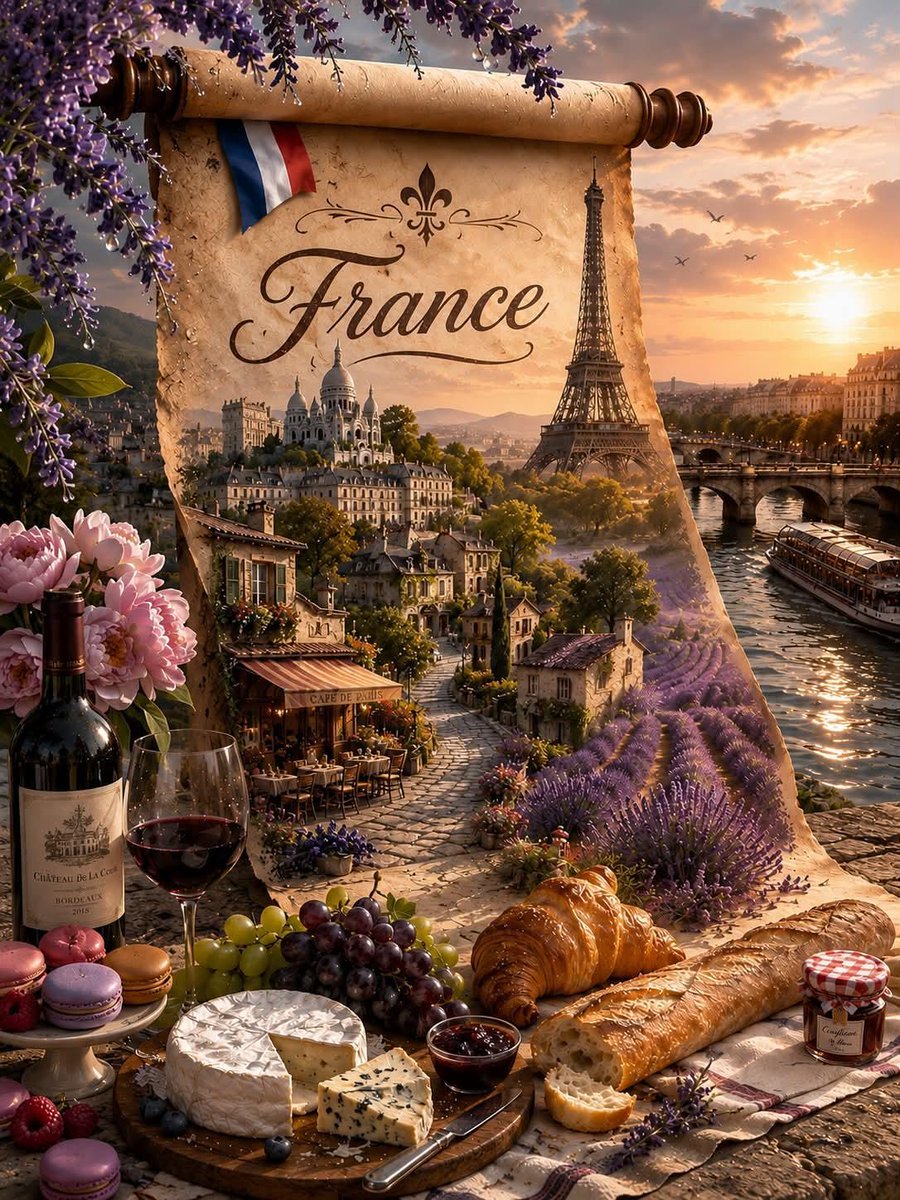
Fantasy Country Travel Poster
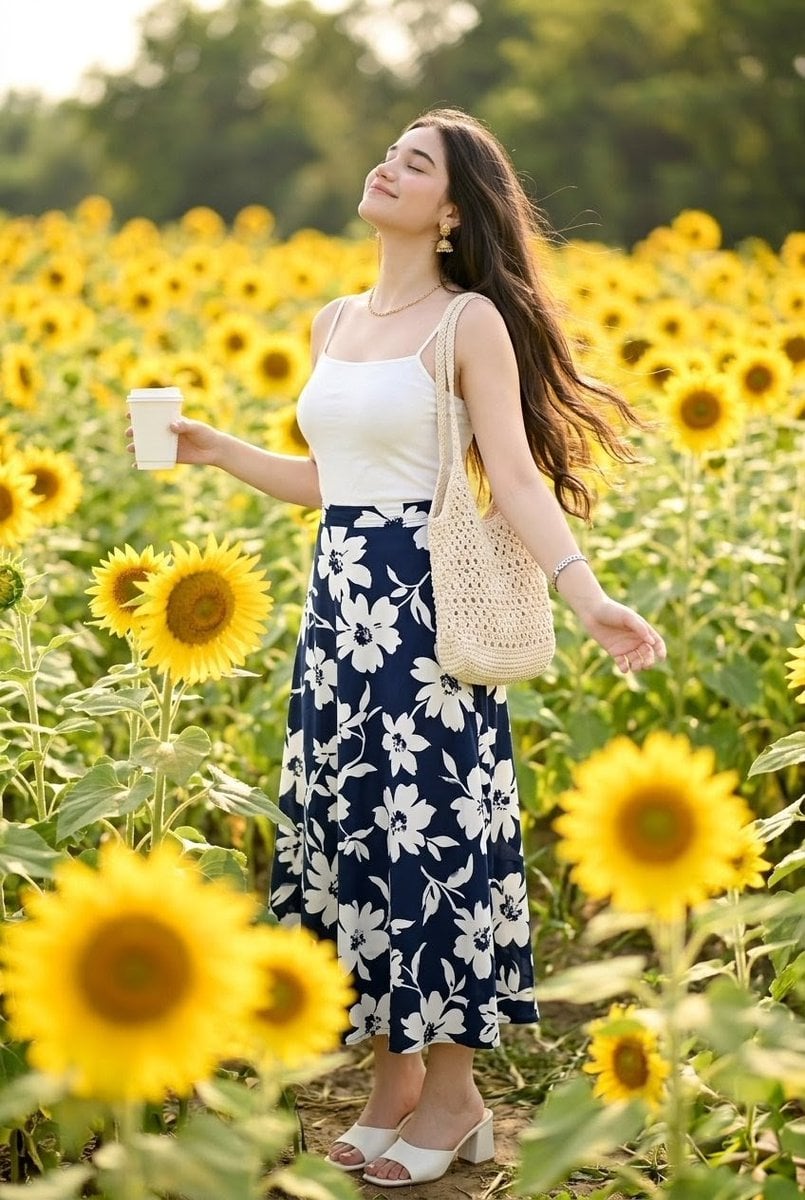
Woman in Sunflower Field Fashion Photo
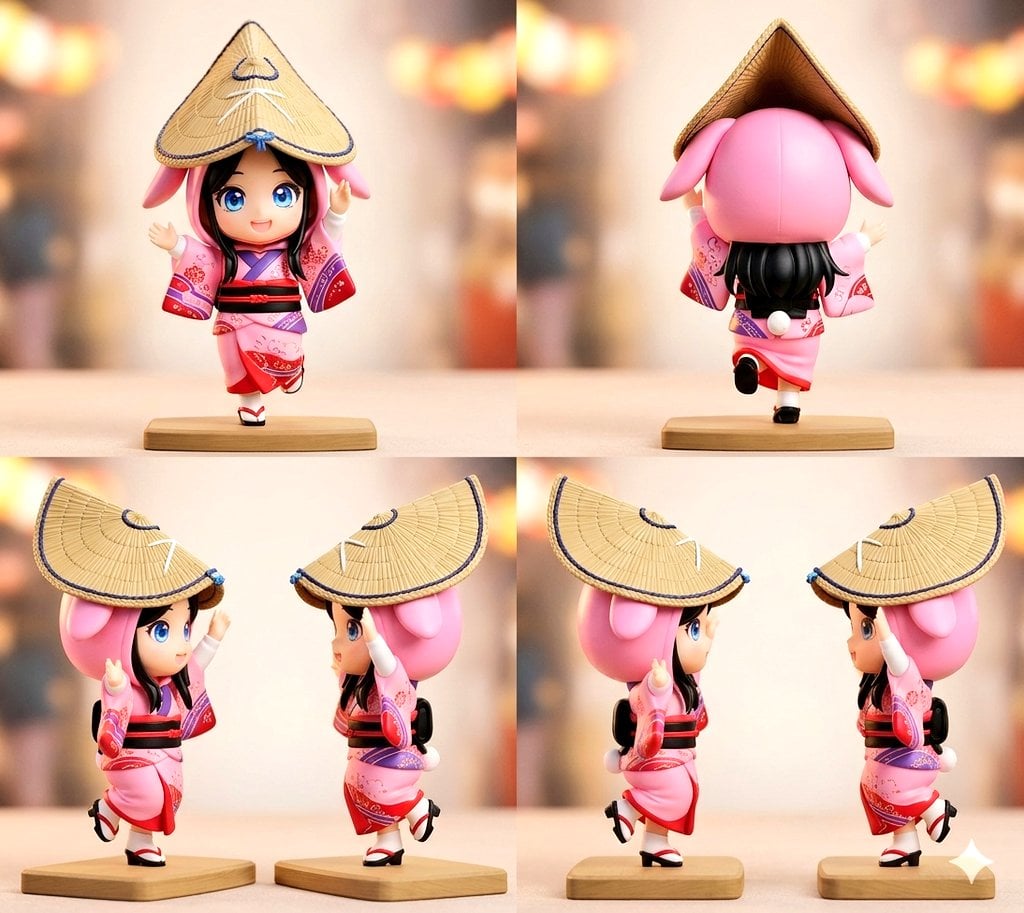
Awa Odori Chibi Figure Turnaround
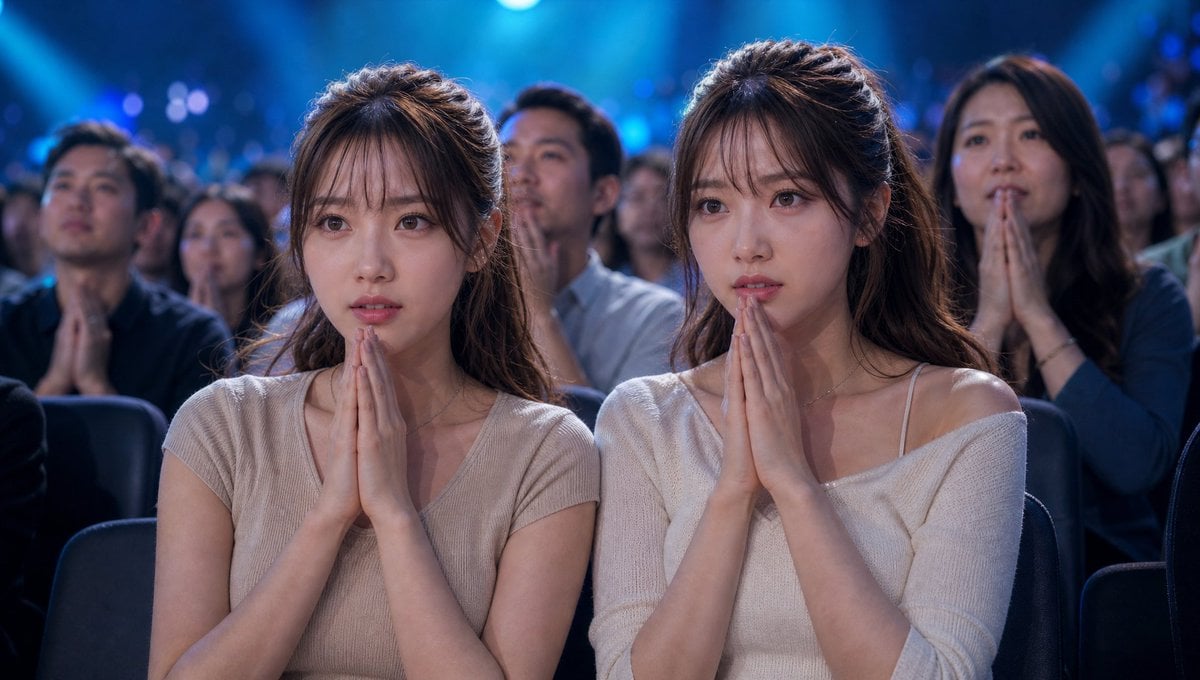
Cinematic Quiz Show Audience
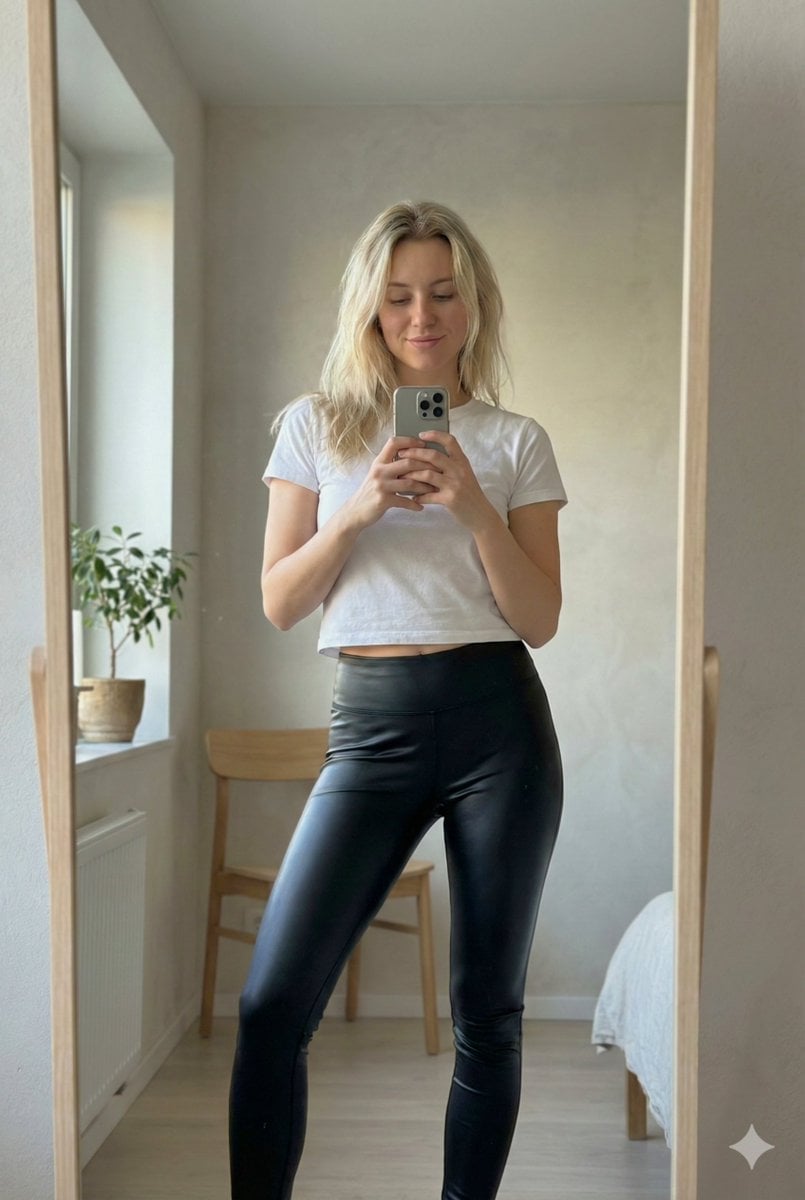
Ultra Photorealistic iPhone Mirror Selfie (JSON)

Nano Banana Pro brand hero image plus prompt pack link
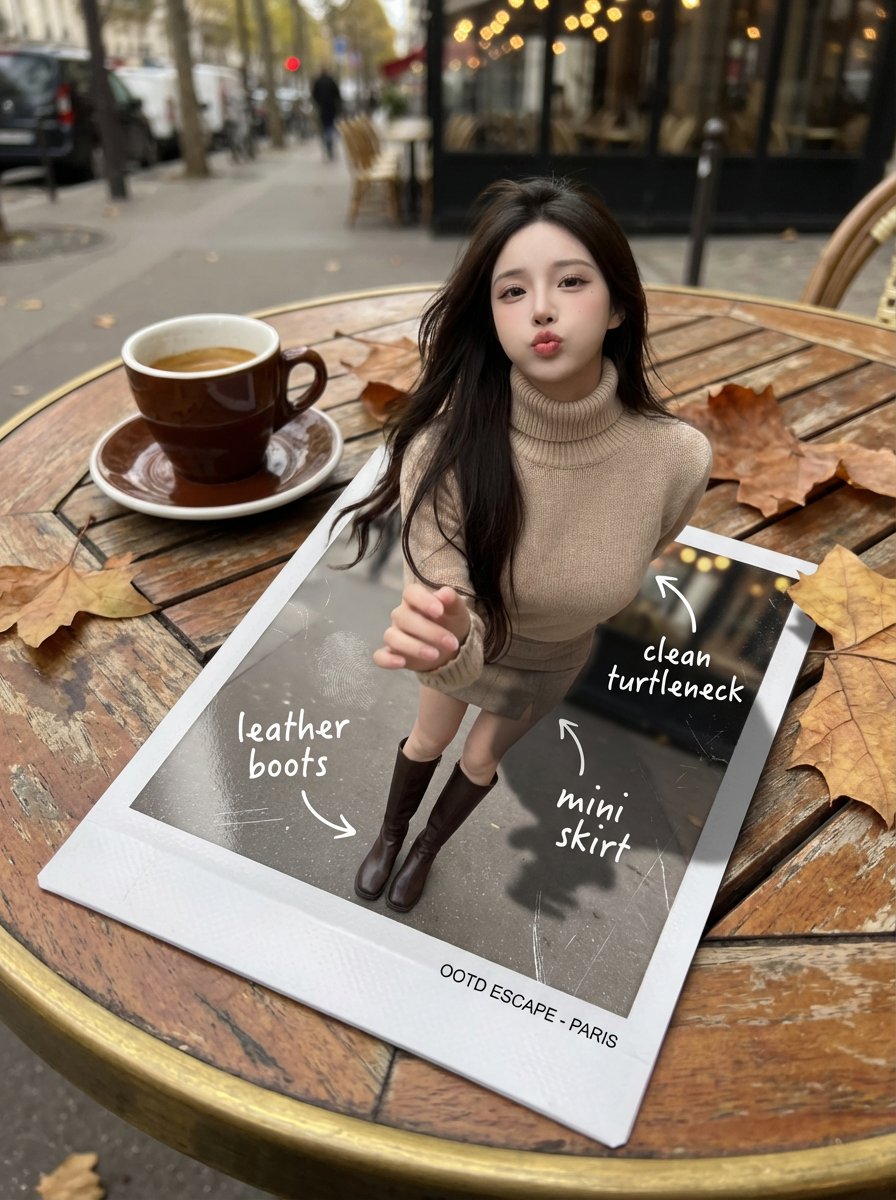
Instant Polaroid Portal Optical Illusion Prompt
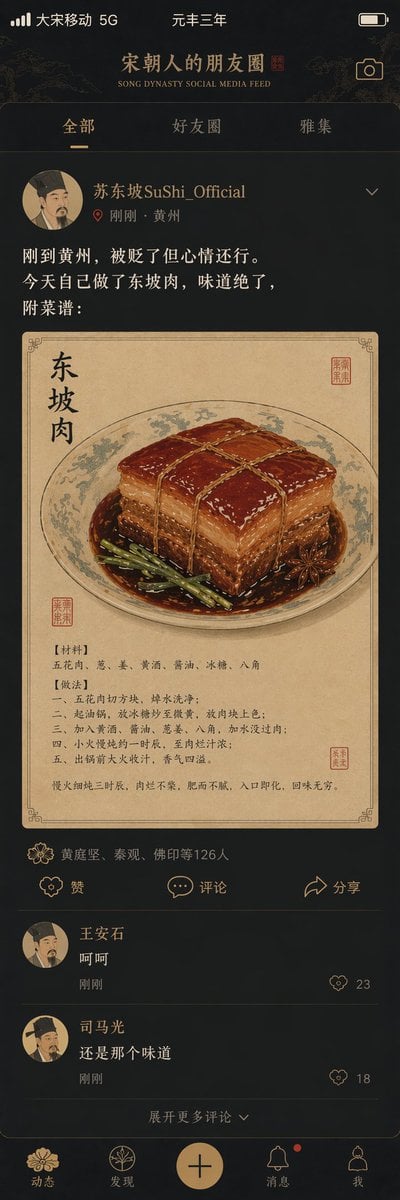
Song Dynasty Social Media Feed
Browse template categories
Real Woman with Manga Counterpart Selfie questions
How do I use the Real Woman with Manga Counterpart Selfie template?
Add your photo if the template asks for one, edit the prompt if you like — the template's model and format are already selected — and press Generate. Your version opens in PicX Studio.
Can I customize the Real Woman with Manga Counterpart Selfie template?
Yes. You can change the subject, setting, lighting, mood, format, and available model controls before creating your image.
Is the Real Woman with Manga Counterpart Selfie template free?
Opening and editing this template is free. Generating uses credits, shown on the Generate button when you are signed in.
Which AI model should I use?
Start with GPT Image 2, which is the model associated with this template. You can compare another compatible model for a different finish.
Looking for something else? Browse all templates.

Your photo, any look
Thousands of ready templates for every top image and video model, from one credit balance.