How do I use the Sunshine Day Travel Sticker Photo template?
Choose the primary action to open PicX Studio with the available template settings. Review the model and format, personalize the creative direction, and generate when ready.
A cheerful outdoor travel-photo composition with a young backpacker and pastel hand-drawn sticker overlays for youth lifestyle edits.

Create a bright youth-travel lifestyle photo with playful sticker overlays. The scene is a sunny outdoor cafe street under leafy green trees, shot in natural daylight with soft bokeh and a candid wide-angle travel-photography feel. Center the subject: a young woman traveler with {argument name="hair color" default="dark brown"} shoulder-length hair, wearing a casual white short-sleeve T-shirt and light beige pants, carrying a large beige hiking backpack with straps and buckles, holding a small black camera at her side. Her face should be softly blurred or obscured for privacy. She stands turned slightly sideways in front of a white cafe storefront with outdoor tables, chairs, a coffee signboard, and warm summery greenery. Add hand-drawn doodle stickers in a cheerful scrapbook style, with thick white outlines, pastel colors, and marker/chalk texture. Include exactly 15 sticker elements: 1 large blue paint-stroke label in the upper left with yellow bubble lettering reading {argument name="main sticker text" default="Sunshine Day"}; 2 small pink hearts near the title; 3 handwritten word stickers reading {argument name="left caption" default="Nice!"}, {argument name="top right caption" default="Let’s go!"}, and {argument name="bottom right caption" default="Chill"}; 4 tiny handwritten phrases reading "happy" above the subject, "Enjoy every moment" near the cafe tables, plus two small motion/emphasis marks near the subject; 5 decorative icons: a pink camera icon above the subject, a white wavy outline surrounding the woman, a white cloud doodle at lower left, a pink brush stroke at bottom left, and a pink heart-shaped shell icon at bottom right. Keep the stickers integrated with the photo but clearly graphic, cute, youthful, optimistic, and energetic. Use a 16:9 horizontal canvas, high-resolution realistic photo background, shallow depth of field, sun-dappled highlights, no watermark, no extra text beyond the specified sticker words.
Choose the primary action to open PicX Studio with the available template settings. Review the model and format, personalize the creative direction, and generate when ready.
Yes. You can change the subject, setting, lighting, mood, format, and available model controls before creating your image.
This template is free to open and customize. Generation usage is shown in PicX Studio before you create.
Start with GPT Image 2, which is the model associated with this template. You can compare another compatible model for a different finish.
Follow a topic to a crawlable collection of related PicX Studio templates.

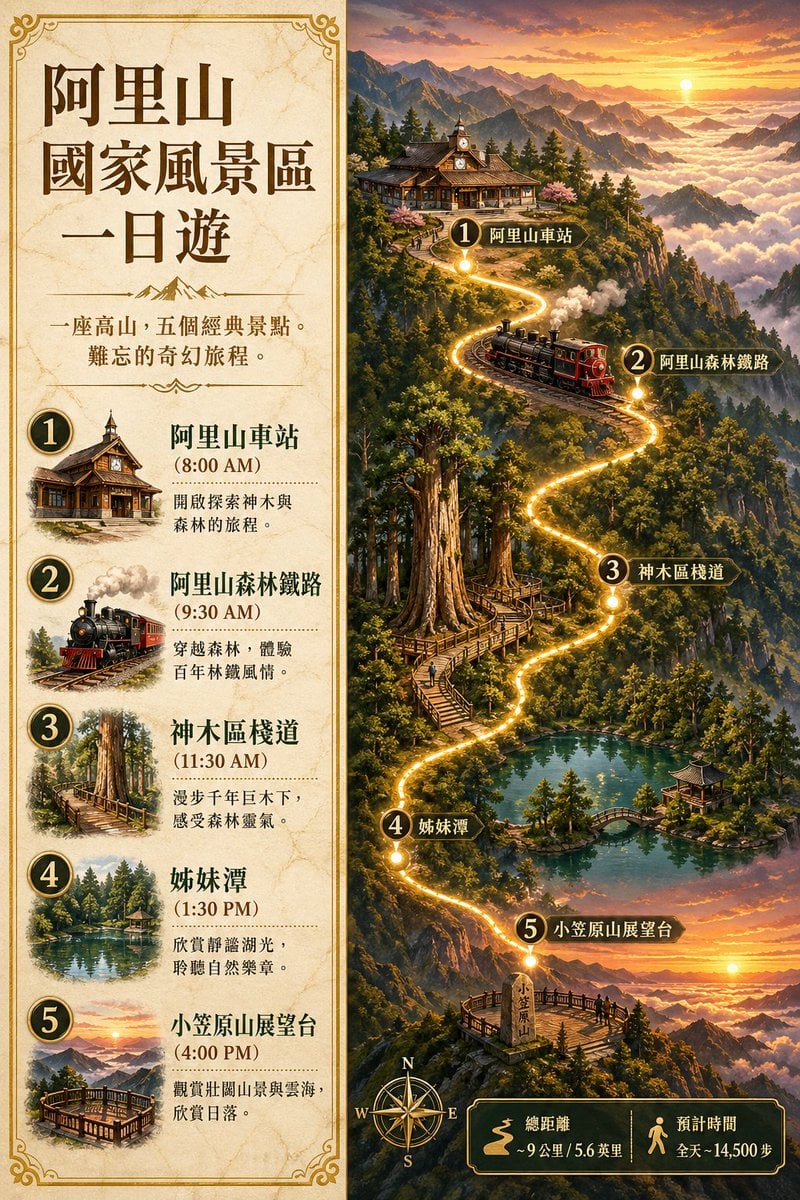
![Nano Banana — One Day In [CITY] Travel Route](https://cdn.picxstudio.com/cdn-cgi/image/format=auto,quality=100,fit=scale-down,onerror=redirect,width=828,dpr=2,metadata=none/uploads/ai_gezgini_travel_d9a86f2e-c1f5-41a8-a4ef-5d96a8a7a023.jpg)