
Multi-Scene Identity Preservation Collage
A sophisticated identity-preservation prompt that creates a four-panel vertical collage of the same person in different luxury travel settings while maintaining facial consistency.
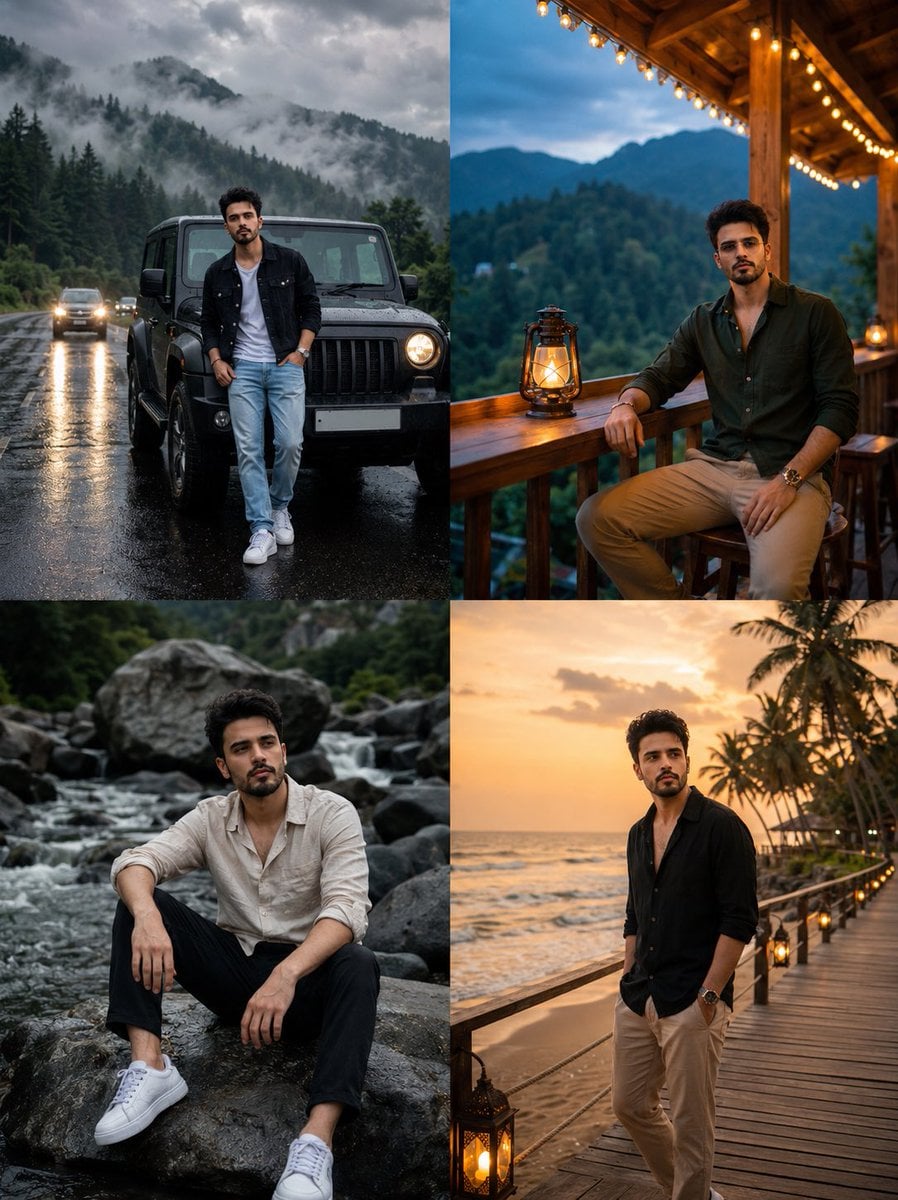
- Prompt included
- Model and format preset
- Free template
The prompt behind this image
Copy the exact prompt behind Multi-Scene Identity Preservation Collage, or open it in the studio and make it yours.
Use my uploaded face image as the primary identity reference. Preserve my exact facial identity, face shape, hairstyle, hair texture, beard style, skin tone, eye shape, eyebrows, nose, lips, and all unique facial details with maximum accuracy. Do not change my face or make me look like a different person. Create a hyper-realistic cinematic 4-panel vertical collage portrait of the same person in different luxury travel lifestyle scenes. Maintain the same face identity in all four panels. Panel 1 (top left): A man standing casually in front of a {argument name="vehicle" default="black off-road SUV"} on a {argument name="weather" default="rainy mountain road"}. Misty pine forest in the background, cloudy dramatic sky, wet asphalt reflections. Wearing a black denim jacket over a white t-shirt, light blue jeans, and white sneakers. Confident relaxed pose, cinematic moody lighting. Panel 2 (top right): The same man sitting on a wooden balcony of a mountain resort cabin during evening. Warm fairy lights hanging above, lantern on the table, green mountains in the background. Wearing a {argument name="outfit" default="dark green casual shirt"}, beige pants, sunglasses, relaxed luxury vacation vibe. Panel 3 (bottom left): The same man sitting on large rocks beside a flowing river in a forest. Natural outdoor setting, soft overcast lighting. Wearing an off-white linen shirt with sleeves rolled up, black pants, white sneakers. Thoughtful cinematic pose. Panel 4 (bottom right): The same man standing on a seaside wooden deck during golden sunset. Ocean waves, palm trees, warm sunset glow. Wearing a black open shirt and beige pants, looking down with a calm stylish expression. Style: ultra-realistic photography, DSLR quality, cinematic color grading, luxury travel aesthetic, natural skin texture, realistic lighting, high detail, 8K, professional portrait photography. Ensure the face remains identical in every panel.
How to use Multi-Scene Identity Preservation Collage in 3 steps
- 1Upload ImagePNG, JPG or paste
Add your photo
Upload the photo the template builds on. The prompt, model and format are already set.
- 2…a portrait of your subject in softgolden-hour light, 85mm…
Personalize
Edit the subject and creative details for your destination.
- 3Generate
Generate
Press Generate — your image is created in PicX Studio, so you can compare it with the original and refine one variable at a time.
More like this
Templates with the same subject, style or setup. Open one to see its prompt.
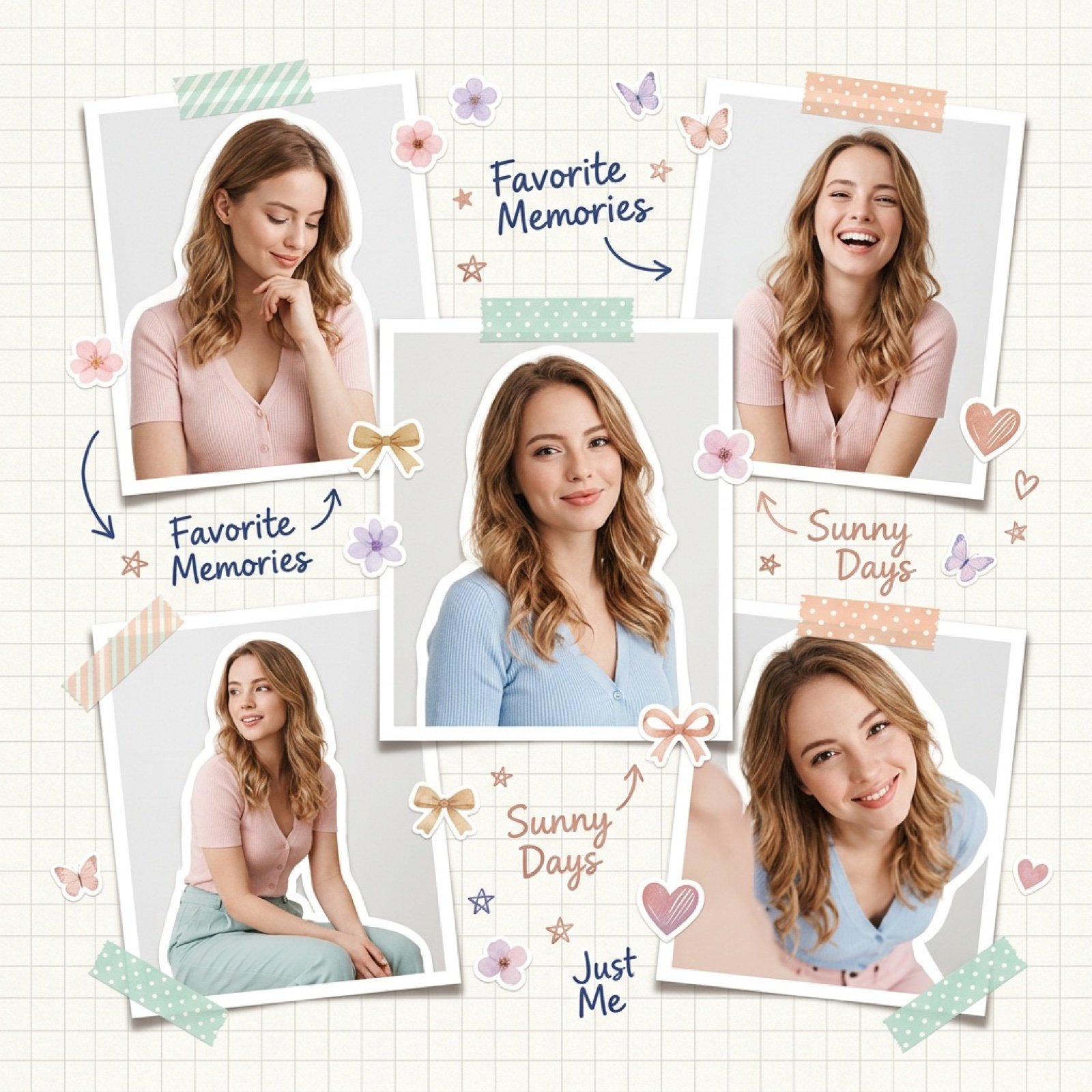
Dreamy Scrapbook Collage Aesthetic with Identity Preservation
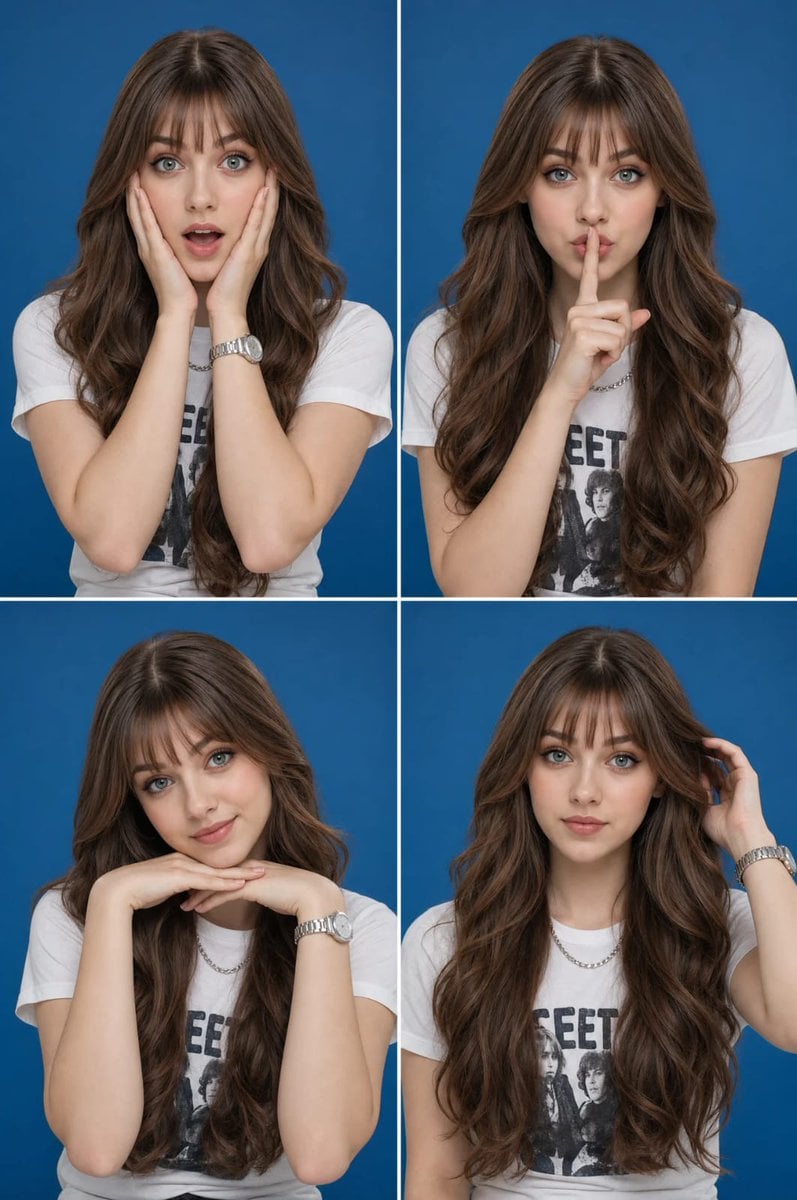
Multi-Expression Portrait Collage
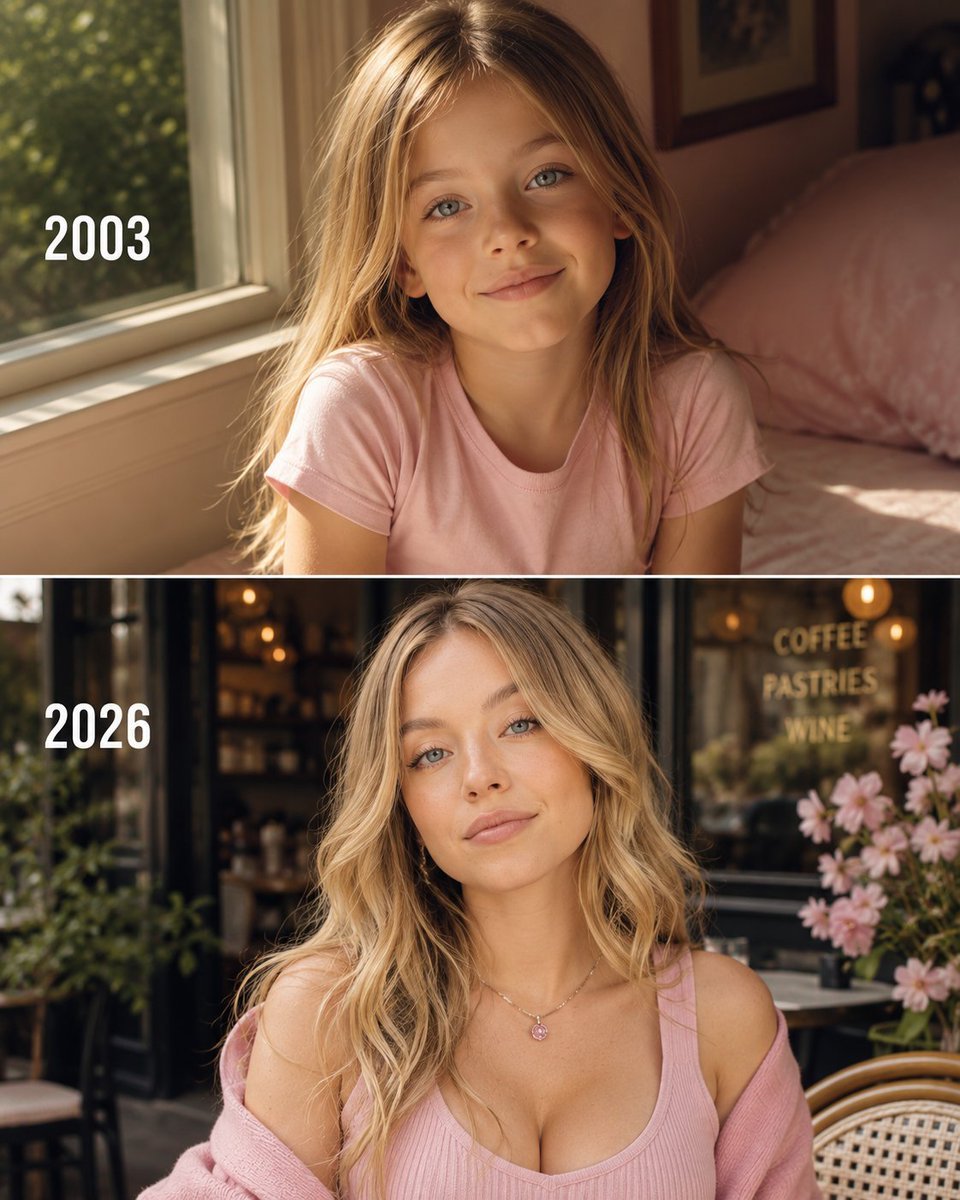
Then vs Now Identity Transformation Collage
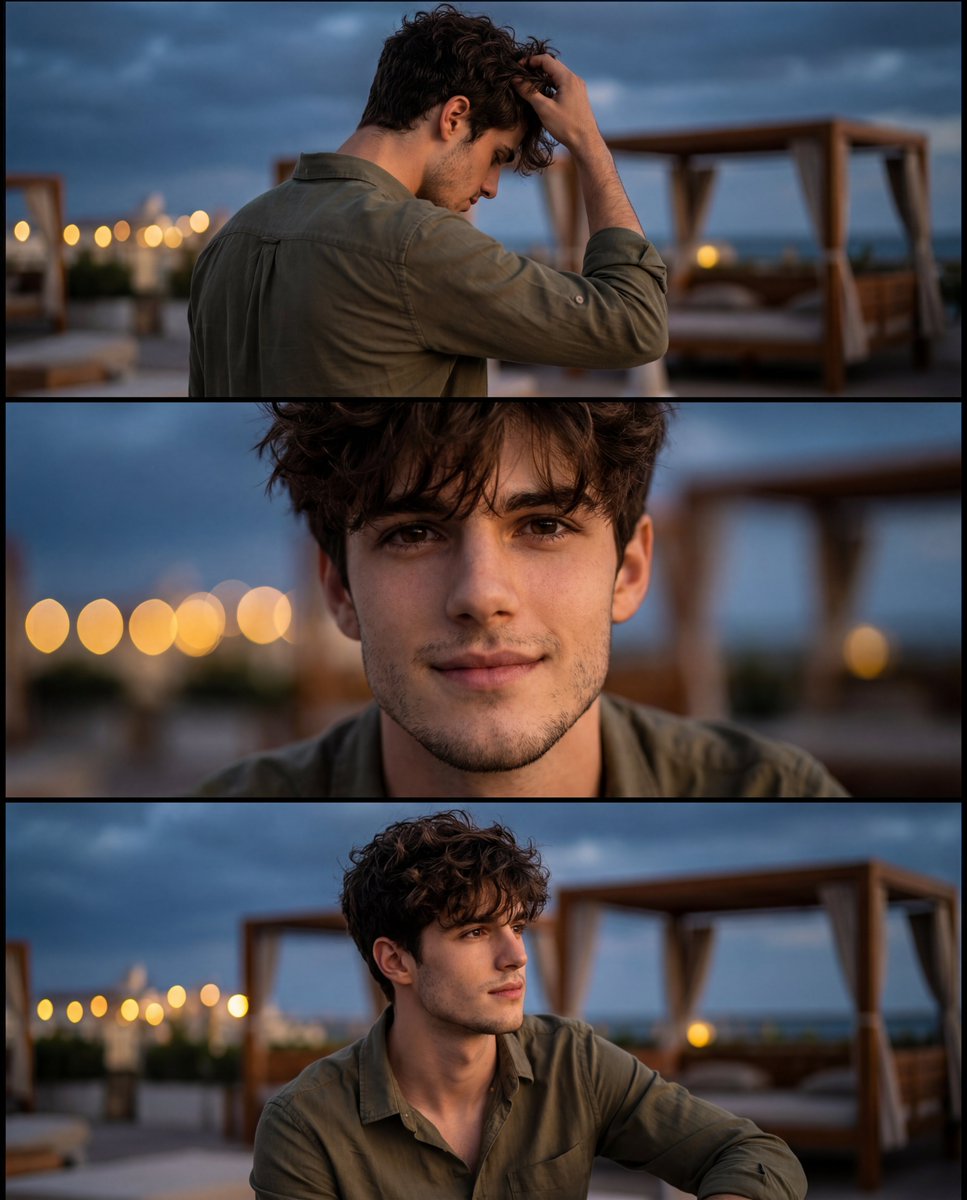
Cinematic Identity-Consistent Portrait Collage
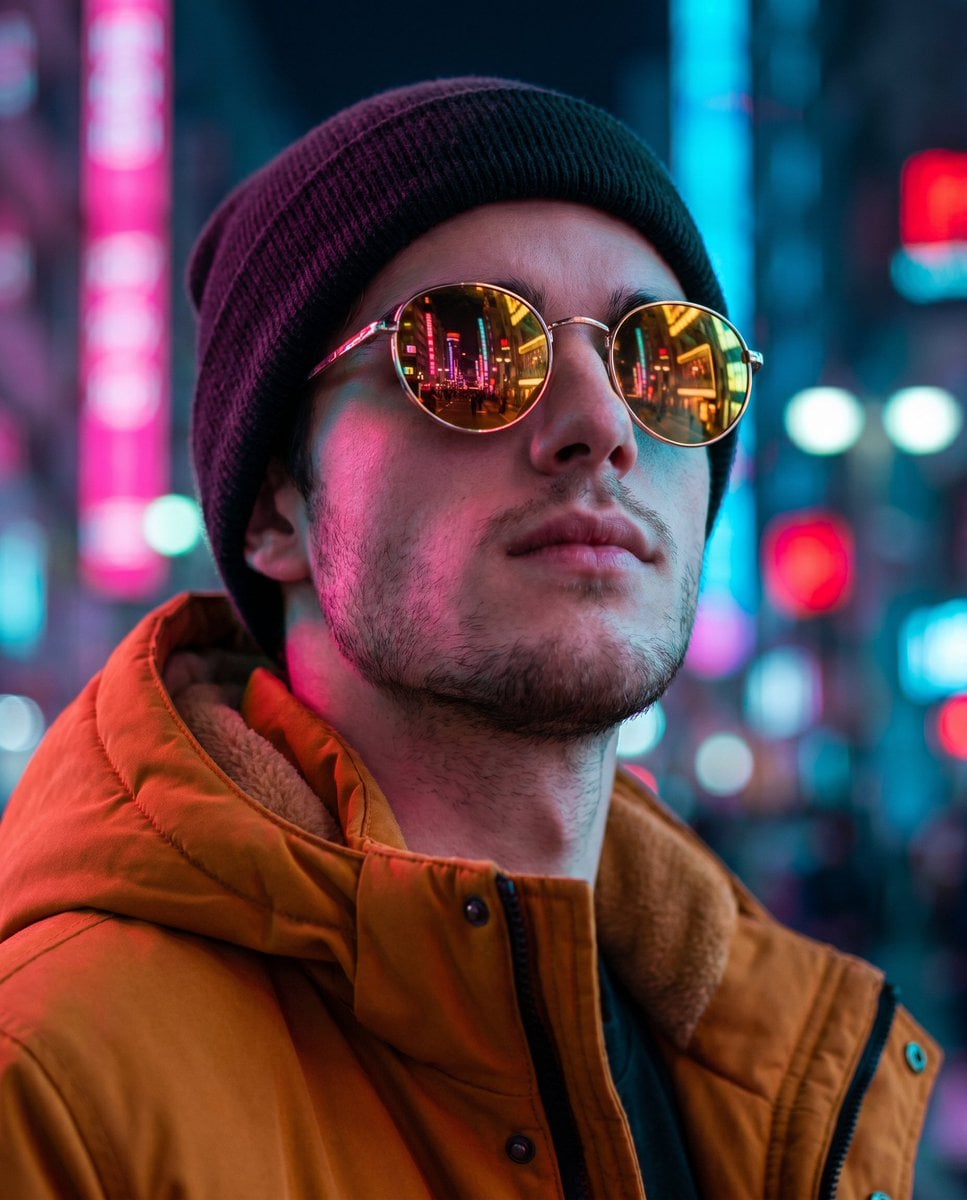
Cyberpunk Identity Preservation Portrait

Paper Cut Finale Fireworks

Paper Cut Garden Maze

Paper Cut Rooftop Concert

Paper Cut Bicycle Coast

Paper Cut Castle Gate

Paper Cut Kitchen Chaos

Paper Cut Carnival Ride
Make it yours
Multi-Scene Identity Preservation Collage works as-is. These are the safest ways to change it without losing the look.
Change one field
Copy a single group, rewrite it, and generate again so you can see what that field is doing.
Keep the frame, change the subject
Hold the composition and light of Multi-Scene Identity Preservation Collage, then swap wardrobe, props or the person for a new take.
| If the result… | Why | Fix |
|---|---|---|
| The result drifts from the preview | Too many fields changed at once. | Reuse Multi-Scene Identity Preservation Collage as-is first, then change one group — subject, light, or setting. |
| The model over-stylizes the scene | The prose prompt leaves finish and camera underspecified. | Add one camera or lighting sentence and stay on GPT Image 2. |
More GPT Image 2 templates
Other prompts made for GPT Image 2.

Six VTuber Japanese Logo Sheet

Realistic Portrait of Woman and Deer

The Vista Modular Condo Poster

AI Model Routing Comparison Infographic

2.5D Anime Art Board

Isometric Productivity Desk Scene

New York Double Exposure Poster

Four-Panel AI Landscape Comparison

Japanese Tatami Lifestyle Magazine Cover

NESCAFÉ Coffee Map Poster
More image prompts
Fresh picks from across the catalog.
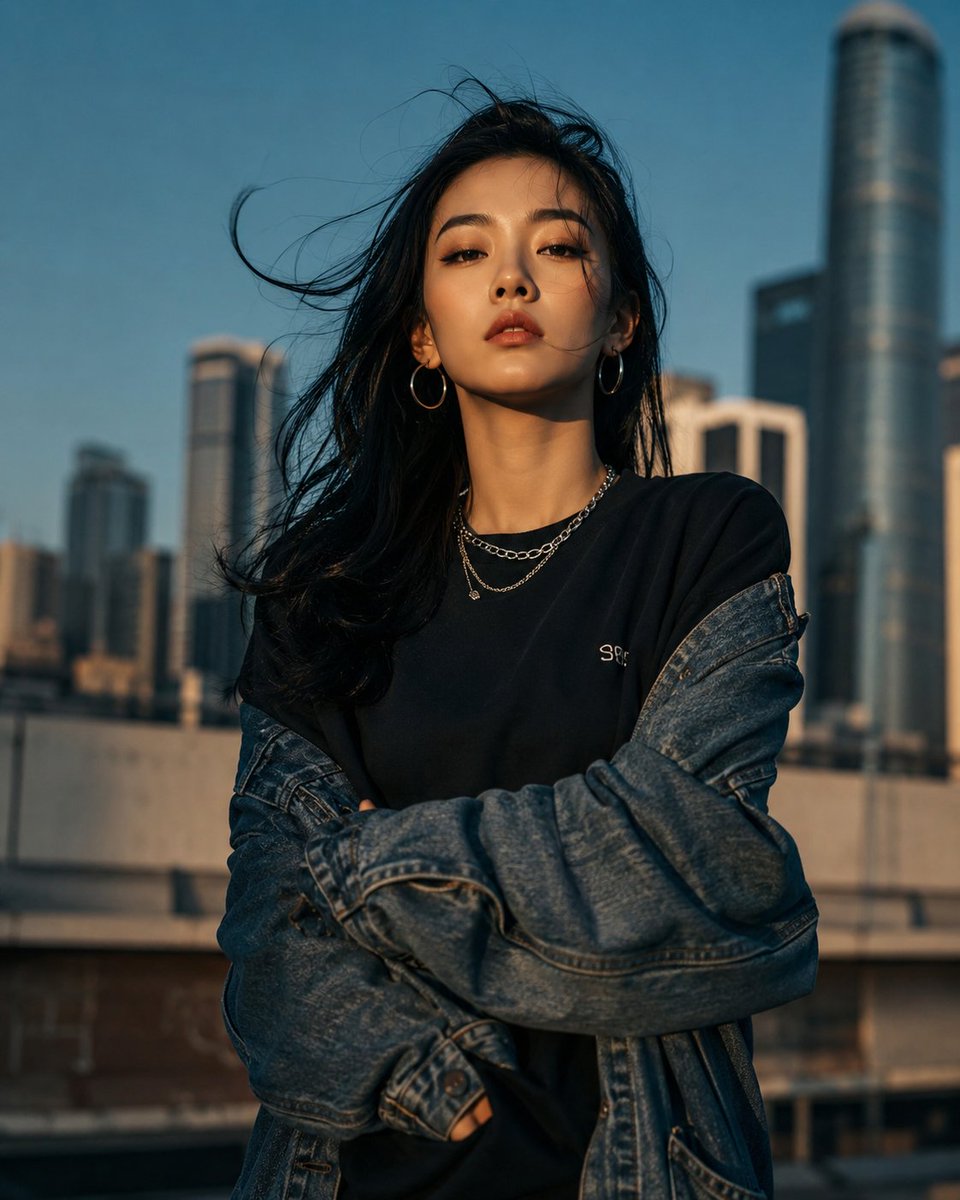
Urban Urban Fashion Cinematic Portrait
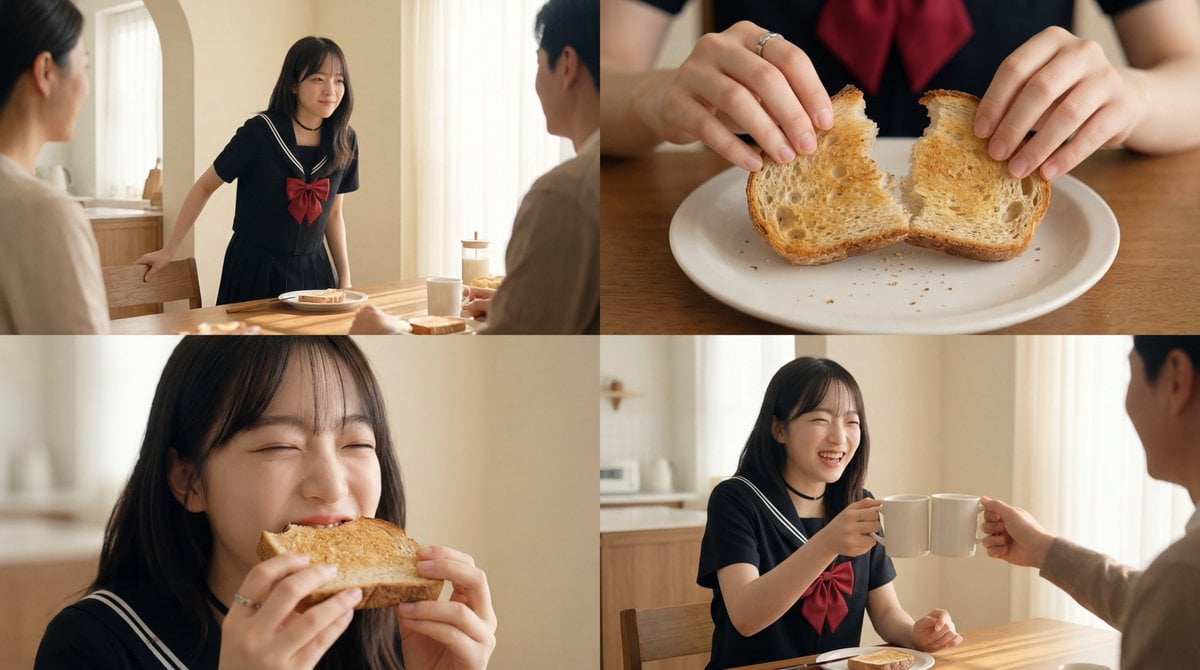
Cinematic Breakfast Scene
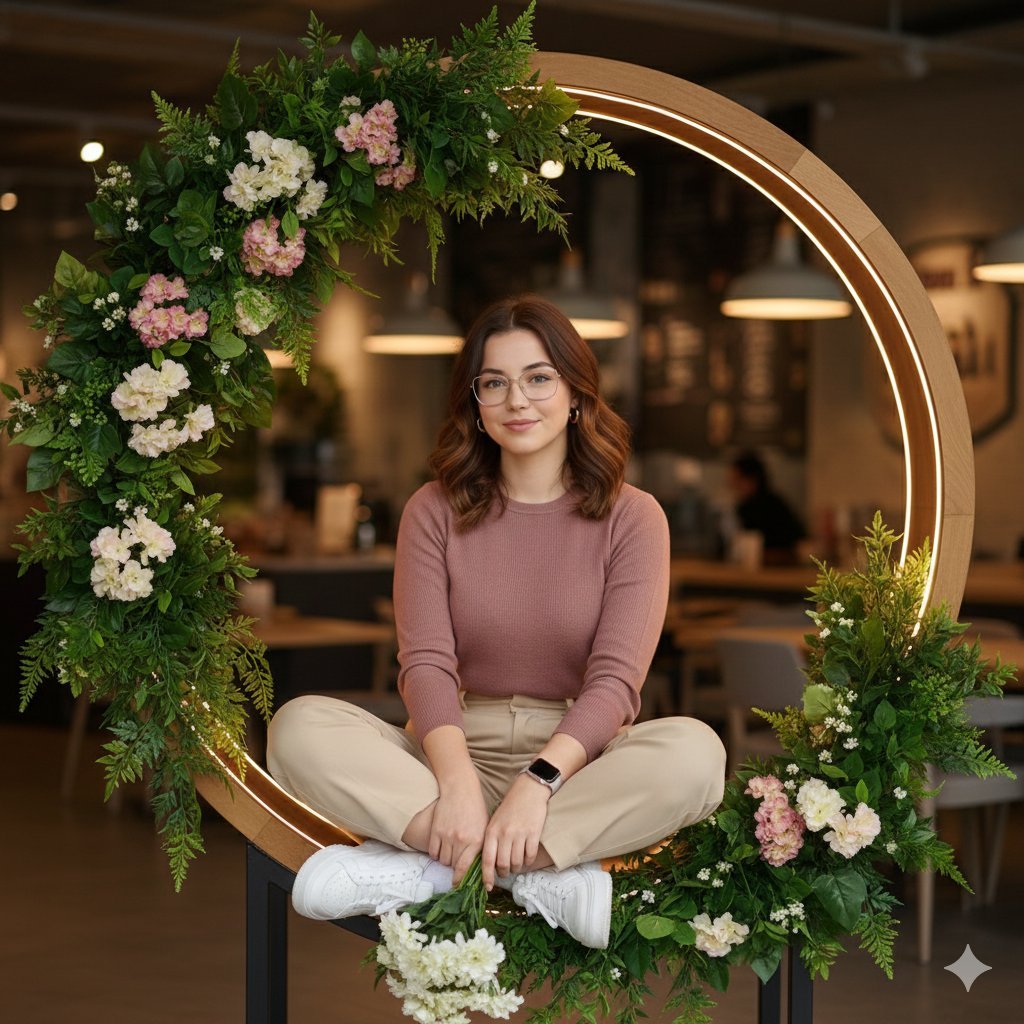
Ultra-Realistic Café Portrait with Identity Lock
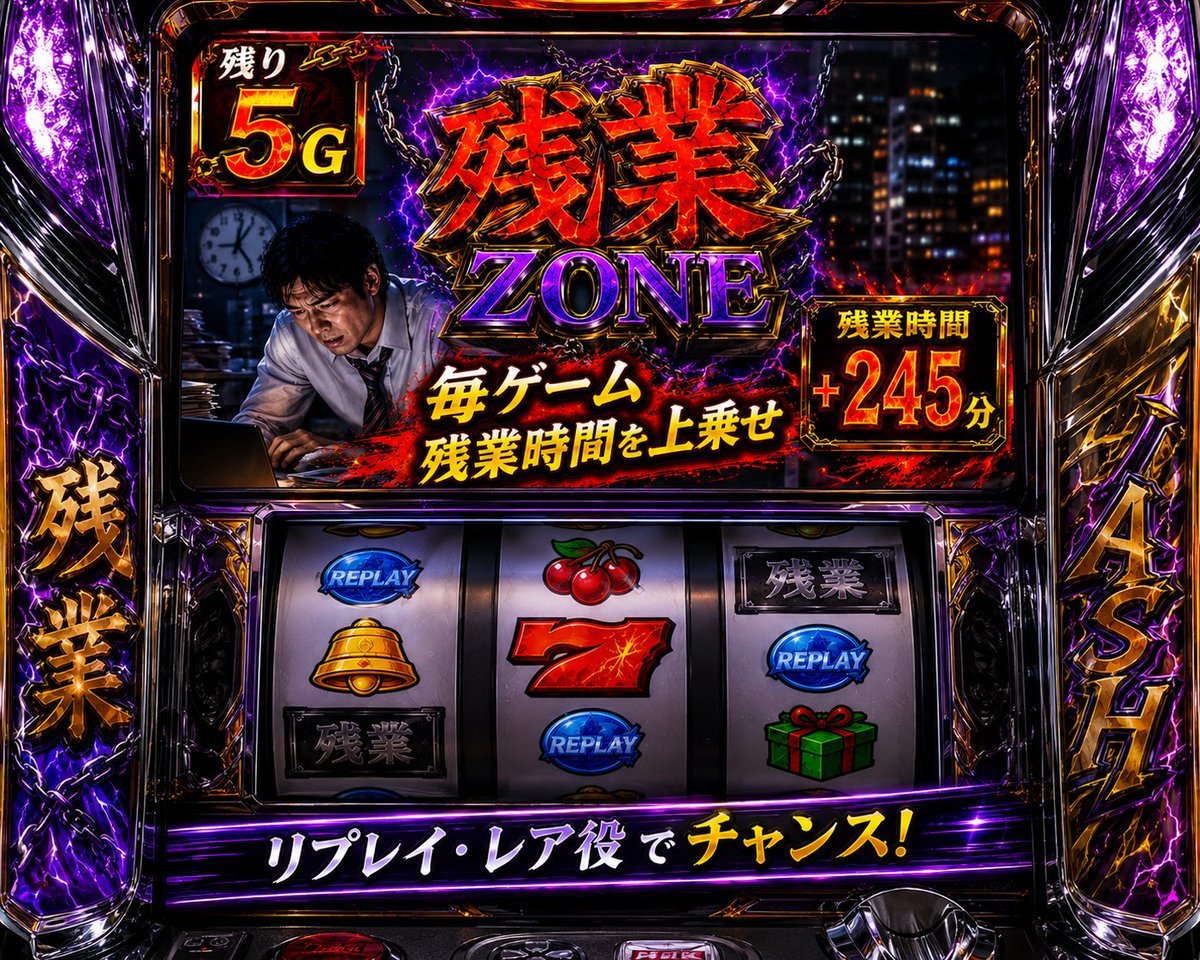
Overtime Zone Pachislot Machine
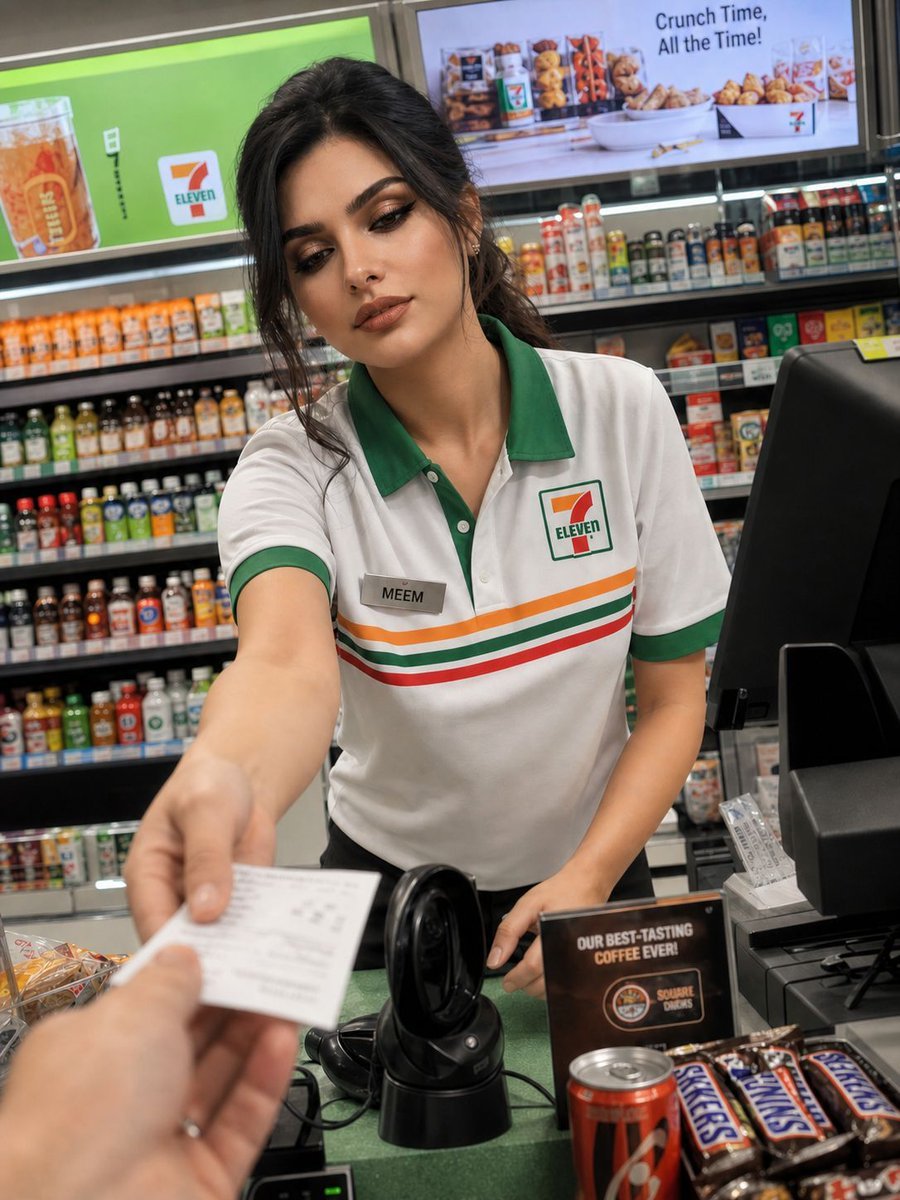
Candid Convenience Store Portrait
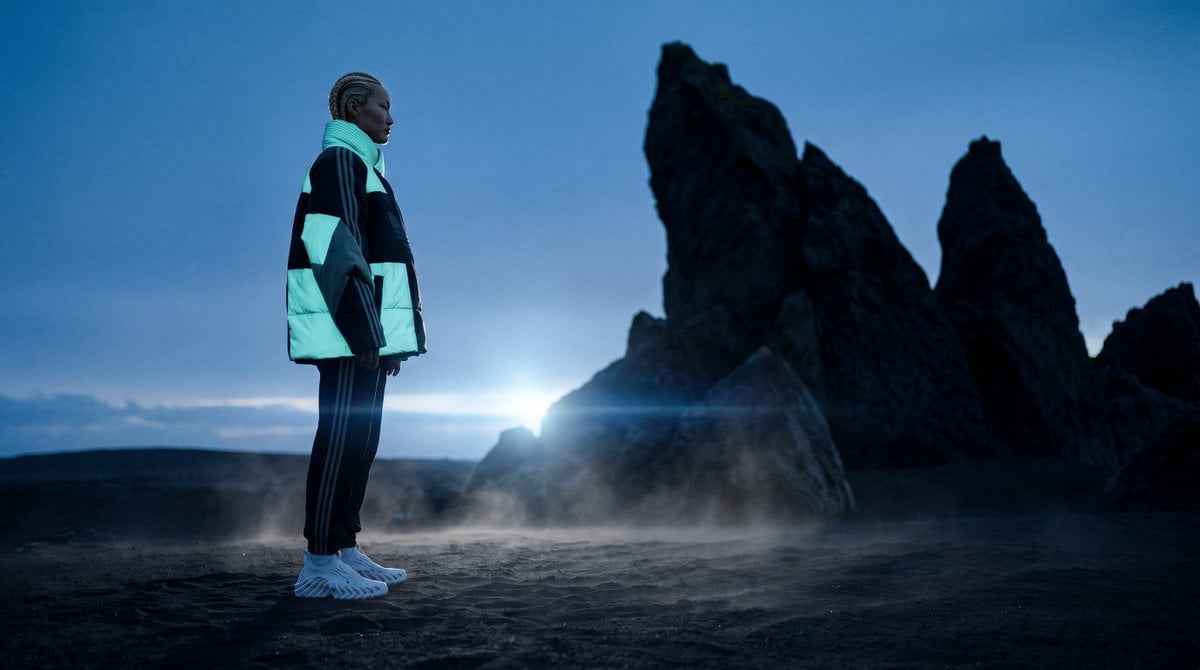
Blue Hour Volcanic Fashion Editorial

Image DM for a project using fetched info
Candid Bedroom Portrait with Feet Up
Woman on Oversized Milkshake Cup
Chibi Fashion Girl With Leopard Accents
Browse template categories
Multi-Scene Identity Preservation Collage questions
How do I use the Multi-Scene Identity Preservation Collage template?
Add your photo if the template asks for one, edit the prompt if you like — the template's model and format are already selected — and press Generate. Your version opens in PicX Studio.
Can I customize the Multi-Scene Identity Preservation Collage template?
Yes. You can change the subject, setting, lighting, mood, format, and available model controls before creating your image.
Is the Multi-Scene Identity Preservation Collage template free?
Opening and editing this template is free. Generating uses credits, shown on the Generate button when you are signed in.
Which AI model should I use?
Start with GPT Image 2, which is the model associated with this template. You can compare another compatible model for a different finish.
Looking for something else? Browse all templates.

Your photo, any look
Thousands of ready templates for every top image and video model, from one credit balance.